ideaprompt
Health Warn
- License — License: NOASSERTION
- Description — Repository has a description
- Active repo — Last push 0 days ago
- Low visibility — Only 8 GitHub stars
Code Pass
- Code scan — Scanned 5 files during light audit, no dangerous patterns found
Permissions Pass
- Permissions — No dangerous permissions requested
No AI report is available for this listing yet.
Portable Agent Skill for turning rough ideas into reviewed briefs, implementation plans and build-ready prompts. For Codex, Claude Code and compatible assistants.
IdeaPrompt
Give your coding agent a clear starting point.
IdeaPrompt turns rough ideas into refined briefs, practical implementation plans and reviewed execution prompts. Install it as an Agent Skill and use it in Codex, Claude Code or another assistant that supports the format.
Your assistant does the reasoning. No separate API key, model-provider call or running website is required. Your host assistant's normal limits still apply.
Demo · Install · Compatibility · Usage · What you get · Website version · License
Demo
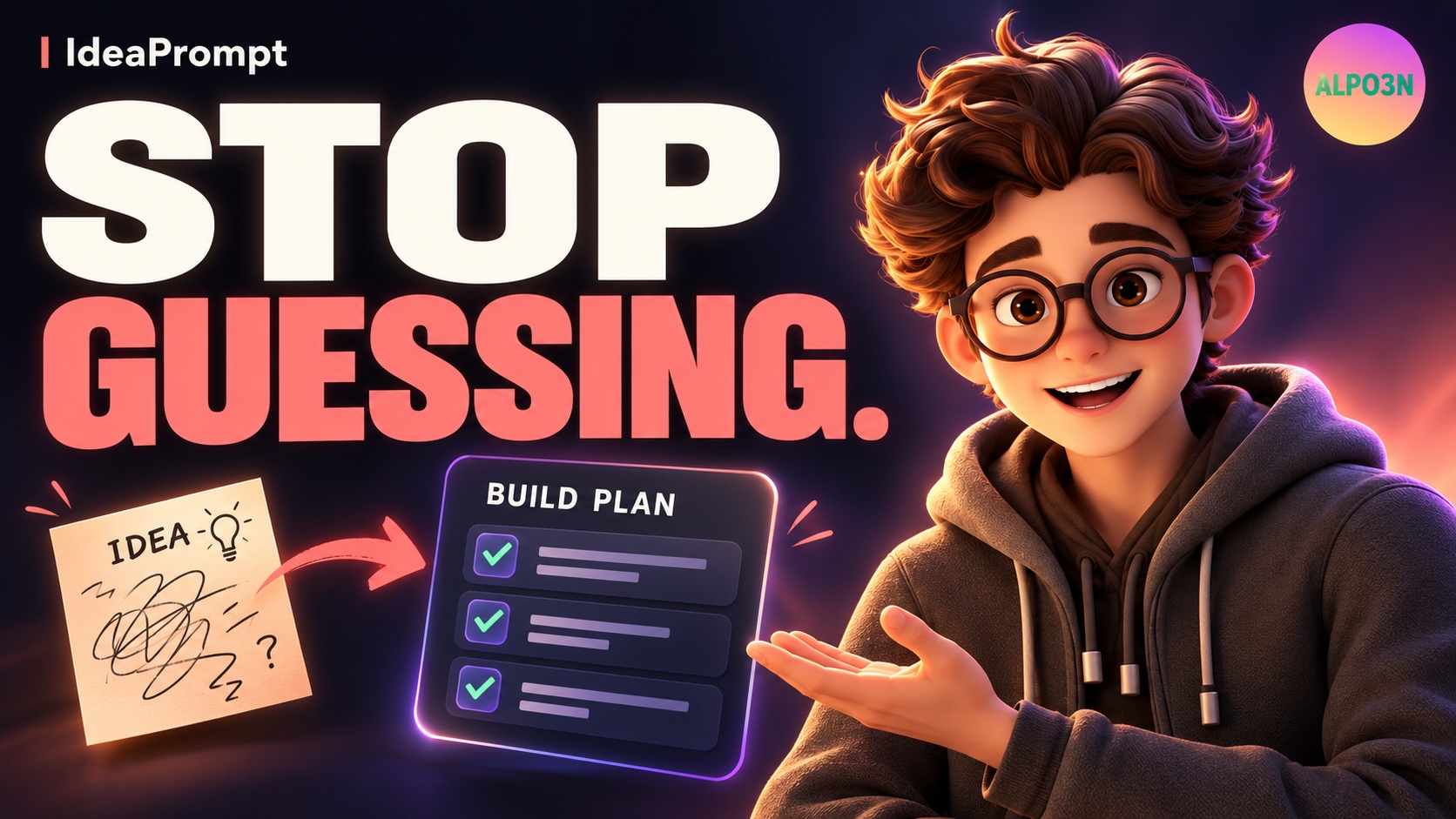
Watch the 83-second demo by ALPO3N on YouTube · Download the MP4
Follow a beginner's browser racing-game idea through clarification, planning, a coding-agent handoff and review. The 1080p video features a reference-inspired 3D-style animated presenter, ElevenLabs narration, captions, music and transitions. The interfaces are illustrative examples, not a recording of a tested agent session; presenter expressions follow the audio rather than phoneme-level lip-sync.
What it does
| You bring | IdeaPrompt helps produce |
|---|---|
| A half-formed idea | A clear problem, intended users and a feasible first release |
| A project you want to build | An ordered plan, proposed file structure and acceptance criteria |
| A handoff to a coding agent | A self-contained prompt with requirements, constraints and checks |
| A change to an existing repository | A focused plan that follows its conventions and preserves unrelated behavior |
Choose a quick draft to proceed with labeled assumptions, or clarify first to answer up to three questions that materially affect the plan. Confirmed answers carry forward; the workflow does not restart the interview every turn.
Installation
Install the whole skills/ideaprompt/ folder, including references/. Copying only SKILL.md leaves the execution-prompt outline and review checklist behind.
Codex
Install as a plugin (Codex CLI with plugin marketplaces):
codex plugin marketplace add adii-madhavi/ideaprompt
codex plugin add ideaprompt@ideaprompt
Start a new session; the skill appears as ideaprompt:ideaprompt. Or ask Codex to install just the skill:
Use $skill-installer to install https://github.com/adii-madhavi/ideaprompt/tree/main/skills/ideaprompt
Start a new session after installation, then use:
Use $ideaprompt to turn my idea into a practical implementation plan.
For manual repository-scoped installation, copy the skill folder to .agents/skills/ideaprompt/. See the official Codex skills guide for discovery and installation options.
Claude Code
Install as a plugin (recommended; updates with /plugin marketplace update):
/plugin marketplace add adii-madhavi/ideaprompt
/plugin install ideaprompt@ideaprompt
The skill is then available as /ideaprompt:ideaprompt and is also picked automatically when relevant.
Or install the skill manually. Download or clone this repository:
git clone https://github.com/adii-madhavi/ideaprompt.git
Copy skills/ideaprompt/ from the clone into either of these locations:
| Scope | Destination |
|---|---|
| One project | <your-project>/.claude/skills/ideaprompt/ |
| All local projects | ~/.claude/skills/ideaprompt/ |
On Windows, ~ is your user home, for example C:\Users\YourName. Preserve any existing skill with the same name before replacing it.
In Claude Code, invoke:
/ideaprompt Plan a small browser car-racing game for a beginner.
Claude Code supports SKILL.md skills and slash-command invocation. See its official skills documentation.
Gemini CLI
gemini skills install https://github.com/adii-madhavi/ideaprompt.git --path skills/ideaprompt
Check it with gemini skills list.
Other agents
Agents supported by the skills CLI can install it with:
npx skills add adii-madhavi/ideaprompt
Otherwise, use the agent's documented skill importer or copy the complete folder to its supported skills directory. Invocation syntax and automatic discovery vary. The core instructions use the open Agent Skills format; agents/openai.yaml is optional Codex display metadata.
An assistant without native skill support can read SKILL.md and the linked references as supplied instructions, but that does not provide automatic discovery or installation.
Compatibility
| Environment | Support and verification |
|---|---|
| Codex | Installable as a plugin or a standalone skill; includes display metadata. Plugin install tested with Codex CLI 0.155.1 (November 2026): installed, enabled and listed as ideaprompt:ideaprompt in a new session. Behavioral scenarios not yet run in Codex. |
| Claude Code | Installable as a plugin (/plugin install) or a standalone skill. Plugin manifests pass claude plugin validate, and the plugin installed and enabled from a local marketplace (November 2026). Standalone skill tested in Claude Code (desktop app, Claude Opus 5.5, October 2026): installed to ~/.claude/skills/ideaprompt/, discovered without a restart, and passed the static-portfolio and volunteer-checklist behavioral scenarios. Other scenarios not yet run in Claude Code. |
| Gemini CLI | Installs as a standalone skill with gemini skills install; tested with Gemini CLI 0.56.0 (November 2026), discovered and enabled. Behavioral scenarios not yet run. |
| Other Agent Skills-compatible agents | Portable instruction format; installation, tool availability and behavior depend on the host. Not individually tested. |
| Assistants without skill support | Manual instruction use only; no automatic skill discovery. |
Portable does not mean identical behavior in every model or agent. IdeaPrompt does not require Codex-specific tools, a particular model, an MCP connection or access to the old website database.
Usage
The examples below use Codex's $ideaprompt form. In Claude Code, start with /ideaprompt instead.
Refine an idea
Use $ideaprompt to refine a neighborhood tool-sharing service.
Help me define the problem, users and smallest useful first version.
Clarify before planning
Use $ideaprompt in clarify-first mode. I want a hub of browser games
funded by ads and sponsorships. I'm new to development.
Help me choose a manageable first release.
Make a practical plan
Use $ideaprompt for a quick implementation plan for a photography portfolio.
Keep it static, inexpensive and easy to maintain. Include a file tree.
Write a coding-agent handoff
Use $ideaprompt to write an execution prompt for adding CSV export
to this repository. Inspect the current flow, preserve the UI and storage
format, and include acceptance criteria and verification steps.
Name a destination tool when useful. Choosing Claude Code as the destination of a generated prompt is separate from running the skill inside Claude Code.
What you get
| Mode | Deliverable |
|---|---|
| Refine | A clear concept, users, core workflow, boundaries, assumptions and unresolved decisions |
| Plan | A brief, ordered implementation steps, appropriate architecture, proposed file/document tree and checks |
| Prompt | A self-contained build handoff covering scope, stack, files, data, security, accessibility, operations, phases and acceptance criteria |
For software plans and prompts, IdeaPrompt reviews applicable requirements and verification steps. Coverage is labeled specified, missing or not applicable, with supporting evidence or a reason. This is a specification review, not proof that an implementation is secure or tested.
A static site stays simple. Accounts, databases and payments need a project requirement. A raw idea can become a script, service, operational workflow or document instead of a website. Existing-project work follows the repository's actual conventions.
The skill stops at the requested planning artifact unless you also authorize implementation. It does not silently save personal preferences, train a model, create persistent memory or send project content to another inference provider. Content supplied to your host assistant remains subject to that host's data handling.
Website version
| Branch | Purpose |
|---|---|
main |
The portable skill and its documentation |
codex/website |
The preserved Next.js website and its run instructions |
To work on the website, preserve any uncommitted work, then switch branches:
git fetch origin
git switch codex/website
Read that branch's README for setup. Website projects, preferences and version history are not automatically imported into the skill. Ignored .env and data/ files remain private local files; use the intended database path when running the website. Earlier website revisions remain in Git history.
Inside the skill
.claude-plugin/                     # Claude Code plugin + marketplace manifests
.codex-plugin/plugin.json           # Codex plugin manifest
.agents/plugins/marketplace.json    # Codex marketplace entry
skills/ideaprompt/
  SKILL.md                         # Workflow and invocation guidance
  agents/openai.yaml               # Optional Codex display metadata
  references/
    execution-prompt.md            # Coding handoff outline
    engineering-review.md          # Applicable controls and coverage rules
evaluations/scenarios.md            # Manual behavioral acceptance cases
Read the skill, execution-prompt outline, or engineering-review checklist.
Contributing and validation
Keep changes focused on clearer decisions, useful deliverables and preserved user intent. Keep credentials, personal examples, database files and generated build artifacts out of commits. Follow AGENTS.md when editing the skill.
Validate frontmatter, relative reference links and display metadata after changes. Use the behavioral scenarios to assess scope preservation, clarification, file structures and honest review. They are manual acceptance cases, not an automated test runner. Report the agent/model and observed outcomes when evaluating behavior; structural validation alone does not establish cross-agent runtime compatibility.
License
IdeaPrompt is free to install and use for any purpose, including at work. You may not modify, redistribute, resell or republish it. Forking to propose changes back through a pull request is allowed. See LICENSE for the full terms.
Reviews (0)
Sign in to leave a review.
Leave a reviewNo results found