claude-panel
Health Warn
- License — License: MIT
- Description — Repository has a description
- Active repo — Last push 0 days ago
- Low visibility — Only 8 GitHub stars
Code Fail
- rm -rf — Recursive force deletion command in demo/simulate-session.py
Permissions Pass
- Permissions — No dangerous permissions requested
This tool is a persistent terminal user interface (TUI) that serves as a real-time dashboard and ambient screensaver for Claude Code. It allows the AI to autonomously update a side panel with context it deems important, such as code snippets, project status, and task decisions.
Security Assessment
The tool functions as an MCP server that interacts directly with local terminal interfaces. It does not request dangerous system permissions, and no hardcoded secrets were found in the codebase. However, the automated rule-based scan flagged a failure for a recursive force deletion command (`rm -rf`) located inside a demo script (`demo/simulate-session.py`). While this is likely just used to clean up temporary files during a simulated demonstration rather than acting as malicious code, any implementation of `rm -rf` warrants a manual code review before execution. Overall risk is rated as Medium.
Quality Assessment
The project is quite new and has very low community visibility, currently sitting at only 8 GitHub stars. Despite the low adoption rate, it is an actively maintained project with a push commit made today. It also scores well on foundational open-source health metrics by including a clear repository description and utilizing the permissive MIT license.
Verdict
Use with caution — the MIT license and active maintenance are positive signs, but the low community trust and the presence of a force-deletion command in the codebase mean you should review the demo script before running it locally.
A real-time context dashboard and ambient screensaver for Claude Code
Claude Panel
Claude Code gets its own screen — it decides what you need to see


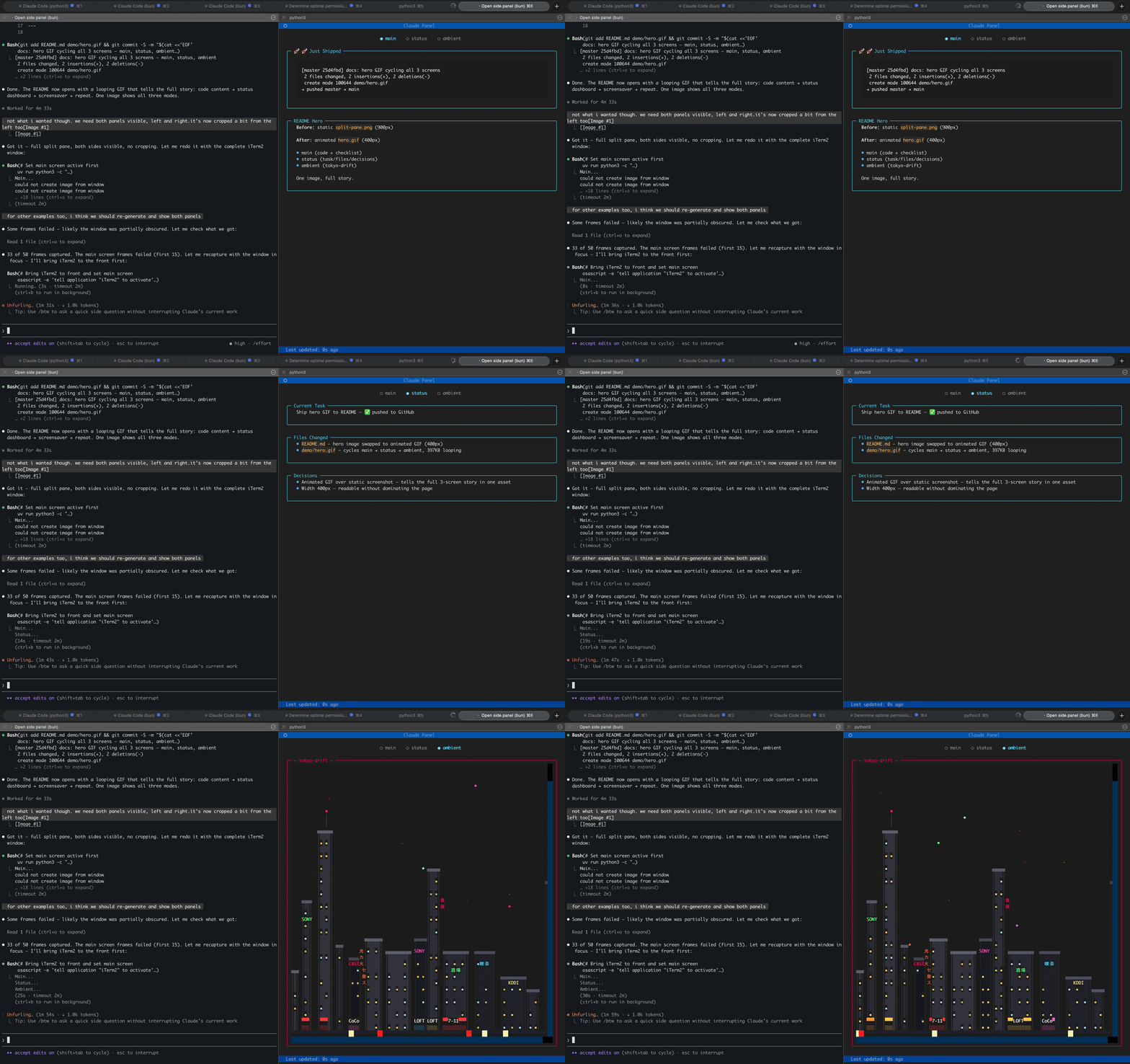
Main screen (Claude's content) → Status dashboard → Ambient screensaver
Claude Panel is a persistent TUI that sits next to your Claude Code terminal. Claude autonomously updates the panel with whatever it thinks matters — code it just wrote, a diagram, next steps, or a mood emoji. A structured dashboard tracks the current task, files changed, and key decisions, refreshing after every response. And when you're between tasks, ambient terminal screensavers keep the vibe going.
Three Screens
| Screen | Managed by | What it shows |
|---|---|---|
| Main | Claude | Whatever Claude thinks is useful right now — code snippets, explanations, diagrams, progress checklists, mood emoji. Full creative control. |
| Status | Claude (AI curator) | Structured dashboard: current task, files changed, decisions made. Auto-updates after every response. |
| Ambient | You | Terminal screensaver of your choice. Plays when nothing else needs your attention. |
Claude manages the content, you manage the screensaver. The main and status screens update automatically — Claude reads the conversation, decides what's worth pinning on screen, and writes it. No manual commands needed.
Ambient Screensavers
Twelve built-in terminal animations ship with the package. Navigate with arrow keys or panel(show="ambient").
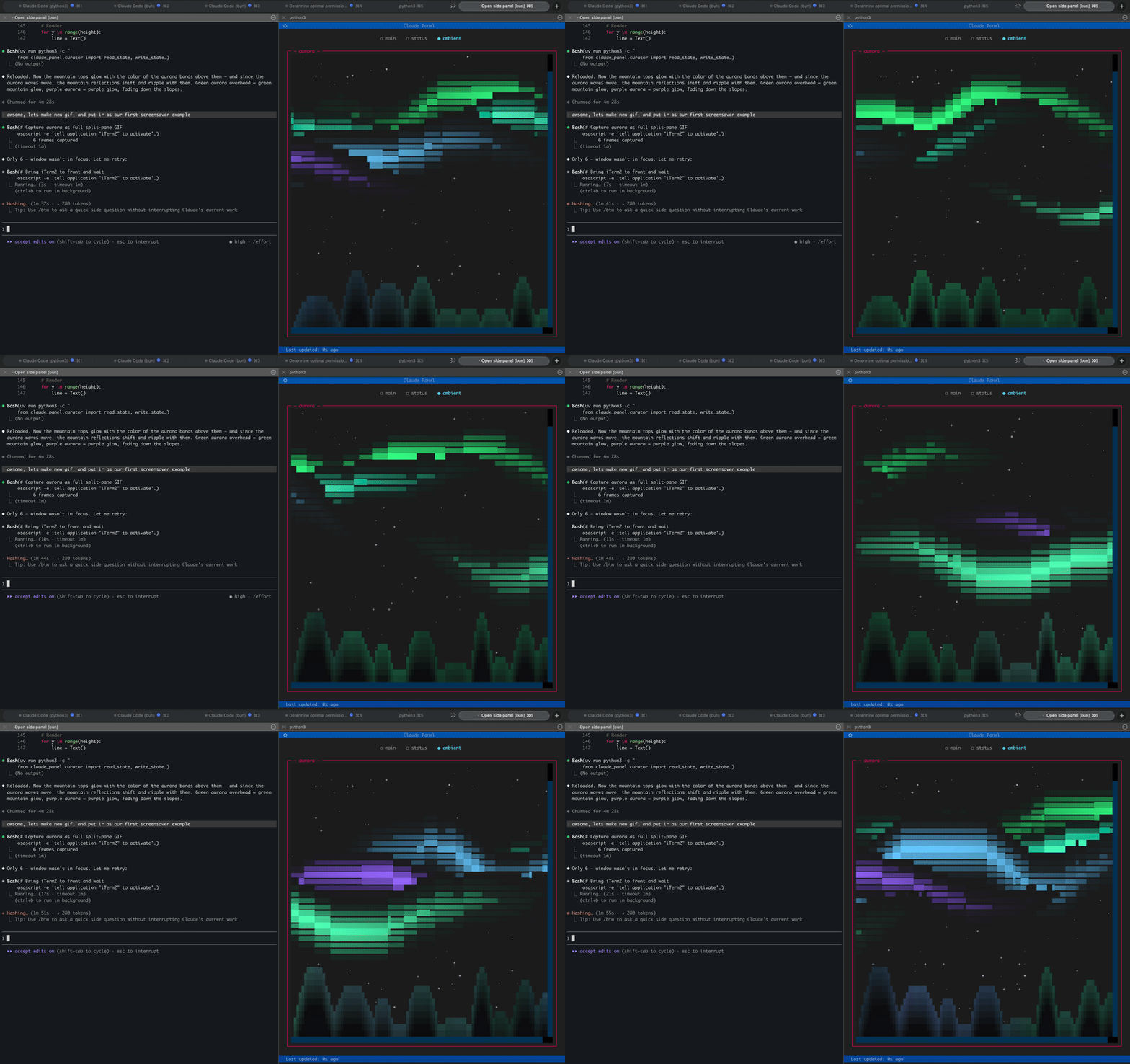
aurora
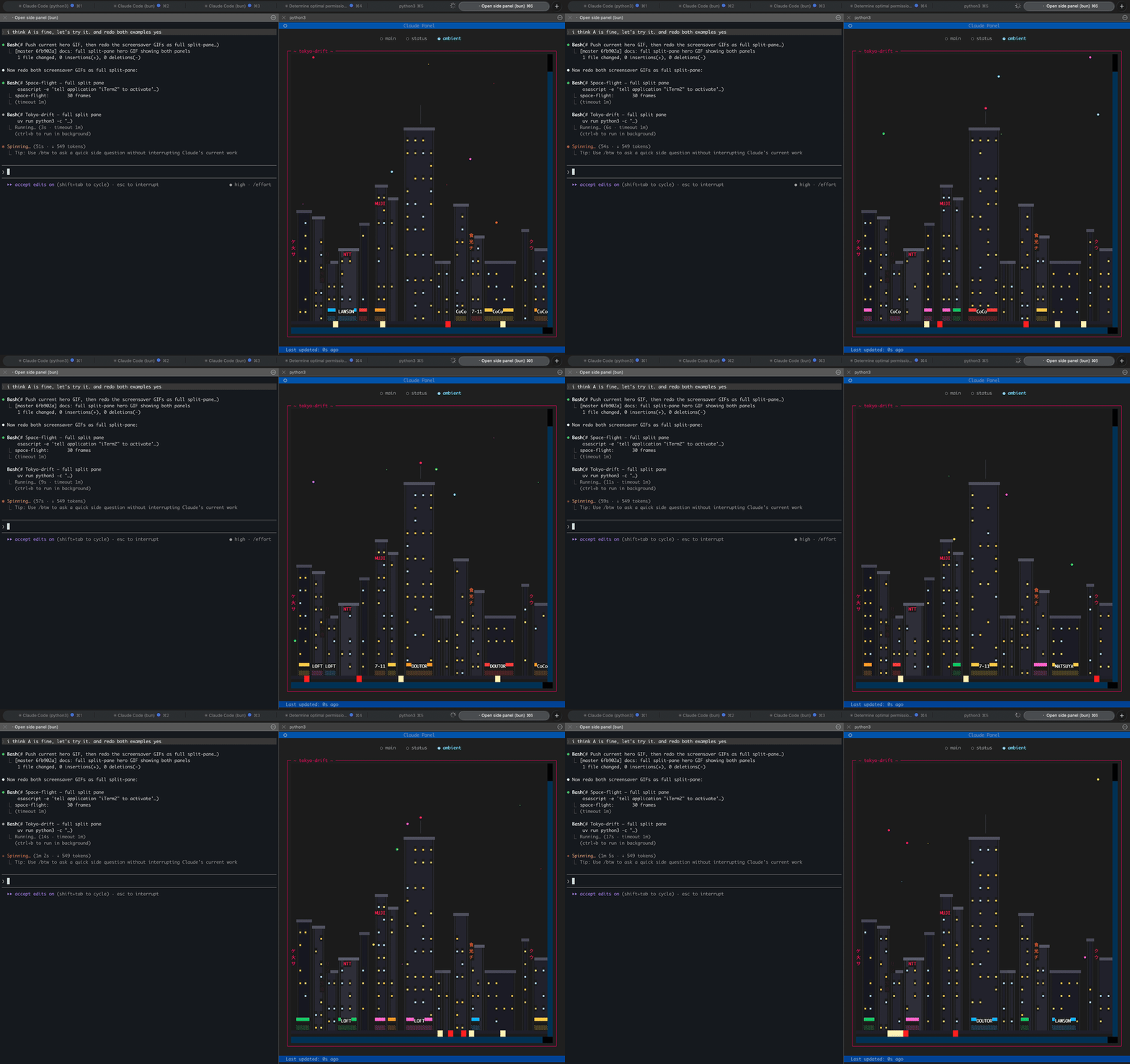
tokyo-drift
Also available: neon-dreams | neon-street | space-flight | rain-city | city-lights | matrix | noir | banquet | dvd-bounce | synthwave
All screensavers are bundled with the package — they work out of the box on a fresh install.
Custom screensavers
Drop a .py file in ~/.claude-panel/screensavers/ and it becomes available immediately. User screensavers override bundled ones of the same name, so you can customize any built-in screensaver without touching the package.
# List available screensavers
panel(screensaver="rain-city")

# Or ask Claude to create one
# "make me a screensaver with falling snow"
Screensavers are plain Python scripts that draw to a Rich canvas. Creating your own takes ~10 lines.
Install
# As a Claude Code plugin (recommended)
claude plugin marketplace add alex-radaev/claude-panel
claude plugin install claude-panel@claude-panel
git clone https://github.com/alex-radaev/claude-panel
cd claude-panel
uv sync
Then add to your MCP config (~/.claude/settings.json or .mcp.json).
Usage
The panel opens automatically when you start a Claude Code session — an iTerm2 (macOS) or Windows Terminal (WSL) split pane launches with the viewer. No manual commands needed.
To disable auto-open, set "auto_open": false in ~/.claude-panel/config.json.
You can also open it manually:
# From Claude Code
panel_open()

# Manual
uv run claude-panel
Once running, Claude takes over. The main and status screens update on their own. You can switch views:
panel(show="ambient")              # switch to screensaver
panel(show="main")                 # switch to main canvas
panel(show="status")               # switch to status dashboard
panel(screensaver="tokyo-drift")   # change screensaver
| Key | Action |
|---|---|
q |
Quit viewer |
<- -> |
Cycle screens |
c |
Clear panel |
iTerm2 tip: The panel pane may look washed out because iTerm2 dims inactive split panes by default. To fix: Settings > Appearance > Dimming and uncheck Dim inactive split panes.
How It Works
 Claude Code session              iTerm2 Split Pane
┌──────────────────────┐         ┌──────────────────┐
│                      │         │                  │
│  Main Claude         │         │  Textual TUI     │
│  + Background agents │         │  Viewer          │
│  + Stop hook curator │         │                  │
│                      │         │                  │
└──────────┬───────────┘         └────────┬─────────┘
           │  WRITES                      │ POLLS
           └──────►  per-session   ◄──────┘
                     state.json
            ~/.claude-panel/sessions/<id>/
- Claude responds — a Stop hook runs the AI curator (Haiku). It reads the conversation, decides what changed, and updates the status screen.
- Claude spawns a background agent — updates the main screen with whatever content is worth showing. Zero conversation noise.
- The viewer polls the state file every 300ms and re-renders instantly.
Session isolation: Each Claude Code session gets its own state. Run multiple sessions — they don't interfere. The viewer tracks whichever session is active.
Configuration
~/.claude-panel/config.json:
{
  "auto_open": true,
  "model": "claude-haiku-4-5-20251001",
  "favorite_screensaver": "tokyo-drift",
  "update_every_n": 1,
  "curator_personality": "playful"
}
| Option | Values | Description |
|---|---|---|
auto_open |
true, false |
Automatically open the panel on session start (default: true) |
model |
Any Claude model ID | Model for the status curator (default: Haiku) |
favorite_screensaver |
Screensaver name | Default ambient screensaver |
update_every_n |
Number | Update status every N responses (1 = every time) |
curator_personality |
"playful", "professional" |
Curator tone — playful adds humor and emoji combos, professional is concise and factual |
Contributing
Contributions welcome — especially new screensavers. See CONTRIBUTING.md for the full guide, including a screensaver template that gets you started in ~10 lines of Python.
License
MIT
Reviews (0)
Sign in to leave a review.
Leave a reviewNo results found