skillsbar
skill
Pass
Health Pass
- License — License: Apache-2.0
- Description — Repository has a description
- Active repo — Last push 0 days ago
- Community trust — 14 GitHub stars
Code Pass
- Code scan — Scanned 7 files during light audit, no dangerous patterns found
Permissions Pass
- Permissions — No dangerous permissions requested
No AI report is available for this listing yet.
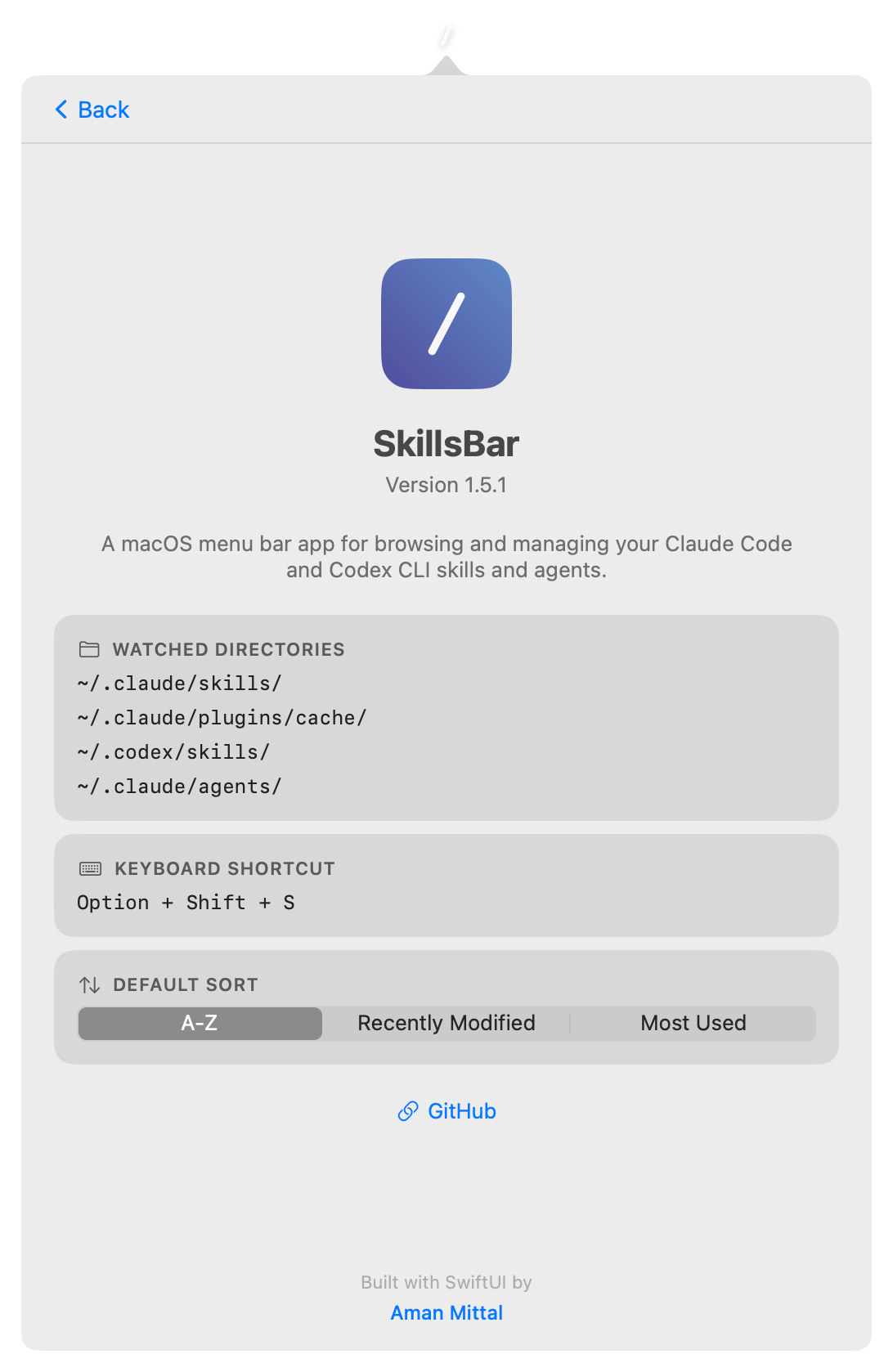
A macOS menu bar app for browsing and managing your Claude Code and Codex CLI skills and agents.
README.md

SkillsBar
A macOS menu bar app for browsing and managing your Claude Code and Codex CLI skills and agents.

Screenshots
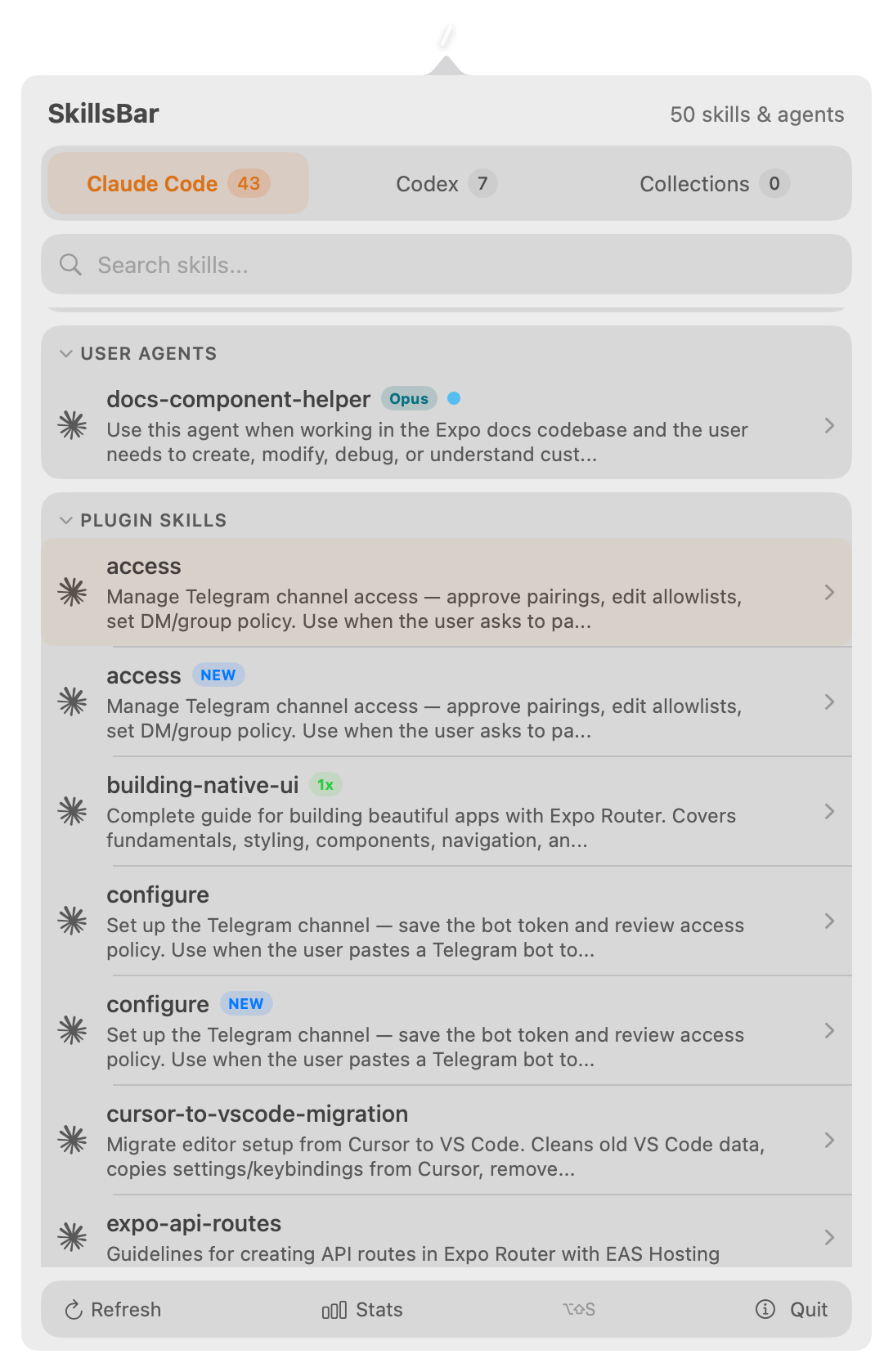
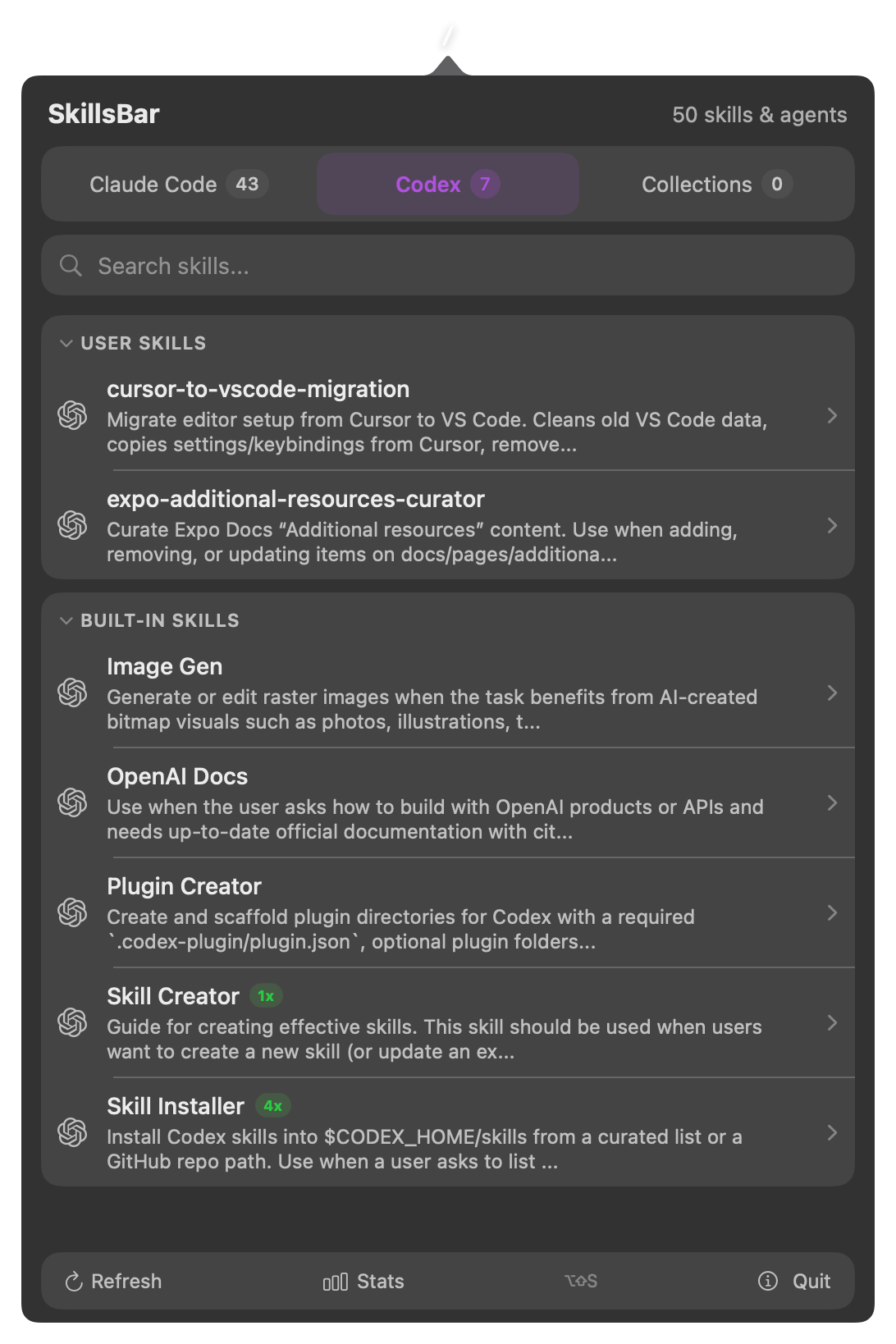

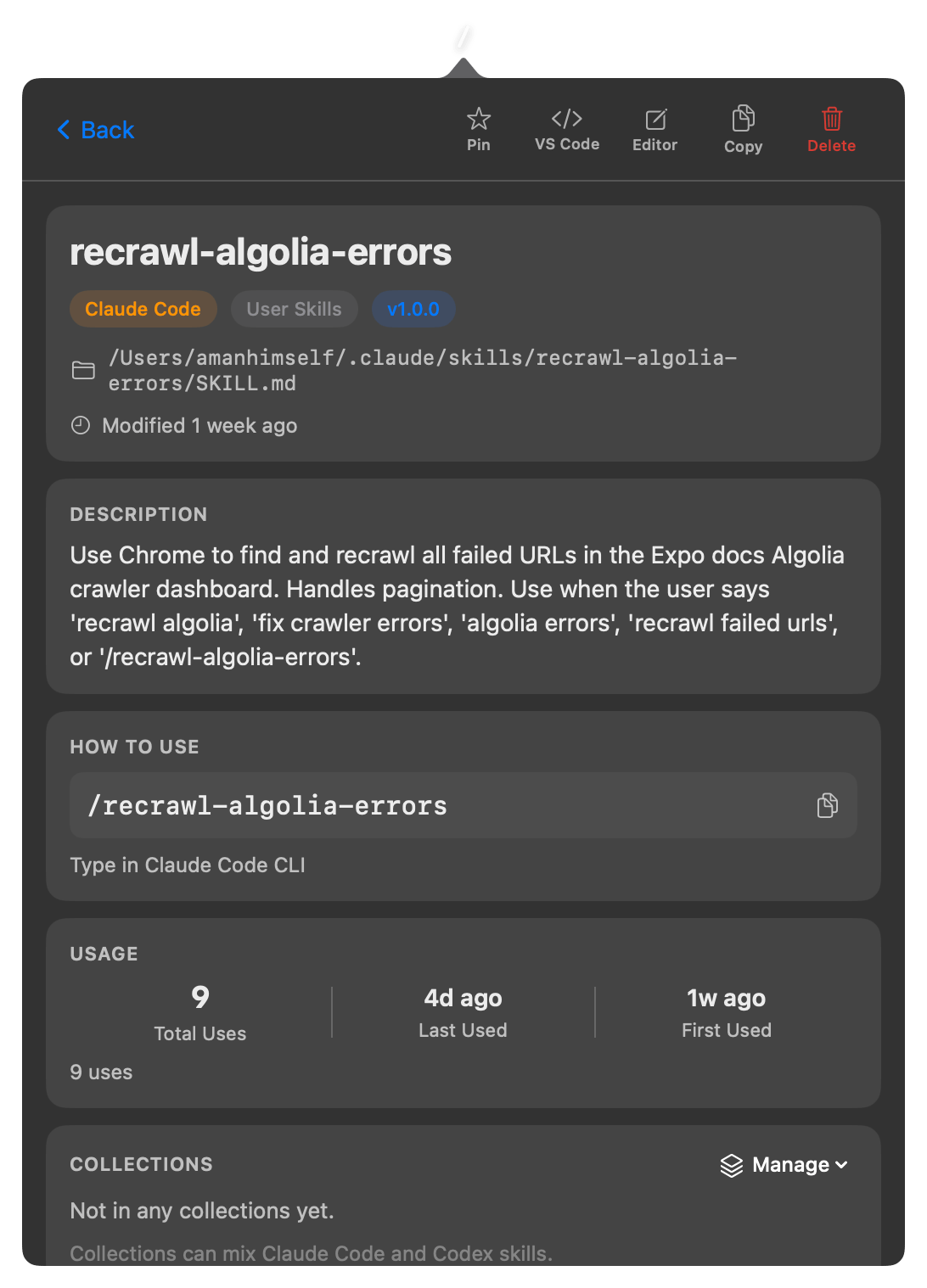
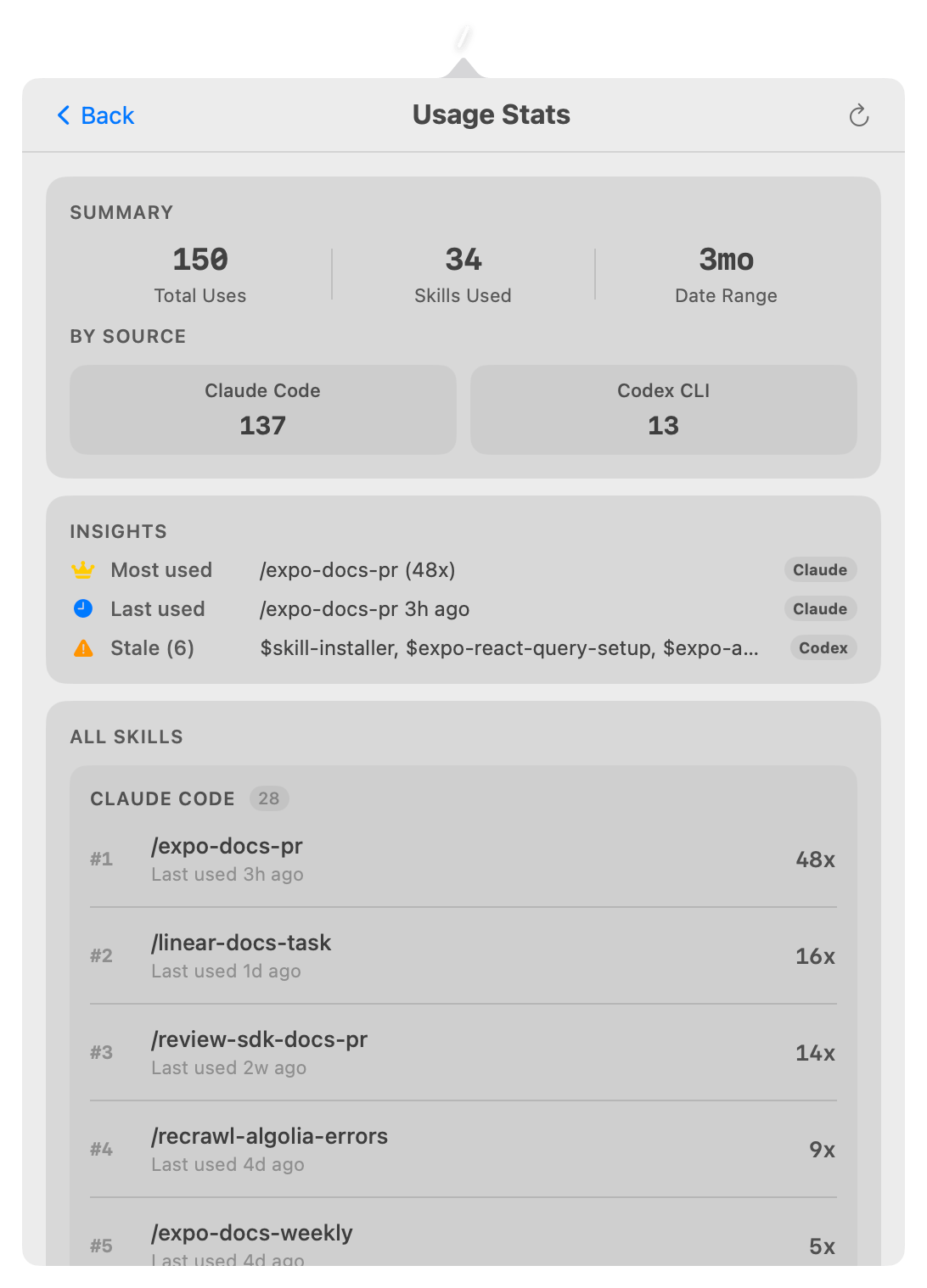
Features
- Tabbed browsing - separate tabs for Claude Code and Codex skills with count badges
- Search - filter skills by name or description
- Pin favorites - pin frequently used skills to the top of each tab (persisted across restarts)
- Sort options - sort skills by A-Z, Recently Modified, or Most Used (persisted across restarts)
- Usage stats - tracks skill invocations from Claude Code and Codex CLI history with source-aware insights, summary breakdowns, and ranked per-skill usage sections
- "New" indicator - skills modified in the last 24 hours are marked with a blue badge
- Detail view - metadata badges, description, trigger command with copy button, file listing
- Full content preview - expandable section to view the raw SKILL.md body
- Quick actions - open in VS Code, open in default editor, copy path, reveal in Finder, delete
- Right-click context menu - pin, open, copy, delete directly from the list
- Global hotkey - toggle the popover from anywhere with
Option + Shift + S - Agent browsing - browse Claude Code sub-agents (user and plugin) with model, color, and tools metadata
- Live updates - FSEvents directory watcher auto-refreshes when skills are added or removed
- No dock icon - lives entirely in the menu bar
Watched Directories
| Path | Source |
|---|---|
~/.claude/skills/ |
Claude Code user skills |
~/.claude/plugins/cache/ |
Claude Code plugin skills |
~/.claude/agents/ |
Claude Code user agents |
~/.codex/skills/ |
Codex CLI built-in and user skills |
Install
- Download
SkillsBar-vX.X.X.zipfrom the latest release - Unzip and move
SkillsBar.appto your Applications folder - Remove the quarantine flag (required once for unsigned builds):
xattr -cr /Applications/SkillsBar.app - Open
SkillsBar.appfrom Applications or Spotlight
Requirements
- macOS 14 (Sonoma) or later
- Xcode 15+ (to build from source)
Build from Source
git clone https://github.com/amandeepmittal/skillsbar.git
cd skillsbar
xcodebuild -scheme SkillsBar -configuration Release build
Or open SkillsBar.xcodeproj in Xcode and hit Run.
Tech Stack
- Swift 5.9, SwiftUI
NSStatusItem+NSPopoverfor menu bar integrationFSEventStream(CoreServices) for live directory watching- Carbon
RegisterEventHotKeyfor global keyboard shortcut - Regex-based YAML frontmatter parser (no third-party dependencies)
License
Apache-2.0
Author
Reviews (0)
Sign in to leave a review.
Leave a reviewNo results found