claude-command-center
Health Warn
- License — License: MIT
- Description — Repository has a description
- Active repo — Last push 0 days ago
- Low visibility — Only 5 GitHub stars
Code Pass
- Code scan — Scanned 10 files during light audit, no dangerous patterns found
Permissions Pass
- Permissions — No dangerous permissions requested
This tool provides a local web-based kanban dashboard for Claude Code. Rather than forcing you to launch sessions through a specific wrapper, it monitors Claude's native file system state to track and manage all active, headless, and terminal-based tasks across your machine.
Security Assessment
Overall risk: Low. The light code scan across 10 files found no dangerous patterns, hardcoded secrets, or requests for dangerous permissions. However, developers should be aware of how it functions: the server works by watching local system files (such as `~/.claude/projects/*.jsonl`) and writing custom hook scripts directly into `~/.claude/settings.json`. Because it reads your Claude transcripts, it inherently has access to whatever sensitive data or code you pass to Claude during your sessions. It also includes the ability to spawn new headless sessions and execute shell commands via the Claude CLI. The tool is intended purely for local use and does not appear to make external network requests.
Quality Assessment
The project is very new and currently has low visibility with only 5 GitHub stars, meaning it has not been extensively peer-reviewed or battle-tested by the community. Despite the small user base, it is actively maintained (last updated today) and is properly licensed under the permissive MIT license. The provided documentation is excellent, clearly explaining the tool's "source of truth" architecture and setup process.
Verdict
Safe to use, though its low community visibility means you should briefly inspect the installed hooks and scripts yourself before integrating it into sensitive workflows.
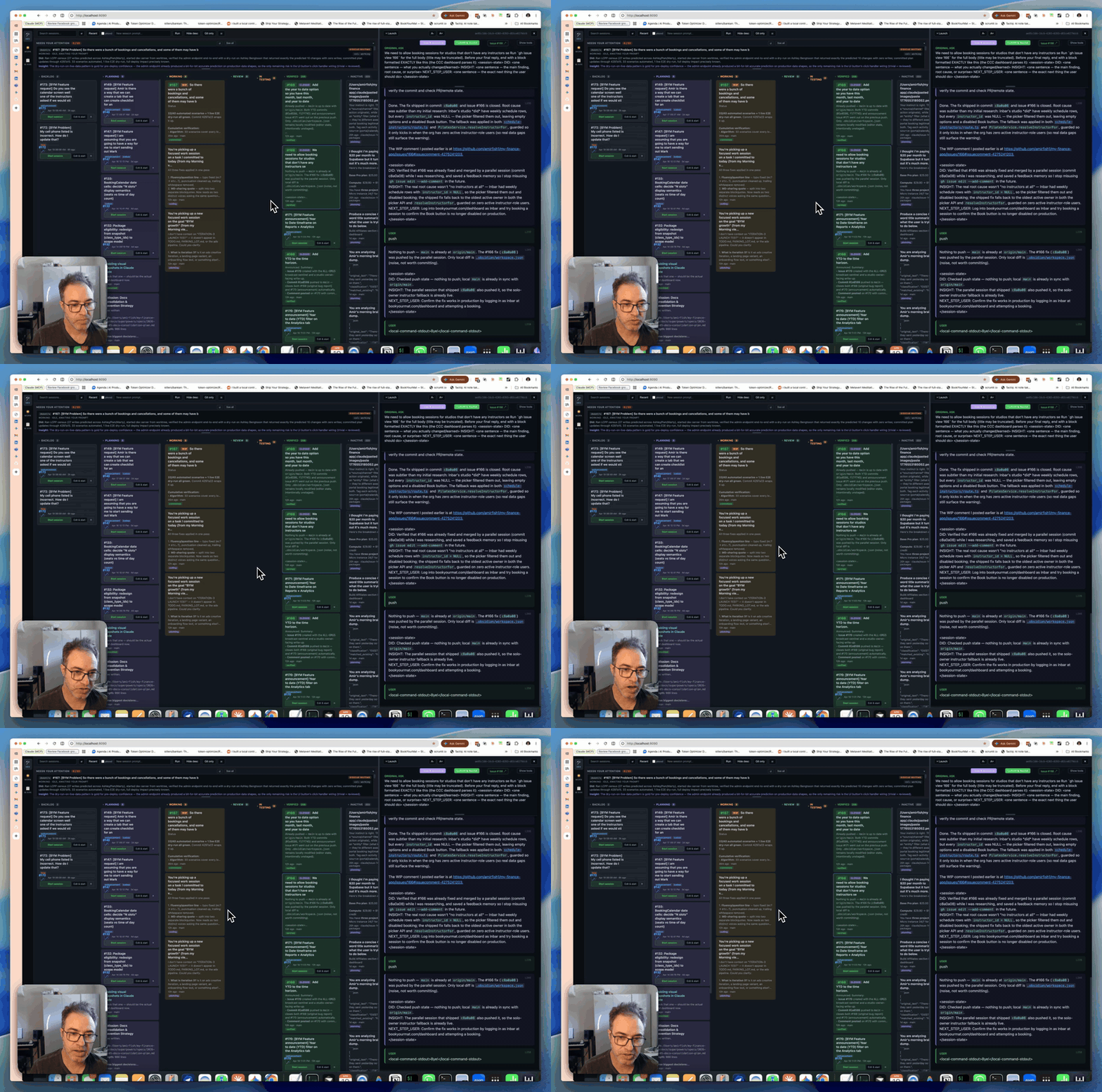
Local kanban for Claude Code. Attaches to every session — terminal, headless, dashboard-spawned — instead of owning launch.
Claude Command Center
A local command center for Claude Code that doesn't care how your agents
were launched. Terminal sessions, headless processes, or spawned from the
dashboard — it latches onto all of them and lets you drop in and out of any
task to fix things.
Why this exists
Most Claude Code orchestration tools are opinionated wrappers. They want to
own execution — you launch agents through them, and in return you get a
dashboard. That's fine until it isn't. The moment you open a terminal,claude --resume something, and iterate on it by hand, you're outside the
tool's universe. The dashboard can't see it. The work you just did doesn't
show up on the kanban, against the issue, in the review queue.
This goes the other way. It treats Claude Code's on-disk state as the
source of truth — ~/.claude/projects/*.jsonl transcripts, the~/.claude/sessions/<pid>.json live registry, and per-tool-call sidecar
files written by two hooks we install into ~/.claude/settings.json. If
Claude Code is running anywhere on your machine, it shows up here. If you
close the dashboard, your sessions keep running. If you open a terminal and
iterate by hand, the card updates.
The dashboard also knows how to spawn headless sessions (viaclaude -p --input-format stream-json) and resume dormant ones on demand —
but those are additive. The thing it's built around is attaching to work
that already exists.
Quickstart
Requirements: macOS, Python 3, and Claude Code installed.
Optional: gh for GitHub integration, vercel for deploy status.
git clone https://github.com/amirfish1/claude-command-center
cd claude-command-center

# Point it at any repo you want to watch. Defaults to cwd.
CCC_WATCH_REPO=~/some/project ./run.sh
Open http://localhost:8090.
First launch copies two hook scripts into ~/.claude/command-center/hooks/ and
registers them in ~/.claude/settings.json. After that, every Claude Code
session on your machine — terminal, headless, or dashboard-spawned —
writes sidecar state the UI uses for the kanban.
Core concepts
┌─────────────┐   writes   ┌────────────────────────────────┐
│ any claude  │ ─────────> │ ~/.claude/projects/*.jsonl     │
│ process     │            │ ~/.claude/sessions/<pid>.json  │
│ anywhere on │            │ ~/.claude/command-center/          │
│ your mac    │            │   live-state/<sid>.json        │
└─────────────┘            └──────────────┬─────────────────┘
                                          │  reads
                                          v
                              ┌───────────────────────┐
                              │ server.py (stdlib)    │
                              │ :8090                 │
                              └───────────┬───────────┘
                                          │
                                          v
                              ┌───────────────────────┐
                              │ static/index.html     │
                              │ kanban + detail pane  │
                              └───────────────────────┘
- Session — any Claude Code transcript on disk, alive or dormant.
- Attach — the server reads Claude's own files + sidecar state the
installed hooks write after every tool call. Nothing to configure
per-session. - Columns — Backlog → Planning → Working → Review → In Testing →
Verified / Inactive / Archived. Columns are derived from session state
(live? commits? pushed? sidecar activity?), overridable by drag. - Backlog — open GitHub issues +
TODO.mdentries, surfaced as cards
next to your active sessions so everything lives on one board.
Features
- Kanban across every session, with drag-drop between columns,
rubber-band multi-select, and per-column tinting. - GitHub integration — start a session from an issue with one click
(auto-addsclaude-in-progresslabel + self-assigns). Verify closes the
issue with a commit-SHA comment. Drag to Archived closes as "not
planned". Issue body + comments render inside the dashboard (no iframe —
GitHub blocks that). - Attach to existing sessions — terminal
claudeprocesses show up
automatically. Jump-to-terminal focuses them by TTY; rename/color the
tab via Claude's own slash commands. - Headless spawn with follow-up — launch
claude -psessions from the
dashboard and keep talking to them via an in-browser input bar (no
terminal needed, stdin pipe stays open). - Resume-on-demand — injecting into a dormant session auto-spawns a
headlessclaude --resumeto deliver the message. - Auto-fix deploys — optionally polls Vercel, spawns a
/fix-deploy
session on new production ERRORs (deduped by commit SHA). - AI-assisted titles — click ✨ on any card to regenerate its title
viaclaude -p(Haiku by default). Used for cleaning up auto-generated
session slugs.
Architecture
Two files: a single Python file (stdlib-only HTTP server) and a single HTML
file (vanilla JS, no framework, no build). State lives in JSON sidecar
files under ~/.claude/command-center/ — all human-readable, all rewriteable
by hand.
The server has no background workers. Every API request scans Claude's
session directories, merges in sidecar state, enriches with cached GitHub
issue data, and returns a flat list. The client classifies into columns
using rules like "has_push → Review", "live + sidecar_has_writes → Working".
Hooks are the only invasive thing. On first run the server copieshooks/post-tool-use.py and hooks/stop.py to ~/.claude/command-center/hooks/
and merges entries into ~/.claude/settings.json. After that, Claude Code
fires them after every tool invocation, each hook writes a tiny JSON file
under live-state/, and the server reads those to answer "is this session
actually doing something right now or is it idle waiting for input?".
For more depth: docs/architecture.md,docs/session-attach.md.
Configuration
| Env var | Default | Purpose |
|---|---|---|
CCC_WATCH_REPO |
$PWD |
Repository the UI watches (cwd for spawns, gh calls, project slug lookup) |
PORT |
8090 |
HTTP port |
CCC_BIND_HOST |
127.0.0.1 |
Interface to bind. Set to 0.0.0.0 to expose on the LAN — no auth, see SECURITY.md |
CCC_TITLE_STRIP |
(empty) | Comma-separated prefixes to strip from GitHub issue titles (e.g. ACME,FOO strips [ACME ...] and [FOO ...]) |
CCC_ORG_PATTERNS |
(empty) | Multi-tenant org-tagger. Format: Label1:pat1a|pat1b;Label2:pat2. Each issue body is scanned and tagged with the first matching label so the UI can group backlog by org. |
VERCEL_PROJECT |
(unset) | Vercel project name. Leave empty to disable deploy polling. |
Roadmap
Shipped
- Kanban over all live + dormant Claude Code sessions
- GitHub issue → session → verify → close pipeline
- Headless spawn with stdin-pipe follow-up
- Resume-on-demand
- Auto-fix-deploy (Vercel)
- AI title regeneration
Not yet
- Test suite. Zero tests today. The session classifier is where this hurts
most. - Non-Claude-Code agent runtimes. The ingestion layer would port to
anything that writes structured transcripts (Aider, Gemini CLI, etc.),
but adapters don't exist yet. - Code split.
server.pyandindex.htmlare each one huge file on
purpose — you can read the whole product in an afternoon. That tradeoff
bends eventually; it hasn't yet.
Out of scope
- Linux / Windows. The macOS-specific AppleScript glue is why attach and
jump-to-terminal work end-to-end. Porting means stubbing those out. - Multi-user / network-exposed mode. This is a local dev tool. If you're
looking at it on a remote host, something has gone wrong. - Electron / native wrap. Browser is the UI on purpose.
Contributing
See CONTRIBUTING.md.
License
MIT © 2026 Amir Fish
Acknowledgments
Built on top of Claude Code.
The gh CLI and Vercel CLI are optional integrations but do most of the
heavy lifting where they're used.
Reviews (0)
Sign in to leave a review.
Leave a reviewNo results found