apteva
Health Warn
- No license — Repository has no license file
- Description — Repository has a description
- Active repo — Last push 0 days ago
- Low visibility — Only 6 GitHub stars
Code Fail
- rm -rf — Recursive force deletion command in .github/workflows/release.yml
- fs module — File system access in .github/workflows/release.yml
- child_process — Shell command execution capability in cli.js
- spawnSync — Synchronous process spawning in cli.js
- os.homedir — User home directory access in cli.js
- process.env — Environment variable access in cli.js
- fs module — File system access in cli.js
- child_process — Shell command execution capability in install.js
- execSync — Synchronous shell command execution in install.js
- fs.rmSync — Destructive file system operation in install.js
- os.homedir — User home directory access in install.js
- process.env — Environment variable access in install.js
- fs module — File system access in install.js
- fs module — File system access in scripts/set-version.sh
Permissions Pass
- Permissions — No dangerous permissions requested
No AI report is available for this listing yet.
The open-source AI operating system for persistent agents, apps, and integrations.

Apteva
The open-source AI operating system.
Run persistent agents, install apps, and connect your tools in one workspace.
Agents remember, schedule work, and act—with permissions and activity you can inspect.
Website · Documentation · Apps · Cloud · Discord



Get started
npx apteva
On macOS or Linux with Node.js 18+. Apteva downloads the native release and opens your local dashboard. Connect a model provider, create an agent, and give it a responsibility.
Self-host free on your own machine or infrastructure, or use Apteva Cloud for a managed workspace. Read the setup guide →
An operating system around your agents
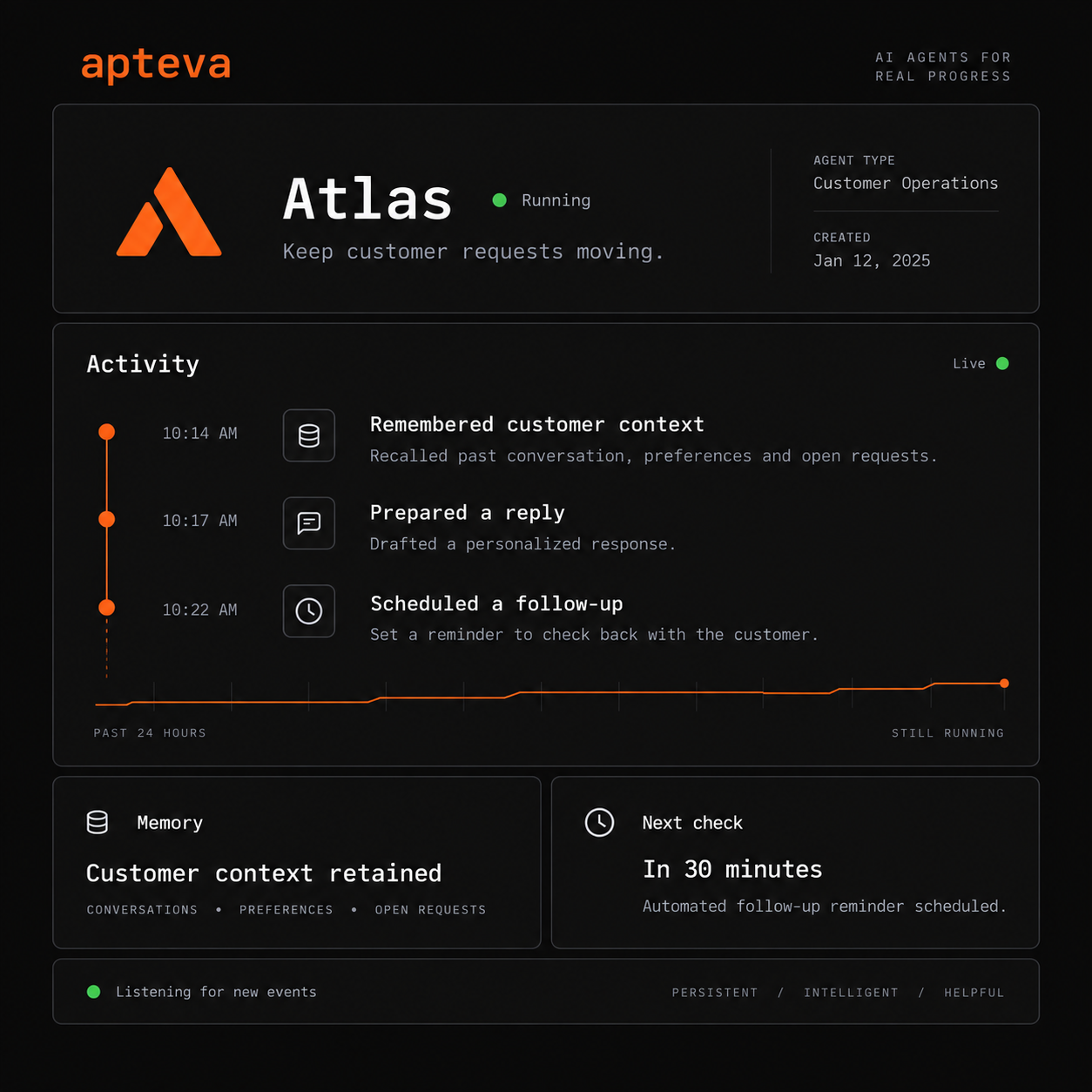
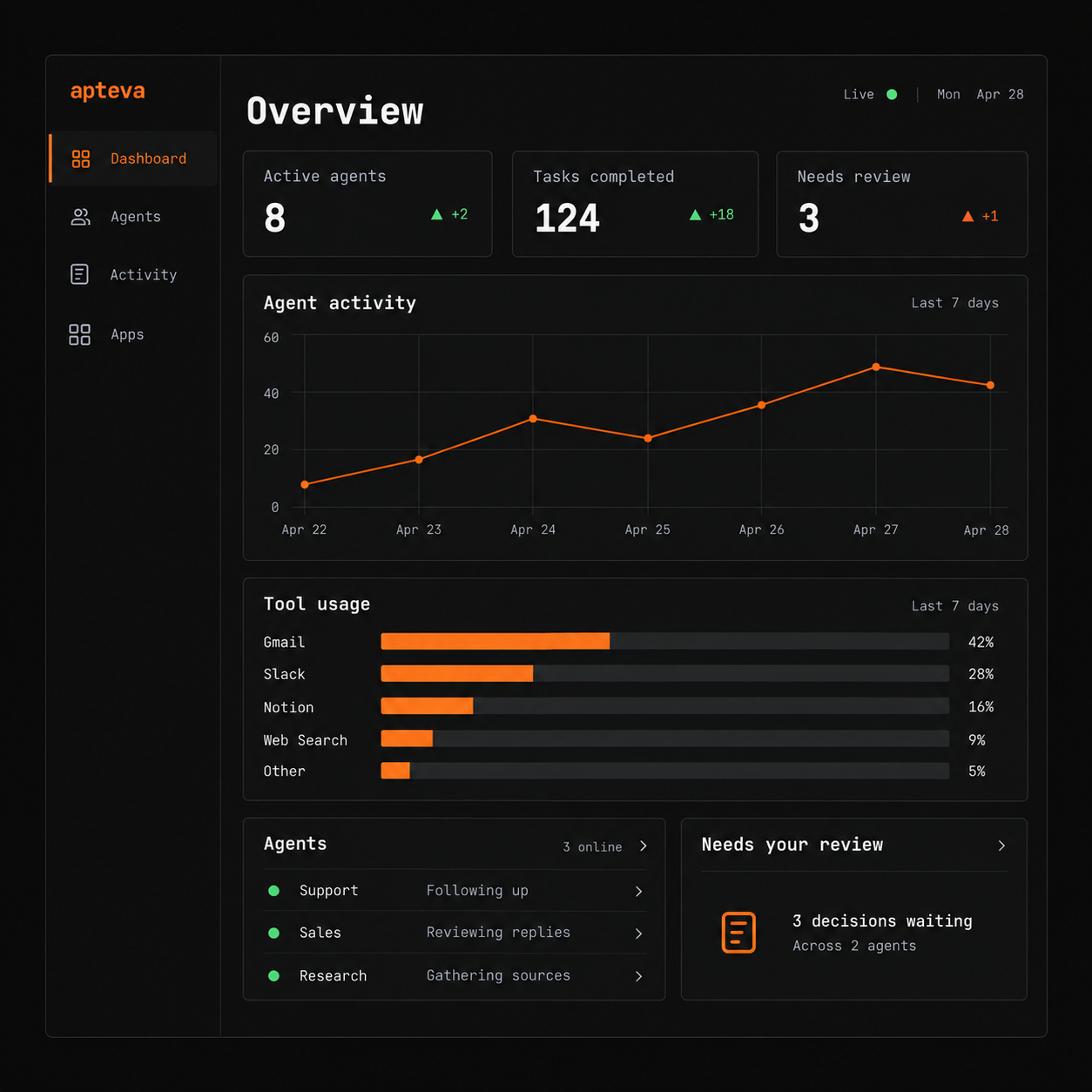
Apteva combines a persistent agent runtime, an app system, and a workspace that grows around what you install. Give agents ongoing responsibilities, connect the systems they need, and keep their work in view.
 |
 |
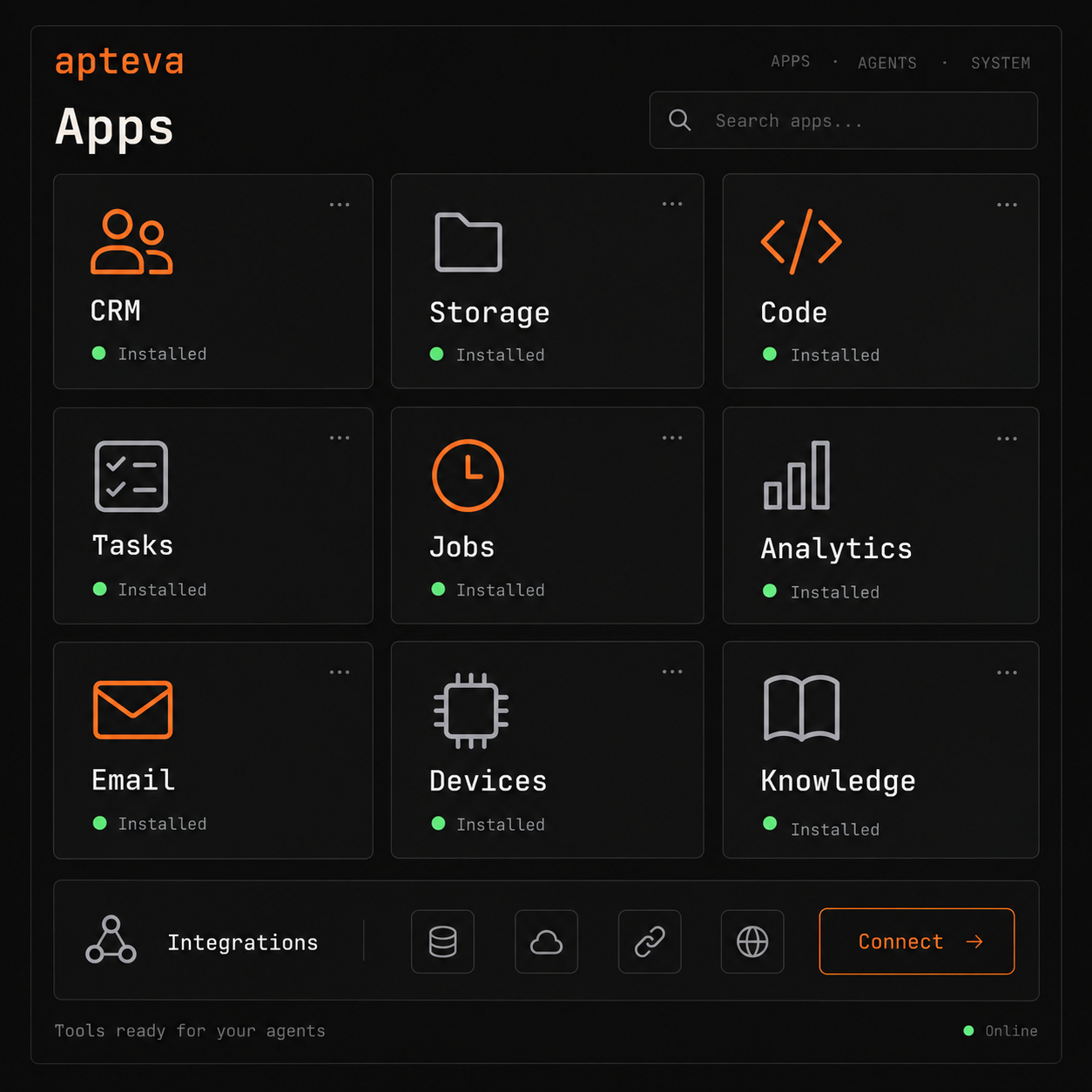 |
| Persistent agents | One workspace | Installable apps |
Product concept illustrations from apteva.ai.
| What you get | |
|---|---|
| Agents that keep working | Memory across conversations, events, scheduled follow-ups, and durable tasks that survive restarts. |
| A workspace shaped by your apps | Install CRM, storage, tasks, code, or other apps. Each can bring tools, its own UI, routes, channels, and workers. |
| Connections to your tools | Hundreds of integrations, including GitHub, Slack, Stripe, Shopify, HubSpot, Google Workspace, and databases. |
| Control you can inspect | Set goals and permissions, follow activity and tool calls, and review actions that need human judgment. |
| Multi-agent work | Delegate bounded tasks to workers while keeping progress and ownership visible. |
| Your models and infrastructure | Choose hosted or local models. Run locally, self-host, or use Cloud. |
Give an agent a responsibility
- Support: triage incoming tickets, find answers, prepare replies, and escalate decisions.
- Sales: enrich leads, update your CRM, and follow up when a deal needs attention.
- Content: research topics, create assets, publish through connected tools, and track results.
- Engineering: monitor deployments, investigate alerts, run tests, and prepare fixes.
- Operations: process invoices, reconcile records, and coordinate recurring work.
Run it your way
Local: run npx apteva. Your workspace data stays on your machine; hosted model providers and connected services receive the requests you send to them.
Docker: run the published image with persistent storage:
docker run -d \
  --name apteva \
  -p 5280:5280 \
  -v apteva-data:/data \
  ghcr.io/apteva/apteva:latest
Open http://localhost:5280. Pin a numbered image tag for production. See deployment and HTTPS setup for your own domain.
Cloud: Apteva Cloud runs the same platform without managing the server yourself.
Use OpenAI, Anthropic, Google, Fireworks, Ollama, NVIDIA, Venice, xAI, or other compatible model providers. Choose different providers per project and switch models without rebuilding your agents.
Build on Apteva
Write an app with the App SDK to add tools, UI panels, HTTP routes, workers, channels, and operational data. Your app sits alongside the first-party apps in the same workspace.
Browse apps · Build an app · Platform API
This repository contains the CLI, npm installer, local lifecycle, and platform release pipeline. The rest of the operating system lives in companion repositories:
| Repository | Role |
|---|---|
| core | Persistent agent runtime and thinking loop |
| server | Management API, orchestration, apps, and embedded dashboard |
| dashboard | Administration and operations UI |
| apps | First-party operational apps |
| integrations | Integration catalog, OAuth, webhooks, and MCP generation |
| app-sdk | Go SDK for building apps |
| computer | Browser and computer-use backends |
For source builds and the repository layout, start with the development guide. See also app testing scenarios and multi-agent topology tests.
Community
Read the documentation, join Discord, or open an issue for bugs and feature requests.
Open source. Yours to run.
Reviews (0)
Sign in to leave a review.
Leave a reviewNo results found