stratos-memory-stack
Health Warn
- License — License: MIT
- Description — Repository has a description
- Active repo — Last push 0 days ago
- Low visibility — Only 5 GitHub stars
Code Pass
- Code scan — Scanned 4 files during light audit, no dangerous patterns found
Permissions Pass
- Permissions — No dangerous permissions requested
No AI report is available for this listing yet.
Six layers that give Claude Code real memory across sessions. Drop in. Audit. Install what's missing.
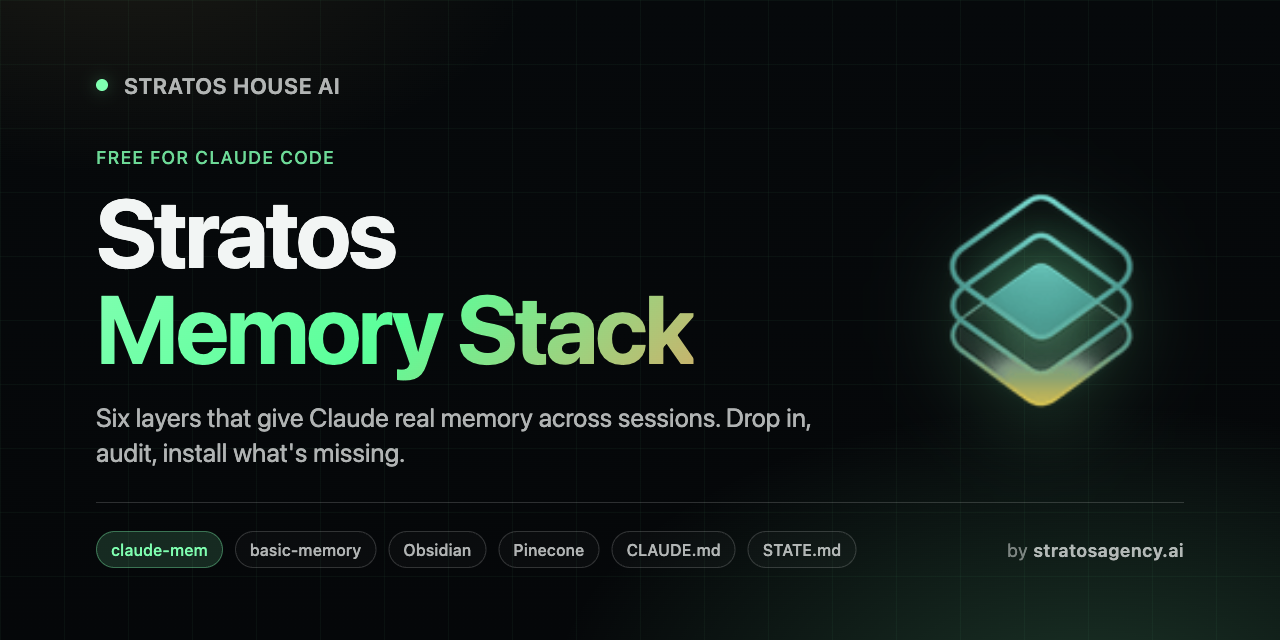
Stratos Memory Stack
Six layers that give Claude Code real memory across sessions.
Drop in. Audit. Install what's missing.



What this is
A free Claude Code plugin that sets up a six-layer persistent memory system. Install it, run the skill, and Claude will:
- Audit your machine. Check which of the six layers you already have.
- Report a clean status table (
INSTALLED/PARTIAL/MISSINGper layer). - Install the missing pieces one at a time, with your confirmation.
You end up with a stack that means you never re-explain a project, never lose a decision, and never re-read a 40-page doc to find one number.
The six layers
| # | Layer | What it does |
|---|---|---|
| 1 | claude-mem | Auto-captures every session, auto-injects relevant past context next session. |
| 2 | basic-memory | Semantic search over your whole knowledge vault, exposed as MCP tools. |
| 3 | Obsidian | Local markdown notes. The source of truth everything else points at. |
| 4 | Pinecone | Vector archive of immutable raw docs for fast quoting without re-reading. |
| 5 | CLAUDE.md + MEMORY.md |
Rules and priorities Claude Code auto-loads every session. |
| 6 | STATE.md per project |
Per-project resume file with verbatim handoff summary. |
Four are tools you install. Two are file patterns you adopt. All six talk to each other.
How they connect
                  IMMUTABLE
        ┌─ Pinecone (raw archives, semantic search) ─┐
            ┌── Obsidian vault (living notes, you write) ──┐
                ┌── basic-memory (vault index, MCP search) ──┐
                    ┌── claude-mem (session capture + replay) ──┐
                        ┌── CLAUDE.md / MEMORY.md (rules) ──┐
                            ┌── STATE.md (active resume) ──┐
                                EPHEMERAL / CURATED
The spine is Obsidian. Every other layer is a lens on it.
basic-memoryindexes the vault for semantic search.claude-memcaptures what you do with the vault.Pineconearchives a frozen slice for fast quoting.CLAUDE.md,MEMORY.md, andSTATE.mdare pointers into the vault that load at the right time.
Full architecture writeup: docs/architecture.md.
Mode Activators
Once you have more than one active project stream in your vault, claude-mem will start picking the wrong one. The last session you ran was Portal shipping work. This morning you sit down to do strategy work and type BRAIN ONLINE. claude-mem auto-injects the Portal handoff because it was most recent, and Claude opens with "ready to verify the portal deploy?" You wanted a strategy pulse.
That is the wrong-stream problem. The fix is small. A UserPromptSubmit hook scans your prompt for ONLINE-suffix phrases and prepends a strong directive to the system reminder. The directive tells Claude which files to load for the requested mode, and explicitly tells it to suppress the auto-injected context from any other stream.
You type the phrase. The hook fires before Claude reads the auto-injection. The mode wins.
Common modes (you define your own):
| Phrase | Loads | Suppresses |
|---|---|---|
BRAIN ONLINE |
brain-upgrade playbook, active tasks, latest phase notes | client delivery, portal status |
PORTAL ONLINE |
client-portal STATE.md, latest portal handoff | brain, product, marketing |
MONOLI ONLINE |
monoli STATE.md, latest monoli brief | non-Monoli streams |
ELORA ONLINE |
Elora STATE.md, latest Elora handoff | non-Elora streams |
OMNIPHI ONLINE |
omniphi STATE.md, latest handoff | non-OmniPhi streams, co-founder tasks |
NEPHROCAN ONLINE |
nephrocan STATE.md, latest handoff | non-Nephrocan streams |
The hook only adds the activator block when a phrase matches. Normal prompts are untouched. Adding a new mode is a five-line edit.
Full pattern, reference hook, and limitations: docs/mode-activators.md.
Install
In Claude Code:
/plugin marketplace add ArshiaEcho/stratos-memory-stack
/plugin install stratos-memory-stack@stratos
Then trigger the skill:
/stratos-memory-stack
Claude will run the audit and walk you through installing what's missing.
What the audit looks like
| # | Layer                  | Status     | Notes                                  |
|---|------------------------|------------|----------------------------------------|
| 1 | claude-mem             | INSTALLED  | v13.3.0, enabled                       |
| 2 | basic-memory           | MISSING    | No MCP config found                    |
| 3 | Obsidian               | PARTIAL    | Vault at ~/notes, no projects/ folder  |
| 4 | Pinecone (optional)    | MISSING    | Skip unless user has raw archives      |
| 5 | CLAUDE.md / MEMORY.md  | INSTALLED  | 90 lines, covers all sections          |
| 6 | STATE.md               | PARTIAL    | 2 files found, neither has 🚨 block    |
Followed by: "You're missing X, Y, Z. Want to start with [recommended next layer]?"
Manual setup (without the skill)
If you want to read through everything before letting Claude touch your machine:
docs/01-obsidian-setup.md— Obsidian + vault structuredocs/02-claude-mem-setup.md— claude-mem installdocs/03-basic-memory-setup.md— basic-memory MCPdocs/04-pinecone-setup.md— Pinecone (optional)docs/05-file-conventions.md— CLAUDE.md, MEMORY.md, STATE.mddocs/architecture.md— How it all fits together
Templates to copy:
templates/CLAUDE.md.templatetemplates/MEMORY.md.templatetemplates/STATE.md.templatetemplates/pinecone_ingest.pytemplates/pinecone_query.py
Recommended install order
If you're starting from zero, do it in this order:
- Obsidian + vault structure (foundation)
CLAUDE.md(rules)STATE.mdfor one active project (immediate value)claude-mem(auto session capture)basic-memory(vault search)Pinecone(only if you have raw archives)
Total time to a working stack: about 2 hours, spread across a week as you actually need each piece. The skill walks you through each step.
Why this stack
Most "AI memory" setups pick one tool and try to make it do everything. They all hit the same wall: a vector DB is bad at rules, a rules file is bad at search, a session log is bad at archives.
This stack works because every layer has a different write authority and a different recall mechanism, so they don't fight each other.
- Obsidian for living notes you write.
- Pinecone for frozen archives you only read.
STATE.mdfor active resume state.MEMORY.mdfor never-forget rules.claude-memfor "what did past me decide?"basic-memoryfor the search layer that ties it all together.
No layer tries to be the whole brain. Each one does one job well.
A typical session, end to end
- Open Claude Code in your vault.
claude-memauto-injects relevant past context. You see the recent timeline.- Claude Code auto-loads
CLAUDE.md(vault rules) andMEMORY.md(priorities). - You say a trigger word (e.g.
"PORTAL ONLINE"). - Claude reads
projects/portal/STATE.md, sees the 🚨 block, prints the verbatim handoff. - You work. Claude searches via
basic-memorywhen it needs vault context, queriesPineconewhen it needs a quote from a playbook. - End of session: Claude updates
STATE.mdwith what shipped and the new next action. claude-memcaptures the session automatically. Loop.
No file-hunting. No re-explaining. No "what were we doing again?"
Credits
This stack is built on the work of others. The Stratos Memory Stack just opinionates a path through them.
- claude-mem by Alex Newman (@thedotmack)
- basic-memory by Basic Machines
- Obsidian by Dynalist Inc.
- Pinecone
- The Karpathy LLM Wiki pattern (
knowledge/raw/+knowledge/wiki/)
Share this
If you found this useful, send it to someone else who uses Claude Code. Keep the title "Stratos Memory Stack" so they can find updates.
Compiled by Stratos House AI (Arshia Navabi). MIT licensed. Free forever.
If you build on top of this stack and ship something cool, I want to hear about it. Find me at stratosagency.ai or open an issue here.
Reviews (0)
Sign in to leave a review.
Leave a reviewNo results found