atmos
agent
Fail
Health Warn
- License — License: MIT
- Description — Repository has a description
- Active repo — Last push 0 days ago
- Low visibility — Only 5 GitHub stars
Code Fail
- spawnSync — Synchronous process spawning in .agents/skills/atmos-cli-release/scripts/atmos-cli-release.mjs
- process.env — Environment variable access in .agents/skills/atmos-cli-release/scripts/atmos-cli-release.mjs
- spawnSync — Synchronous process spawning in .agents/skills/atmos-desktop-release/scripts/atmos-desktop-release.mjs
- process.env — Environment variable access in .agents/skills/atmos-desktop-release/scripts/atmos-desktop-release.mjs
- spawnSync — Synchronous process spawning in .agents/skills/atmos-local-web-release/scripts/atmos-local-web-release.mjs
- process.env — Environment variable access in .agents/skills/atmos-local-web-release/scripts/atmos-local-web-release.mjs
Permissions Pass
- Permissions — No dangerous permissions requested
No AI report is available for this listing yet.
ATMOS - Atmosphere for Agentic Builders
README.md
Features
|
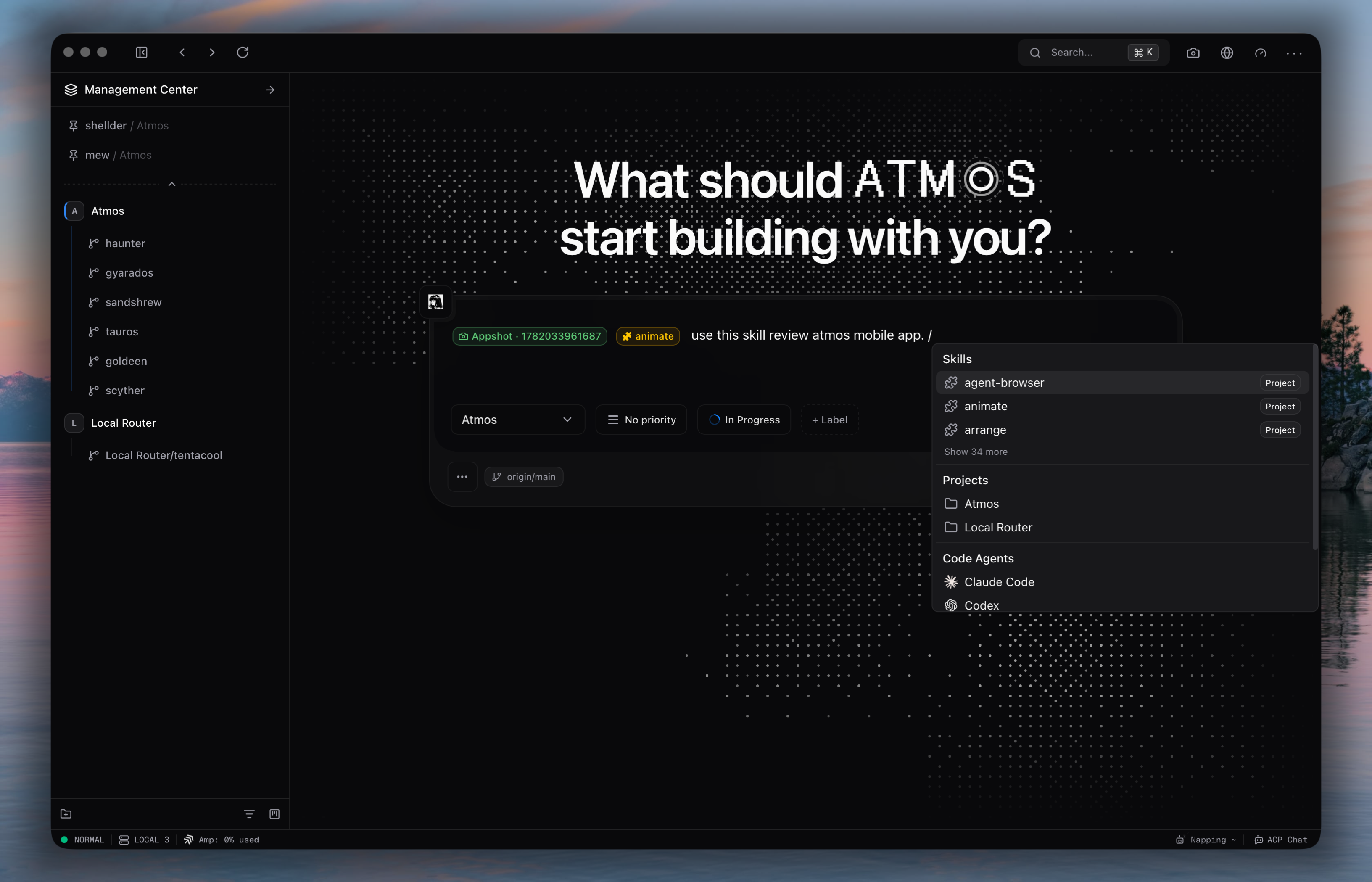
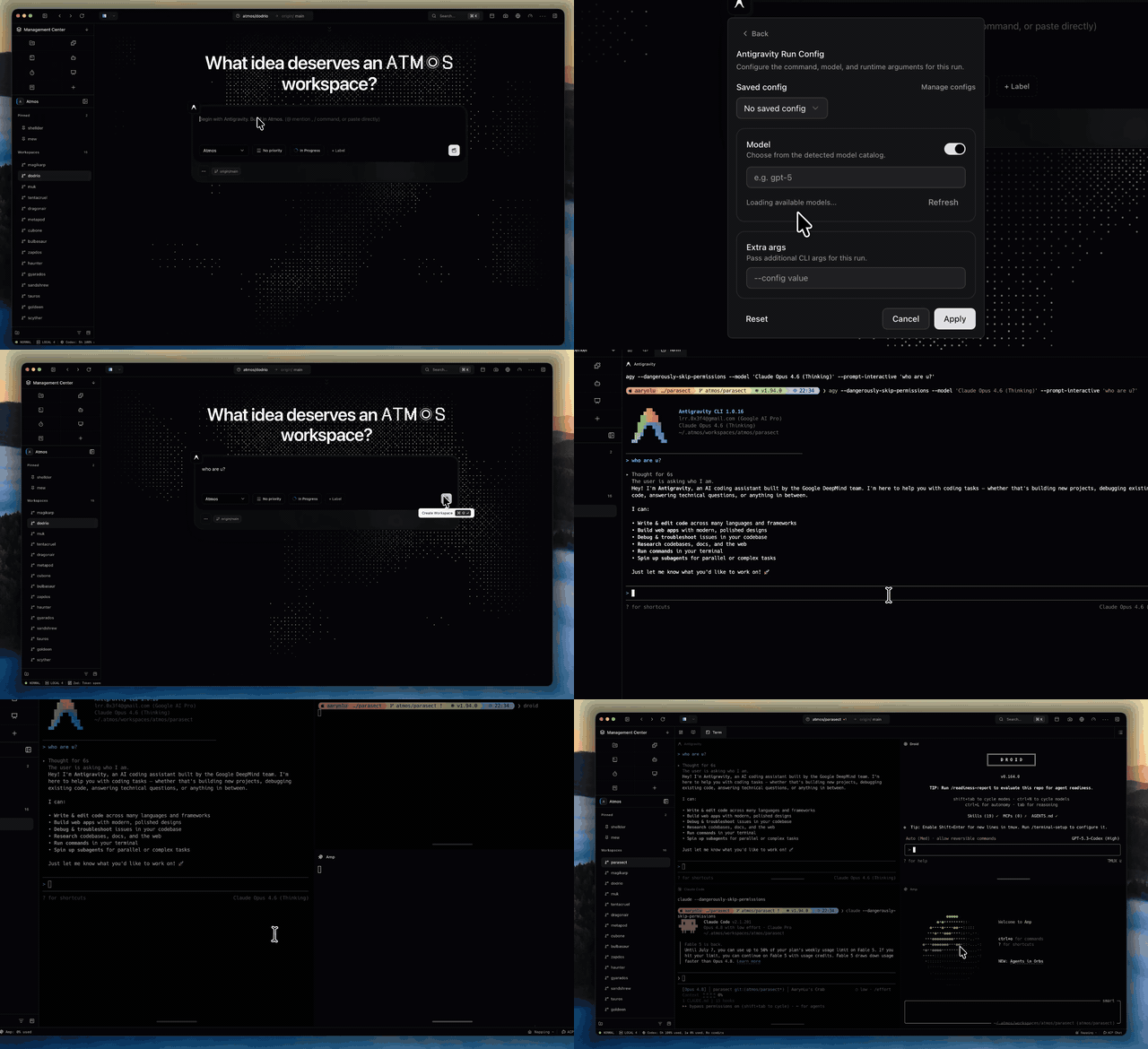
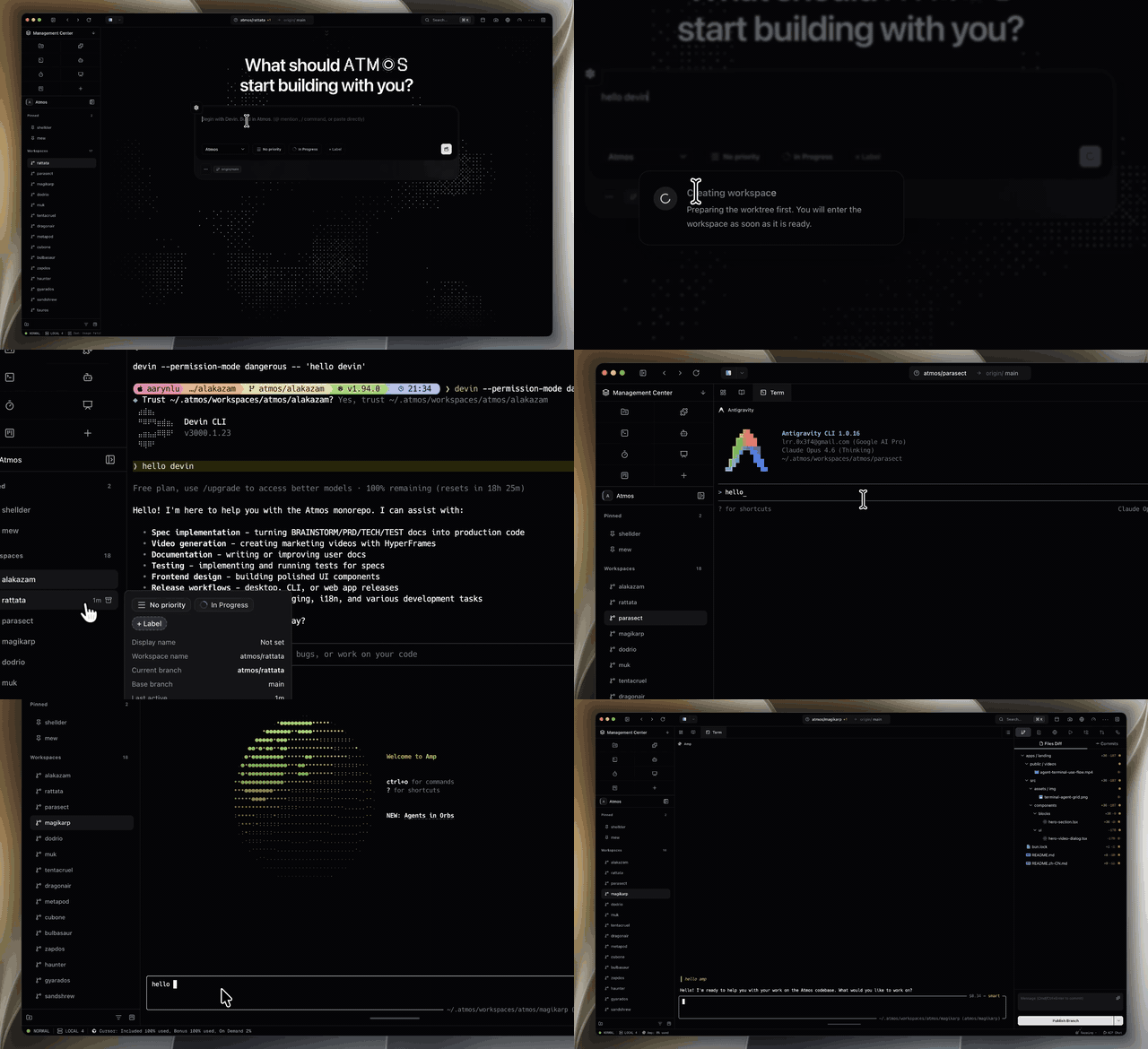
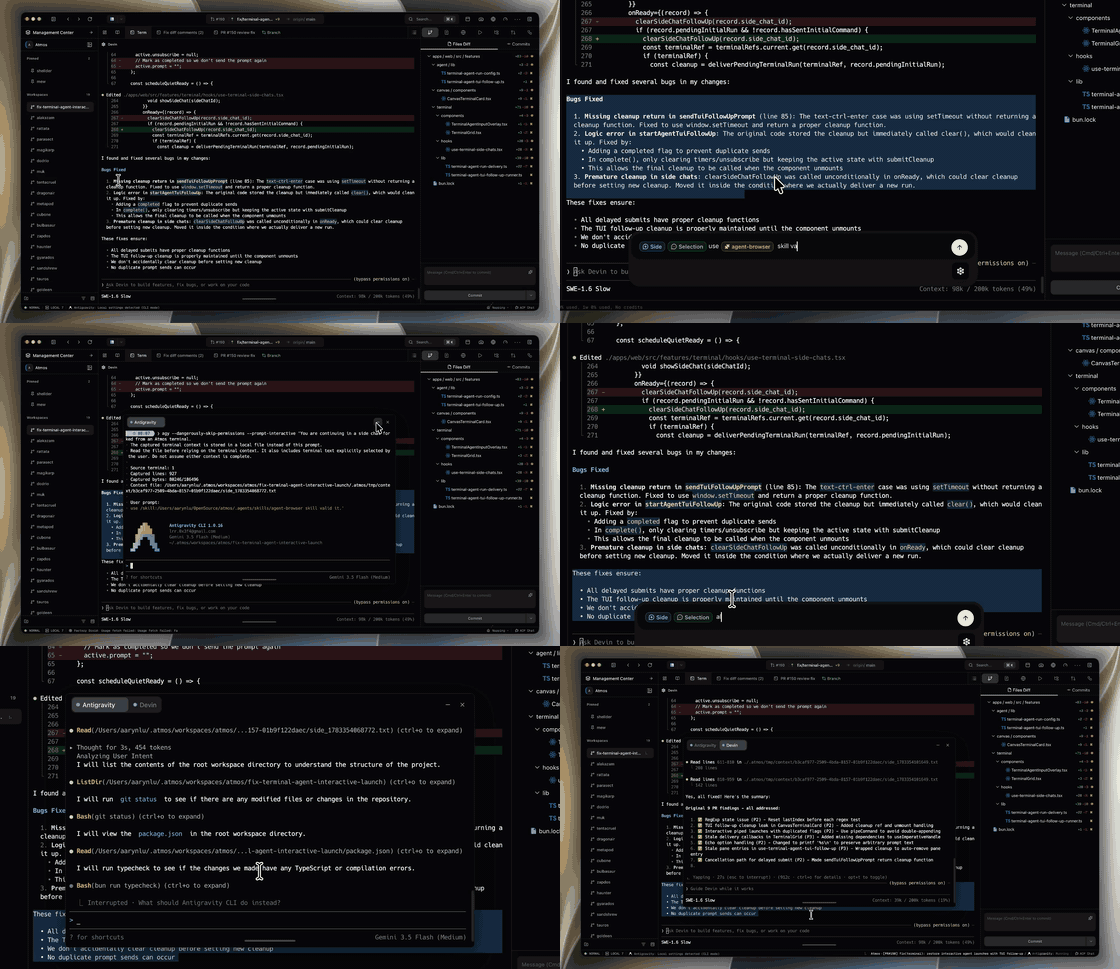
15+ Built-in Terminal Agents Launch and manage Claude Code, Codex, Gemini, Cursor, Devin, Antigravity, and more from one unified terminal interface. |
|
|
Multi-Workspace Development Git worktree isolation for parallel agent execution across multiple environments. |
|
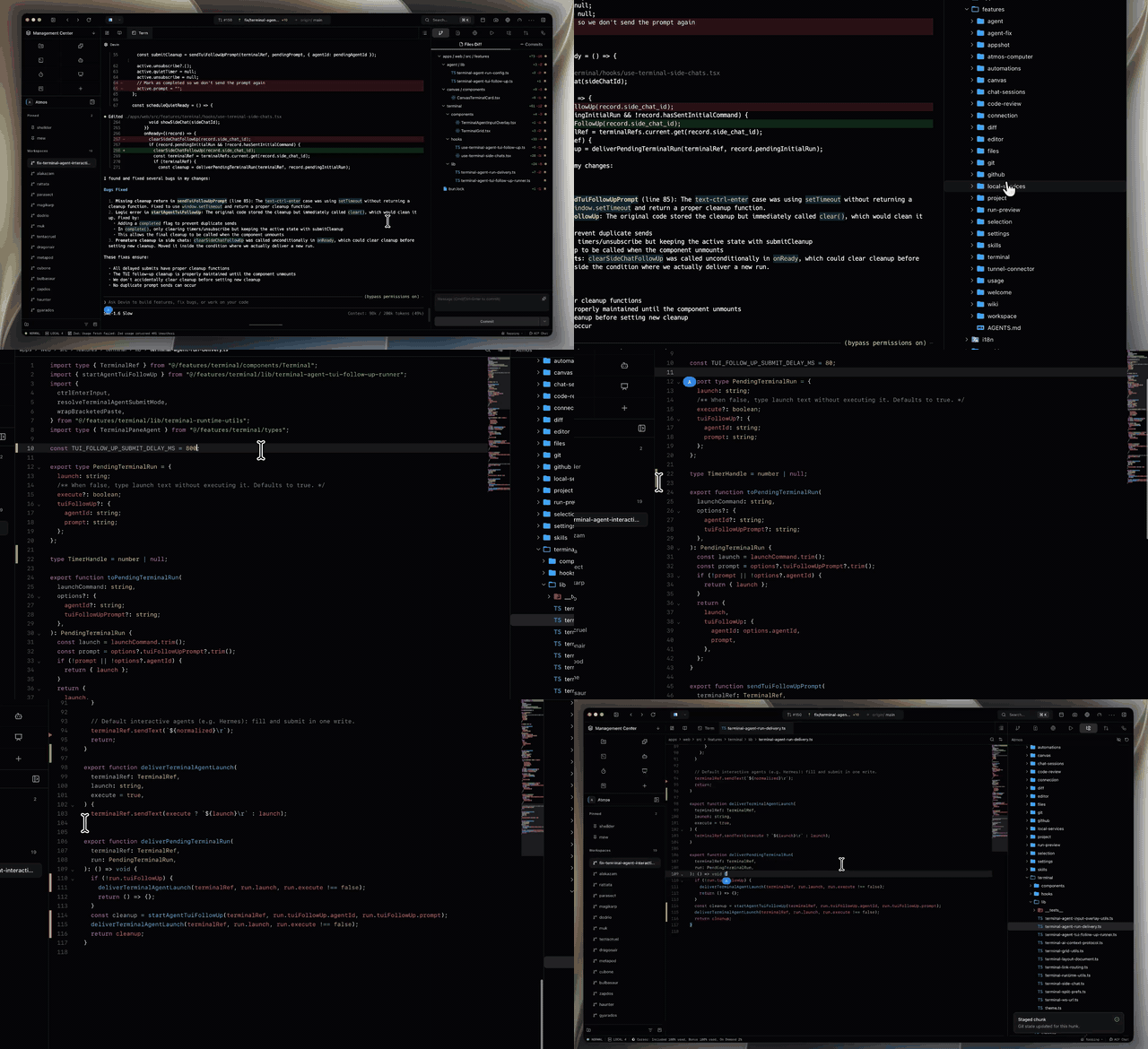
Built-in Lightweight Editor File preview, inline editing, and switch back to manual coding mode anytime. |
|
|
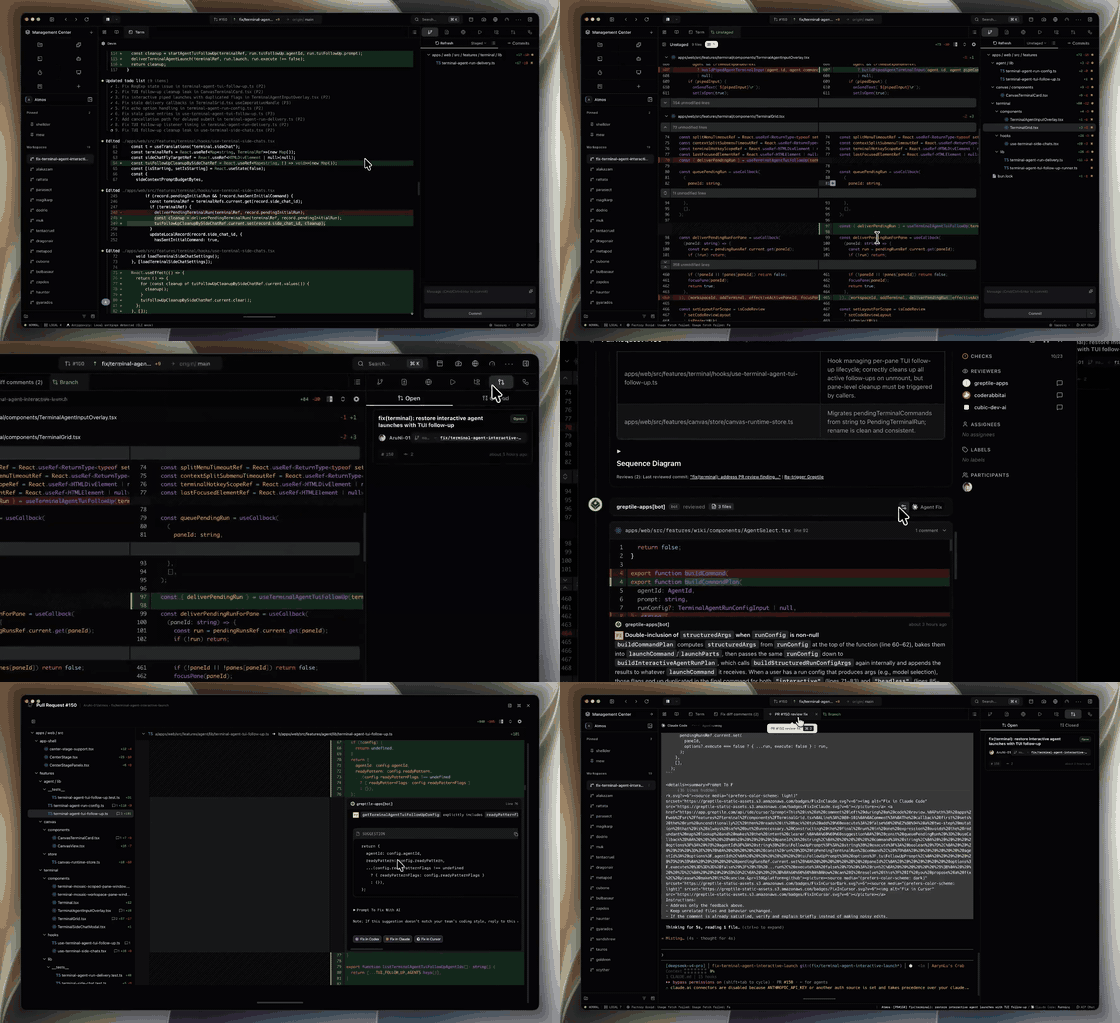
Integrated Git Workflow Diff view, commit assistance, code review, and GitHub PR management in one place. |
|
Terminal Side Chat Quick /side conversations from the terminal AI input without leaving your terminal workflow.
|
|
|
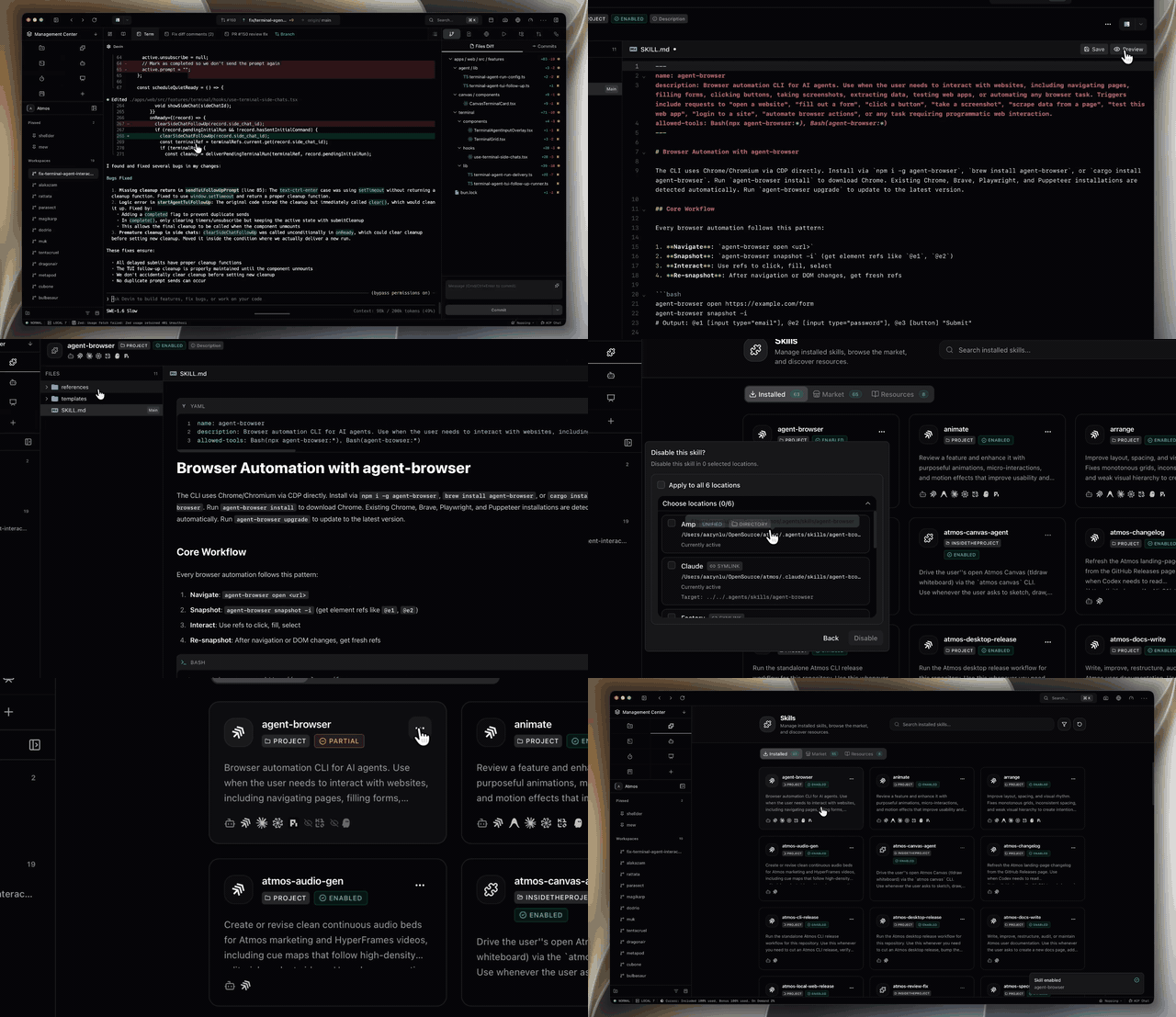
Skill Management System Discover, enable/disable, and delete agent skills with one-click control. |
|
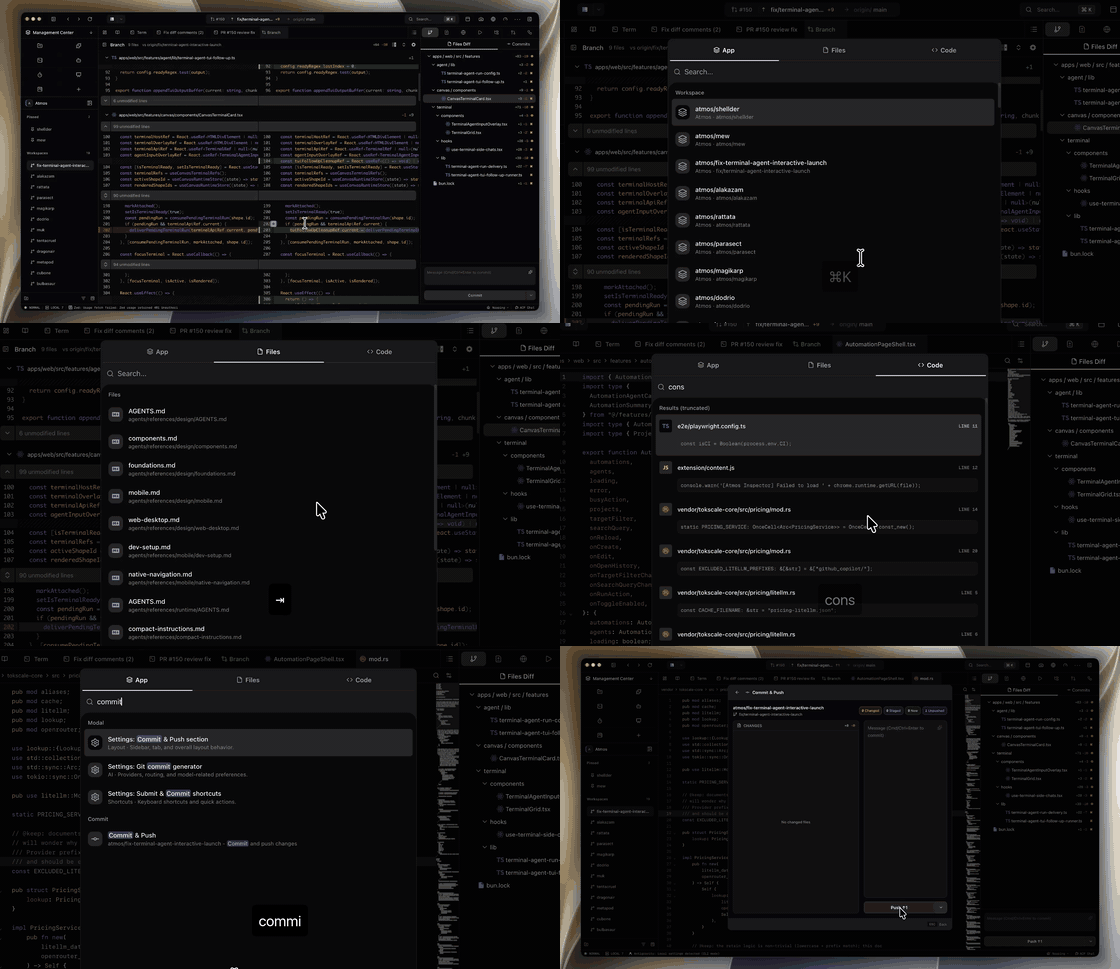
Global Search & Command Palette Keyboard-driven workflow for searching and executing Atmos features. |
|
|
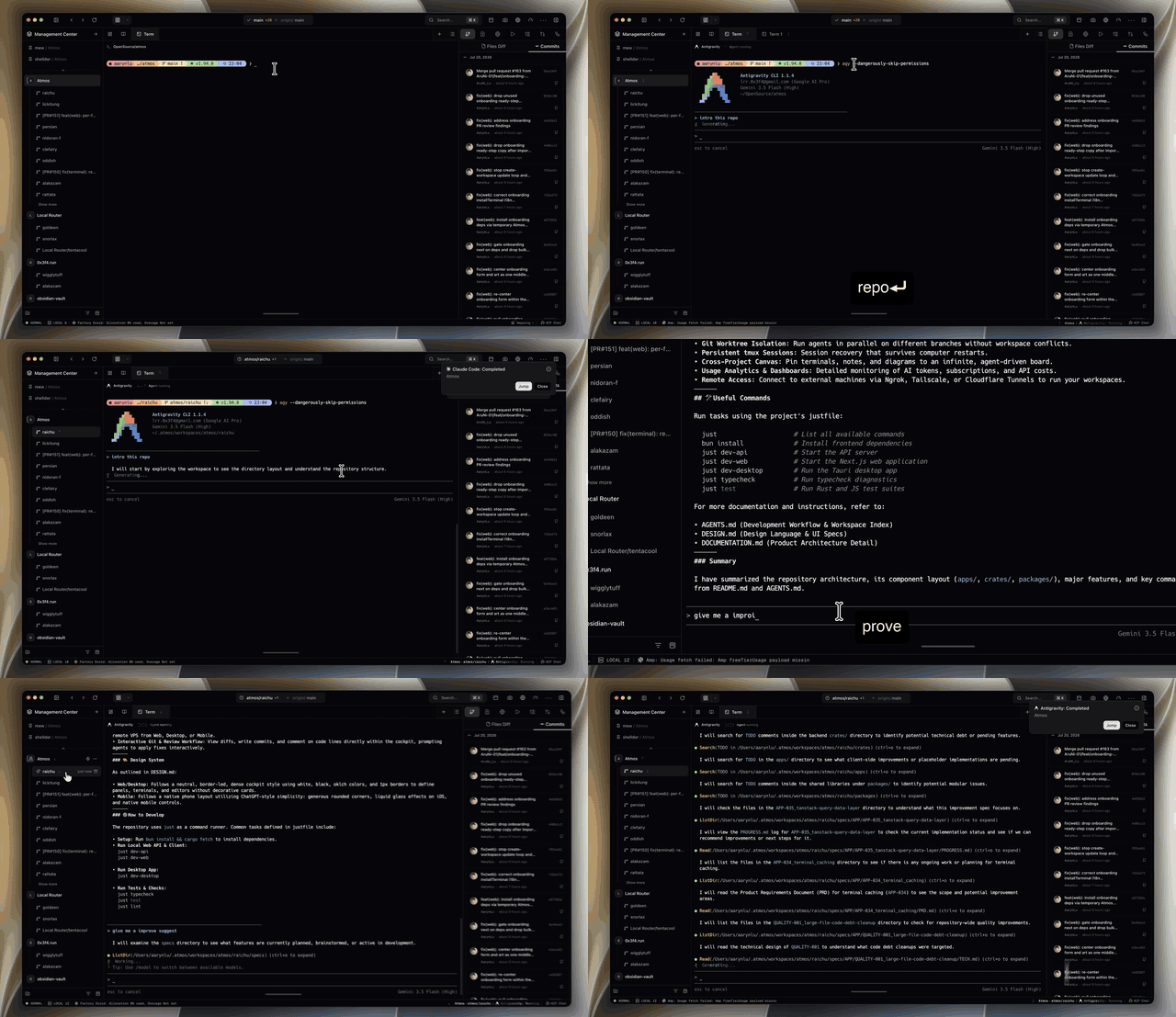
Agent Status & Notifications Real-time agent lifecycle tracking via hooks (running, idle, waiting for permission, done) across the UI, with native notifications and self-hosted push server support (ntfy, Gotify, or a custom webhook). |
|
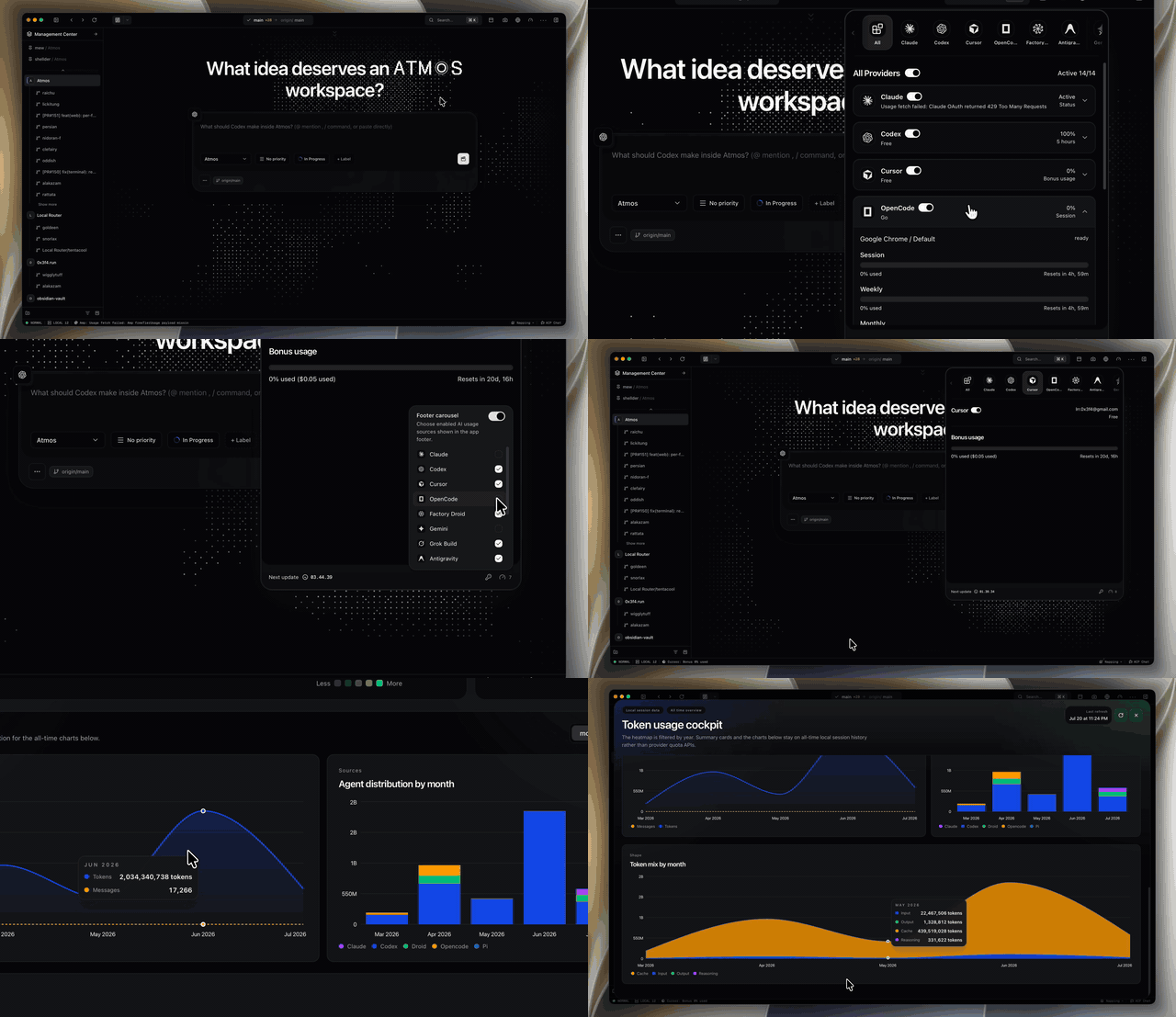
Usage Analytics Dashboard Track AI coding subscription quotas, agent token consumption, and cost estimation. |
|
|
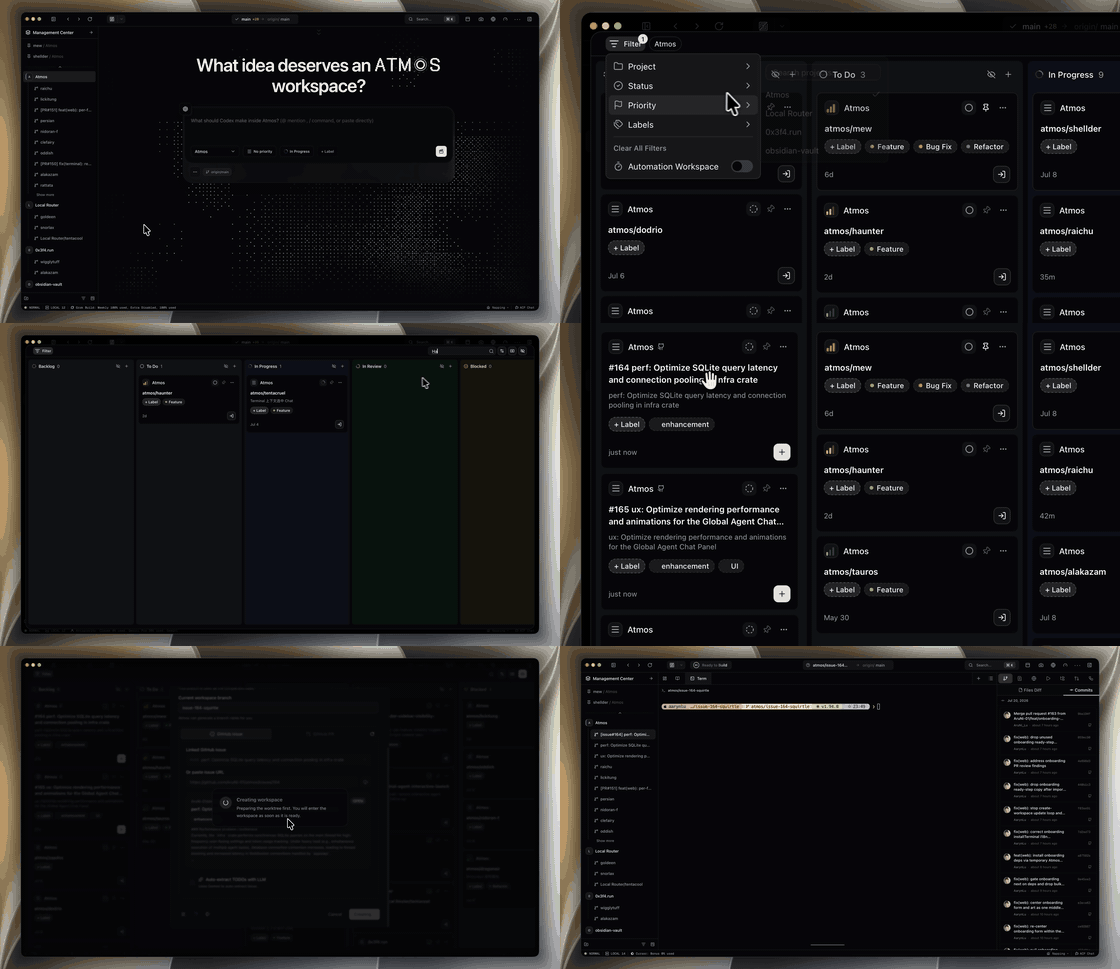
Kanban View Quickly manage Workspace status, priority, labels and other information in Kanban view. |
|
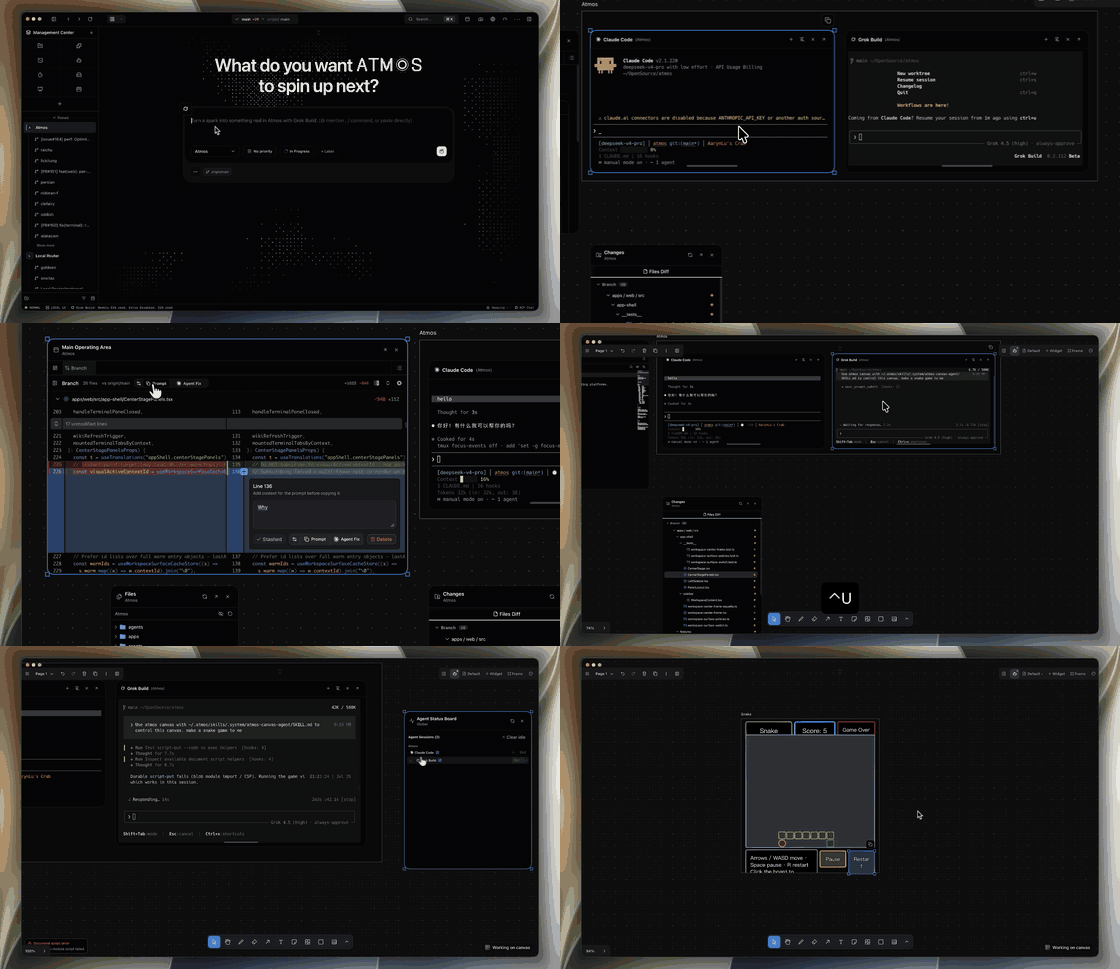
Canvas A cross-project infinite canvas: pin terminal cards from any workspace or project onto one persistent board, and let Code Agents drive the canvas diagrams, notes, and layout without leaving your agent workflow. |
|
|
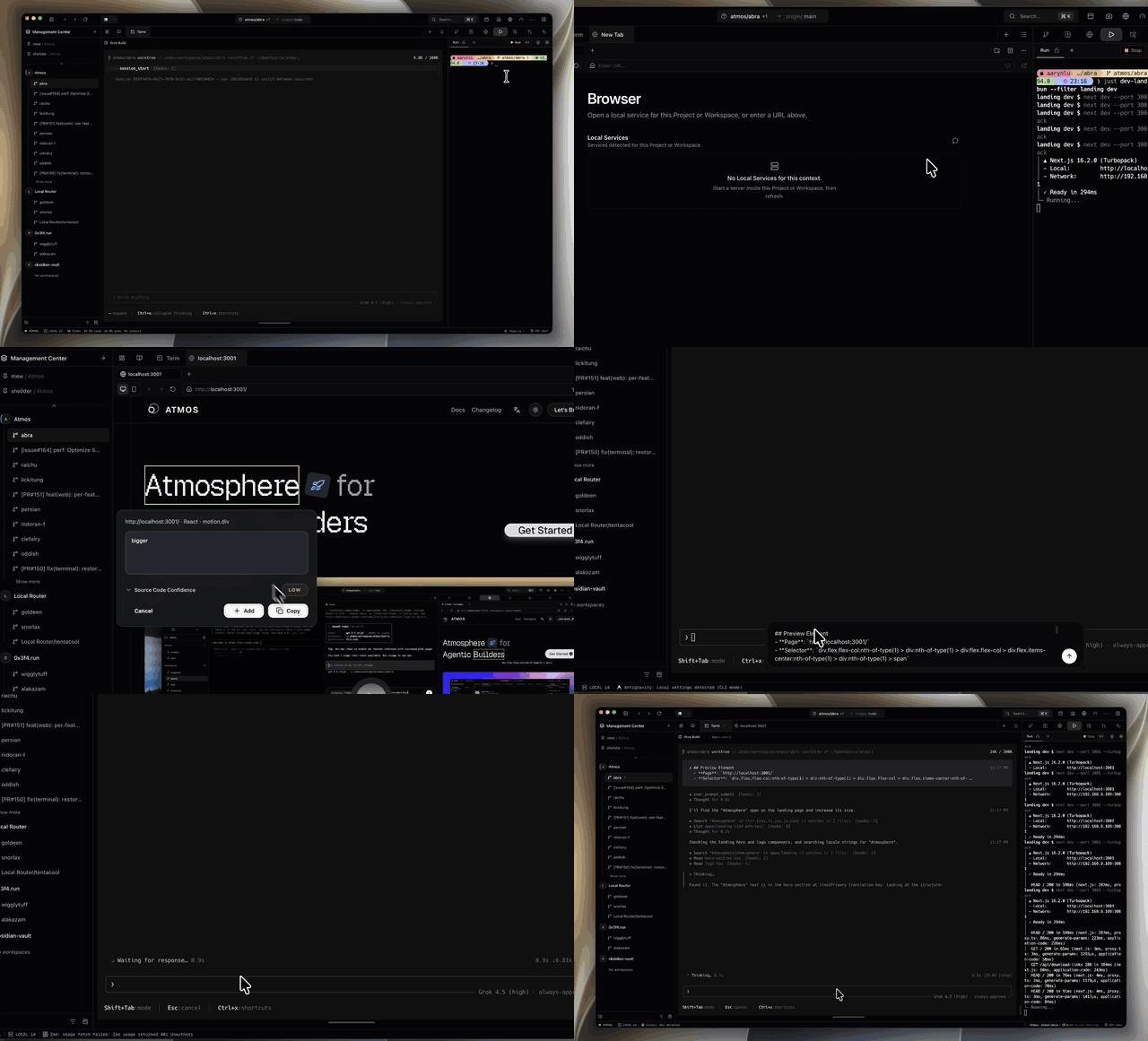
Browser Element Inspector Hover and click to select elements in live browser preview, locating source code in React, Vue, Angular, and Svelte projects. |
|
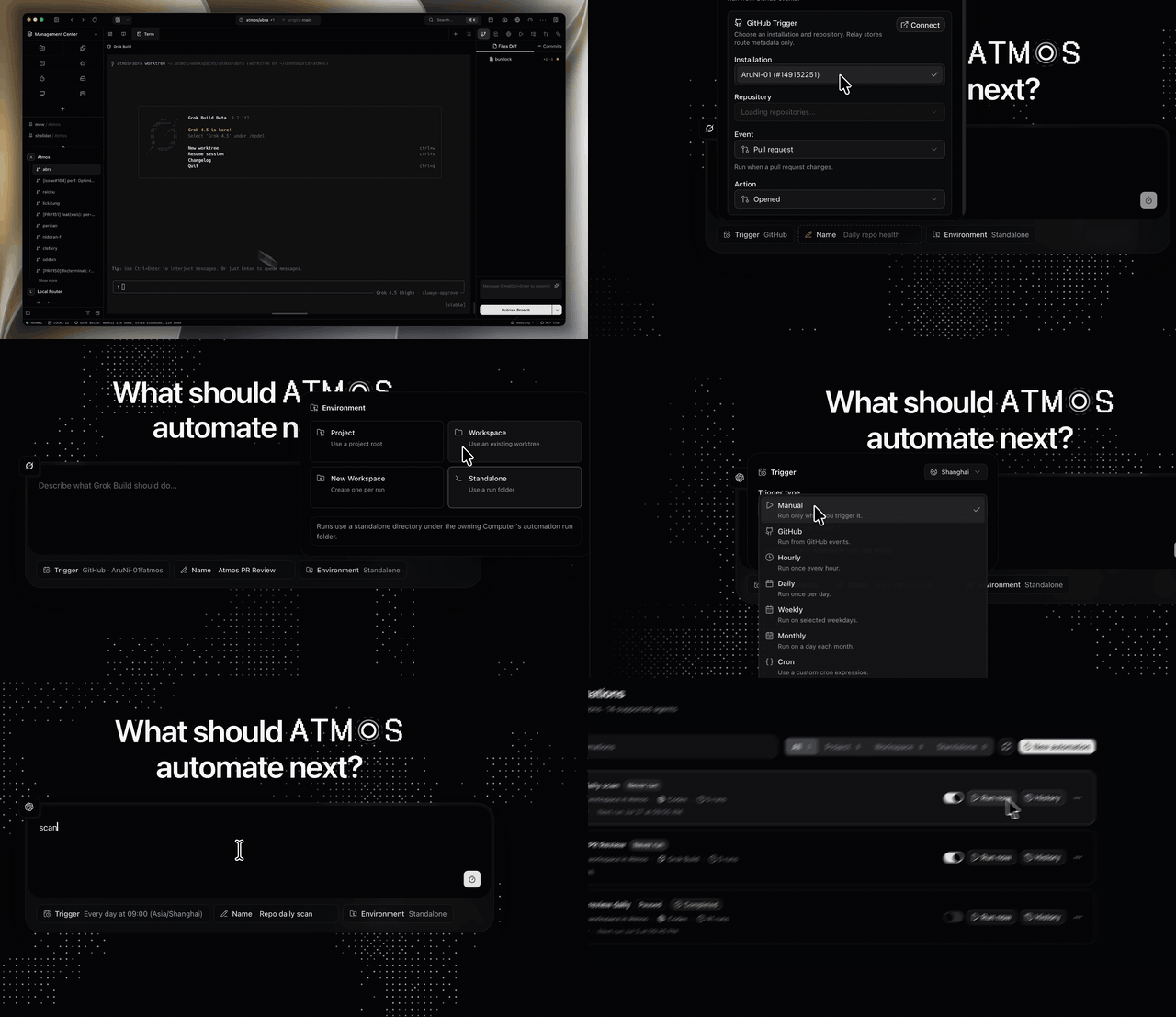
Automations & GitHub Triggers Scheduled local automation runs powered by Atmos terminal agents, with optional GitHub App webhook triggers. |
|
|
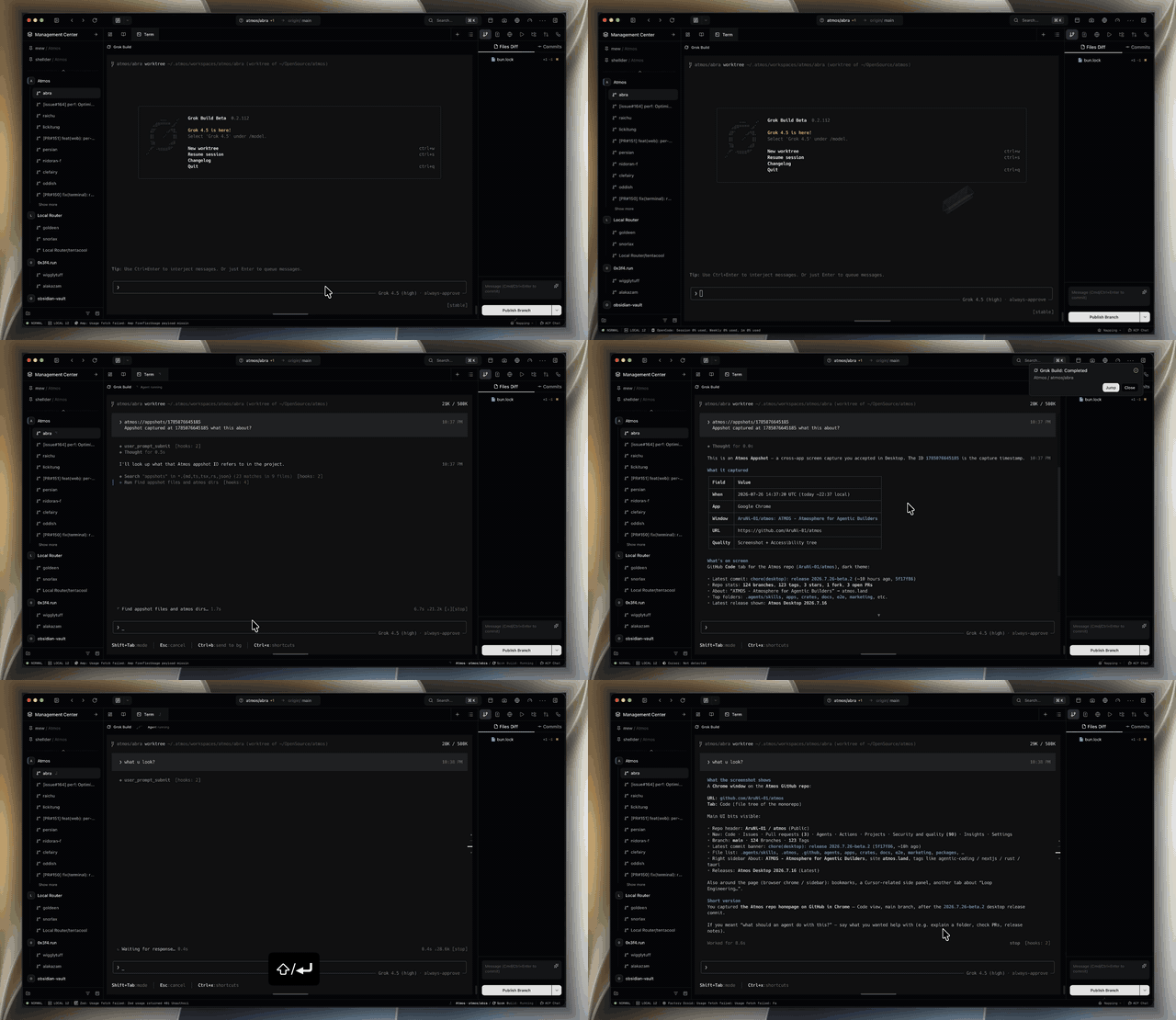
Appshots Cross-app desktop snapshots as lightweight clipboard references for quick capture during development. |
Also included:
- Persistent Tmux Sessions — Fault-tolerant terminal management with tmux; sessions survive interruptions and restarts.
- Review Workflow — Review changes in Atmos's built-in diff UI, leave inline comments on specific lines, then hand off to your Code Agent to apply fixes.
- Global Agent Chat Panel — Start non-terminal conversations from anywhere via ACP, reusing your Code Agent CLI.
- Remote Access — Register your VPS or any machine to the Atmos Register Center, then connect from Desktop, Web, and Mobile to run terminals, workspaces, and Canvas on that computer. Integrated tunnel connector (Ngrok/Tailscale/Cloudflare Tunnel) for remote access.
Get Started
Download
Latest desktop release: View the latest release.
Homebrew (Desktop App)
brew install --cask AruNi-01/tap/atmos
Desktop App (macOS Install Script)
curl -fsSL https://install.atmos.land/install-desktop.sh | bash
This installer is for macOS only (Intel & Apple Silicon). It downloads and extracts the app to /Applications.
For Linux/Windows, download the installer directly from GitHub Releases:
https://github.com/AruNi-01/atmos/releases
Local Web Runtime
curl -fsSL https://install.atmos.land/install-local-web-runtime.sh | bash
Quick Use
Desktop App
- Install Atmos via Homebrew or install script.
- Launch the desktop app and create or open a workspace.
- Connect your project, open a terminal, and work with agents in the same place.
Local Web Runtime
- Install via the install script.
- The runtime will start automatically (or run
~/.atmos/bin/atmos runtime ensure). - Open your browser to the displayed URL (default:
http://127.0.0.1:30303). - Create a workspace and start working with agents.
Run From Source
Prerequisite: just —
brew install just(macOS) /cargo install just
## Install
bun install
cargo fetch

## Run in web
just dev-api
just dev-web

# Run in desktop
just dev-web
just dev-desktop
Or without just:
# API
cargo run --bin api -- --cleanup-stale-clients true

# Web
cd apps/web && bun x next dev --turbopack --port 3030

# Desktop
bash ./scripts/desktop/prepare-sidecar.sh && cd apps/desktop && bun run tauri dev --no-watch --no-dev-server-wait --config src-tauri/tauri.debug.conf.json
License
See LICENSE.
Reviews (0)
Sign in to leave a review.
Leave a reviewNo results found