asya-chat-ui
Health Warn
- License — License: GPL-3.0
- Description — Repository has a description
- Active repo — Last push 0 days ago
- Low visibility — Only 7 GitHub stars
Code Pass
- Code scan — Scanned 12 files during light audit, no dangerous patterns found
Permissions Pass
- Permissions — No dangerous permissions requested
This full-stack application serves as an open-source multi-provider LLM chat platform. It provides an alternative to Open WebUI and LibreChat, offering multi-organization management, model routing, tool execution, and OpenAI-compatible API endpoints.
Security Assessment
Overall Risk: Medium. The code scan of 12 files found no dangerous patterns or hardcoded secrets, and the tool does not request any explicitly dangerous permissions. However, the application itself is designed to process highly sensitive data, including user files and chat histories. Additionally, its architecture requires deploying a Docker-in-Docker (dind) service and a Puppeteer scraper. Because dind allows sandboxed code execution, an improperly configured deployment could present severe container breakout risks to the host system. It inherently makes outbound network requests to various LLM providers.
Quality Assessment
The project is actively maintained, with its most recent push occurring today. It uses a standard GNU GPL v3.0 license and has a clear, detailed description of its complex architecture. The primary concern is its extremely low community visibility. With only 7 GitHub stars, the codebase has not been broadly reviewed by the open-source community, making it difficult to gauge production readiness or identify unreported vulnerabilities.
Verdict
Use with caution. While the code is currently clean and active, its low community adoption and reliance on privileged Docker-in-Docker execution require a secure, isolated network environment before deploying.
Better, open-source, LLM wrapper (user management, text processing, file processing, image generation, web search, local models)
AsyaChatUI
Open source multi-provider LLM chat platform with organization management, model routing, tool execution, usage analytics, and OpenAI-compatible APIs alternative to Open WebUI and LibreChat.
Developed by asya.ai authors of https://eldigen.com (automated e-mail and document support system) and https://pitchpatterns.com (automated call centre analytics and robocalls)
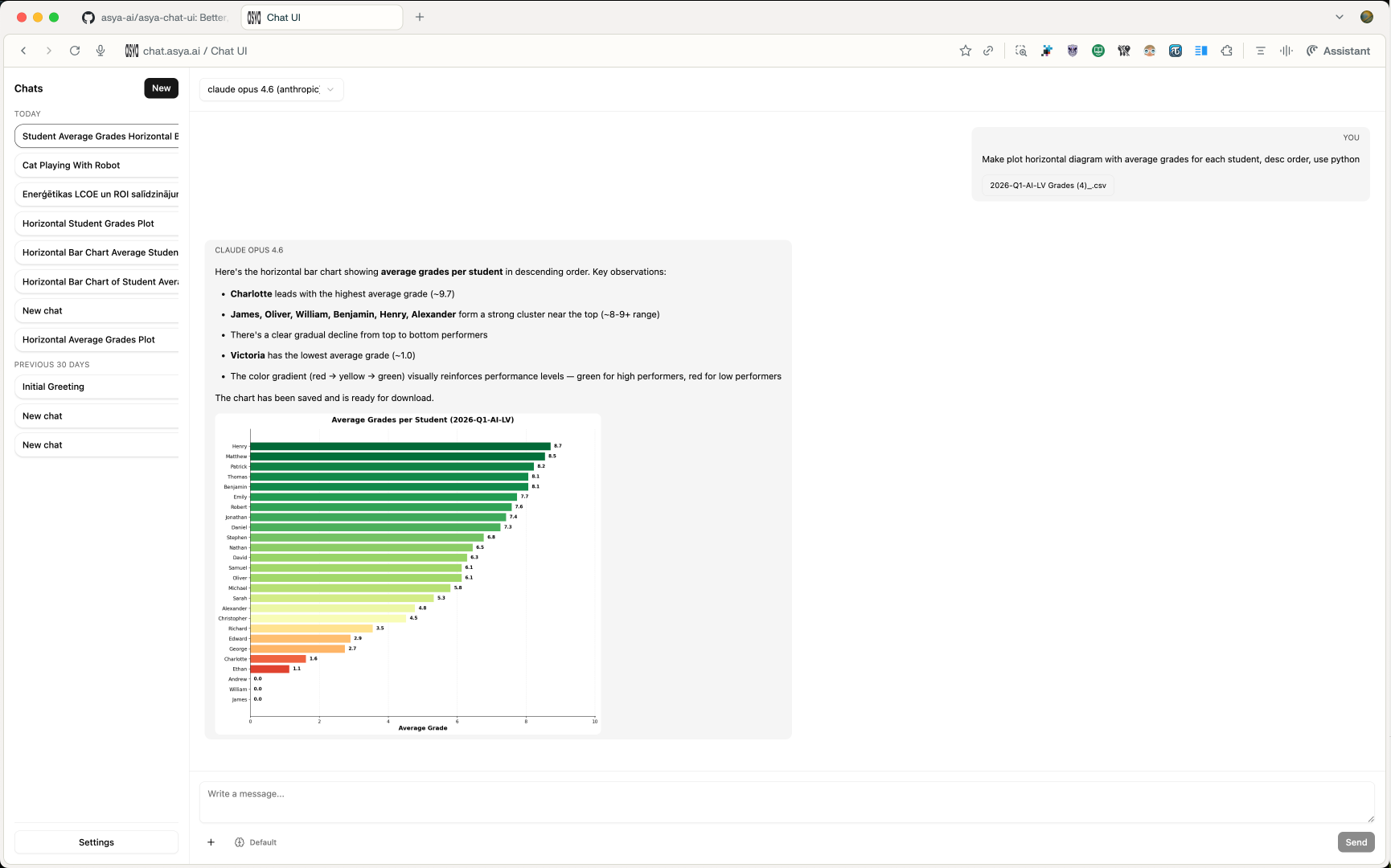
Screen Shot
Roadmap
- UX improvements (larger visuals, left side panel CSS)
- UX button to enable/disable Web Search (DuckDuckGo & Perplexity API)
- Function to share public chat
- Group chats (groups that see each other chats)
- … Add your own feature requests in Github Issues
License
This project is released under GNU GPL v3.0. See LICENSE for the full text.
What This Project Does
asya-chat-ui is a full-stack chat application that supports:
- multi-organization and role-based access (
super_admin, org admins, members) - model management per organization (enable/disable models and providers)
- multiple provider backends (OpenAI, Azure OpenAI, Gemini, Groq, Anthropic, OpenRouter, Vertex)
- streaming chat generation with resumable task events
- built-in tools for web search/scraping, code execution, time, and image generation/editing
- OpenAI-compatible API endpoints (
/v1/models,/v1/chat/completions,/v1/responses,/v1/embeddings) - usage tracking by model/user/org/month
Architecture
The stack is split into services orchestrated with Docker Compose:
nginx: serves the frontend build and proxies/api/*to backendbackend: FastAPI app for auth, chat APIs, org/model config, usage, and OpenAI compatibilityworker: Celery worker for async chat generation taskspostgres: primary relational data storeredis: broker/result backend for Celery task orchestrationscraper: Puppeteer + Readability microservice used by web toolsdind: Docker-in-Docker engine used to run sandboxed code execution containersexecutor(profileexec): image build target for Python code execution runtime
Request and Generation Flow
1) User interaction
- Frontend (React + Vite) sends requests to
/api/...(REST) and/api/chats/{chat_id}/ws(WebSocket). nginxrewrites/api/*and forwards to FastAPI.
2) Chat creation and streaming
- User message is saved in Postgres.
- Backend creates a generation task and assistant placeholder message.
- Worker executes provider calls and tool loops.
- Worker emits ordered generation events (
activity,tool_event,delta,done,error) into DB. - Frontend consumes real-time events over WebSocket; falls back to polling task events when needed.
3) Tool execution
- Web tools call scraper service for search/scrape or screenshots.
- Code execution tool writes inputs/outputs under
data/files, then runs code in an isolated container viadind. - Image tools can generate/edit image outputs and attach them to assistant messages.
4) Usage accounting
- Every generation (and embedding/image operation) writes token and usage metadata into
UsageEvent. - Usage endpoints aggregate data by model/user/org/month.
Repository Layout
frontend/- React app UI (chat, settings, auth, usage pages)backend/app/- FastAPI APIs, provider adapters, tools, worker logic, modelsbackend/alembic/- database migrationsscraper/- Node.js headless browser scraping servicenginx/- reverse proxy and static hosting configdocker-compose.yml- core service topologydocker-compose.override.yml- development overrides (hot reload + frontend dev server)
Configuration
- Copy environment template:
cp .env.example .env
- Set required values at minimum:
JWT_SECRET- database values (
DATABASE_URLorPOSTGRES_*) - at least one provider key (
OPENAI_API_KEY,GEMINI_API_KEY,ANTHROPIC_API_KEY, etc.)
- Optional but commonly used:
- SMTP values for invite/password reset emails
- org-level super admin bootstrap (
SUPER_ADMIN_EMAILS) - execution limits (
EXEC_*) and attachment limits
Running with Docker Compose
Default local development
docker compose up --build
This uses docker-compose.override.yml automatically, enabling:
- backend auto-reload
- frontend dev server on
http://localhost:5173
Main app URL through nginx: http://127.0.0.1:8085
Core stack only (without override)
docker compose -f docker-compose.yml up --build
In this mode, nginx serves the production frontend build bundled in its image.
Optional executor image prebuild
docker compose --profile exec build executor
Key API Surfaces
- Auth and account:
/auth/* - API keys:
/api-keys/* - Orgs and provider configuration:
/orgs/* - Models and model suggestions:
/models/* - Chats, messages, generation tasks/events, WebSocket stream:
/chats/* - Usage aggregation:
/usage/* - OpenAI-compatible endpoints:
/v1/* - Health check:
/healthz
Security and Safety Boundaries
- Scraper blocks private/loopback/internal IP destinations.
- Code execution runs in isolated containers with:
- dropped capabilities
- read-only root filesystem
- cpu/memory limits
- timeout and output-size caps
- import allowlist enforcement
- Auth uses JWT with periodic token refresh through response header.
- Provider access can be disabled globally per org and overridden per org config.
Development Notes
- Frontend package manager:
pnpm - Backend package manager/runtime tooling:
uv - Database migrations: Alembic (
uv run alembic upgrade head) - Backend health endpoint:
GET /healthz - Scraper health endpoint:
GET /healthzon scraper service
Attribution
This project is developed and maintained by asya.ai, and published as open source at asya-ai/asya-chat-ui under GPLv3.
Reviews (0)
Sign in to leave a review.
Leave a reviewNo results found