paper-pilot
Health Warn
- License — License: MIT
- Description — Repository has a description
- Active repo — Last push 0 days ago
- Low visibility — Only 5 GitHub stars
Code Pass
- Code scan — Scanned 12 files during light audit, no dangerous patterns found
Permissions Pass
- Permissions — No dangerous permissions requested
No AI report is available for this listing yet.
Your AI's research copilot. Searches 6 academic databases, downloads real PDFs, reads them cover to cover, extracts evidence, renders figures. MCP server for Claude, Codex & any AI agent. Free & open source.
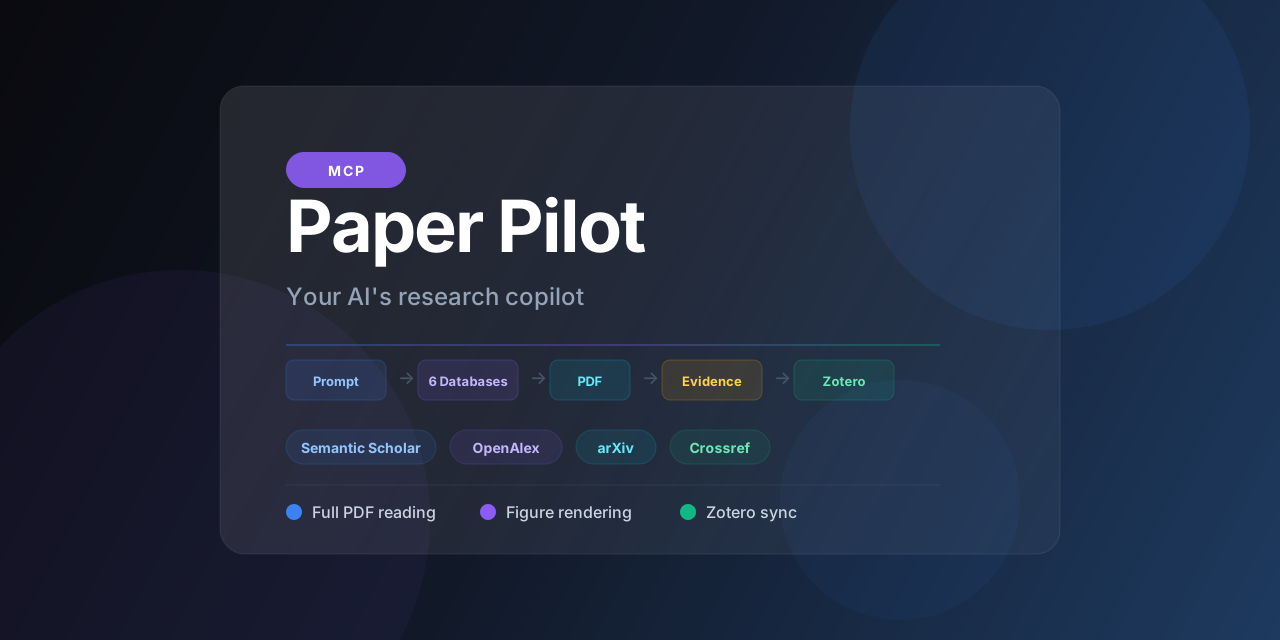
Paper Pilot
Your AI's research copilot.
An MCP server that gives Claude, Codex, and any AI agent real academic research: 6 databases, full-text PDFs, evidence with citations, figure rendering, and Zotero sync.
Your AI Googles when you say "research." Paper Pilot searches real academic databases, downloads the PDFs, reads them cover to cover, renders the figures, gives you evidence with citations, and files it all in your Zotero library.




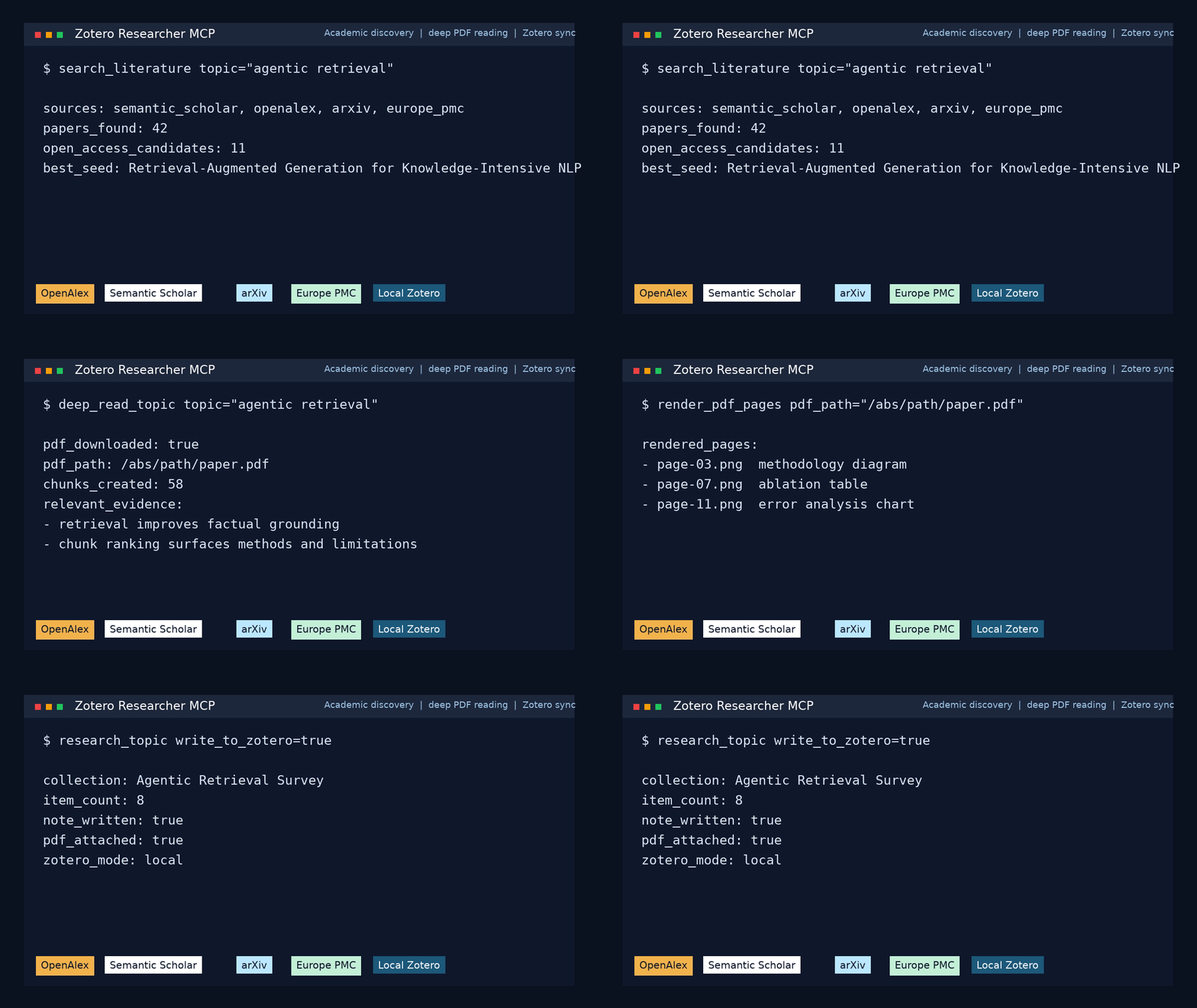
Quick start
Try it in 30 seconds. No MCP client, no config:
# straight from GitHub (works today):
uvx --from git+https://github.com/aytzey/paper-pilot paper-pilot demo "retrieval augmented generation"

# once published to PyPI:
uvx paper-pilot demo "retrieval augmented generation"
This searches 6 academic databases, downloads the open-access PDFs, reads them, writes a structured report, and opens an interactive citation graph in your browser.
👉 See a real run, no install needed: sample report · interactive citation graph
Then plug it into your AI agent
Wire it into your MCP client (setup below), set a free OPENALEX_EMAIL, and ask:
Research retrieval-augmented generation, deep-read the top papers, and compare the methods.
How it works
graph LR
    A[Prompt] --> B[Search 6 databases]
    B --> C[Resolve OA PDFs]
    C --> D[Download & read]
    D --> E[Extract evidence]
    E --> F[Render figures]
    F --> G[Markdown report]
    G --> H[Zotero sync]
One prompt searches six academic databases, downloads the real PDFs, and returns real citations.
Research retrieval-augmented generation, deep-read the top papers, and compare the methods.
Your AI will:
- Search Semantic Scholar, OpenAlex, arXiv, Crossref, Europe PMC, and DOAJ
- Find the open-access PDFs, not abstracts
- Download and read them cover to cover
- Extract evidence chunks with source attribution
- Render specific pages so it can see the figures and tables
- Write a structured Markdown report
- Save everything into your Zotero library
vs. alternatives
| ChatGPT Deep Research | Gemini Deep Research | Perplexity Pro | Paper Pilot | |
|---|---|---|---|---|
| Reads actual PDFs | Web summaries | Web summaries | Web summaries | Full text extraction |
| Figures and tables | Text only | Text only | Text only | Page rendering to PNG |
| Your library | Locked in their UI | Locked in Google | Locked in Perplexity | Syncs to Zotero |
| Sources | Generic web search | Generic web search | Web search | 6 academic databases |
| Cost | $200/month | $20/month | $20/month | Free, MIT licensed |
| Your data | Their cloud | Their cloud | Their cloud | Your machine |
| Open source | No | No | No | Yes |
MCP client setup
Claude Desktop
Add to your claude_desktop_config.json:
{
  "mcpServers": {
    "paper-pilot": {
      "command": "uv",
      "args": ["--directory", "/path/to/paper-pilot", "run", "paper-pilot"],
      "env": {
        "OPENALEX_EMAIL": "[email protected]",
        "UNPAYWALL_EMAIL": "[email protected]",
        "ZOTERO_LOCAL": "true",
        "SCIHUB_ENABLED": "false"
      }
    }
  }
}
Claude Code
claude mcp add --scope user paper-pilot -- uv --directory /path/to/paper-pilot run paper-pilot
Codex
Add to ~/.codex/config.toml:
[mcp_servers.paper_pilot]
command = "uv"
args = ["--directory", "/path/to/paper-pilot", "run", "paper-pilot"]

[mcp_servers.paper_pilot.env]
OPENALEX_EMAIL = "[email protected]"
ZOTERO_LOCAL = "true"
Streamable HTTP mode
paper-pilot --transport streamable-http --host 127.0.0.1 --port 8000
Tools
| Tool | What it does |
|---|---|
research_topic |
Full pipeline: search, download, report, optional citation graph + Zotero sync |
deep_read_topic |
Everything above + full-text extraction with evidence chunks |
graph_topic |
Render an interactive citation / relatedness graph (HTML) for a topic |
render_pdf_pages |
PDF pages to PNG for figure and table inspection |
search_literature |
Fine-grained multi-source academic search (6 databases) |
find_similar_papers |
Related work expansion from a seed paper |
inspect_open_access_pdf |
OA availability check and PDF preview |
extract_local_pdf_text |
Text extraction from any local PDF |
list_zotero_collections |
List collections in your local or web Zotero library |
search_scihub |
Search Sci-Hub by DOI, title, or keyword (opt-in) |
download_scihub_paper |
Download a paper via Sci-Hub by DOI (opt-in) |
search_libgen |
Supplementary shadow library search (opt-in) |
inspect_libgen_item |
Resolve a LibGen mirror item and preview its PDF (opt-in) |
healthcheck |
Verify all connections are up |
Prefer the CLI?
paper-pilot demo "<topic>"runs the whole pipeline and opens the citation graph. No MCP client required.
Sci-Hub integration (opt-in)
Sci-Hub access is disabled by default. To opt in:
SCIHUB_ENABLED=true
Once enabled, use search_scihub and download_scihub_paper directly, or pass include_scihub=True to research_topic / deep_read_topic for automatic fallback.
Disclaimer: Sci-Hub integration is provided strictly for educational and research purposes. Users are solely responsible for compliance with applicable laws and institutional policies.
Who uses this
PhD students that don't want to spend a week on a literature review. Point it at your thesis topic, get back a structured comparison with real citations and the PDFs already in Zotero.
Research labs that want to scan preprints weekly and auto-file them. Run research_topic on a schedule and keep your group library current.
AI builders that need their agents to work with real academic papers instead of web scraping snippets.
Configuration
[email protected]        # Required for polite API access
[email protected]       # Required for OA resolution
SEMANTIC_SCHOLAR_API_KEY=             # Optional, higher rate limits

# Local Zotero
ZOTERO_LOCAL=true
ZOTERO_LIBRARY_TYPE=user

# Web Zotero API (alternative)
ZOTERO_LIBRARY_ID=
ZOTERO_API_KEY=

# Sci-Hub (disabled by default)
SCIHUB_ENABLED=false
INSECURE_SHADOW_TLS=false              # opt in to skip TLS verification for Sci-Hub/LibGen mirrors

# Storage
PAPER_PILOT_DATA_DIR=./data
MAX_DOWNLOAD_MB=75                     # per-PDF download size cap

# Institutional networks
HTTP_PROXY=
HTTPS_PROXY=
SSL_CERT_FILE=
Project structure
src/paper_pilot/
  server.py              MCP tools and pipeline orchestration
  cli.py                 Server entry point + `demo` subcommand
  demo.py                Zero-config one-command demo runner
  config.py              Environment and settings
  services/
    academic.py          Multi-source scholarly search (6 databases)
    open_access.py       OA resolution and PDF downloads
    scihub.py            Sci-Hub paper resolution (opt-in)
    deep_read.py         Full-text extraction and page rendering
    zotero.py            Local and web Zotero integration
    reporting.py         Markdown report + synthesis comparison tables
    graphing.py          Interactive citation-graph HTML export
    libgen.py            Supplementary LibGen support
    net.py               SSRF guard + size-capped downloads
Architecture details: docs/ARCHITECTURE.md
For AI agents
- AGENTS.md -- shared operating guide
- CLAUDE.md -- Claude Desktop and Claude Code setup
- CODEX.md -- Codex setup
- docs/CLIENTS.md -- side-by-side client comparison
Contributing
PRs welcome. The most impactful areas:
- New scholarly source adapters
- Better OA resolution logic
- PDF parsing improvements
- More MCP client configs
See CONTRIBUTING.md.
Disclaimer
This tool is designed for academic research and educational purposes only. Open-access features use only legal, publicly available sources. Sci-Hub and LibGen integrations are disabled by default and provided as opt-in features.
License
MIT. Do whatever you want with it.
If this helps your research, star the repo and tell a colleague.
Reviews (0)
Sign in to leave a review.
Leave a reviewNo results found