dear-agent
Health Pass
- License — License: MIT
- Description — Repository has a description
- Active repo — Last push 0 days ago
- Community trust — 11 GitHub stars
Code Pass
- Code scan — Scanned 5 files during light audit, no dangerous patterns found
Permissions Pass
- Permissions — No dangerous permissions requested
No AI report is available for this listing yet.
Dear agent: everything you need to resume this project. A 5-file docs convention + workspace template for AI coding agents.
Dear Agent,
English | 한국어
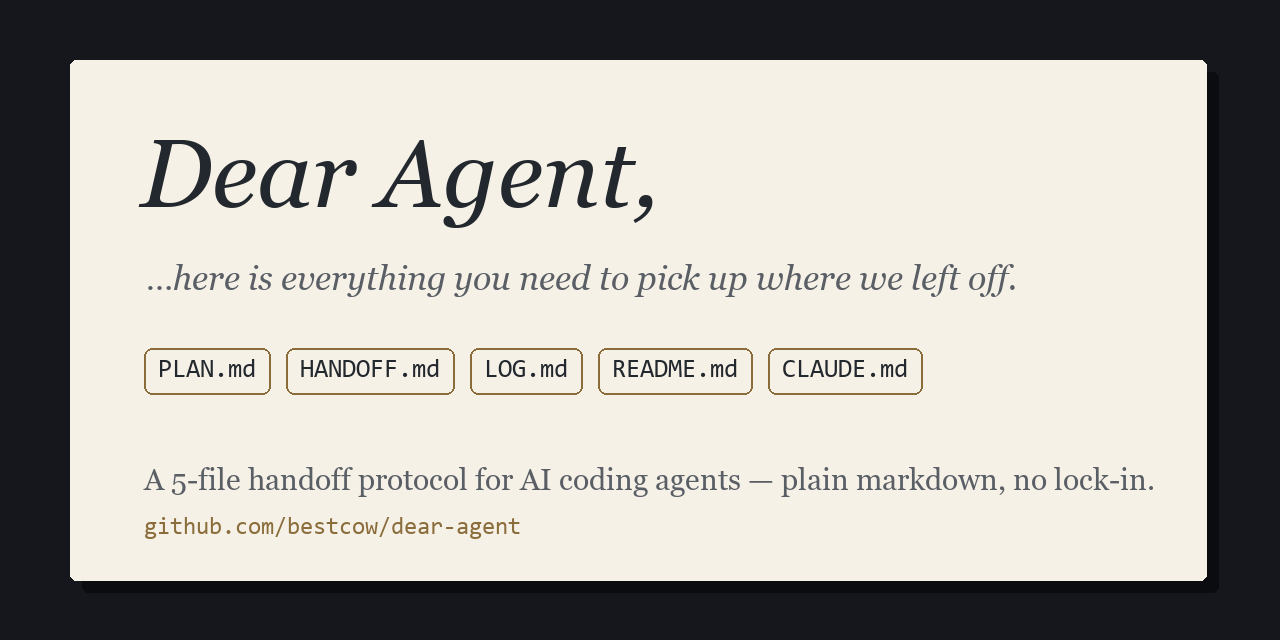

A tiny, opinionated documentation system for projects built with AI coding agents (Claude Code and friends) — the letter your project leaves for the next session's agent.
The problem: agents forget everything between sessions. Every new session starts with you re-explaining what the project is, where it stopped, and what to do next.
The fix: five small markdown files per project — each with exactly one job, zero overlap — plus a generator that turns them into a workspace-wide project map once you have many projects.
Tier 1 — one project (30 seconds)
Copy the five files from _templates/ into your repo and fill them in:
| File | Job | Update when |
|---|---|---|
PLAN.md |
goals, scope, tech decisions | decisions change |
HANDOFF.md |
current state: last work / next steps / blockers, + status frontmatter | every session end |
LOG.md |
one line per notable change | features/fixes land |
README.md |
how to run it | run steps change |
CLAUDE.md |
agent ops guide: commands, code map, pitfalls | build/structure changes |
The heart is HANDOFF.md. Its YAML frontmatter is the single source of truth for project state:
---
status: 개발            # 기획(planning) | 개발(building) | 운영(live) | 보류(paused)
updated: 2026-07-05
summary: one-line status
repo: org/name          # delete this line if no remote
---
An agent reads it at session start and knows exactly where to pick up — no re-explaining.
Using an agent other than Claude Code? Copy or symlink
CLAUDE.mdtoAGENTS.md.
Tier 2 — many projects (a workspace)
When projects multiply, this repo doubles as a workspace template: category folders hold projects, and a generator scans every HANDOFF.md frontmatter to build tables of contents.
workspace/
├─ OVERVIEW.md          ← generated: map of ALL projects
├─ CONVENTIONS.md       ← the single rulebook
├─ apps/                ← a category folder (any name)
│  ├─ _INDEX.md         ← generated: projects in this category
│  ├─ todo-api/         ← a project (the 5 files + code)
│  └─ web-dashboard/
└─ build-index.ps1 / build-index.py
Run either generator — they produce byte-identical output (CI-enforced), no dependencies:
powershell -File ./build-index.ps1    # Windows PowerShell 5.1+
python3 build-index.py                # anywhere with Python 3.7+
It auto-discovers categories, regenerates _INDEX.md / OVERVIEW.md between <!-- AUTO --> markers (hand-written notes outside the markers are preserved), and warns about unfilled placeholders, invalid status values, and stale dates.
See _example/ for a filled-in demo, and the generated tables it produces.
Enforcement — why agents can't ignore it
The convention is enforced in three layers, all shipped inside the template:
CLAUDE.md— always-on context: the rules are visible in every session.dear-agentskill (.claude/skills/) — step-by-step procedures for session start/end, new projects, and structure changes./handoffruns the session-end procedure on demand.- Hooks (
.claude/settings.json) — deterministic: a SessionStart hook injects the rulebook + live project status into context, and a Stop hook blocks the session from ending while any project's files are newer than itsHANDOFF.md.
Hooks need Python 3.7+ (stdlib only) and a one-time approval prompt when you first open the folder; without Python, layers 1–2 still work.
Get started: click Use this template, then follow USAGE.md (8 steps). Full rules live in CONVENTIONS.md.
Full rulebook in English: CONVENTIONS.en.md · setup guide: USAGE.en.md. Korean originals are canonical.
FAQ
Why not just one big CLAUDE.md? One file mixes four different update cadences (state changes every session; goals rarely change), so agents either rewrite everything or nothing. Five files with one job each means each update touches exactly one place — and HANDOFF.md alone is the state.
Does this work with agents other than Claude Code? The five files are plain markdown — any agent can read them. Copy or symlink CLAUDE.md to AGENTS.md for Codex/Cursor-style agents. The skill/hooks enforcement layer is Claude Code-specific; other agents still get layers via AGENTS.md.
What if I don't have Python? The hook layer silently disables; the skill and CLAUDE.md layers still work. The generator also runs on PowerShell alone (build-index.ps1).
License: MIT
한국어
Dear Agent — 다음 세션의 에이전트에게 남기는 편지입니다. AI 코딩 에이전트(Claude Code 등)와 함께 만드는 프로젝트를 위한 초소형 문서 체계입니다.
문제: 에이전트는 세션이 끝나면 전부 잊습니다. 새 세션마다 "이 프로젝트가 뭐고, 어디까지 했고, 다음이 뭔지"를 다시 설명하게 됩니다.
해법: 프로젝트당 md 파일 5개 — 각자 역할이 하나씩이고, 중복이 없습니다. 프로젝트가 여러 개가 되면 생성기가 HANDOFF.md frontmatter를 읽어 전체 지도를 자동으로 만들어 줍니다.
시작하기
- 프로젝트 하나만 →
_templates/의 md 5개를 내 레포에 복사해 채우면 끝입니다.
핵심은HANDOFF.md입니다 — frontmatter(status·updated·summary·repo)가 프로젝트 상태의 단일 원본이고, 에이전트가 세션 시작 때 이걸 읽고 바로 이어서 작업합니다. 세션을 끝낼 때마다 갱신하는 것이 규칙의 전부입니다. - 워크스페이스(여러 프로젝트) → Use this template으로 레포를 만들고 USAGE.md의 8단계를 따라 주세요. 분류 폴더 안에 프로젝트를 두면
build-index.ps1(또는python3 build-index.py, 바이트 동일 출력)가_INDEX.md·OVERVIEW.md목차를 자동 생성합니다.
전체 규약(문서별 갱신 시점, 상태 값 정의, 단일 출처 원칙)은 CONVENTIONS.md가 단일 기준입니다. 채워진 예시는 _example/를 참고하세요.
Claude Code 외의 에이전트를 쓰신다면 CLAUDE.md를 AGENTS.md로 복사하거나 링크하면 됩니다.
규약이 무시되지 않는 이유
규약은 3중으로 강제되며 전부 template 안에 들어 있습니다: ① CLAUDE.md(상시 컨텍스트) ② dear-agent 스킬(시작·종료·구조 변경 절차, /handoff 포함) ③ 훅(.claude/settings.json) — 세션 시작 때 규약과 프로젝트 현황을 컨텍스트에 주입하고, HANDOFF.md가 갱신되지 않은 채 세션을 끝내려 하면 종료를 차단합니다. 훅은 Python 3.7+와 최초 1회 승인이 필요하고, 없어도 ①②는 그대로 작동합니다.
Reviews (0)
Sign in to leave a review.
Leave a reviewNo results found