bux
Health Pass
- License — License: MIT
- Description — Repository has a description
- Active repo — Last push 0 days ago
- Community trust — 327 GitHub stars
Code Warn
- network request — Outbound network request in agent/mini_app_static/app.js
- network request — Outbound network request in agent/mini_app_static/tinder.js
Permissions Pass
- Permissions — No dangerous permissions requested
No AI report is available for this listing yet.
Browser Use Box: a 24/7 Claude Code agent with Browser Use Cloud, Telegram, and a real browser on any box you own.
Browser Use Box ♞

Your 24/7 Claude Code agent with a real browser, on any box you own.
Rent any $5 VPS (Hetzner, DigitalOcean, Mac mini, Raspberry Pi — anything that runs Ubuntu), point one install script at it, and text your agent from anywhere.
$ curl -fsSL https://raw.githubusercontent.com/browser-use/bux/main/install.sh \
    | sudo BROWSER_USE_API_KEY=bu_xxx bash
Three minutes from a blank VPS to "hey claude, check my email and summarize the unread ones" via Telegram.
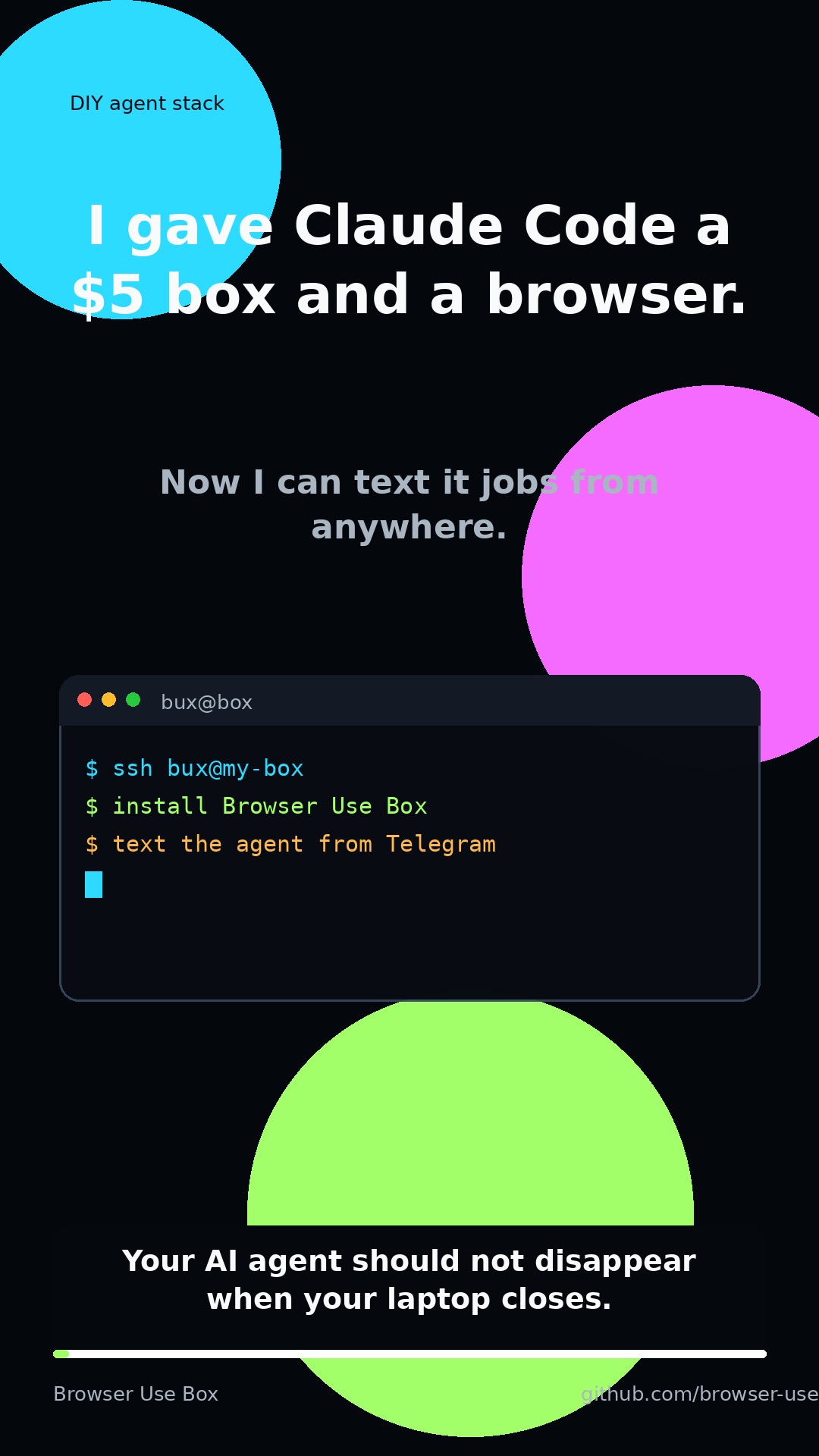
Watch the 14-second Browser Use Box demo on TikTok.
Setup prompt
Paste into Claude Code (on your laptop) and it will set up your VPS for you:
Set up https://github.com/browser-use/bux on my remote box.

SSH into it (I'll paste the host below), run install.sh with my BROWSER_USE_API_KEY, and optionally wire up a Telegram bot if I give you a token from @BotFather. Read install.md first. After the install completes, verify the services are running (systemctl is-active bux-browser-keeper bux-ttyd), then become the `bux` user and run `claude /login` so I can complete the OAuth flow. Once logged in, test the setup by asking claude to visit https://browser-use.com and report the page title.
What you get
- Claude Code logged in and always on
- A real Chromium session via browser-harness — cookies persist, logins stick
- A Telegram bot so you can text your agent — pass
TG_BOT_TOKEN=xxxto the installer to enable - A web terminal bound to localhost for when SSH is too much
- When claude hits a login wall / 2FA / CAPTCHA, it hands you a live view URL and waits — no credential-stuffing, no brittle workarounds
Requirements
- A box — Ubuntu 22.04+ with ≥2GB RAM. A $5/mo VPS is fine.
- Browser Use Cloud API key — free tier: 3 concurrent browsers, proxies, CAPTCHA solving.
- An Anthropic API key or Claude Max subscription (claude asks on first
/login). - (optional) A Telegram bot token from @BotFather.
How it works
  telegram ──►  telegram_bot.py ─┐
                                 ├──► claude -p  ──► browser-harness ──► BU Cloud
  browser  ──►  ttyd ────────────┘         │            (cdp over wss)
                                           ▼
                                  /home/bux (persistent state)
Three small services under systemd. Agent state lives in /home/bux, so reboots keep your cookies, skills, and chat history.
Docs
- install.md — full install guide and troubleshooting
- agent/CLAUDE.md — the context claude loads on every session. Edit it to customize behavior (working dir layout, skill policies, allowed tools), then rerun
install.sh— it's idempotent and the next claude turn picks up the change.
Managed offering
If you'd rather not run your own VPS: cloud.browser-use.com provisions a box for you in ~60s — same software, zero setup, one-command bux up via a Claude Code skill.
Contributing
PRs welcome — bug fixes, docs tweaks, and new features all appreciated. Open an issue first if you're planning something larger.
License
MIT. See LICENSE.
Reviews (0)
Sign in to leave a review.
Leave a reviewNo results found