cchub-cloud
Health Uyari
- License — License: MIT
- Description — Repository has a description
- Active repo — Last push 0 days ago
- Low visibility — Only 5 GitHub stars
Code Basarisiz
- fs module — File system access in app/scripts/gen-icon.cjs
- rm -rf — Recursive force deletion command in install.sh
Permissions Gecti
- Permissions — No dangerous permissions requested
Bu listing icin henuz AI raporu yok.
Your terminal AI coding agents (Claude Code / Codex / Gemini) — watch & take over from your phone, in real time. Local-first, private.
cc-console
Your terminal AI coding agents — on your phone, in real time.
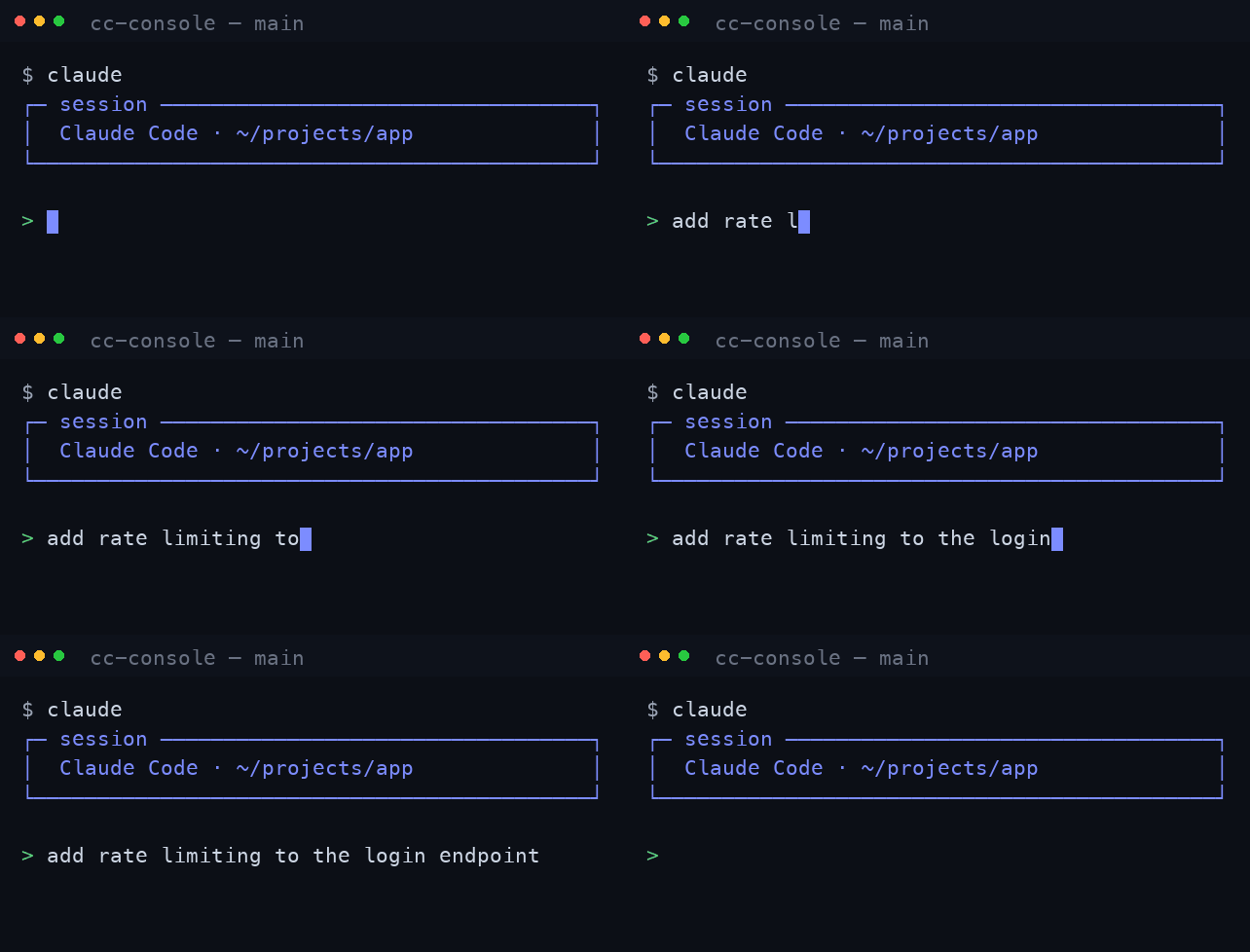
cc-console mirrors the Claude Code / Codex / Gemini sessions running in your
terminal to your phone, tablet, or any browser. Watch them live, take over with a
tap, answer their Yes/No prompts from anywhere — the session never drops.
🌐 Website · ⬇️ Download · 🔑 Sign in · 🇨🇳 中文 README



Why cc-console
Your agents run on your desktop, but you can't sit there all day. cc-console brings
their live sessions to wherever you are — without sending your code or keys
through anyone else's servers.
- ⚡ Real-time mirror — the same terminal as your desktop, perfectly in sync.
- 📱 Take over on mobile — approve prompts from the couch or the train.
- 🧠 Multiple agents at once — Claude, Codex & Gemini side by side, colour-coded.
- 🔔 Proactive alerts — when an agent stops for a Yes/No, it pings you (sound +
push + tab badge). One-tap Autopilot can auto-confirm so long tasks finish. - 📊 Usage & cost — live token accounting per session and in aggregate.
- 🔒 Local-first & private — loopback-only by default; remote goes through your
own end-to-end tunnel with token auth. No open ports, no public IP required.
Install
Need
tmuxon macOS/Linux, plus the agent CLI you use (claude/codex/gemini) on yourPATH. Remote access additionally needscloudflared.
macOS
- Download the .dmg and drag cc-console into Applications.
- The build isn't code-signed yet, so the first launch is blocked. Open a new Terminal window (Spotlight → type "Terminal") and run the two commands below:
xattr -dr com.apple.quarantine /Applications/cc-console.app # clear the unsigned-app block brew install tmux cloudflared # tmux is required; cloudflared only for remote access - Now open cc-console from Applications (or right-click the app → Open).
Windows
Download the .exe installer and run it
(SmartScreen → More info → Run anyway). A built-in session engine — no tmux needed.
Ubuntu server (headless)
Reach a remote box from your phone via your own yourname.cchub.cloud address:
# 1) get a device code: sign up at https://cc.cchub.cloud → set a name → Generate device token
# 2) on the server:
sudo apt install -y tmux
curl -fsSL https://github.com/cc-console/releases/releases/latest/download/install.sh | sh
cc-console link        # paste the ccd_… device code
cc-console             # opens at https://yourname.cchub.cloud
Full server guide (proxy, cloudflared, systemd persistence): cc.cchub.cloud/#server.
How it works
  Your machine                        Cloudflare edge            You, anywhere
┌─────────────────────┐                                       ┌───────────────┐
│ claude / codex /     │   cc-console daemon                   │  phone /      │
│ gemini  (tmux/pty)   │──►  (Rust, local)  ──► encrypted ───► │  browser      │
│                      │     WebSocket bridge   tunnel         │  same session │
└─────────────────────┘                                       └───────────────┘
The daemon runs entirely on your machine. Remote access is an opt-in Cloudflare
tunnel with forced token auth — your code and API keys never touch our servers. A
hosted option gives you a stable yourname.cchub.cloud address with zero setup.
Links
- Website / download: https://cc.cchub.cloud
- Account / sign in: https://app.cchub.cloud
- All releases: https://github.com/cc-console/releases/releases
Yorumlar (0)
Yorum birakmak icin giris yap.
Yorum birakSonuc bulunamadi