clave
Health Pass
- License — License: MIT
- Description — Repository has a description
- Active repo — Last push 0 days ago
- Community trust — 47 GitHub stars
Code Pass
- Code scan — Scanned 12 files during light audit, no dangerous patterns found
Permissions Pass
- Permissions — No dangerous permissions requested
No AI report is available for this listing yet.
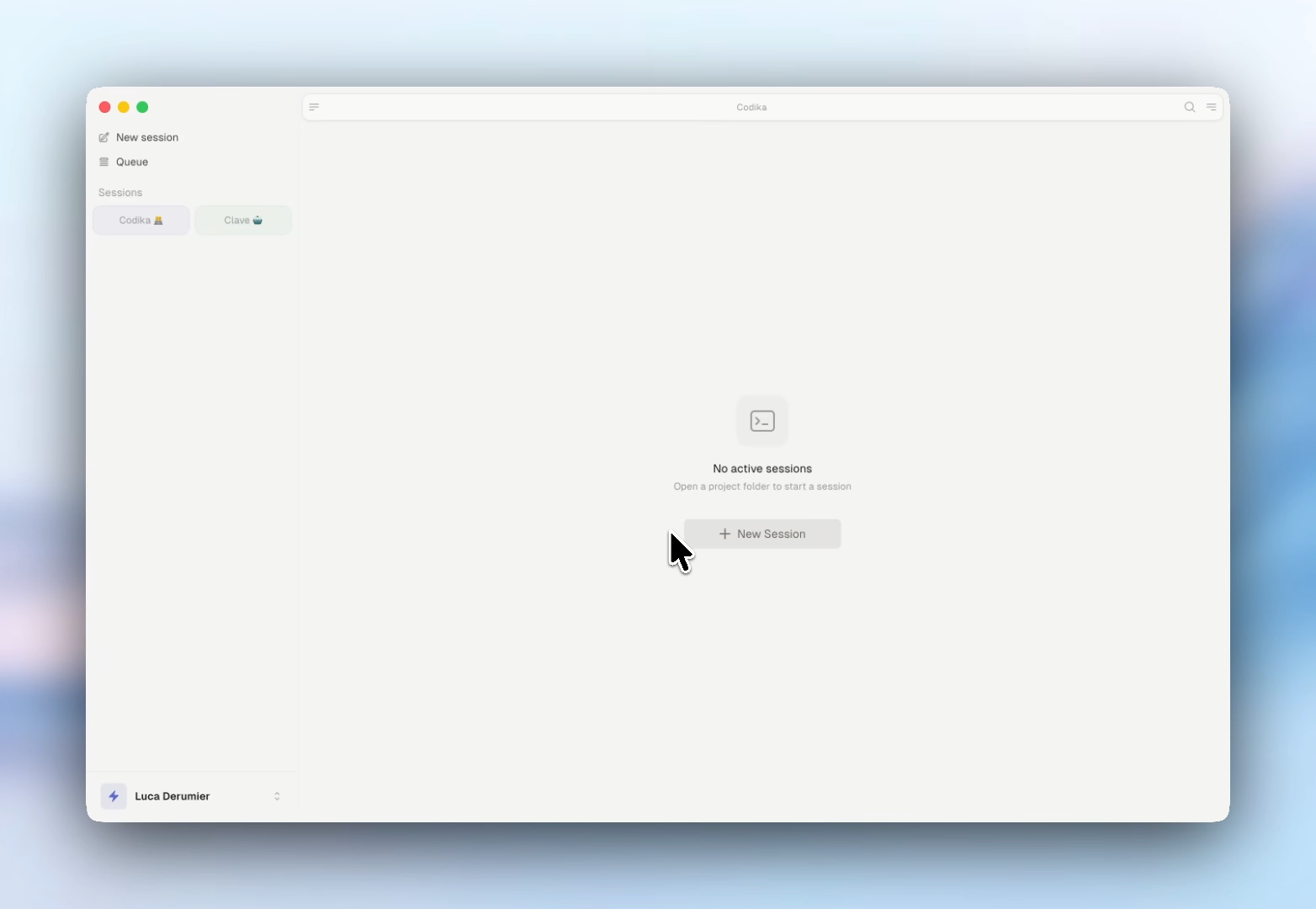
A macOS desktop app for managing multiple Claude Code sessions



Clave is a macOS desktop app for managing multiple coding-agent sessions in parallel.
Provider-agnostic: run Claude Code, Antigravity CLI, Codex CLI, and Pi sessions side by side. Open as many as you need, arrange them in split or grid layouts, and switch between them instantly.
Download
Download the latest version (macOS Universal — Apple Silicon & Intel) · All releases
Download the .dmg, drag to Applications, done.
Auto-updates are built in — once installed, new versions download silently in the background.
Uninstall
Quit Clave and drag it from /Applications to the Trash. To also remove local settings and cached session data, delete ~/Library/Application Support/clave.
Agent plugin
Clave ships a companion agent plugin, in plugin/ in this repo, that lets any Claude Code, Cursor, or other Open-Plugin-compatible coding agent generate .clave workspace files for you. It lives here rather than in a repo of its own so the skill and the .clave format it describes always ship together.
Install (any Open-Plugin-compatible host — auto-detects Claude Code, Cursor, …):
npx plugins add antasphere/clave
Claude Code native alternative:
/plugin marketplace add antasphere/clave
/plugin install clave@clave
Both paths install the same two skills: /clave:create-workspace and /clave:recover-sessions.
Usage: ask your agent something like "create a clave workspace for this repo with 3 sessions". It writes a valid .clave file to your chosen path; open it in Clave. Or, after a crash, "recover the sessions I lost" — it rebuilds your groups from the transcripts Claude Code already stores on disk.
Updating:
npx plugins add antasphere/clave # re-run to pull latest
(Or /plugin update clave@clave in Claude Code native.)
Uninstalling: /plugin uninstall clave@clave in Claude Code, or the equivalent in your host.
Previously distributed as
codika-io/clave-pluginand installed asclave@clave-plugin. That repo is archived; if you installed from it, uninstall and re-run the command above.
Features
- Run a fleet of agents — Open unlimited Claude Code, Antigravity, Codex, and Pi sessions, each in its own PTY, plus plain terminals. Named launch profiles can wrap a CLI with tools such as TokenOps while Clave keeps session and resume flags under its control.
- Git, built in — A full git panel with diff viewer and commit history, plus MagicSync: pull, stage, write an AI commit message, commit, and push in one click.
- Edit beside your agent — Link Markdown, HTML, or a structured email to its originating session. Edit in a focused two-pane view, with autosave, managed attachments and signatures, and agent-driven Gmail sending. Workflow and dev testing.
- Local & remote files — Browse and edit files with syntax-highlighted previews, on your machine or on remote hosts over SSH/SFTP.
- Remote sessions — Connect to any host over SSH and run your agents there with the same UI and shortcuts.
- Fully local — A desktop app with no cloud backend and no account; your code, sessions, and keys stay on your machine.
Requirements
- macOS (Apple Silicon or Intel)
- At least one supported agent CLI installed and authenticated: Claude Code, Antigravity CLI, Codex CLI, or Pi.
Privacy & network
Clave is local-first. It has no account or sign-in. Your sessions, history, and settings stay on your machine. The only thing it sends home is one anonymous ping a day, so we can count how many people actually use Clave:
POST https://ping.clave.work/api/ping
{ "id": "<random uuid>", "appVersion": "1.52.0", "platform": "darwin-arm64" }
That is the entire payload — three fields, nothing else, ever. The id is a random UUID generated on your machine; it carries no email, no username, and no hardware fingerprint, and the server stores only a keyed hash of it, never the raw ID. You can turn the ping off in Settings → General → Privacy (the first launch shows a notice with a one-click "Turn off"). The whole client is ~100 lines you can read at src/main/telemetry.ts — it fails silently, never retries within a check, and can never affect app behavior.
The only other network requests Clave makes are:
- Claude Code reaches the Anthropic API through your own local Claude Code install — Clave never proxies or sees that traffic.
- Auto-updates — electron-updater checks GitHub Releases for new versions and installs the signed, notarized build on quit. Auto-download is off by default.
- Usage ping — the once-a-day anonymous
POSTtoping.clave.workdescribed above (optional, toggle in Settings). - Git operations — standard fetch/pull/push to whatever remotes your own repositories use.
- SSH / SFTP — only to remote hosts you explicitly add.
- OpenClaw agent chat — an optional WebSocket connection, established only when you connect an SSH location that has OpenClaw running.
A "Dangerous Mode" session (Cmd+D) launches Claude Code with
--dangerously-skip-permissions. It is never the default and is clearly labelled in the UI.
Build from source
git clone https://github.com/antasphere/clave.git
cd clave
npm install
npm run dev          # development with hot reload
npm run build:mac    # build macOS .dmg (requires signing credentials)
macOS signing: why we build the keychain ourselves
scripts/release.sh imports the signing certificate into a keychain of its own
and hands it to electron-builder through CSC_KEYCHAIN, instead of letting
electron-builder create one from CSC_LINK. If you are wiring up your own
pipeline and wondering why, or you hit this error:
security: SecKeychainUnlock: The user name or passphrase you entered is not correct.
That message points at the wrong thing. It is not your CSC_KEY_PASSWORD
secret, and rotating credentials will not help.
electron-builder's importCerts() runs two commands per certificate:
security import <cert.p12> -k <keychain> -P <certificate password>       # -P: correct
security set-key-partition-list ... -k <certificate password> <keychain> # -k: see below
On the second command, -k is the password that unlocks the keychain — but
the certificate's password is passed. Since electron-builder generates a random
keychain password, the two never match. We could not reproduce a green run of
that command locally with mismatched passwords, yet it clearly worked in our CI
for a long time before it stopped, and we have not established what changed. Our
last successful and first failing builds differ only in the GitHub runner image
(macos-26-arm64 20260728.0273 → 20260831.0337) — same code, same
electron-builder 26.7.0, same credentials — so something in the environment is
the trigger, but we cannot say what, and the original build logs have since
expired.
What we did verify, and what the workaround rests on:
security set-key-partition-list -kvalidates its argument against the
keychain, and rejects the certificate password unless it happens to be the
keychain's password.- The call is
awaited unguarded, so a failure fails the build. - The same line is present in electron-builder 26.7.0 through 26.16.0 (latest at
the time of writing), so upgrading is not a fix.
macPackager uses CSC_KEYCHAIN as given when CSC_LINK is unset, which is the
seam release.sh uses: it creates the keychain, imports the certificate,
unlocks it, sets the partition list with the keychain's own password, and runs
the build with CSC_LINK/CSC_KEY_PASSWORD unset so the upstream path is never
entered. Notarization is unaffected — it reads APPLE_ID,APPLE_APP_SPECIFIC_PASSWORD and APPLE_TEAM_ID only. An EXIT trap restores
the keychain search list and deletes the keychain.
Tech stack
Electron · React 19 · TypeScript · xterm.js · node-pty · Zustand · Tailwind CSS v4 · Framer Motion · shiki · simple-git · ssh2
Contributing
See CONTRIBUTING.md for guidelines on reporting bugs, suggesting features, and submitting pull requests.
License
Reviews (0)
Sign in to leave a review.
Leave a reviewNo results found