ClaudeNotch
Health Warn
- License — License: NOASSERTION
- Description — Repository has a description
- Active repo — Last push 0 days ago
- Low visibility — Only 5 GitHub stars
Code Fail
- rm -rf — Recursive force deletion command in Tools/demo.sh
- rm -rf — Recursive force deletion command in Tools/make-dmg.sh
- rm -rf — Recursive force deletion command in Tools/make-icon.sh
- rm -rf — Recursive force deletion command in build.sh
- rm -rf — Recursive force deletion command in uninstall.sh
Permissions Pass
- Permissions — No dangerous permissions requested
No AI report is available for this listing yet.
Claude Code status in the MacBook notch: live Clawd, hover details, Allow/Deny buttons
English · Русский

Claude Notch
Claude Code in your MacBook's notch, like the Dynamic Island on an iPhone.
See what Claude is doing, how long it's been at it and when it needs you, and answer it right there.
And Clawd lives in the notch.

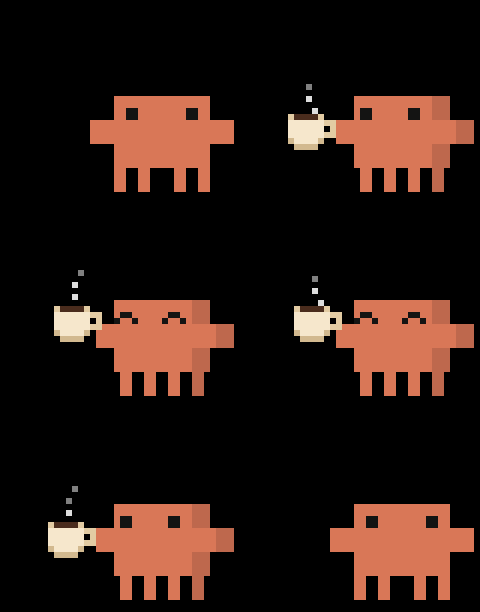 Coffee |
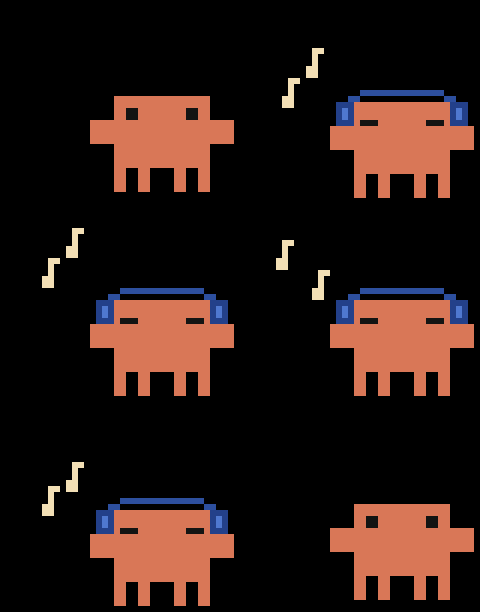 Music |
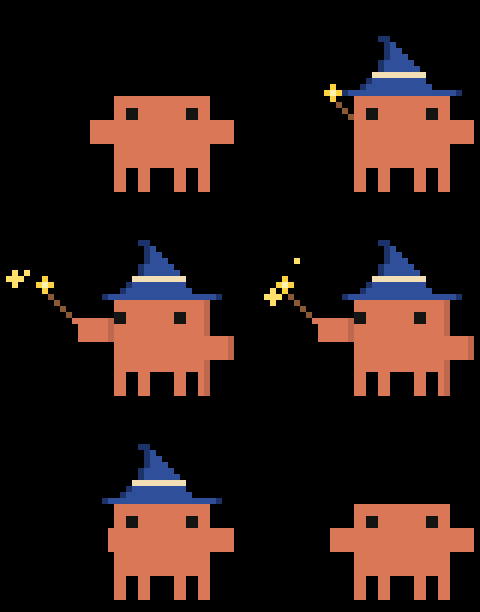 Magic |
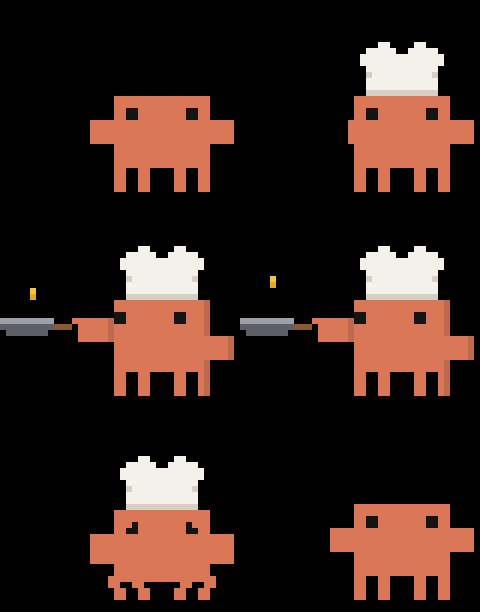 Pancakes |
Install
You need macOS 14 or later and Claude Code, in a terminal or in the Claude app.
- Download ClaudeNotch-….dmg from the latest release and open Claude Notch right in it. Apple hasn't notarized it, so the first time macOS won't: click Done, then System Settings → Privacy & Security → Open Anyway.
- Click Move: it copies itself to Applications and opens from there.
- When it asks to connect to Claude Code, click Connect. It adds its hooks to
~/.claude/settings.jsonand keeps the original next to it.
Or with Homebrew:
brew install craftstick/tap/claude-notch
Then open Claude Notch from Applications (the first time: Done, then System Settings → Privacy & Security → Open Anyway) and click Connect. Update with brew upgrade claude-notch.
Update: open the new one from its disk image and click Move: it quits the old one and takes its place.
Uninstall: move the app to the Trash and click Remove All: its hooks, login item, settings and data go with it.
xcode-select --install   # Apple's command line tools, if you don't have them yet
git clone https://github.com/CraftStick/ClaudeNotch.git ~/ClaudeNotch
cd ~/ClaudeNotch && ./install.sh
install.sh builds the app into /Applications and adds the hooks. Update with git pull && ./install.sh, remove with ./uninstall.sh, run the tests with swift test.
What it does
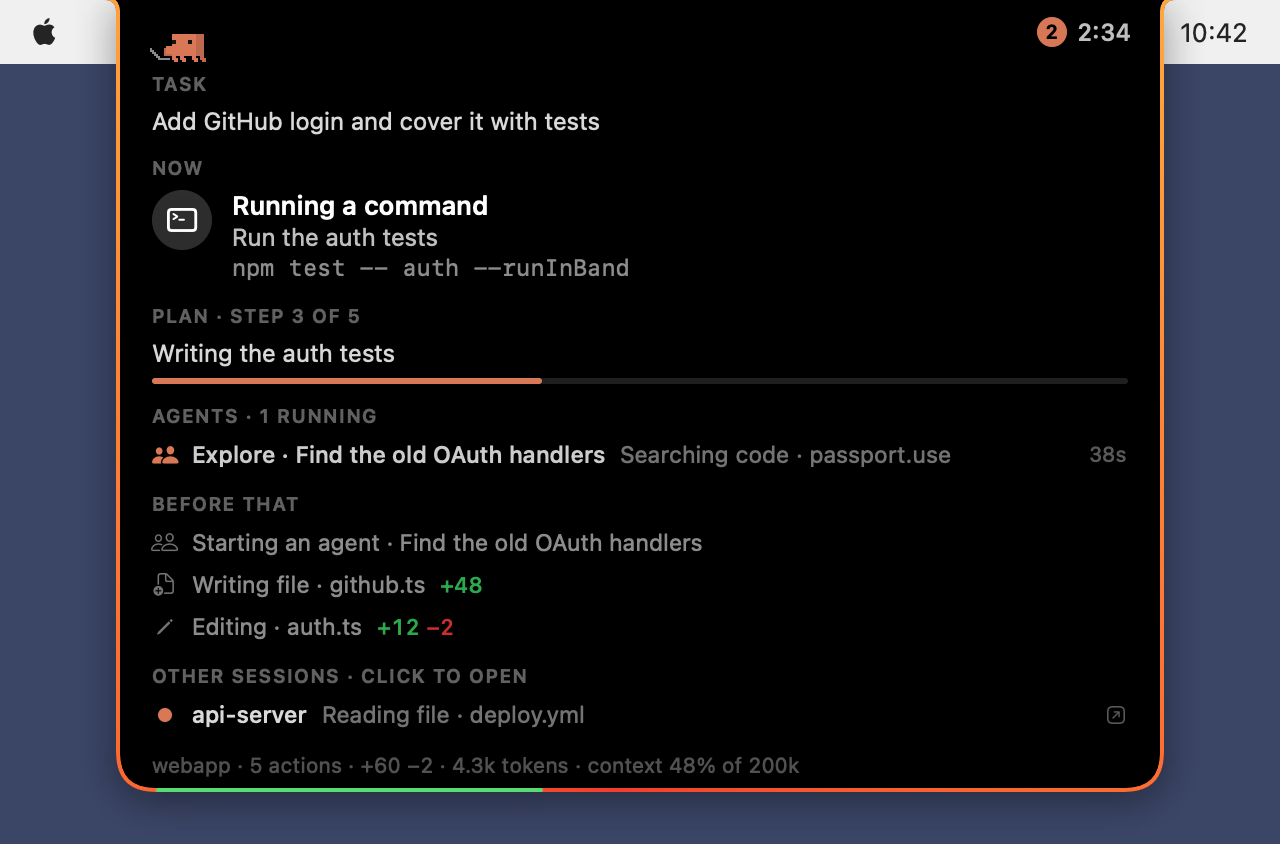
- Status in the notch. Clawd on the left, the task's time on the right, a counter when several sessions are at work. The notch opens for what matters: a new task, a failure, Claude waiting for you, done.
- Details on hover. The task, what Claude is doing and why, its plan, subagents, recent actions, tokens and context, other sessions. A click brings forward the terminal tab or app the session runs in.
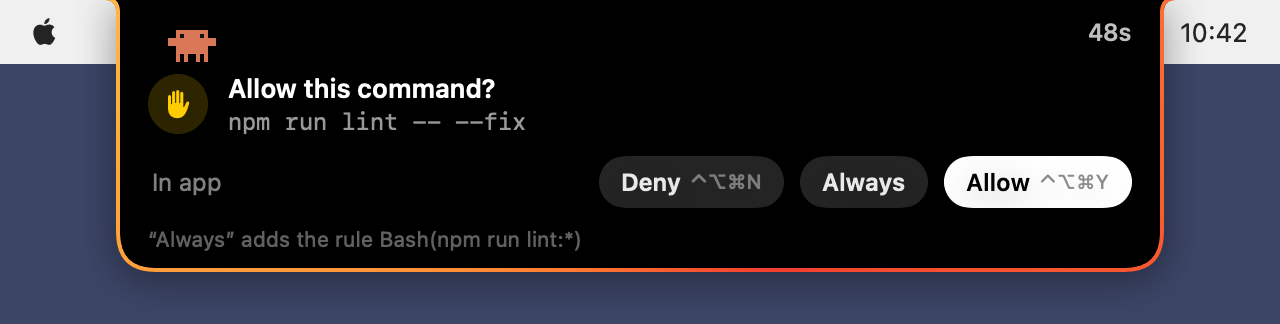
- Answers from the notch. Allow or deny a permission request (⌃⌥⌘Y / ⌃⌥⌘N, or Always), and pick the answers to Claude's questions (⌃⌥⌘1…4).
- Clawd. He types while Claude works, thinks, waves when it needs you, hops when it's done and dozes while he rests; he turns detective while Claude searches, packs papers into a box while it compacts and launches a rocket after a push. With Clawd stays in the notch on, he lives there for good, with pastimes of his own. All his animations →
- A sound when Claude is done or waiting for you, a glowing rim, English and Russian, your own shortcuts, an update check if you want one. All of it in the settings: Clawd's menu in the menu bar → Settings… (⌘,).
How it works
Claude Code runs a tiny hook on every event, which hands it to the app over a local socket and, for a permission request or a question, hands your answer back. The app also reads the session files in ~/.claude/projects, to notice Esc and count tokens.
Everything stays on your Mac, with no network. The one exception is a check for updates on GitHub once a day, and only if you switch it on in the settings. While the notch can't be seen (the display asleep, the screen locked), the app doesn't wake up at all; while Claude works, it takes about 1–2% of one core.
Troubleshooting
- The notch doesn't react: check that Connected to Claude Code is on in the settings. Sessions opened before may need a restart.
- A click opens the terminal but not the session's tab: allow Claude Notch in System Settings → Privacy & Security → Automation.
- What reaches the app:
tail -f ~/Library/Application\ Support/ClaudeNotch/events.log.
Ideas
Have an idea for what to add, or found something that doesn't work? Open an issue and tell me about it.
About Clawd
Clawd is Anthropic's character, and his sprites aren't in this repository: the app reads them from the Claude app on your Mac, and draws a simpler Clawd if it isn't there. This project isn't affiliated with or endorsed by Anthropic.
PolyForm Strict License 1.0.0, for every version, 0.1.0 to 0.1.6 included: you may use Claude Notch for any noncommercial purpose and share unchanged copies of it for free, but not make changes or new works based on it.
⭐ If Claude Notch makes your day with Claude Code a little nicer, give it a star: it's made by one person, and every star helps others find it.
Reviews (0)
Sign in to leave a review.
Leave a reviewNo results found