viral-hook-reels-skill
Health Warn
- License — License: MIT
- Description — Repository has a description
- Active repo — Last push 0 days ago
- Low visibility — Only 6 GitHub stars
Code Pass
- Code scan — Scanned 12 files during light audit, no dangerous patterns found
Permissions Pass
- Permissions — No dangerous permissions requested
No AI report is available for this listing yet.
Agent skill: paste a viral video link, get a finished hook-breakdown reel. Script, AI voice, captions, edit and cover in about five minutes. Works with Claude Code, Codex, Cursor, Gemini CLI. By PostAxis.
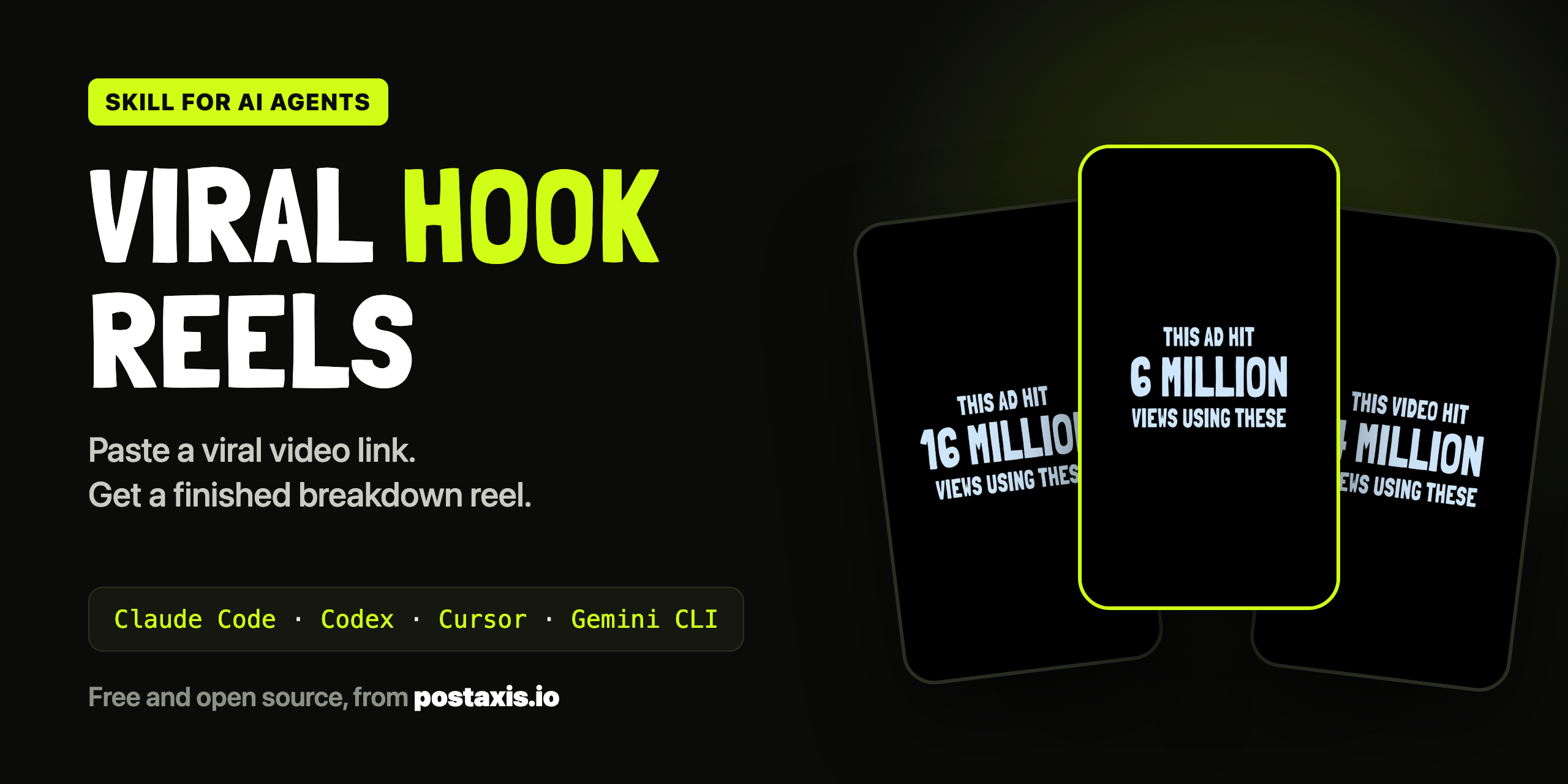
Viral Hook Reels
A skill for AI agents that turns any viral video link into a finished "why this went viral" reel.
Script, voiceover, captions, edit, cover and post caption. One request, about five minutes.
Works with Claude Code, Codex, Cursor, Gemini CLI and any agent that can run commands and look at images.



Make a hook reel from https://www.instagram.com/reel/XXXXXXXX/ and end with follow
You know the format: a viral video plays, freezes, and a fast voice says "This video pulled 6.8 million views, and surprisingly, it was an ad." Then three psychology triggers, a formula, and a call to action. Those reels get millions of views and take an editor an hour each.
This skill makes one from a link. Your agent watches the video frame by frame, finds the second where the viewer "gets it" and writes a script about that specific video. The engine in this repo records the voice, cuts the edit and renders a 1080 x 1920 MP4.
Made by the team behind PostAxis, the social media scheduler built for AI agents.
What comes out
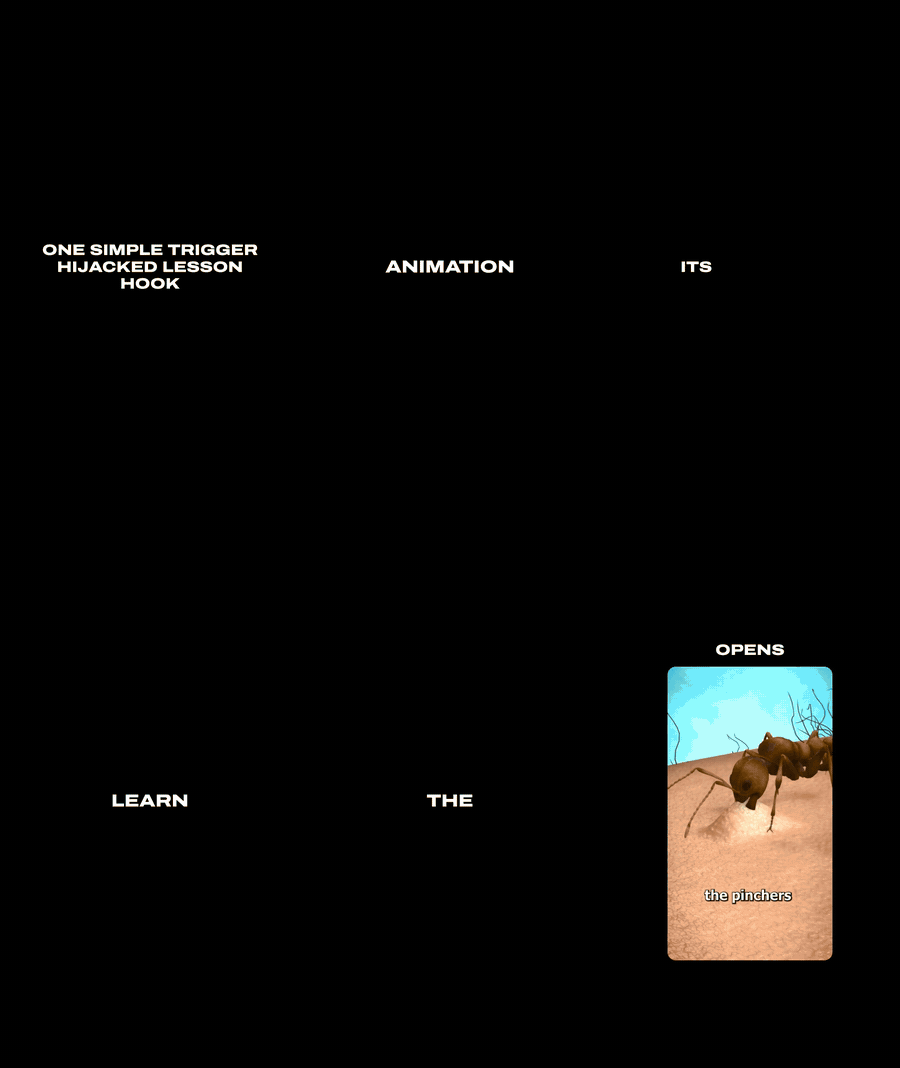
Three moments from three reels this skill made. Previews are silent and shrunk; the real files are full HD with voice.
| 1. The opening plays, then the cut | 2. The breakdown | 3. The ending |
|---|---|---|
 |
 |
 |
| The source plays untouched until the viewer understands it. Then the frame freezes and the view count stacks up. | Replays of the exact moment being described, footage cards and text cards, one caption word at a time. | The formula in one line, then the ending you picked. Here: comment a keyword. |
| Source: shamshotchicken, 6.8M views | Source: jackson.rips, 4.9M views | Source: wantsandneedsbrand_, 16.2M views |
Every reel also gets a cover picture and a caption to paste:



Quick start
1. Install the tools (macOS shown)
brew install node ffmpeg yt-dlp
2. Install the skill into your agent's skills folder
| Agent | Command |
|---|---|
| Claude Code | git clone https://github.com/dovudhusan/viral-hook-reels-skill ~/.claude/skills/hook-reel |
| Codex | git clone https://github.com/dovudhusan/viral-hook-reels-skill ~/.codex/skills/hook-reel |
| Cursor | git clone https://github.com/dovudhusan/viral-hook-reels-skill ~/.cursor/skills/hook-reel |
| Gemini CLI | git clone https://github.com/dovudhusan/viral-hook-reels-skill ~/.gemini/skills/hook-reel |
| Any other agent | git clone https://github.com/dovudhusan/viral-hook-reels-skill, open that folder in your agent and say: "Read SKILL.md and make a hook reel from this link: …" |
The last row works everywhere, because the repo carries an AGENTS.md that points the agent at the skill. If your agent keeps skills somewhere else, clone into that folder instead.
3. Add your ElevenLabs key. Ask your agent for a hook reel once. On the first run it installs the engine's packages (a few minutes, one time) and creates engine/.env inside the skill folder. Open that file and fill in ELEVENLABS_API_KEY. Type the key into the file yourself; don't paste it into the chat.
4. Make a reel
Make a hook reel from https://www.instagram.com/reel/XXXXXXXX/ and end with follow
In agents with slash commands, /hook-reel <link> follow does the same. The MP4, its cover and the caption land in ~/Movies/Hook Reels.
| You need | Why |
|---|---|
| An AI agent that can run shell commands and look at images | It drives the engine and writes the script itself, on whatever model it runs on. No extra AI key |
| Node 22+, ffmpeg, yt-dlp | Render, audio work, downloading the source |
| An ElevenLabs API key | The voiceover, with word timings for the captions. About 700 characters per reel |
| Chrome, logged into Instagram | Only for Instagram links. TikTok and YouTube Shorts links need nothing |
Built and tested on macOS with Claude Code. The skill is a plain SKILL.md plus shell commands, so other agents follow the same steps; if yours trips somewhere, please open an issue. Linux should work; Windows is untested.
What happens to your link
flowchart LR
  A[Fetch<br>video + view count] --> B[Analyze<br>frames + speech]
  B --> C[Script<br>your agent writes it]
  C --> D[Voice<br>pauses cut, 1.15x]
  D --> E[Plan<br>scene per phrase]
  E --> F[Render<br>1080x1920 MP4 + cover]
  F --> G[Deliver<br>folder + caption]
The script is the one stage the engine hands to your agent. It gets a brief with the facts, the three approaches on offer and the rules, looks at one frame per second, and writes the script. The engine then checks it (the cut, the word count, the view count, the approach) and sends it back with a list of problems until it passes.
After the render the agent checks the work the way an editor would: it looks at a contact sheet of the finished reel before telling you it is ready. If something is off, it edits the script and re-runs only the stages that changed.
Every job is resumable. A failed render does not cost you a second voiceover.
The rules that make it not look like AI slop
Most of the work went into these. They are in SKILL.md and enforced by the engine.
- The cut waits for the payoff. The script records the second a first-time viewer understands what the opening leads to (for an ad, the second the product is on screen). The source plays until two to four seconds after that. Cutting in early is the worst mistake: the voice says "it was an ad" and nobody has seen the ad.
- The script is about this video. What is on screen, at which second, and what the viewer's brain does. A line that could be read over any video fails the check.
- No two reels in a row sound the same. Nine script approaches, three offered per reel, never one that the last three reels used. The brief also lists your last ten scripts so the agent stops repeating phrases.
- The voice is fast like a creator, not like a chipmunk. Pauses are cut out, then the audio runs at 1.15x.
- Captions are word-timed. White, uppercase, either one word at a time or a phrase building up, driven by the real timings of the recorded voice.
- The picture follows the words. When the voice describes a moment, that exact moment replays. Names get text cards. "Number one" gets a number card.
- Sound effects are rare. One per scene change that deserves it. Not one per caption.
- The source is credited on screen, and the video is never mirrored to hide where it came from.
Nine ways to break down a hook
The engine picks from these. They are also just a useful list if you write breakdowns by hand.
| Approach | Use it when | Opening line |
|---|---|---|
ad-reveal |
The video turns out to be an ad | "This video pulled over 6.8 million views, and surprisingly, it was an ad for …" |
named-hook |
The hook deserves a name | "… and it used one powerful hook, the fake science lesson hook." |
one-trigger |
One idea carries the whole video | "… and your brain fell for it before you even realized." |
crazy-part |
One surprising fact is visible in it | "… but here's the crazy part. Nobody in it says a single word." |
same-concept |
Any brand could copy it | "… and any brand can use the exact same concept." |
odd-setting |
An ordinary thing in the wrong place | "… and it wasn't shot in a barbershop, it was shot in a moving truck." |
timing |
It rode a season, a fear or a trend | "This video pulled over 7.6 million views in the first week of December." |
this-is |
A label says it all | "This is a wrong answer hook, and it pulled 9.1 million views." |
contrast |
It kept what most would cut out | "… by doing what most brands would cut out." |
A full example voiceover for each is in engine/src/examples.ts.
Six endings
Pass one after the link. The default is hooks.
| Ending | The reel closes on | Good for |
|---|---|---|
hooks |
"Comment hooks, and I'll send you …" over a blurred document | Comment-to-DM automations |
viral |
"Comment viral, and I'll send you psychology-based hooks …" | The same, with a second keyword |
follow |
The follow button being tapped | Growing the account |
save |
The save button being tapped | Saves |
share |
The share button being tapped | Reach |
like |
The heart being tapped | A light ask |
The keyword and the offer are yours to set in engine/config.json.
Two-clip comparisons
"This is the failed version. 13 million views. This is the good version. 2 million." For reels that compare two clips, the agent writes a small spec file and runs the compare command: clip one plays and gets a label, clip two plays and gets a label, then the voice explains the difference over replays. Ask for it in words: "compare these two videos". The spec format is in reference.md.
Make it yours
| Change | How |
|---|---|
| Music | Save a track as engine/assets/music/bed.mp3. None ships, so you can also add a trending sound in the app when you post |
| Reaction cutaways | Drop confused.mp4, shocked.mp4, mindblown.mp4, thinking.mp4 into engine/assets/reactions. Film your own face; it makes the reels yours |
| Voice | voiceId in engine/config.json (any ElevenLabs voice), voiceTempo for speed |
| Call to action | cta.keyword and cta.offer in engine/config.json |
| Output folder | outputDir in engine/config.json. Point it at a synced Drive or iCloud folder to get reels on your phone |
| Telegram ping when a reel is done | TELEGRAM_BOT_TOKEN and TELEGRAM_CHAT_ID in engine/.env |
To update: git pull inside the skill folder. Your .env and your jobs are untouched.
Made the reel? Now get it posted
A reel sitting in a folder gets zero views. PostAxis is the scheduler we built for exactly this kind of workflow:
- Upload once, post everywhere. The same file goes out as an Instagram Reel, a TikTok and a YouTube Short, plus X, LinkedIn, Facebook, Threads and Telegram.
- Built for AI agents. PostAxis connects to Claude, ChatGPT, Codex, Cursor or any MCP agent, very likely the same one you just made the reel with. Ask in plain words and it plans the week and schedules the posts.
- It checks each network's rules first, so a post does not fail at publish time because of a length or format limit.
- A calendar you can review before anything goes live, and a REST API if you would rather script it.
Make a week of breakdown reels on Sunday, schedule one a day, and stop thinking about it. There is a 7-day trial for $0.
Use it responsibly
- The source video belongs to its creator. The reel shows part of it to comment on it, and credits the account on screen. Keep the credit on, add commentary that is worth watching, and take a reel down if a creator asks you to.
- Nothing is posted for you. The skill saves files. You decide what goes out.
- Your keys stay on your computer in
engine/.env, which git ignores. The skill is told never to read that file back or ask for a key in chat. - Instagram links use your own Chrome session, read on your machine by yt-dlp at download time. Nothing is stored or sent anywhere else.
- Remotion renders the video. It is free for individuals and small teams; larger companies need a licence. See remotion.dev/license.
- View counts are never invented. If a link reports none, the skill asks you for the number.
Troubleshooting
| Problem | Fix |
|---|---|
| "Log into Instagram in Chrome" | Log in at instagram.com in Chrome, then tell your agent to run the job again |
voiceKey: false after setup |
ELEVENLABS_API_KEY is missing in engine/.env |
| The cut is too early or too late | Tell your agent: "the cut should be at 0:27". It re-plans without recording the voice again |
| The voice is too fast | "Set the voice tempo to 1.05 and redo the voice" |
| Render fails with "got no response" | The engine retries three times by itself. Ask your agent to resume once more |
| The script keeps failing the check | The video is probably too short or has no clear payoff. Try another one |
| Your agent cannot look at images | It cannot watch the video, so it should stop. Use an agent with vision, or the one-command mode in reference.md |
What is in the repo
SKILL.md          What the agent follows: set up, prepare, write, render, check, hand over
AGENTS.md         Points any agent that opens this folder at SKILL.md
reference.md      Approaches, script fields, scene types, the two-clip spec
scripts/setup.sh  Finds the engine, installs packages, reports what is missing
engine/           The program: TypeScript CLI + Remotion scenes (src/, remotion/, assets/)
examples/         The pictures on this page
Contributing
Issues and pull requests are welcome, especially new script approaches, new scene types and fixes for Linux or Windows. If this saved you an afternoon of editing, a star helps other people find it.
Licence
MIT. See LICENSE. Sound effects are CC0 and the cover font is under the SIL Open Font License; details in engine/assets/CREDITS.md.
Built by PostAxis: put your social media on autopilot with AI agents.
Reviews (0)
Sign in to leave a review.
Leave a reviewNo results found