signalbox
Health Warn
- License — License: MIT
- Description — Repository has a description
- Active repo — Last push 0 days ago
- Low visibility — Only 6 GitHub stars
Code Warn
- process.env — Environment variable access in .github/workflows/ci.yml
- process.env — Environment variable access in .github/workflows/release-please.yml
- fs module — File system access in components/assets/capture.js
- process.env — Environment variable access in components/cli/adapters/opencode/signalbox.js
Permissions Pass
- Permissions — No dangerous permissions requested
No AI report is available for this listing yet.
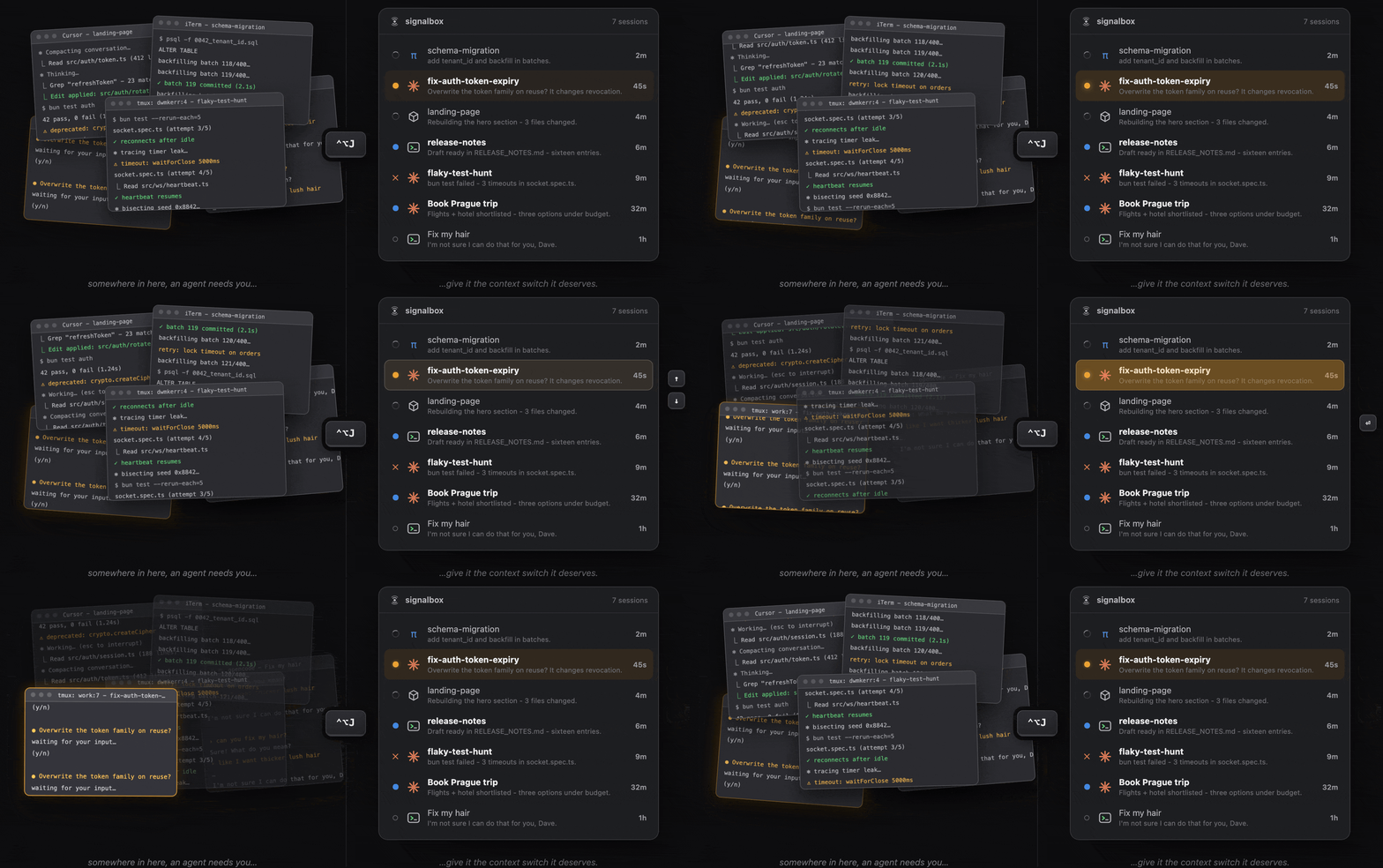
Jump to any agent session across Cursor, Claude Code, OpenCode and more. See all your chaos in one place and feed your need to context switch.
Are you tab-hunting your agents?
Your fingers are sore and your brain is hurting.
Why not see everything in one place with a single keystroke instead? Jump where the action is with another? The chaos is still there, you are still doing too much, but at least you are saving half a second each time you context switch.


Quickstart
Install and then run signalbox init - your coding agents across Cursor, Claude Code, Codex, OpenCode, pi and more will now report their progress to a local hub while you work.
# Install Signalbox then configure agent integrations.
brew install dwmkerr/tools/signalbox
signalbox init

# Star the repo if you find this useful.
gh api -X PUT user/starred/dwmkerr/signalbox

# Install the mobile app via TestFlight:
open https://testflight.apple.com/join/umJpETbZ
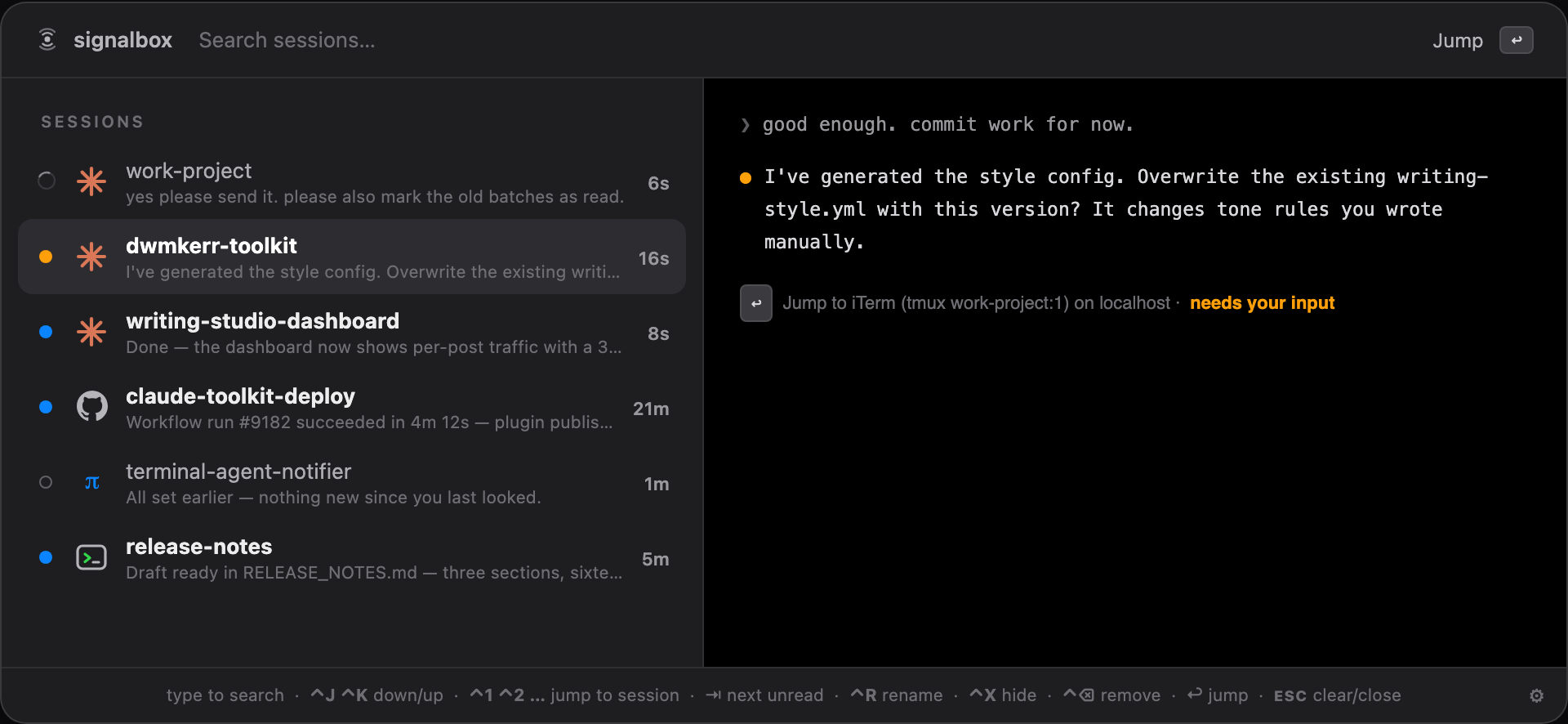
Open the jumplist with ⌃⌥J to see all sessions, their statuses, most recent message, whether they need input, and quickly jump between them.
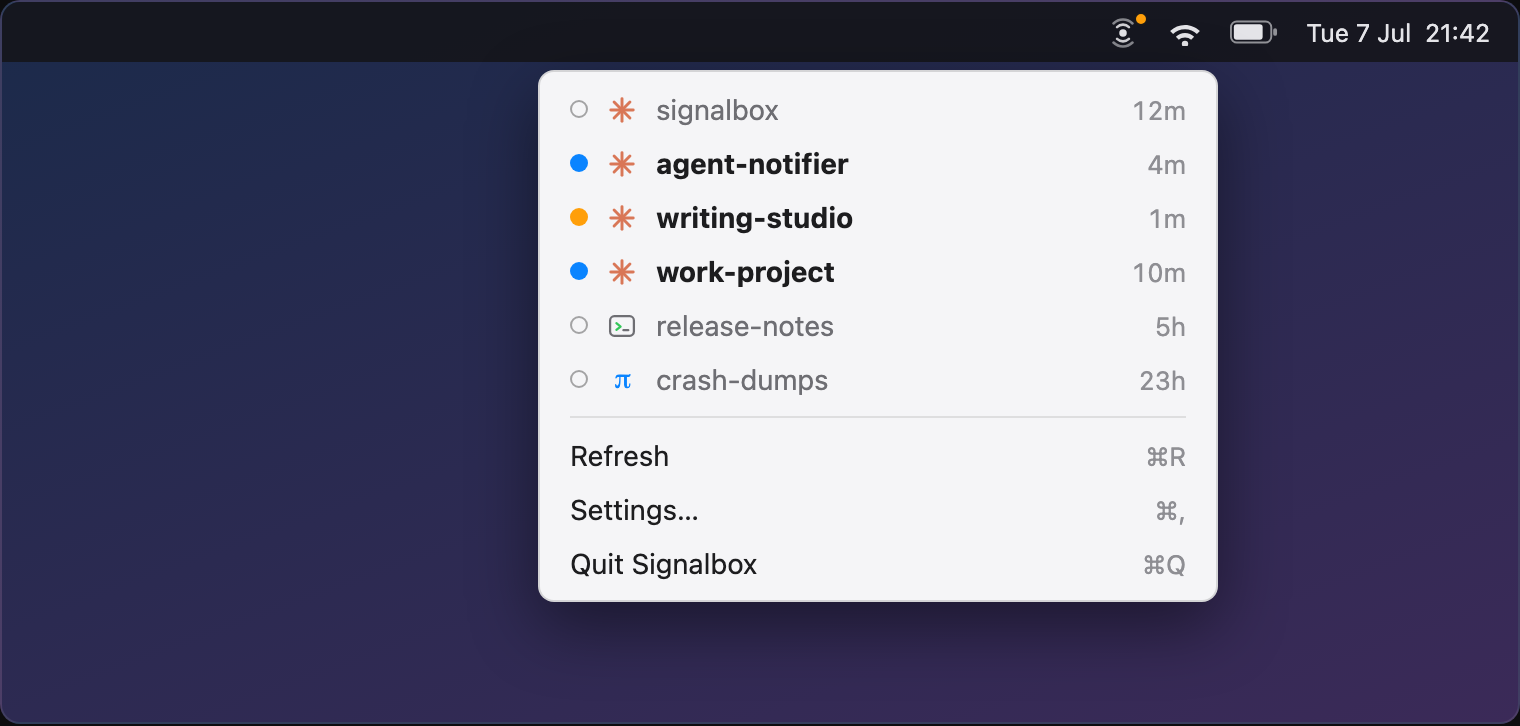
Or see running sessions in the menu bar:
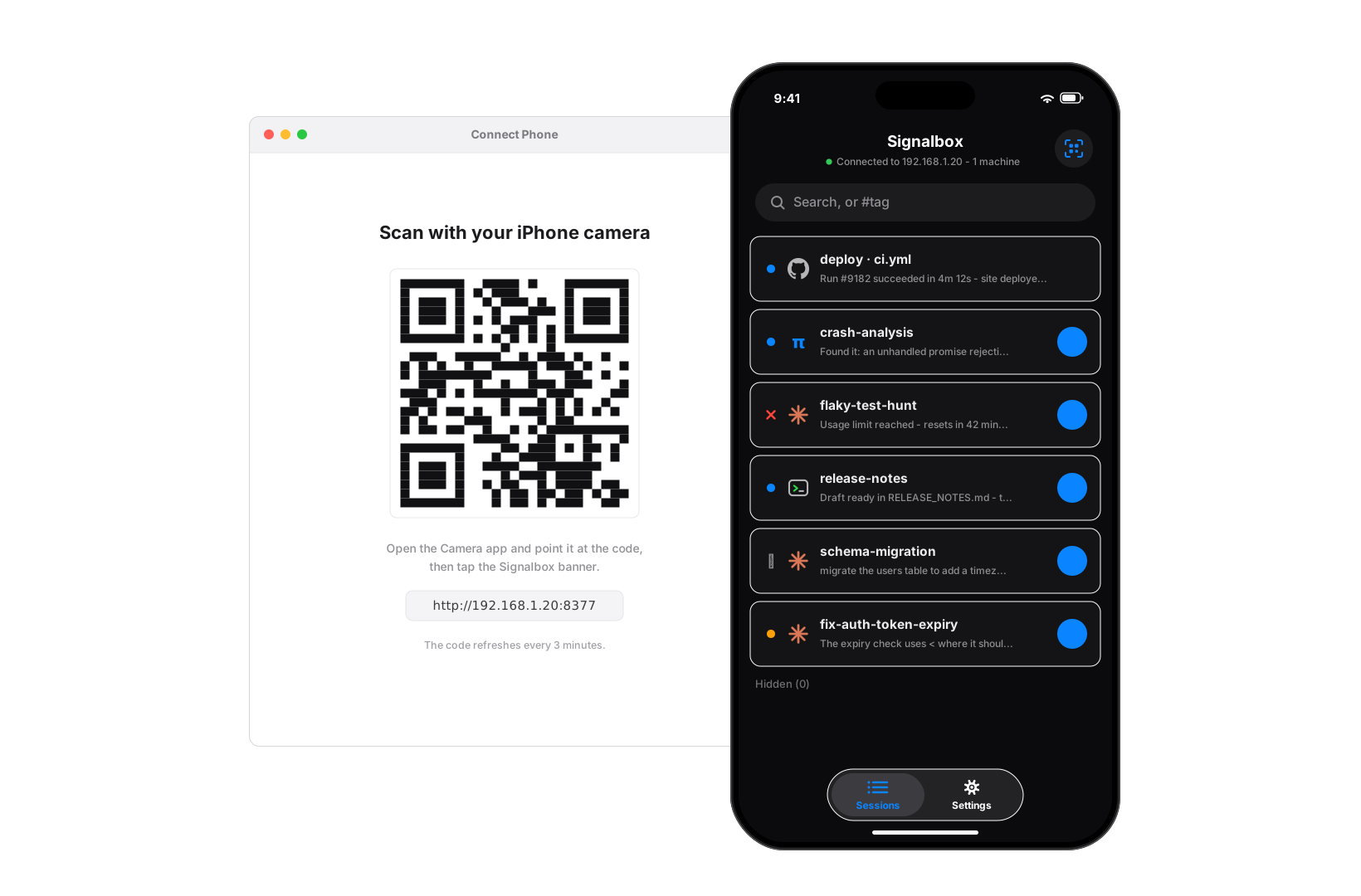
Install the app and pair with a QR code to see your sessions on your phone:
Integrations for popular tools like Cursor, Claude Code, Codex and so on are documented in Integrations.
Video Demo
A (janky) video showing how to manage sessions with signalbox:
https://github.com/user-attachments/assets/2f45c187-e90a-4151-bc40-19ddfa48d89a
Running a remote hub
Connect your phone over the internet, or forward events from multiple machines to one board, by running a remote hub. The guide covers deploying one to fly.io or any Docker host, and pointing your machines at it.
Privacy & Security
signalbox sends signals and messages from coding agent sessions - these can include sensitive data. In Local mode no data leaves localhost. In LAN mode events are accessible to machines on the same local network. Remote mode forwards events to a remote host and should be used with caution. This is an early-stage, experimental project.
Developer Guide
Clone and build:
make install       # compiles the CLI and links it into ~/.local/bin
make app           # builds the menu bar app (embeds the CLI; the app runs the hub)
open components/app/build/Signalbox.app
signalbox init
Build and run the iOS app (in testing while App Store review is ongoing):
open components/ios/Signalbox.xcodeproj
# pick a simulator or your iPhone in Xcode and press Run
# (a device build needs your signing team under Signing & Capabilities)
On the simulator the app connects to your Mac's hub automatically. On a real device, pair with a QR code: run signalbox pair (or choose "Connect Phone" in the menu bar app) and scan it from Settings > Scan to Connect. The full guide - command-line builds, device signing, dev hooks - is Building the mobile app; the UI spec is ios.html.
In general, it is easier to iterate on the specs with your coding agent for fast feedback, then letting it knock out the code.
There is also a native tmux jump list (<Leader>J).
Troubleshooting
- The app-spawned hub logs to
~/.local/state/signalbox/hub.log(view it in 'Settings > Logs') - start there when the board looks wrong. - Remote hub issues: see troubleshooting in the remote hub guide.
License
MIT.
Reviews (0)
Sign in to leave a review.
Leave a reviewNo results found