opencode-mobile-next
Health Warn
- License — License: MIT
- Description — Repository has a description
- Active repo — Last push 0 days ago
- Low visibility — Only 6 GitHub stars
Code Pass
- Code scan — Scanned 12 files during light audit, no dangerous patterns found
Permissions Pass
- Permissions — No dangerous permissions requested
No AI report is available for this listing yet.
Unofficial Android client for OpenCode: follow live sessions, approve tools, review diffs, and optionally run on-device with Termux.
OpenCode Mobile


Your coding agent, in your pocket. On your computer, or on the phone itself.
Ask an agent for a change, watch it work, approve what it wants to do, and
review the result — from an Android phone. OpenCode Mobile connects to
OpenCode on your computer, or runs OpenCode on the phone
with a built-in Linux. No Termux needed.
Download 1.1.0 for Android
· What's new
· Get started
· Get help
OpenCode Mobile is an independent community project. It is not built, maintained,
endorsed by, or affiliated with the official OpenCode team. It is built with
substantial AI assistance.
Report problems with Report a problem in the app.
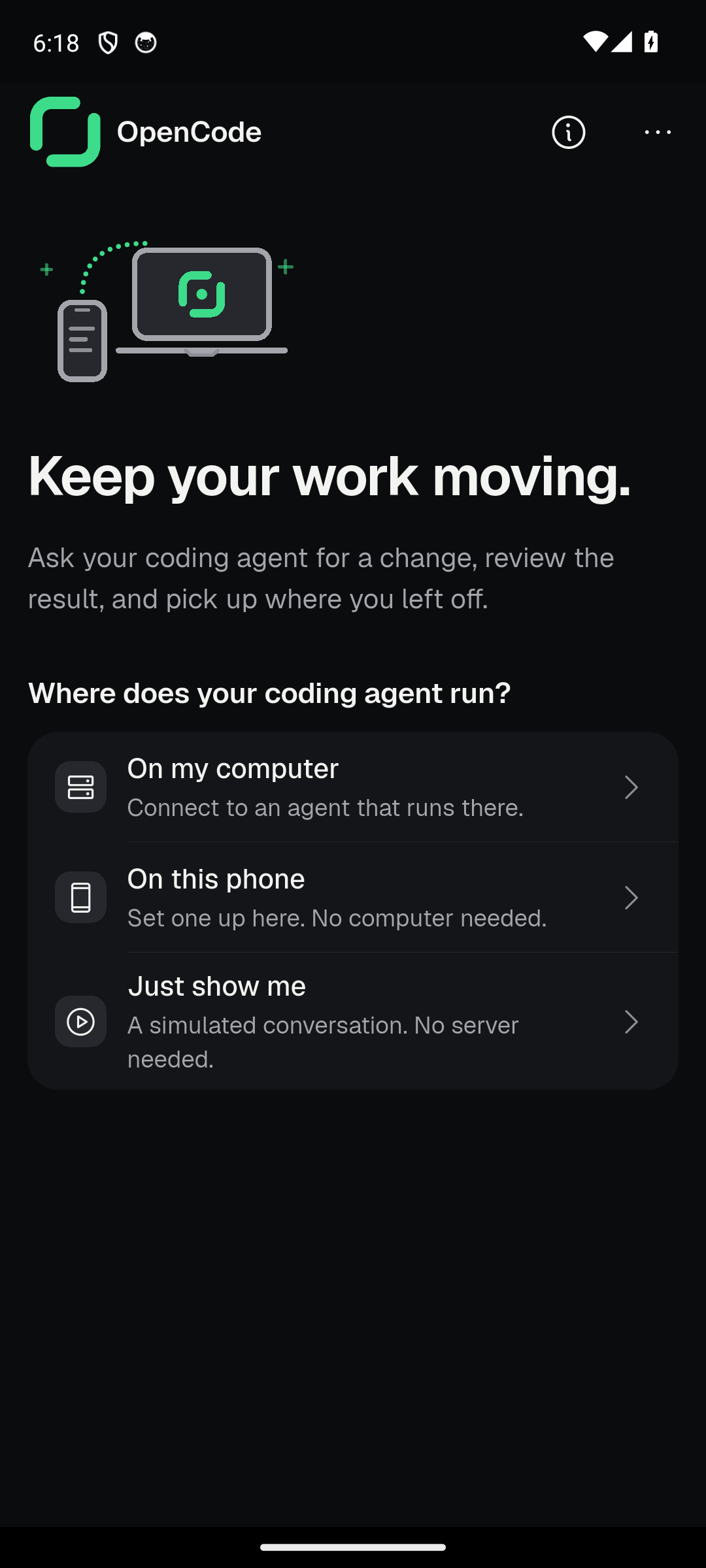
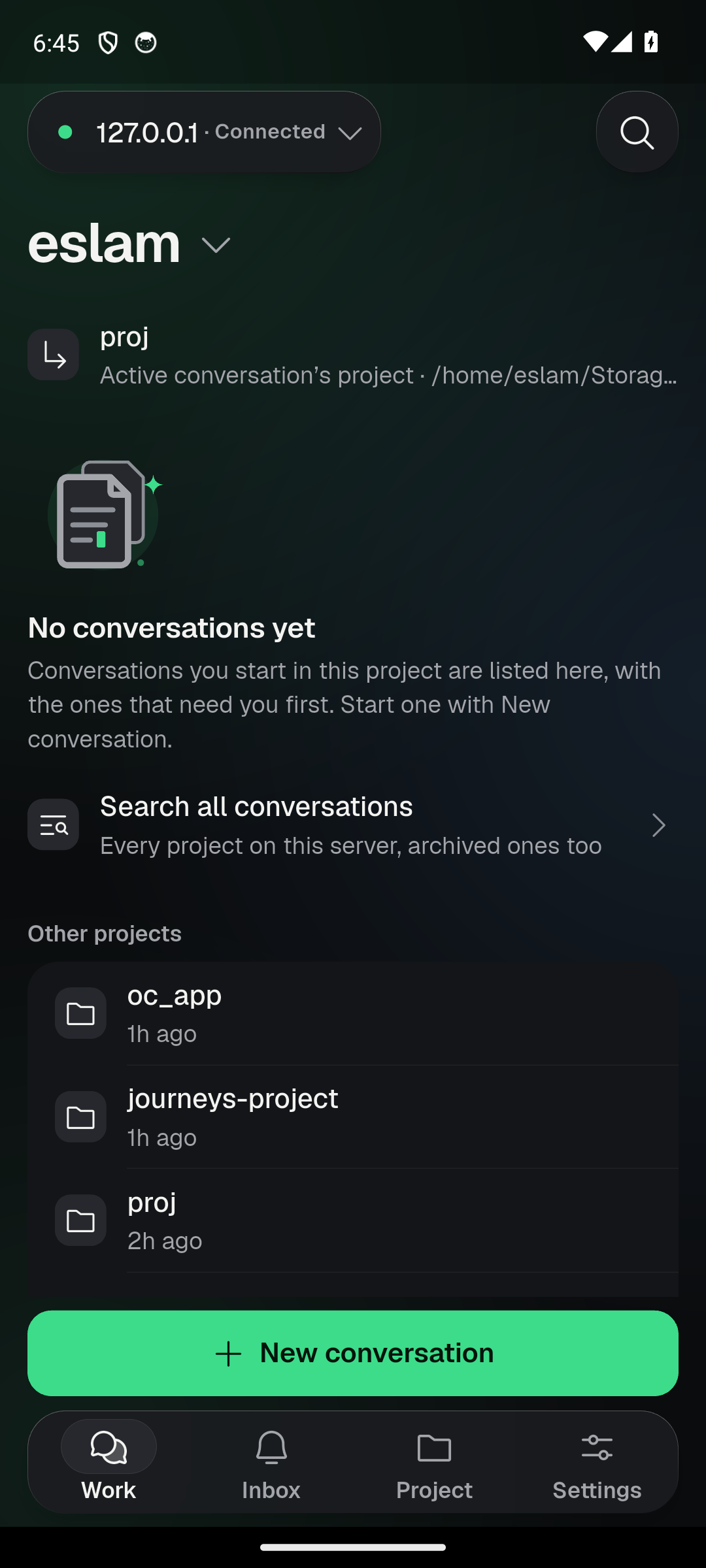
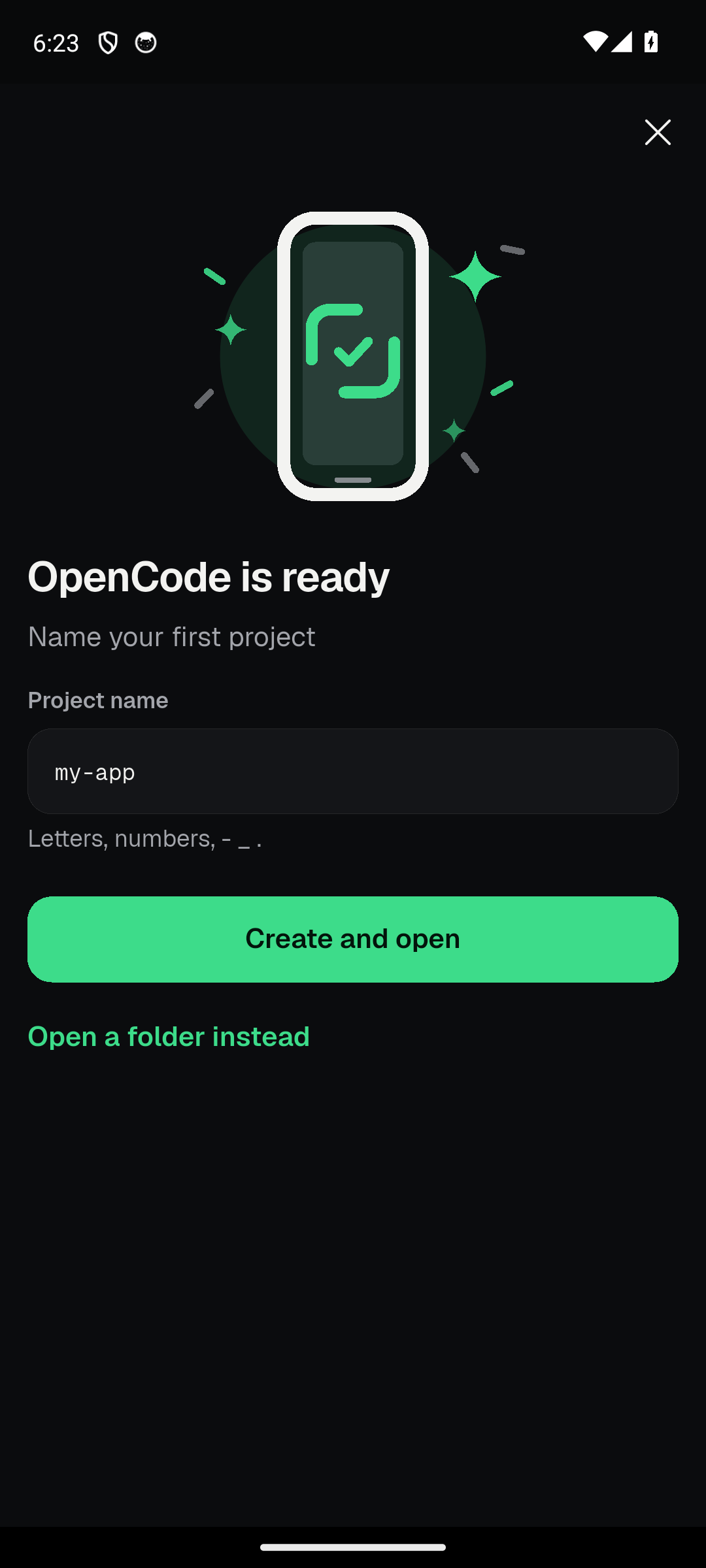
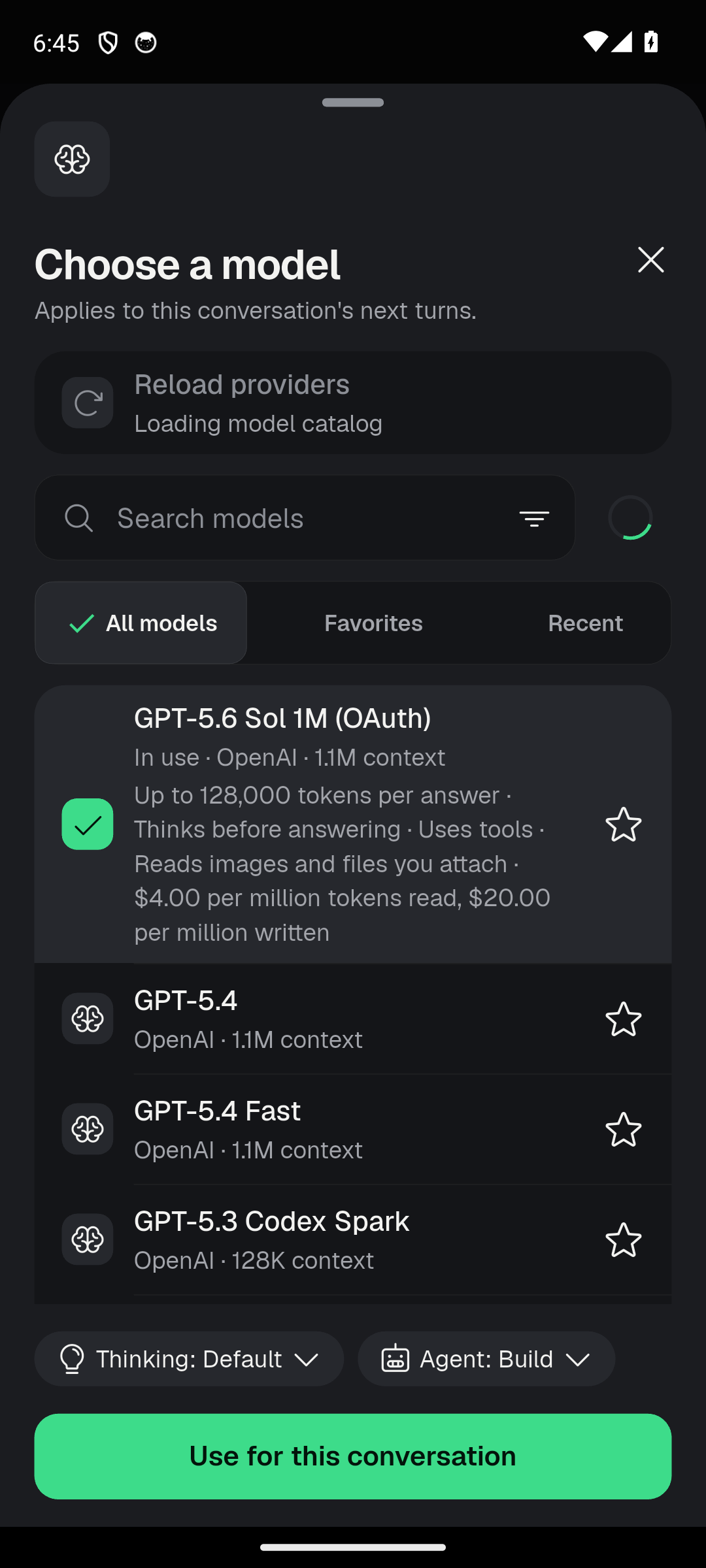
| Welcome | Work | This phone ready | Models |
|---|---|---|---|
 |
 |
 |
 |
What you can do
- Run OpenCode on this phone. Guided setup installs Ubuntu, Git, Node and
OpenCode inside the app, checks each step, and can stop and resume. Already
on Termux? Move from Termux copies your projects over and leaves Termux
untouched. - Or use your computer. Pair with a QR code, or type an address. Use
Tailscale to reach it from anywhere. - Chat that keeps up. Chats open instantly where you left off, replies stream
as they are written, and one live line on the message box says what the agent
is doing, with Stop right there. The agent's file reads, edits and commands
fold into one line you can open. - Approve before it acts. Permission requests appear above the message box;
one tap to allow, another to look closer. Diffs wrap to the phone's width. - Inbox across servers. Everything that needs you, from every server, in one
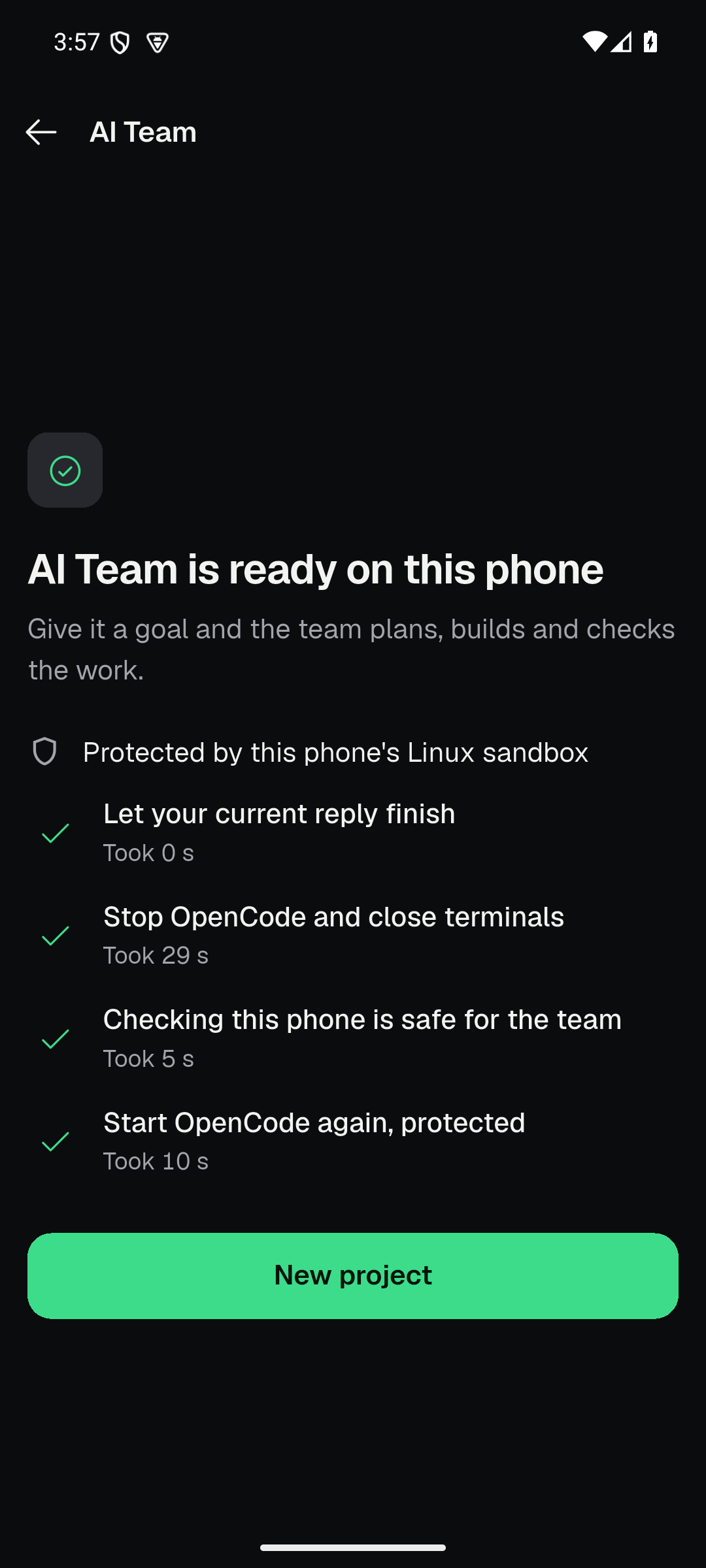
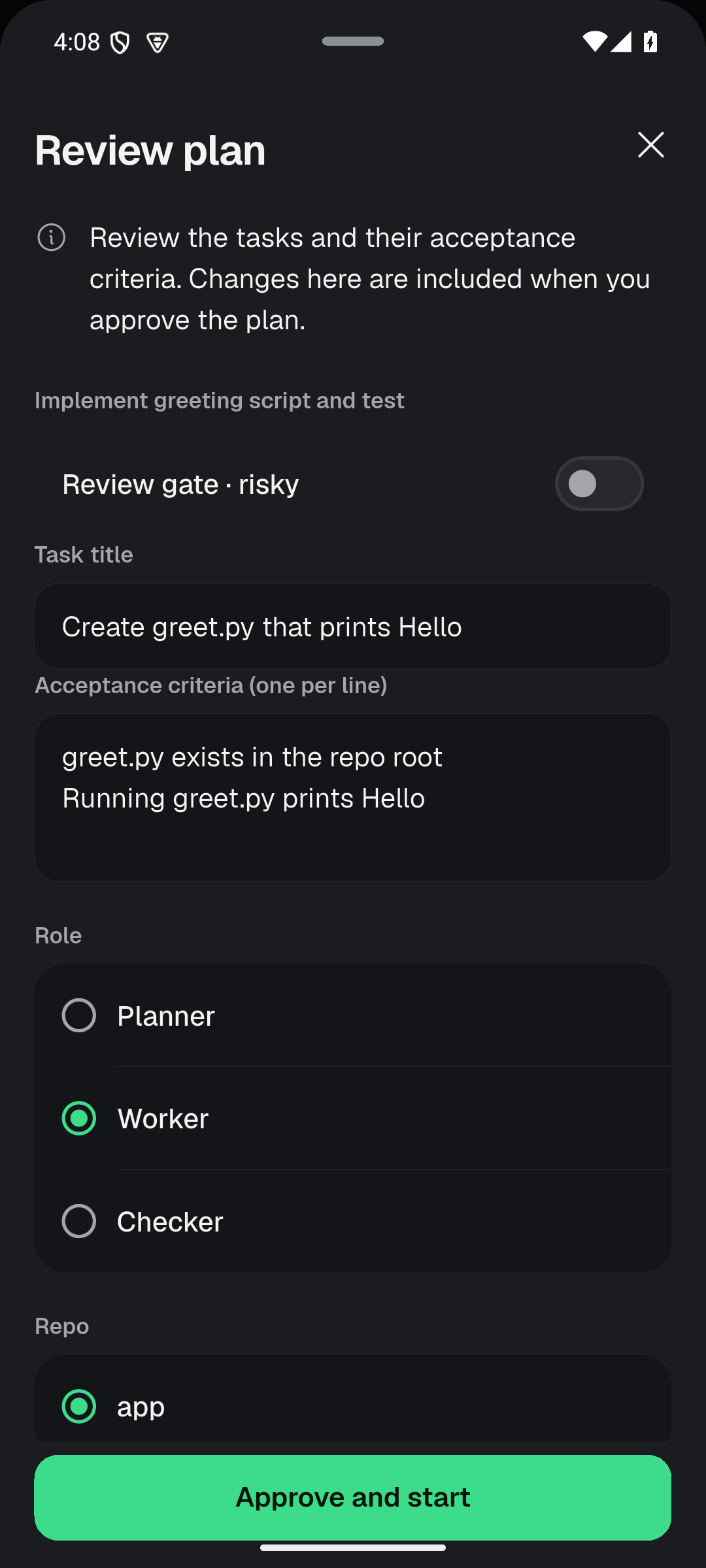
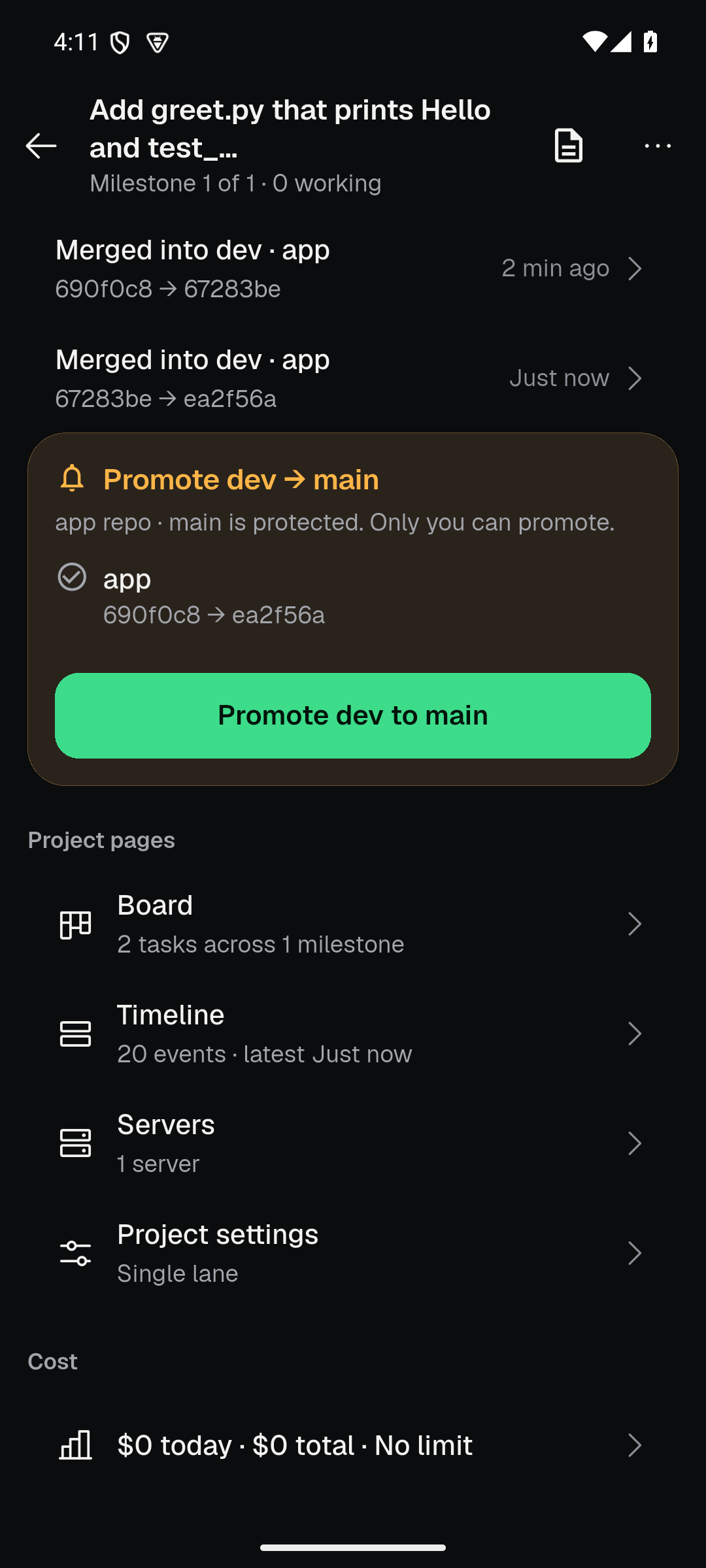
list. While you were away shows what happened in the meantime. - AI Team for whole projects. Give a goal, a spec and milestones. A planner,
workers and a checker — each with the model you choose — plan the work, build
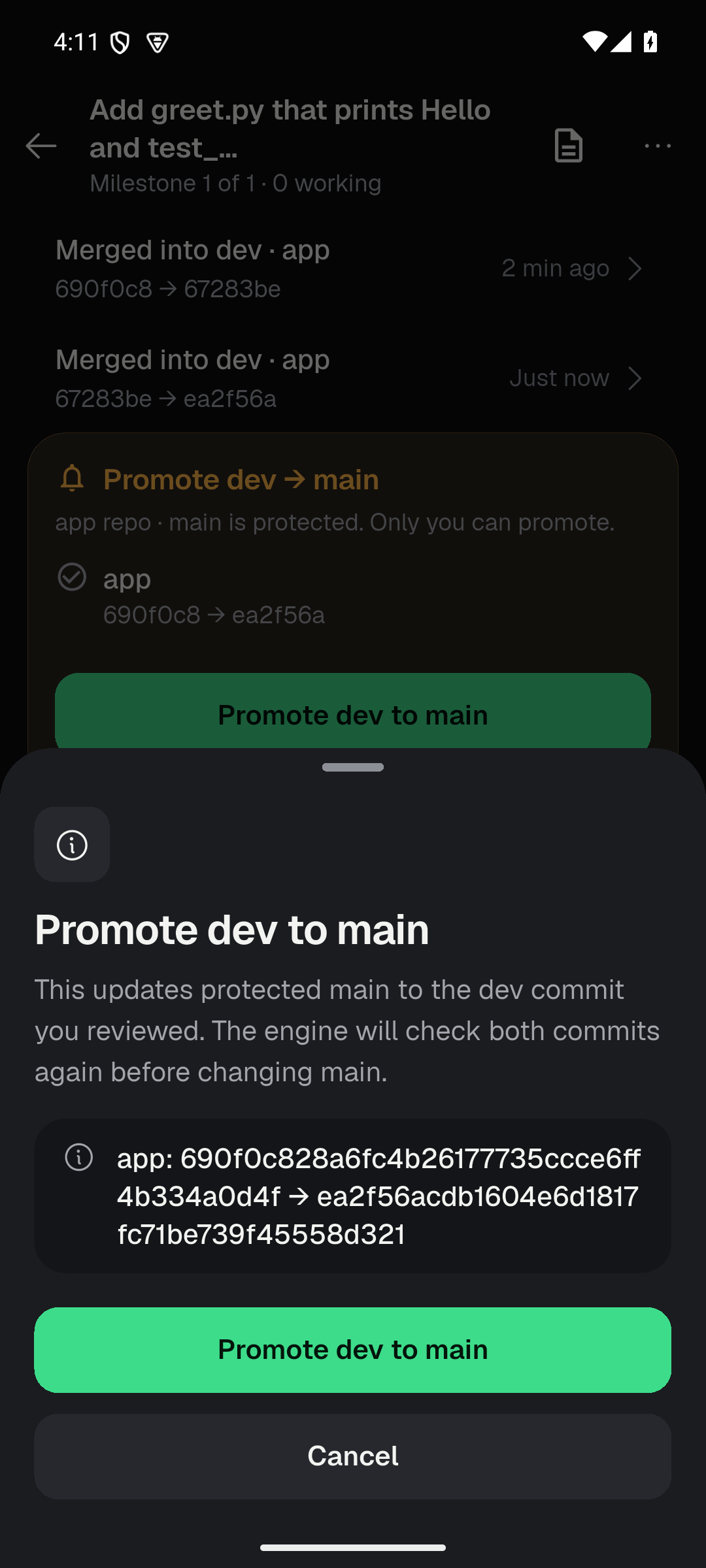
it in one lane or several, check every task, and merge todevwith a receipt.
Nothing reachesmainuntil you confirm. Budgets, resume after interruptions,
and a Since you were away digest are built in. - Talk instead of type. Voice is transcribed on the phone; audio never leaves it.
- Several kinds of server. OpenCode 1 and 2, plus Claude Code, Pi and Codex
through a Paseo helper, all behind the same screens. - English and Arabic, light and dark, large text up to 200%.
AI Team
| Ready on this phone | Review the plan | Merged with receipts | Promote to main |
|---|---|---|---|
 |
 |
 |
 |
Captured from the release candidate on an Android 15 emulator, running a real
project with GLM-5.3. AI Team has not yet been tried on many physical phones —
tell us how it goes.
Get started
You need an Android phone running Android 8 or newer and a model provider
(an API key, or OpenCode's free model to try it out). Running OpenCode on the
phone itself needs a 64-bit phone.
- Download the APK
and install it. Android warns about installs from outside the Play Store. - Choose where your agent runs on the welcome screen:
- On this phone — tap it and follow the setup. The first setup downloads
Ubuntu and the tools, so Wi-Fi is best. Phones with about 2 GB of memory
work, slowly. - On my computer — with OpenCode 2, run
opencode2 pairand scan the
QR code. For OpenCode 1 or an address, follow the steps in the app. - Just show me — a simulated conversation, no server needed.
- On this phone — tap it and follow the setup. The first setup downloads
- Add a provider key in Settings → Providers if you want models beyond the
free one. Then start a conversation.
To turn on AI Team: open a project, choose AI Team, then Turn on AI Team on
this phone, and pick a model for each role.
If something doesn't work
localhoston the phone means the phone itself. For a computer, use its
Tailscale or network address.- No models: add a provider on the server, then Reload providers in the
model sheet. - The update won't install: the new APK must be signed with the same key as
the one installed (see Updating). Don't uninstall to fix this —
that deletes the phone's projects. - More in SUPPORT.md and the in-app guide.
Compatibility
| Status | |
|---|---|
| Android 8+ | Supported — 1.1.0 |
| OpenCode 1 (1.18.x) | Supported |
| OpenCode 2 (beta and stable 2.0) | Supported |
| Claude Code, Pi, Codex (via Paseo) | Supported |
| AI Team | New; proven on Android 14/15 emulators, physical phones still being tried |
| Linux and Windows desktop | Experimental CI builds |
| Web | In development |
| iOS / macOS | Not available |
The app connects only to servers you choose. It is not a hosted service and
does not include a model subscription.
Updating
Android only updates an app in place when the new APK has the same signature.
Public releases from this page are signed with842284B27AA297FB74CF831779FD16498517E1BC2104451459FEC2EA7AC11D1C, so 1.1.0
installs over 1.0.44 and keeps your saved servers, sign-ins and settings. You
can check the installed signer in Settings → About.
Projects on the phone's built-in server live inside the app: Clear storage
or uninstalling deletes them. Android's Clear storage opens an app page first
that lets you export them.
Your data
The app talks to the servers you choose and to nobody else about your work.
Passwords stay in Android's keystore, voice stays on the phone, and diagnostics
are only sent when you send a report yourself, with secrets removed. Provider
logos come from Google's public favicon service by domain name. Details in
PRIVACY.md and in the app under Settings → Privacy.
For developers
- docs/technical-overview.md — architecture, the
server protocols, building and releasing - CONTRIBUTING.md — the pinned toolchain, checks and code boundaries
- AGENTS.md — working notes for coding agents in this repo
- SECURITY.md — report vulnerabilities privately, never in a public issue
Quick checks (with the pinned Flutter from CONTRIBUTING.md):
flutter pub get
flutter analyze
tool/qa/run_tests_fast.sh    # full suite in parallel shards
CI runs analysis, Android lint, the test suite in six parallel shards and a
release build on every push to dev and master, in about ten minutes.
Licence and thanks
MIT. The app bundles Geist and Geist Mono (OFL-1.1), sherpa-onnx
(Apache-2.0), ONNX Runtime and the Whisper models (MIT), and the packages in
THIRD_PARTY_NOTICES.md. Thanks to the OpenCode team,
who made the agent this app is a window onto.
Reviews (0)
Sign in to leave a review.
Leave a reviewNo results found