antigravity_bypass
Health Pass
- License — License: AGPL-3.0
- Description — Repository has a description
- Active repo — Last push 0 days ago
- Community trust — 51 GitHub stars
Code Pass
- Code scan — Scanned 2 files during light audit, no dangerous patterns found
Permissions Pass
- Permissions — No dangerous permissions requested
No AI report is available for this listing yet.
Google Antigravity MCP tool limit patch: raise local limits to 8192 in Antigravity IDE and the Windows x64 desktop app. MCP 工具数量限制修补,支持自动识别、备份与恢复。
Antigravity Bypass — MCP Tool Limit Patch




English | 简体中文
Google Antigravity MCP tool limit patch — IDE 2.5.5 and Windows x64 desktop 2.13.0
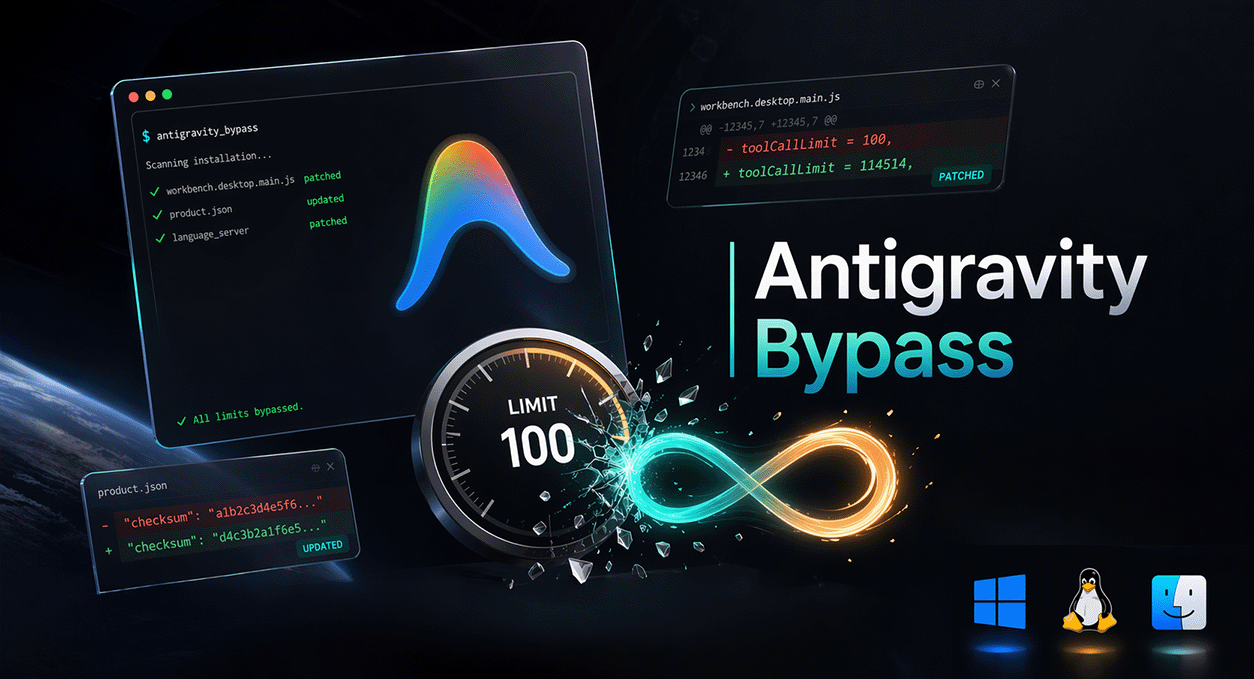
Antigravity Bypass raises recognized local Model Context Protocol (MCP) tool count limits to 8192. IDE 2.5.5 has two 512-tool checks; the standalone desktop app 2.13.0 has two 800-tool checks. This tool locates them through the tool-count error string references and control flow. If both checks cannot be identified, it exits without modifying files. Neither version needs a frontend patch.
Supports Antigravity IDE and the Windows x64 standalone Antigravity app 2.13.0. The CLI and desktop apps for Linux, macOS, and ARM64 are not supported. It changes local checks only; model service limits on tool counts, context, or request sizes still apply.
For the full reverse engineering write-up, see the blog post: From an Error Message to Two Patches: Reversing the MCP Tool Limit in Antigravity IDE
Disclaimer
This project is for educational and research purposes only. Any consequences of using this tool are the sole responsibility of the user.
Usage
Download
Head to Releases to download the executable for your platform. Run it and follow the menu to patch or restore.
Release v2.1.0 supports IDE only. Desktop support requires a build from the updated source below; the executable must recognize --client desktop.
Build from Source
# Clone the repository
git clone https://github.com/Futureppo/antigravity_bypass.git
cd antigravity_bypass

# Build for current platform
go build -ldflags="-s -w" -o antigravity_bypass .

# Cross-compile for other platforms
GOOS=linux   GOARCH=amd64 go build -ldflags="-s -w" -o antigravity_bypass_linux_x64 .
GOOS=darwin  GOARCH=arm64 go build -ldflags="-s -w" -o antigravity_bypass_mac_arm64 .
GOOS=windows GOARCH=amd64 go build -ldflags="-s -w" -o antigravity_bypass_win_x64.exe .
Custom Installation Path
If automatic detection fails, specify the installation directory via --dir or ANTIGRAVITY_DIR:
# IDE: installation root, resources/app directory, or macOS .app path
# Windows desktop: installation root or resources directory
ANTIGRAVITY_DIR="/path/to/Antigravity IDE" ./antigravity_bypass
Fully quit the selected Antigravity client before patching or restoring.
After client updates, run--checkagain before patching.
Command-line mode
.\antigravity_bypass.exe --client ide --check --dir "C:\Apps\Antigravity IDE"
.\antigravity_bypass.exe --client ide --patch --dir "C:\Apps\Antigravity IDE"
.\antigravity_bypass.exe --client ide --restore --dir "C:\Apps\Antigravity IDE"
For the Windows x64 desktop app 2.13.0:
.\antigravity_bypass.exe --client desktop --check --dir "C:\Apps\Antigravity"
.\antigravity_bypass.exe --client desktop --patch --dir "C:\Apps\Antigravity"
.\antigravity_bypass.exe --client desktop --restore --dir "C:\Apps\Antigravity"
Omit --dir to use automatic discovery. Without an action flag, the interactive menu is displayed. --client defaults to auto; when both IDE and desktop are discovered, select one with --client ide, --client desktop, or an explicit path. --dir overrides ANTIGRAVITY_DIR; an invalid or mismatched explicit path fails without falling back to another installation. Both the new Antigravity IDE and legacy Antigravity installation names are detected.
The desktop patch changes only resources/bin/language_server.exe. It reads app.asar to validate the product, version, and launcher, and leaves the archive and Electron executable unchanged. Desktop versions other than 2.13.0 are rejected until verified.
Supported Platforms
| Platform | Architecture | IDE 2.5.5 verification |
|---|---|---|
| Windows | x64 | Official package: inspection, patch, repeated execution, and restore verified |
| Linux | x64 | Official package: inspection, patch, repeated execution, and restore verified |
| macOS | x64 | Mach-O parsing implemented; package and runtime not verified |
| Windows / Linux / macOS | ARM64 | Binary patching unsupported; fails explicitly without applying x64 instructions |
Verification uses extracted package files and byte comparisons; signed-in IDE/model calls have not been tested. See the 2.5.5 compatibility notes for sources, hashes, and patch sites. Legacy frontend constants of 100 / 114514 are recognized, but older backends must meet the new complete matching requirements. Compatibility with every historical release is not guaranteed.
| Standalone desktop | Architecture | 2.13.0 verification |
|---|---|---|
| Windows | x64 | Official package: inspection, patch, repeat, exact restore, backend startup, and local frontend HTTP verified |
| Linux / macOS | All | Not supported |
| Windows | ARM64 | Not supported |
Desktop verification used an isolated profile without signing in. Real model requests and tool calls have not been tested. See the desktop 2.13.0 compatibility notes. Antigravity CLI is outside the current support scope.
If you encounter issues, please open an Issue with the relevant logs.
FAQ
Q: Antigravity reports number of tools exceeds ... or Cannot enable more tools because it would exceed the limit of ...?
These messages come from local MCP tool-count checks: the language server uses the format string
number of tools exceeds %d, and older IDE versions also enforce a frontend limit. Run--checkfor your client to check compatibility before patching. Limits enforced by Google's model service, including its 128-tool limit where applicable, are unaffected by this patch.
Q: "File is in use" error?
Make sure the selected Antigravity client is fully closed (including tray processes), or run the tool with administrator privileges.
Q: The tool limit came back after a client update?
Updates overwrite patched files. Run
--checkfirst. If old backups do not match the new files, move the old.backupand.backup.jsonfiles elsewhere before patching again. Do not restore an older binary over an updated client. Desktop versions other than 2.13.0 require a compatibility update.
Q: "Tool limit signature not found"?
The code structure may differ. Include the
--checkoutput, client type, version, OS, and architecture in an Issue. IDE 2.5.5 and desktop 2.13.0 needing no frontend patch is expected.
Q: How do I restore the original files?
Patching creates
.backupfiles and.backup.jsonchecksum records. Select "Restore backups" or use--restorewith the same client/path. Files are restored only when their checksums match the recorded state; both backup files are then removed. Older backups without checksum records require manual restoration after confirming the client version.
Q: Already used the old patcher on 2.5.5?
The old signature can match unrelated string-processing instructions. Restore matching original files or reinstall the official 2.5.5 package before using this version.
License
Reviews (0)
Sign in to leave a review.
Leave a reviewNo results found