munin
Health Warn
- License — License: MIT
- Description — Repository has a description
- Active repo — Last push 0 days ago
- Low visibility — Only 7 GitHub stars
Code Warn
- process.env — Environment variable access in .github/workflows/ci.yml
- fs module — File system access in .github/workflows/ci.yml
- network request — Outbound network request in apps/analytics-tracker/src/tracker.ts
Permissions Pass
- Permissions — No dangerous permissions requested
No AI report is available for this listing yet.
The customer platform for the agentic era. MCP-first, open source, self-hostable.
Munin
Open-source, headless HubSpot alternative.



Website · See it in action · Documentation · MCP Registry
CRM, conversations, outreach, CMS, knowledge base, and analytics on one Postgres schema — exposed as tools your agents drive, not screens you click through. Headless the way a headless CMS is: there's a thin dashboard for settings, auth, and human-in-the-loop review, but the apps themselves have no admin UI. Every action runs through MCP tools, callable from any MCP-compatible client (Claude, Cursor, ChatGPT, custom runners) — same tools, same permissions, same audit log, whether a human or an agent is driving. Munin even ships its own: an in-process, per-org agent runner that answers live conversations and works the curation queue against an LLM provider you configure — so the platform runs out of the box, with external MCP clients optional.
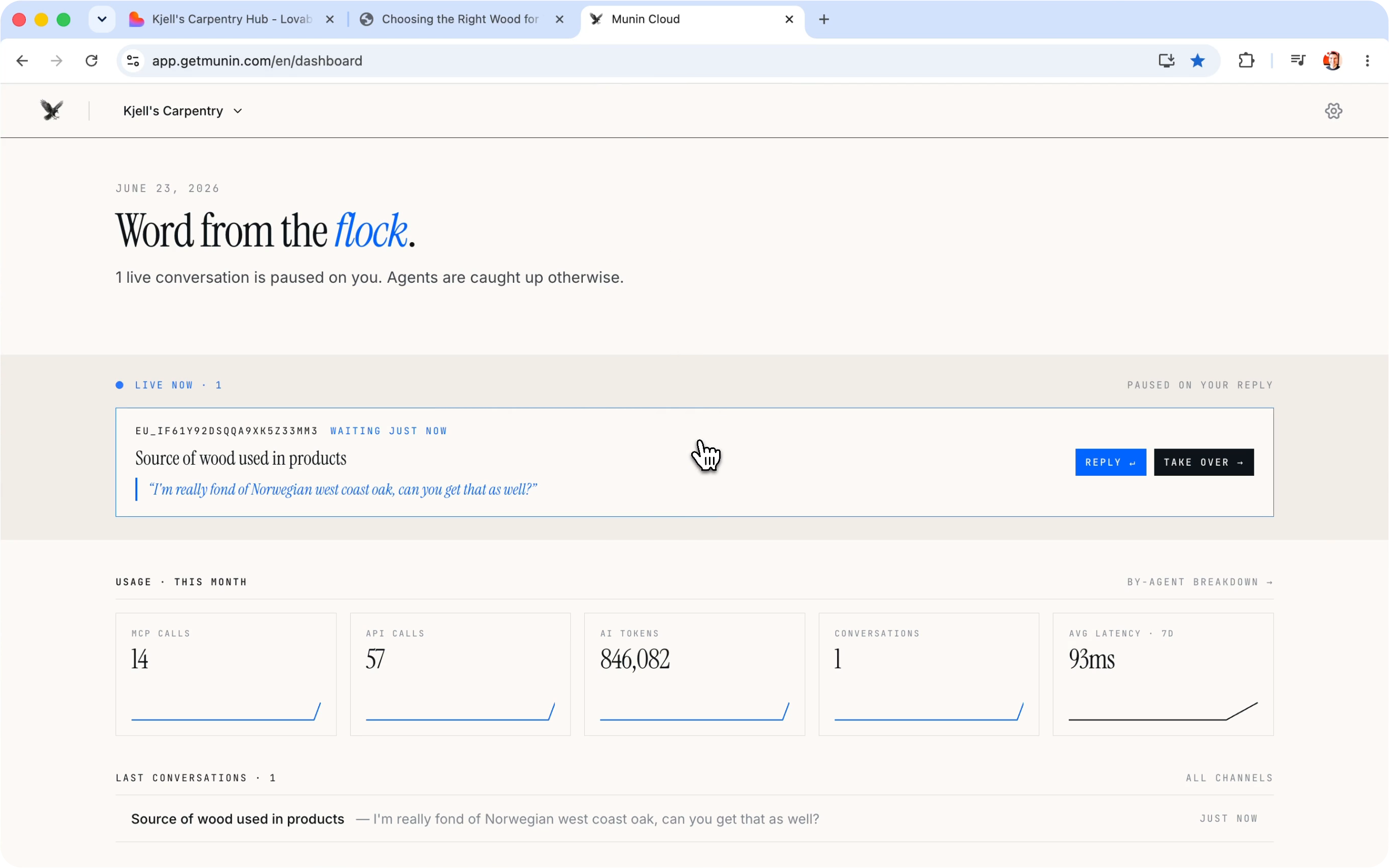
The dashboard — a thin shell for settings, auth, and human-in-the-loop review. No admin UI for app data; it drives the same MCP tools your agents call.

The embeddable chat widget — answering a live customer from the knowledge base, ready to hand off to a human and be picked back up by the agent.
Modules at a glance
| Module | Tools | What it does |
|---|---|---|
| Knowledge Base | kb_* |
documents, hybrid search, audience scoping |
| Conversations | conv_* |
channels, messages, handover |
| CRM | crm_* |
contacts, companies, deals |
| CMS | cms_* |
collections, entries, assets |
| Outreach | outreach_* |
campaigns, drafts, propose-only |
| Analytics | analytics_* |
page-view + search events |
These six modules aren't separate products — they share one Postgres schema, one permission model, and one audit log. Watch how they tie together:
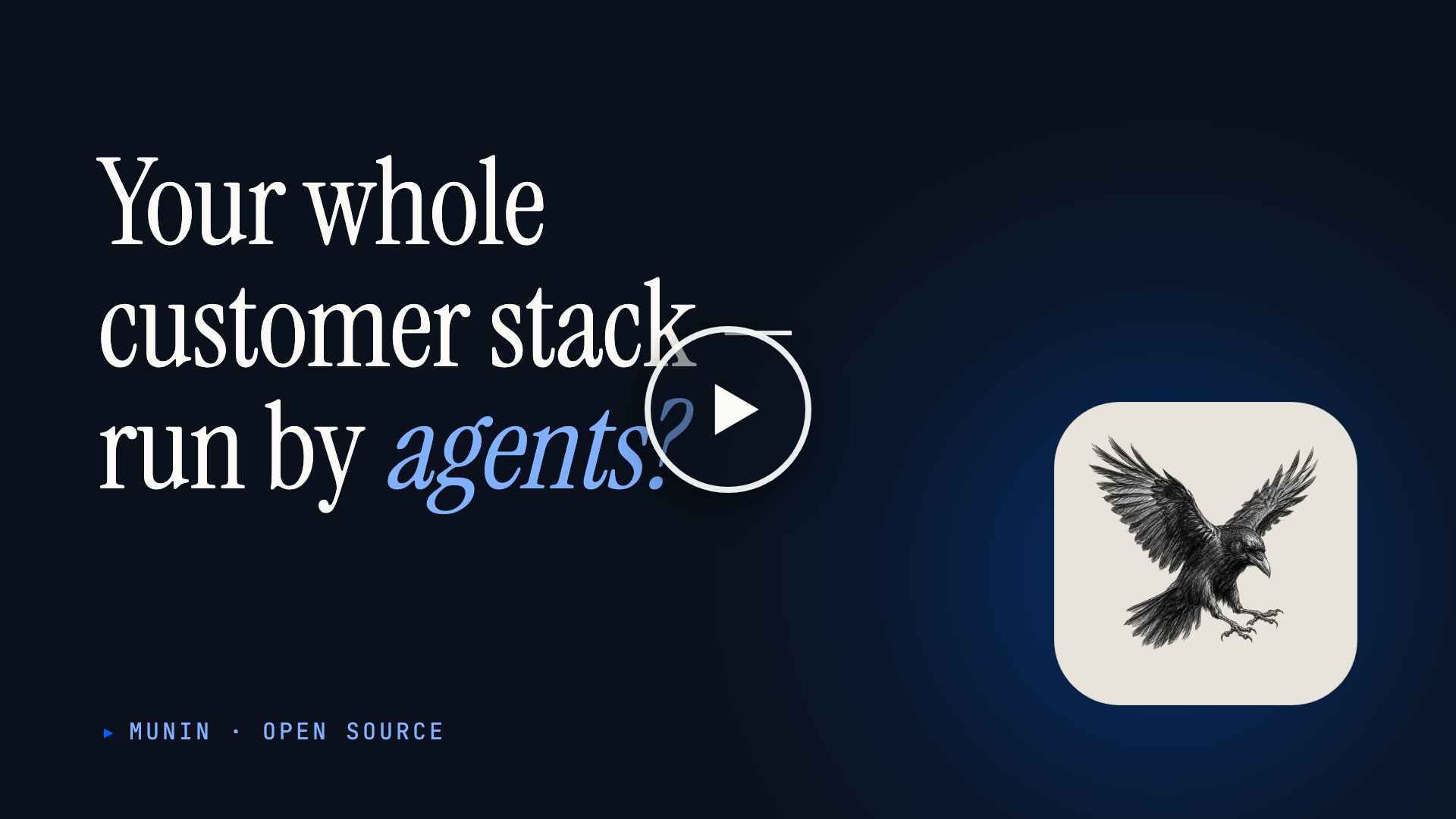
Core modules
Knowledge Base
- Markdown articles organized into spaces, each scoped to the audiences allowed to see it.
- Hybrid search that blends keyword matching with meaning-based results.
- Website import — crawl a public site and turn each page into an article in the background, automatically dropping articles when their source page disappears.
- Full version history with restore, plus a review queue for proposed edits.
Conversations
- One inbox across email, chat widget, voice (Threll.ai / Vapi), and SMS (Twilio / MessageBird).
- Inbound and outbound — agents answer conversations and can place outbound calls.
- Assignable, organized by topic, and searchable across every message.
- Built-in handoff to a human, with notifications to your own systems as conversations change.
CRM
- Contacts, companies, deals, activities, pipelines, and segments.
- AI-written summaries and suggested next actions, kept separate from what people edit by hand.
- Consent tracking — the lawful basis and source for each contact, required before they can be added to any outreach.
- Automatic duplicate detection that proposes merges for review, plus bulk contact import.
CMS
- Content collections with structured fields, and entries you can publish in multiple languages.
- Rich content blocks for article bodies — callouts, quotes, media, and more.
- Scheduled publishing and a media library for images and files.
- Full version history with restore, search, and cross-references between entries.
- A public content API serves your site or app, with engagement tracking built into every entry.
Outreach
- Propose-only outbound email — campaigns, segments, and drafts for both first touches and replies.
- Recipients are drawn only from contacts who have recorded consent (see CRM).
- Every message waits for human approval; nothing is ever sent automatically.
Analytics
- Captures page views and on-site searches across anything you want to measure.
- CMS pages are tracked automatically; for any other page, you add a small tracking snippet.
- Conversion funnels and per-visitor journeys — once someone is identified, their visits link to a CRM contact, including the anonymous ones from before.
- Breakdowns by traffic source, referrer, and country, plus "what to write next" signals (popular topics, engagement, and searches that came back empty).
Automation
Conversation loop
An in-process, per-org agent runner answers live conversations on every channel (chat widget, email, SMS, voice) against the LLM provider you configure — drafting and sending replies, and handing off to a human when needed.
Curator loop
The in-process agent runner also works a durable background job queue: scheduled KB curation, CRM hygiene, contact extraction, stale-content review, and outreach drafts, with retry and dead-letter handling.
Playbooks & skills
Packaged markdown procedures (skill://module/<verb-object>) for multi-step, cross-module workflows, surfaced over MCP — followed both by Munin's own runner and by any external AI agent operating on the platform.
Platform
Data portability
Symmetric *_export / *_import MCP tools (and /v1/<module>/export|import REST endpoints) per module, so an agent can move an org's data between a self-hosted server and the cloud in either direction. See skill://playbooks/data-migration.
Audit & webhooks
Every action is written to an audit log, and webhooks fan those events out to your own endpoints with signed, replayable deliveries.
Alerts & feedback
Operational issues surface as system alerts the agent can list, acknowledge, and resolve. An in-product feedback channel lets you file feature requests and vote on Munin's public roadmap.
Auth & access
Sign-in and access control run on BetterAuth, with OAuth 2.1 dynamic-client registration and team invites.
See it in action
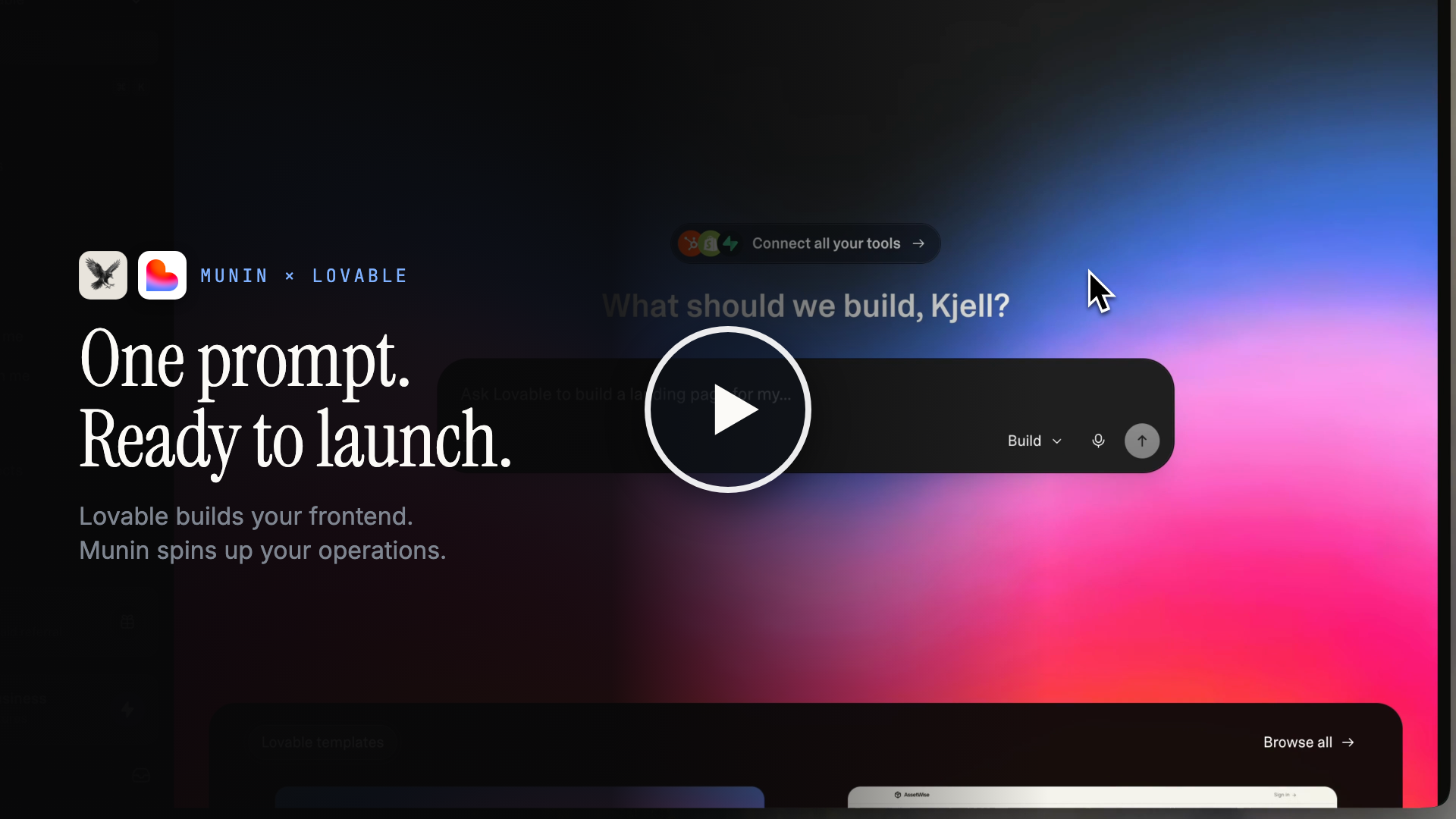
Lovable builds your frontend. Munin spins up your operations. One prompt, one MCP endpoint — and the agents do the rest.
Watch Lovable build a real website from a single prompt while Munin stands up everything behind it — the CMS the blog reads from, a seeded knowledge base, analytics, and a chat widget that already knows the business. No click-ops, no screens to wire up; the agent does the work, over one MCP endpoint. Then a real customer conversation plays out: answered from the knowledge base, handed off to a human when it matters, and picked back up by the agent to close.
Two ways to run
Self-host (this repo): single-tenant, invite-only.
git clone https://github.com/getmunin/munin.git
cd munin
cp .env.example .env
docker compose up
Secrets left at their .env.example placeholders are auto-generated on first boot and persisted in the munin-data volume — fine for local self-hosting. For shared or production deployments, set strong MUNIN_AUTH_SECRET + MUNIN_KEY_PEPPER + MUNIN_ENCRYPTION_KEY values (openssl rand -base64 48) in .env instead.
The first user to sign up becomes the org admin; subsequent users need an invitation token or an email whose domain is in MUNIN_ALLOWED_EMAIL_DOMAINS.
Hosted (https://www.getmunin.com): multi-tenant, one signup per org.
Try it locally
After docker compose up, the backend listens on :3001 and the dashboard on :3000.
- Open
http://localhost:3000and register the first user — they become the singleton org admin. - In the dashboard, go to Settings → API keys and mint an admin key (
mn_admin_…). Shown once; treat like a password. - Poke at the API and tools:
# REST control plane — direct, no OAuth
curl -s http://localhost:3001/v1/kb/spaces \
  -H "Authorization: Bearer mn_admin_..." | jq

# MCP tool browser (recommended for poking at tools/skills)
npx @modelcontextprotocol/inspector
# In its UI: URL = http://localhost:3001/mcp, Auth = Bearer mn_admin_...

# Raw curl over Streamable HTTP — useful for sanity-checking the transport
curl -N -X POST http://localhost:3001/mcp \
  -H "Authorization: Bearer mn_admin_..." \
  -H "Content-Type: application/json" \
  -H "Accept: application/json, text/event-stream" \
  -d '{"jsonrpc":"2.0","id":1,"method":"tools/list"}'
The OpenAPI spec for the REST control plane is at packages/backend-core/openapi.json. To wire an MCP client like Claude or Cursor, see Connect your AI agent below.
Connect your AI agent
Once you've signed up (hosted) or run docker compose up (self-host), point your MCP client at the URL — http://localhost:3001/mcp for self-host, or https://mcp.getmunin.com for hosted.
Claude Code (CLI):
claude mcp add munin http://localhost:3001/mcp
Claude Desktop — add to your MCP config:
{
  "mcpServers": {
    "munin": {
      "url": "http://localhost:3001/mcp"
    }
  }
}
The first call triggers an OAuth consent screen in your browser, then your agent has the full tool surface — Knowledge Base, Conversations, CRM, CMS, Outreach, Analytics.
Two trust contexts, one MCP endpoint
The same /mcp endpoint serves two distinct callers, audience-aware:
- Admin agents (Claude Desktop, Cursor, internal automation) — OAuth-authorized by you. Full tool surface, scope-gated per
kb:*,conv:*,crm:*,cms:*,outreach:*,analytics:*. - End-user agents (your voice AI, web chatbot, mobile app helper) — short-lived delegated tokens minted server-side from your backend, scoped to one of your end-users. Only self-service tools (read your own contact, send a message in your own conversation).
See packages/backend-core/src/control/delegated-token.controller.ts for the token-mint API. The @getmunin/sdk Node client wraps it.
Stack
| Layer | Tech |
|---|---|
| Language & runtime | TypeScript, Node 24 LTS |
| Monorepo | Turborepo, pnpm |
| Backend | NestJS |
| Frontend | Next.js |
| Data | Postgres + pgvector, Drizzle |
| Protocol & auth | MCP Streamable HTTP, BetterAuth + OAuth 2.1 |
Documentation
Developer docs live at getmunin.com/docs — guides, the REST API reference, the full MCP tool list, and the skill library.
Contributing
Contributions are welcome. pnpm install, then docker compose up (or pnpm dev) gives you a full stack on :3001 (backend) and :3000 (dashboard). Branch from main as <type>/<kebab-summary> (e.g. feat/website-import-reconcile), keep PRs focused, and make sure CI (lint, typecheck, test, build) passes.
See CONTRIBUTING.md for setup, commit conventions, and PR guidelines.
Security
Found a vulnerability? Please don't open a public issue — email [email protected] instead. See SECURITY.md for scope and our response timeline.
License
MIT. See LICENSE.
Bundled third-party dependencies retain their own licenses — see THIRD_PARTY_LICENSES.md (generated by pnpm licenses:generate, verified in CI).
Reviews (0)
Sign in to leave a review.
Leave a reviewNo results found