claude-skins
Health Pass
- License — License: MIT
- Description — Repository has a description
- Active repo — Last push 0 days ago
- Community trust — 12 GitHub stars
Code Fail
- exec() — Shell command execution in hooks/markdown.ts
Permissions Pass
- Permissions — No dangerous permissions requested
No AI report is available for this listing yet.
Skins for Claude Code's transcript: themed tool rows, reply gutters and spinner words. /skin swaps them live.
claude-skins
A modern skin for Claude Code. A mod that
redraws the transcript: tool calls with icons and timings, edits as diff cards, tables and code as
animated cards, shell output in a terminal card, a spinner that shows what Claude is doing, and a band
above the prompt with your context and plan limits and a Compact button. Seven skins, light and dark,
a settings page, and your own agent can design a new skin with you.
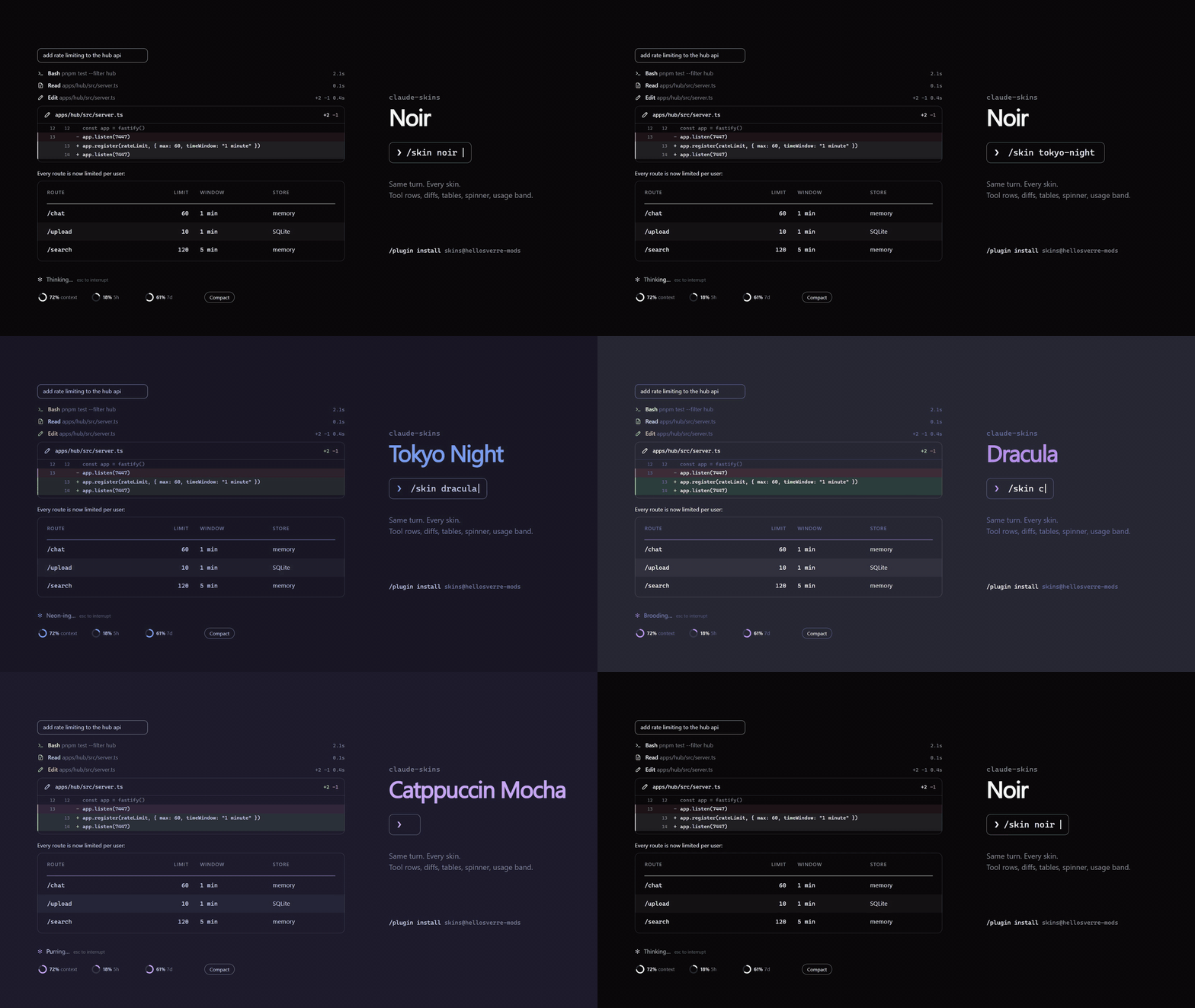
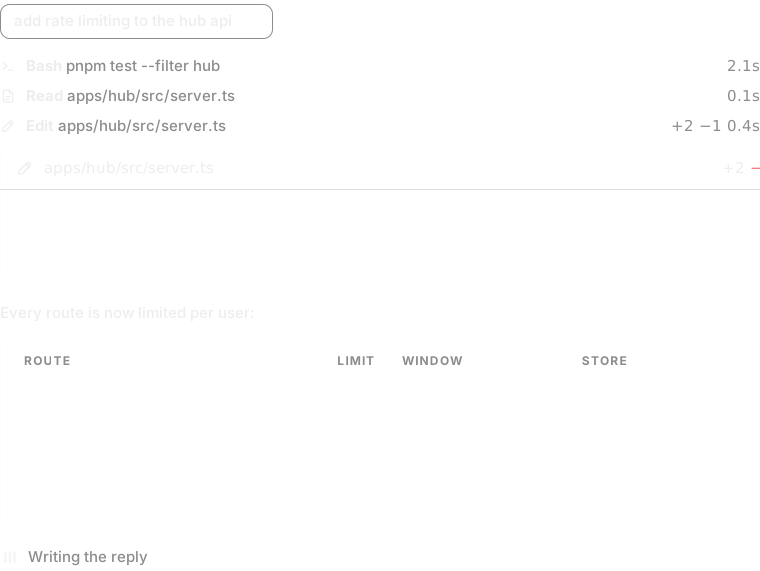




These previews are drawn by the mod's own card code (scripts/previews.ts), not screenshots.
Install
Needs Claude Code 2.1.287 or later, in a terminal or the desktop app's Code tab.
/plugin marketplace add hellosverre/claude-skins
/plugin install skins@hellosverre-mods
What it redraws
| Site | Desktop app | Terminal |
|---|---|---|
| Tool calls | A line icon per kind, a spinning ring while it runs, lines changed and time taken | A node on the turn's rail with the same facts |
| Edits | A diff card: file, +N −M, numbered changed lines in green and red |
Claude Code's own diff |
| Shell commands | A terminal card: status pill, output with stderr apart, long output folded, and a Copy button for the output | Claude Code's own output |
| Tables in replies | An animated card: header rule, zebra rows, swatches for colours, coloured diffs; Copy gives the markdown | A cell grid with a header band and zebra rows, and the same Copy |
| Code blocks in replies | A card with the language, line numbers and highlighting, and a Copy button | Claude Code's own markdown, and a Copy button |
| Spinner | An animated icon per phase: thinking, tool use, writing, waiting | The skin's word with a band of light through it |
| Above the prompt | Rings for context and each plan limit, a Compact button, and a nudge to compact from 70% context | Block meters and the same button |
| Turn footer | (not raised on desktop) | Time, tool count and lines changed |
| Your prompts | A rounded outline sized to what you typed; attached images stay below it | The same |
| The question dialog | A band naming its topics above Claude Code's own dialog | The same |
Every card rises in row by row and respects reduced motion. A skin only changes what is drawn: the stored
conversation, and what the model reads, are untouched. Agents, plan mode and the permission prompt keep
Claude Code's own drawing. The default skin is noir, black and white. Cards have no background of
their own, so they sit in the page. On a light Claude Code theme every skin switches to its light palette.
Make it yours
/skinopens the settings: pick a skin, see a live preview, switch the rail, tables, shimmer,
band and icons, and repaint any colour. Repainting a built-in skin saves it as your ownmy-<skin>./skin galleryshows every element the skin draws, numbered, to point at when you want one changed.- Ask your agent. The mod gives Claude a
designtool and a short guide, so "make me a skin that
feels like a sunset" builds one and applies it while you watch. /skin <name>,/skin list,/skin off, and/skin rail|tables|shimmer|band|clip on|offfor quick switches.
Your choices are remembered across sessions.
What it can reach
It draws and remembers. It reads the session's directory, your context and plan usage, and Claude
Code's theme setting; keeps its settings in the mod store; registers one tool for your agent; and
compacts only when you press Compact, and copies only when you press Copy. It starts no process, touches no file and makes no network call.
Check it yourself:
claude plugin validate .
Add a built-in skin
A skin is one file. Copy hooks/themes/nord.ts, change the colours and words, then add one line tohooks/themes/index.ts.
claude plugin test
Develop
claude --plugin-dir .
Saving a file reloads the mod in the running session. /plugin-types writes the type declarations
into .claude/types for your editor. npx tsx scripts/previews.ts redraws the README previews.
License
MIT
Reviews (0)
Sign in to leave a review.
Leave a reviewNo results found