open-codex-computer-use
Health Pass
- License — License: MIT
- Description — Repository has a description
- Active repo — Last push 0 days ago
- Community trust — 694 GitHub stars
Code Pass
- Code scan — Scanned 12 files during light audit, no dangerous patterns found
Permissions Pass
- Permissions — No dangerous permissions requested
No AI report is available for this listing yet.
👾 Open Computer Use – Open-Source Alternative to Codex Computer Use
open-computer-use




[!TIP]
Interested in Browser Use? Check out open-browser-use.
open-computer-use is an open-source Computer Use service wrapped as MCP. Any AI agent or MCP client can use it to run Computer Use on macOS, Linux, and Windows.
This project was inspired by OpenAI's Codex Computer Use. It showed that non-intrusive CUA can be built on top of Accessibility, so I decided to build an open-source version.
I started this repo with my harness template, a template for quickly spinning up AI-first projects. It has been one of our most useful workflows lately, especially for nearly 100% AI-generated projects. I also wrote a post about the methodology behind it.
Demos
Codex App and Codex CLI
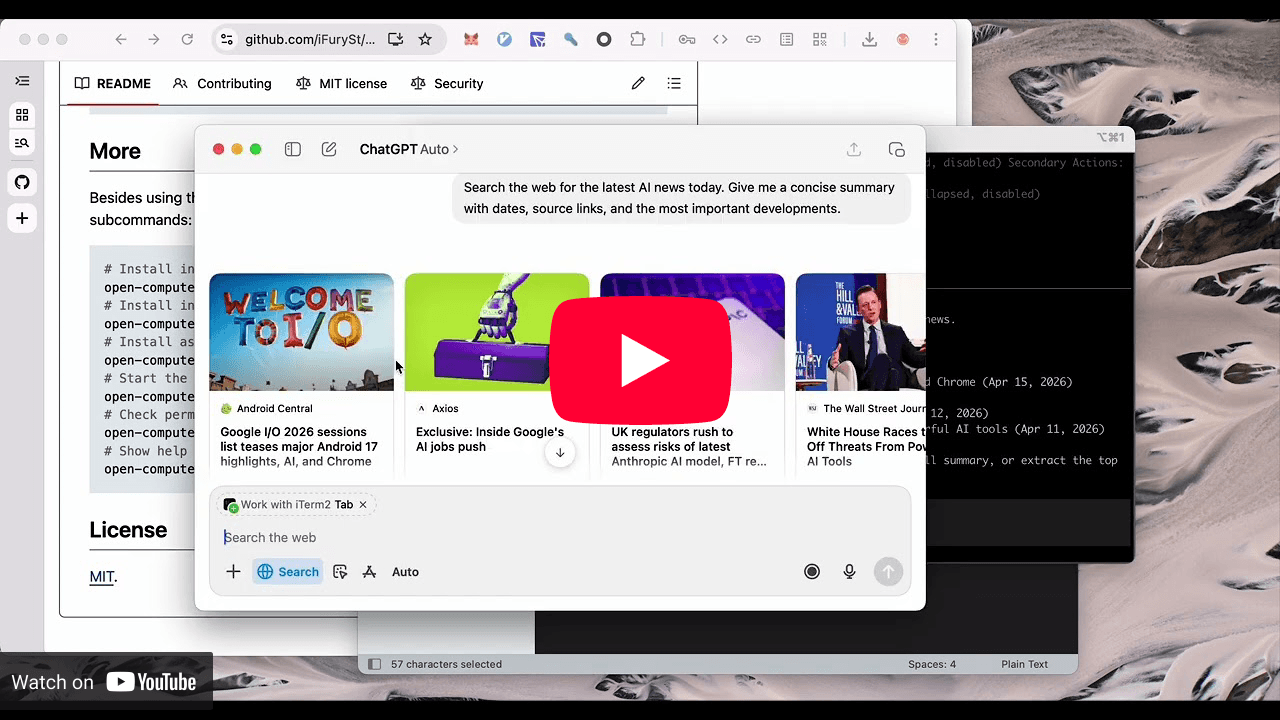
open-computer-use used as Computer Use in Codex App and Codex CLI, matching the official experience.
Gemini CLI
https://github.com/user-attachments/assets/eacb3b15-f939-46c7-b3b3-6f876977a58d
Gemini CLI connects to open-computer-use through MCP and runs full Computer Use actions.
Linux
https://github.com/user-attachments/assets/e036b1c8-2200-4896-abd4-19225915cf66
open-computer-use running on Linux.
Quick Start
npm i -g open-computer-use
On macOS, run it once and grant Accessibility and Screen Recording. Windows and Linux do not need this step.
open-computer-use
Before using it, install it into your agent:
# Install into Codex by writing to ~/.codex/config.toml
open-computer-use install-codex-mcp
Or add it to your own client manually:
{
  "mcpServers": {
    "open-computer-use": {
      "command": "open-computer-use",
      "args": ["mcp"]
    }
  }
}
More
Besides the MCP JSON config above, you can also use the built-in commands:
# Install into Codex by writing to ~/.codex/config.toml
open-computer-use install-codex-mcp

# Install as a Codex plugin, mainly for Codex App
open-computer-use install-codex-plugin

# Install into Claude Code by writing to ~/.claude.json
open-computer-use install-claude-mcp

# Install into Gemini CLI for the current project by writing to ./.gemini/settings.json
open-computer-use install-gemini-mcp

# Install into Gemini CLI user config instead
open-computer-use install-gemini-mcp --scope user

# Install into opencode by writing to ~/.config/opencode/opencode.json (or the active config file)
open-computer-use install-opencode-mcp

# Call a single Computer Use tool and print the MCP-style JSON result
open-computer-use call list_apps
open-computer-use call get_app_state --args '{"app":"TextEdit"}'

# Run a sequence in one process so element_index state can be reused
# Sequence runs sleep 1s between successful operations by default
open-computer-use call --calls '[{"tool":"get_app_state","args":{"app":"TextEdit"}},{"tool":"press_key","args":{"app":"TextEdit","key":"Return"}}]'
open-computer-use call --calls-file examples/textedit-overlay-seq.json --sleep 0.5

# Check permissions; onboarding only opens when something is missing
open-computer-use doctor

# Show help
open-computer-use -h
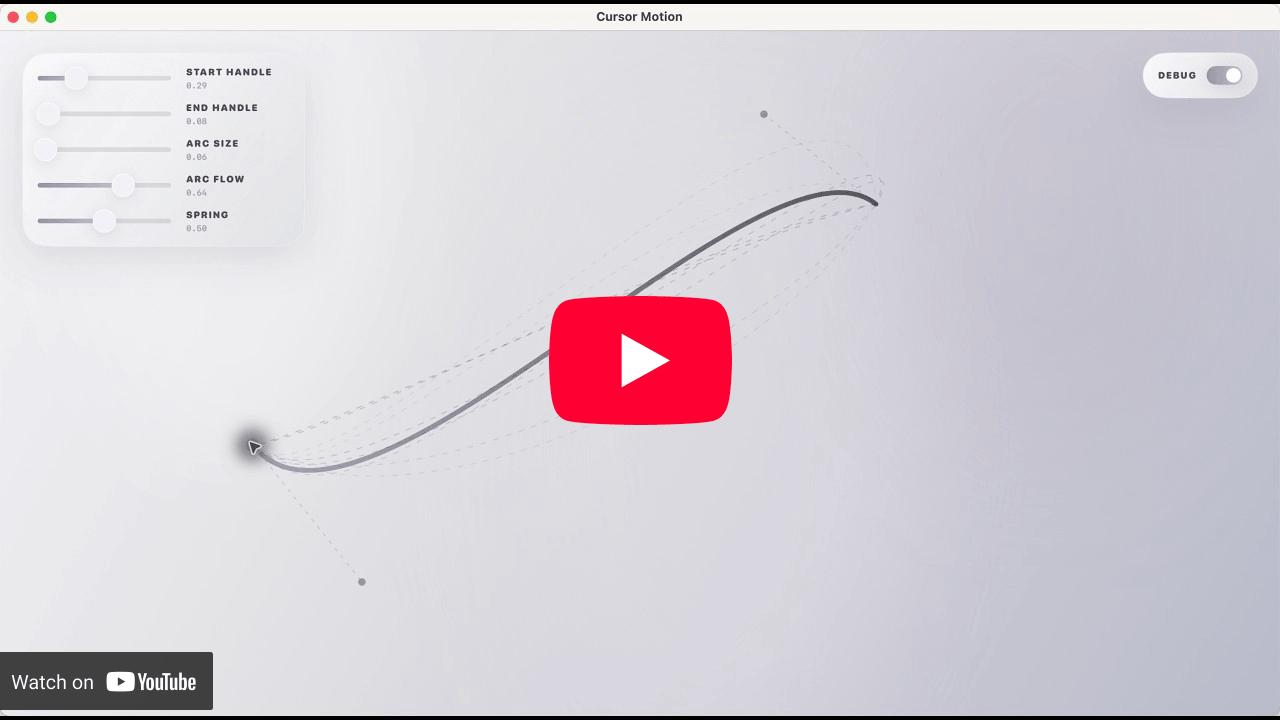
Cursor Motion
Cursor Motion is an open-source cursor motion system for macOS, based on public information shared by members of the Software.Inc team. You can download the app from the Releases page.
Star History
License
Reviews (0)
Sign in to leave a review.
Leave a reviewNo results found