app-preview-craft-skill
Health Warn
- License — License: NOASSERTION
- Description — Repository has a description
- Active repo — Last push 0 days ago
- Low visibility — Only 5 GitHub stars
Code Fail
- process.env — Environment variable access in skills/app-preview-craft/scripts/browser.mjs
- process.env — Environment variable access in skills/app-preview-craft/scripts/cli.mjs
- spawnSync — Synchronous process spawning in skills/app-preview-craft/scripts/doctor.mjs
- process.env — Environment variable access in skills/app-preview-craft/scripts/doctor.mjs
Permissions Pass
- Permissions — No dangerous permissions requested
No AI report is available for this listing yet.
Agent Skill that turns app screenshots and screen recordings into App Store & Play Store screenshots, social cards, 3D device mockups and promo videos. Local headless Chrome, three.js and ffmpeg. Works in Claude Code, Codex, Cursor, Copilot and Gemini CLI.
App Preview Craft


An Agent Skill that turns your app's screenshots and screen recordings
into App Store / Play Store screenshots, social cards, 3D device mockups and promo videos —
rendered locally with headless Chrome, three.js and ffmpeg.
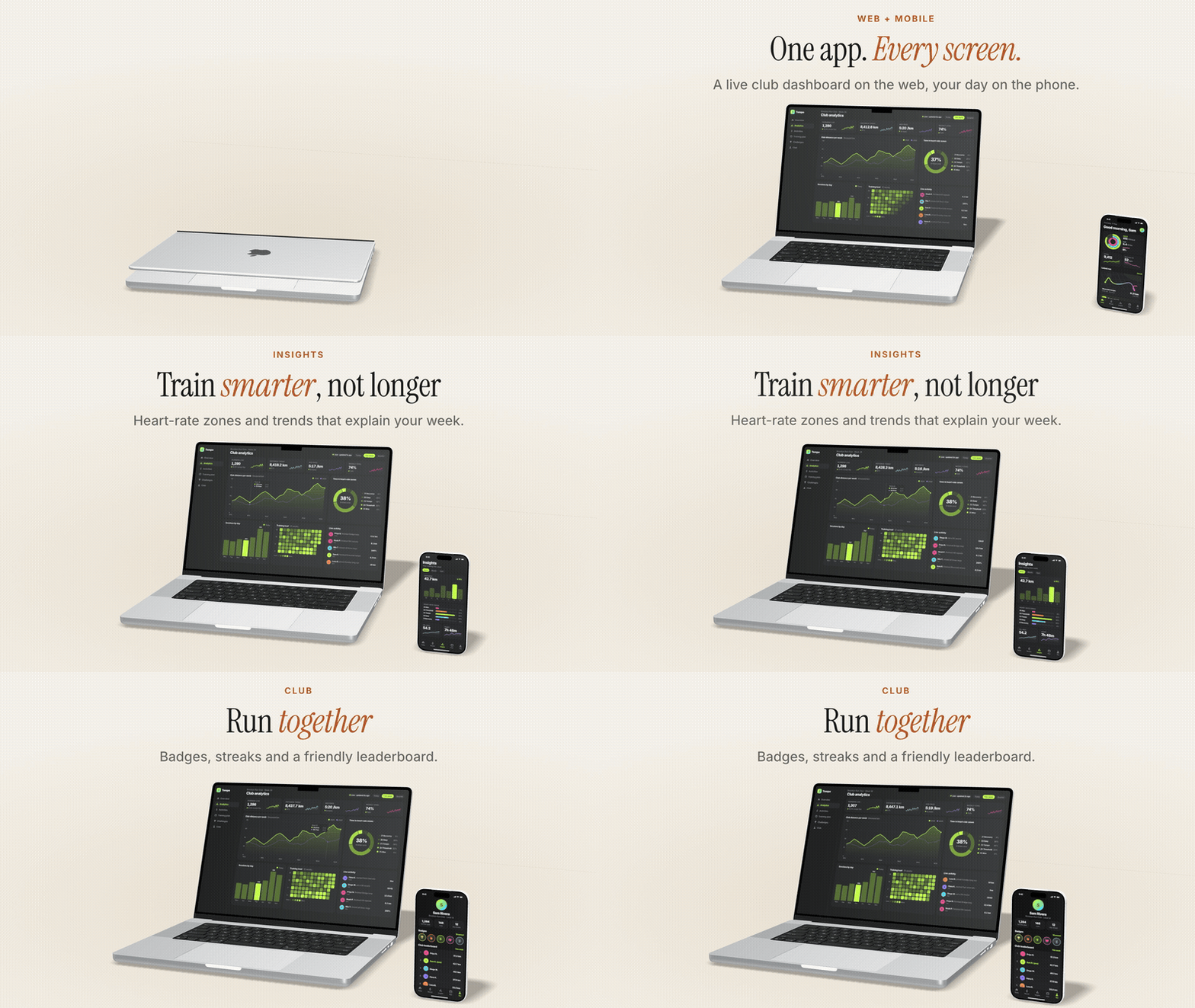
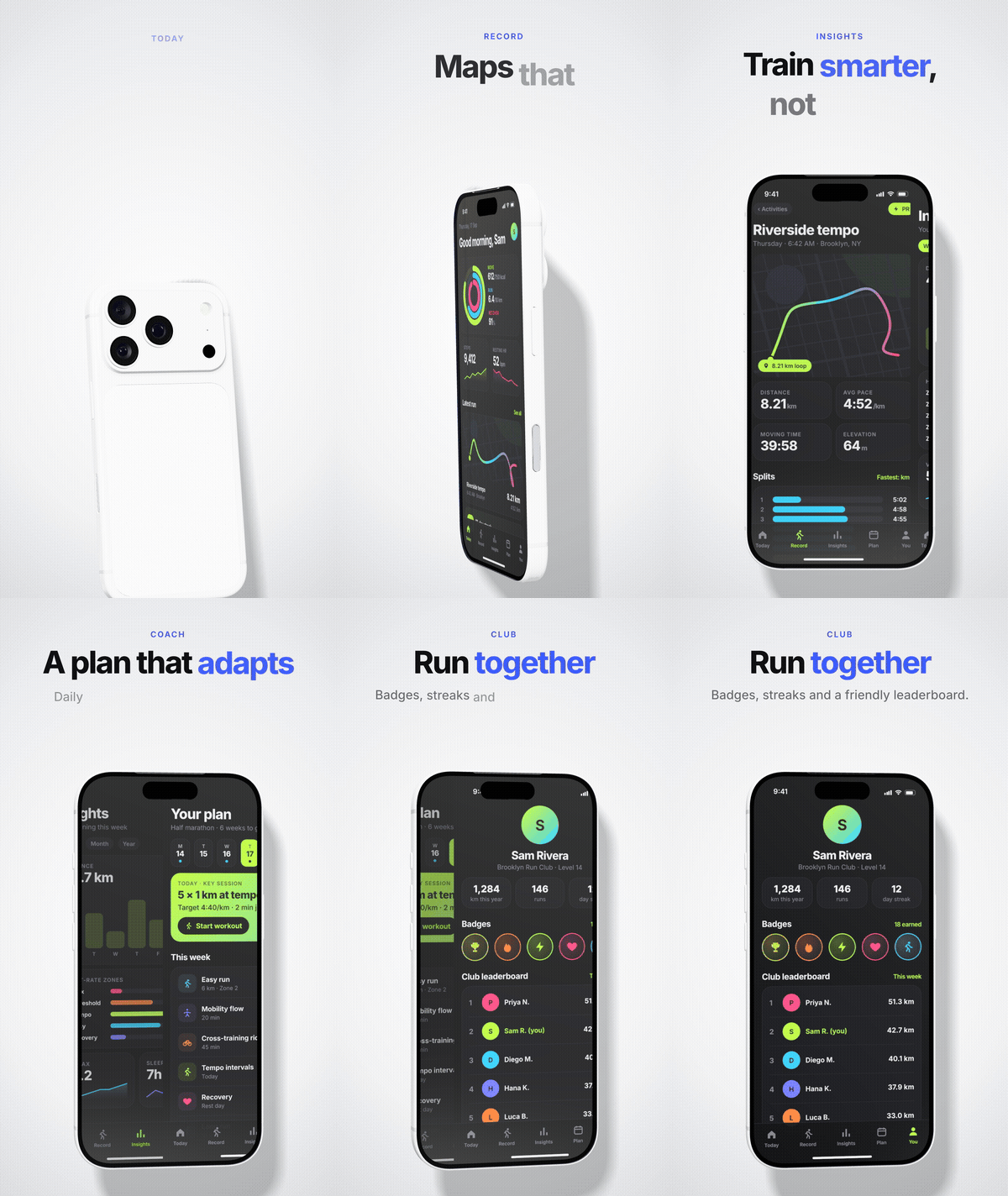
3D trio video |
3D desk video |
|---|---|
 |
 |
Install
| Agent | Install |
|---|---|
| Claude Code (plugin) | claude plugin marketplace add imshaikot/app-preview-craft-skillclaude plugin install app-preview-craft@app-preview-craft |
| Claude Code (skill folder) | git clone --depth 1 -b skill https://github.com/imshaikot/app-preview-craft-skill.git ~/.claude/skills/app-preview-craft |
| Codex · Cursor · GitHub Copilot · Gemini CLI · OpenCode · Amp · Goose | git clone --depth 1 -b skill https://github.com/imshaikot/app-preview-craft-skill.git ~/.agents/skills/app-preview-craft |
Inside Claude Code, run /plugin marketplace add imshaikot/app-preview-craft-skill, then/plugin install app-preview-craft@app-preview-craft as a separate command. For a single
project, clone into .claude/skills/ or .agents/skills/ instead. Update a clone withgit -C <dir> pull --ff-only.
Requirements: Node 20+, Chrome / Chromium / Edge with WebGL, and ffmpeg for video. On
first use the agent runs node scripts/doctor.mjs --fix, which installs the skill's npm
packages (~95 MB) and checks the rest.
What it makes
| Category | Output | Themes |
|---|---|---|
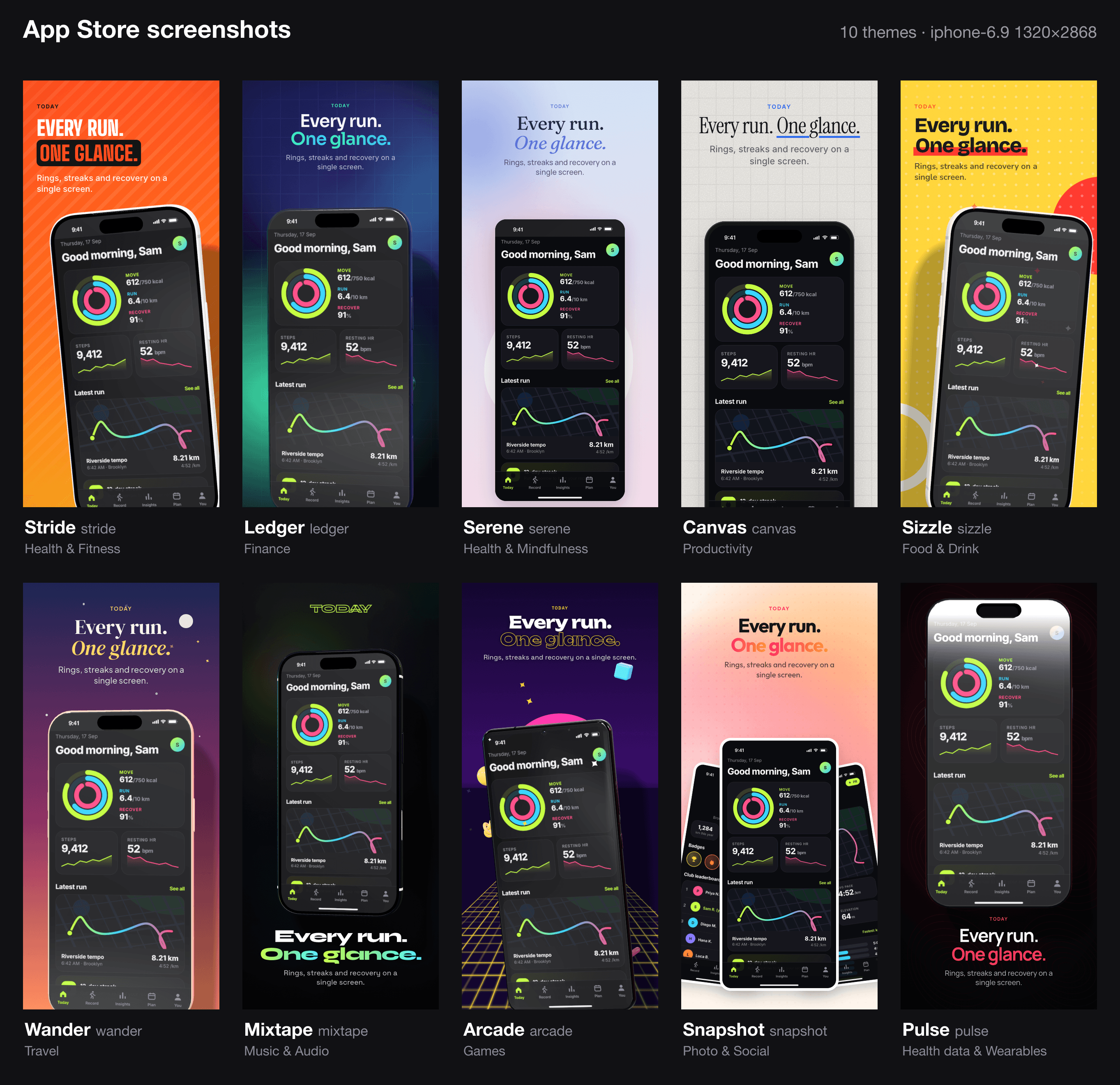
app-store |
Screenshot sets at every App Store Connect / Play size | 10 |
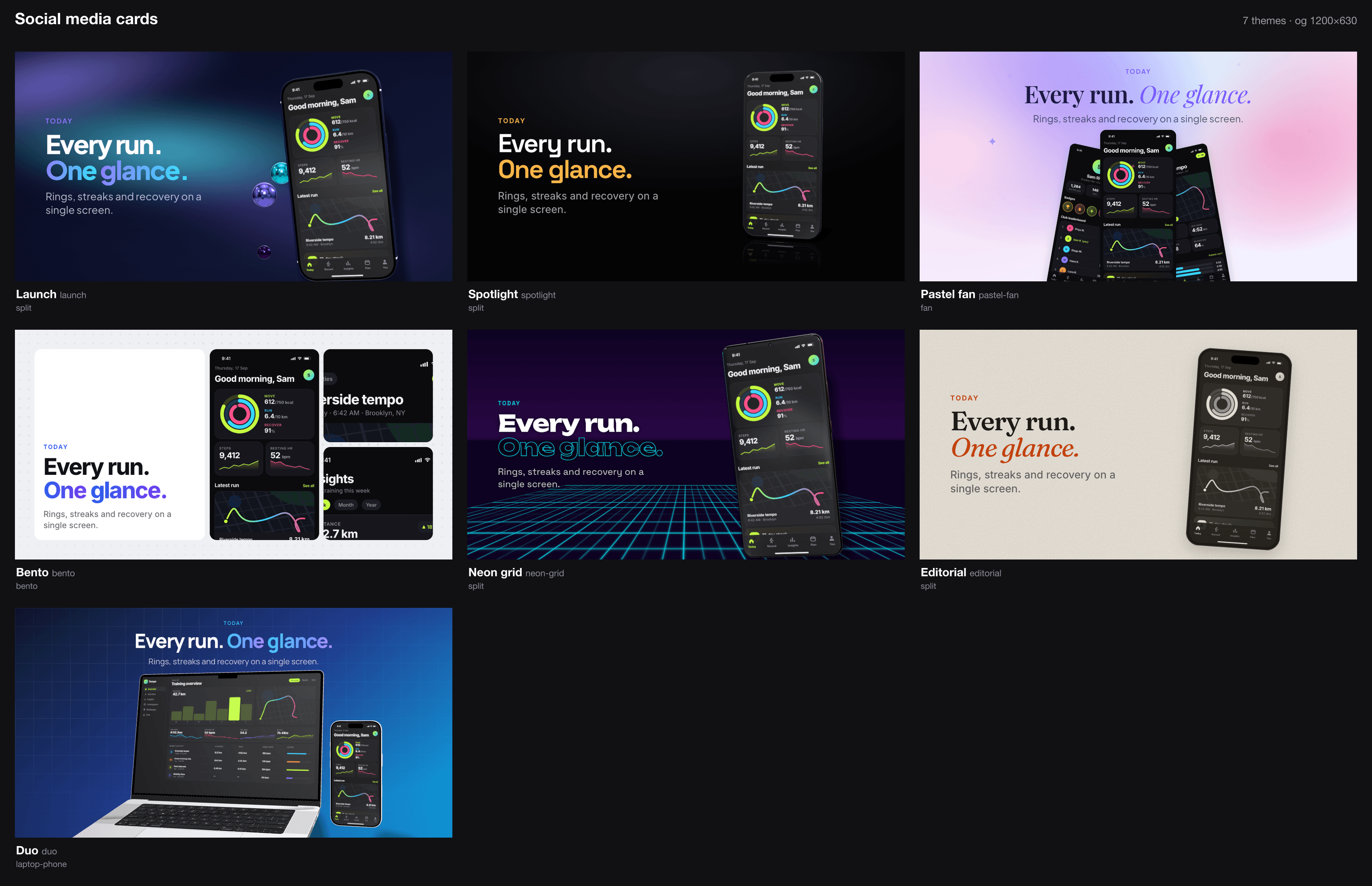
social-card |
Open Graph, X, LinkedIn, Instagram and story cards | 7 |
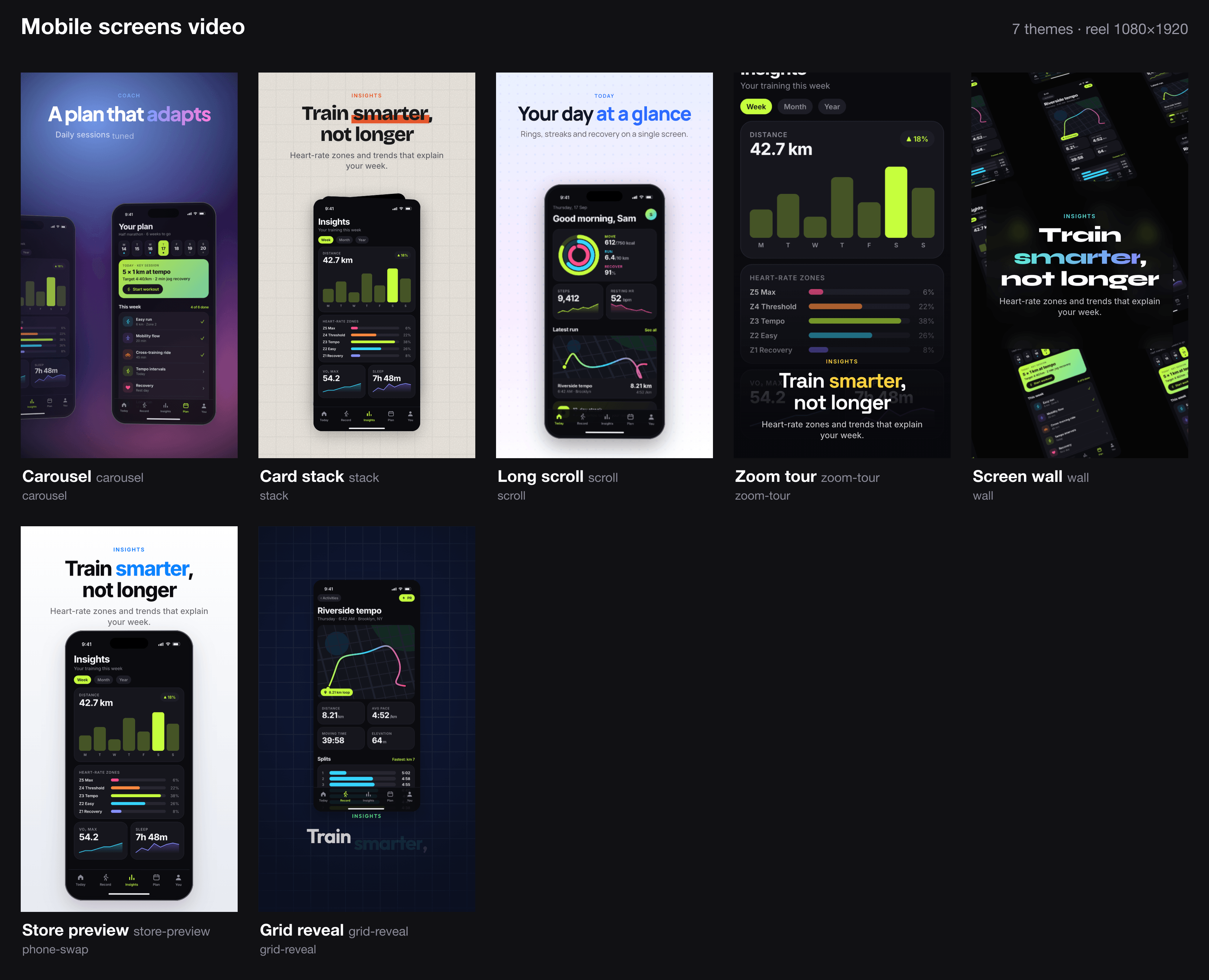
screen-video |
2D motion from screens and recordings, incl. App Store previews | 7 |
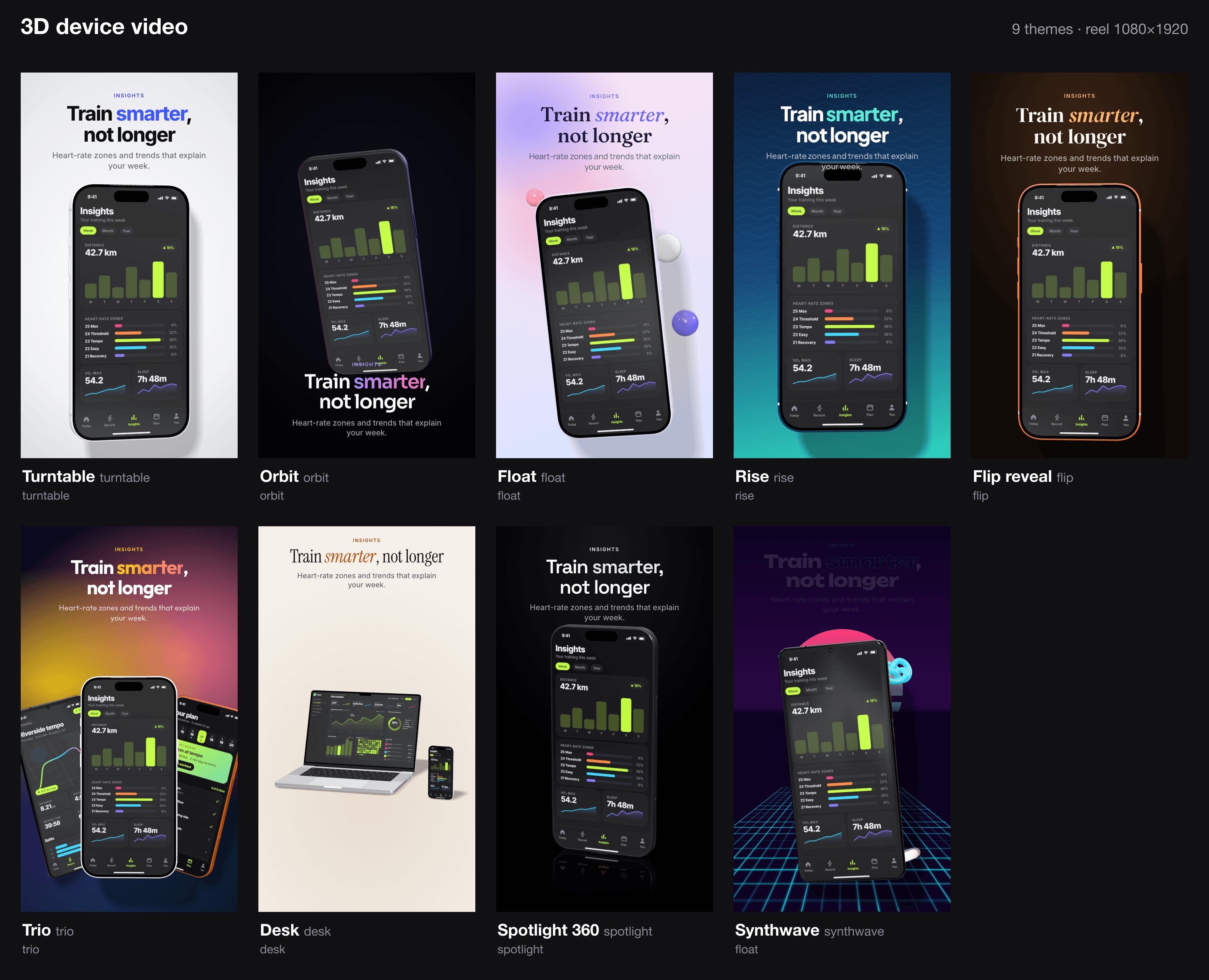
device-video |
3D iPhone, Galaxy and MacBook showcase videos | 9 |
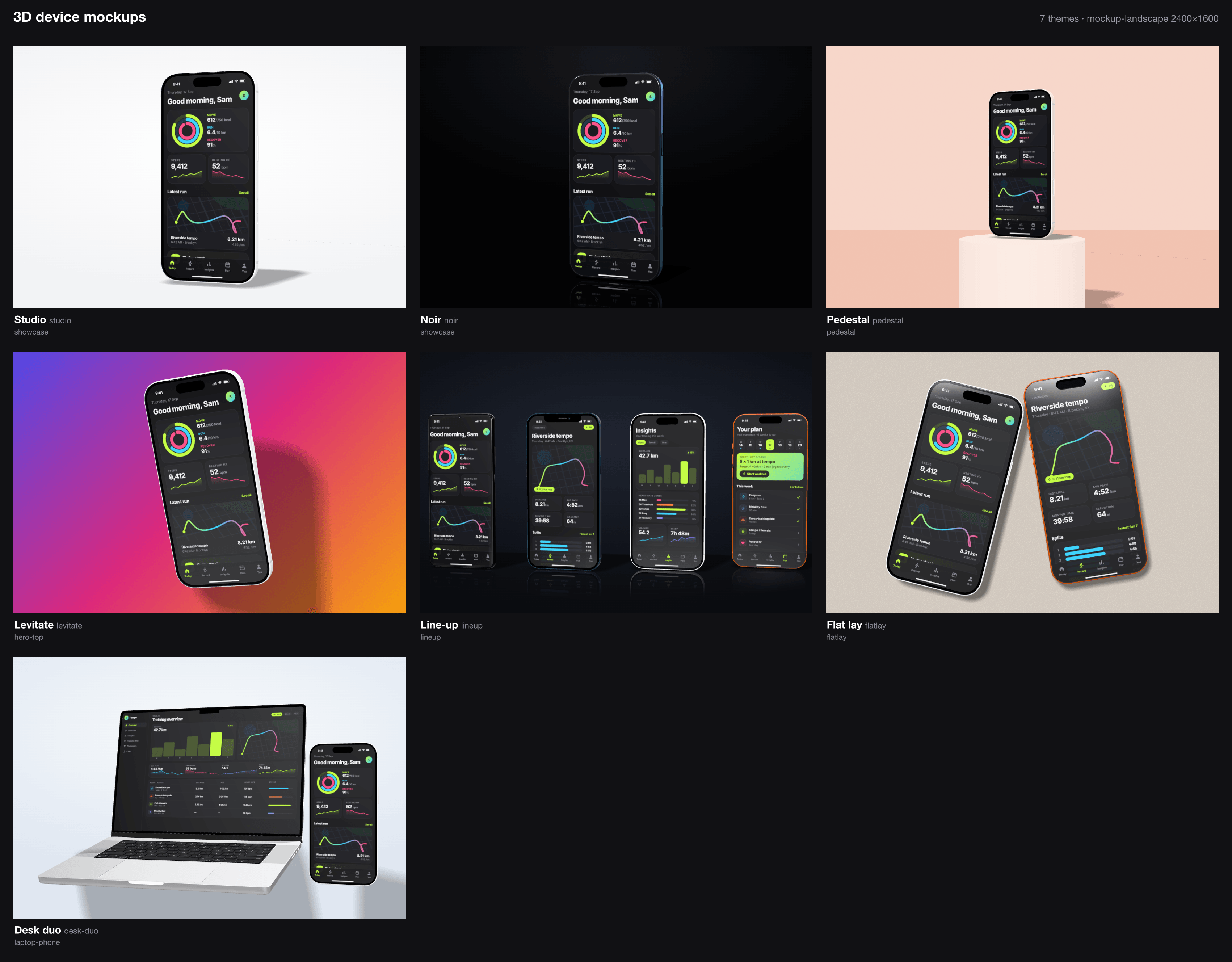
device-mockup |
3D hero stills, optionally transparent | 7 |
App Store themes borrow the look of popular apps in each store category (mood only, no brand
assets): stride fitness, ledger finance, serene mindfulness, canvas productivity,sizzle food, wander travel, mixtape music, arcade games, snapshot photo, pulse
health data.
 |
 |
 |
 |
Use
Ask your agent:
Make App Store screenshots from
./screenshots— it's a budgeting app.Turn
demo.movinto a 3D phone video for Instagram.Make an og image and an X card for the launch.
Or run the CLI yourself ($SKILL is the install folder):
node $SKILL/scripts/cli.mjs app-store shots/*.png --theme ledger --size iphone-6.9,ipad-13
node $SKILL/scripts/cli.mjs device-video home.png demo.mov --theme turntable
node $SKILL/scripts/cli.mjs social-card home.png --theme launch --size og,x-post
node $SKILL/scripts/cli.mjs gallery app-store     # preview every theme
node $SKILL/scripts/cli.mjs list options          # every --set path
Any theme property can be overridden with --set path=value, a theme file that extends a
built-in, or an app-preview-craft.json project file
(example). Files are written to
the current directory.
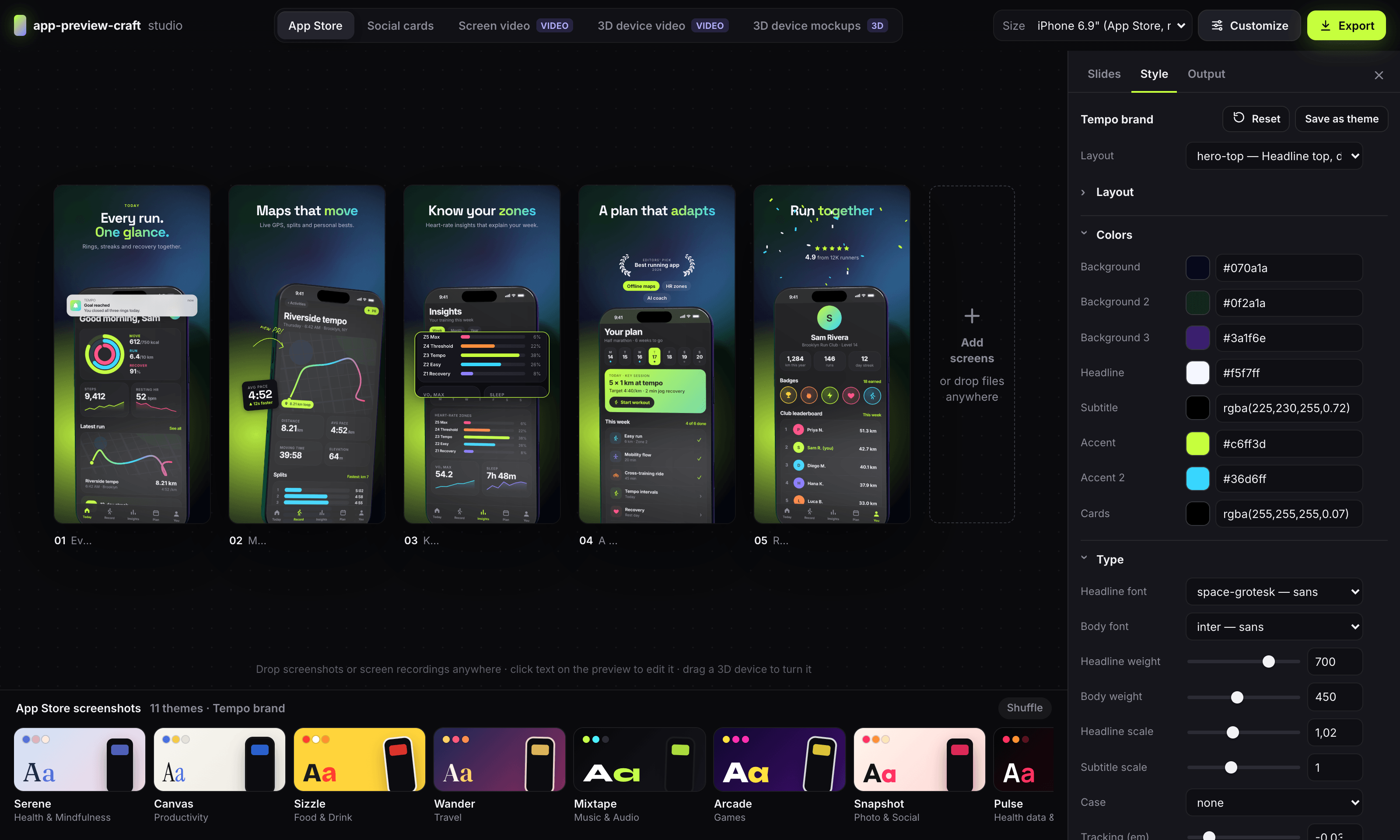
Studio — node $SKILL/scripts/cli.mjs studio opens a local, preview-first editor with
drag-and-drop screens, inline copy editing, live 3D and one-click export.
Credits
The 3D device models are CC-BY-4.0; every render that shows one writes a CREDITS.txt.
Keep the credit when you publish.
- iPhone 17 Pro by Ranguel
- iPhone 17 Pro Max by MajdyModels
- iPhone 12 Pro and Galaxy S21 Ultra by DatSketch
- MacBook Pro M3 16" by jackbaeten
Device names are trademarks of their owners. Fonts: Fontsource (OFL).
License
MIT for the code; the device models keep their CC-BY-4.0 license.
Reviews (0)
Sign in to leave a review.
Leave a reviewNo results found