mempalace-viz
Health Warn
- License — License: MIT
- Description — Repository has a description
- Active repo — Last push 0 days ago
- Low visibility — Only 5 GitHub stars
Code Warn
- network request — Outbound network request in demo-palace.json
- network request — Outbound network request in functions/api/mcp.js
Permissions Pass
- Permissions — No dangerous permissions requested
This tool is a single-page HTML dashboard that visualizes a "MemPalace" knowledge graph. It uses D3.js to render an interactive, searchable UI for memory data, complete with semantic clustering and real-time server integration.
Security Assessment
The overall risk is Low. As a client-side visualization app, it does not request dangerous system permissions or execute local shell commands. The code contains outbound network requests, which are expected behavior for fetching API data (located in `mcp.js`) and loading demo content. There are no hardcoded secrets present in the codebase. You will still want to exercise standard caution regarding where it connects, especially if pointing it at a server hosting sensitive conversations or proprietary data.
Quality Assessment
The project is highly maintained, with its last push occurring today. It uses the permissive MIT license and features a comprehensive, well-documented README. However, community trust and visibility are currently very low. It has only 5 GitHub stars, meaning the codebase has not been broadly vetted by a large audience yet.
Verdict
Safe to use, but keep an eye on the network endpoints if connecting to private data.
Futuristic knowledge graph visualization for MemPalace — D3.js force-directed graph with semantic clustering, real-time MCP integration, and Cloudflare zero-trust hosting
MemPalaceViz
A futuristic knowledge graph visualization dashboard for MemPalace — give your AI a memory, mine projects and conversations into a searchable palace.
Built as a single-file SPA with D3.js force-directed graphs, canvas particle effects, and real-time MCP integration. Tested against MemPalace v3.3.3.
📚 New to MemPalace? Start at the official docs — installation, the AAAK memory dialect, the wing/room/drawer model, and the full MCP tool reference.
Screenshots
| Dark Theme | Light Theme |
|---|---|
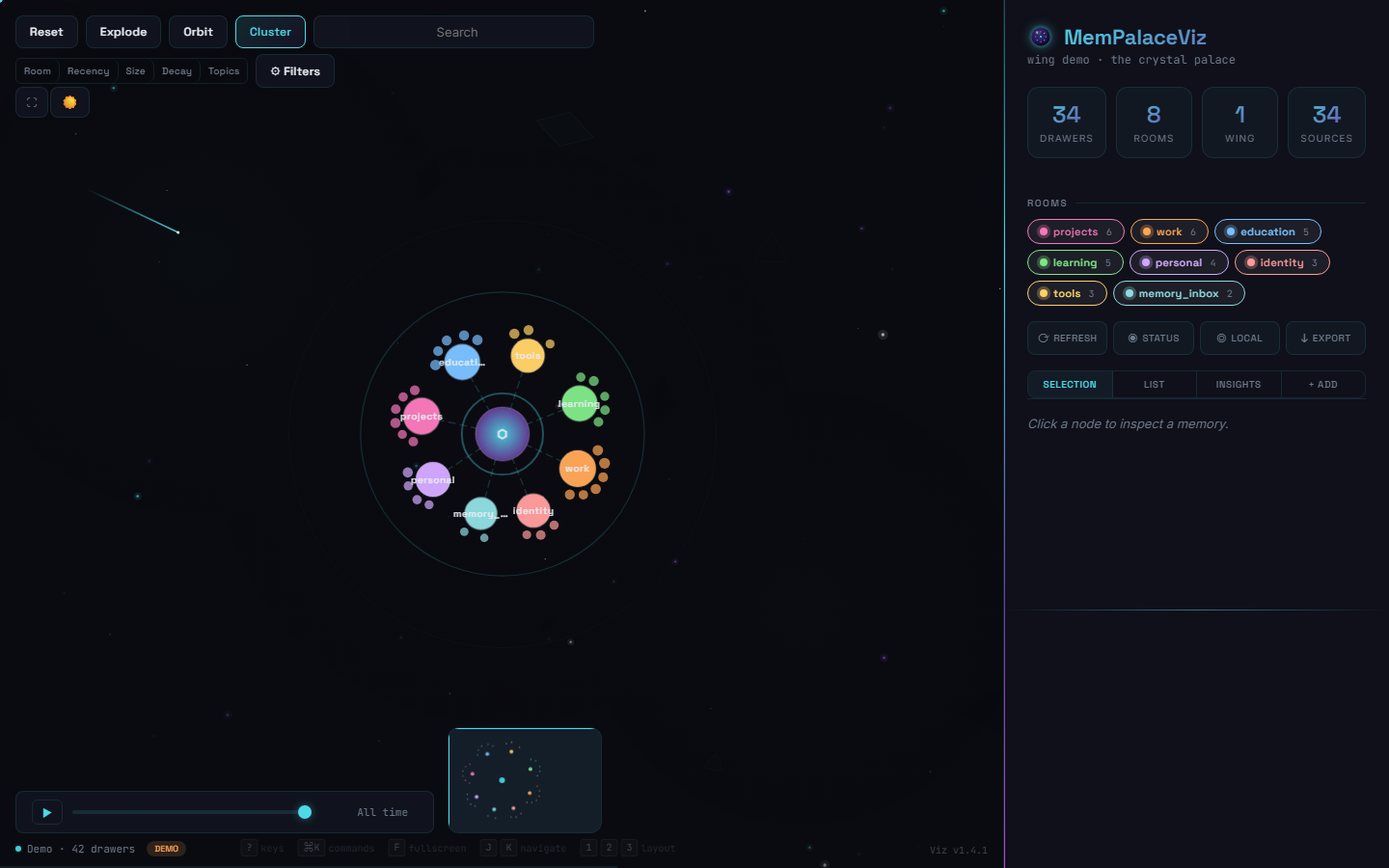 |
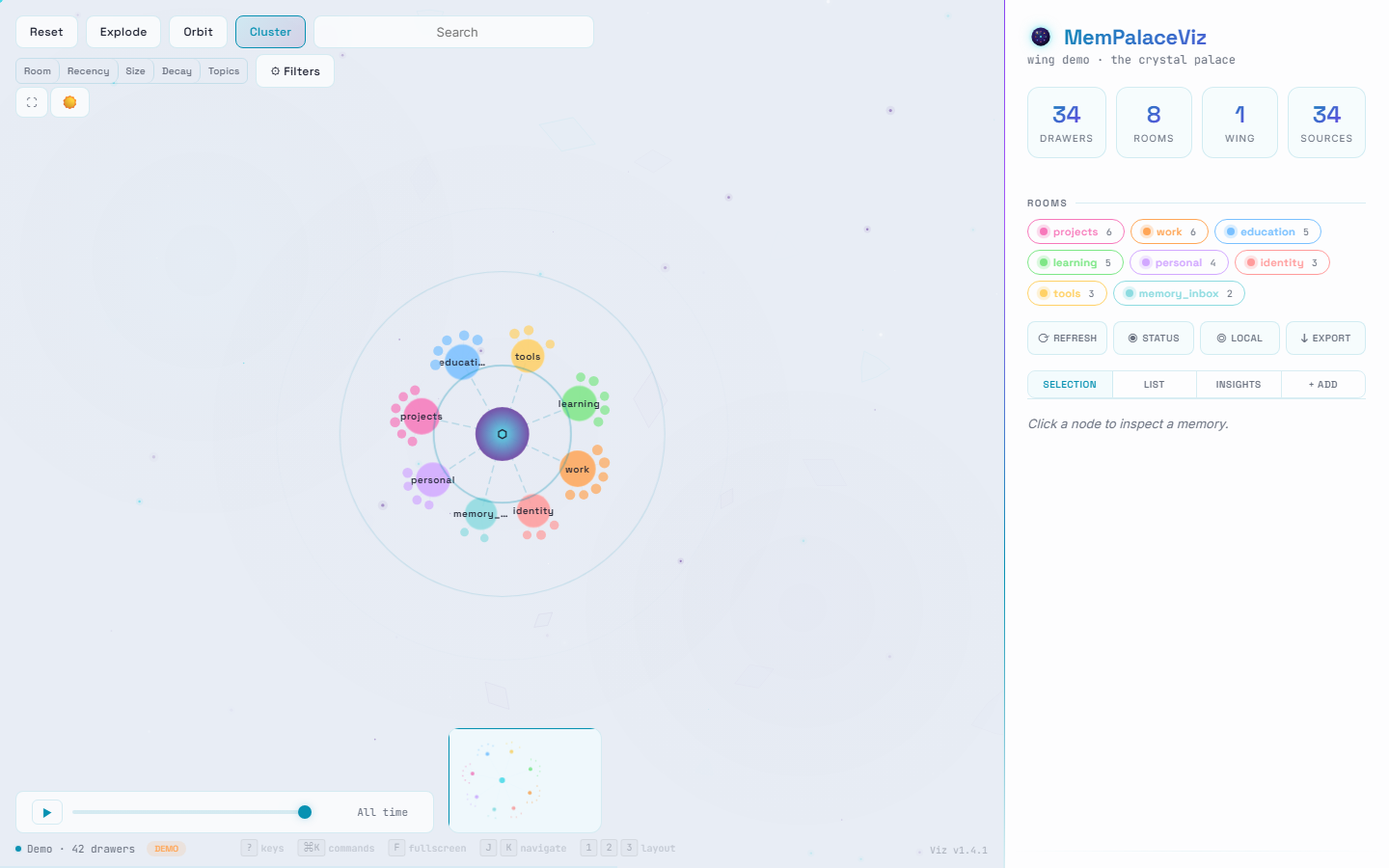 |
| Semantic Topics | Recency Heatmap |
|---|---|
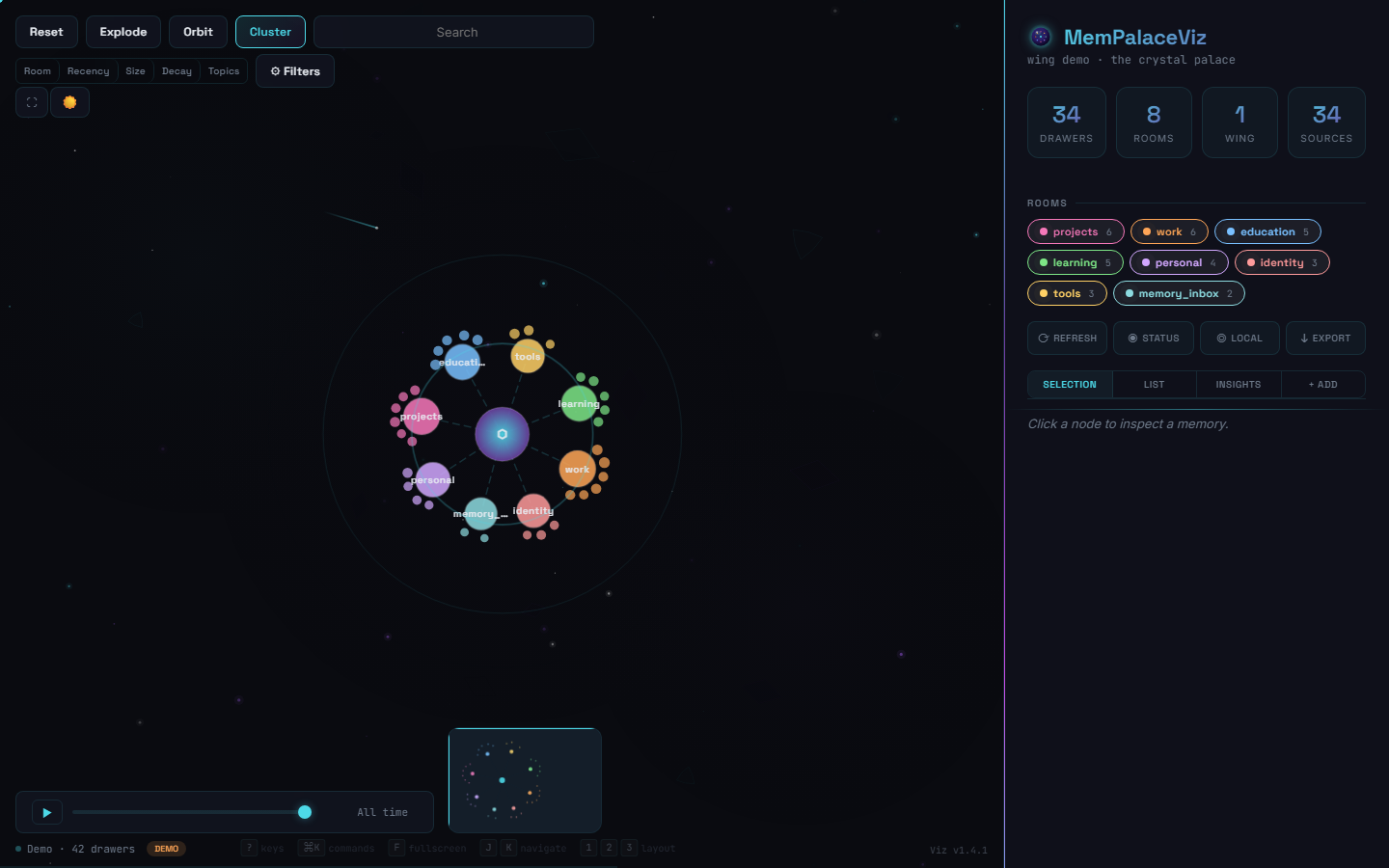 |
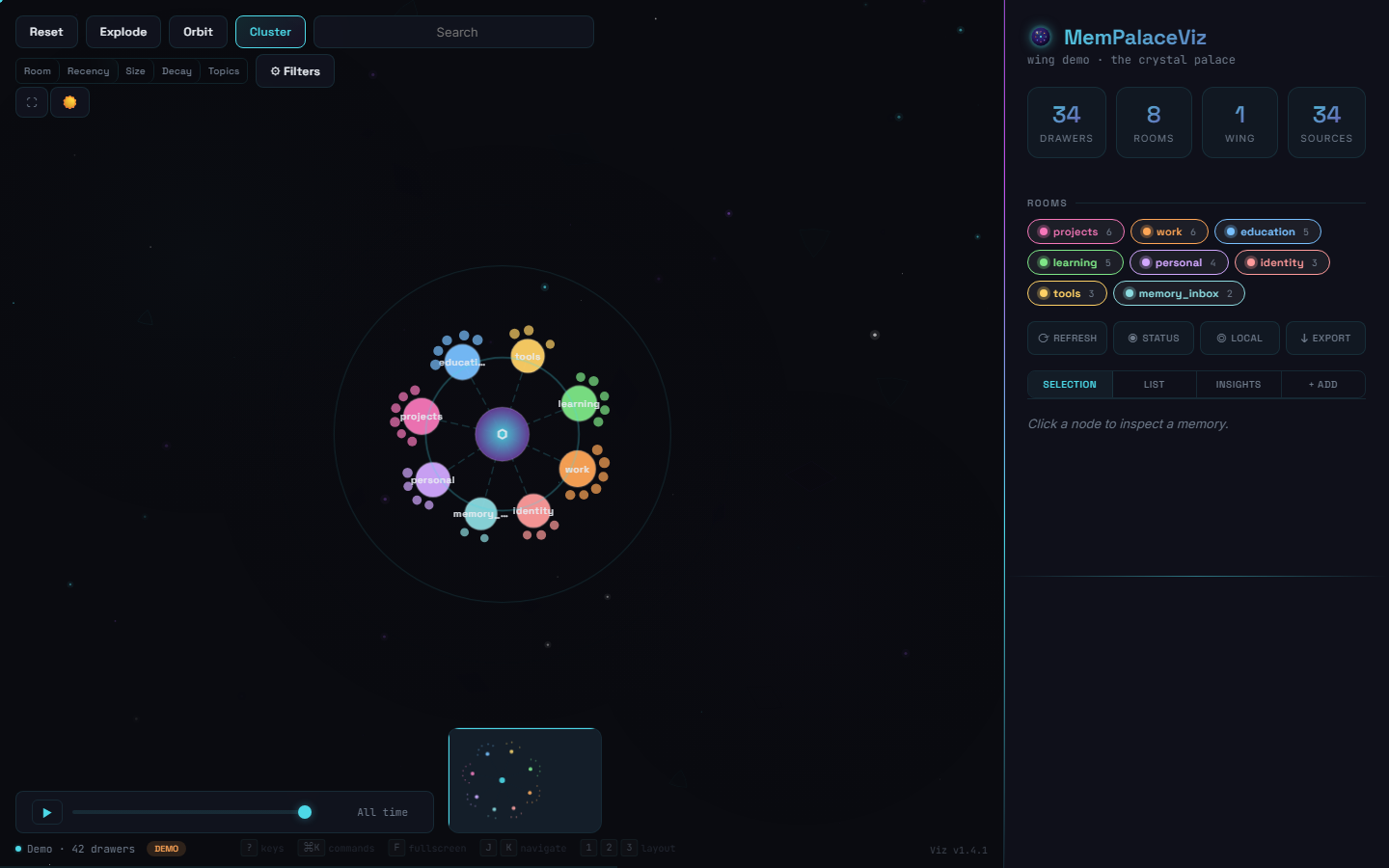 |
| Drawer Detail | Drawer List |
|---|---|
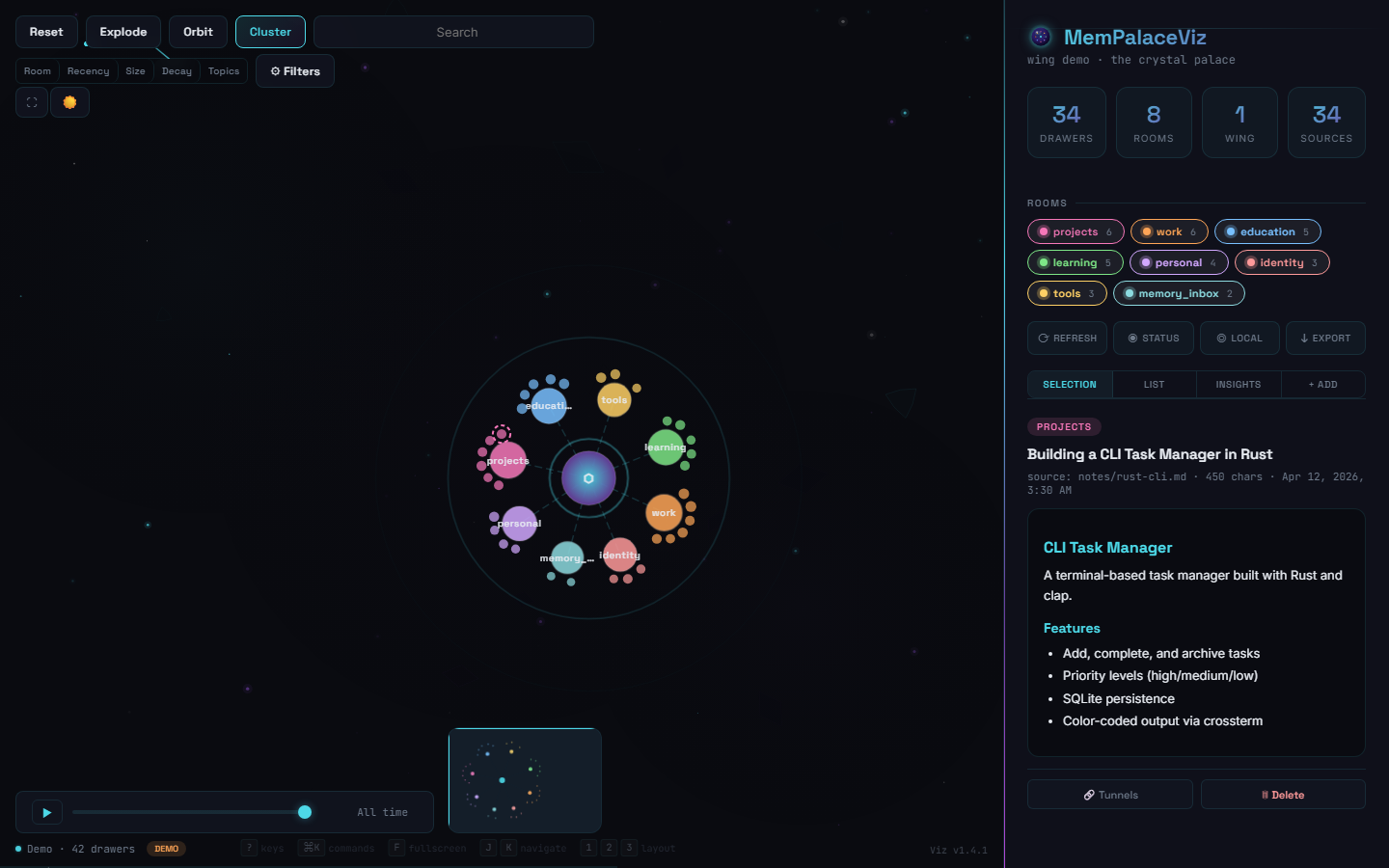 |
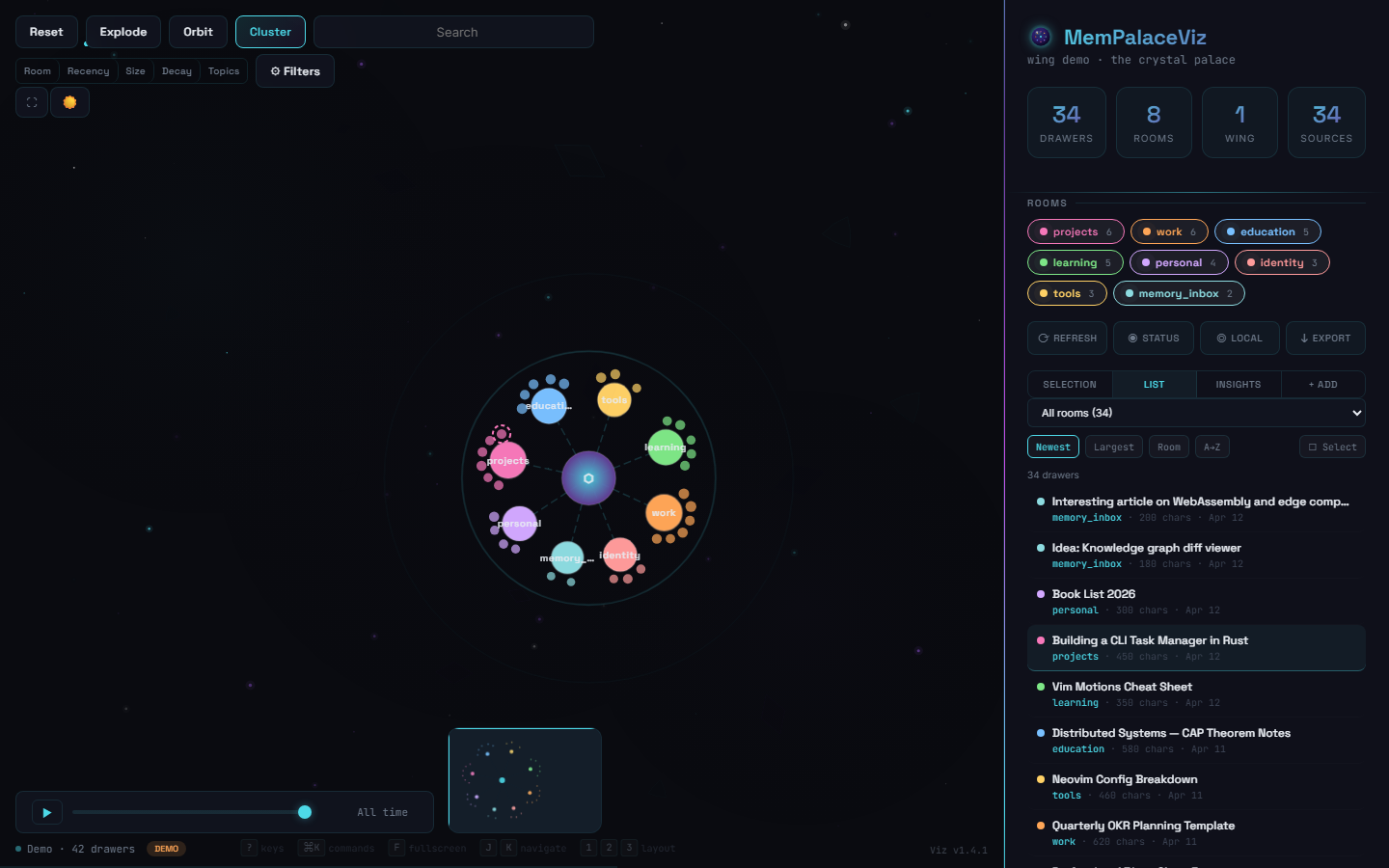 |
| Themed Tooltips | Connection Settings |
|---|---|
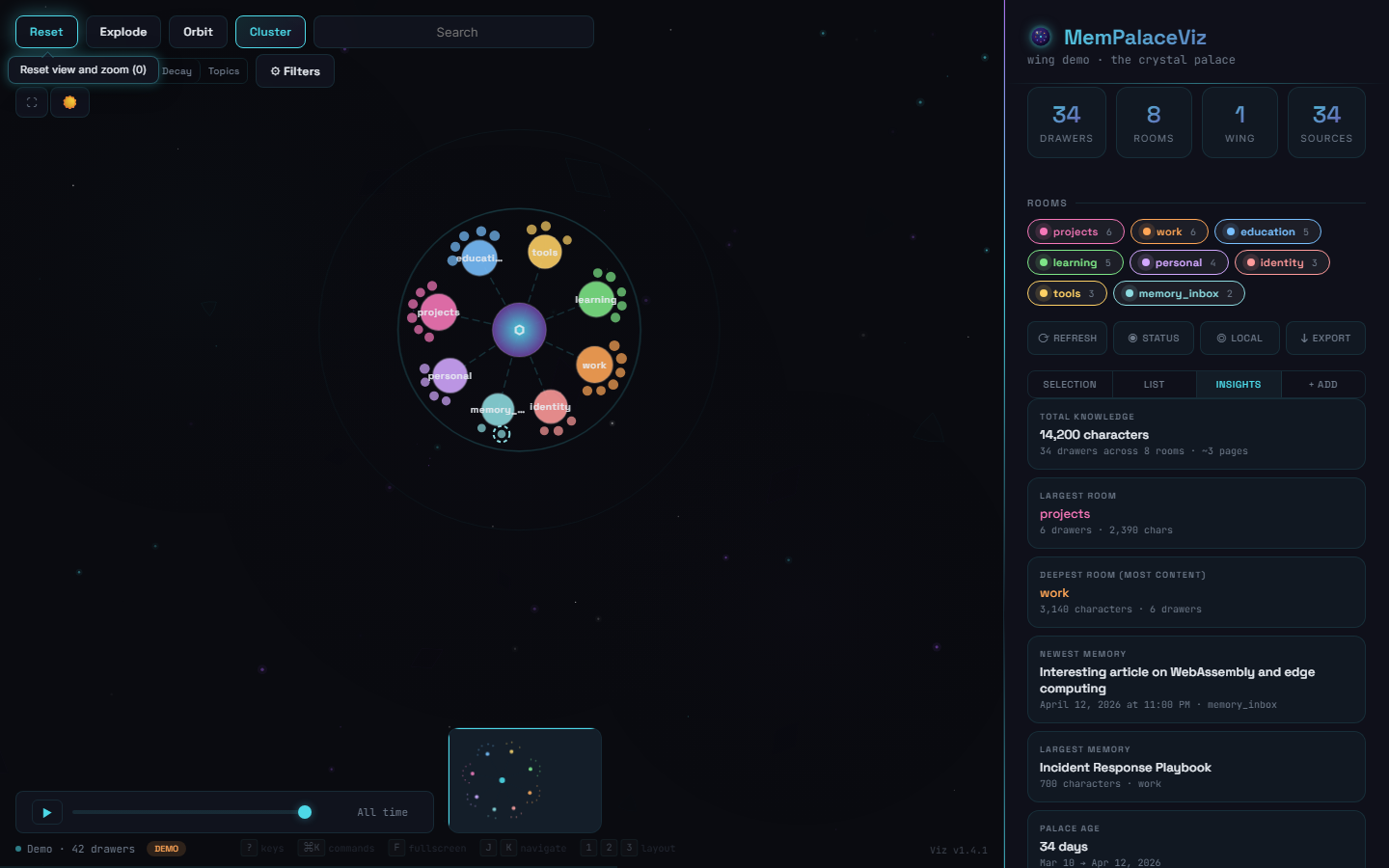 |
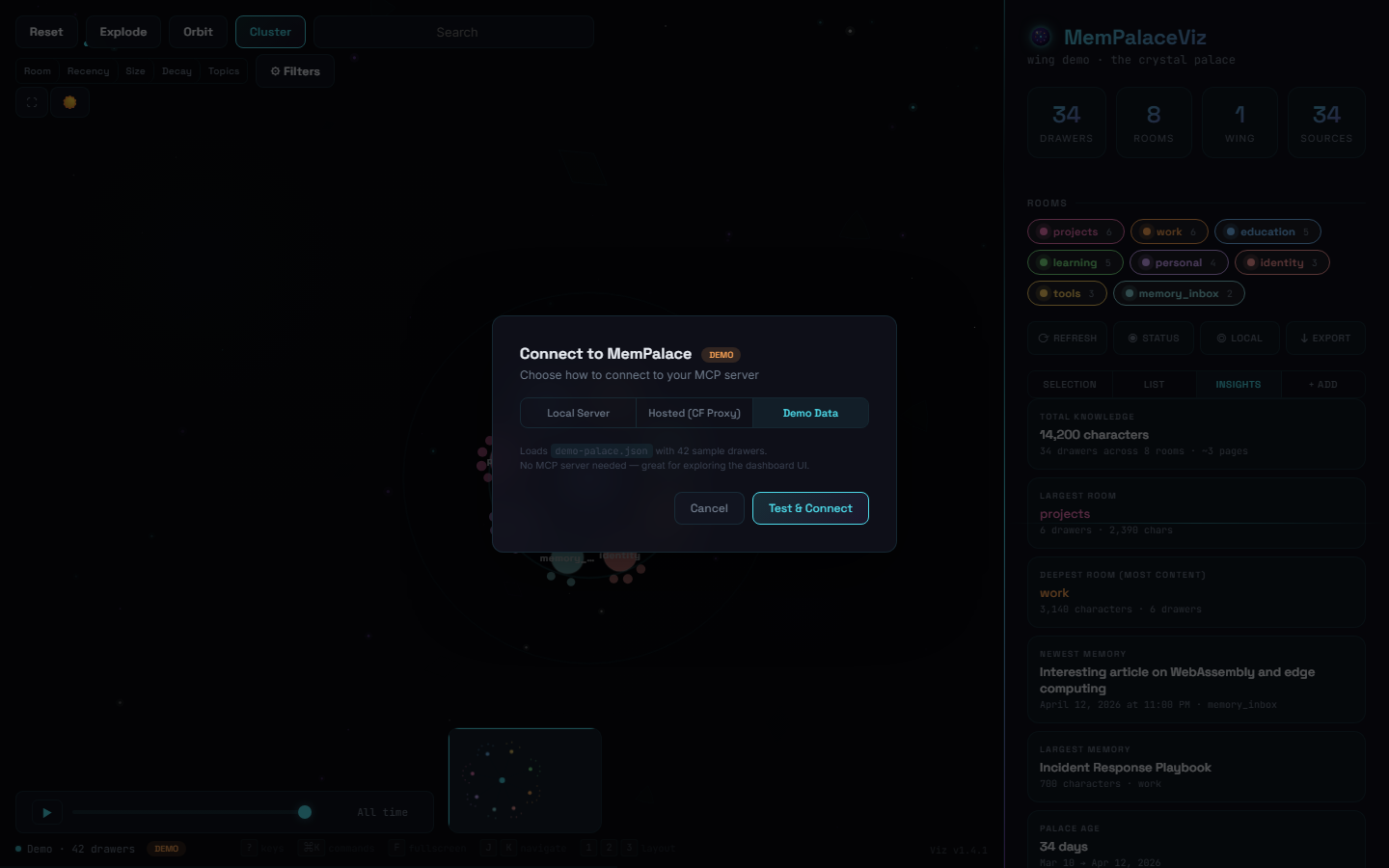 |
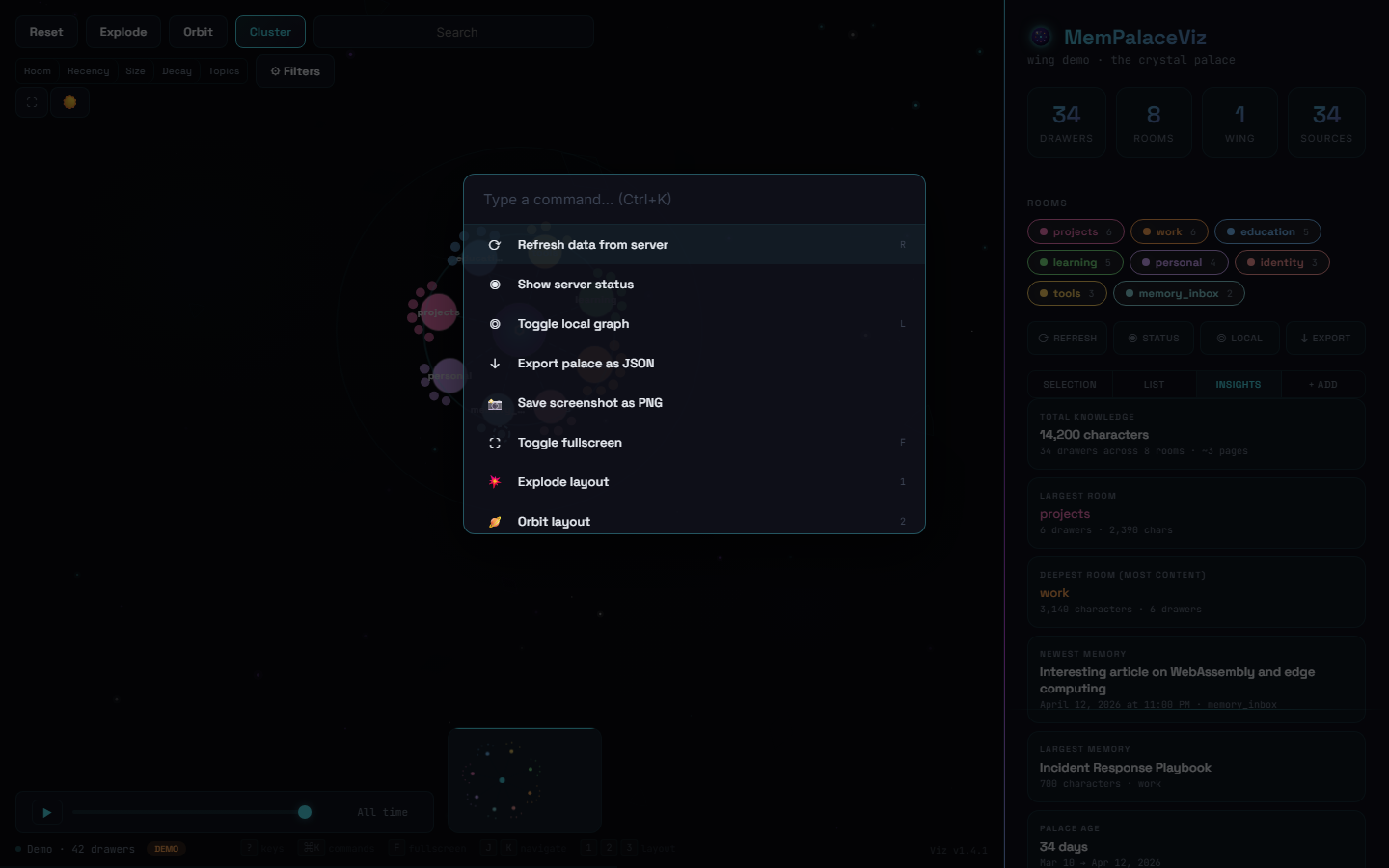
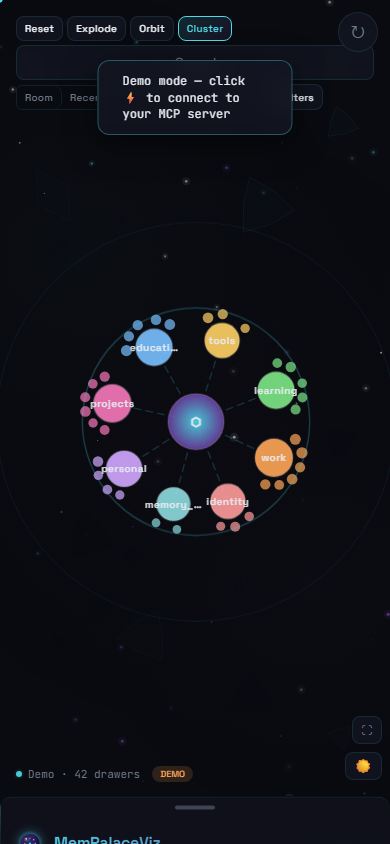
| Command Palette | Mobile |
|---|---|
 |
 |
Features
- Force-directed graph rendering hundreds of knowledge nodes across rooms
- MemPalace v3.3.x integration — paginated
list_drawers,get_drawerfull content,update_drawerinline edit,delete_drawerby ID - Connection settings — 3-tab modal (Local Server, Hosted, Demo) with auto-detection and Test & Connect
- Version tracker — badge showing Viz + Palace versions, update checker via GitHub Releases and PyPI
- Themed tooltips — 54 glassmorphic tooltips replacing native browser titles, with dynamic arrow alignment
- 5 color modes: Room, Recency, Size, Decay, and Semantic Topics (TF-IDF + k-means clustering)
- 3 layout modes: Explode, Orbit, Cluster
- Crystal Palace light theme with sparkle particle effects
- Fuzzy multi-token search with date range filters
- Structural gap detection with Palace Health Score (0-100)
- Drawer management: add, edit, delete, fetch full content, find tunnels (related drawers)
- Bulk operations: select, export, delete multiple drawers
- Timeline slider with play/pause animation
- Command palette (Ctrl+K) with 20+ commands
- Full keyboard navigation (J/K, Enter, Escape, ?, F, L)
- Mobile responsive bottom-sheet panel with touch gestures
- PNG screenshot capture and JSON export
- Zero build step — single HTML file, all inline
Quick Start
git clone https://github.com/JoeDoesJits/mempalace-viz.git
cd mempalace-viz

# Serve locally (any static server works)
npx http-server -p 3456 -c-1

# Open http://localhost:3456
On first load you'll see demo mode — 42 sample drawers across 8 rooms — so you can explore the UI without any server running. The real fun starts once you connect it to your MemPalace.
Connecting to Your MemPalace
Click the status pill in the bottom-left of the dashboard to open the Connection Settings modal. Three modes:
🖥️ Local Server (most common)
If you're already running MemPalace locally via mcp-proxy (the standard setup), it's serving on http://localhost:8000/servers/mempalace/mcp. Just:
- Open Connection Settings → Local Server tab
- Confirm the URL (auto-filled)
- Click Test & Connect
The dashboard will use the MCP initialize handshake, fetch your palace via mempalace_status + paginated list_drawers, and render your real knowledge graph. No config files, no tokens.
☁️ Hosted (remote MemPalace server)
If your MemPalace lives on a remote server (VPS, home lab, etc.), use the Hosted tab:
- Enter the MCP endpoint URL
- Paste your bearer token (if the endpoint is auth-protected)
- Click Test & Connect
For a fully secure free hosting setup (Cloudflare Pages + Access + Tunnel keeps your token out of the browser entirely), see docs/DEPLOYMENT.md.
🎯 Demo (default)
The sanitized demo dataset (demo-palace.json) — safe for screenshots, first-run demos, or offline exploration. No server required.
Full v3.3.x integration
Once connected, the dashboard works against the real MCP tools — not a snapshot. Every action maps to a live tool call:
| Action | MCP tool |
|---|---|
| Load palace | mempalace_status + mempalace_list_drawers (paginated) |
| View drawer content | mempalace_get_drawer |
| Edit a drawer inline | mempalace_update_drawer |
| Delete a drawer | mempalace_delete_drawer |
| Add a new memory | mempalace_add_drawer |
| Find related drawers | mempalace_find_tunnels |
| Search | mempalace_search + mempalace_kg_query |
Tested against MemPalace v3.3.3 on Python 3.12.
Hosting Securely (Free)
Your knowledge base is personal data. Don't expose it publicly.
MemPalaceViz can be hosted securely and for free using Cloudflare:
- CF Pages — hosts the dashboard (auto-deploys from GitHub)
- CF Access — zero-trust auth gate (only your email gets in)
- CF Tunnel — connects to your MCP server with no public ports
- CF Pages Function — server-side proxy keeps MCP tokens out of the browser
Total cost: $0/month on Cloudflare's free tier.
See the full setup guide: docs/DEPLOYMENT.md
See the security architecture: docs/SECURITY.md
Tech Stack
| Layer | Technology |
|---|---|
| Graph | D3.js v7 (force simulation) |
| Rendering | SVG nodes + Canvas particles |
| Markdown | marked.js v15.0.7 + DOMPurify v3.2.4 |
| Clustering | Client-side TF-IDF + k-means++ |
| Theming | CSS custom properties (light/dark) |
| Fonts | Space Grotesk, Inter, JetBrains Mono |
| Hosting | Cloudflare Pages |
| Data | MCP Streamable HTTP protocol |
Directory Structure
mempalace-viz/
├── index.html              # Dashboard (single-file SPA)
├── logo.svg                # Crystal orb logo (master)
├── logo.png                # Crystal orb — rendered 512×512 for Apple/OG
├── favicon.svg             # Simplified favicon for 16–32px
├── demo-palace.json        # Sanitized demo data (42 drawers)
├── robots.txt              # Disallow all crawlers
├── _headers                # X-Robots-Tag header
├── LICENSE                 # MIT
├── CHANGELOG.md
├── docs/
│   ├── DEPLOYMENT.md       # Cloudflare hosting guide
│   └── SECURITY.md         # Security architecture
├── functions/
│   └── api/mcp.js          # CF Pages Function (MCP proxy)
├── vps-deploy/             # Docker deployment config
└── .github/
    └── workflows/
        └── deploy-vps.yml  # VPS auto-deploy workflow
Keyboard Shortcuts
| Key | Action |
|---|---|
1 / 2 / 3 |
Explode / Orbit / Cluster layout |
J / K |
Navigate drawers (next / previous) |
Enter |
Open selected drawer detail |
Escape |
Deselect / close |
L |
Toggle local graph (2-hop neighborhood) |
F |
Toggle fullscreen |
R |
Refresh data |
? |
Keyboard reference overlay |
Ctrl+K |
Command palette |
Learn More About MemPalace
MemPalaceViz is a visualization layer — it doesn't replace MemPalace itself. To get the most out of it, learn the underlying system:
- 🌐 Official site — homepage and project overview
- 📖 Getting Started guide — install, init, and mine your first palace
- 🔮 AAAK memory dialect — the compressed memory format MemPalace uses (entity codes, emotion markers, hall/wing/room structure)
- 🛠️ GitHub repo — source, issues, full CHANGELOG
- 📦 PyPI —
pip install mempalace
Contributing
PRs welcome! The dashboard is a single index.html file — all CSS, JS, and logic inline. No build step needed.
- Fork the repo
npx http-server -p 3456 -c-1to serve locally- Make changes, test in browser
- Submit a PR
License
MIT — see LICENSE
Author
Built by Joe Guarino / G5 Labs
Reviews (0)
Sign in to leave a review.
Leave a reviewNo results found