temper-domains
Health Warn
- License — License: Apache-2.0
- Description — Repository has a description
- Active repo — Last push 0 days ago
- Low visibility — Only 5 GitHub stars
Code Warn
- network request — Outbound network request in src/checker/bootstrap.ts
- network request — Outbound network request in src/checker/rdap.ts
Permissions Pass
- Permissions — No dangerous permissions requested
This tool is an MCP server and CLI that lets you check domain name availability and WHOIS information directly from your terminal or within AI coding assistants like Claude and Cursor.
Security Assessment
Overall Risk: Low. The application does not request dangerous system permissions and appears completely standalone. It does not access sensitive local data or execute arbitrary shell commands. As expected for a domain checking utility, it makes outbound network requests to query RDAP and domain bootstrapping servers. The project claims to be entirely private with "zero telemetry," meaning your search queries are only sent to official domain registries rather than a third-party tracking server. No hardcoded secrets were detected in the codebase.
Quality Assessment
The code is written in TypeScript and is properly licensed under the highly permissive Apache-2.0. The repository is active, with its most recent push occurring today. However, it currently has very low community visibility with only 5 GitHub stars. Because of this small user base, the code has not been broadly vetted by the open-source community. Developers should expect the typical risks associated with early-stage, low-adoption projects, such as potential bugs or sudden abandonment.
Verdict
Safe to use, though it should be evaluated with the typical caution afforded to early-stage projects.
Search domain availability from your terminal. Open source, fast, private.

temper


Never leave your terminal to find a domain.
Search domains, check availability, and open purchase pages — all from your terminal.
Works as a CLI, or as an MCP server so Claude and Cursor can search domains for you.
Install · Usage · MCP · Themes

Why
AI coding tools can't check if a domain is available. Claude suggests a name, you open a browser, search manually, come back — the flow breaks every time.
temper fixes this. One command. 30 TLDs. Under 2 seconds.
Features
- Private — all queries run on your machine. No server, no logs, no tracking.
- Fast — 30 TLDs in under 2 seconds. 59 with
--extended. - MCP native — Claude Code, Claude Desktop, and Cursor can search domains directly.
- Keyboard-first — vim-style navigation, single-key registrar selection.
- Pipe-friendly —
--format jsonfor scripting and automation. - Themeable — 7 built-in themes (5 dark + 2 light).
- Open source — Apache 2.0. Zero telemetry.
Install
# Homebrew (macOS/Linux) — no runtime needed
brew install jongjinchoi/temper-domains/temper

# Or run from source (requires Bun or Node.js >= 18)
bun install && bun run src/index.ts search <name>
Usage
$ temper --help

Usage: temper [options] [command]

Never leave your terminal to find a domain.

Commands:
  search [options] <queries...>  Search domain availability across TLDs
  suggest [options] [query]      Generate name combinations and check availability
  whois <domain>                 Show detailed WHOIS/RDAP info for a domain
  init                           Set up temper (registrar + theme)
  history                        Show search history
  watch <domain>                 Add a domain to watchlist
  list                           Show watchlist with current availability
  show-presets                   Show available TLD presets
  config                         Manage temper configuration
  mcp                            Start MCP server for Claude Code/Desktop
Keyboard shortcuts
| Key | Action |
|---|---|
j/k |
Move up/down |
Enter |
Buy domain / select |
i |
WHOIS/RDAP detail |
/ |
Filter results |
a |
Add to watchlist |
s |
Suggest combinations |
h |
Search history |
w |
Watchlist |
esc |
Back |
q |
Quit |
Search
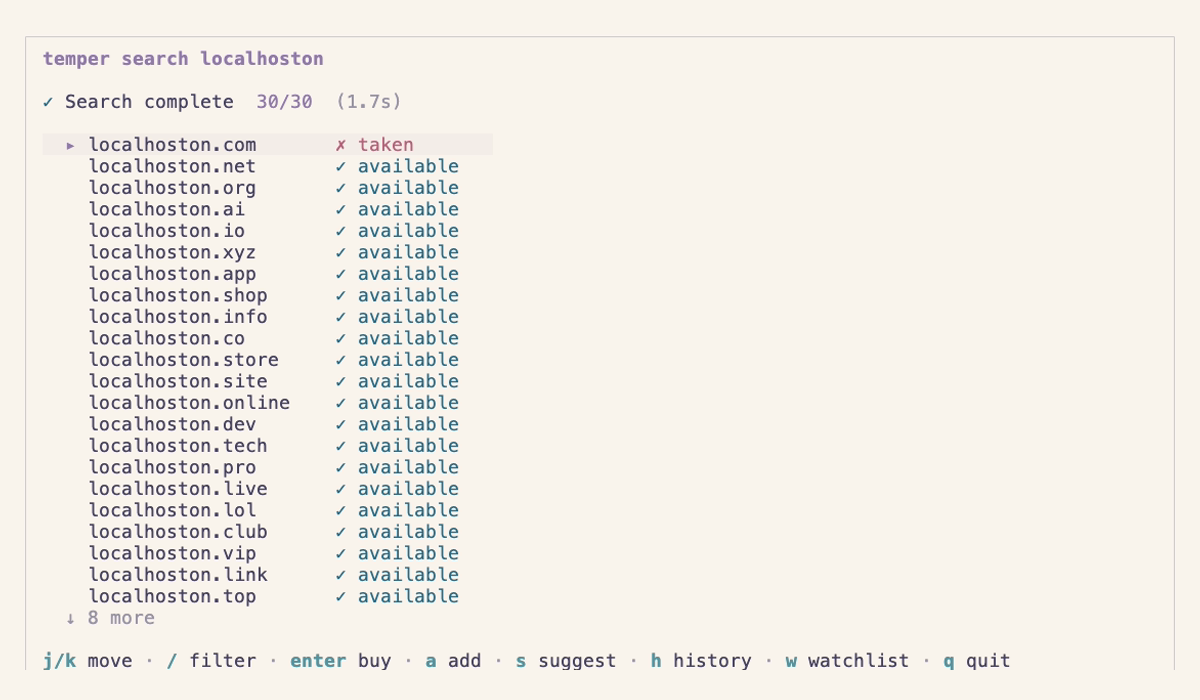
temper search myproject                          # 30 default TLDs
temper search myproject --extended               # 59 TLDs
temper search myproject --tlds com,dev,io         # specific TLDs
temper search myproject --tld-preset tech         # preset: tech, popular, startup, cheap
temper search myproject -a                        # available only
temper search myproject -t 5                      # 5s timeout (default: 3)
temper search myproject --format json             # JSON output for piping
temper search localhoston dashflow calmbox             # multiple keywords
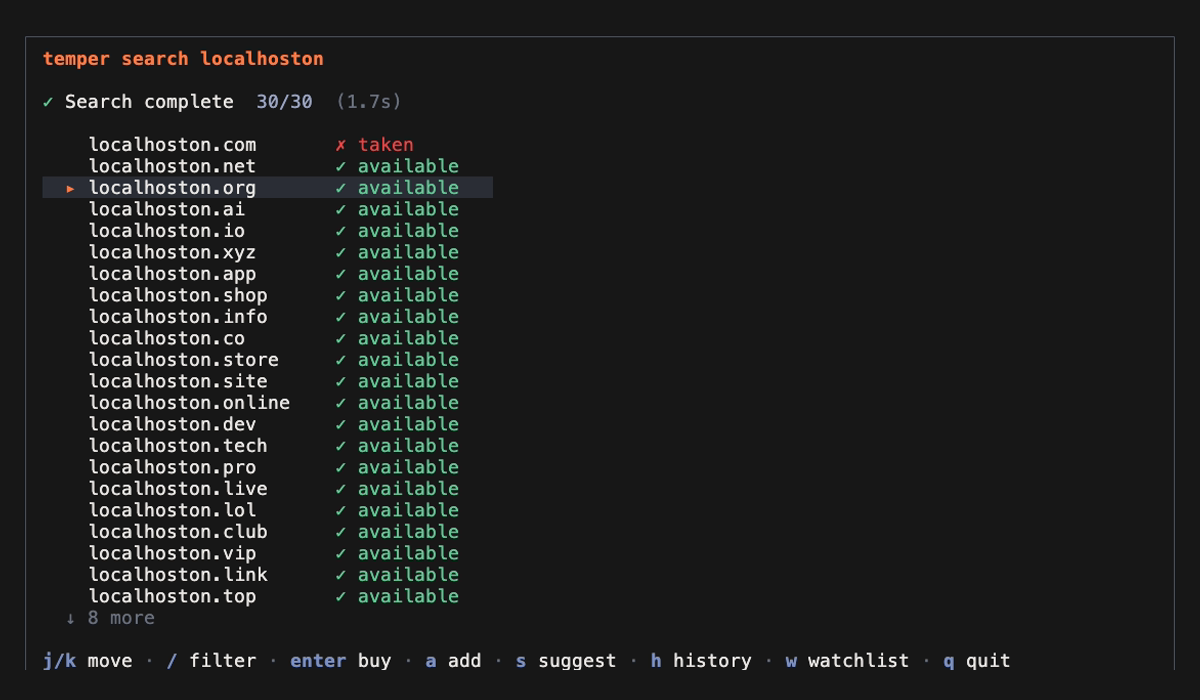
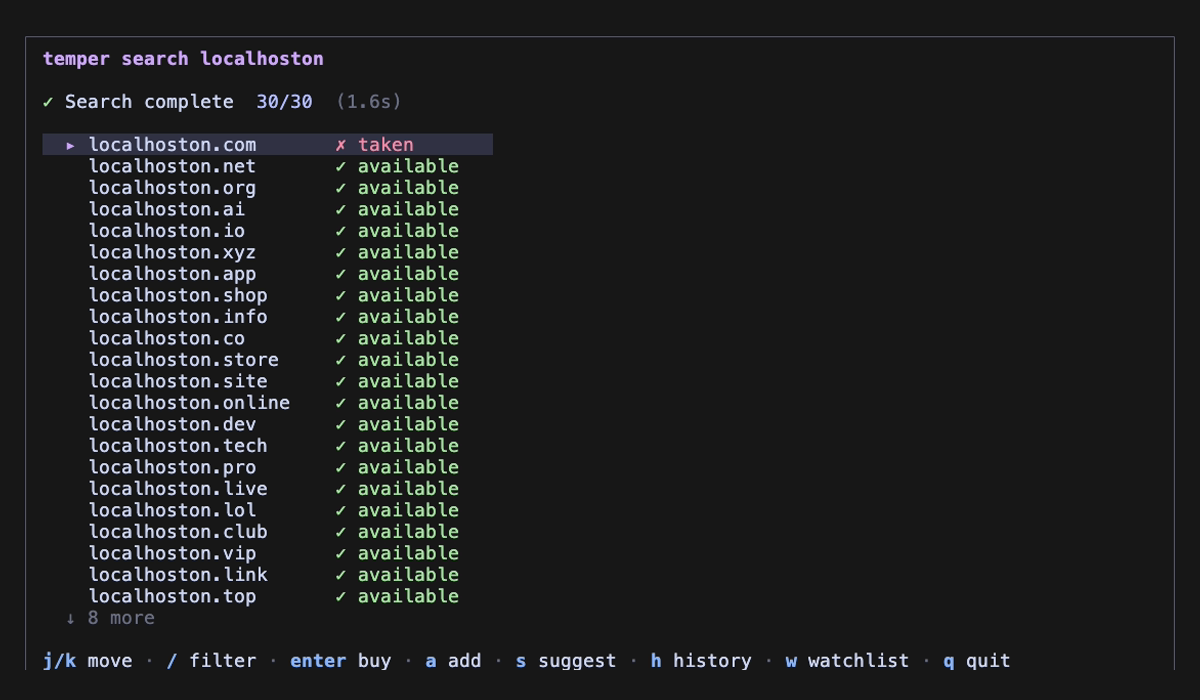
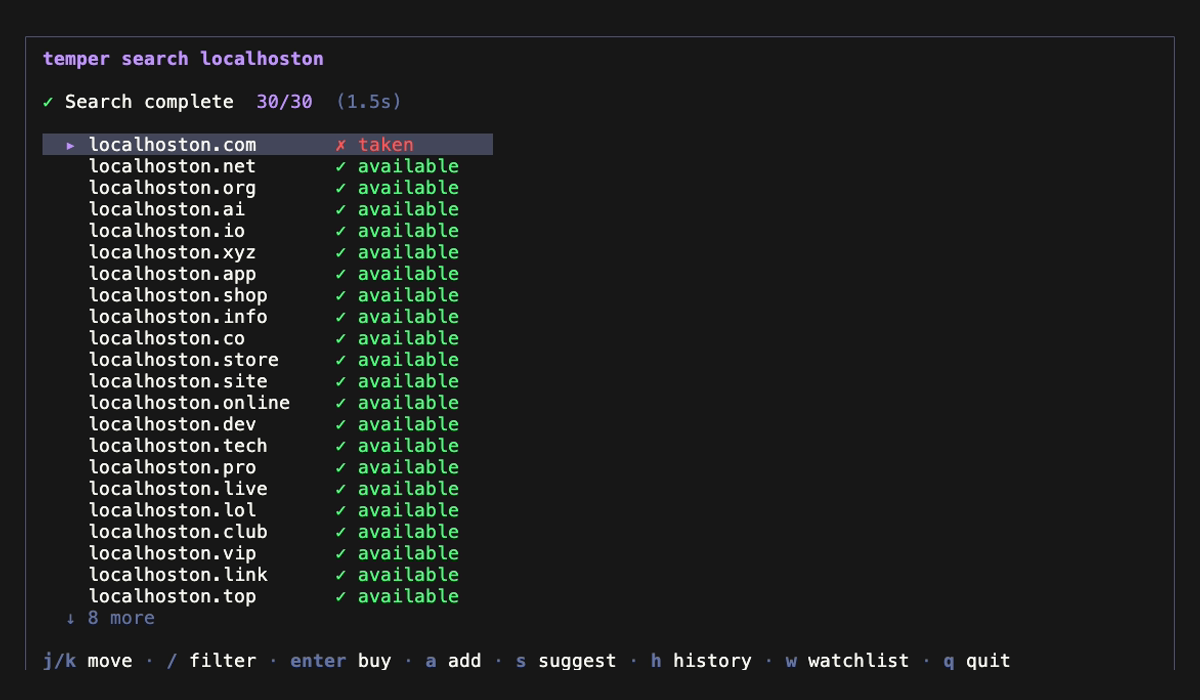
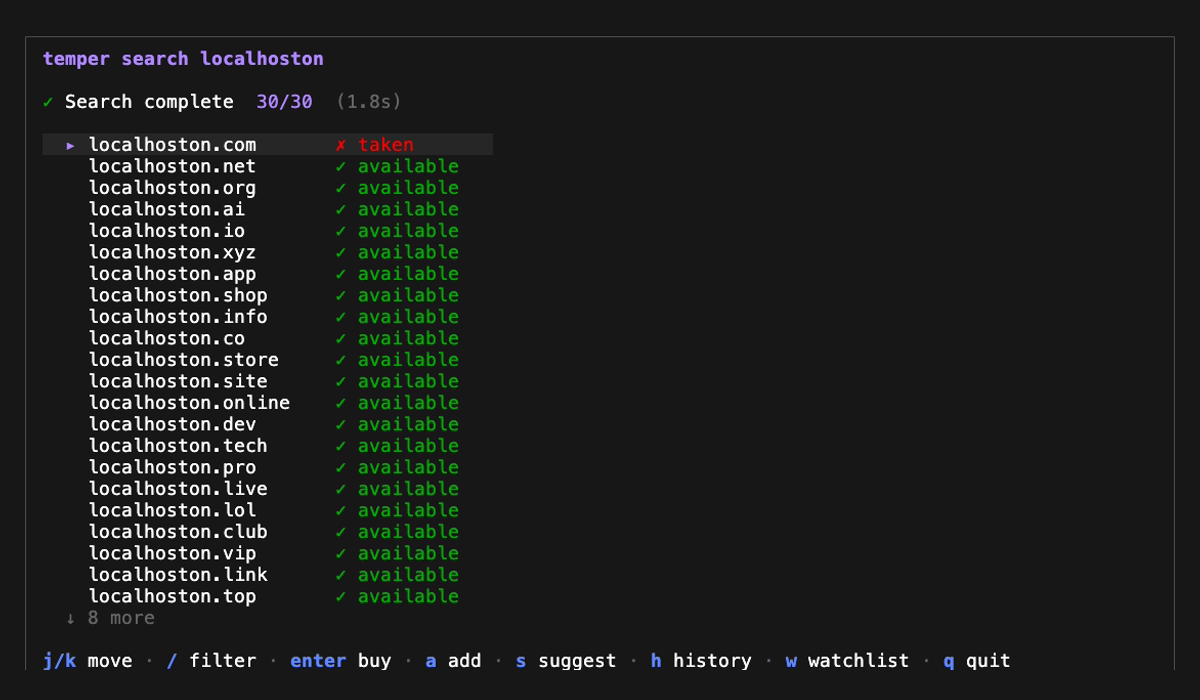
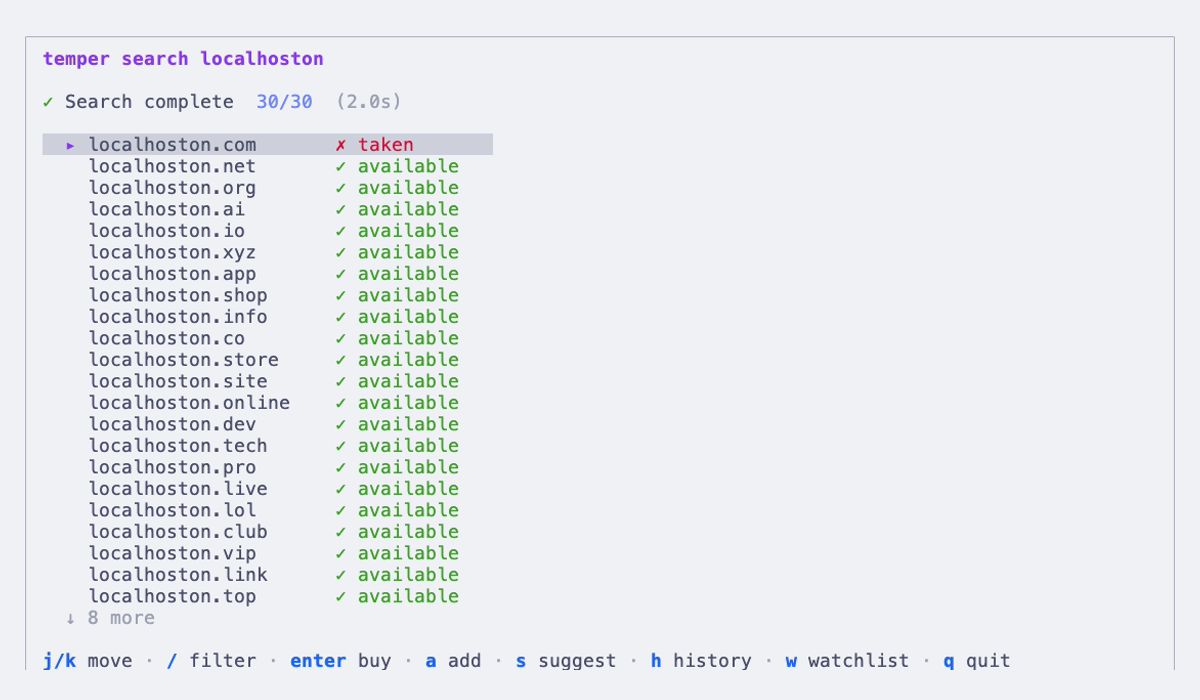
Navigate with j/k, press Enter to buy, a to add to watchlist, / to filter. Press s for suggestions, h for history, w for watchlist. q to quit.
TLD Presets
temper show-presets

  popular    com, net, org, io, co, app, dev, ai, me
  tech       io, ai, dev, app, gg, sh, tech, cloud, digital
  startup    com, io, co, ai, app, dev, xyz, so, gg
  cheap      xyz, fun, lol, top, site, online, store, shop, club
JSON output
temper search localhoston --format json | jq '.[] | select(.status == "available") | .domain'
Whois
Look up detailed WHOIS/RDAP information for any domain. In search view, press i on any domain.
temper whois example.com                         # TUI view
temper whois example.com --format json           # JSON output
Shows registrar, registration/expiry dates, nameservers, DNSSEC status, and EPP status codes. Uses RDAP (RFC 9083) when available, falls back to WHOIS.
Suggest
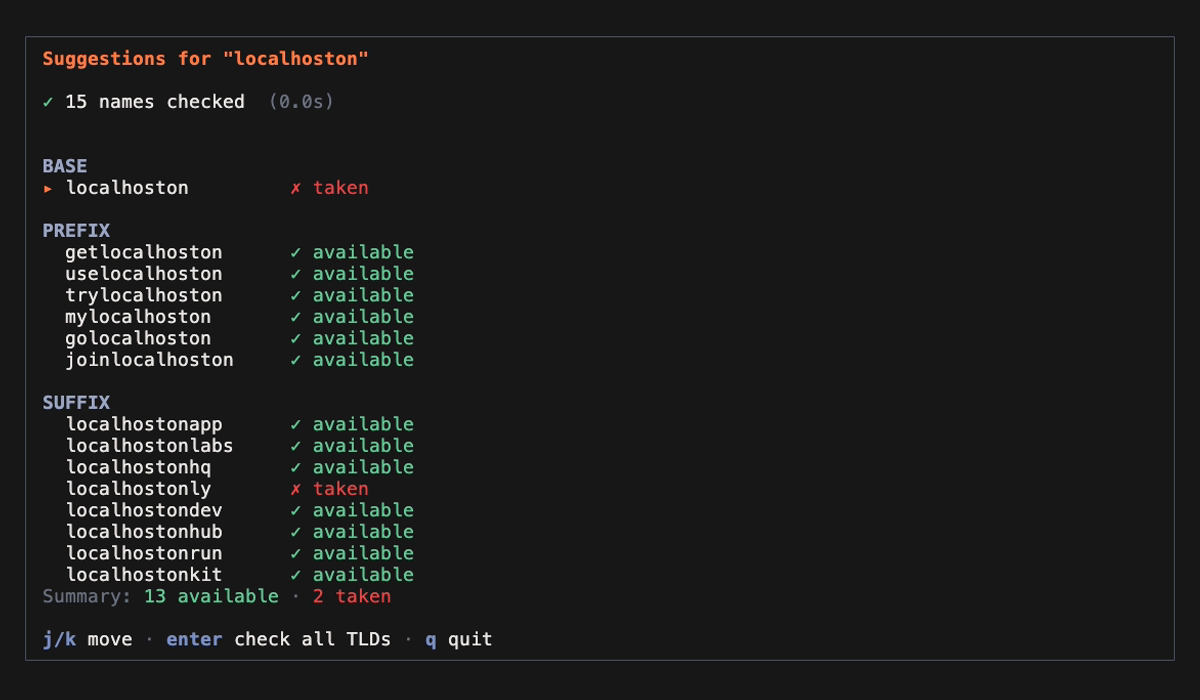
Generate name combinations and check .com availability. Press Enter on any name to check all 30 TLDs.
temper suggest localhoston                            # default prefixes + suffixes
temper suggest localhoston -p super,mega -s io,lab    # custom prefixes/suffixes
  BASE
    localhoston          ✗ taken

  PREFIX
    getlocalhoston       ✓ available
    uselocalhoston       ✓ available
    trylocalhoston       ✓ available
    ...

  SUFFIX
    localhostonapp       ✓ available
    localhostonlabs      ✓ available
    ...

  Summary: 13 available · 2 taken
Default prefixes: get use try my go join
Default suffixes: app labs hq ly dev hub run kit
Watchlist & History
temper history                # interactive search history (re-search, remove)
temper list                   # interactive watchlist (refresh, remove)
temper watch localhoston.com  # add a domain to watchlist from CLI
In search view, press a to add a domain to your watchlist, h to view history, w to view watchlist.
Setup
temper init                           # first-time setup (registrar + theme)
temper config theme seoul-night       # change theme
temper config theme --list            # list themes
MCP
temper runs as a local MCP server. Your AI assistant searches domains without you switching context.
Prerequisite: Install temper first —
brew install jongjinchoi/temper-domains/temper
Claude Code
Pick one based on how you want temper available:
All projects (recommended):
claude mcp add --scope user --transport stdio temper -- temper mcp
Current folder only:
claude mcp add --transport stdio temper -- temper mcp
Claude Desktop
Settings → Developer → Edit Config:
{
  "mcpServers": {
    "temper": {
      "command": "temper",
      "args": ["mcp"]
    }
  }
}
Restart Claude Desktop after saving.
Cursor
Settings → Tools & Integrations → New MCP Server (command type):
{
  "mcpServers": {
    "temper": {
      "command": "temper",
      "args": ["mcp"]
    }
  }
}
Windsurf
Edit ~/.codeium/windsurf/mcp_config.json:
{
  "mcpServers": {
    "temper": {
      "command": "temper",
      "args": ["mcp"]
    }
  }
}
VS Code (Cline)
Command Palette → MCP: Add server → stdio → temper mcp
Tools:
| Tool | Description |
|---|---|
search_domain |
Check 30 or 59 TLDs for a name |
suggest_domain |
15 name combinations × 5 TLDs |
check_domain_availability |
Verify a list of domains (up to 100) |
whois_domain |
Detailed WHOIS/RDAP info (registrar, dates, nameservers) |
open_registrar |
Open purchase page in browser |
Example: Brainstorm from scratch
You:    "I'm building a health management app. Suggest domain names."

Claude: [generates candidates: wellbi, vitalo, medra, healix, ...]
        [calls search_domain for each]
        [calls suggest_domain for top picks]

        Top Pick: wellbi.app
        - Short, pronounceable, .app TLD fits mobile apps
        - getwellbi.com also available

        ⚠ Medra means "fear" in Spanish — avoid for global use
        💡 Check @wellbi on social media before registering
Example: Search with a name
You:    "Find domains for localhoston"

Claude: [calls search_domain]
        localhoston.com is taken, but these are available:
        - localhoston.dev, localhoston.app, localhoston.io
Example: Check specific domains
You:    "Check getlocalhoston.com and trylocalhoston.com"

Claude: [calls check_domain_availability]
        ✓ getlocalhoston.com — available
        ✓ trylocalhoston.com — available
Example: Buy a domain
You:    "Open Cloudflare for getlocalhoston.com"

Claude: [calls open_registrar]
        Done. Cloudflare opened in your browser.
All queries run locally. No data leaves your machine.
Themes
 |
 |
 |
 |
 |
 |
 |
| Theme | |
|---|---|
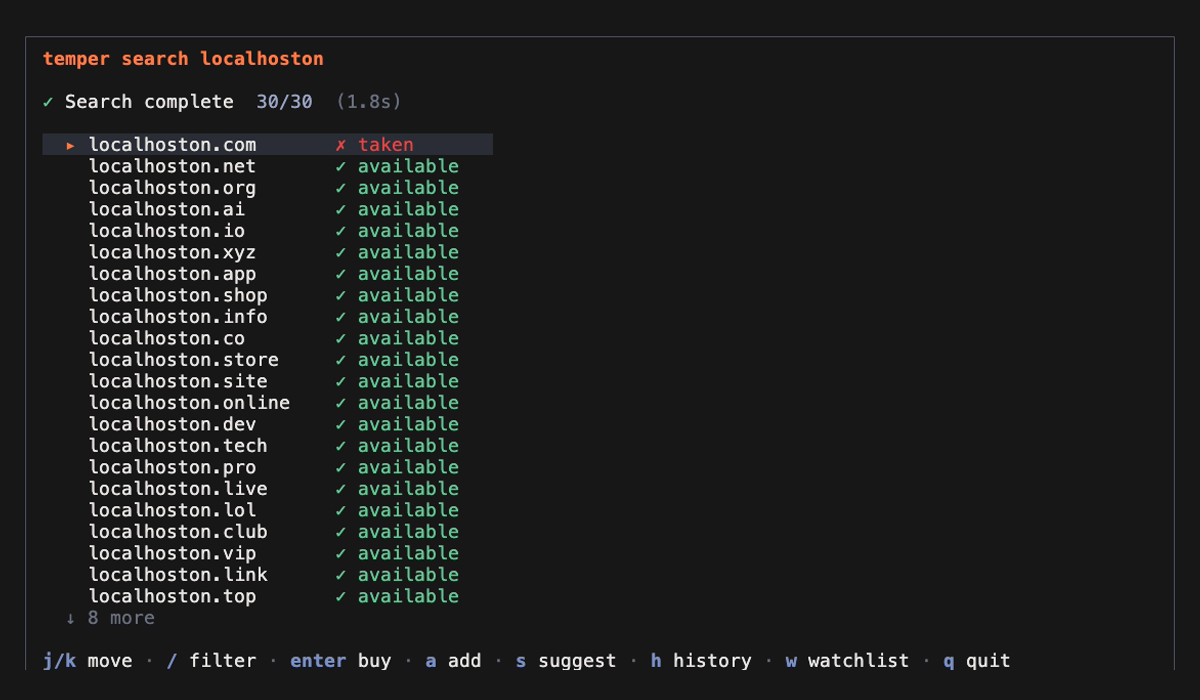
| Temper Forge | 🔥 Flame orange on dark steel |
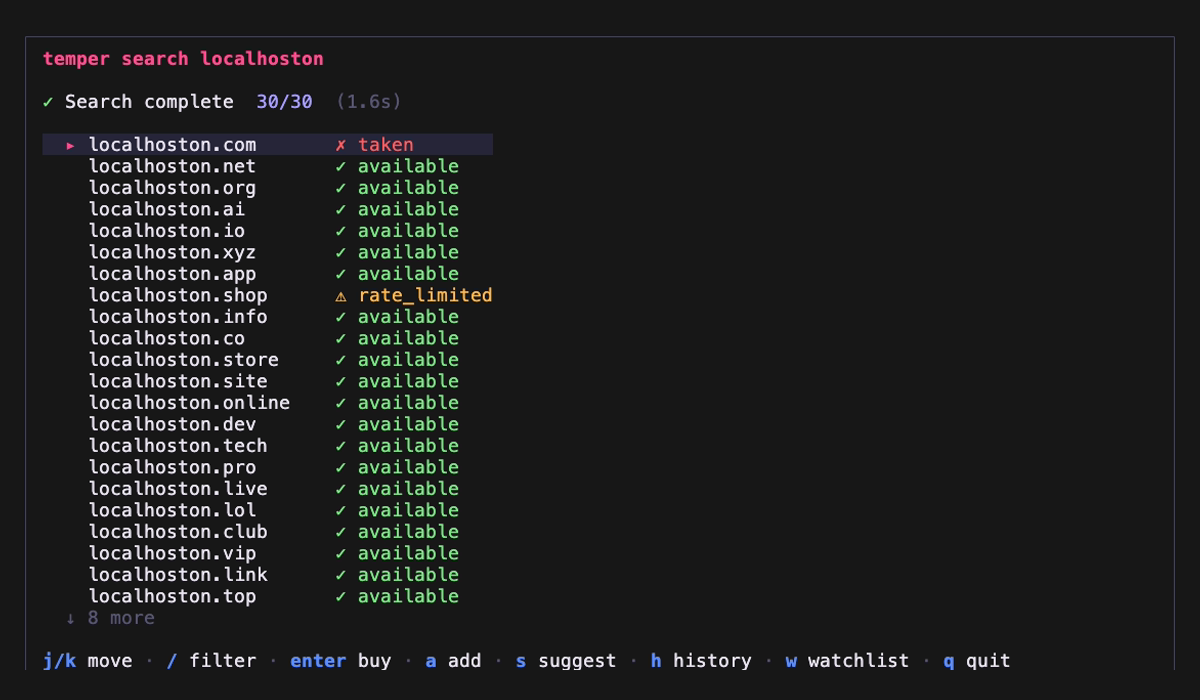
| Seoul Night | 🌃 Neon pink, Han River blue |
| Catppuccin Mocha | 🎨 Soft pastels |
| Dracula | 🧛 High contrast |
| Default | ⚫ Terminal native |
| Catppuccin Latte | ☀️ Pastel light |
| Rosé Pine Dawn | 🌅 Warm natural light |
Contributing
git clone https://github.com/jongjinchoi/temper-domains.git
cd temper-domains
bun install
bun run src/index.ts search <name>    # run locally
bun test                               # run tests
Issues and pull requests are welcome.
License
Apache 2.0 — see LICENSE
temper — forged in the terminal. 🔥
Reviews (0)
Sign in to leave a review.
Leave a reviewNo results found