cursor-kit-for-ai
Health Pass
- License — License: MIT
- Description — Repository has a description
- Active repo — Last push 0 days ago
- Community trust — 16 GitHub stars
Code Pass
- Code scan — Scanned 12 files during light audit, no dangerous patterns found
Permissions Pass
- Permissions — No dangerous permissions requested
No AI report is available for this listing yet.
Production-ready templates for Cursor AI — DevOps, Backend, Automation. One CLI command, full stack in 20 seconds.
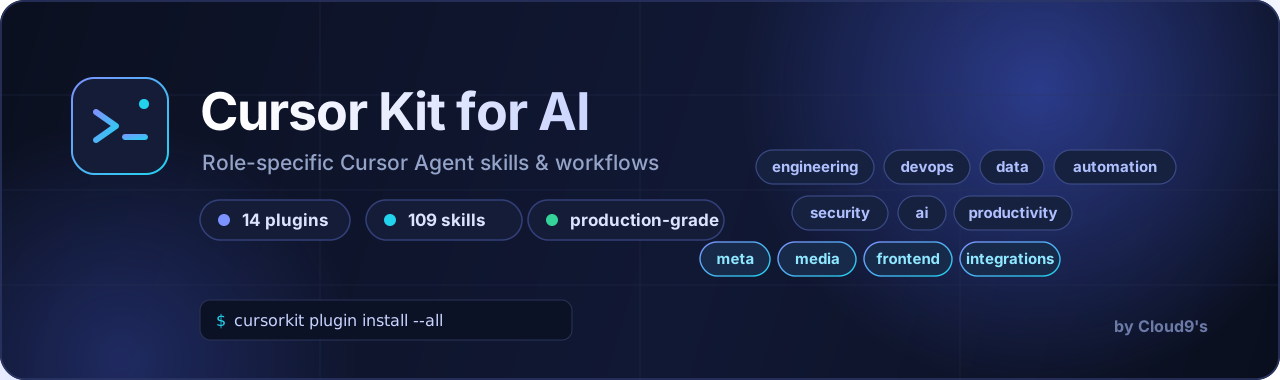
Cursor Kit for AI
Curated Cursor Agent skills & workflows that turn a generic AI editor into a role-specific specialist.





Modern playbooks for engineering, frontend, AI/LLM, media generation, meta agent workflows, GEO, security, and daily ops — each with structured phases, severity models, runnable verification commands, and output templates. Not checklists — playbooks.
Aligned with top-ranked agent skill patterns from the open skills ecosystem, rebuilt for Cursor and paired with Cursor Kit templates.
Quick Install
# List available plugins
cursorkit plugin list

# Install into current project
cursorkit plugin install engineering

# Install all plugins
cursorkit plugin install --all

# Install globally (user-level Cursor skills)
cursorkit plugin install meta --global
Skills are copied to .cursor/skills/ (project) or ~/.cursor/skills/ (global), including references/ where present.
Plugin Catalog
| Plugin | Skills | Best For |
|---|---|---|
| engineering | 18 | TDD, architecture, specs, tickets, triage, bug diagnosis |
| frontend | 6 | UI design, React, accessibility, browser automation |
| devops | 8 | Docker, K8s, CI, Terraform, cost, observability |
| data | 7 | SQL, pipelines, Supabase RLS, Neon Postgres |
| automation | 4 | Bots, scrapers, workflows, API integrations |
| security | 7 | Auth, secrets, threat models, secure coding |
| ai | 7 | Prompts, agents, RAG, evals, context, tools |
| productivity | 6 | Planning, Obsidian, Notion, weekly reviews |
| geo-seo | 12 | AI search visibility, citability, llms.txt |
| devtools | 10 | Encoding, crypto, SQL format, cron, QR |
| writing | 8 | Human-sounding prose, fiction, postmortems |
| integrations | 6 | Document search, GitHub, Playwright, MCP |
| meta | 6 | Find/create skills, grill requirements, self-improve |
| media | 4 | AI image/video, Remotion, launch videos |
109 skills total — see the full reference.
What Makes These Skills Different
Every skill follows the same quality bar:
- Workflow, not vibes — ordered phases with a clear entry point
- Severity models — Blocker / Major / Minor, not flat lists
- Runnable commands — verification snippets you can execute
- Output templates — structured, reusable report formats
- Anti-patterns — what NOT to do
- Cross-references — skills link across plugins and to templates
Deep-dive skills typically run 200–450 lines with modern 2025–2026 practices (context engineering, OpenTelemetry, RLS, agent self-improvement).
How Plugins Work
engineering/
├── plugin.json       # Metadata (author: Cloud9's)
├── README.md
└── skills/
    └── code-review/
        └── SKILL.md
cursorkit plugin install copies entire skill directories (including references/). Cursor Agent discovers them automatically.
Using Skills
cursorkit plugin install meta- Open Cursor Agent
- Skills trigger by context, e.g.:
- "Find a skill for PR reviews" →
find-skills - "Grill me on this feature design" →
grill-requirements - "Audit site for AI search" →
geo-audit - "Generate a product launch storyboard" →
product-launch-video
- "Find a skill for PR reviews" →
Pairing with Templates
| Goal | Plugins + Template |
|---|---|
| Ship a SaaS | engineering + frontend + security + full-stack-saas |
| LLM product | ai + meta + ai-agents |
| Content marketing | geo-seo + writing + media |
| Data platform | data + devops + postgresql |
Creating Custom Plugins
Use skill-creator (meta plugin), or:
- Copy a plugin folder
- Edit
plugin.jsonand addskills/*/SKILL.md - Share via PR or keep in your fork
Author
Cloud9's — curated for the Cursor Kit for AI community.
License
MIT
Reviews (0)
Sign in to leave a review.
Leave a reviewNo results found