card-skill
Health Warn
- License — License: MIT
- Description — Repository has a description
- Active repo — Last push 0 days ago
- Low visibility — Only 5 GitHub stars
Code Fail
- fs.rmSync — Destructive file system operation in assets/capture4k.js
- fs module — File system access in assets/capture4k.js
Permissions Pass
- Permissions — No dangerous permissions requested
No AI report is available for this listing yet.
Content in, PNG out. A Claude Code/Codex skill that turns articles, ideas, and arguments into checked Quiet Paper PNGs: cards, posters, whiteboards, and editorial images.

card-skill
Turn articles, ideas, and arguments into publish-ready visual cards.
中文文档 · What it is · Install · Examples · Formats · FAQ · Gallery
What it is
card-skill is an open-source content-to-image skill for coding agents such as Claude Code, Codex, OpenCode, and Pi. Give it an article, notes, an argument, a URL, or explicitly requested WeChat Reading data. It reads structure, picks a layout and Quiet Paper tone, and returns a quality-checked PNG.
It covers WeChat / blog covers, social card sets, whiteboards, in-article explanation diagrams (formula cards / relationship maps), infographics, comics, and sketchnotes. The complete package ships renderers, templates, fonts, schemas, and checkers. Capture and checks run locally by default; finished cards are not auto-uploaded.
It is not a website builder, UI kit, logo system, chart library, or photo editor.
Good fit / poor fit
| Good fit | Poor fit |
|---|---|
| WeChat covers, blog heroes, quiet in-article atmosphere images | Websites, landing pages, app / component UI |
| Xiaohongshu / social opinion cards and series | Figma prototypes, logo / brand systems |
| Argument whiteboards, system relations, technical decisions | Chart-library plotting (ECharts and similar) |
| In-article diagrams: formula cards, relations, flows, boundaries | Generic photo editing or file conversion |
| WeChat Reading highlight cards and monthly reports (explicit request only) | Scanning a whole reading account from a book title alone |
| Repeatable PNGs with crop / overflow / blank-image checks | One-off chat illustrations with no quality gate |
See it in 30 seconds
One quiet paper system carries different publishing jobs: covers create tension, social cards unpack an idea, whiteboards make reasoning visible. The gallery below is all drawn from Jeff Hawkins' A Thousand Brains: different relations from the same book should become different pictures, not the same template restated.
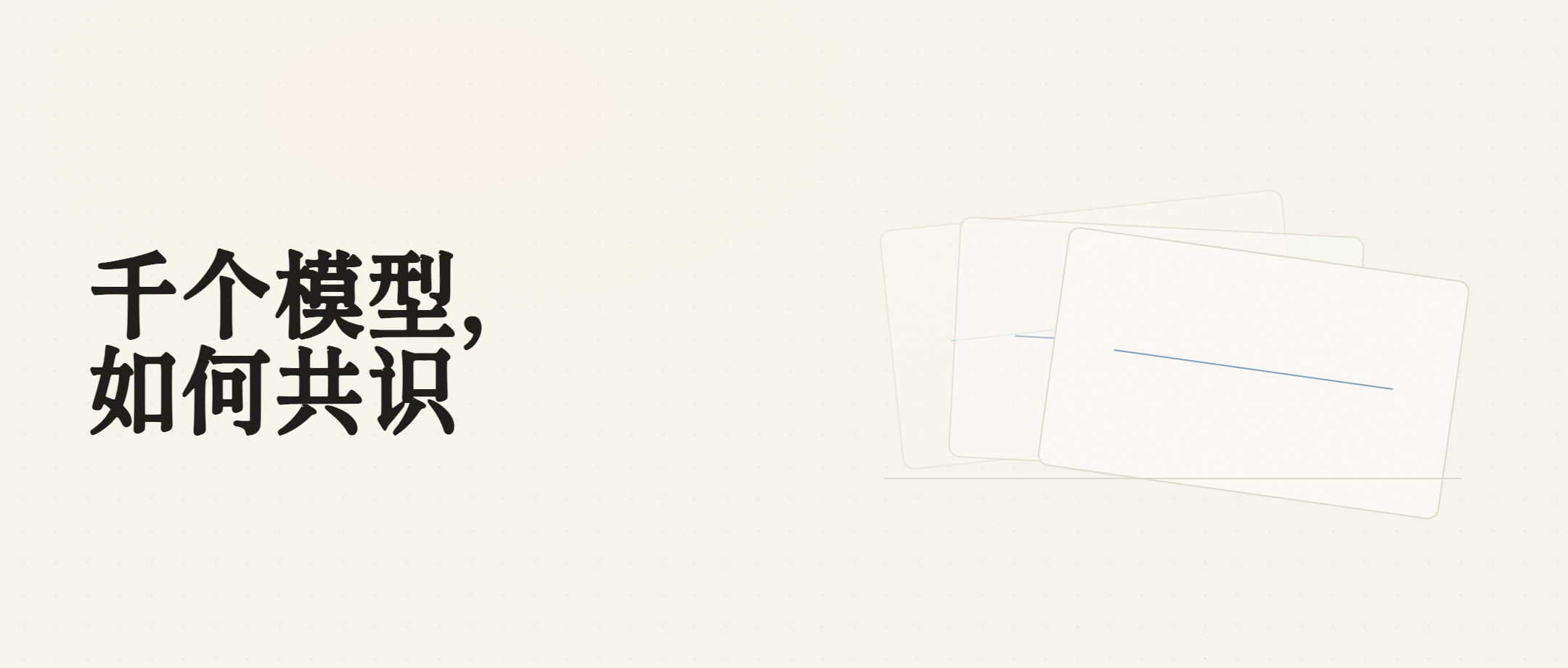 WeChat / blog cover editorial-image · tension and metaphor, not a bullet summary |
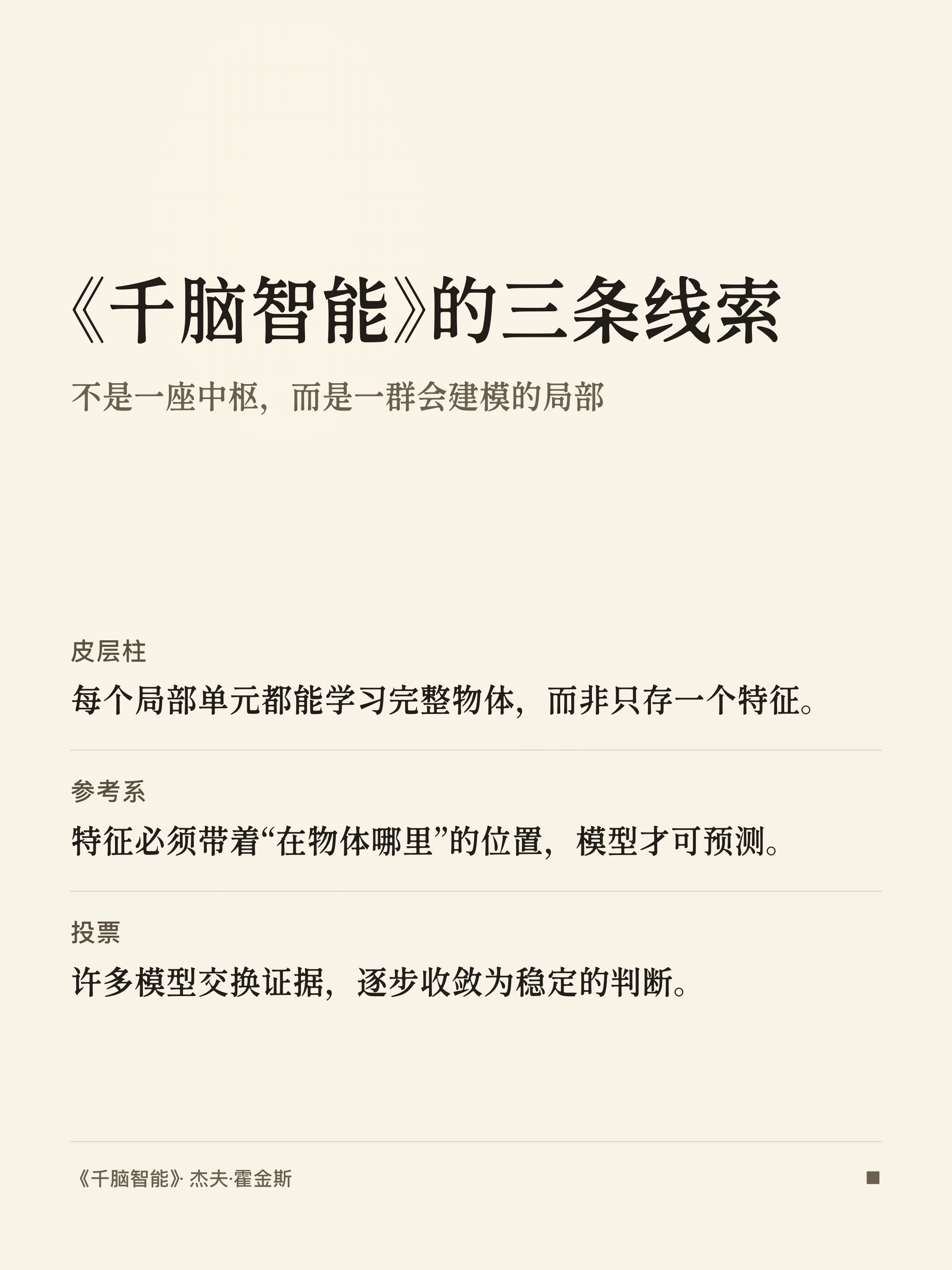 Social cards poster · one claim to multi-card breakdown |
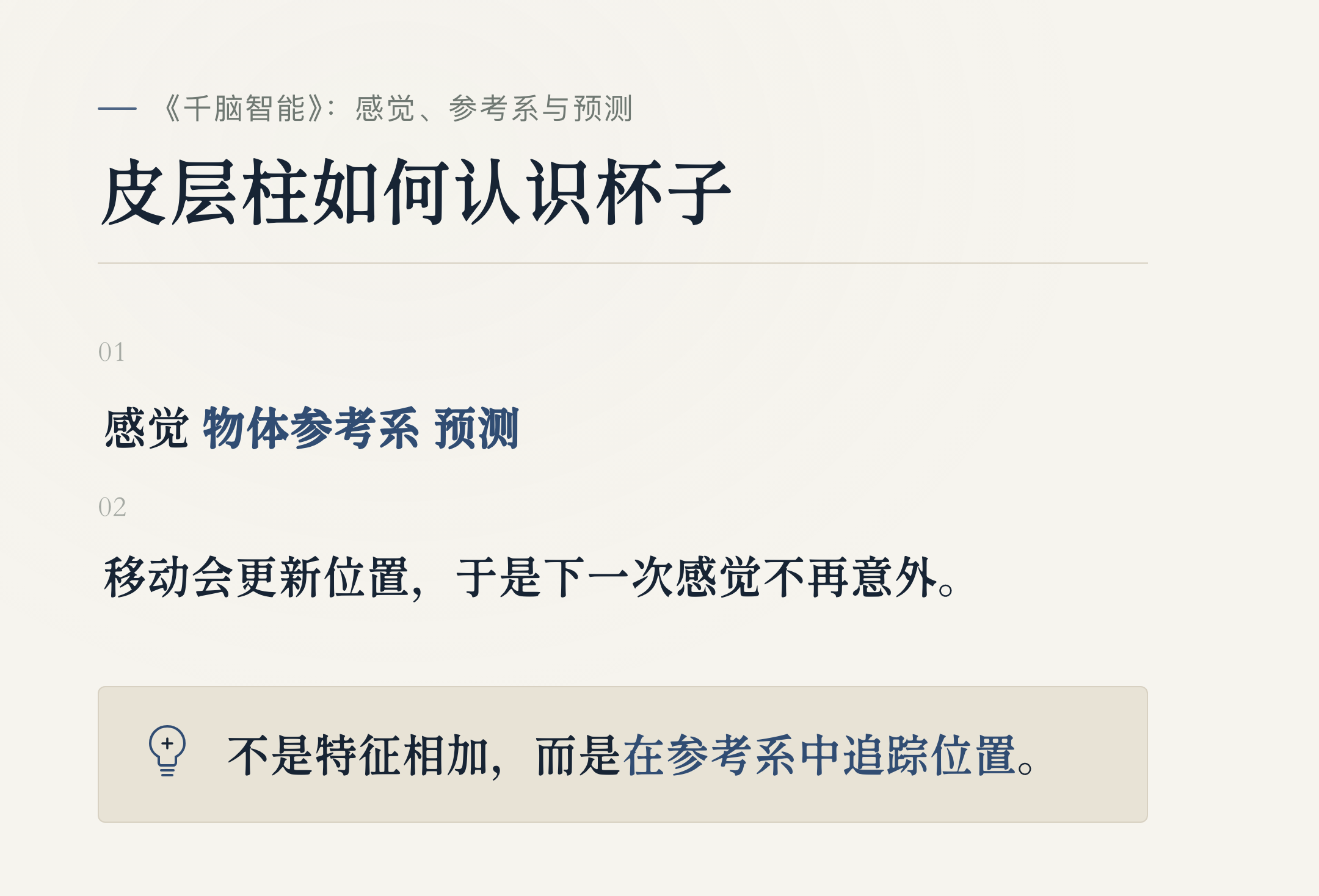 Whiteboard whiteboard · problem, constraints, and path |
| Publishing job | Default mode | What the image solves |
|---|---|---|
| WeChat or blog cover | editorial-image |
Mood, core tension, visual metaphor—not a bullet summary card |
| In-article explanation | article-diagram |
Compress a local argument into a formula card or structural relation |
| Social series | poster / big / long |
One-line claim, multi-card set, or long reading card by density |
| Argument, systems, technical decisions | whiteboard |
Problem, constraints, paths, and trade-offs |
| Data, narrative, or personal reflection | infograph / comic / sketchnote |
Density, conflict-and-turn, or notebook feel |
| WeChat Reading highlights / monthly report | poster (plus big / long when needed) |
Keep real quotes and real stats; invent nothing |
How to install card-skill
Install the complete package: render scripts, templates, fonts, schemas, and checkers. Do not install only the repository-root SKILL.md. A bare root install is missing the runtime and cannot render reliably.
Claude Code / Codex (recommended)
# Claude Code
claude plugin marketplace add KKenny0/card-skill
claude plugin install card-skill@card-skill

# Codex
codex plugin marketplace add KKenny0/card-skill
codex plugin add card-skill@card-skill
Plugin installers do not run npm lifecycle scripts. On first render, the agent runs node scripts/setup-runtime.mjs once inside the installed skill directory to install locked npm deps and Playwright Chromium. Later runs reuse that runtime.
Other agents or one-off use
Install the full skill package (swap -a codex for your agent ID):
npx skills add KKenny0/card-skill/plugins/card-skill/skills/card-skill -a codex -g -y
cd ~/.agents/skills/card-skill
npm install
npx playwright install chromium
One-off use without a permanent install:
npx skills use KKenny0/card-skill/plugins/card-skill/skills/card-skill --skill card-skill
Runtime: Node.js 22+ and npm. PNG capture needs Playwright Chromium. Fonts ship with the skill; capture allows only file: and data: resources and does not depend on runtime network access.
In Codex desktop sessions that support in-chat interactive cards, you can ask for directions before rendering:
Give me 3 WeChat cover directions first. Show each direction's visual metaphor, aspect ratio, why it fits, and risks on cards. Render the PNG only after I pick one.
After selection, the normal Stable / Studio pipeline still renders, captures, checks, and returns PNG. Ordinary requests are not forced through a choice step. Codex CLI, IDE, and other agents fall back to a text candidate list.
Copy-paste prompt examples
No slash command required. Natural language in Chinese or English both work. By default the skill does not make you pick a style first, and it does not inject author names or avatars.
WeChat / editorial cover
Turn the article below into a WeChat cover image. Do not restate it as a summary. Extract the core tension, render it with a quiet paper feel, and check crop, line breaks, and readability before delivery:

[paste article or URL]
In-article diagram / formula card
Turn the compressible sections of this article into in-article explanation diagrams. Keep only the core relational formula and one judgment per card. Skip pure setup and pure mood sections.
Social series
Split the argument below into a social card series. Card 1 is the main judgment; each later card covers one supporting point. Keep the tone restrained—no marketing voice.
Whiteboard
Draw this technical decision as a whiteboard card: state the problem, constraints, option paths, and final trade-off so someone who missed the discussion can follow it.
WeChat Reading highlights / monthly report
Turn my personal highlights and thoughts from *A Thousand Brains* into a card set. Keep the source quotes unedited. Place my thoughts under the matching highlight when the pairing is clear; keep unpaired thoughts separate; label the source.

Turn this month's WeChat Reading stats into a monthly reading report. Use only real duration, day counts, finished-book counts, and preferences from the response. Omit missing modules. Do not invent insights.
Which format for which job
Prefer the publishing task first, then map to an internal mode. You do not need to memorize mode names. If structure clearly fits another mode better, the skill should switch.
| Job | Recommended mode | Result |
|---|---|---|
| WeChat or blog cover | editorial-image |
Mood, tension, and metaphor—not bullet points restating the article |
| In-article explanation | article-diagram |
Formula cards, relation maps, process flows, or boundary models |
| Social series | poster / big / long |
One claim through multi-card breakdown by content density |
| Argument, systems, technical decisions | whiteboard |
Problem, constraints, path, and decision relations |
| Data, narrative, personal reflection | infograph / comic / sketchnote |
Density, conflict-and-turn, or notebook warmth |
Which visual formats does card-skill support?
Stable is for publishing, batch work, and consistency. Studio is for conceptual metaphor, narrative tension, and more personal expression. Both go through formal schema, renderer, capture, and check-output. Studio also requires a full composition contract and human visual review.
| Mode | Tier | Best for | Details |
|---|---|---|---|
editorial-image |
Stable / Studio | WeChat covers, blog heroes, in-article atmosphere | mode-editorial-image |
article-diagram |
Stable | Formula cards, relations, flows, boundaries | mode-article-diagram |
poster |
Stable | Social series, chapter splits | mode-poster |
whiteboard |
Stable | Argument, causal chains, systems, decisions | mode-whiteboard |
long |
Stable | Long reading cards | mode-long |
big |
Stable | One-line claims, titles, statements | mode-big |
infograph |
Studio | Data, comparison, hierarchy, dense information | mode-infograph |
comic |
Studio | Conflict, turn, before/after narrative | mode-comic |
sketchnote |
Studio | Personal reflection and warm narrative | mode-sketchnote |
Key capabilities
- 9 modes:
editorial-image,article-diagram,poster,big,long,whiteboard,infograph,comic,sketchnote - Two delivery tiers: Stable (deterministic CLI render) and Studio (full composition contract + human visual review)
- Shared look: Quiet Paper—warm paper, restrained ink, hairline rules, small radii, almost no shadow
- Four default tones:
reflective/sharp/warm/technical; 26 designs remain explicit advanced overrides - Default output: DPR 2 PNG; a common 1080 CSS-wide canvas exports at about 2160px wide (height varies by mode and aspect)
- Quality gates: pre/post capture checks for placeholders, overflow, crop, broken images, readability, title breaks, font stack, remote resources, and near-blank results
- Runtime: Node.js 22+, Playwright Chromium; fonts ship with the package and are load-checked
- Privacy default: PNG render and checks are local; version checks only read the GitHub Release API and do not upload articles, prompts, or images
- Optional source: pairs with Tencent's official WeChatReading Skill only when the user explicitly asks for personal highlights or stats
Why the output looks like paper, not a webpage screenshot
Every mode shares the Quiet Paper skeleton. Content mood and brand feel only change temperature, accent, and rhythm. They do not turn the work into a brand-skin collage.
- Mode, tone, and direction are chosen from structure, density, mood, and publishing job by default.
editorial-imagefirst picksreflective,sharp,warm, ortechnical, then lands on a real Quiet Paper design.article-diagramfirst filters compressible sections, then emits a formula card per section; pure setup, mood, or conclusion sections are skipped.- By default
brand_name,logo, andsourceare empty; they appear only when the input provides them.
From text to PNG
- Read a URL, pasted text, WeChat Reading payload, or local file.
- Analyze structure, density, mood, and publishing job.
- Match mode, Quiet Paper design, and visual direction.
- Generate the frame with a structured renderer or composition flow.
- Check placeholders, overflow, crop, broken images, readability, title breaks, fonts, remote resources, and visual-system drift; PNG output also blocks blank / near-solid results.
- Capture with Playwright and write a PNG, defaulting to
~/Downloads/.
Unlike a one-shot chat image, card-skill uses structured input, controlled renderers, Playwright capture, and check-output so the result is a repeatable publish-ready PNG.
Runtime
If first render reports missing deps, run this in the installed skill directory:
npm install
npx playwright install chromium
Latin font sources, licenses, and SHA-256 digests live in assets/fonts/FONT_SOURCES.md. Preflight verifies fonts actually load so silent system-font fallback is less likely.
Default is --dpr 2. Height varies by mode and aspect; do not treat every export as a fixed 4K-wide frame.
Update checks and privacy
When an agent starts using card-skill, it checks GitHub for the latest stable Release. Stable CLI entry points also check defensively. After the current output is delivered, the CLI upgrades the installed copy in the background to the commit resolved from that Release, then version-reads and prepares runtime for the next use. The current render never switches mid-job. Checks are cached per install, at most once a day; concurrent renders and upgrades are serialized with install locks. Failed upgrades restore the previous copy and leave the current render unchanged. Manual update paths:
# npx skills install (replace <tag> with the Release tag from the update notice)
npx --yes --package [email protected] -- skills add KKenny0/card-skill/plugins/card-skill/skills/card-skill#<tag> --skill card-skill -g -y

# Codex plugin install (script verifies the Release tag commit)
node scripts/check-update.mjs --auto-update

# Claude Code plugin install (native marketplace update)
claude plugin marketplace update card-skill
claude plugin update card-skill@card-skill
Version checks only hit the GitHub Release API. Actual upgrades download the matching Release through installed Codex CLI, a pinned skills CLI, or Claude Code's native marketplace. These paths do not upload articles, prompts, paths, or images. Personal WeChat Reading data is touched only on explicit request; personal content enters the current agent/model context for organizing, while PNG render and checks stay local and do not auto-publish.
Disable both check and auto-upgrade with CARD_SKILL_DISABLE_UPDATE_CHECK=1.
Keep the check but disable auto-upgrade with CARD_SKILL_DISABLE_AUTO_UPDATE=1.
Structured CLI can run alone:
node scripts/card.js --input /path/to/input.json --output ~/Downloads/card.png
Stable CLI modes: big, long, whiteboard, poster, editorial-image, article-diagram. Studio CLI modes: infograph, comic, sketchnote; they require a full content_html + custom_css composition contract and still need human visual review.
To record how a multi-image job went from source to artifacts, use the internal Visual Job runner (transparent to ordinary natural-language use):
node scripts/render-job.mjs --input visual-job.json --output-dir ./output
It publishes PNGs and a redacted receipt only after CLI, capture, and check-output all succeed. See references/visual-job.md.
For editorial-image article covers, a deterministic cover_motif places tension in the right-side motif. Complex covers, metaphors, and in-article images still prefer content_html + custom_css. in-article and metaphor no longer silently fall back to the default scaffold. Full skill behavior and input boundaries are in SKILL.md.
Default PNG is lossless; long cards may reach 10–17MB. For smaller files, run pngquant separately:
pngquant --quality=80-95 --force --output card.png card.png
FAQ
What is card-skill?
card-skill is an open-source content-to-image skill for coding agents. It turns articles, notes, arguments, or explicitly authorized WeChat Reading data into quality-checked PNGs for covers, social cards, whiteboards, and in-article diagrams.
Do I need design skills or hand-written HTML?
Usually no. Describe the publishing job in natural language; the agent chooses a mode, builds structured input, and renders. Studio modes (complex metaphor, infograph, comic) may involve a full composition written by the agent, still under the same capture and check chain.
Which agents are supported?
Environments that can install agent skills: Claude Code, Codex, OpenCode, Pi, and similar. Claude Code and Codex should use the plugin marketplace install path. Other agents can install the full package with npx skills add.
Does it add my name or avatar by default?
No. brand_name, logo, and source are written only when you provide them. Otherwise those regions stay empty and hidden.
How is this different from asking an AI to draw one image?
card-skill uses structured schemas, controlled renderers, Playwright capture, and check-output gates that block crop, overflow, broken images, and near-blank results. The goal is a repeatable publish-ready PNG, not a one-off chat illustration.
When should I use a cover vs an in-article diagram?
Use editorial-image for cover tension, mood, and metaphor. Use article-diagram to compress an argument into formula, relation, flow, or boundary. The first is not a summary card; the second is not decorative filler.
Does it upload my article or images?
Not by default. Render and checks are local. Version checks only read the GitHub Release API. Personal WeChat Reading data is read only through the official WeChatReading Skill when you explicitly ask.
What happens if I install only the repo root?
You get an incomplete install missing scripts/, assets/, schemas/, and other runtime pieces. Install the plugin package or the full path plugins/card-skill/skills/card-skill.
What is the difference between Stable and Studio?
Stable modes (big, poster, whiteboard, most covers) use CLI structured rendering for batch work and consistency. Studio modes (infograph, comic, sketchnote, and complex body metaphors) require a full composition contract and still need a human look at the PNG.
What permissions does WeChat Reading need?
Install Tencent's official WeChatReading Skill separately and set WEREAD_API_KEY per its docs. Do not paste the key into chat, card inputs, or repo files. card-skill will not scan an account from a book title alone.
Full gallery
Expand galleryAll samples are conceptual retellings of *A Thousand Brains* (Jeff Hawkins). Reading-note samples are labeled as non-account highlights.
| Job | mode | What the image solves |
|---|---|---|
| WeChat cover | editorial-image |
Many models, one judgment—right-side motif carries tension |
| Formula card | article-diagram |
Sensation, movement, and reference frames compressed |
| One-line claim | big |
Explore the world |
| Social series | poster |
Three threads as cards |
| Long reading card | long |
Intelligence as modeling |
| Whiteboard | whiteboard |
Knowing a cup |
| Boundary model (legacy sample) | article-diagram |
reference frame model |
| Reading notes (conceptual) | poster |
Highlight-style knowledge cards, not live account data |
| Infograph | infograph |
Local models to shared judgment |
| Comic | comic |
After touching one edge |
| Sketchnote | sketchnote |
Sensation, location, prediction |
| Reading guide | poster |
reading guide |
editorial-image · many models, one judgment |
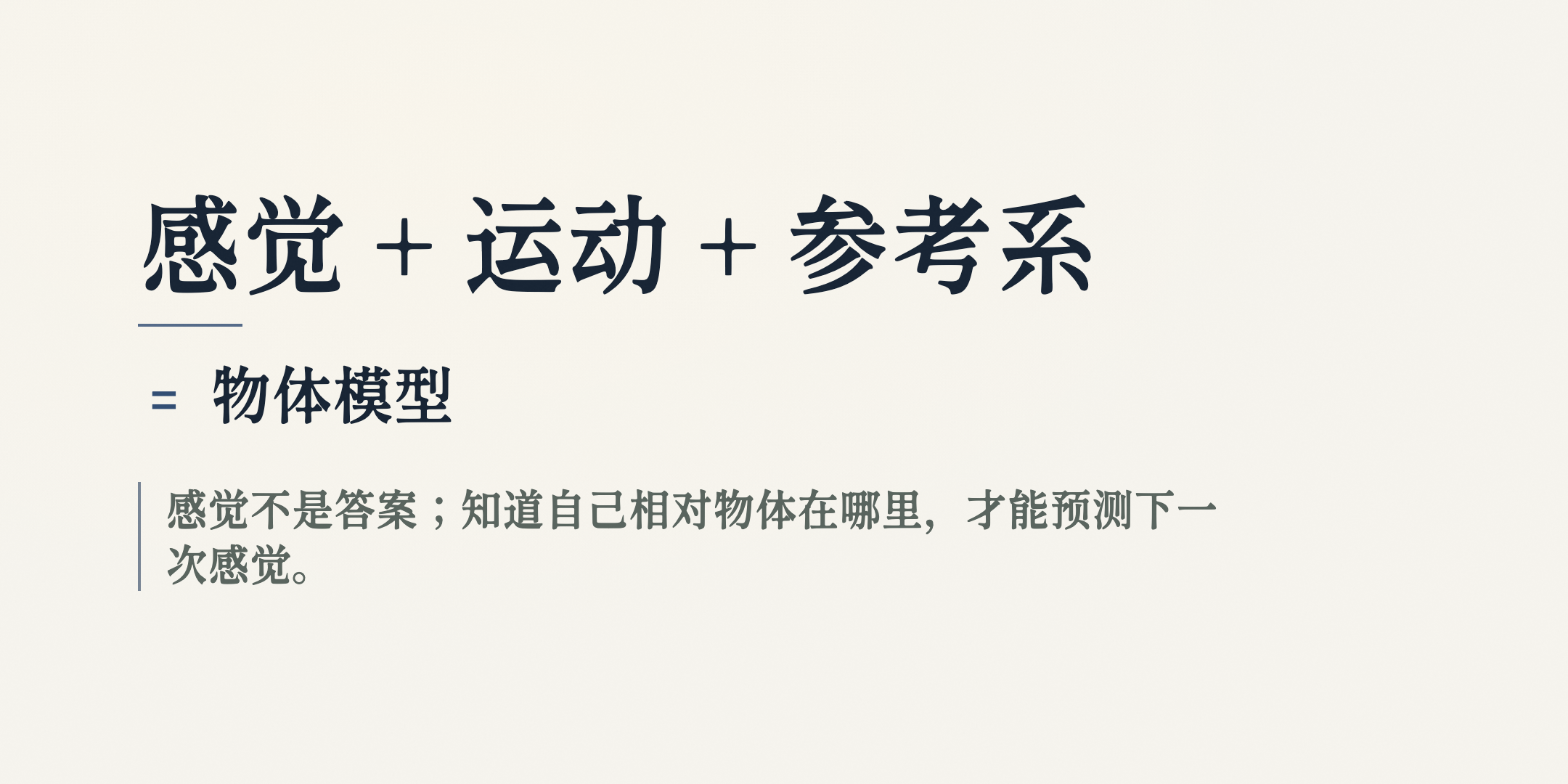 article-diagram · sensation, movement, reference frames |
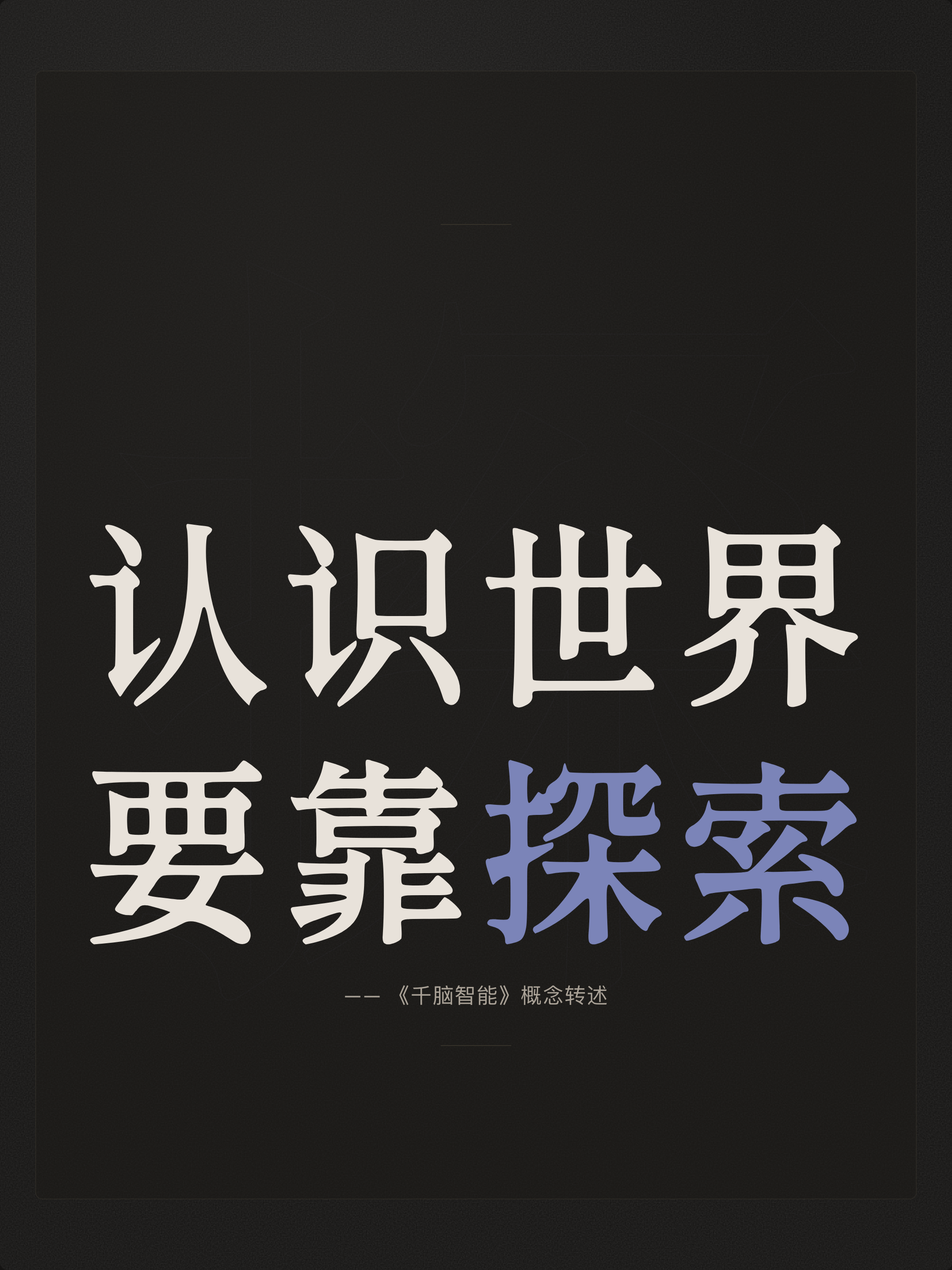 big · explore the world |
poster · three threads |
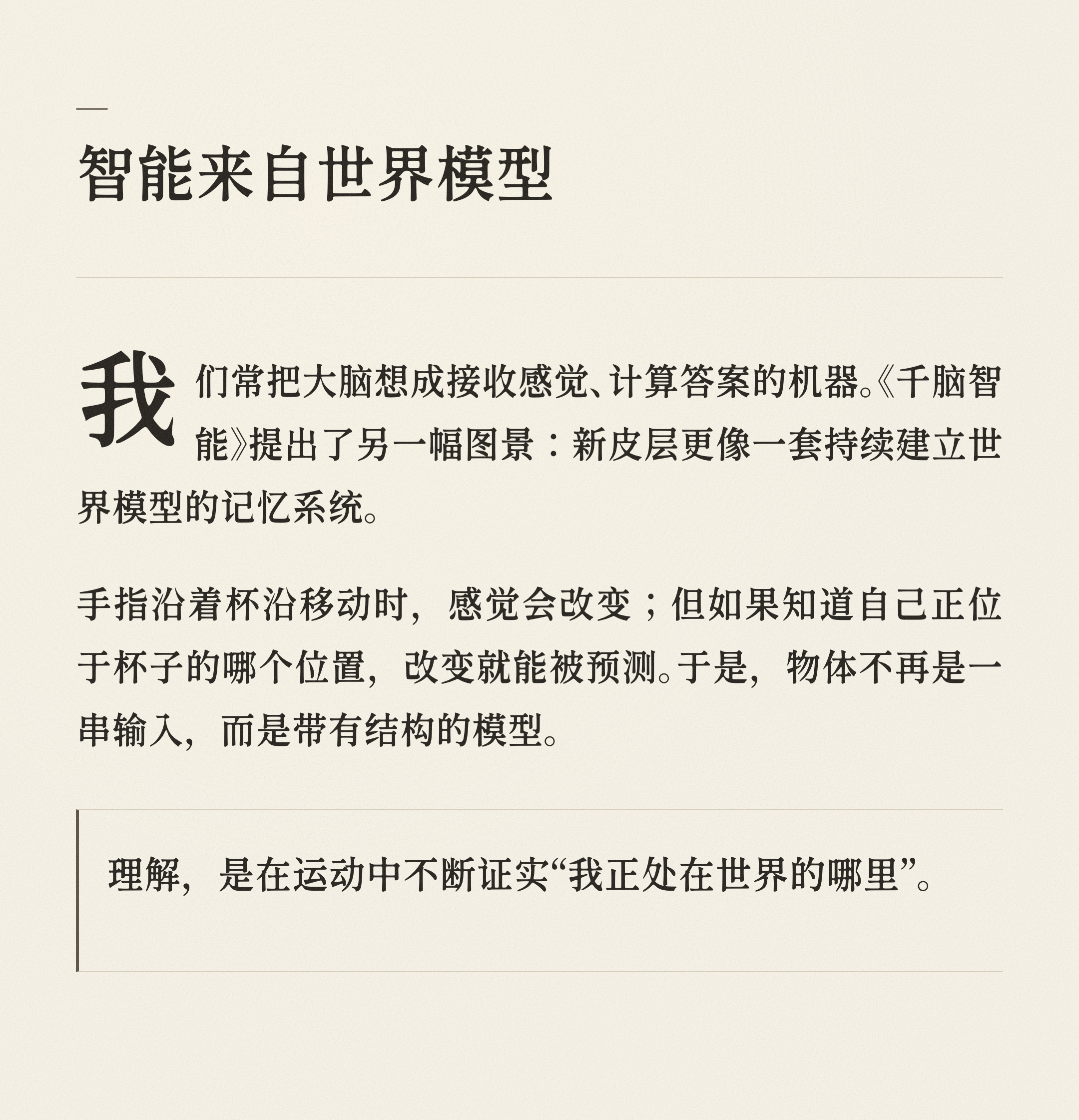 long · intelligence is modeling |
whiteboard · knowing a cup |
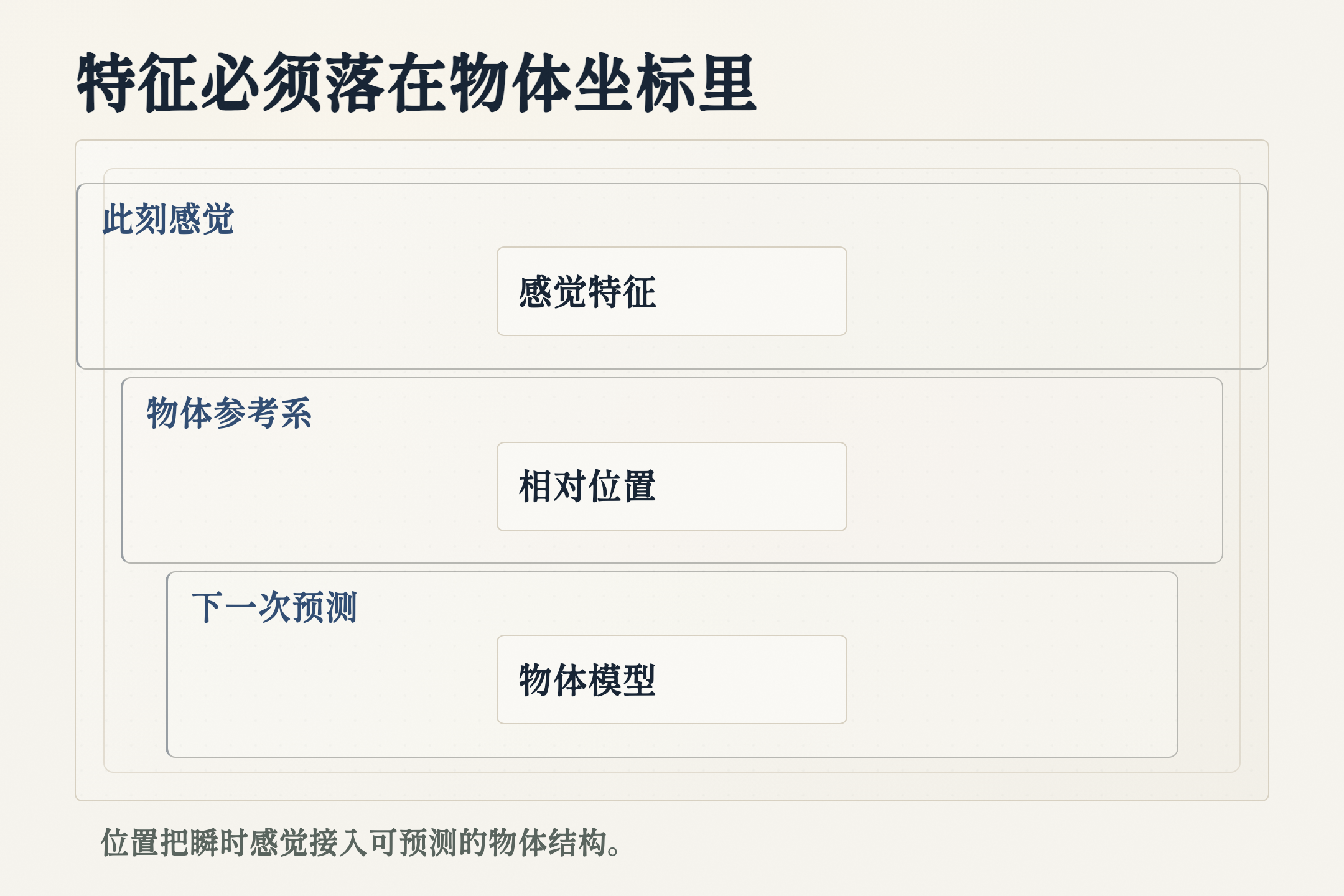 article-diagram · reference frame model |
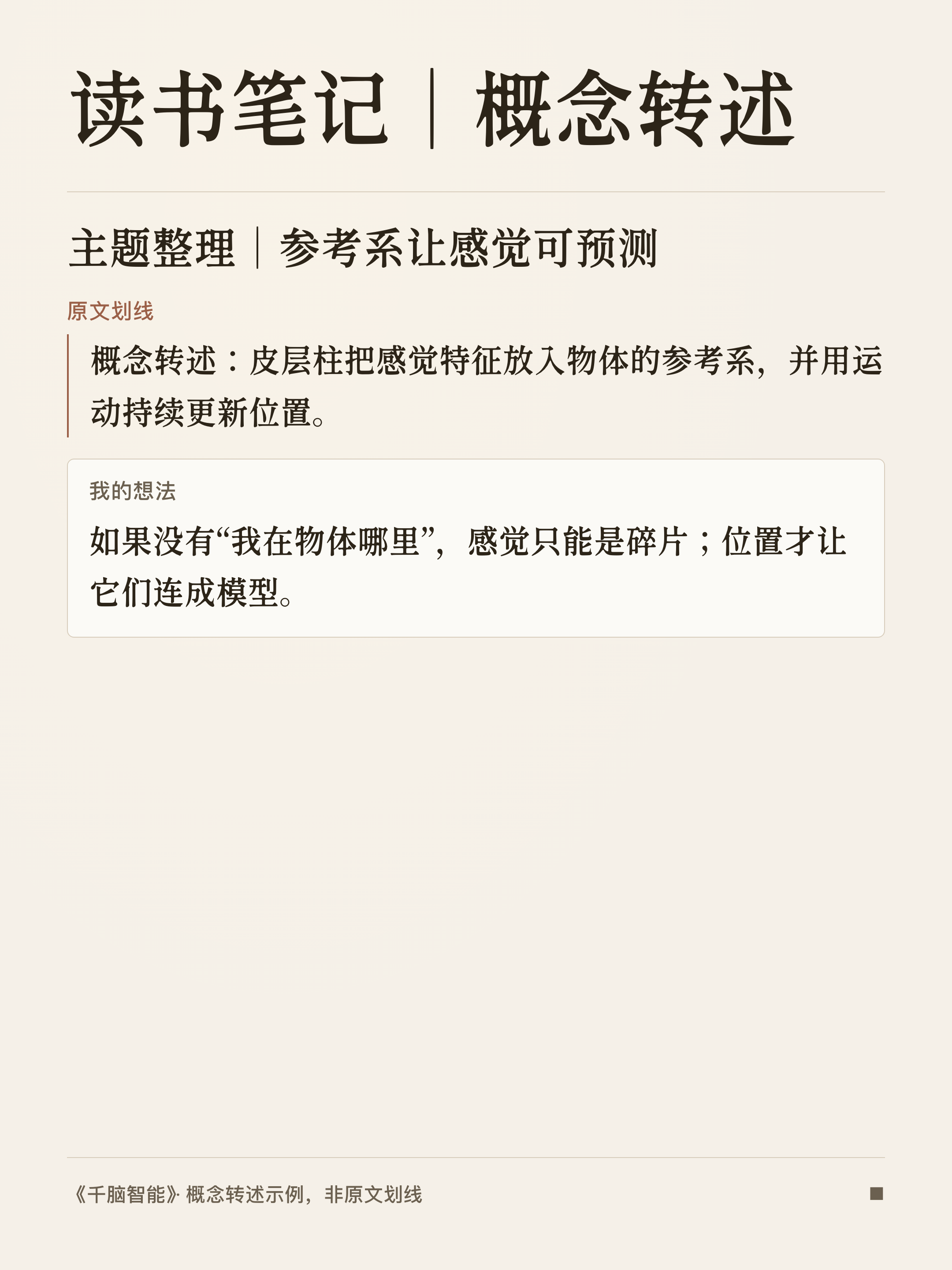 poster · reading notes (conceptual) |
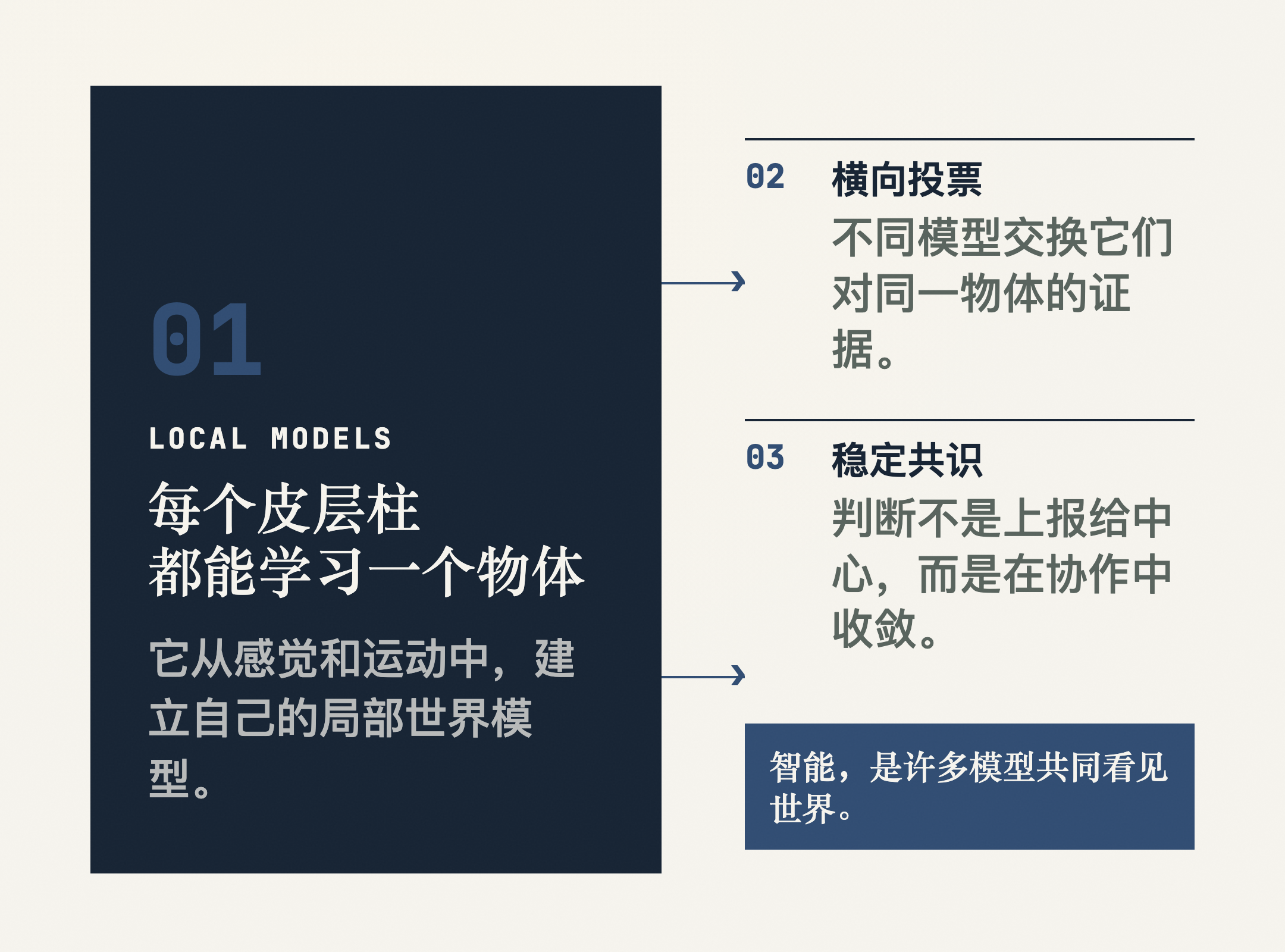 infograph · local models to shared judgment |
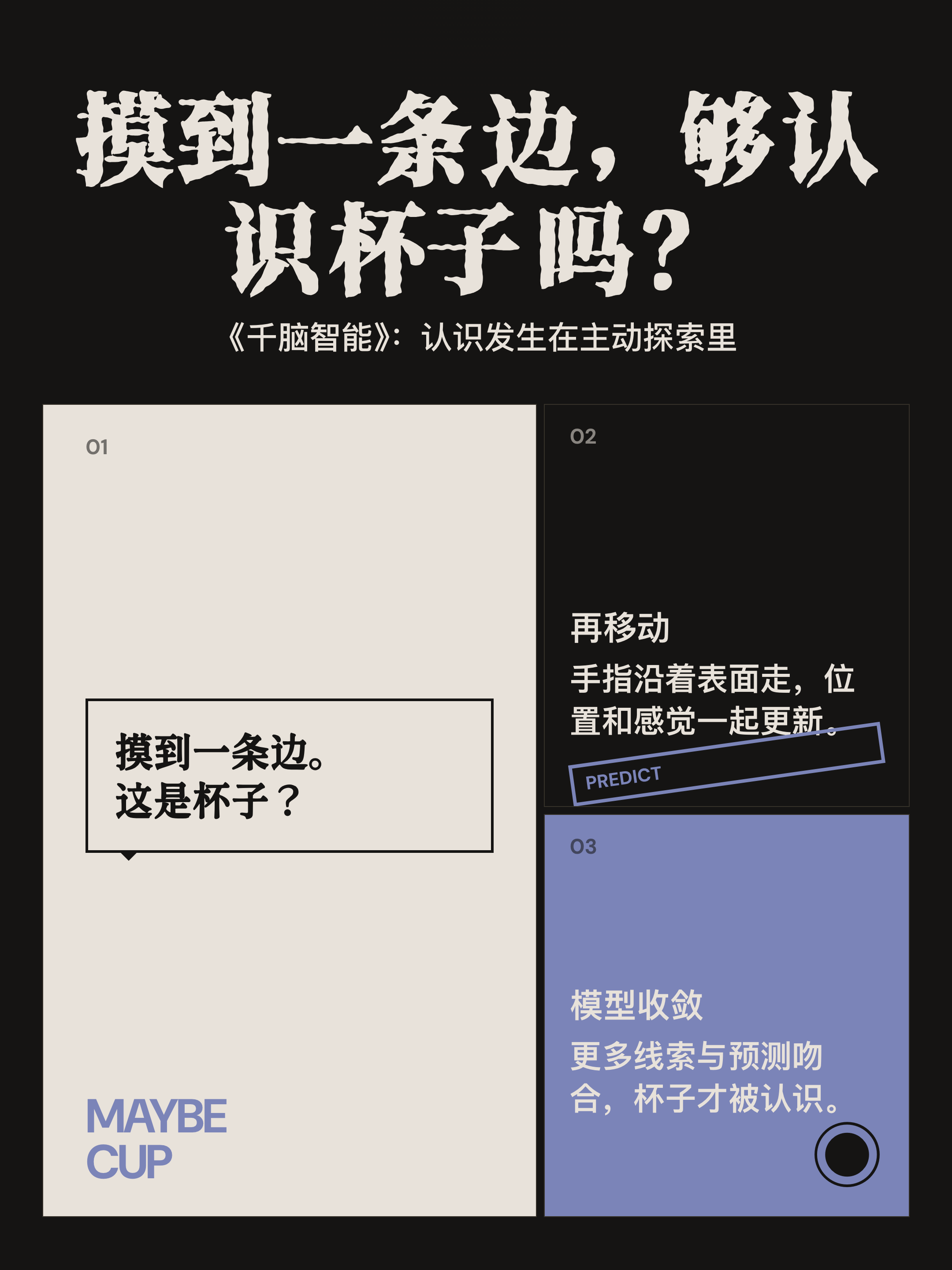 comic · after touching one edge |
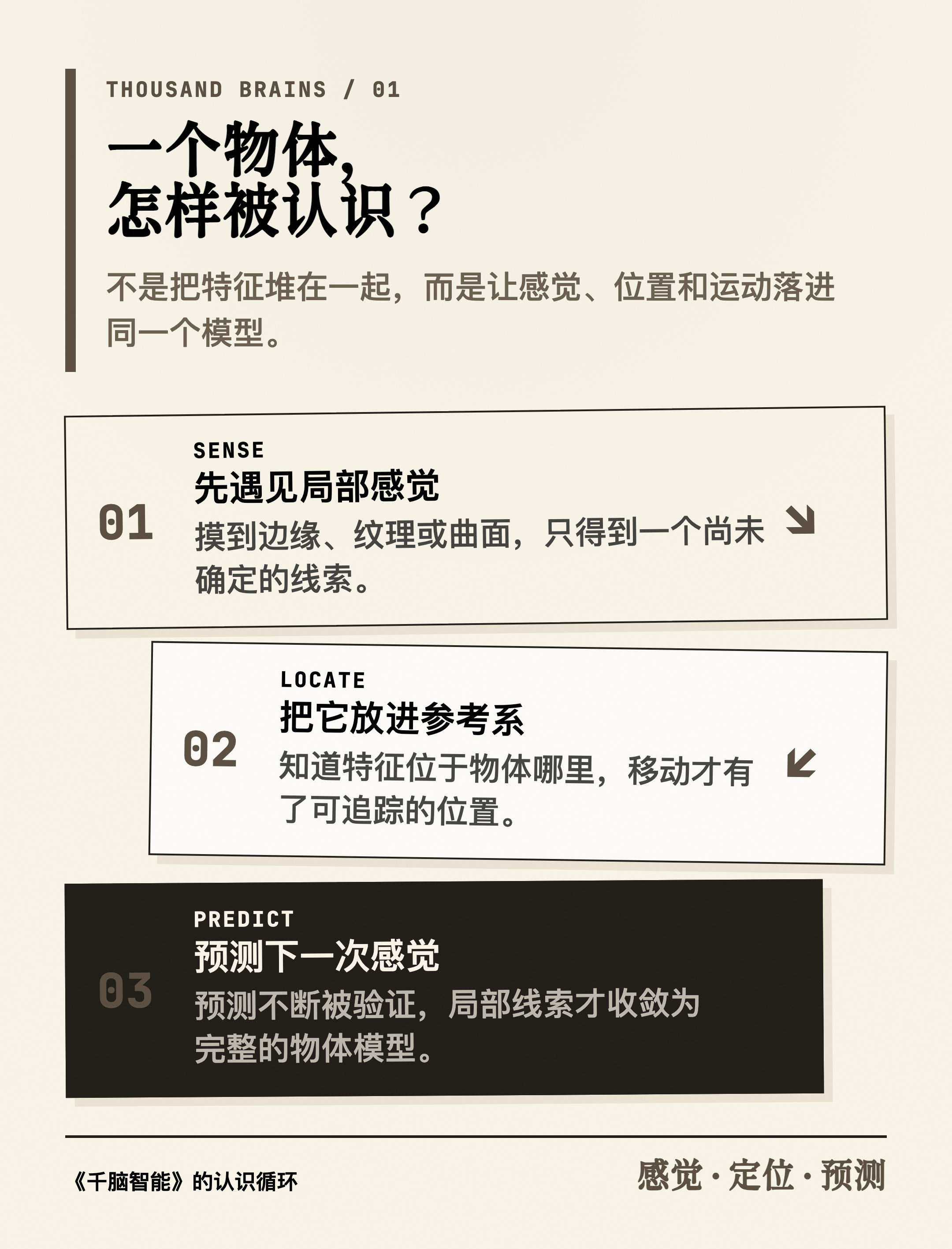 sketchnote · sensation, location, prediction |
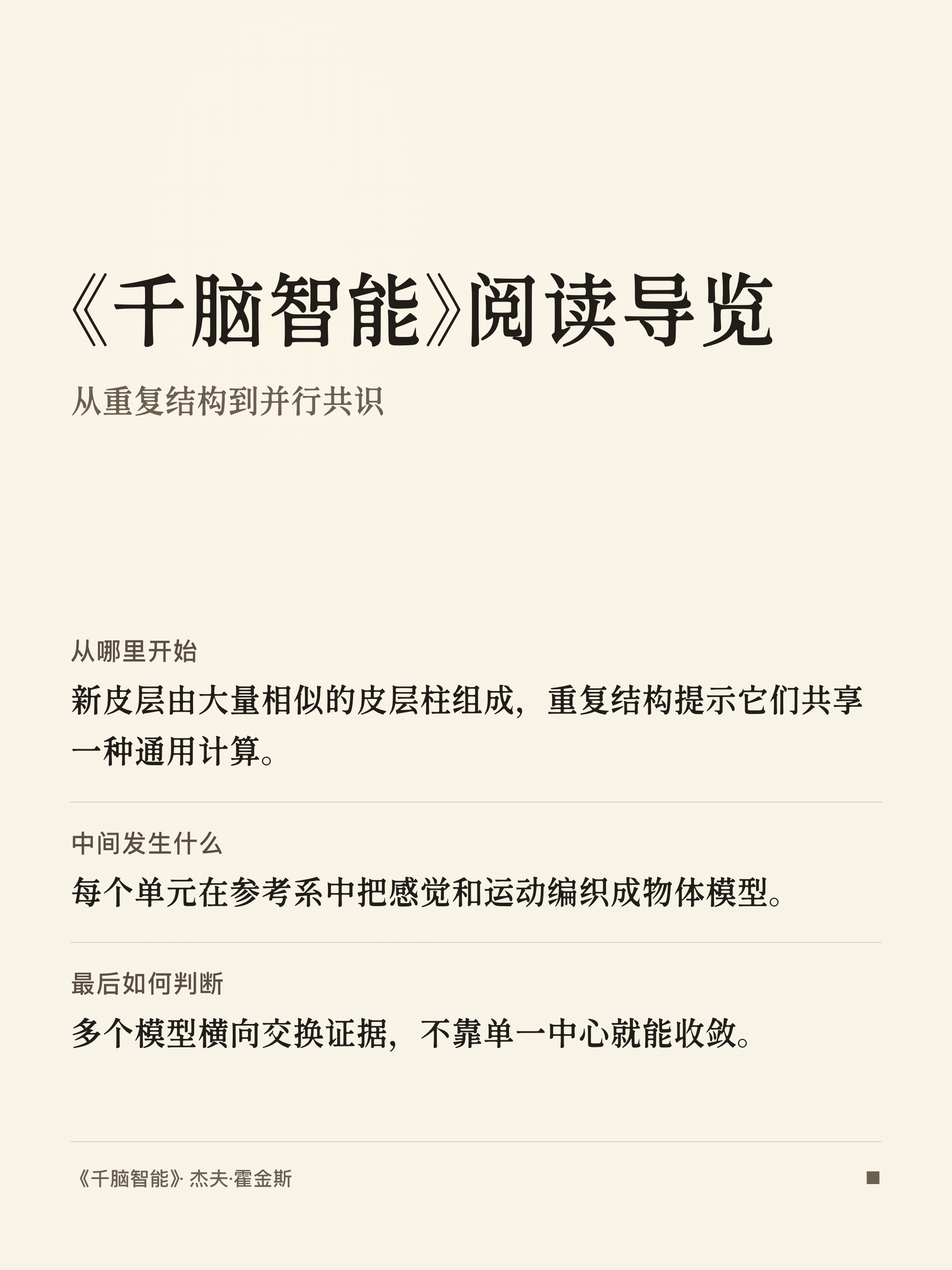 poster · reading guide |
How to turn WeChat Reading highlights into cards
card-skill can pair with Tencent's official WeChatReading Skill to turn personal highlights and thoughts from a book you explicitly name into a card set, or personal reading stats into a monthly / yearly report.
It does not read arbitrary chapter text, and it will not scan an account from a book title alone. The Tencent skill owns auth and fetch. card-skill only organizes the data needed for the current job, then renders and checks PNGs locally.
Reading guide |
Conceptual notes |
Install the official source skill first, then set WEREAD_API_KEY per its docs. Do not paste the API key into chat, card inputs, or repository files:
npx skills add Tencent/WeChatReading -g
Turn my personal highlights and thoughts from *A Thousand Brains* into a card set. Keep the source quotes unedited. Place my thoughts under the matching highlight when the pairing is clear; keep unpaired thoughts separate; label the source.

Turn this month's WeChat Reading stats into a monthly reading report. Use only real duration, day counts, finished-book counts, and preferences from the response. Omit missing modules. Do not invent insights.
Author, cases, and maintenance
card-skill is maintained by Kenny Wu (@KKenny0) under the MIT license. It is a content-to-image skill for coding agents, not a general design SaaS.
If card-skill helped you ship something worth publishing, share it in GitHub Issues:
- final image or public post link
- prompt used (redact sensitive bits)
- mode and agent
- anything you still had to fix by hand
Real cases help decide which publishing jobs to improve next. With author permission, strong cases may enter the gallery with credit.
You can also support maintenance via Support. Support helps keep fonts, browser capture, image compression, mold quality, and cross-agent compatibility moving.
Suggested GitHub topics
For discovery, consider topics such as: agent-skills, claude-code, codex, infographic, poster, wechat, png, editorial, whiteboard, openai-codex.
Credits
card-skill is informed by:
- awesome-design-md by VoltAgent — brand design reference library
- ljg-card by lijigang — content-to-image practice and early taste rules
- Kami by tw93 — Quiet Paper constraints on paper, ink, and rhythm
- The New Yorker cover practice and GOV.UK image guidance — editorial purpose and restraint
License
MIT © 2026 Kenny Wu
Reviews (0)
Sign in to leave a review.
Leave a reviewNo results found