kolega-code
Health Warn
- License — License: Apache-2.0
- No description — Repository has no description
- Active repo — Last push 0 days ago
- Community trust — 11 GitHub stars
Code Pass
- Code scan — Scanned 12 files during light audit, no dangerous patterns found
Permissions Pass
- Permissions — No dangerous permissions requested
No AI report is available for this listing yet.
Kolega Code
A terminal coding agent where the model writes its own multi-agent workflows.







Kolega Code is a local-first terminal coding agent. For work that is too broad
for one agent loop, its Gigacode engine has the model write a Python program
that orchestrates multiple sub-agents. The runtime then executes that program.
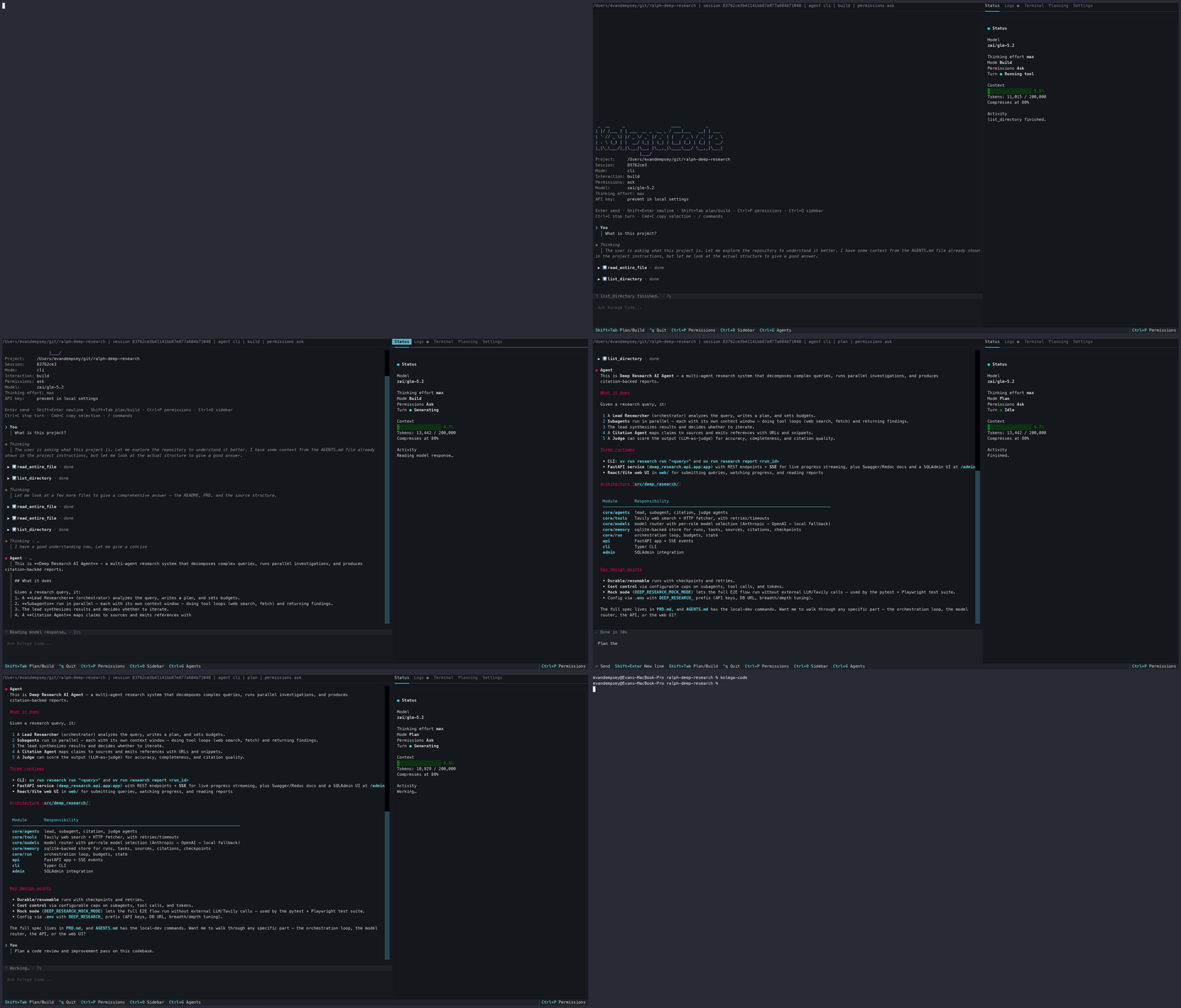
Gigacode: model-authored orchestration
For a repo-wide review, a migration, or a plan with independent workstreams, the
model writes an orchestration program instead of delegating workers one at a
time. The program can combine parallel phases, pipelines, adversarial
verification, judge panels, and synthesis gates to fit the task. The runtime
saves the script so it can be inspected and run again.
Claude Code uses the same model-authored approach for its dynamic workflows
(ultracode). Kolega Code provides an open, provider-agnostic implementation
whose runtime source is available in this repository.
The runtime journals each completed agent call to disk. Resume is content-keyed
rather than positional: when you use resume_from_run_id, calls with unchanged
semantic inputs replay from the journal at zero token cost. This still works if
the script was edited or reordered, and it works across sessions and process
restarts.
Read how gigacode works for the architecture, or an
unedited model-authored workflow with its
full provenance and execution record.
How it works
The model investigates your repo, then writes a Python program against a small
runtime API (agent, parallel, pipeline, phase, budget). The runtime
enforces concurrency caps, an agent-count backstop, and token-budget accounting.
It dispatches typed sub-agents, including read-only investigators, coders, and
browser agents, whose activity streams into the TUI's sub-agent inspector.
As the run progresses, the runtime writes the script, per-call results,
transcripts, and final result to disk. An interrupted or budget-capped run keeps
its journal and can be resumed, with unchanged calls replaying free. The
mechanics, guarantees, and limitations are documented in
how-gigacode-works.md.
The rest of the agent
Gigacode is off by default. Enable it with /gigacode on. For focused changes,
use Kolega Code as an ordinary terminal coding agent:
- Plan/Build modes: read-only Plan mode for investigation and a reviewable
task list, Build mode to implement (Shift+Tabto switch). In Plan mode,
workflow sub-agents are forced read-only too. - Repo tools: read and search code, create files, apply precise edits, and
inspect session changes/diffs. - Terminal execution: run shell commands with streamed output and
project-level permission controls. - Web search and browsing: DuckDuckGo by default with no key; Firecrawl,
Tavily, and SearXNG configurable; direct URL fetch; a Playwright-powered
browser agent for interactive sites. - MCP servers: connect
streamable_http,sse, andstdioMCP servers
(including OAuth-enabled HTTP servers) as permission-gated tools. - Interactive or scriptable: Textual TUI with queued follow-ups, one-shot
kolega-code askwith JSON output, session list/export/resume,doctor. - Extensibility: agent skills, project prompt-template overrides
(docs),
lifecycle hooks, persistent project permission rules. - Local-first state: sessions, settings, permissions, OAuth tokens, and
API-key settings stay on your machine with restrictive permissions where
applicable.
Quick start
1. Install with the script:
curl -fsSL https://kolega.dev/install-kolega-code.sh | sh
Or with uv (or pip):
uv tool install kolega-code
# or: pip install kolega-code
Verify the install:
kolega-code --version
2. Start a session in your project:
kolega-code .
3. Connect a model. Complete the first-run wizard with ChatGPT sign-in or an
API key. Later, open Settings from the sidebar or with /settings. UseShift+Tab to switch between Plan and Build mode, or run /gigacode on
when a task is broad enough for fan-out.
Resume a previous conversation:
kolega-code . --resume            # latest session
kolega-code . --resume <id>       # a specific Resume ID from `sessions list`
Two ways to use it
| Mode | Command | Best for |
|---|---|---|
| Interactive TUI | kolega-code . |
Day-to-day development, exploration, orchestration |
| One-shot | kolega-code ask "…" |
Scripting, automation, quick questions, CI |
Helper commands for sessions and setup:
kolega-code ask "summarize this repository" --project .
kolega-code sessions list --project .
kolega-code doctor --project .
Models and routing
Kolega Code can route models by role. You can use a strong long-context model
for the main loop, a faster model for utility calls, and a dedicated model for
extended thinking. Per-agent-role overrides are available for planning,
building, investigation, general, and browser agents. A Gigacode workflow can
also pin cheaper models to individual calls with model_override, allowing one
model to write the orchestration while cheaper models run its agents.
Supported model providers:
- Anthropic
- OpenAI API
- OpenAI via ChatGPT subscription sign-in
- Groq
- Together.ai
- Fireworks.ai
- xAI / Grok
- DashScope / Qwen
- OpenRouter (gateway to 250+ tool-capable models)
- Moonshot / Kimi
- DeepSeek
- Z.AI / GLM Coding Plan
- Kimi Coding Plan
- Ollama Cloud
- local Llama
With a paid ChatGPT plan (Plus, Pro, or Business), /login chatgpt runs
OpenAI models without a separate API key; tokens are stored locally (chmod 600)
and refreshed automatically. See
Sign in with ChatGPT.
Web search backends include DuckDuckGo (the default, with no key), Firecrawl,
Tavily, and self-hosted SearXNG. Choose one in Settings or withKOLEGA_CODE_WEB_SEARCH_BACKEND.
See Providers & Models
for model IDs, role configuration, API-key variables, and thinking-effort options.
Configuration
Set provider, model, and API keys from onboarding or the Settings editor, or via
environment variables and flags for non-interactive use:
export KOLEGA_CODE_PROVIDER=deepseek
export DEEPSEEK_API_KEY=...
kolega-code ask "summarize this repository" --project . --provider deepseek --model deepseek-v4-pro
API key variables only provide credentials. Pick a provider and model explicitly
or save them in Settings. Local session state lives under your platform's state
directory unless KOLEGA_CODE_STATE_DIR is set. See the
Configuration docs
for the full story.
Requirements
- Python 3.11+
- An API key, ChatGPT sign-in, or local model for at least one supported model provider
- A terminal that supports a modern TUI (most do)
Documentation
This repo includes the Gigacode architecture document
and an unedited model-authored example workflow.
Full documentation lives at kolega-ai.github.io/kolega-code:
Project resources
Contributing
Contributions are welcome. See CONTRIBUTING.md for local setup,
running the test suite, and building the docs site. Please report security issues
privately per SECURITY.md.
License
Released under the Apache License 2.0.
Join the community
Building something with Kolega Code, hit a rough edge, or want to shape where
Gigacode goes next? Come talk to us.

→ Join the Kolega Code Discord — share workflows,
get help, and hear about releases first.
Reviews (0)
Sign in to leave a review.
Leave a reviewNo results found