labtether
Health Pass
- License — License: Apache-2.0
- Description — Repository has a description
- Active repo — Last push 0 days ago
- Community trust — 246 GitHub stars
Code Pass
- Code scan — Scanned 12 files during light audit, no dangerous patterns found
Permissions Pass
- Permissions — No dangerous permissions requested
No AI report is available for this listing yet.
LabTether

LabTether
Cross-platform homelab control plane with AI-powered operations.






Website · Docs · Wiki · Discord · Demo · Changelog · Security · Closed CVEs
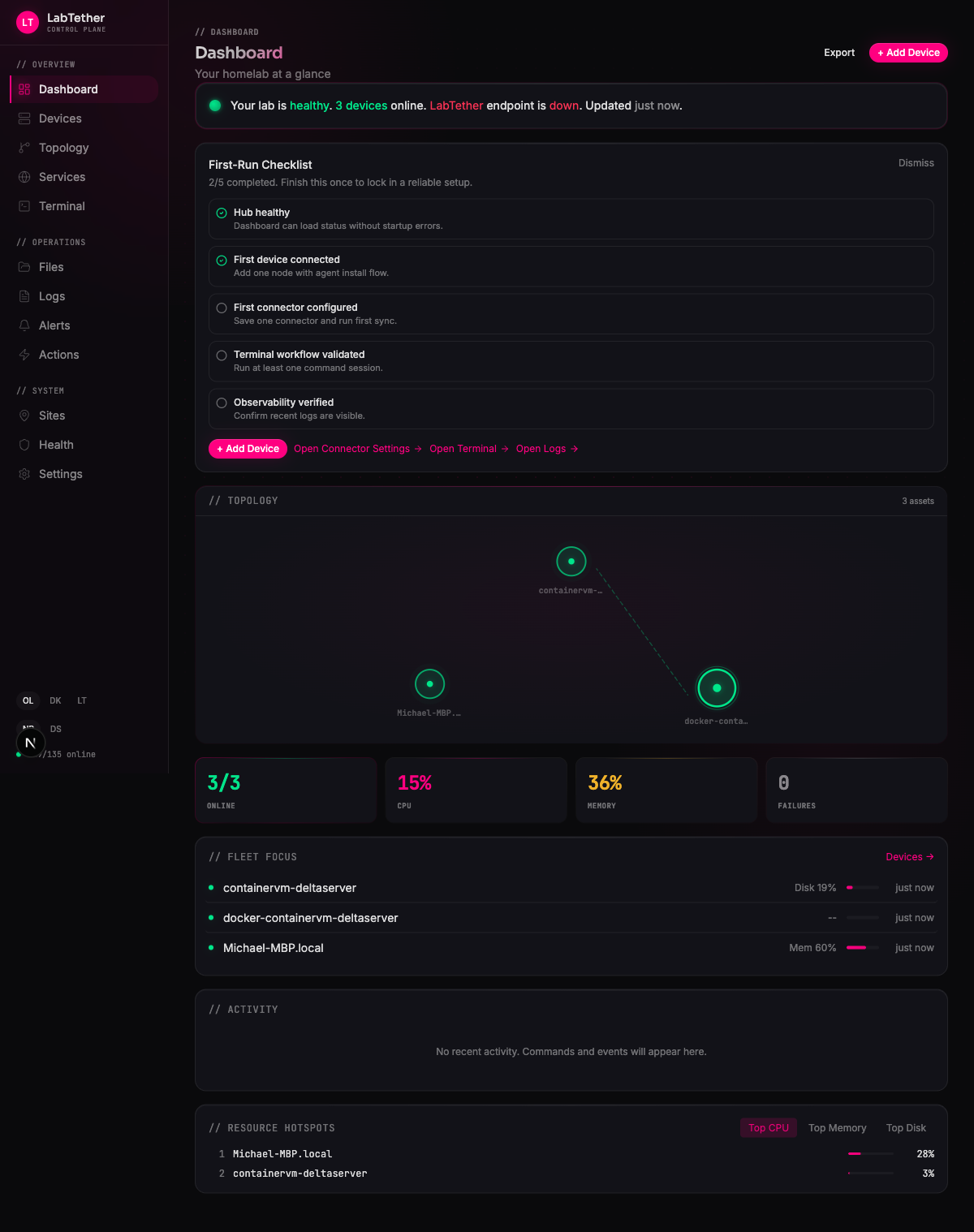
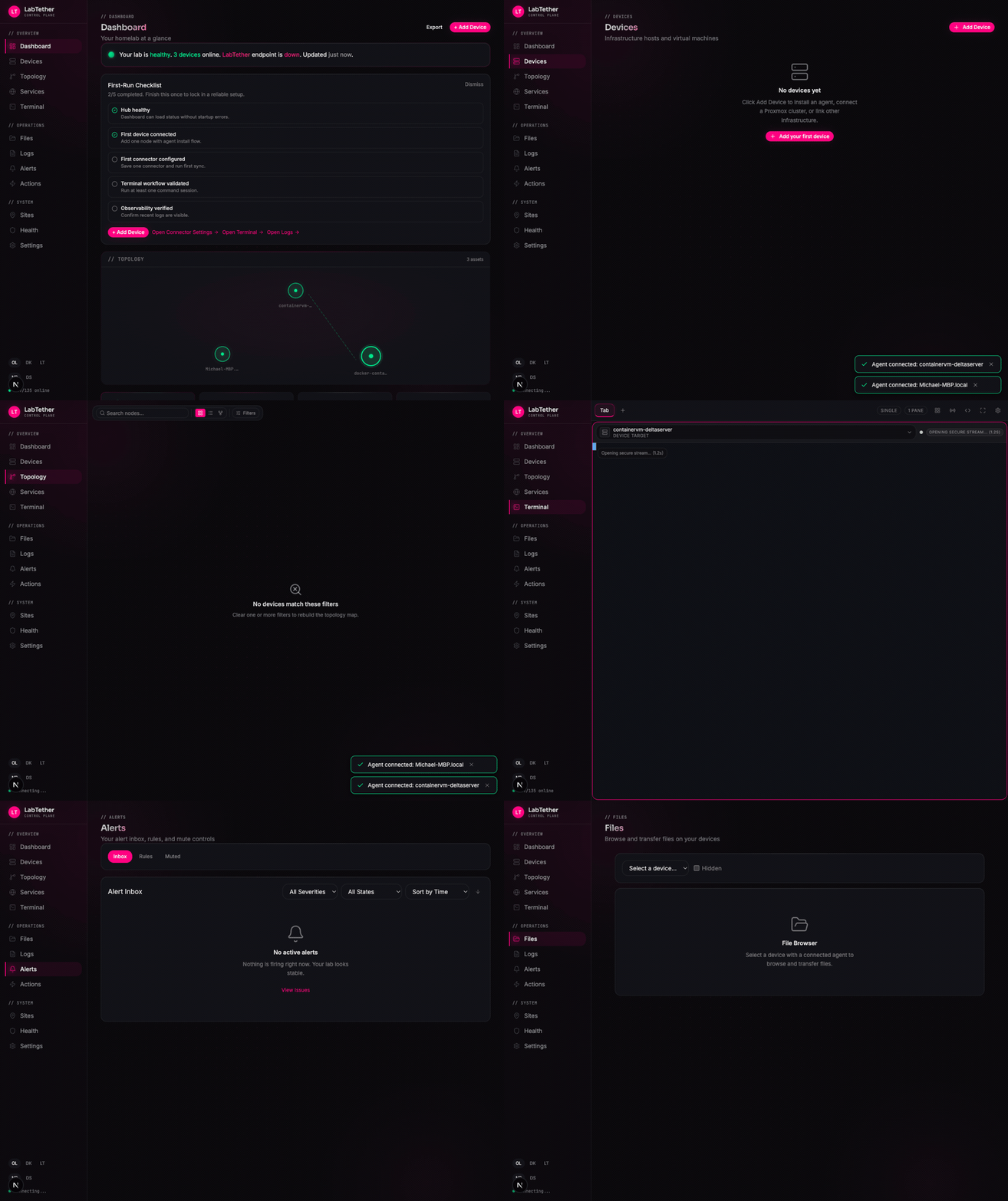
Dashboard → Devices → Topology → Terminal → Alerts → Files
|
AI-Native Built-in MCP server with 23+ tools. Operate your fleet through Claude, OpenClaw, Cursor, or any AI agent. |
Cross-Platform Linux and macOS are supported, Windows support is partial, and FreeBSD is planned — all tracked from one hub. |
Secure by Default Tailscale integration, 2FA, OIDC/SSO, RBAC, audit logs, and TLS — out of the box. |
Why LabTether
You run Proxmox, TrueNAS, Docker, maybe Home Assistant. Each has its own dashboard, its own alerts, its own way of telling you something is wrong. When a drive starts failing at 2 AM, you're opening five tabs trying to piece together what happened.
LabTether replaces the tab sprawl with one dashboard, one timeline, one URL.
- One dashboard for metrics, logs, alerts, incidents, and actions -- no tab sprawl.
- Multi-platform -- manage supported Linux and macOS nodes, plus the current Windows surface, from one place. See the platform matrix for exact coverage.
- Self-hosted -- Docker Compose + Postgres. Your data never leaves your network.
- Integrations -- Proxmox, TrueNAS, Docker, Portainer, Home Assistant, and more.
Quick Start
Get a full LabTether hub running in under 5 minutes. You need Docker and Docker
Compose 2.33.1 or newer. Download and inspect the release installer, then pin
the release you intend to run:
curl --proto '=https' --tlsv1.2 -fsSLo install-labtether.sh https://labtether.com/install.sh
less install-labtether.sh
LABTETHER_VERSION=vX.Y.Z bash install-labtether.sh
The installer verifies coordinated release checksums, verifies signed GitHub
provenance when gh is available, and deploys digest-pinned images. Open
http://localhost:3000 when it finishes; the setup wizard walks you through
the rest. TLS certificates are generated automatically.
Full guide with Tailscale remote access, custom TLS, OIDC SSO, and multi-user setup at labtether.com/docs.
Advanced: Docker Compose
The verified installer writes the release-specific Compose file, environment
template, manifest, and checksums into its install directory. Customize those
pinned artifacts for split services, external Postgres, or resource limits;
do not deploy the mutable main branch or latest image tag directly.
Install Agents
Agents are optional -- connectors like Proxmox and TrueNAS work without them. Agents unlock deeper telemetry, remote terminal and desktop access, and action execution on your nodes.
Linux
Choose an exact release, verify its checksum and GitHub build attestation, then enroll:
VERSION=vX.Y.Z
ASSET=labtether-agent-linux-amd64
tmp_dir="$(mktemp -d)"
curl --proto '=https' --tlsv1.2 -fL \
  "https://github.com/labtether/labtether-agent/releases/download/${VERSION}/${ASSET}" \
  -o "${tmp_dir}/${ASSET}"
curl --proto '=https' --tlsv1.2 -fL \
  "https://github.com/labtether/labtether-agent/releases/download/${VERSION}/${ASSET}.sha256" \
  -o "${tmp_dir}/${ASSET}.sha256"
(cd "$tmp_dir" && sha256sum --check "${ASSET}.sha256")
gh attestation verify "${tmp_dir}/${ASSET}" -R labtether/labtether-agent
sudo install -m 0755 "${tmp_dir}/${ASSET}" /usr/local/bin/labtether-agent
rm -rf "$tmp_dir"
umask 077
token_file="$(mktemp)"
trap 'rm -f "$token_file"' EXIT
read -r -s -p 'Enrollment token: ' enrollment_token
printf '\n'
printf '%s\n' "$enrollment_token" > "$token_file"
unset enrollment_token
sudo env \
  LABTETHER_WS_URL=wss://your-hub:8443/ws/agent \
  LABTETHER_ENROLLMENT_TOKEN_FILE="$token_file" \
  /usr/local/bin/labtether-agent
Or use the hub's generated install command -- it handles the download automatically.
See the Linux agent setup guide for systemd installation and enrollment.
macOS
Download LabTether Agent.app from Releases. Drag to Applications and launch -- the menu bar icon handles enrollment.
Windows
The cross-platform endpoint agent publishes Windows amd64 and arm64
binaries. Use the hub-generated PowerShell onboarding command; the separate
native system-tray application remains planned.
FreeBSD
FreeBSD endpoint management is planned. The source currently cross-compiles in
CI, but there is no published FreeBSD agent artifact or agentless connector
contract yet. A FreeBSD host can still be represented as a manual inventory
device and reached through a separately configured generic protocol such as SSH.
Agent docs: labtether.com/docs/install-upgrade/agent-install-commands-by-os
What You Get
AI-Powered Operations



LabTether ships a built-in MCP server with 23+ tools. Connect Claude, OpenClaw, Cursor, or any MCP-compatible AI agent and operate your infrastructure through natural language:
- Run commands across your fleet, restart services, read logs
- Query container stats, manage Docker stacks, check connector health
- Browse files, acknowledge alerts, reboot or wake machines
- Explore topology, list schedules, trigger webhooks
"Restart the nginx container on prod-web-01" -- your AI agent does it through LabTether's MCP endpoint.
Secure Remote Access with Tailscale
One-click Tailscale Serve integration. Expose your hub over HTTPS to your tailnet -- no port forwarding, no dynamic DNS, no certificates to manage. Managed mode handles everything automatically.
Fleet Dashboard
Health at a glance. CPU, memory, disk, network, and temperature across every node.
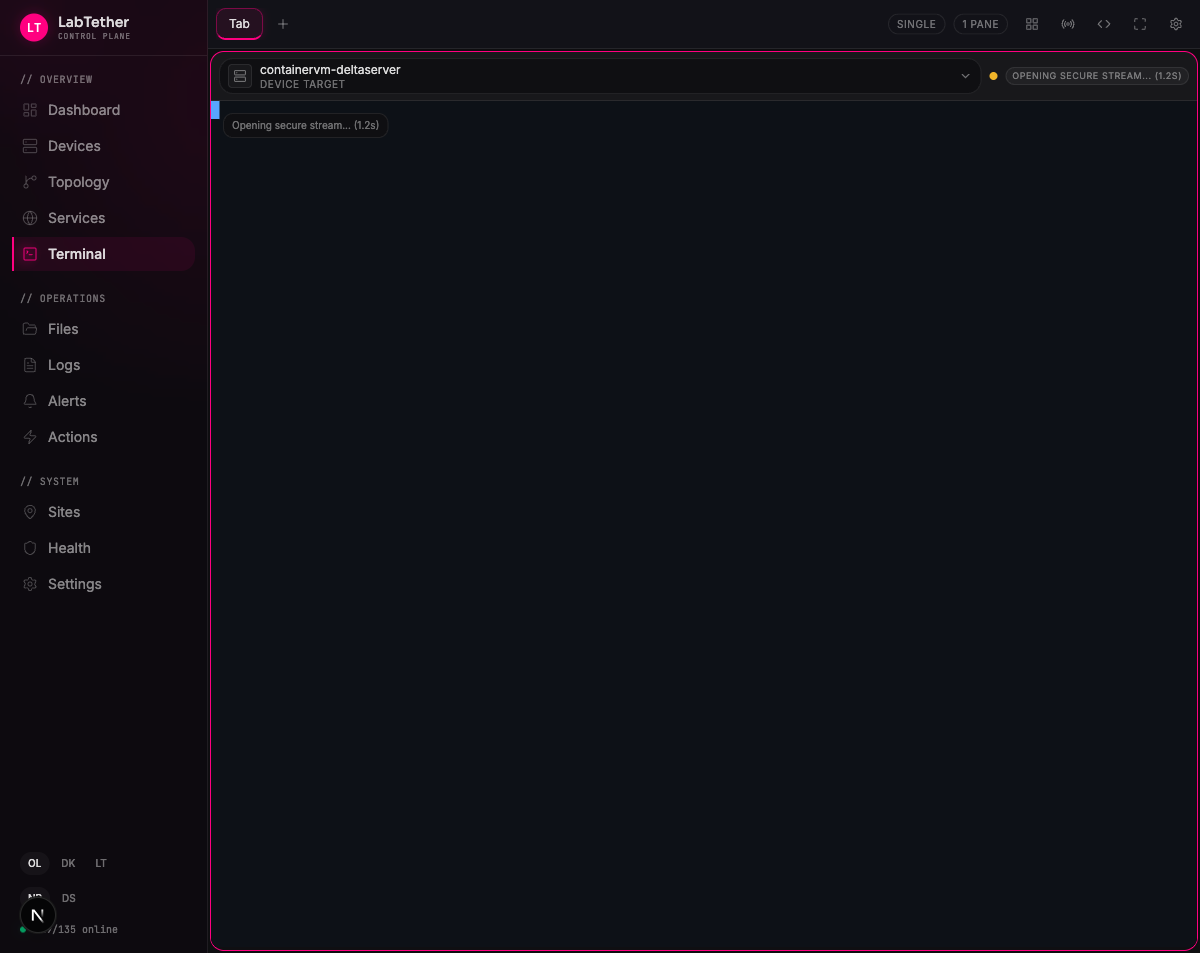
Remote Terminal and SSH
Browser-based shell sessions with snippets, bookmarks, and persistent sessions. Manage SSH connections, keys, and protocols per device. Quick-connect from the command palette -- no SSH keys needed.
Remote Desktop
VNC and SPICE desktop access directly from the browser. Session recordings for audit and compliance.
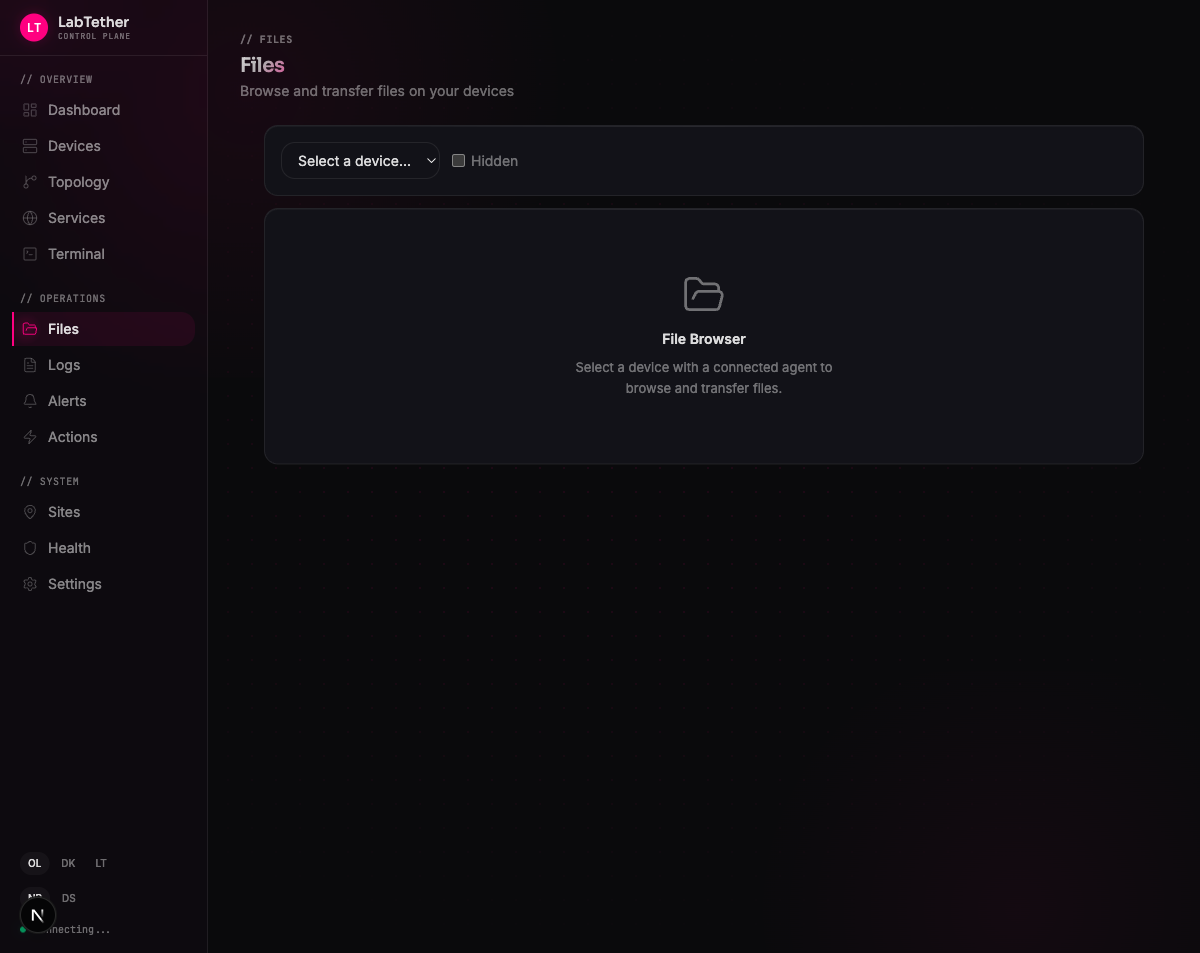
File Manager
Browse, upload, download, and transfer files between devices from one interface.
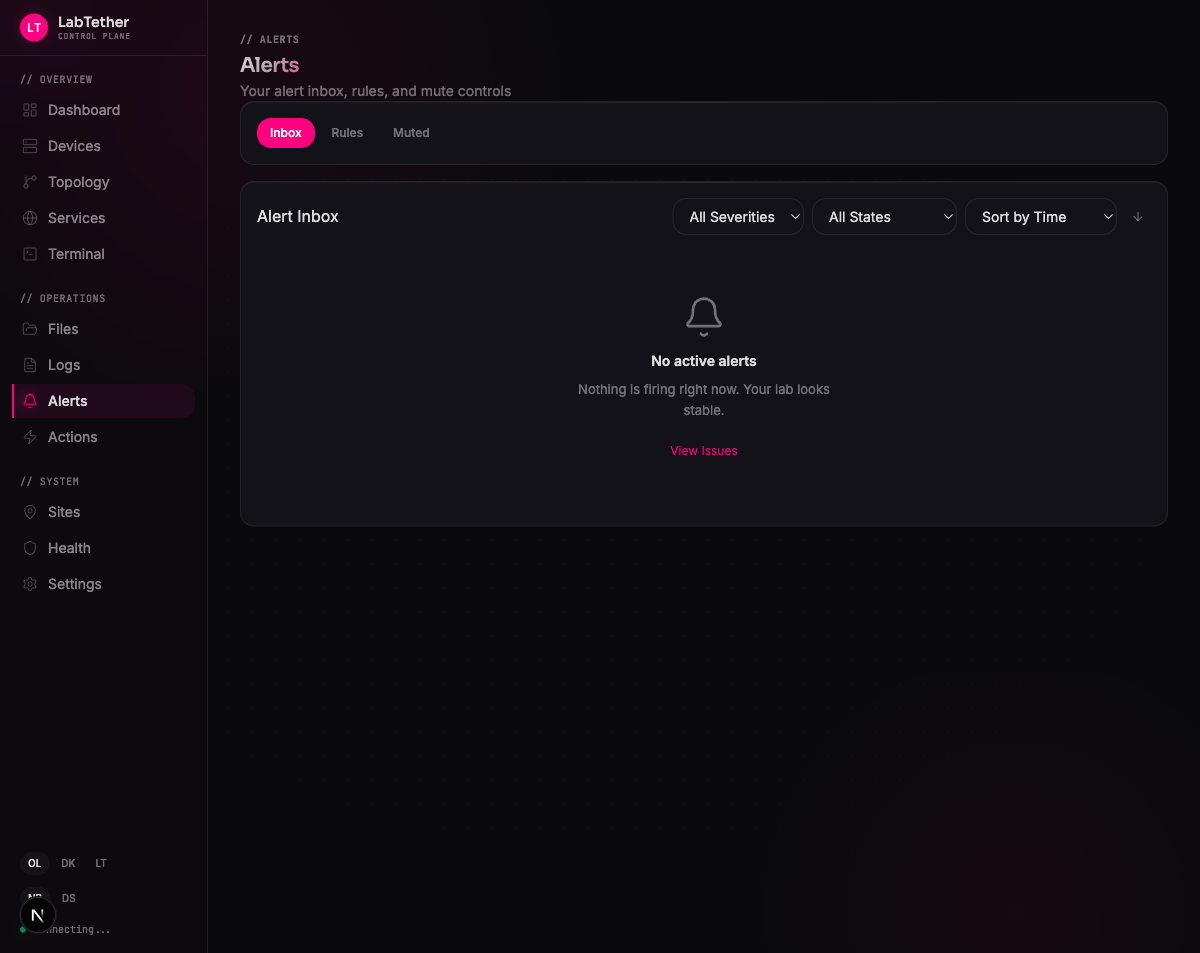
Alerts, Incidents, and Logs
Define alert rules, route notifications, silence during maintenance, and triage from one correlated timeline. Full incident tracking with postmortem analysis. Centralized log viewer with search, filtering, and journal access across all nodes.
Containers and Services
Monitor and manage Docker containers and Compose stacks across your fleet. Discover, group, and monitor web services with health checks and custom icons.
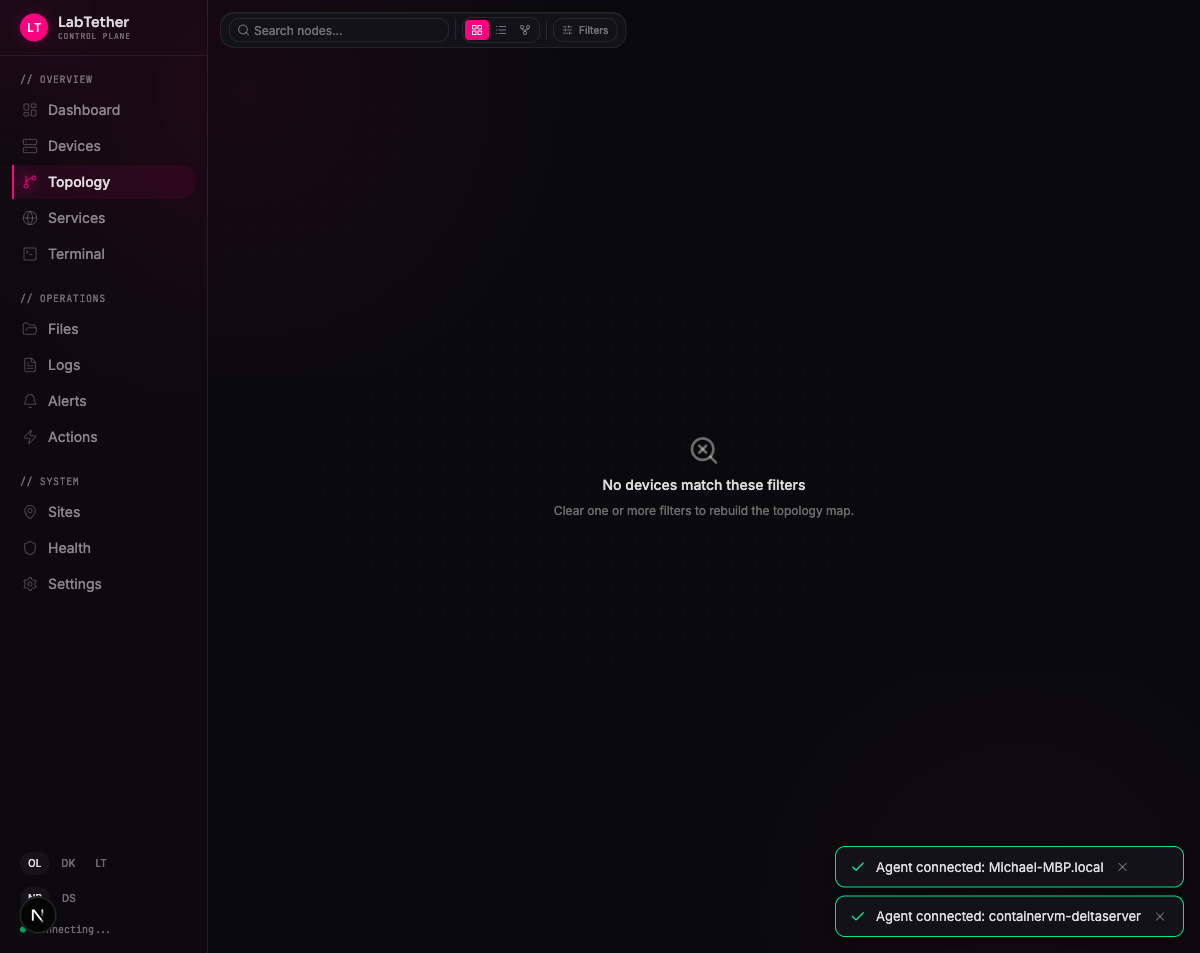
Topology Map
Visualize your infrastructure, dependencies, and network relationships. Blast radius analysis for change planning.
Automation
Save and execute actions across devices. Webhooks and scheduled jobs for hands-free operations. Cron-like scheduling with group-aware execution.
Integrations
Connect what you already run: Proxmox VE, TrueNAS, Docker, Portainer, Home Assistant, and Proxmox Backup Server. Auto-discovery finds your infrastructure automatically.
Enterprise Security
2FA, OIDC/SSO, RBAC, API keys, TLS management, Prometheus metrics export, data retention policies, and a full audit log. Everything you need for compliance.
And More
Groups and Maintenance -- Organize assets with maintenance windows and reliability tracking. Update Runs -- Plan and execute updates with dry-run support and audit trails. Command Palette -- Cmd+K to jump anywhere, quick-connect to devices, or run saved actions. API Docs -- Built-in OpenAPI reference for every endpoint.
All Screenshots
Fleet Dashboard — all nodes at a glance
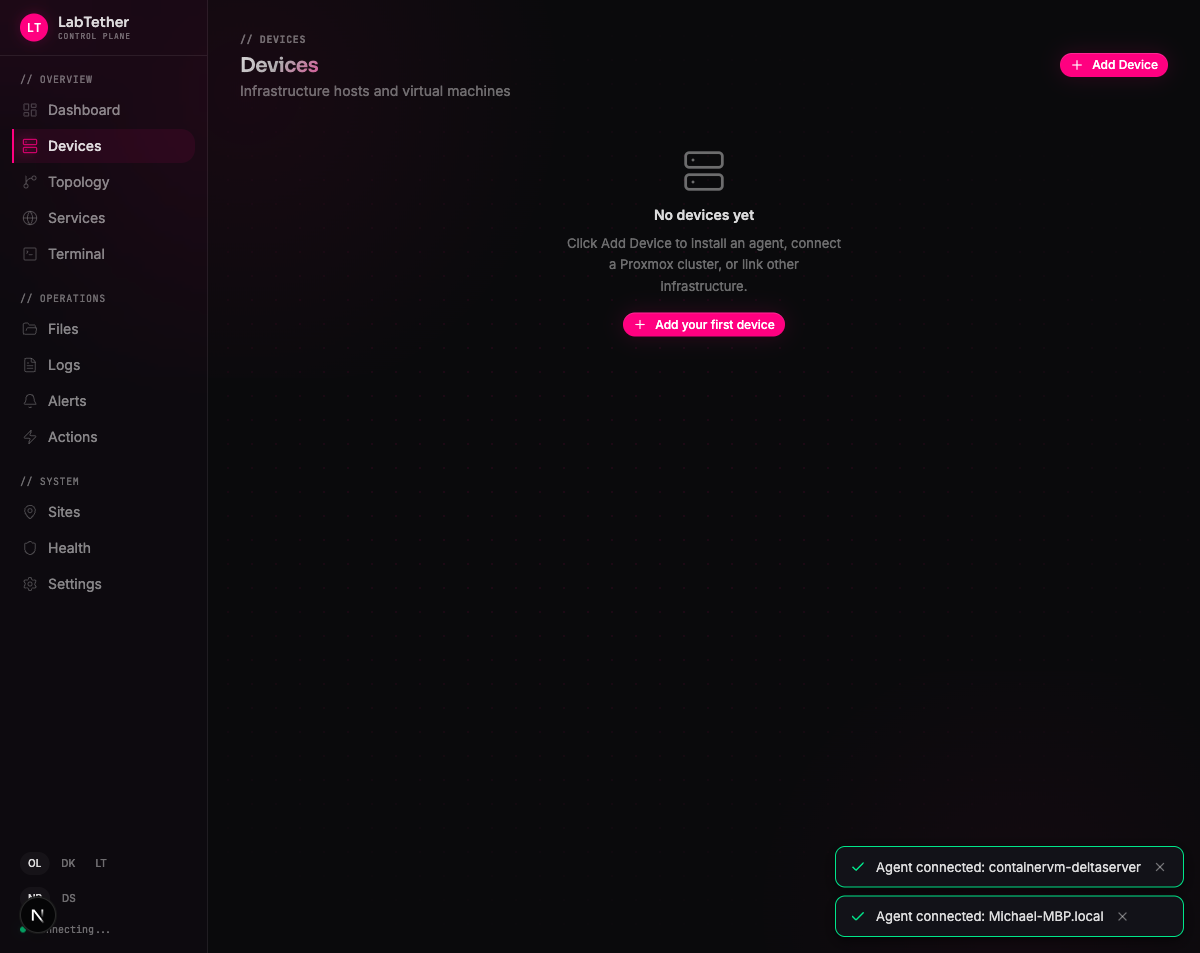
Device Detail — deep telemetry per host
Remote Terminal — browser-based shell with snippets and bookmarks
File Manager — browse, upload, download, and transfer files
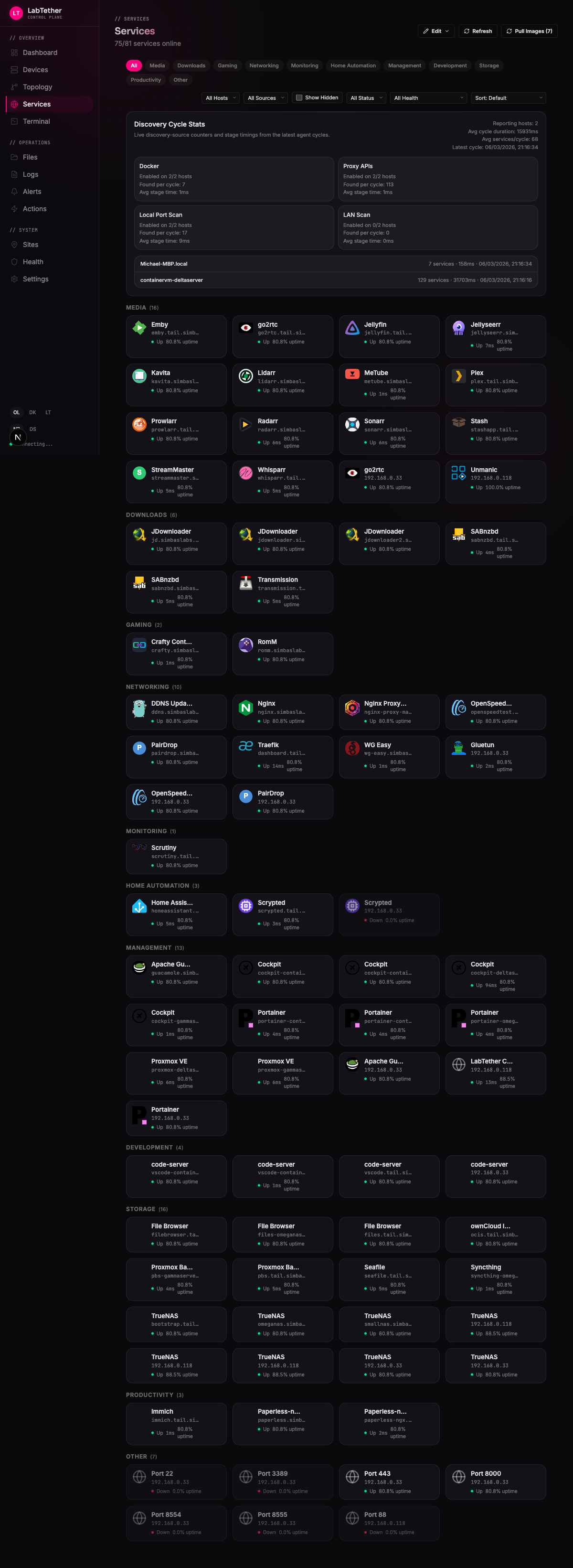
Services — discover and monitor web services with health checks
Topology Map — visualize your infrastructure and dependencies
Alerts — correlated timeline with routing and silencing
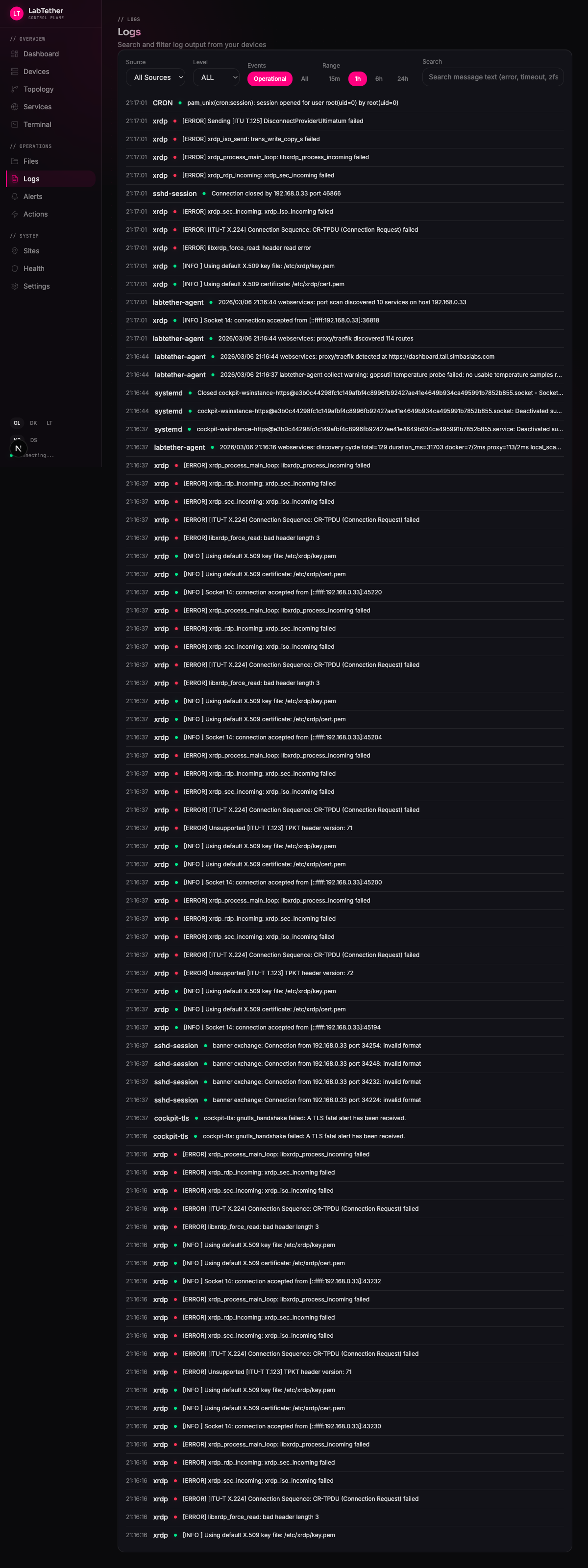
Logs — centralized viewer with search and filtering
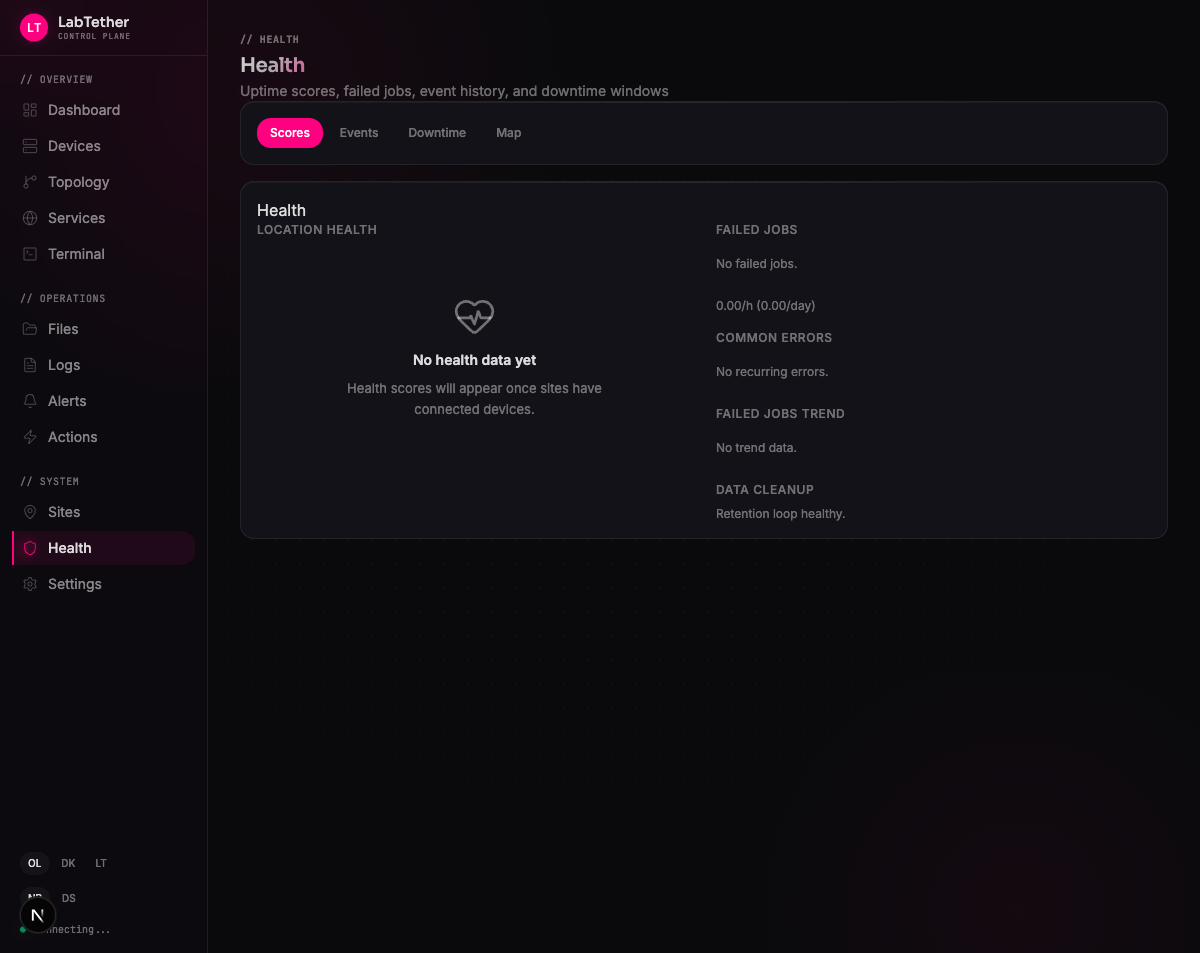
Health — reliability tracking and system health checks

Settings — integrations, security, agents, and notifications
Login — 2FA, OIDC/SSO, and secure authentication
Supported Integrations








Ecosystem
| Platform | Description | |
|---|---|---|
| Linux Agent | Linux | Telemetry, remote access, and actions for Linux machines. |
| CLI | Cross-platform | Manage your hub from the terminal. |
Coming soon
| Platform | Description | |
|---|---|---|
| Windows Agent | Windows 10+ | Native system tray app with service management and auto-updates. |
| macOS Agent | macOS 13+ | Menu bar app with status, enrollment, and notifications. |
| FreeBSD Agent | FreeBSD 13+ | Planned; source/runtime hooks exist, but no public release artifact is published. |
| iOS & iPad Companion | iPhone / iPad | Mobile fleet monitoring, push notifications, and live activities. One-time purchase, no subscriptions. |
Community
- Discord -- Join the server
- Twitter/X -- @labtether · @Watari_Labs_
- Blog -- labtether.com/blog
- Live Demo -- demo.labtether.com (no signup required)
Documentation
- User Guide and Wiki -- labtether.com/docs
- Changelog -- CHANGELOG.md
- Contributing -- CONTRIBUTING.md
- Security -- Reporting policy and public closed CVE records
- License -- Apache 2.0
Copyright 2026 LabTether. Apache 2.0
Reviews (0)
Sign in to leave a review.
Leave a reviewNo results found