youre-always_on_my_mind-free
Health Warn
- License — License: MIT
- Description — Repository has a description
- Active repo — Last push 0 days ago
- Low visibility — Only 8 GitHub stars
Code Warn
- process.env — Environment variable access in dashboard.mjs
- network request — Outbound network request in dashboard/app.js
Permissions Pass
- Permissions — No dangerous permissions requested
No AI report is available for this listing yet.
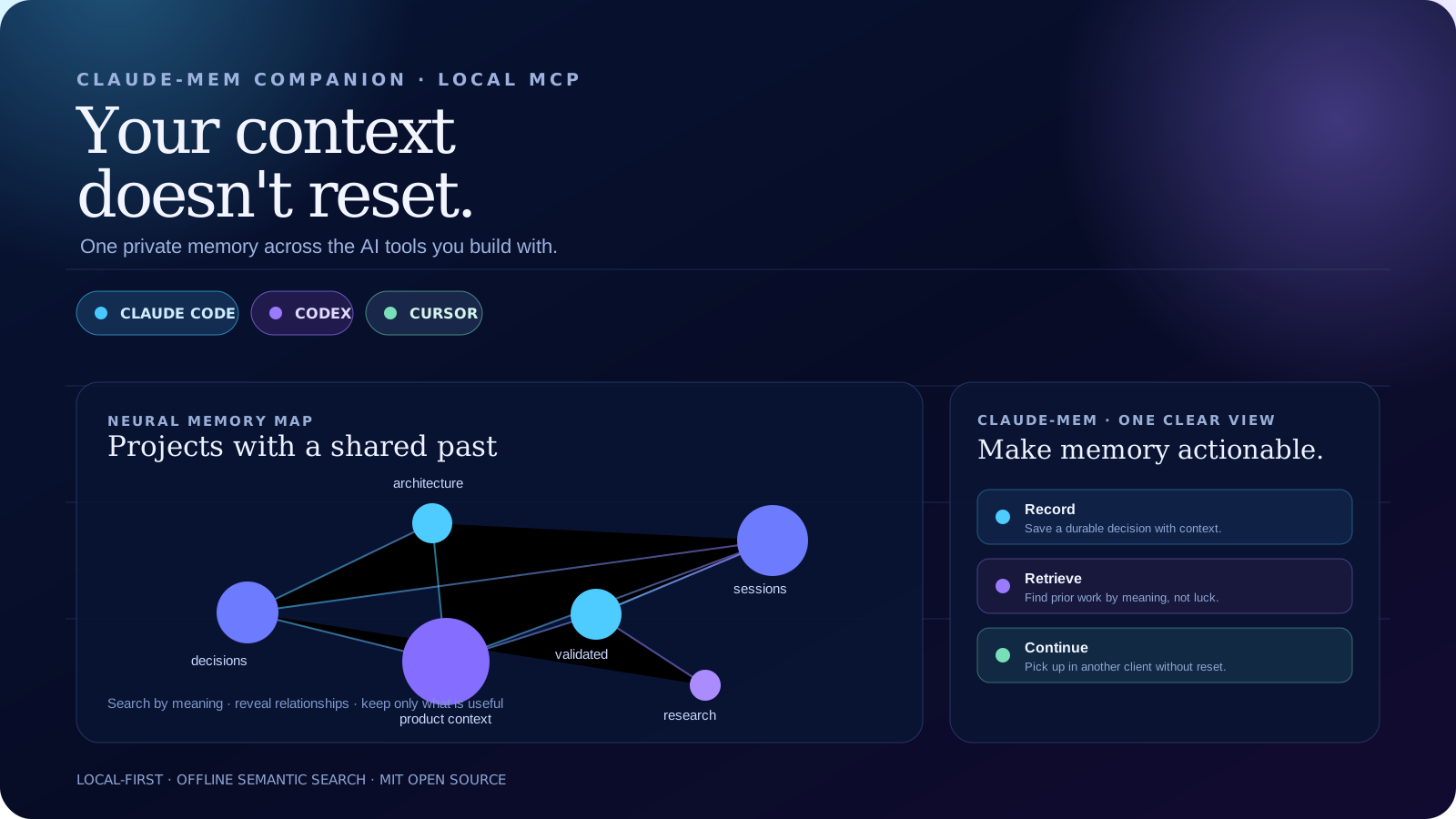
The visual memory cockpit for claude-mem.
You're Always on My Mind
The visual memory cockpit for claude-mem.
claude-mem remembers. You see the whole picture.





claude-mem · Claude Code · Codex · Cursor · Lovable · Replit · Antigravity
claude-mem already captures durable decisions, discoveries and outcomes. Once
you have enough projects and sessions, the hard question changes:
What is connected? What is stale? What matters now? What should the next agent know before it changes anything?
You're Always on My Mind is the complementary cockpit for answering that.
It reads and organizes the local memory claude-mem preserves, turns it into an
interactive graph, connects related projects, surfaces quality signals, and
gives you a decision layer for accumulated context.
Think of it as the Omega-3 companion for claude-mem: it does not replace the memory. It makes the memory healthier, clearer and more useful.
See it work
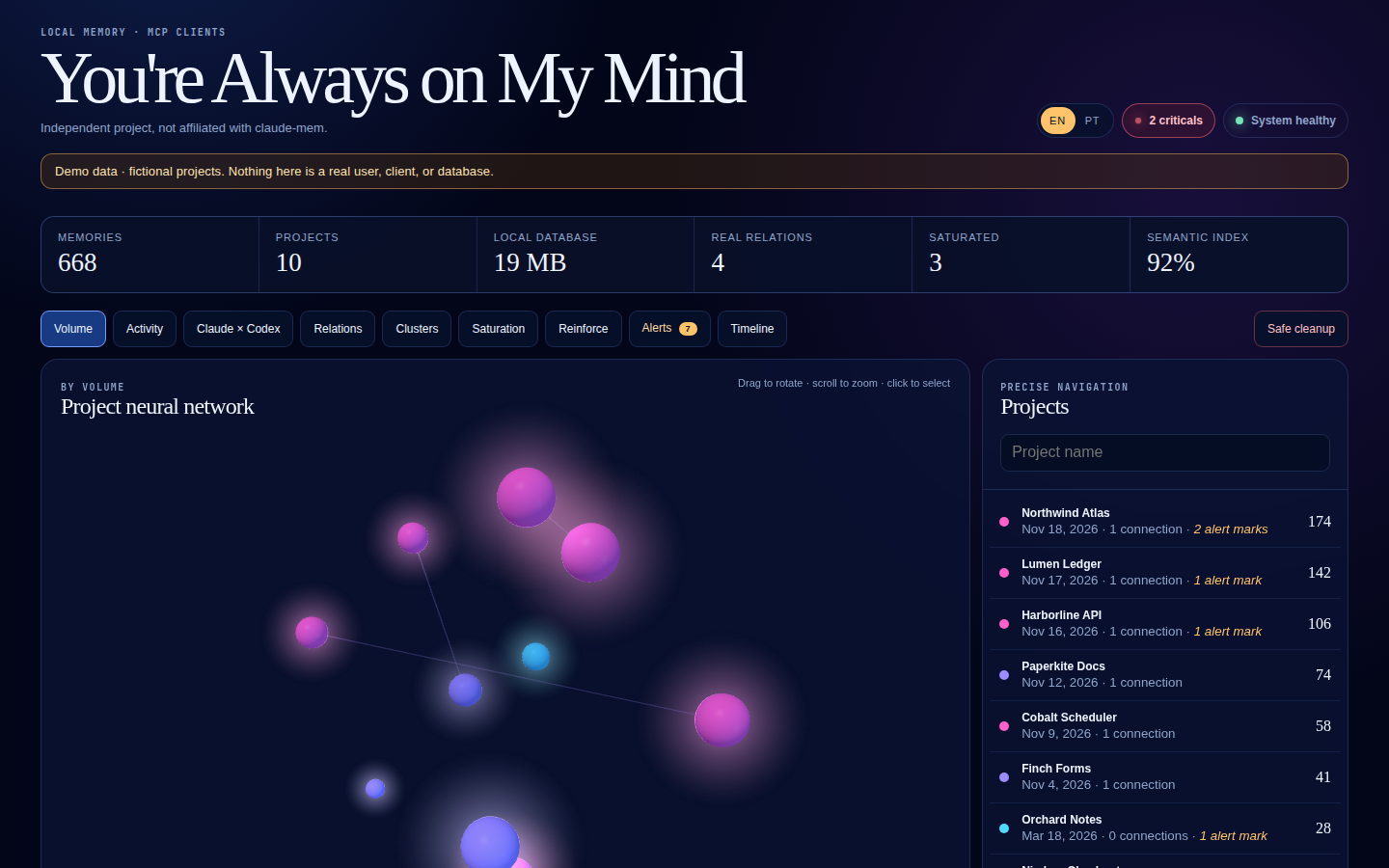
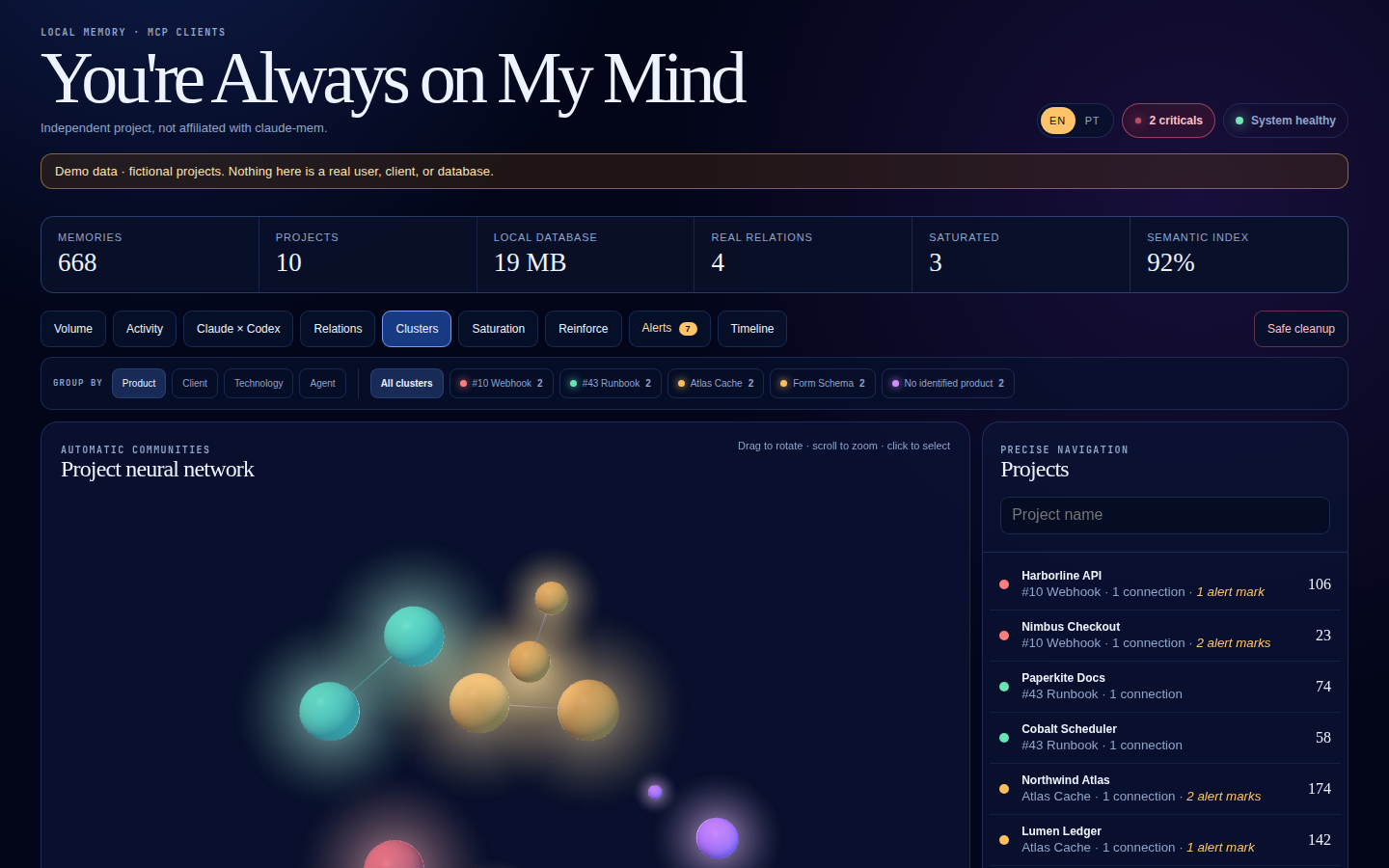
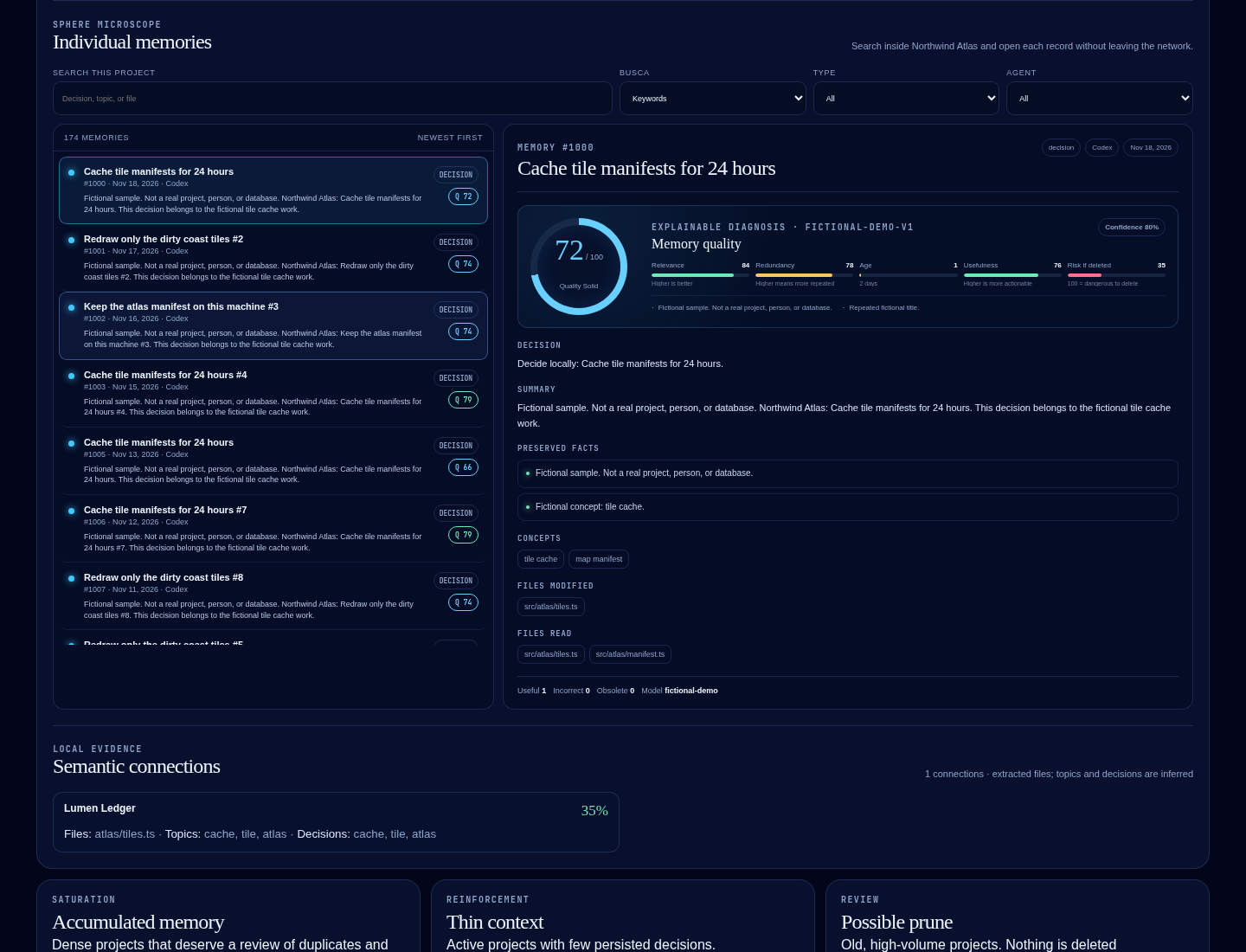
English dashboard, fictional demo data, nothing from a real memory database:
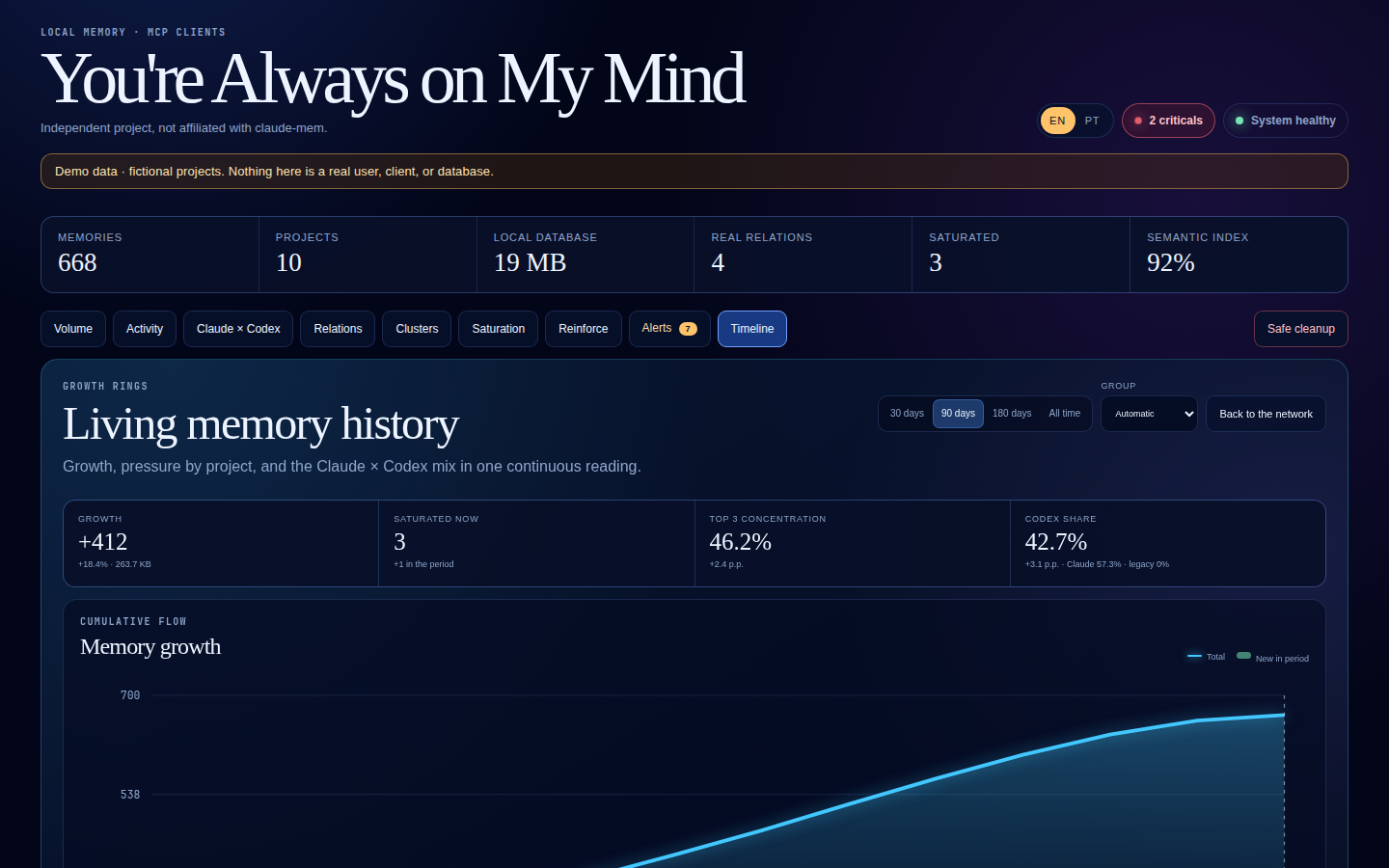
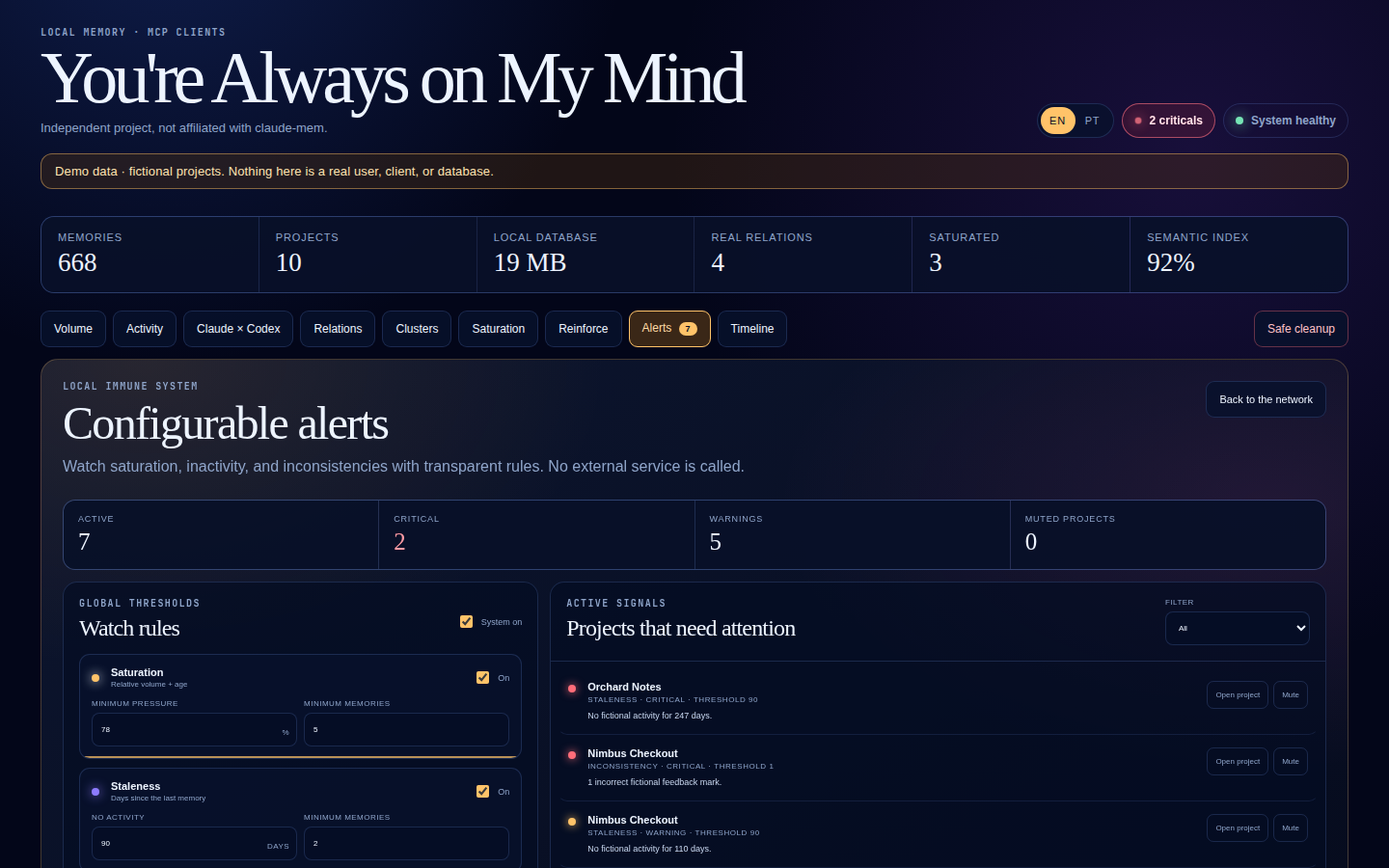
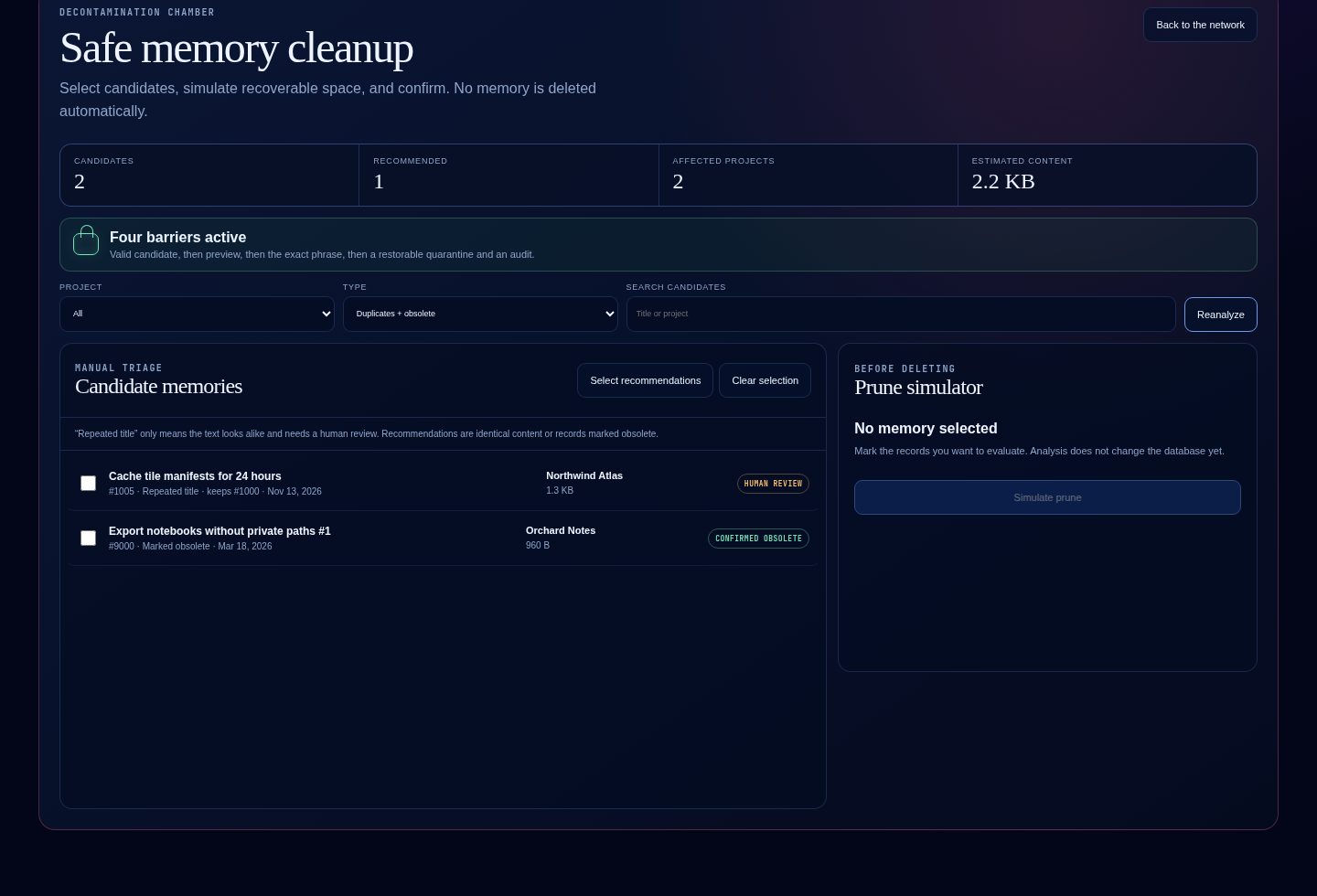
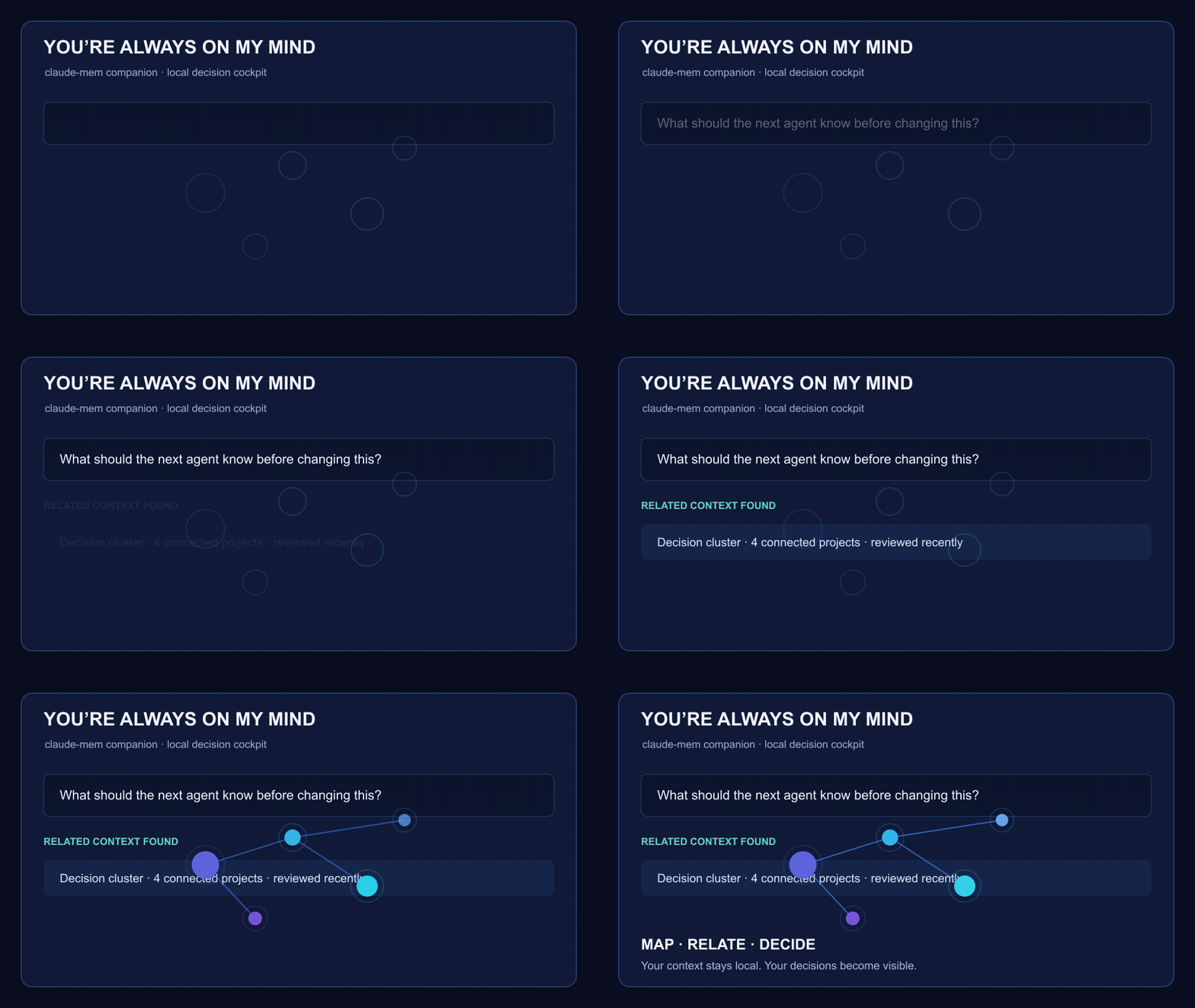
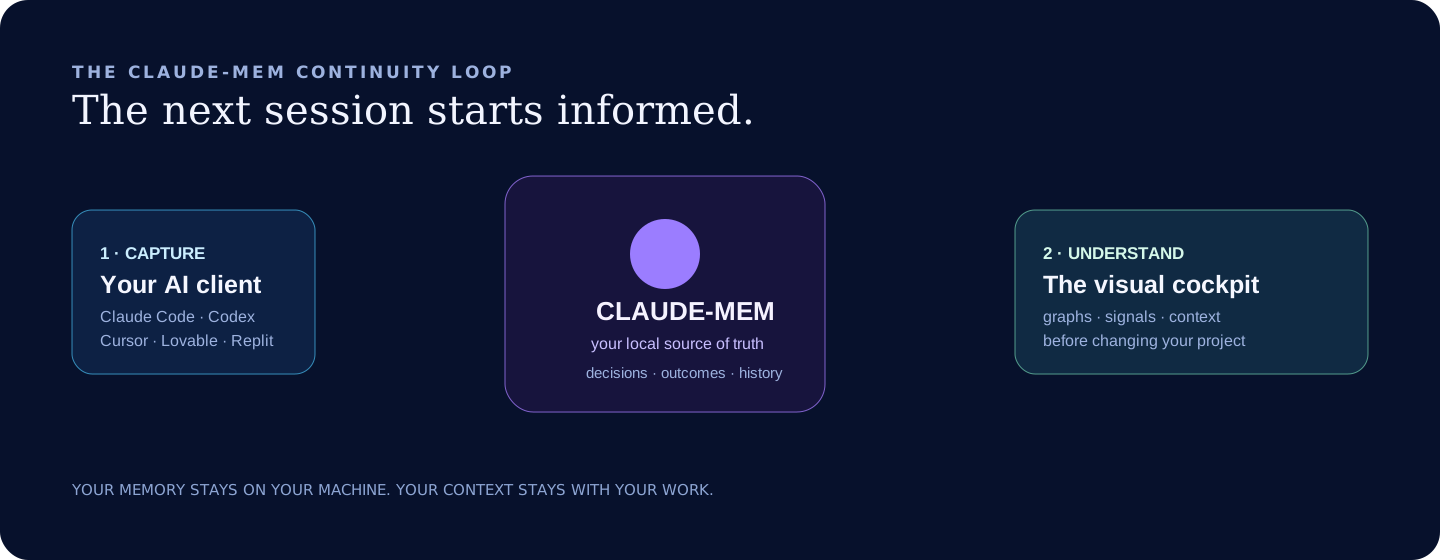
claude-mem captures. You navigate.
flowchart LR
  A[Claude Code] --> M[(claude-mem)]
  B[Codex] --> M
  C[Other MCP clients] --> M
  M --> G[You're Always on My Mind]
  G --> H[Graph · cockpit · quality · decisions]
What it gives you
- Persistent project memory across sessions and MCP-compatible AI clients.
- A visual intelligence companion for claude-mem — never a replacement for it.
- Offline semantic search, local embeddings, project relationships and clusters.
- A 3D local dashboard for saturation, quality, timelines and safe cleanup.
- Explainable feedback: useful, incorrect and obsolete memories can be ranked
or hidden without silently deleting history. - A pluggable local storage bridge, so you choose your database, folders,
repositories and project taxonomy. - Ready local importers for Claude Code, Codex, Cursor Markdown exports, and
Replit JSON/JSONL exports, plus a generic JSONL interchange format.
Privacy
Your database, embeddings, project context and credentials stay local by
default. The core workflow uses no paid model API. The dashboard binds to127.0.0.1; exposing it remotely is an advanced deployment decision that you
must secure yourself.
Get started
Requires Node.js 22+. One command clones the app, installs it, and opens the
cockpit. If ~/.claude-mem/claude-mem.db is missing, it opens fictional demo
data instead of failing.
curl -fsSL https://raw.githubusercontent.com/luisroquette-labs/youre-always_on_my_mind-free/main/scripts/install.sh | bash
Open http://127.0.0.1:4317. The same installer accepts --demo:
curl -fsSL https://raw.githubusercontent.com/luisroquette-labs/youre-always_on_my_mind-free/main/scripts/install.sh | bash -s -- --demo
From a checkout, npm run dashboard reads your local claude-mem database.npm run dashboard -- --demo or http://127.0.0.1:4317/?demo=1 shows the
fictional set used for the screenshots below. The interface is English. Add?lang=pt or use the EN / PT switch for Portuguese.
This project is not affiliated with claude-mem. claude-mem keeps the memory
and ships its own viewer (/viewer on its worker) for the live stream,
sessions, and settings. You're Always on My Mind is the complementary cockpit:
graph, clusters, quality, timeline, and a read-only cleanup preview. The
built-in reader never deletes from claude-mem.db. SetYOURE_ALWAYS_ON_MY_MIND_BRIDGE_PATH only if you still have an external bridge.
The repository name ends in -free because the product is free under MIT.
There is no paid edition.
From a clone
git clone https://github.com/luisroquette-labs/youre-always_on_my_mind-free.git
cd youre-always_on_my_mind-free
npm install
npm run doctor
npm test
npm run dashboard
One-command client setup
After installing dependencies, run the local setup assistant to create a
project .mcp.json without exposing credentials or data paths:
npm run setup
Use npm run setup -- --dry-run to preview it first. See the copyable client
examples in examples/mcp.
The first run expects a compatible local memory bridge. The default keeps
compatibility with the Claude-memory bridge used in this project. To use your
own source, point the gateway at your adapter:
export YOURE_ALWAYS_ON_MY_MIND_BRIDGE_PATH="/absolute/path/to/your/bridge"
export YOURE_ALWAYS_ON_MY_MIND_DATA_DIR="$HOME/.always-on-my-mind"
Start with examples/always-on-my-mind.env.example
and read the adapter contract.
Connect your tools
Add this local MCP server to Claude Code, Codex, or any client that supports a
standard-input/output MCP connection:
{
  "mcpServers": {
    "youre-always-on-my-mind": {
      "command": "node",
      "args": ["/absolute/path/to/youre-always_on_my_mind-free/src/index.js"]
    }
  }
}
Cursor, Lovable, Replit, Antigravity and future tools can connect when they
offer the same MCP transport. Client setup changes quickly; this repository
will document tested integration paths rather than make unsupported promises.
Make it yours
You control the memory source, the project naming, the client that records an
outcome, and the dashboard's local data paths. A storage adapter can connect a
SQLite database, Markdown vault, local export, or your own repository index.
The MCP interface stays the same.
Read docs/ADAPTERS.md to build or configure one.
Import existing sessions
Preview imports before writing anything. The importer reads only the paths you
name and redacts common secrets and personal identifiers before producing a
candidate:
npm run import:sessions -- --source claude-code --input ~/.claude/projects/<project>/<session>.jsonl
npm run import:sessions -- --source codex --input ~/.codex/sessions/<date>/<session>.jsonl
npm run import:sessions -- --source cursor --input ./cursor-chat.md
npm run import:sessions -- --source replit --input ./replit-agent-export.json
Append --commit only after reviewing the dry-run output. See
docs/ADAPTERS.md for client compatibility boundaries.
Backup, metrics and examples
Create an encrypted local export with a passphrase that never enters the
repository or command history:
export YOURE_ALWAYS_ON_MY_MIND_BACKUP_PASSPHRASE="use-a-long-unique-passphrase"
npm run backup -- --output ./memory.yaomm-backup
npm run backup -- --verify ./memory.yaomm-backup
npm run adoption reports public GitHub activity, package downloads when
available, and the local doctor outcome. It sends no telemetry from this app.
For practical workflows and screen-capture scripts, see
docs/EXAMPLES.md and docs/VIDEOS.md.
Help shape the next release
Try the local setup and share a redacted result through the
onboarding feedback form.
For a client export format, use the
adapter feedback form. Never
attach real memory databases, chat exports, credentials, or personal paths.
What this is not
This is not a hosted memory SaaS, a claude-mem replacement, a competing memory
database, or a claim that every coding tool captures context automatically. It
is the local decision cockpit that helps you understand, relate and optimize
what claude-mem preserves.
Contributing
Adapters, client setup guides and accessibility improvements are especially
welcome. See CONTRIBUTING.md, ROADMAP.md, and
SECURITY.md.
License
MIT © 2026 Luis Roquette
Reviews (0)
Sign in to leave a review.
Leave a reviewNo results found