pbir.tools
Health Warn
- No license — Repository has no license file
- No description — Repository has no description
- Active repo — Last push 0 days ago
- Community trust — 64 GitHub stars
Code Pass
- Code scan — Scanned 4 files during light audit, no dangerous patterns found
Permissions Pass
- Permissions — No dangerous permissions requested
This is a CLI tool designed for Power BI report automation. It allows users to browse, edit, validate, and publish PBIR reports directly from the terminal, and is specifically optimized to be driven by AI agents like Claude Code or GitHub Copilot.
Security Assessment
Overall risk: Low. The automated code scan checked four files and found no dangerous patterns or hardcoded secrets. No sensitive system permissions are requested. However, there are a couple of indirect safety considerations. The tool requires a `setup` command to install "agent skills" from an external marketplace, which means your AI agent might execute external instructions not covered in this primary repo's scan. Additionally, the installation instructions explicitly guide users to bypass OS security warnings (macOS Gatekeeper and Windows SmartScreen) for unsigned, unnotarized binaries.
Quality Assessment
Quality appears to be actively maintained, as the repository received a push very recently. It has garnered 64 GitHub stars, indicating a moderate level of community trust and usage. On the downside, the repository lacks a formal description and an approved open-source license. The documentation explicitly states the project is in beta and advises users to back up reports before making large edits, meaning operational stability might still be a work in progress.
Verdict
Use with caution: the core code is safe and passes scans, but the beta status, proprietary licensing, unsigned native installers, and reliance on external AI skill instructions warrant careful review before integrating into production workflows.
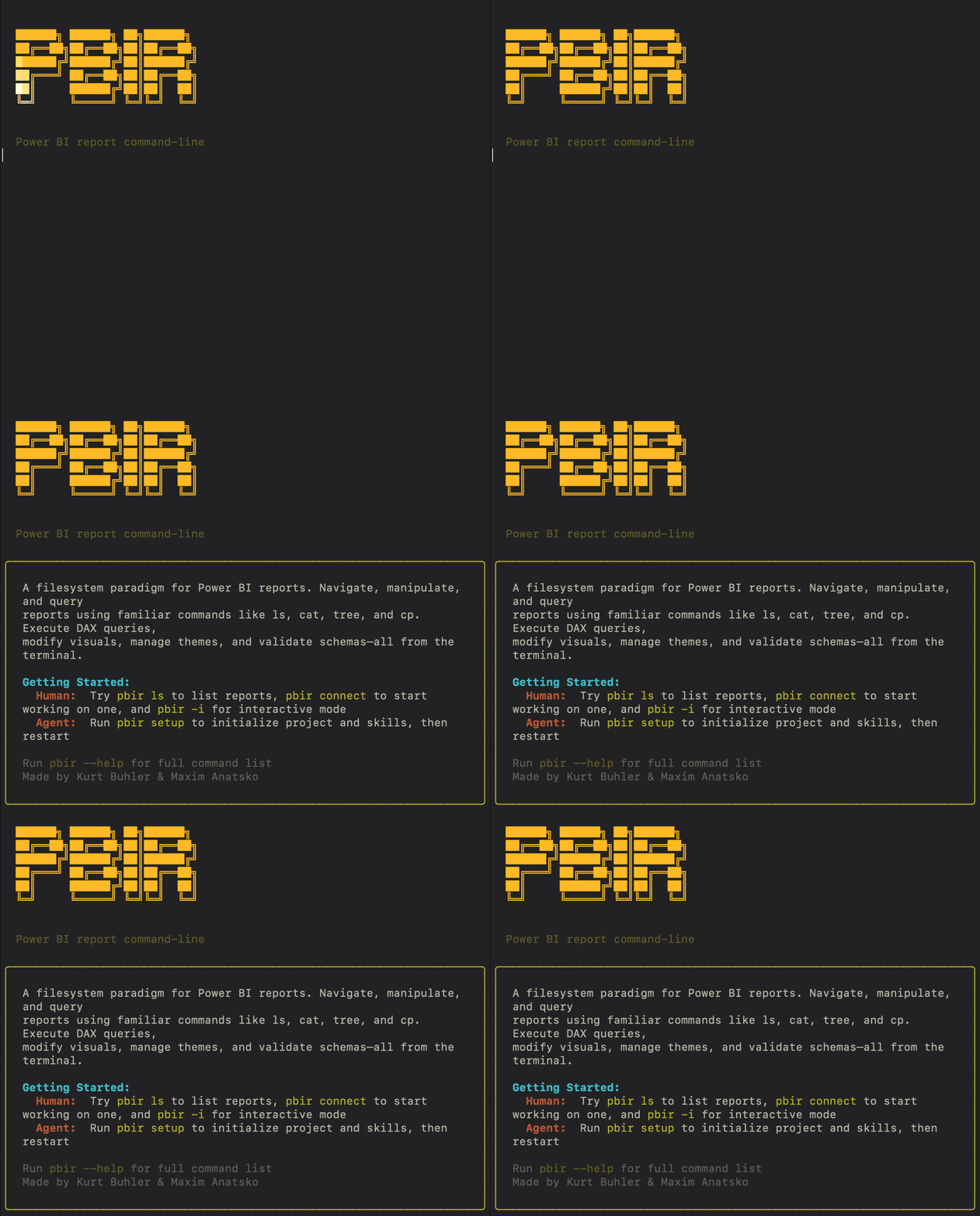
pbir.tools
CLI tools for Power BI report automation; built for humans, optimized for agents
Browse, edit, validate, and publish PBIR reports from the terminal, or let Claude Code, Codex, or Copilot drive the CLI after running pbir setup.



[!WARNING]
pbir.toolsis in beta. Back up reports before large edits, especially bulk formatting, conversion, merge, and publish workflows.
[!IMPORTANT]
After installingpbir, runpbir setupto install agent skills, or install them from the power-bi-agentic-development marketplace. Without skills, your agent won't know how to use the CLI.
Install
PyPI (recommended)
uv tool install pbir-cli
Or with pip: pip install pbir-cli
Download the latest macOS or Windows installer from GitHub Releases.
macOS
- Download the installer from Releases and try to open it once.
- If macOS blocks it because the installer is unsigned or not notarized, open:
System Settings=>Privacy & Security - Scroll down to the
Securitysection. You should see a message about the blocked installer there. - Click
Open Anyway. - When macOS asks again, click
Openand finish the installation.
Windows
- Download the installer from Releases and run it.
- If Windows Defender SmartScreen shows
Windows protected your PC, clickMore info. - Confirm the installer name, then click
Run anyway. - Finish the installation.
After installation, open a new terminal and verify:
pbir --version
Quick Start
pbir ls                                                                # List reports
pbir tree "Sales.Report" -v                                            # Full structure with fields
pbir model "Sales.Report" -d                                           # Model schema
pbir add visual card "Sales.Report/Overview.Page" --title "Revenue"    # Add a visual
pbir validate "Sales.Report"                                           # Health check
pbir works with PBIR-format reports stored as folders, using paths like:
Report.Report/Page.Page/Visual.Visual
Agents & Plugins
pbir is built for agents. To get the most out of it, install the Power BI plugins from the power-bi-agentic-development marketplace. These plugins provide skills, hooks, and agents that teach your agent how to work with Power BI reports, semantic models, themes, DAX, and more.
pbir setup (recommended)
pbir setup
This auto-detects which agents you have installed (Claude Code, Cursor, Copilot, Gemini CLI, Codex) and lets you pick which plugins to install interactively.
pbir setup --all                                # Install all plugins, all agents
pbir setup --agent claude-code --all            # Claude Code only, all plugins
pbir setup --plugin reports --plugin fabric-cli # Specific plugins
Follow the instructions at power-bi-agentic-development to install the full marketplace plugin with all skills, agents, and hooks.
Claude Code:
claude plugin marketplace add data-goblin/power-bi-agentic-development
GitHub Copilot CLI:
copilot plugin install data-goblin/power-bi-agentic-development
After installing, your agent will have access to skills for report creation, visual formatting, field binding, conditional formatting, theme management, filters, bookmarks, and more -- all driven by pbir commands under the hood.
Documentation
| Area | What it covers |
|---|---|
| Getting Started | Install, terminal basics, first 5 minutes |
| CLI Docs | Command groups and task-based CLI reference |
| CLI Workflows | End-to-end report workflows |
Safety
- We recommend you take a manual backup (copy + paste) of your report folder before using
pbirfor the first time. - Run
pbir backup "Report.Report"before larger edits. - Run
pbir validate "Report.Report"after every mutation. - Use
-fonly when you intend bulk or destructive operations. - Treat publish, convert, merge, and split commands as higher-risk workflows.
Disclaimer
This software is provided "as is", without warranty of any kind, express or implied. The authors are not responsible for any data loss, report corruption, or other damages resulting from the use of this tool. You use pbir at your own risk. Always maintain independent backups of your reports before making changes, especially with bulk operations, format conversion, merge, and publish workflows.
Support
- Run
pbir --helpfor the top-level CLI surface. - Run
pbir <command> --helpfor command-specific usage. - Report issues
Reviews (0)
Sign in to leave a review.
Leave a reviewNo results found