pi-cc-extensions
agent
Fail
Health Warn
- License — License: MIT
- Description — Repository has a description
- Active repo — Last push 0 days ago
- Low visibility — Only 6 GitHub stars
Code Fail
- process.env — Environment variable access in extensions/config/config.ts
- exec() — Shell command execution in extensions/feature/compact-thinking.ts
- process.env — Environment variable access in extensions/feature/reference/subagent.ts
Permissions Pass
- Permissions — No dangerous permissions requested
No AI report is available for this listing yet.
Claude Code-style TUI output with some personal touches and handy utilities.
README.md
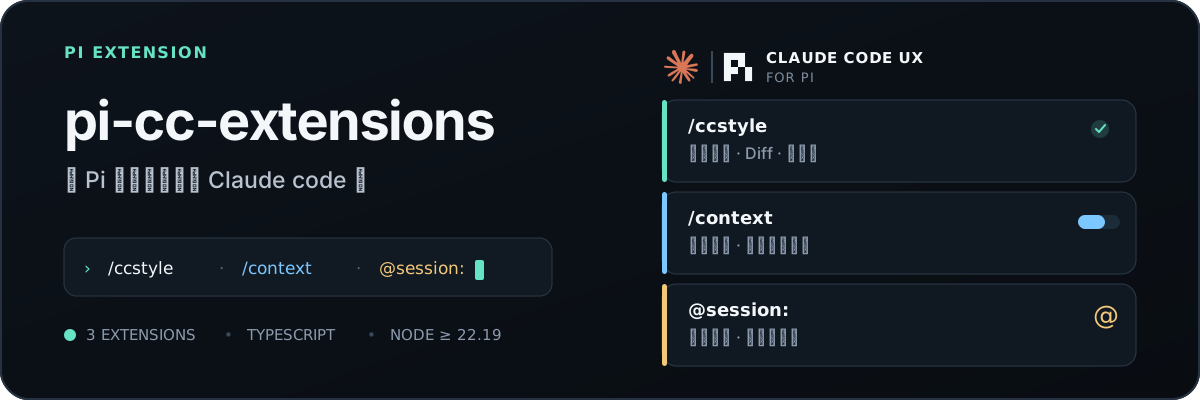




类 Claude Code TUI 输出风格,并融入了一些个人喜好,和一些实用小功能。
简体中文 · English
界面预览
快速开始
pi install npm:pi-cc-extensions

# GitHub
pi install git:github.com/minuque/pi-cc-extensions
安装后执行 /reload
功能
| 功能 | 说明 | 入口 |
|---|---|---|
| Claude Code UI | 工具摘要、折叠展开、rich edit/write diff,以及on / compact / off 三种模式 |
/ccstyle |
| Fullscreen mode | 工具卡/group 点击展开与收起、预览、hover 高亮、回到底部按钮 | TUIMODE=fullscreen 或 --tui-mode fullscreen |
| 配置面板 | Style / Diff / Thinking / Feature 四页签,含启动头开关与滚轮步进 |
/ccstyle |
| 上下文检查 | 查看上下文占用,并预览 System prompt、Tools、Skills 和消息内容 | /context |
| Session/Subagent 引用 | 搜索并注入历史 Session 或现有 SubAgent 的有效上下文 | @ |
| 主题 | 随包提供内置 CC Dark、CC Light 主题 | /theme |
配置
/ccstyle 的行为由 ~/.pi/agent/claude-code-style.json 配置:
{
  "mode": "on",                            // on:Claude Code 风格;compact:单行摘要;off:Pi 原生渲染
  "excludeRenderers": [],                  // 走原生渲染的工具名列表(精确匹配),Agent 始终保留专用渲染器
  "diffViewMode": "auto",                  // diff 布局:auto / split / unified
  "diffIndicatorMode": "bars",             // diff 变更指示:bars / classic / none
  "diffSplitMinWidth": 120,                // 自动布局下使用左右分栏的最小终端宽度
  "diffCollapsedLines": 24,                // 折叠时展示的 diff 行数,超出显示展开提示(Ctrl+O / 点击)
  "diffWordWrap": true,                    // 长 diff 行是否换行(否则截断)
  "expandedPreviewMaxLines": 40,           // 展开后输出/diff 正文的最大行数
  "useSummaryTitlesAsThinkingTitle": true, // 用最新 provider 摘要作为思考标题
  "previewLines": 3,                       // thinking 预览行数,0 隐藏预览正文
  "animationIntervalMs": 90,               // thinking 标题动画间隔(毫秒)
  "showStartupHeader": true,               // 自定义启动头(logo + tips)开关
  "scrollStepLines": 3,                     // fullscreen 滚轮滚动步进行数
  "enableSessionReference": true,           // @ session 引用(搜历史会话注入上下文)
  "enableSubagentAutocomplete": true,       // @ subagent 自动补全与委派提示
  "enableContextCommand": true,             // /context 上下文占用检查
  "enableAgentSummary": true,               // 每回合工具统计摘要
  "enableWorkingMessage": true,             // Working... 底部 token/耗时展示
  "enableAliases": true                     // /clear、/exit 别名
}
本地开发
npm test
npm run typecheck
./test.bat # or pi -e .
兼容性
- Node.js
>=22.19.0,Pi^0.84.0(通过根目录package.json的pi.extensions和pi.themes加载)
推荐搭配
| 扩展 | 用途 |
|---|---|
npm:@tintinweb/pi-subagents |
并行 SubAgent、后台任务与工作树隔离 |
npm:@tintinweb/pi-tasks |
Claude Code 风格任务跟踪与协调 |
npm:pi-mcp-adapter |
按需发现 MCP 工具,减少上下文占用 |
npm:@ff-labs/pi-fff |
模糊文件与内容检索(fffind / ffgrep) |
npm:pi-web-access |
网页搜索、URL 抓取、GitHub 克隆、PDF/视频解析 |
npm:@narumitw/pi-usage |
查看当前账号用量(Codex / Copilot / OpenRouter) |
git:github.com/DietrichGebert/ponytail |
极简编码:强制最懒但有效的方案 |
致谢
- Rich diff 改编自
MasuRii/pi-tool-display(MIT);详见extensions/renderer/tool/diff/ATTRIBUTION.md。
Reviews (0)
Sign in to leave a review.
Leave a reviewNo results found