moi
Health Pass
- License — License: NOASSERTION
- Description — Repository has a description
- Active repo — Last push 0 days ago
- Community trust — 50 GitHub stars
Code Pass
- Code scan — Scanned 12 files during light audit, no dangerous patterns found
Permissions Pass
- Permissions — No dangerous permissions requested
No AI report is available for this listing yet.
💾 MOI: agent-agnostic generative UI workspace. Give your agent a skill and let it build software around itself.
██████████  ██████  ██
██░░██░░██  ██░░██  ██
██░░██░░██  ██████  ██

  THE UI FOR YOUR AI
An extendable visual workspace where your AI agents build their own UI.
See moi.computer for what it is and how it works.
Moi gives your agent of choice a UI it can reshape on the fly and grow into your
personal software. Under the hood, the agent writes and embeds live components
wired to real data: APIs, local files and commands, MCP servers.
Works with the harness you already use:
 Claude Code Claude Code |
 Codex Codex |
|---|---|
 OpenClaw OpenClaw |
 Hermes (coming soon) Hermes (coming soon) |
Features
- Workspace. The folder where your agent (e.g. Claude Code) runs and keeps
its data. It gets a special skill that teaches it how to communicate with moi. - Theme. The agent can modify the appearance of the workspace for you:
fonts, color scheme and more. - Scratchpad. A shared canvas where you ideate together with the agent: ask
it to draw diagrams, add feedback or comments, visualize knowledge and plans. - Widgets. A dynamic dashboard made of small apps wired to the data from
your workspace. They can be rearranged, modified, and completely customized. - Views. An app embedded in the workspace that lives in its own tab. Build
complex interfaces: CRMs, task trackers, second brain storage, customer
support views, etc.
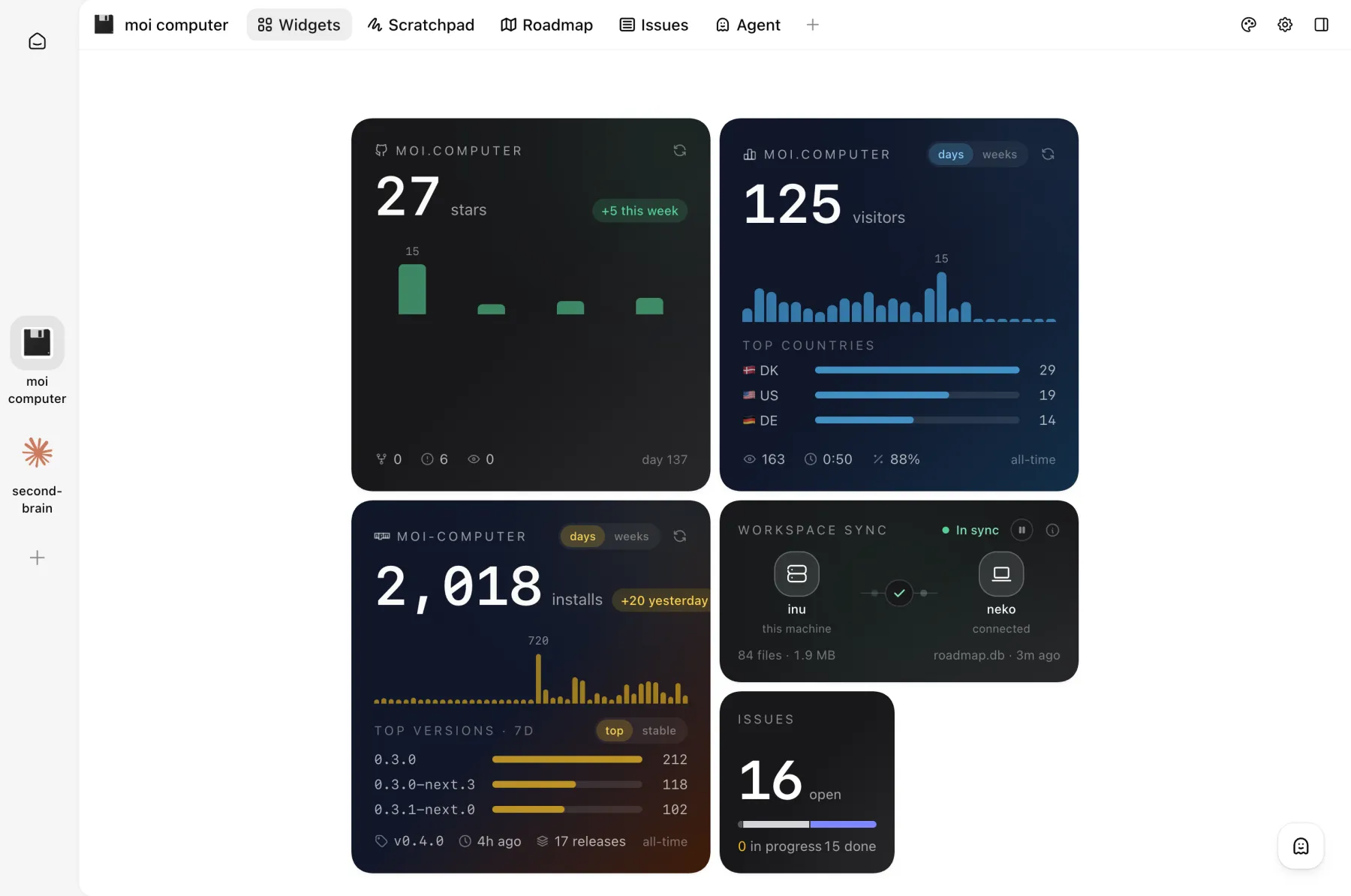 Widgets wired to live project stats |
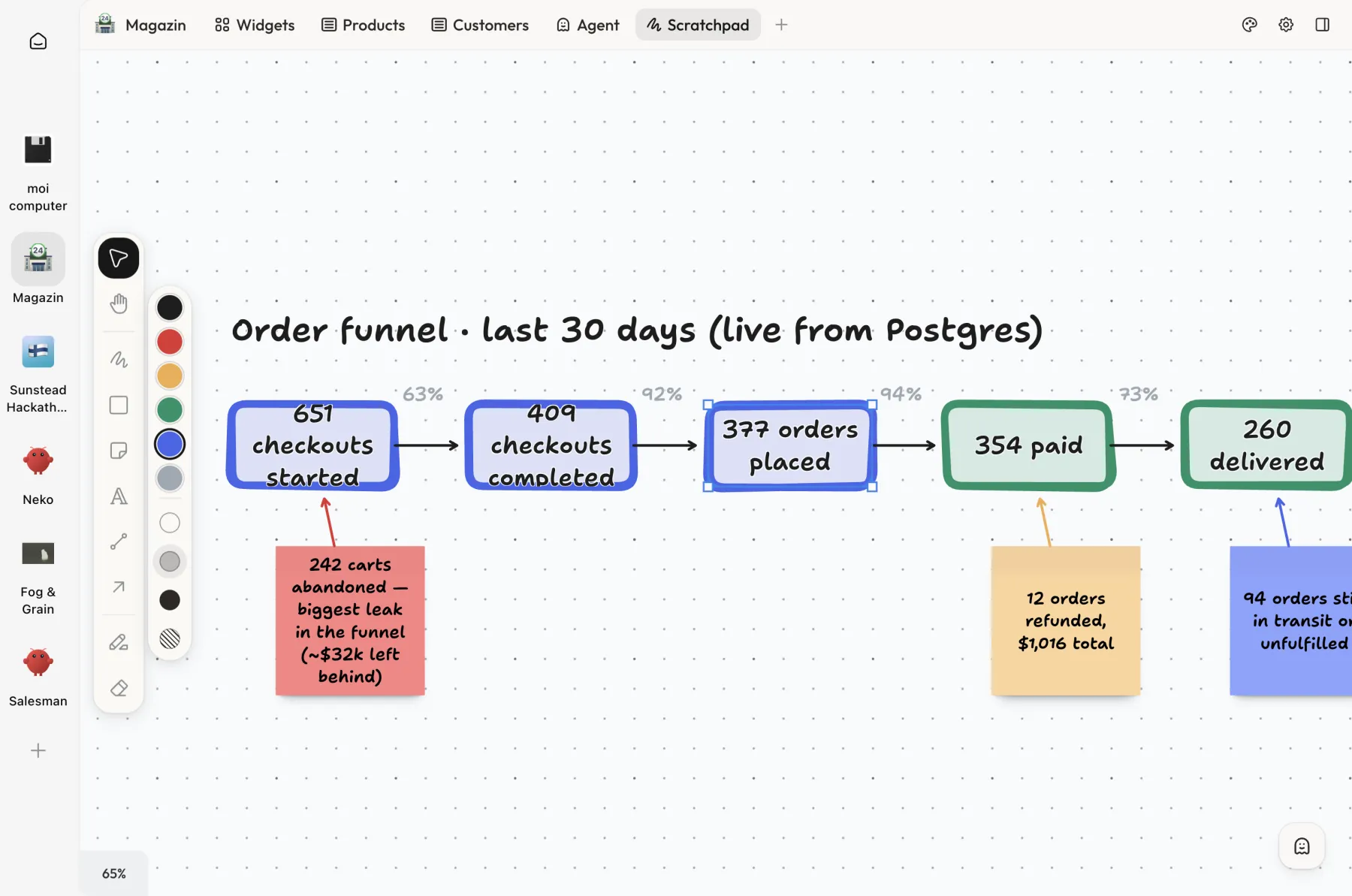 Order funnel on the scratchpad, live from Postgres |
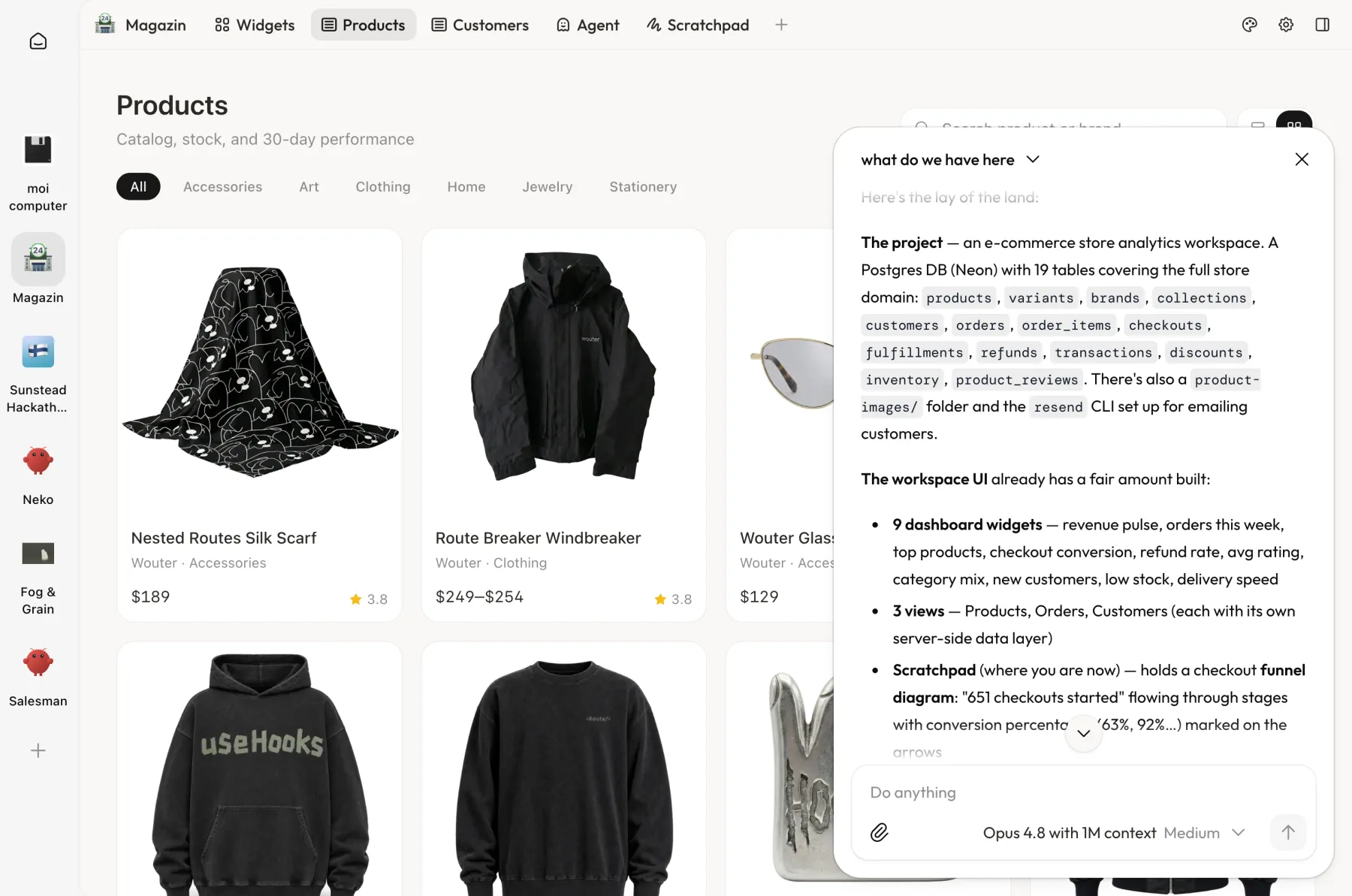 Use the agent as a copilot when working with products |
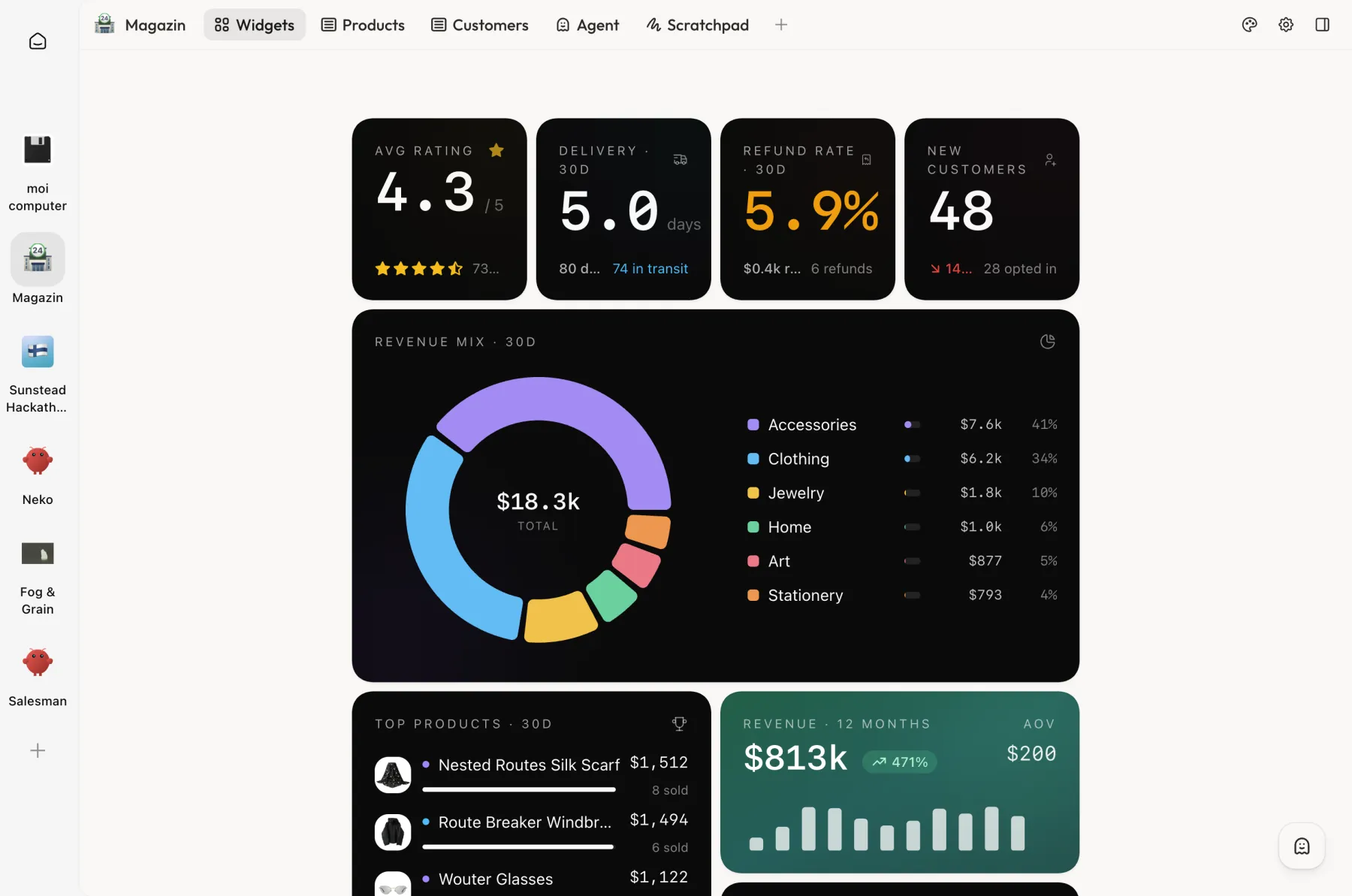 E-commerce store dashboard connected to Postgres and Resend |
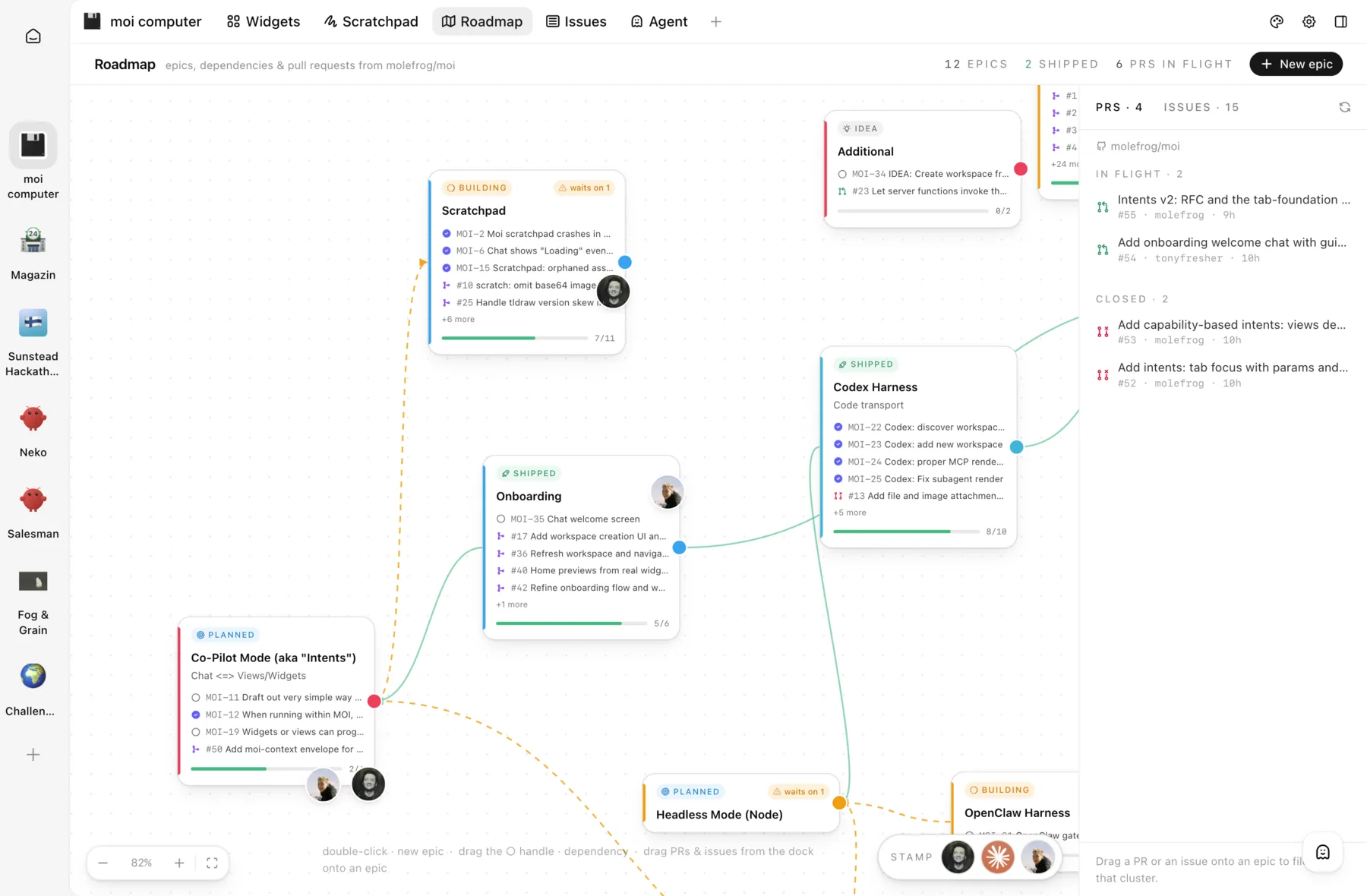 Build a Roadmap view with epics and pull requests |
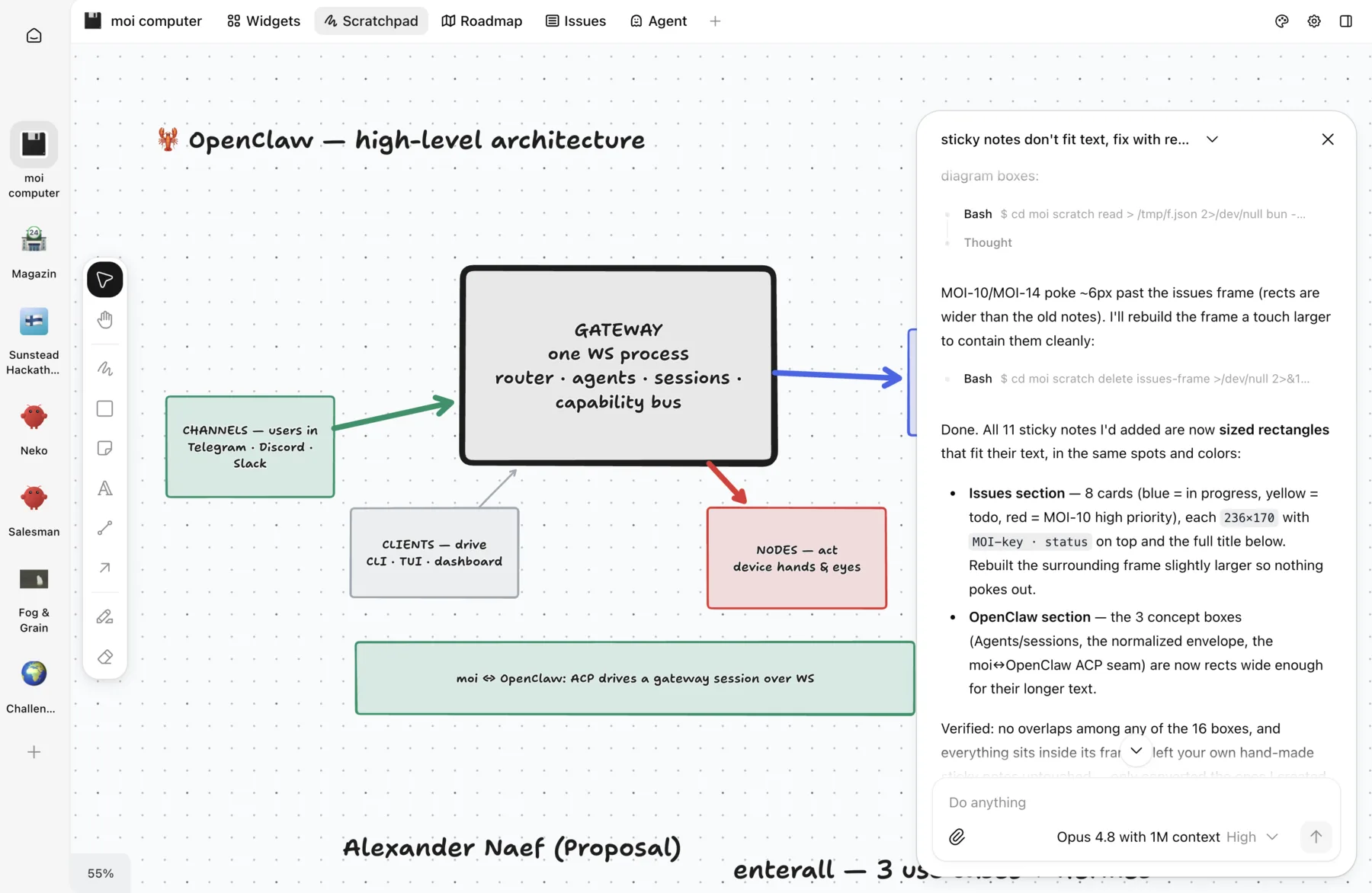 Sketching architecture together with the agent |
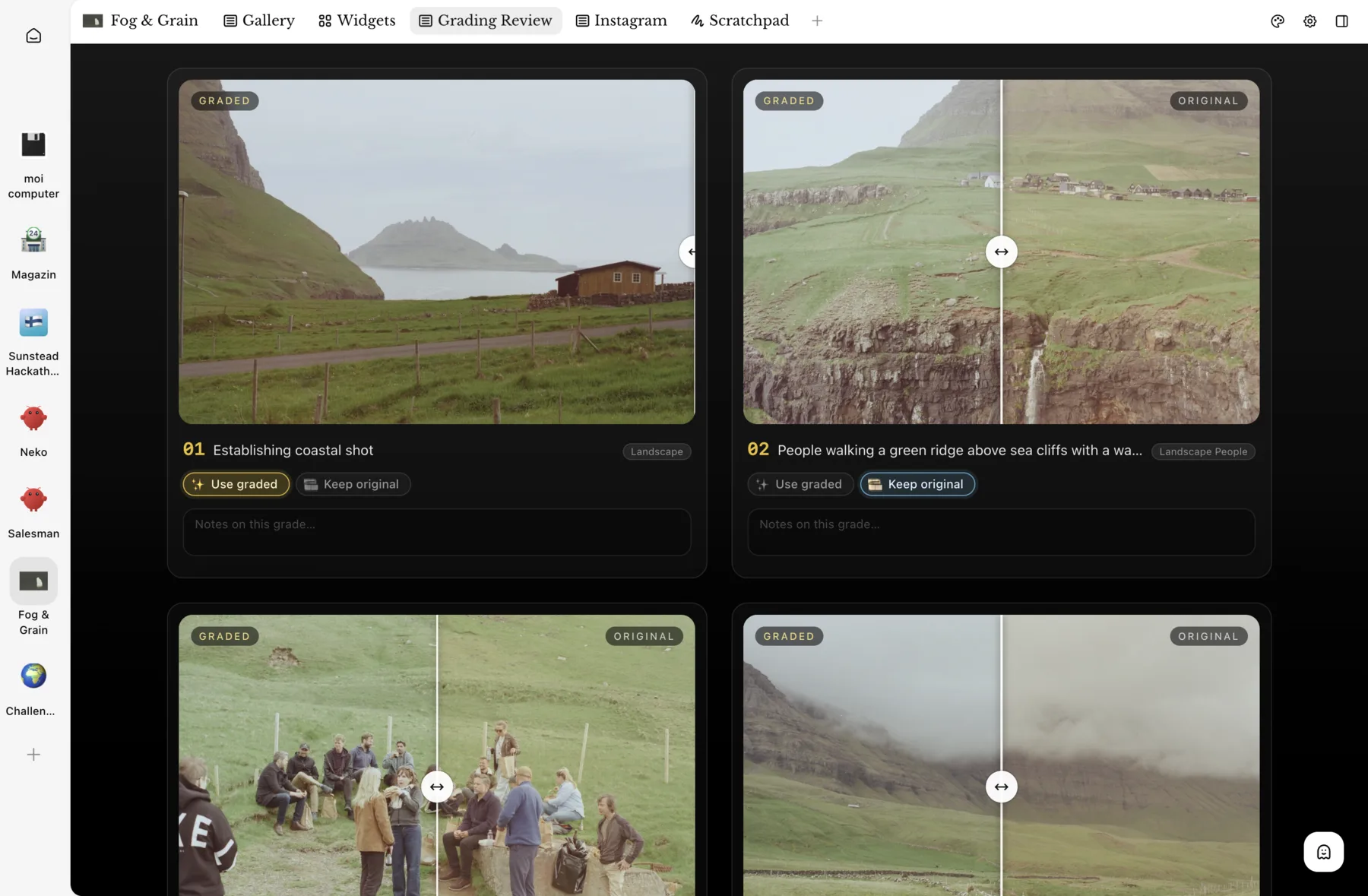 Custom view for color grading |
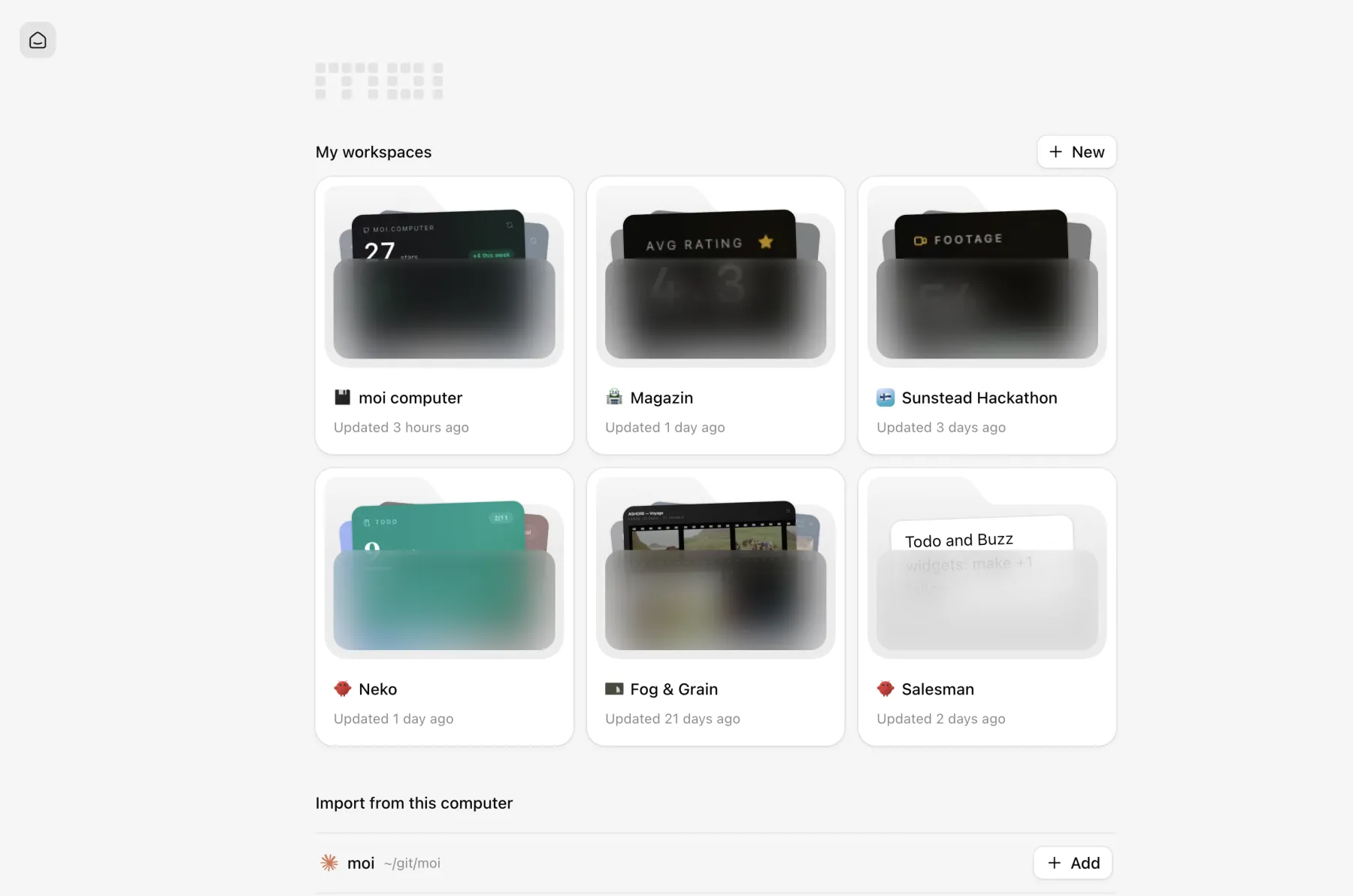 Home screen with your workspaces |
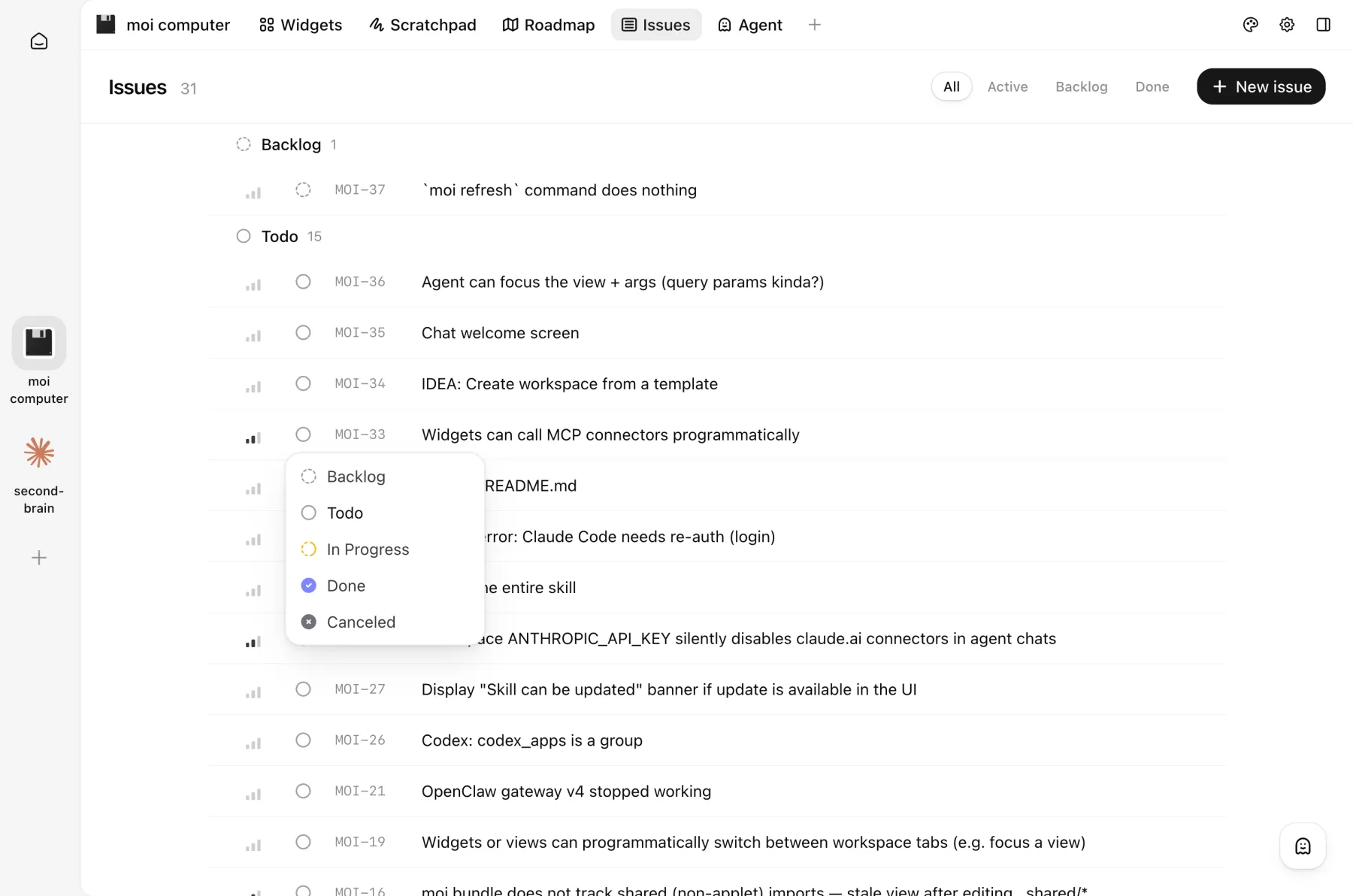 Issues view, a lightweight Linear-like tracker |
Quick start
Using Claude Code or Codex? Paste this prompt into an existing session and the
agent will set everything up for you:
Set up the moi workspace for this project. Fetch https://moi.computer/INSTALL.md, and follow the steps.
For OpenClaw or a manual setup, read on.
Manual install
Make sure Bun 1.3 or newer is installed. moi uses it to run the web server and bundle the dynamic UI.
Install the moi-computer package from npm and start the web UI:
bun i -g moi-computer
moi start        # http://localhost:13337
Then bring in your project, either way works:
- open http://localhost:13337 and create a workspace
(or import an existing folder) right from the web UI; - or run
moi initinside a folder to turn it into a workspace.
Run as a service
Instead of keeping moi start in a terminal, install moi as a user-level
service — it starts on login, restarts on crash, and survives reboots
(launchd on macOS, a systemd user unit on Linux; no root needed):
moi service install     # install and start
moi service             # state, unit path, server version
moi service logs -f     # follow server logs
moi service restart
moi service uninstall
The service captures a small, fixed slice of your shell environment at
install time: PATH, system basics (home, locale, proxies), and moi/agent
vars (MOI_*, ANTHROPIC_*, OPENCLAW_*, OPENAI_*, PUBLIC_*).
Anything else your agents need belongs in the workspace env (moi env set,.env) — or capture it by name: moi service install --env MY_TOKEN,OTHER.
Rerun moi service install after changing captured vars (or moving bun). On
macOS the first install may show a "background item added" notification for
"moi"; that is the moi service. On headless Linux, lingering is enabled
automatically when possible so the service outlives your SSH session.
Updating
moi update            # update to the latest release
moi update --check    # only check; exit 0 up to date, 1 update available, 2 check failed
moi update checks npm for the latest release and updates through whichever
package manager owns the install (bun, npm, pnpm, or yarn). A service-managed
server is restarted onto the new version; a foreground moi start only gets
a warning — restart it yourself. Prerelease installs (…-next.N) are left
alone. --check changes nothing and is made for scripts and agents.moi status shows when the running server and CLI versions differ, however
the update happened.
OpenClaw
In OpenClaw, moi is installed per agent workspace. First, list the agents
you have:
> openclaw agents

🦞 OpenClaw 2026.7.1

Agents:
- main (default)   <-- the agent name you'll pass to moi
  Identity: Assistant (IDENTITY.md)
  Workspace: ~/.openclaw/workspace
  Agent dir: ~/.openclaw/agents/main/agent
  Model: openai/gpt-5.6-sol
Then install the moi skill into an agent's workspace and start the web UI:
moi openclaw init <agent-name>
moi start
Your agent's workspace will show up at http://localhost:13337.
No crypto token
moi has no cryptocurrency, token, coin, or NFT — official or otherwise —
on any chain, and never will. Any token using the moi name, logo, or the
maintainer's name (on pump.fun, Solana, or anywhere else) is an unauthorized
scam with no affiliation to, endorsement from, or benefit to this project.
The maintainer will never announce, endorse, or accept proceeds from a token.
Don't buy it, and report it to the platform where it's listed.
License: Elastic 2.0.
Reviews (0)
Sign in to leave a review.
Leave a reviewNo results found