nami
Health Warn
- License — License: MIT
- Description — Repository has a description
- Active repo — Last push 0 days ago
- Low visibility — Only 5 GitHub stars
Code Fail
- rm -rf — Recursive force deletion command in .github/workflows/release.yml
- fs.rmSync — Destructive file system operation in scripts/fake-update.mjs
- exec() — Shell command execution in scripts/install-local.mjs
- spawnSync — Synchronous process spawning in scripts/install-local.mjs
- fs.rmSync — Destructive file system operation in scripts/install-local.mjs
Permissions Pass
- Permissions — No dangerous permissions requested
No AI report is available for this listing yet.
Put the world's best AI agents to work. One workspace for all of them — Claude Code, Codex, Gemini and more, running side by side on your Mac.
Nami
Put the world's best AI agents to work.
One workspace for all of them. Say what you need in plain English and watch it get done.
macOS 13 or later · free and open source
On an older Intel Mac? Get the Intel build.
Nami is free, MIT, and built by one person so that anyone — not just
engineers — can put AI agents to work. If it earns a place on your desk, hit
the ☆ Star at the top right. It is the only thing that helps other people
find it.
What it is
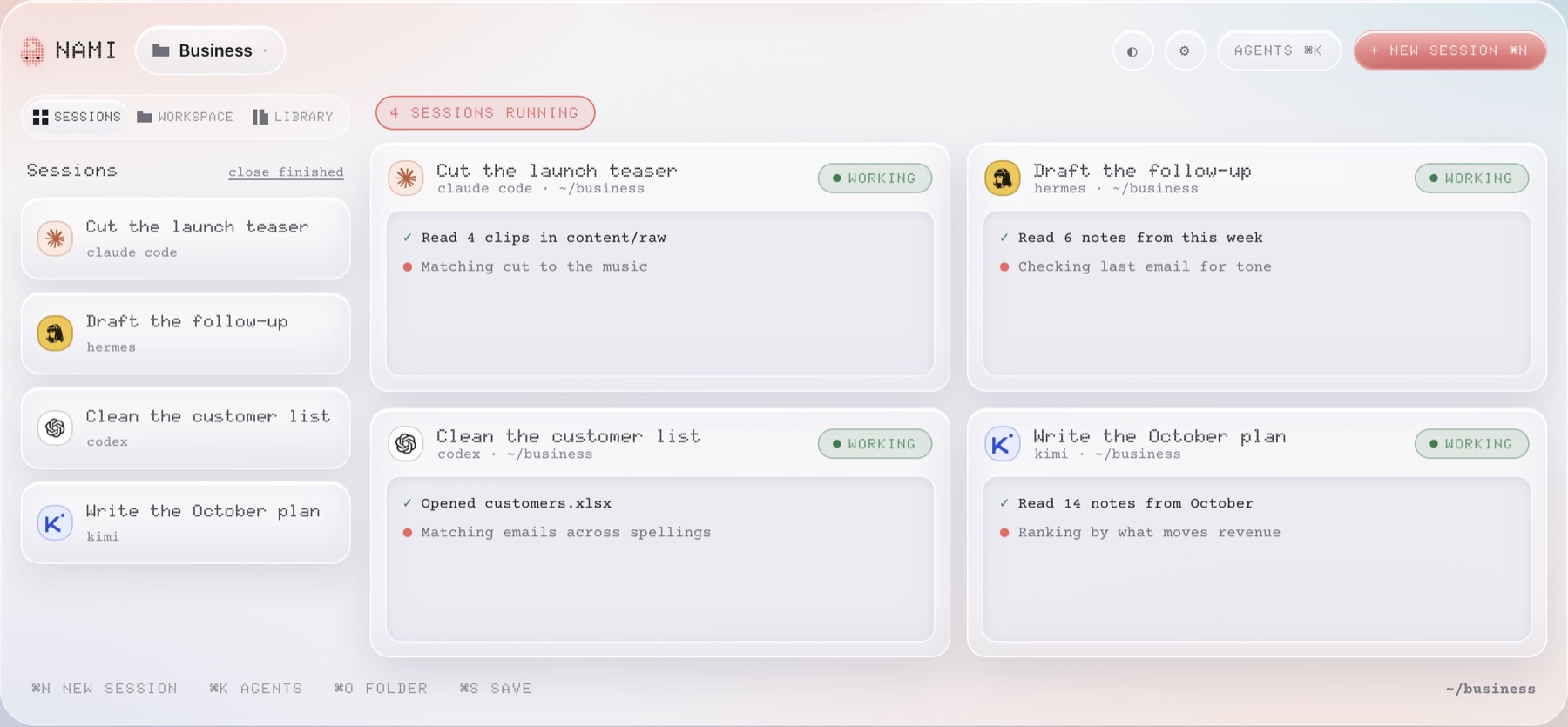
Nami is a desk for AI agents. You open one folder on your Mac, ask for something
in plain English, and an agent gets to work in its own pane — while three others
do something else beside it.
Nothing happens behind your back.
Run any of the top agents in one click
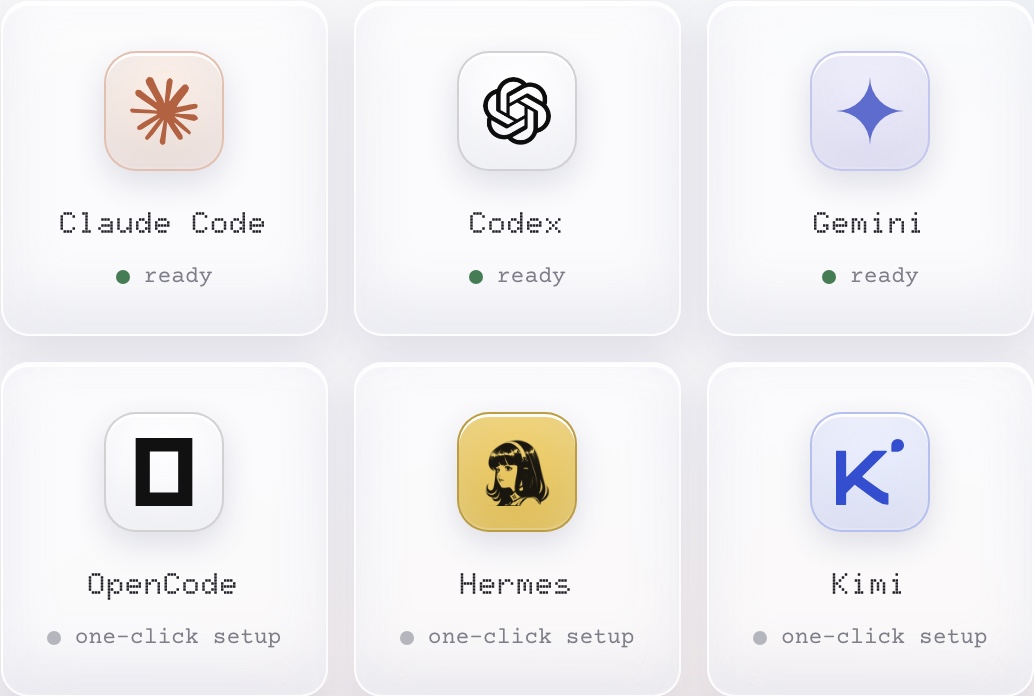
No more downloading ten different tools only to switch again next week. A better
agent ships next month? Swap it in a click and keep working.
It runs on the subscriptions you already pay for — no Nami account, no second bill.
A morning of work in the time one job used to take
Every job runs in its own pane, all at the same time. One agent writes your
emails, another ships your pricing page, a third sorts the invoices, a fourth
plans your month. One screen, and you are watching all of it.
Describe an agent. Get an agent.
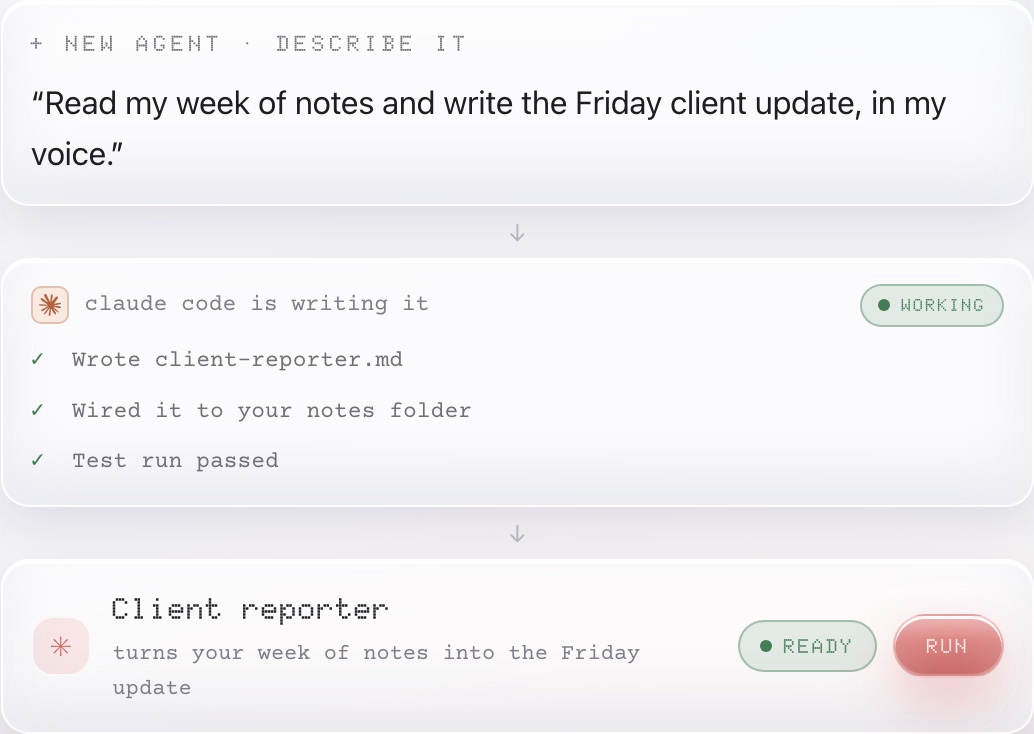
Say what you want in plain words and seconds later it is on your shelf, ready to
run. Same for skills and connections. Notion, Gmail and Slack connect in one click.
Four desks
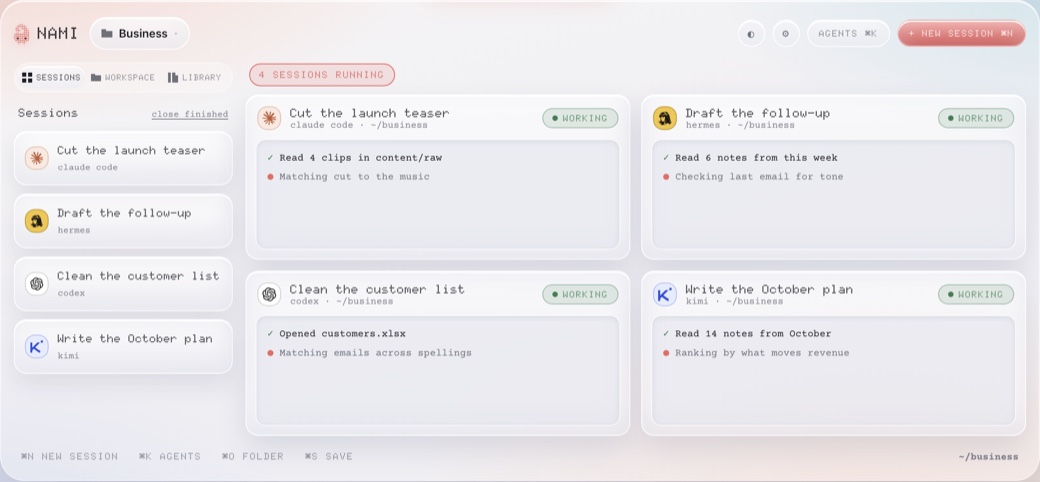 Glass — light and airy |
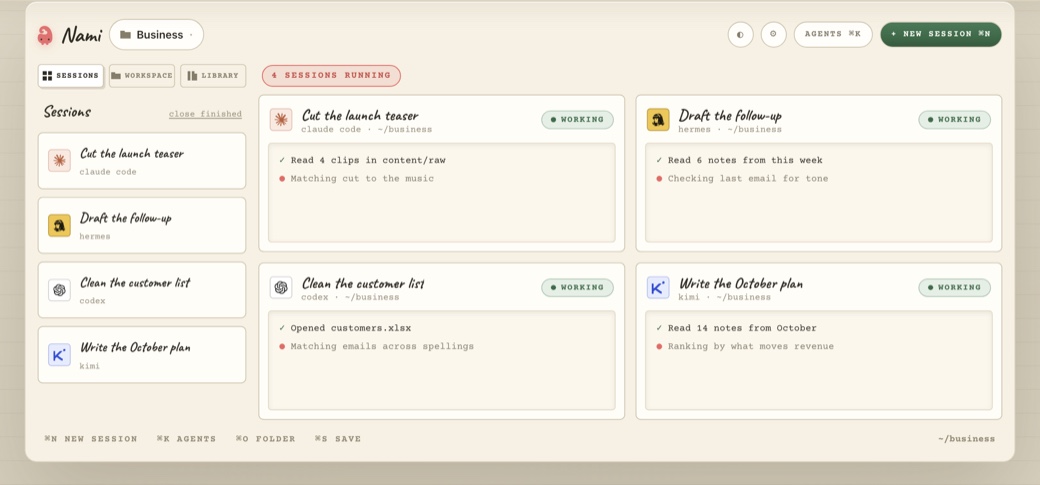 Paper — ink and cream |
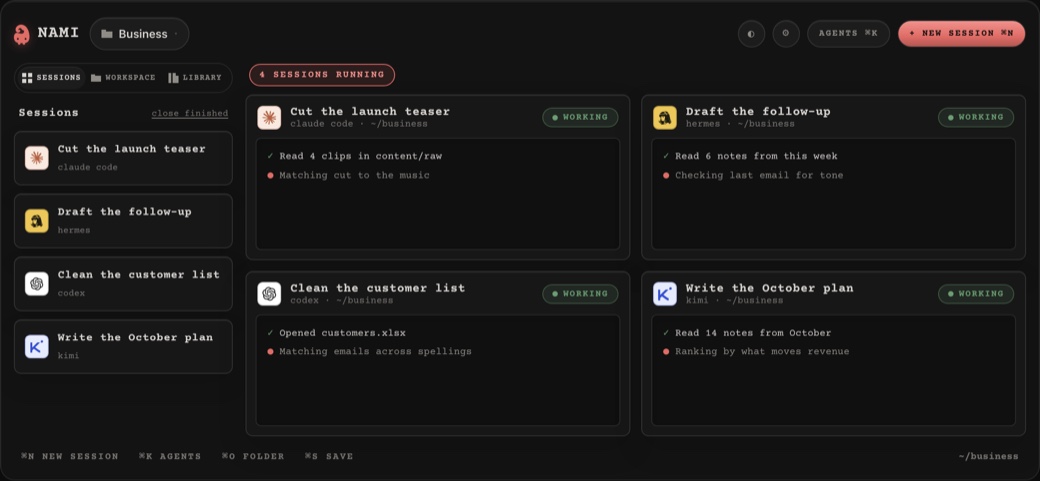 Operator — dark ops |
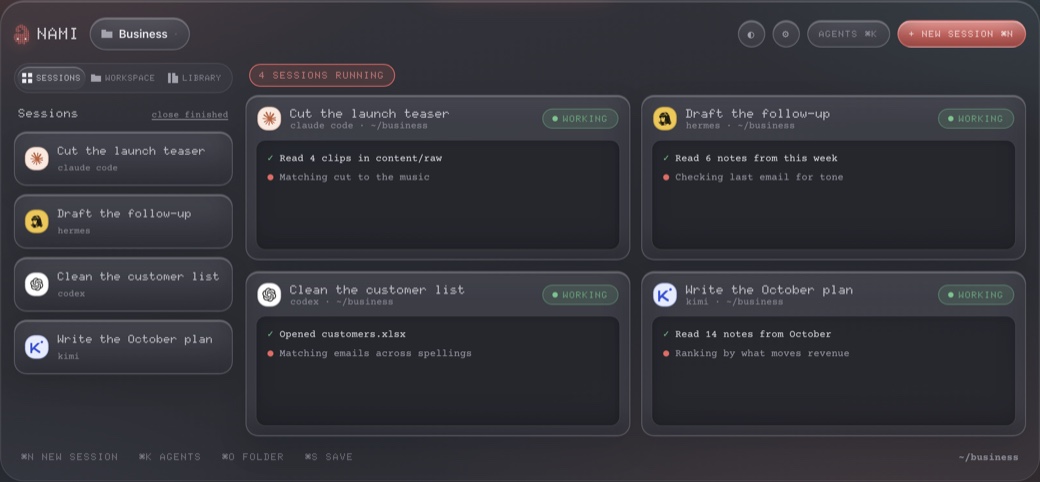 Graphite — glass at night |
Your files never leave your Mac
Nami only ever looks inside the one folder you point it at. Dictation runs on
your own machine, so it works on a fresh install with no account, no key and no
network. Every build is signed and notarised by Apple, so it opens without a
security warning.
Get started
- Download it and drag Nami into your Applications folder.
- Point it at one folder you work in. It never looks outside it.
- Ask for something. It finds the agents you already have.
Windows is coming.
Build it yourself
git clone https://github.com/mrdainami/nami.git
cd nami
npm install
npm start
Contributor notes are in CONTRIBUTING.md.
Who makes this
Made by Cal —
and made in Nami. Every release on this page was built in the app you are
looking at.
Want Nami for your team? Custom builds, Windows, or Nami wired into your
own stack — dainami.ai
or [email protected].
MIT licensed · nami.dainami.ai ·
Docs ·
Terms
Reviews (0)
Sign in to leave a review.
Leave a reviewNo results found