nadekobot
Health Pass
- License — License: NOASSERTION
- Description — Repository has a description
- Active repo — Last push 0 days ago
- Community trust — 81 GitHub stars
Code Pass
- Code scan — Scanned 12 files during light audit, no dangerous patterns found
Permissions Pass
- Permissions — No dangerous permissions requested
No AI report is available for this listing yet.
NadekoBot is an open-source, multipurpose Discord bot for moderation, XP and leveling, an economy with Nadeko Flowers, games, music and utility. Written in C# (.NET 9). Use the public bot or host your own.

NadekoBot
NadekoBot is an open-source, multipurpose Discord bot for moderation, XP and leveling, an economy with Nadeko Flowers, games and utility.


Invite · Commands · Docs · Support server · Changelog
Add NadekoBot to your server
The public NadekoBot costs nothing to use, and you do not install anything. Invite NadekoBot to your server.
The prefix is . - type .help to start, .modules for the list of modules, and .commands Xp (or any other module) for its commands. The command list on nadeko.bot shows every command with examples.
What NadekoBot does
Moderation
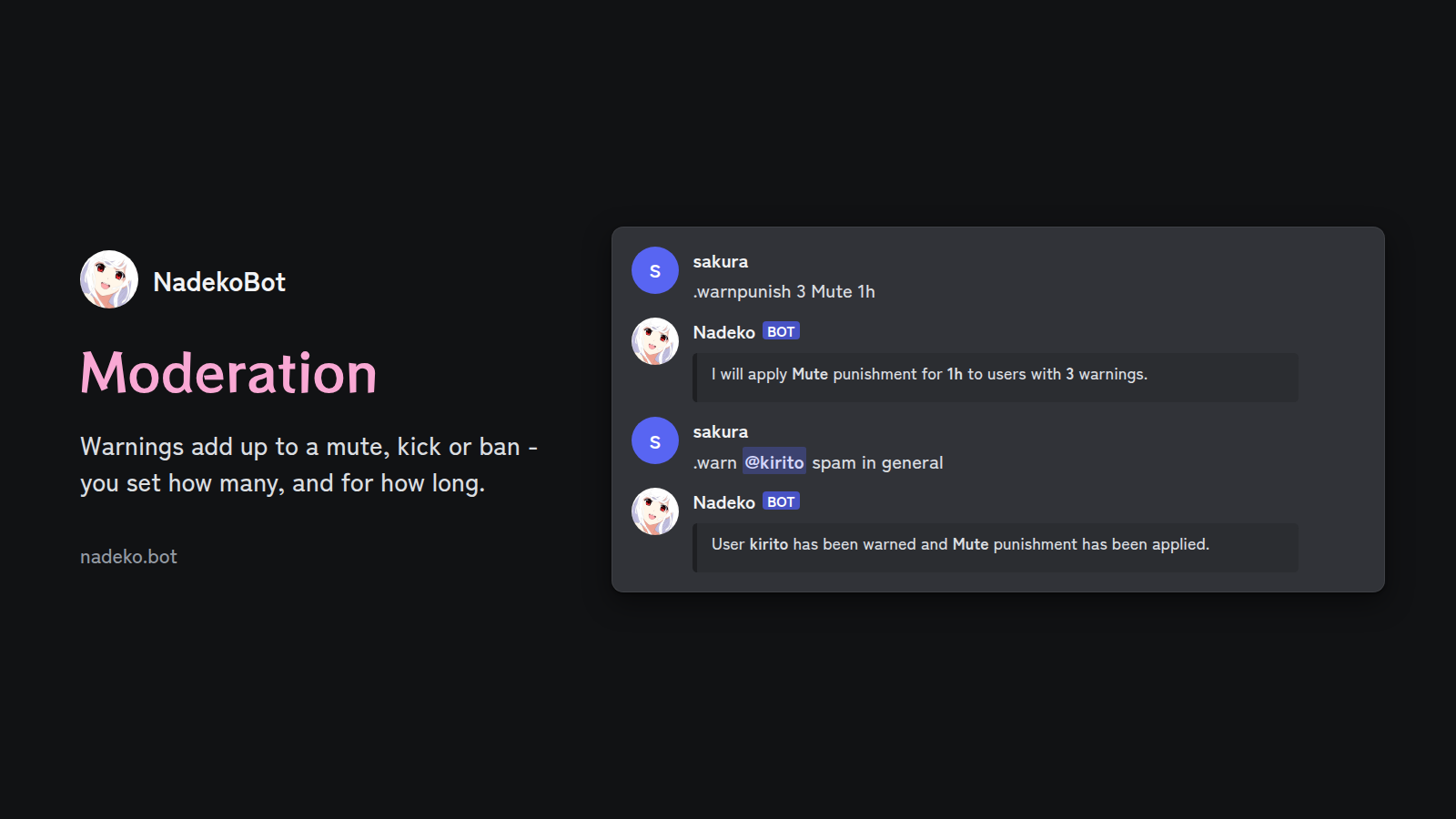
NadekoBot warns, mutes, kicks and bans members, and applies the punishments - you set how many warnings for each of the punishments, and for how long the user is punished for.
Protection commands protect you from raids (many accounts that join at once), spam (the same user repeating the same message) and newly created accounts (potential alts). Configure greet and bye messages, self-assignable roles, reaction roles and temporary voice channels.
.warnpunish 3 Mute 1h- three warnings mute a member for an hour.antiraid,.antispam- apply restrictions to users who join in a wave or repeat a message.greet- toggle customizable welcome messages (greet and bye messages)
XP, levels and clubs
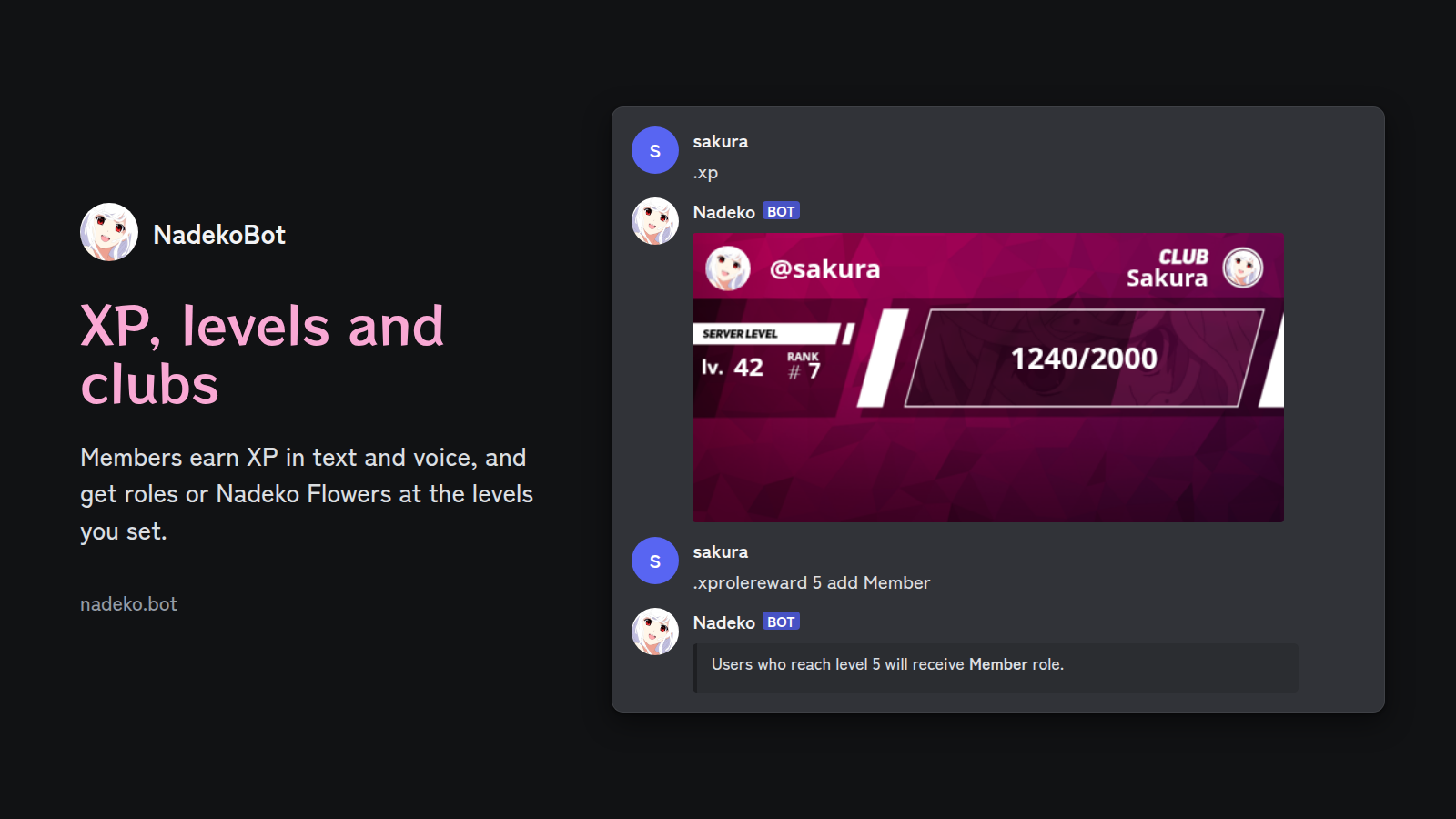
Members earn XP by chatting and by hanging out in voice channels - NadekoBot shows their level and rank on an XP card, and on the server leaderboard.
Set up rewards for reaching a level: a role, or Nadeko Flowers. Members can create clubs, and customize their XP card with backgrounds and frames from the XP shop. More in XP and leveling.
Economy with Nadeko Flowers
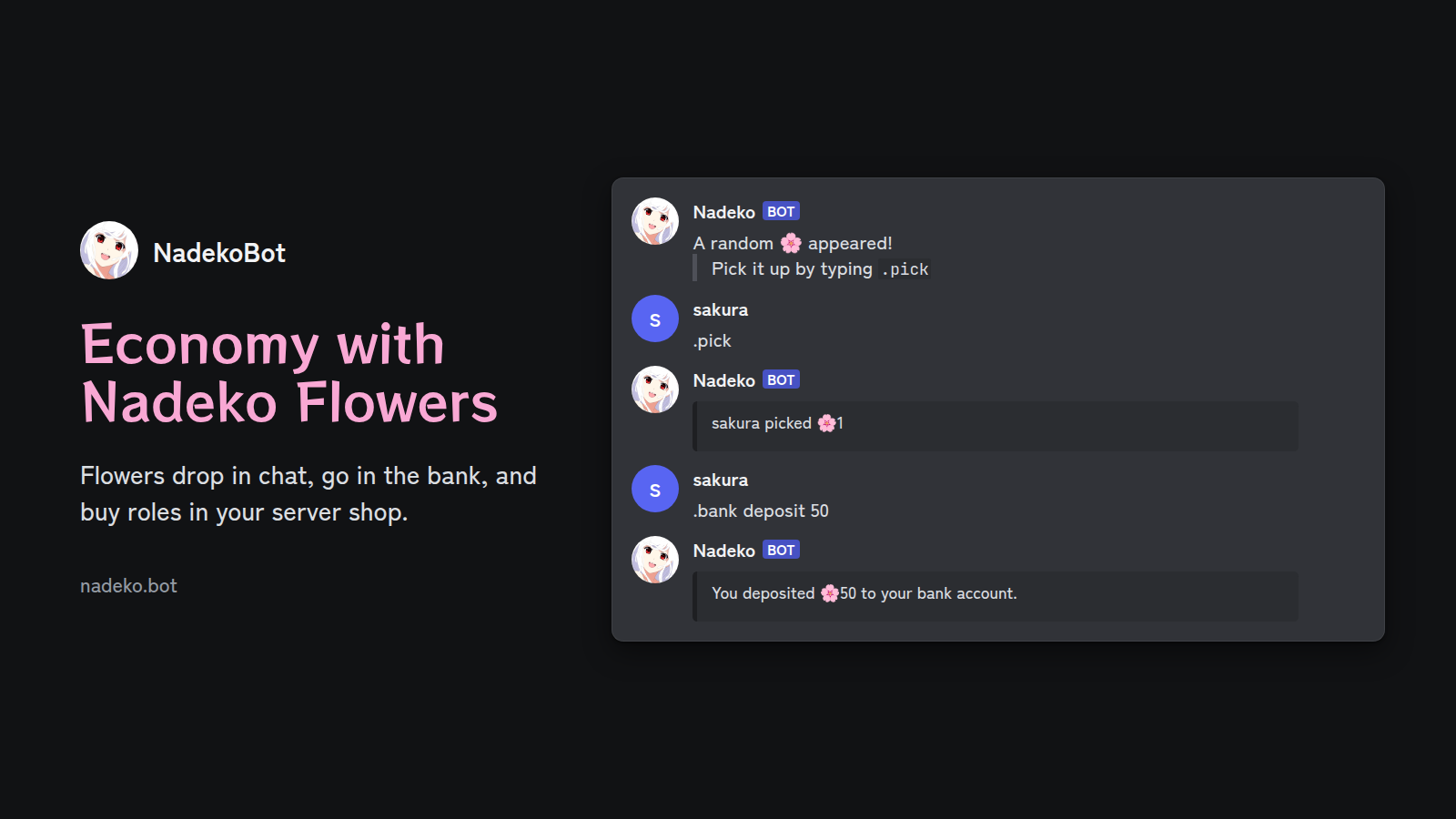
Members claim Nadeko Flowers with .timely, pick them up when they randomly drop in chat (in channels where you turn that on), and store them in the bank.
Set up a server shop where members spend flowers on roles or items. Members can also gamble them on dice, slots, blackjack, coin flips and animal races, or spend them on waifus. More in the economy.
Games
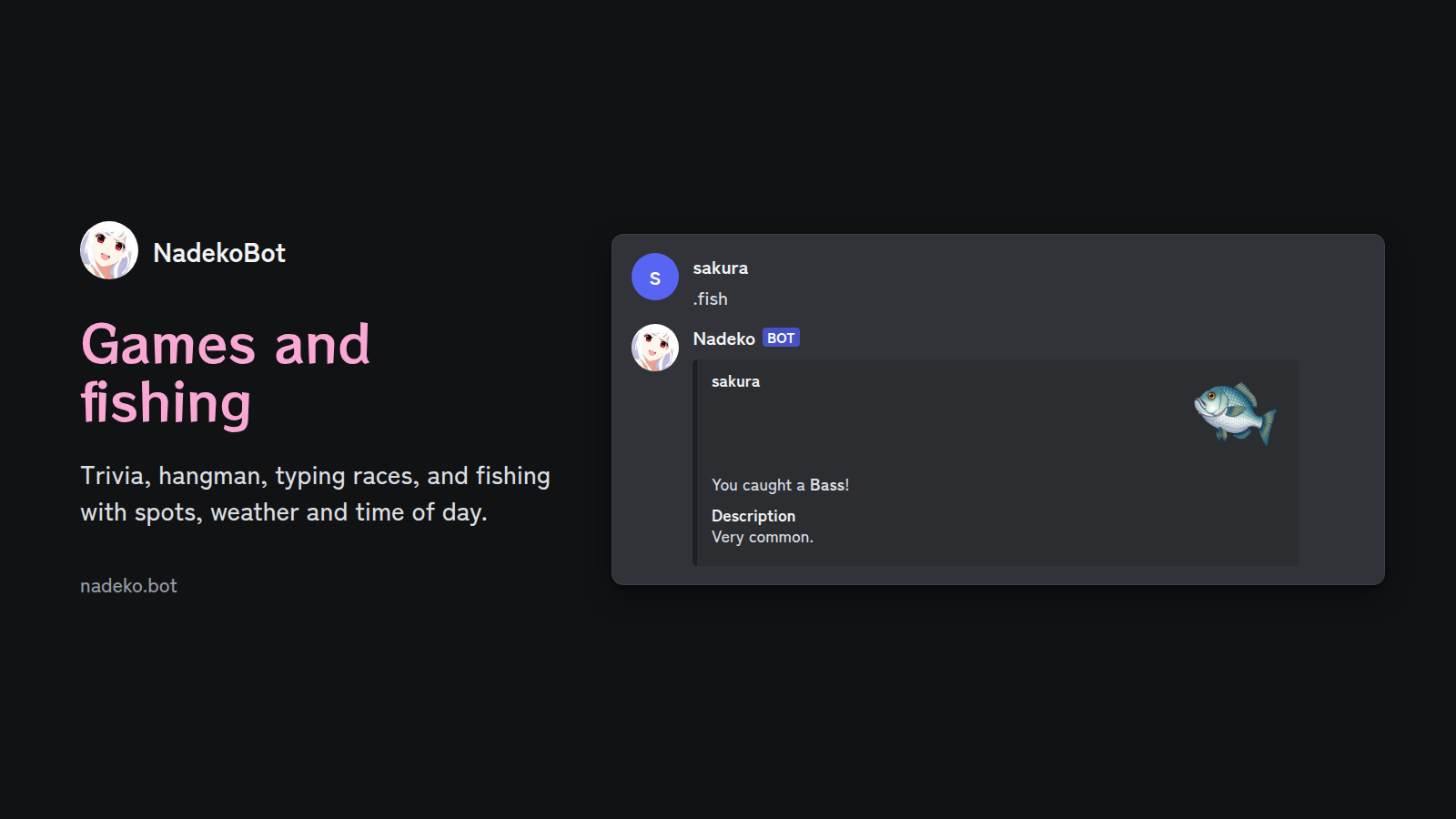
Start trivia, hangman, acrophobia or a typing race in a channel, and everyone in it can play.
Fishing has its own spots, weather, time of day, skill levels and shop - different fish live in different places, at different times and in different weather. On the Nadeko canvas, members pay Nadeko Flowers to color a pixel and leave a note on it.
Reminders, quotes and giveaways
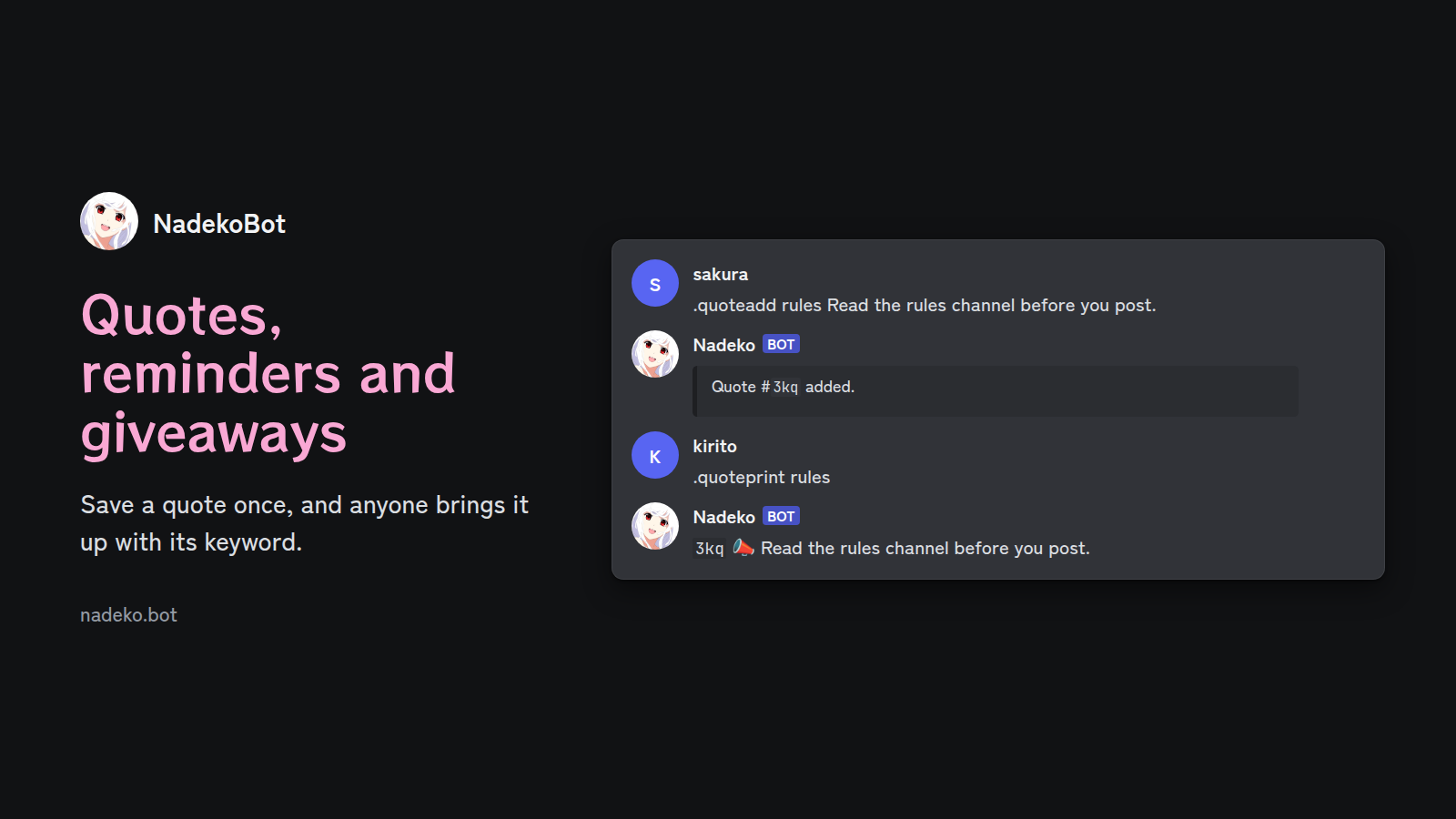
Set reminders for yourself or a channel, up to a year ahead. Save quotes that anyone can bring up by keyword, keep a personal to-do list, or run giveaways with a timer.
Repeat a message on a schedule, schedule a command to run later, and set up a starboard. Expressions make NadekoBot answer a trigger word with your own reply - plain text, or an embed made in the embed builder.
Also in NadekoBot
- Alerts and search: Twitch and YouTube alerts and RSS feeds in a channel, translations, and anime, manga, weather, stocks and crypto lookups.
- Music: play music in voice channels, with a queue, saved playlists, radio streams and lyrics.
- Permissions: turn modules or single commands on or off for the whole server, a channel, a role or one member, and filter words, links and server invites. See permissions.
- AI agent: mention NadekoBot and ask in your own words - its AI agent finds the commands, runs them as you and tells you what it did.
- Languages: NadekoBot answers in 16 languages. Server admins set the language with
.langset. - Medusa plugins: a self-hosted NadekoBot loads medusae, plugins written in C# which add commands.
Host your own NadekoBot
Each option needs your own Discord bot. First, create a Discord bot and copy its token. Then pick a guide:
| Your setup | Guide |
|---|---|
| No server and no setup (paid hosting, free trial) | NadeKloud |
| A window app on Windows, Linux or macOS | Desktop guide (Upeko) |
| The terminal on Linux or macOS | CLI guide |
| A Docker container | Docker guide |
| Build the bot from its source code | Source guide |
A server keeps the bot online all day. Get a Linux server, then use the CLI guide or the Docker guide.
Docker quick start
The image is ghcr.io/nadeko-bot/nadekobot:v6. It has ffmpeg, yt-dlp and Deno, so music works without more steps. Create compose.yml in an empty folder, with your token in bot_token and your time zone in TZ:
services:
  nadeko:
    image: ghcr.io/nadeko-bot/nadekobot:v6
    container_name: nadeko
    restart: unless-stopped
    environment:
      TZ: Europe/Rome
      bot_token: YOUR_BOT_TOKEN
    volumes:
      - ./data:/app/data
Then start the bot and show its log:
docker compose up -d
docker compose logs -f
The bot keeps its database and config files in the data folder. The Docker guide shows how to change the settings and update the bot.
Build NadekoBot from source
NadekoBot is written in C# on .NET 9 with Discord.Net. You need the .NET 9 SDK and Git.
git clone https://github.com/nadeko-bot/nadekobot -b v6 --depth 1
cd nadekobot/src/NadekoBot
cp data/creds_example.yml data/creds.yml
# put your bot token in the token field of data/creds.yml
dotnet run -c Release
Run the tests with dotnet test in the repository folder. For music, the bot also needs ffmpeg, yt-dlp and Deno: the source guide shows how to install them.
Repository layout
| Folder | What it is |
|---|---|
src/NadekoBot |
The bot. Each module is in Modules/<Module>/ |
src/NadekoBot.Coordinator |
Starts the shards of a sharded bot, checks them and restarts them |
src/NadekoBot.Hosted |
Runs the bot with the REST API which NadeKloud uses |
src/NadekoBot.Voice |
Discord voice and audio for music |
src/Nadeko.Medusa, src/Nadeko.Medusa.Template |
The medusa plugin API and the dotnet new template |
src/NadekoBot.Generators |
Source generators for the response strings, the languages and the AI agent tools |
src/NadekoBot.Migrate |
Updates a database or the config files without a Discord login |
src/NadekoBot.Tests |
The tests |
docs |
The source of docs.nadeko.bot |
History
NadekoBot started in 2015 as one of the first 50 bots on Discord, and its code has been open since then. Every version is on the releases page, and its changes are in the changelog. About NadekoBot tells more about the bot and the team.
Help and feedback
- Ask in the NadekoBot Discord server.
- Report a bug in GitHub issues. If you are not sure that it is a bug, ask in the Discord server first.
- Suggest a feature on nadeko.bot/suggest.
Contributing
Read CONTRIBUTING.md before you open a pull request. It includes the terms for each contribution.
Support NadekoBot
Donations on Patreon pay for the public NadekoBot's servers and development.
License
NadekoBot is dual licensed under the AGPLv3 and a commercial license. Read LICENSE.md for the details and the contact for a commercial license.
Reviews (0)
Sign in to leave a review.
Leave a reviewNo results found