dsui
Health Pass
- License — License: Apache-2.0
- Description — Repository has a description
- Active repo — Last push 0 days ago
- Community trust — 36 GitHub stars
Code Pass
- Code scan — Scanned 12 files during light audit, no dangerous patterns found
Permissions Pass
- Permissions — No dangerous permissions requested
No AI report is available for this listing yet.
The AI-native control plane for your data stack.

Website · Live Demo · Documentation · Discord
The AI-native control plane for your data stack.
Connect your data tools and manage them from one place. Explore your infrastructure, run operations, and work across services with AI that understands your stack.


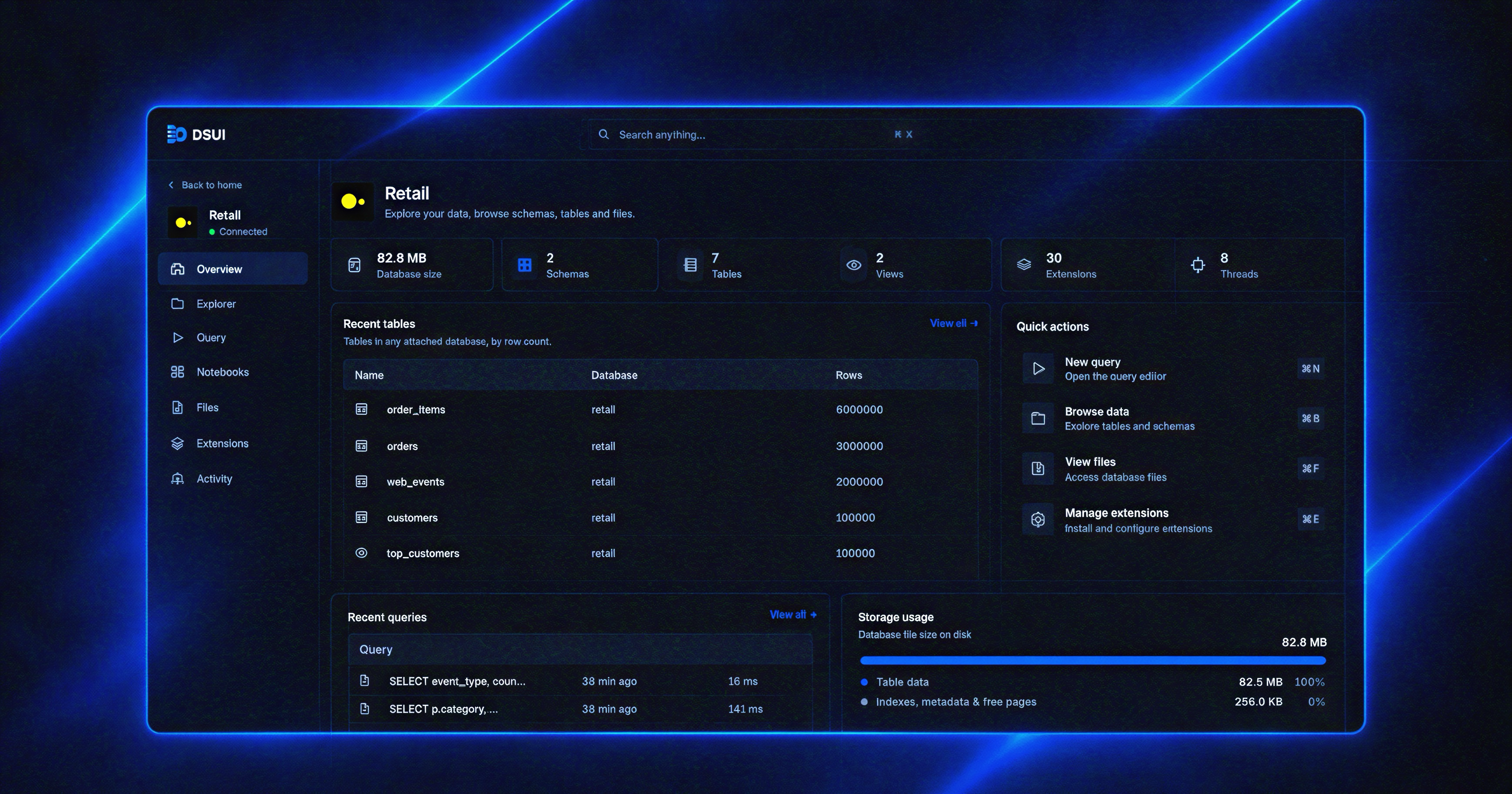
One control plane across your stack
Connect tools through adapters, run service operations, and use DSUI Agent to work across your connected stack.
Extend the platform with plugins and SDKs.
DSUI does not try to replace the tools you already run.
Airflow stays the best place for Airflow, and your warehouse keeps its own console.
DSUI is the one workspace you keep open for the everyday operations across all of them:
- Check a failed DAG or a failing dbt run.
- Inspect a table or run a query.
- See whether a service is healthy.
- Ask DSUI Agent to investigate across several services in one conversation.
DSUI Agent
DSUI Agent is a chat inside the workspace.
It can inspect the services you have access to and help investigate an issue across them, using what each adapter exposes.
It runs on the model provider you configure (OpenAI, Anthropic, Gateway or OpenRouter).
Read the plugin README for setup.
Get started
Run DSUI on your host for local development and project files:
npx @northgraindata/dsui
DSUI loads ./dsui.yaml when present and keeps local state in~/.local/share/dsui.
The first local run also generates ~/.local/share/dsui/.master-key for
encrypting connections added through the UI. Keep it with the local data
directory; set DSUI_MASTER_KEY explicitly for controlled deployments.
Docker deployment
Use Docker when you want an isolated, reproducible deployment.
It connects to services reachable from the container.
If an adapter requires an executable or runtime, provide it in the image used to run DSUI.
Example: a DuckDB workspace
Configure a DuckDB database in dsui.yaml:
adapters:
  duckdb:
    source: git
    repository: "git+https://github.com/northgraindata/dsui"
    ref: main
    path: packages/adapter-duckdb

services:
  - id: warehouse
    adapter: duckdb
    name: Analytics warehouse
    connection:
      method: file
      path: /data/warehouse.duckdb
Run DSUI alongside it in docker-compose.yml:
services:
  dsui:
    image: ghcr.io/northgraindata/dsui:latest
    ports:
      - "4192:4192"
    environment:
      DSUI_CONFIG: /etc/dsui/dsui.yaml
    volumes:
      - ./dsui.yaml:/etc/dsui/dsui.yaml:ro
      - dsui-data:/data

volumes:
  dsui-data:
Start the workspace:
docker compose up -d
Open http://localhost:4192. DSUI downloads and builds the configured DuckDB adapter, then opens the database file in the persistent /data volume. Add your other services to the same dsui.yaml and Compose network.
Adapters
Connect Apache Airflow, dbt, PostgreSQL, ClickHouse, S3-compatible storage such as MinIO, and DuckDB through adapters that bring service-specific capabilities into DSUI.
 |
 |
 |
 |
 |
 |
 |
Need another tool?
The TypeScript Adapter SDK lets you build custom integrations for internal services and other tools.
Plugins and custom capabilities
Install plugins to extend DSUI beyond connected services. Use the TypeScript Plugin SDK to build custom pages, actions, and workflows tailored to your infrastructure.
Self-hosted deployment
The official container keeps its local state in /data and needs no separate database.
It is published through GitHub Container Registry:
docker pull ghcr.io/northgraindata/dsui:latest
Telemetry
A self-hosted DSUI sends a small anonymous usage event when it starts and once a day.
It contains versions, platform and counts of services per adapter type, never hostnames, URLs, credentials or queries.
It is on by default and the server says so at startup.
Turn it off with DSUI_TELEMETRY=off or DO_NOT_TRACK=1.
The telemetry page lists every field.
DSUI Cloud
Prefer not to run it yourself?
DSUI Cloud is the managed version: we handle hosting, upgrades and backups, with Pro plugins and AI usage included.
It can also run in your own cloud.
Talk to us or see the plans.
Community
Join the DSUI Discord to ask questions, share your setup, discuss integrations, and help shape what we build next.
Contributing
Contributions are welcome. Start with your first contribution, browse good first issues, or explore help wanted.
License
DSUI is developed by Northgrain Data and is available under the Apache License 2.0.
Reviews (0)
Sign in to leave a review.
Leave a reviewNo results found