lottie-animator-skill
Health Pass
- License — License: MIT
- Description — Repository has a description
- Active repo — Last push 0 days ago
- Community trust — 16 GitHub stars
Code Pass
- Code scan — Scanned 12 files during light audit, no dangerous patterns found
Permissions Pass
- Permissions — No dangerous permissions requested
No AI report is available for this listing yet.
Generate professional Lottie animations from SVGs using AI
Lottie Animator
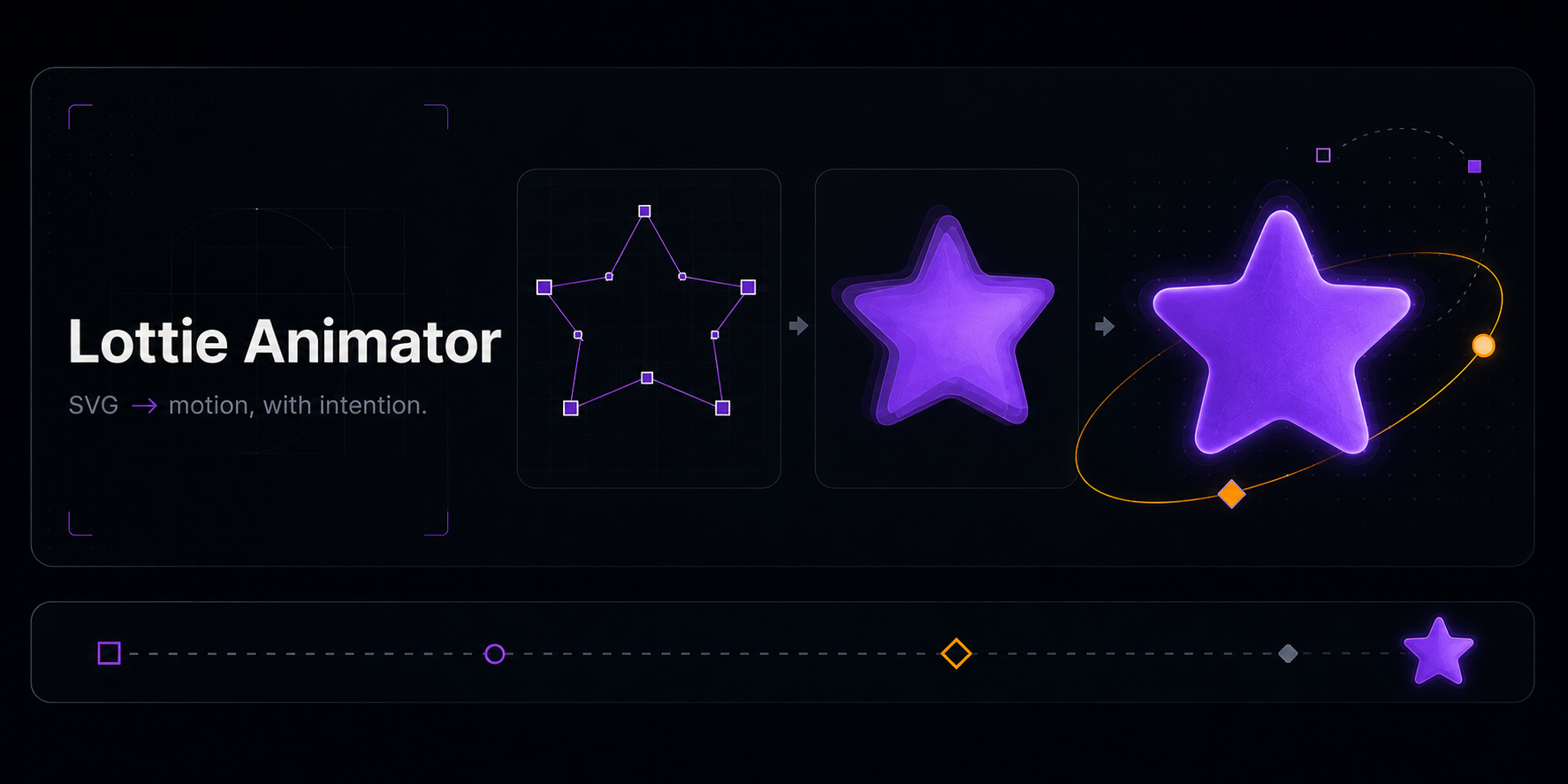
SVG → motion, verified.
A Claude Code skill for building Lottie animations — with a converter that handles the
bezier arithmetic, a linter that catches the defects that render blank, and a headless
renderer so the animation is actually looked at before it ships.
Why · Quick start · Tools · Examples · Install




Why
A broken Lottie still parses. That is the whole problem.
Leave the os off a polystar, put an easing handle one level too high, forget ip/op
on a layer — the JSON is valid, the player raises nothing, and the canvas stays empty.
A validator that checks json.load() will happily call it fine.
Three of the four examples this repository used to ship were broken exactly that way.
One crashed the player outright, two rendered a blank canvas, and the old smoke test
reported OK for all of them. That is what these tools exist to prevent.
Quick start
npm install                       # puppeteer-core + lottie-web, for rendering
python3 scripts/svg2lottie.py logo.svg -o build/logo.json --size 512
python3 scripts/lottie_lint.py build/logo.json --allow-static
node scripts/render.mjs build/logo.json
The last command writes a labelled filmstrip. Open it and look:
frame    0  0.000s    0 shapes   0% of canvas  <- EMPTY
frame   23  0.375s    4 shapes  68% of canvas
frame   45  0.750s    4 shapes  66% of canvas
With Claude Code, just ask:
Animate this SVG with a premium entrance and a seamless loop, then show me the filmstrip.
Tools
All three are dependency-free Python, except the renderer, which needs Node and a local
Chrome.
svg2lottie.py — SVG to Lottie shape layers
Converts paths, rects, circles, ellipses, lines, polygons, polylines, groups,
transforms, strokes, and linear/radial gradients. Full path grammar including elliptical
arcs, smooth curves, and relative commands. Each element becomes its own named layer,
anchored at its own centre so scale and rotation pivot where you expect.
python3 scripts/svg2lottie.py icon.svg -o icon.json --size 512 --current-color "#a855f7"
lottie_lint.py — the defects that render blank
Structural checks, plus the ones that actually bite: per-shape required properties,
easing handles on the wrong object, layers outside the composition range, permanently
transparent layers, geometry with no paint, parent cycles, dead keyframes, and loops
that do not close.
python3 scripts/lottie_lint.py examples/          # a directory
python3 scripts/lottie_lint.py a.json --strict    # warnings fail too
python3 scripts/lottie_lint.py a.json --json      # machine-readable
render.mjs — see it
Loads the file in real lottie-web, samples the timeline, and writes PNG frames plus a
contact sheet. Flags empty frames, content off canvas, and content clipped by the edge.
node scripts/render.mjs a.json --at 0,25,50,75,100
node scripts/render.mjs a.json --frames 0,12,24 --bg "#0d1117"
Examples

Every example is linted and rendered in CI before it ships.
| File | Technique |
|---|---|
rocket-launch.json |
Staggered entrance, overshoot easing, drift — converted from SVG |
logo-draw-on.json |
Trim-path draw-on over a gradient fill |
shape-morph.json |
True path morph on a closed loop |
panda-loader.json |
Seamless loading loop with secondary motion |
Preview them in a browser (over HTTP — file:// cannot fetch the JSON):
python3 -m http.server 8000
Then open http://localhost:8000/assets/preview.html.
Install
As a Claude Code plugin
/plugin marketplace add obeskay/lottie-animator-skill
/plugin install lottie-animator
As a plain skill
Copy skills/lottie-animator/ into your skills directory. The skill drives the scripts
above, and degrades to guidance-only when they are not present.
How the skill works
convert → lint → render → LOOK → revise
It picks the motion direction before touching a keyframe — feeling, one personality, one
hero property, timing, easing, staging — then builds, checks, and inspects. It is told
not to claim visual quality it has not seen.
References live beside the skill:
structure ·
SVG → Lottie ·
shape modifiers ·
easing ·
motion personality ·
Disney principles ·
techniques ·
GSAP
Development
python3 -m unittest discover -s tests -v   # 93 tests, stdlib only
python3 scripts/lottie_lint.py examples/
npm install && node scripts/render.mjs examples/panda-loader.json
Path arithmetic is pinned against hand-computed coordinates, and arc direction was
verified against Chrome's own rendering of the same path data.
See CONTRIBUTING.md.
License
MIT — see LICENSE.
Reviews (0)
Sign in to leave a review.
Leave a reviewNo results found