vortex
Health Warn
- License — License: MIT
- Description — Repository has a description
- Active repo — Last push 0 days ago
- Low visibility — Only 7 GitHub stars
Code Warn
- process.env — Environment variable access in site/astro.config.mjs
- process.env — Environment variable access in site/og/render.mjs
- network request — Outbound network request in site/og/render.mjs
Permissions Pass
- Permissions — No dangerous permissions requested
No AI report is available for this listing yet.
Free, open-source notch app for Mac: a focus timer, clipboard history, a file shelf, screenshot-to-task with on-device OCR, and keys Claude Code can use without seeing them.
Vortex
A macOS utility that lives in your MacBook's notch, or in the menu bar on a Mac without one. Hover over the notch and it opens with the tools you reach for a dozen times a day.
Website: vortex-notch.web.app, where you can try every feature in your browser. Download: the latest release.
- Timer: set the minutes on a drum and watch the countdown in the notch. When time is up, it plays a sound, flashes and shows a notification.
- Clipboard: your last copies plus pinned ones: text, links, images and files.
- Shelf: put files aside and drag them out later, into any app. Unpinned files clear after a day.
- Tasks: press «+» in the Tasks tab, or a shortcut you set, to freeze the screen. Frame an area and press Return. You get a task with the screenshot, its recognized text and the page address from your browser.
- Keys for Claude: keep database URLs, API tokens and passwords in the macOS keychain. Claude Code runs commands with
{{key}}placeholders through a local MCP server and never sees a value. Vortex asks you once per key per session. - Keyboard cleaning: lock every key while you wipe the keyboard.
Timer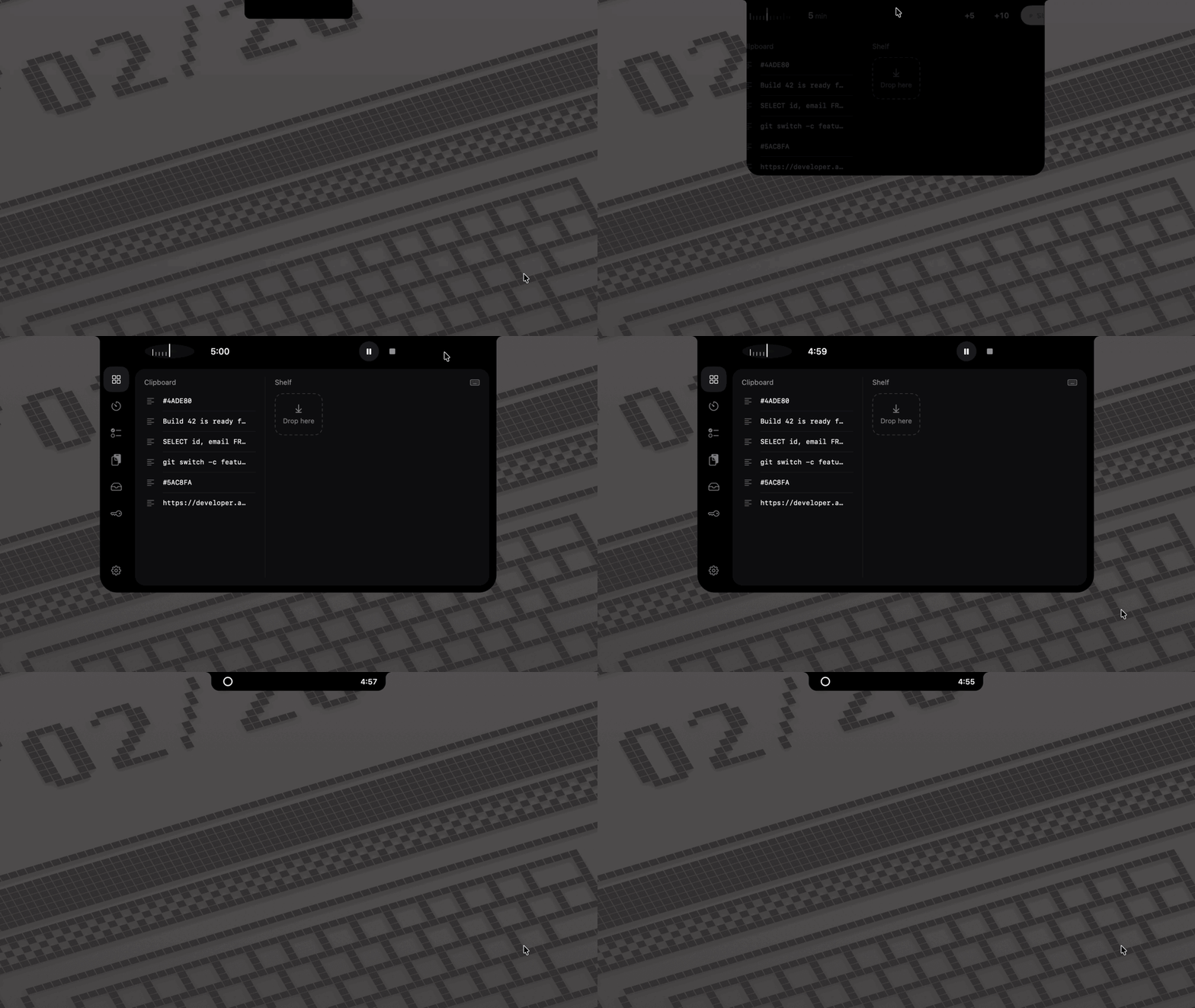 |
Clipboard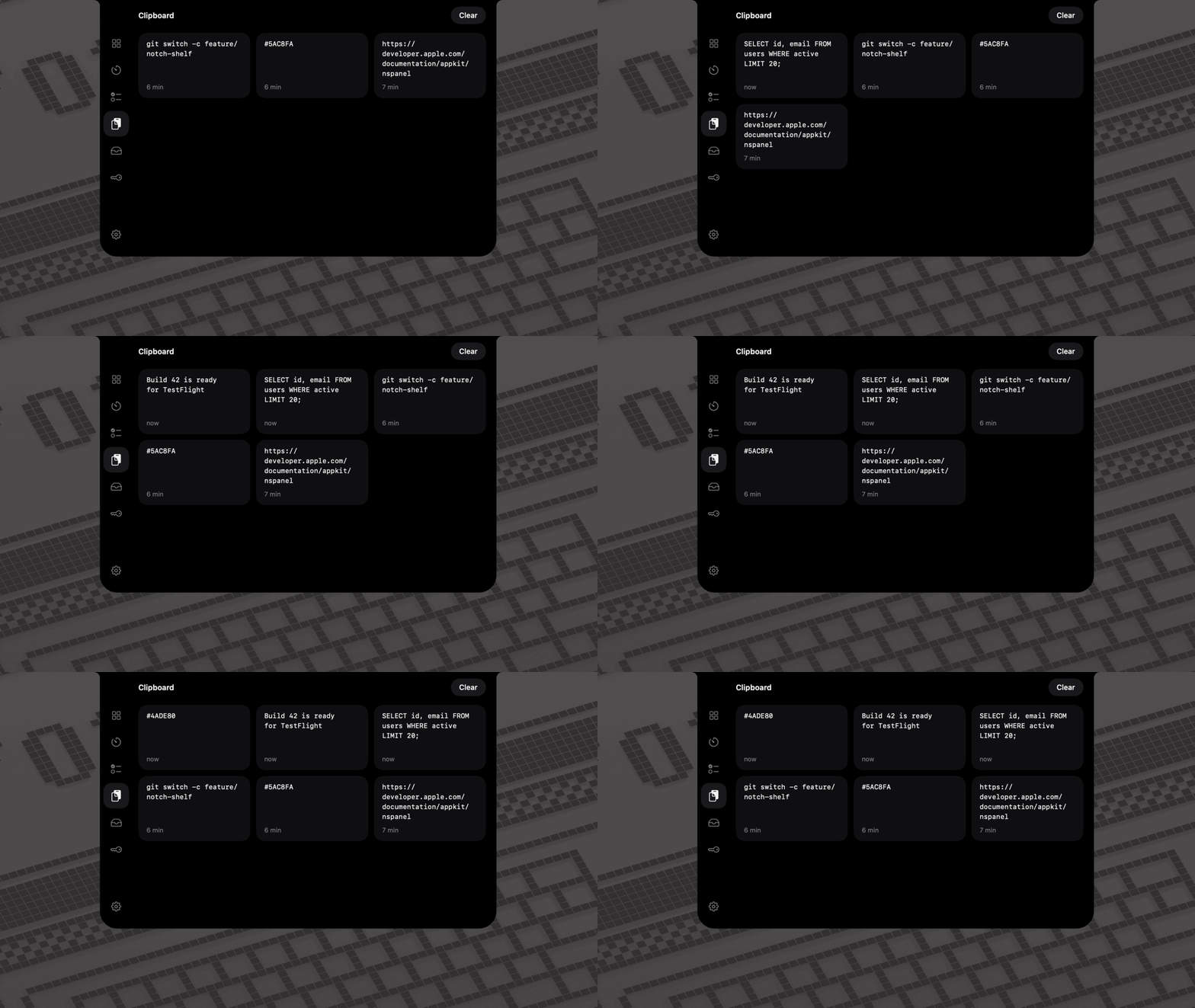 |
Shelf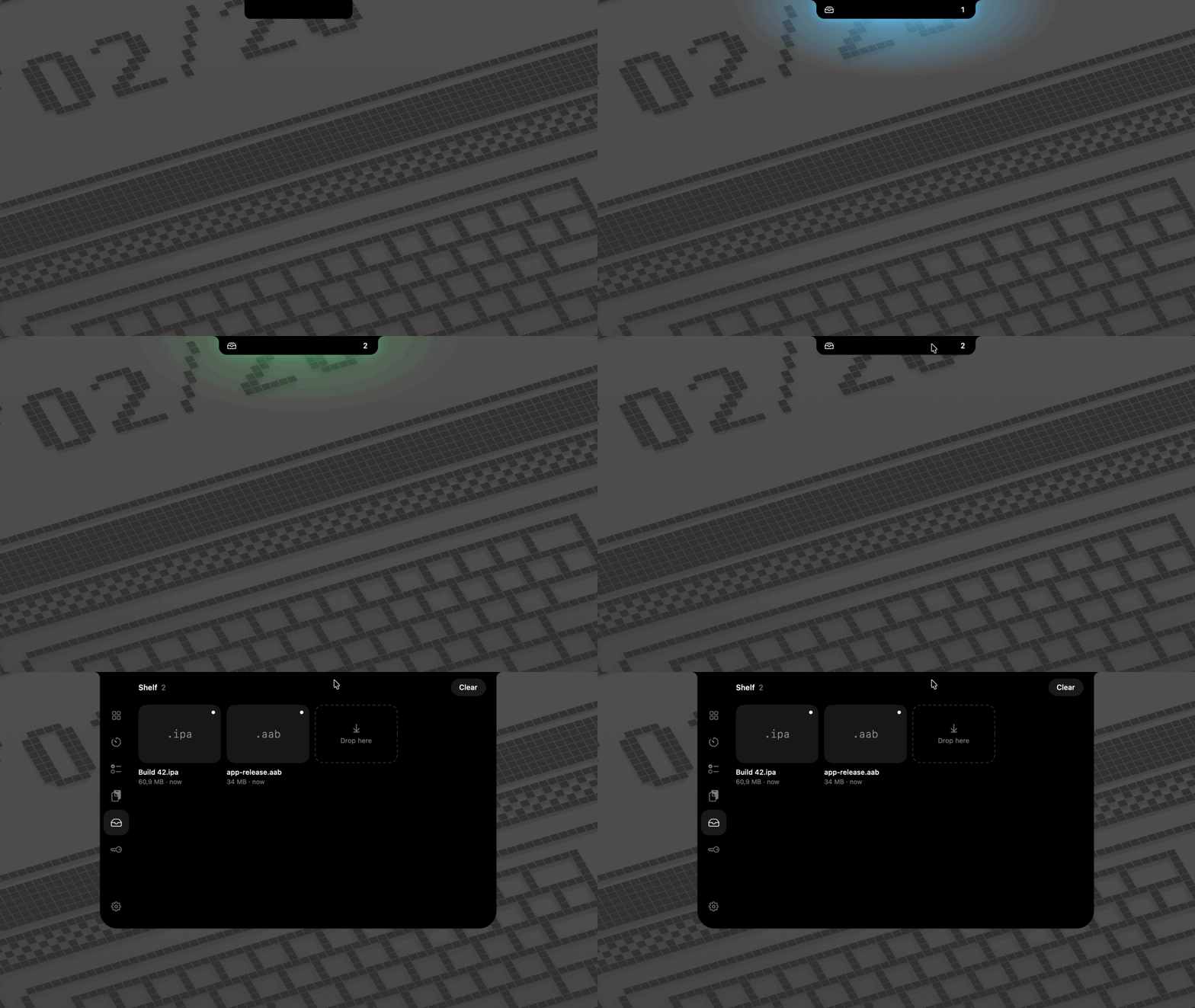 |
Tasks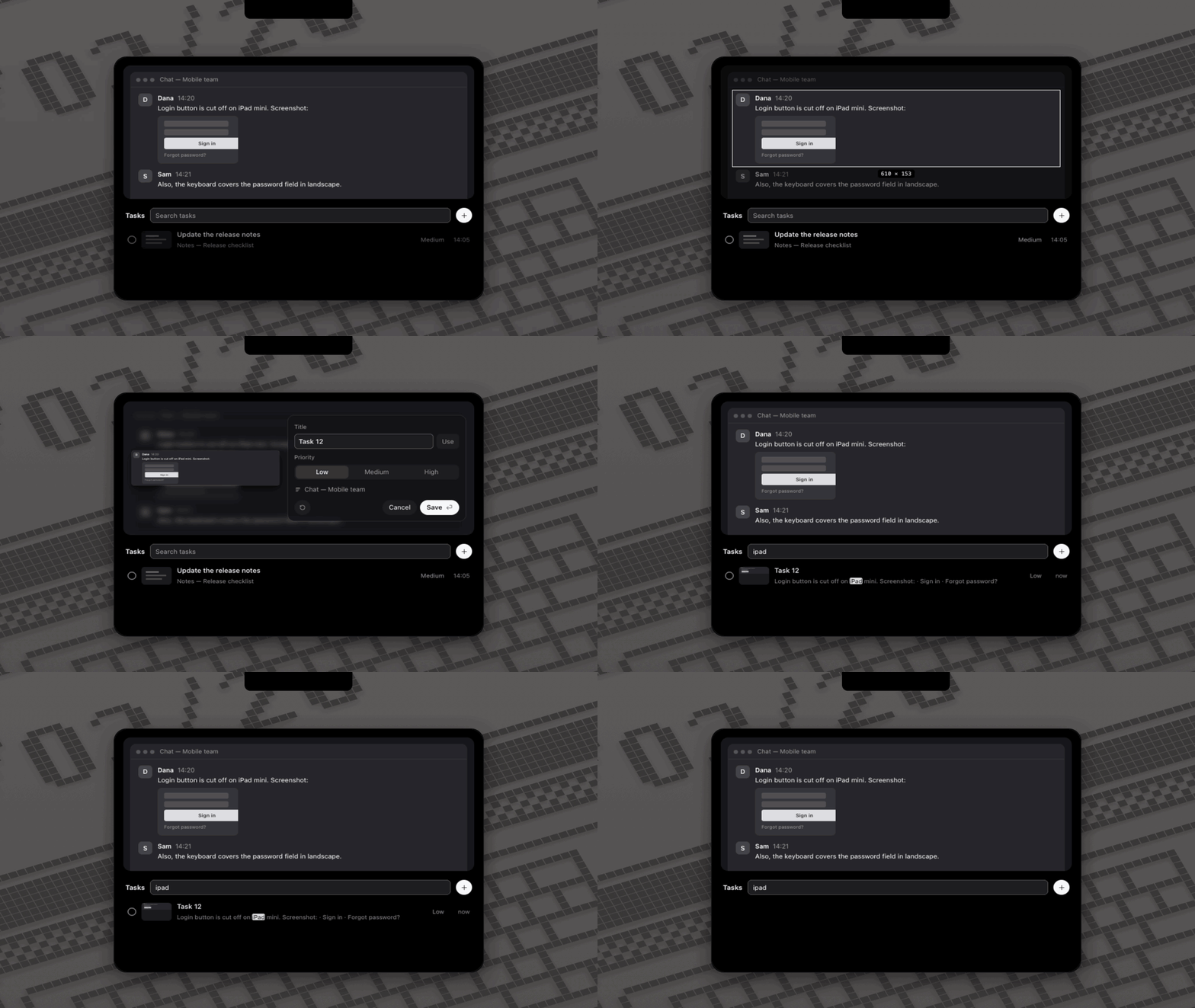 |
Keys for Claude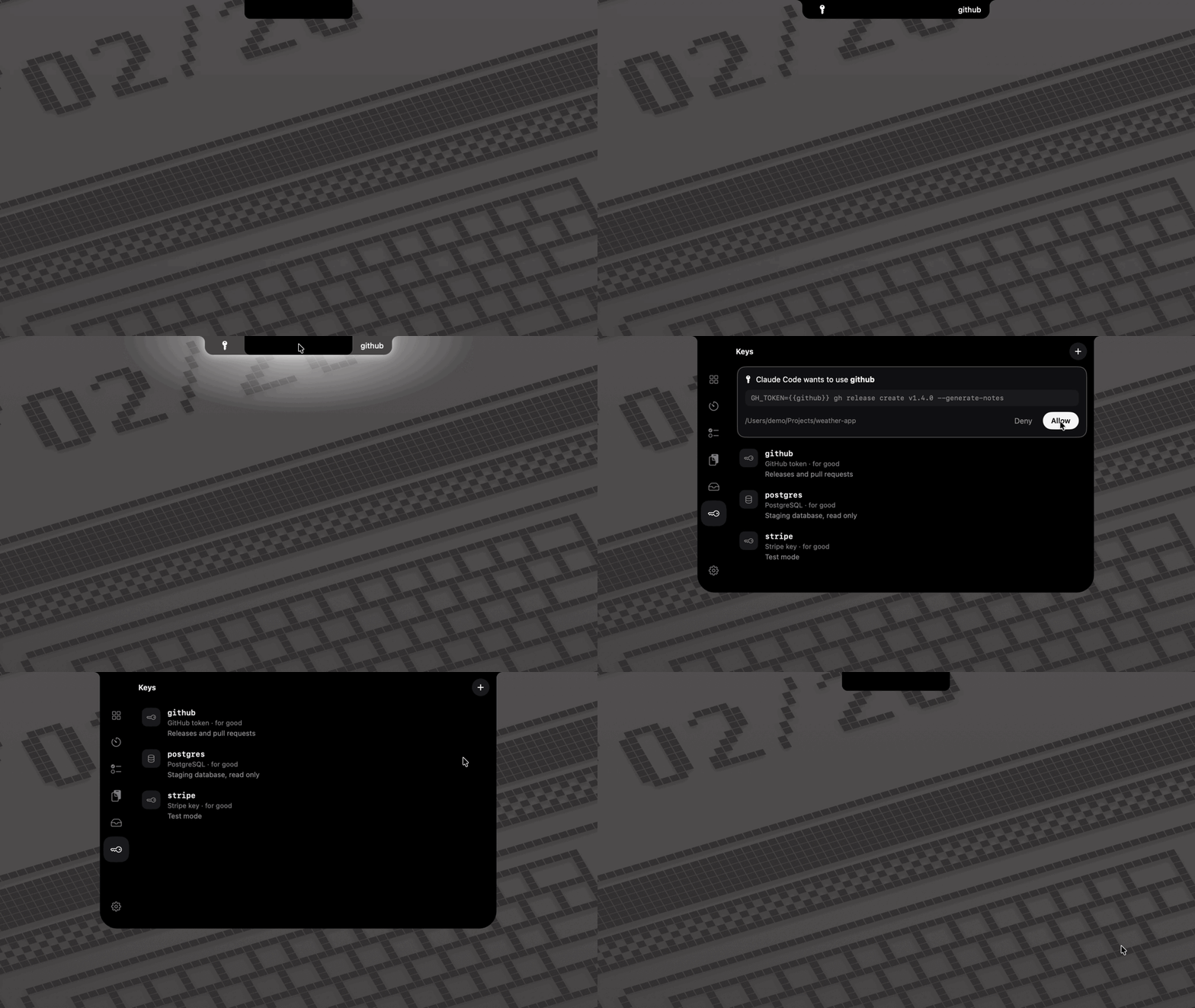 |
Keyboard cleaning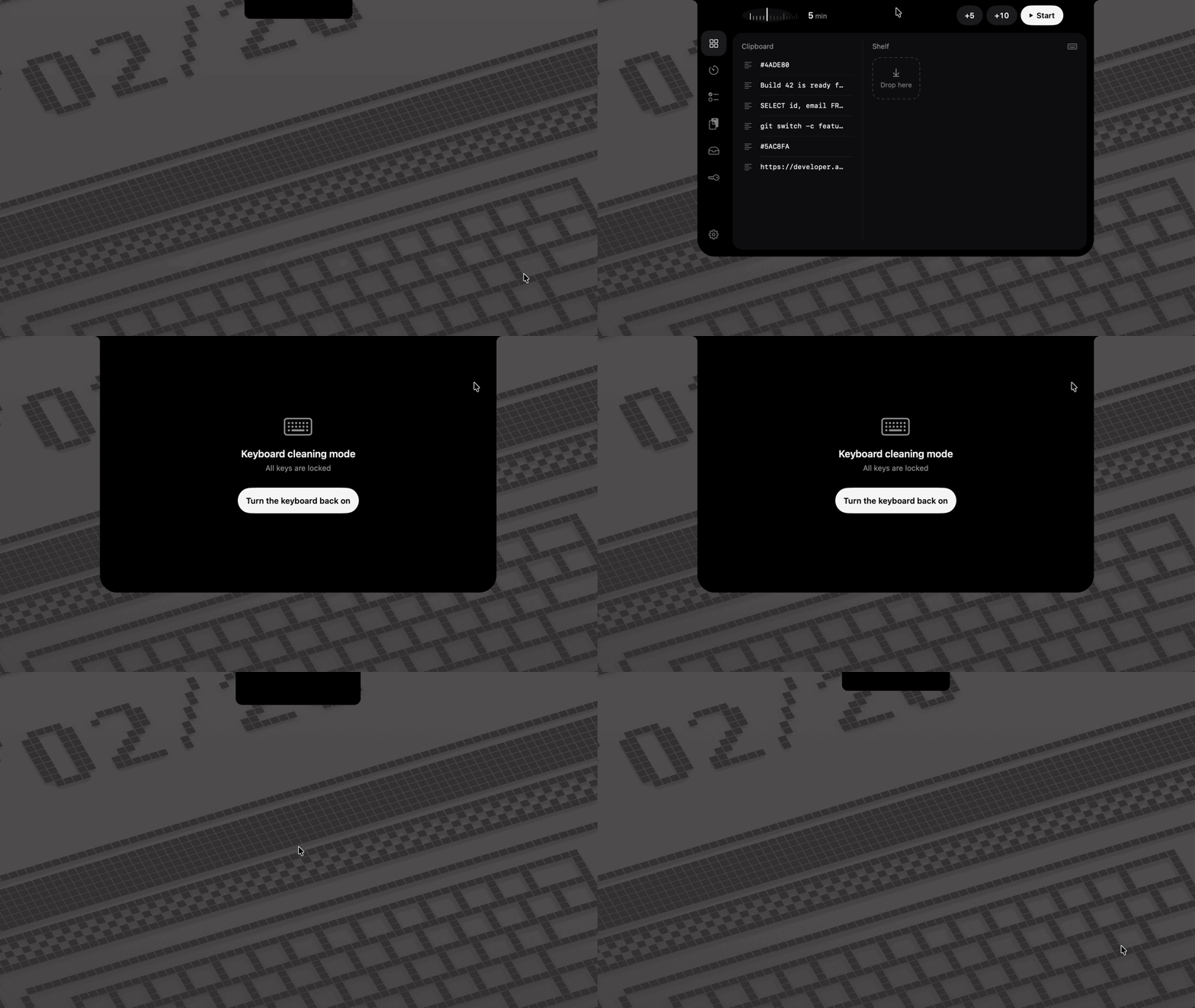 |
Vortex speaks English and Ukrainian, and follows light and dark mode.
Privacy
- Vortex never goes online by itself: no analytics, no update checks. Network traffic comes only from commands that Claude runs through Keys, after you allow them.
- Its only listener is the MCP server for Claude Code. It listens on this Mac's loopback interface and needs a token.
- Your data stays in
~/Library/Application Support/Vortex, and your secrets in your login keychain. - Text recognition runs on your Mac.
Permissions
On first launch, Vortex walks you through the permissions it can use. Every one of them is optional.
| Permission | Used for |
|---|---|
| Notifications | the timer's end, and Claude's key requests while the window is closed |
| Accessibility | keyboard cleaning |
| Screen Recording | tasks from the screen |
| Automation, per browser | a task's page address; macOS asks the first time |
| Paste from Other Apps | clipboard history, only on macOS versions that ask |
A feature whose permission is off shows a yellow warning. Click it to turn the permission on.
Requirements
macOS 14 or later, on Apple silicon.
Install
Download a release (no Xcode needed)
Download
Vortex-<version>.zipfrom Releases and unzip it. Move Vortex.app to Applications.Open Vortex. macOS refuses to open it, because Vortex isn't notarized by Apple: that needs a paid developer account. Click Done, or Cancel on macOS 14.
Open System Settings › Privacy & Security, scroll to Security, and click Open Anyway next to the message about Vortex. Confirm with your password. On macOS 14 you can instead Control-click Vortex in Applications and choose Open.
Or, in Terminal:
xattr -dr com.apple.quarantine /Applications/Vortex.appVortex shows its setup. To start it with your Mac, turn on Open at login there, or later in Settings.
Update a downloaded release
- Quit Vortex: right-click its menu bar icon › Quit, or use Settings › General.
- Replace Vortex.app in Applications with the new one, and open it with steps 2–3 above.
- Releases aren't signed by a developer account, so macOS treats each new version as a new app. It will ask you again to:
- turn on Accessibility and Screen Recording: open the yellow warning, then switch Vortex off and on in System Settings;
- allow each browser for page addresses;
- let Vortex read its own keychain items: click Always Allow when macOS asks about them.
A build of your own, signed with your team, avoids all of this. See below.
Build it yourself
You need Xcode and XcodeGen:
brew install xcodegen
git clone https://github.com/OrtexIsArtem/vortex.git
cd vortex
make install
make install builds a release, puts it in Applications and opens it. As is, the build is signed ad hoc, and macOS asks for the permissions again after each rebuild.
To keep the permissions across rebuilds, sign the build with your Apple team. A free Personal Team works:
- Copy
Config/Local.xcconfig.exampletoConfig/Local.xcconfigand put your team ID in it. CONTRIBUTING.md shows how to find it. - Run
make open, and build once in Xcode (⌘B). Xcode then creates your signing certificate. - Run
make install.
For daily use, prefer make install over a Run in Xcode: a debug session ends when the Mac sleeps for a while, and the app with it.
Claude Code
During setup, press Connect on the Claude Code page. Later, open Keys, press Copy, and run the command once in Terminal. Claude Code then lists your keys by name and can use them in commands.
License
MIT. Release downloads include the licenses of the open-source packages Vortex uses.
Reviews (0)
Sign in to leave a review.
Leave a reviewNo results found