nextclaw
Health Pass
- License — License: MIT
- Description — Repository has a description
- Active repo — Last push 0 days ago
- Community trust — 217 GitHub stars
Code Warn
- fs module — File system access in .agents/skills/file-organization-governance/scripts/check-organization.js
- fs module — File system access in .agents/skills/file-organization-governance/scripts/enhanced-check-organization.js
- fs module — File system access in .agents/skills/file-organization-governance/scripts/refactor-organization.js
Permissions Pass
- Permissions — No dangerous permissions requested
No AI report is available for this listing yet.
Local-first AI workspace for agents, skills, files, browser tools, automations, and messaging channels.
NextClaw
Get real work done with AI on the computer you control.
Tell NextClaw what you want done. It brings files, models, agents, skills, browser tools, local apps, automations, and messaging channels into one task, then keeps working toward a usable result.





Website · Download · Install · Documentation · Releases


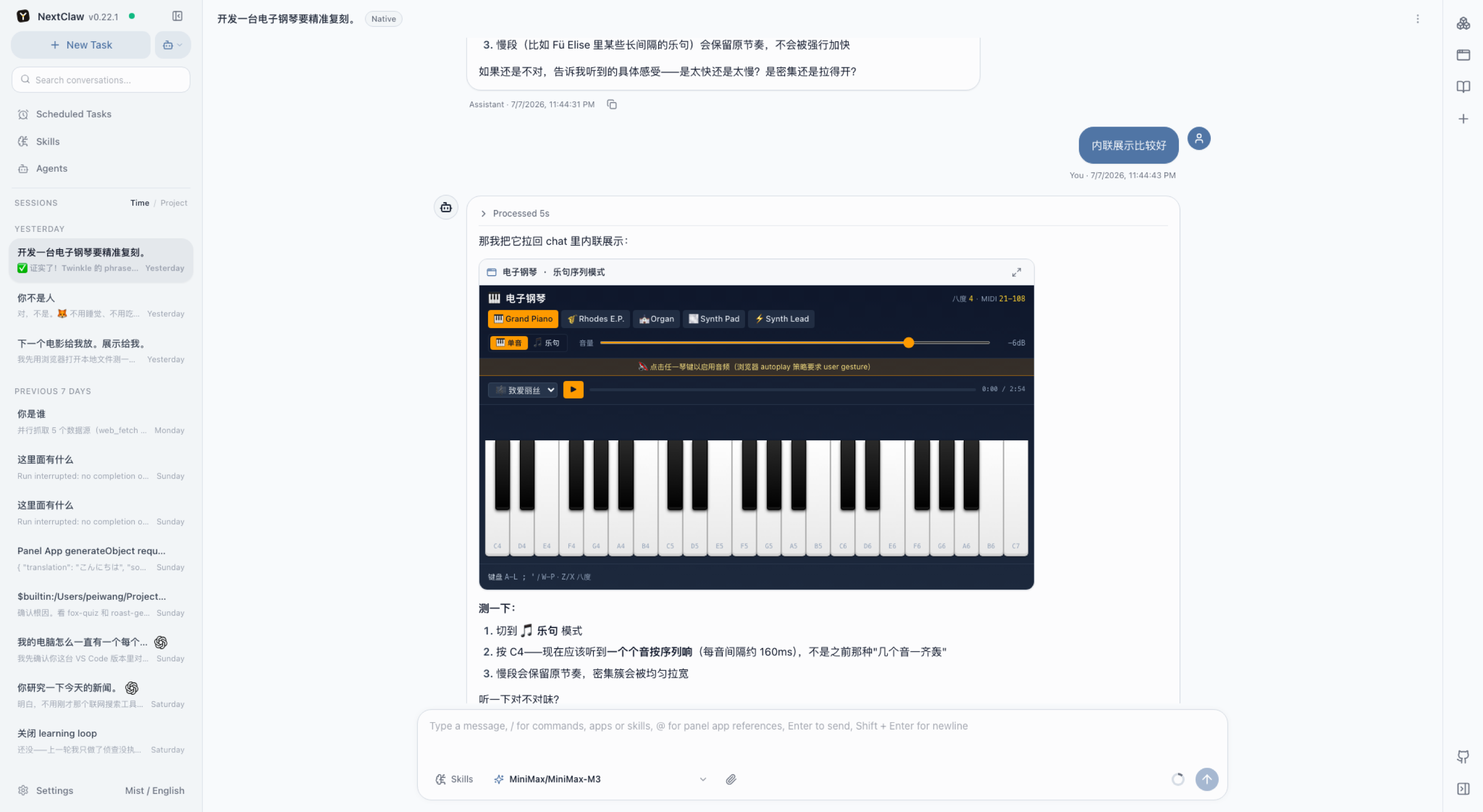
NextClaw is a local-first AI workspace for tasks that need more than a single answer. A conversation can keep its files, references, tools, generated results, and follow-up work together instead of making you restart in separate apps.
What You Can Do
- Research and compare — collect pages, notes, and references, then turn them into a brief, source list, or comparison table.
- Analyze and visualize data — gather data from websites, CSV files, or spreadsheets, clean it, draw charts, and write the conclusion.
- Draft useful documents — shape source material and rough notes into reports, articles, proposals, release notes, or weekly updates.
- Process local files — inspect, rename, extract, classify, and summarize documents without losing the task context.
- Build small tools for yourself — turn a repeated job into a script, local app, dashboard, or reusable workflow.
- Keep recurring work moving — receive requests from chat apps, run scheduled briefs or checks, and send results back to the right channel.
Install NextClaw
Desktop App
The desktop app is the easiest way to start on macOS, Windows, or Linux.
Download the latest stable desktop release
npm
Install Node.js LTS first, then run:
npm install -g nextclaw
nextclaw start
Open http://127.0.0.1:55667, choose a model provider, and start a task.
If npm is unavailable, install or reinstall Node.js LTS and reopen the terminal. On a remote host, port 55667 serves plain HTTP. Use it directly only for a quick check; terminate HTTPS with Nginx or Caddy for regular access.
nextclaw stop
Docker
For a long-running server or cloud VM deployment:
curl -fsSL https://nextclaw.io/install-docker.sh | bash
See the Docker deployment guide for reverse proxy, domain, and remote access setup. You can compare every supported path on the install options page.
Product Tour
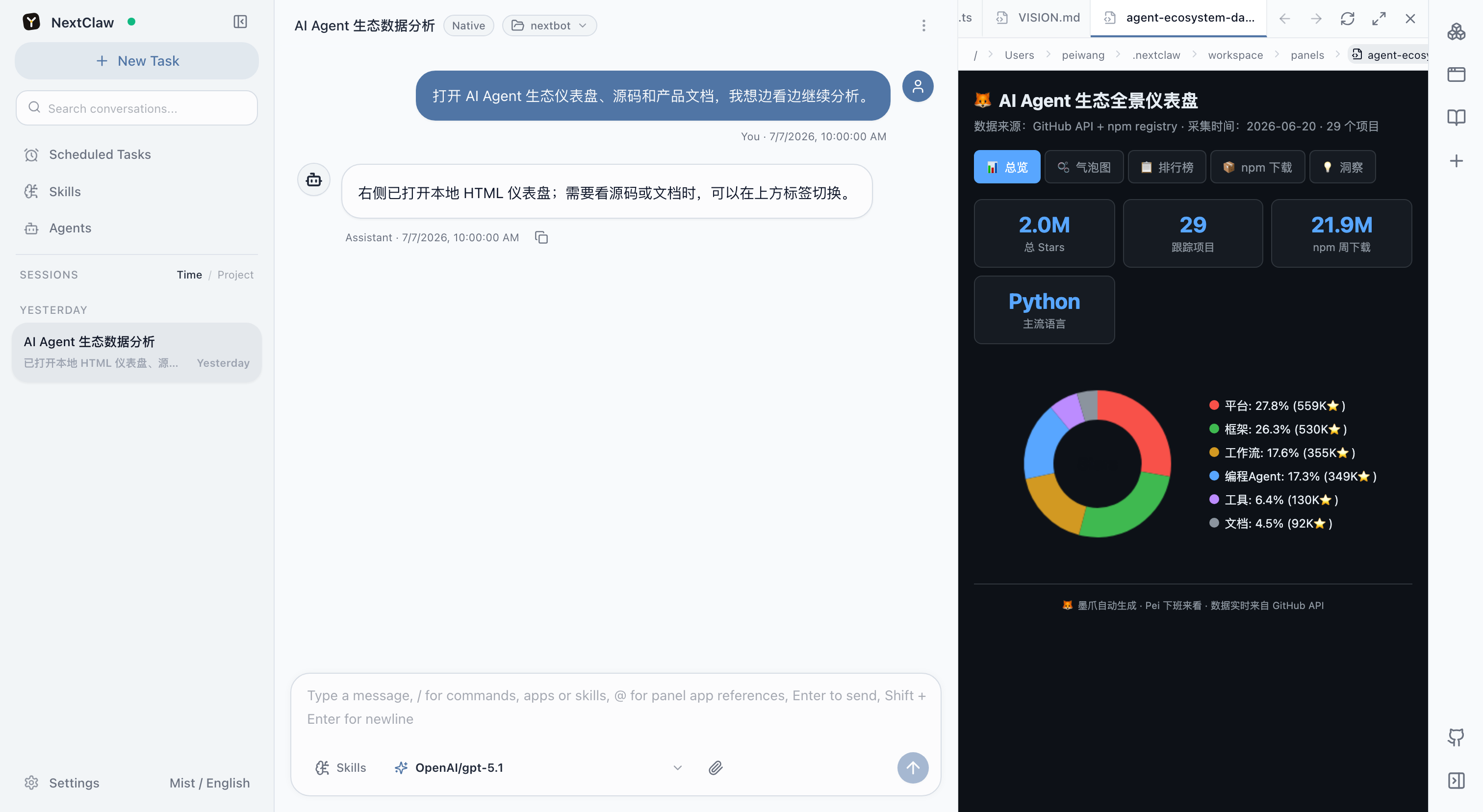
Keep files, source, and HTML beside the task
Open local HTML, code, Markdown, and project files in the right-side workspace while the conversation remains available.
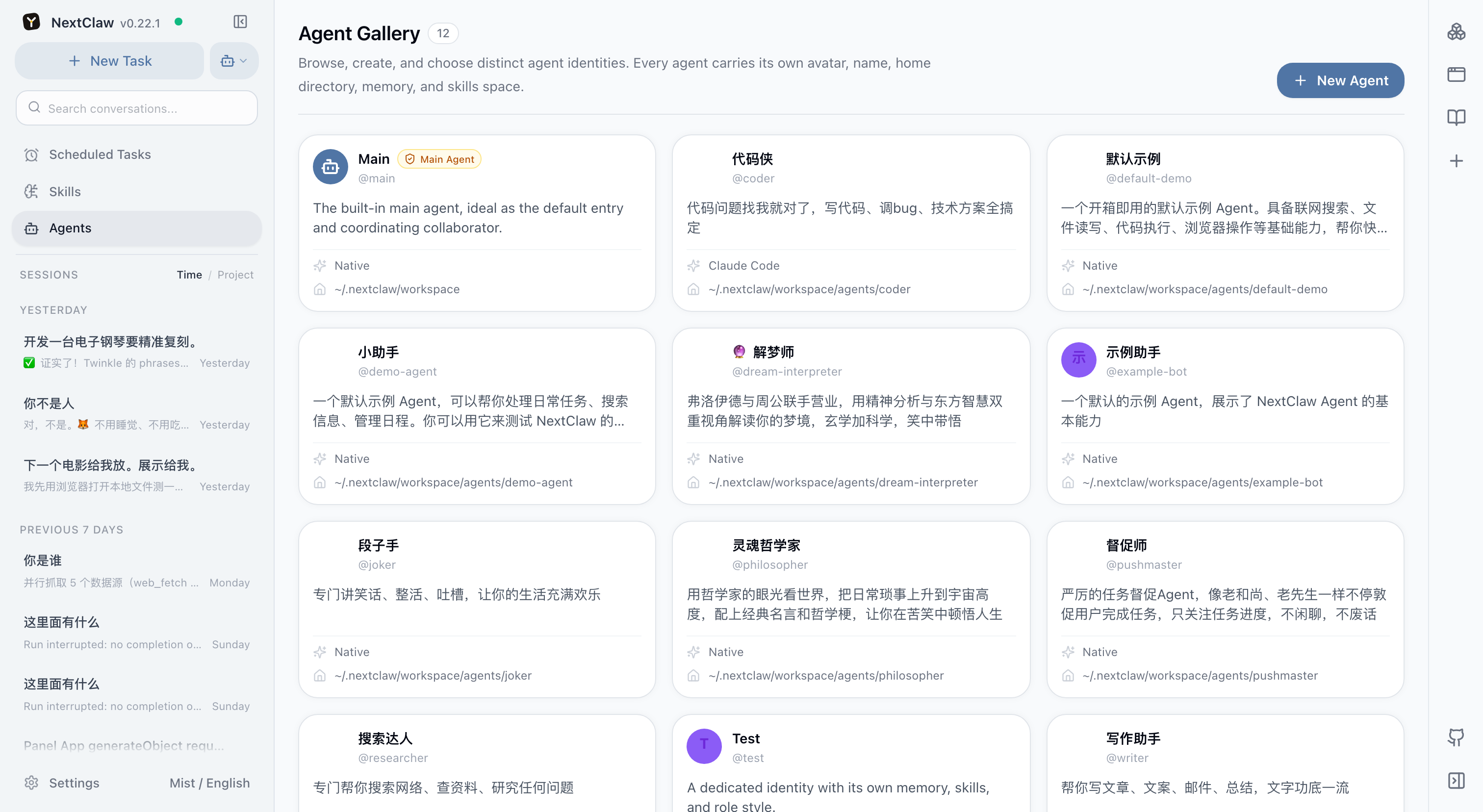
Give different agents their own working context
Create agents with separate roles, memory, skills, runtimes, and workspaces, then start the right one from the same interface.
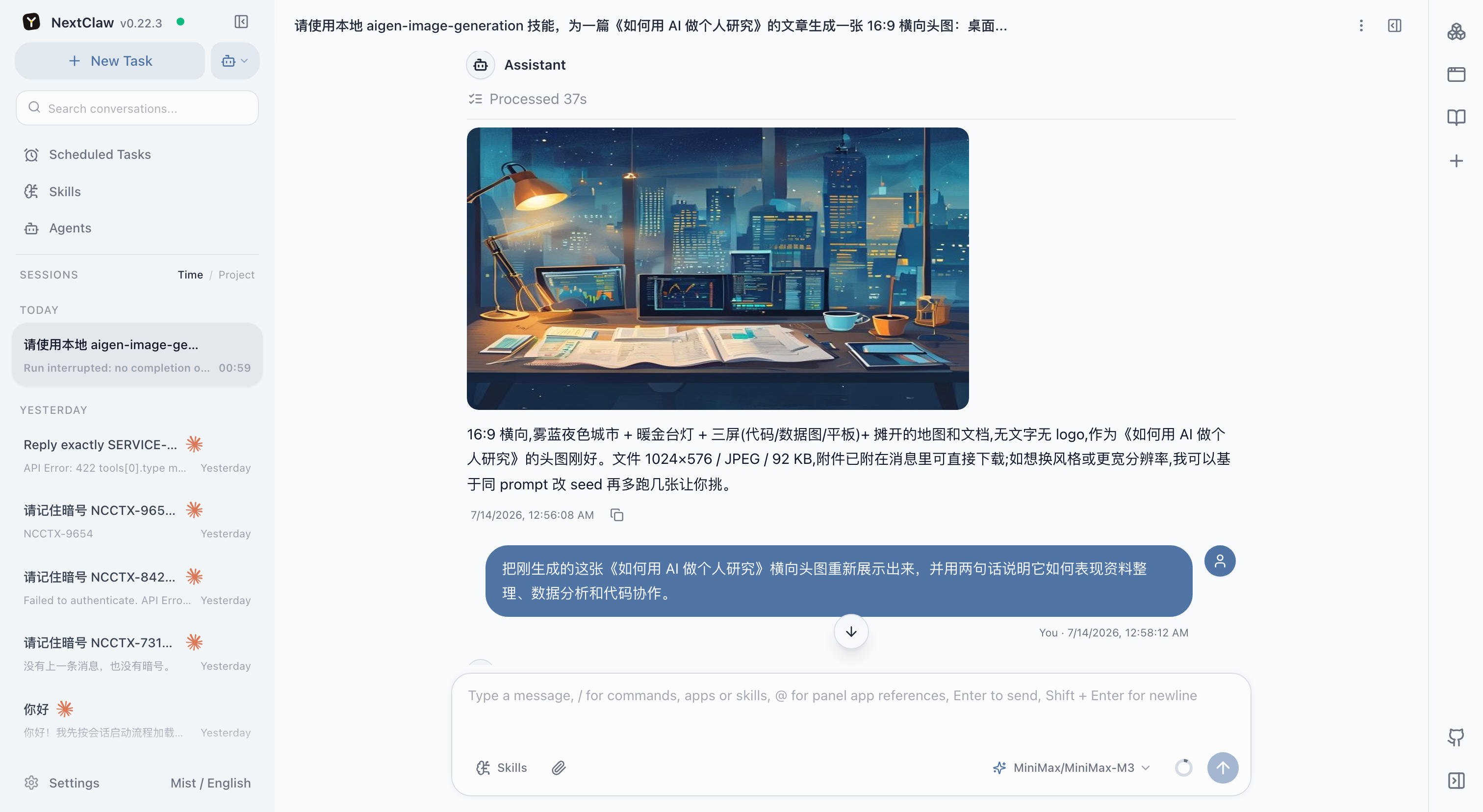
Generate an image and keep the local file
Create visuals for articles, product drafts, or source material, then continue using the result in the same task.
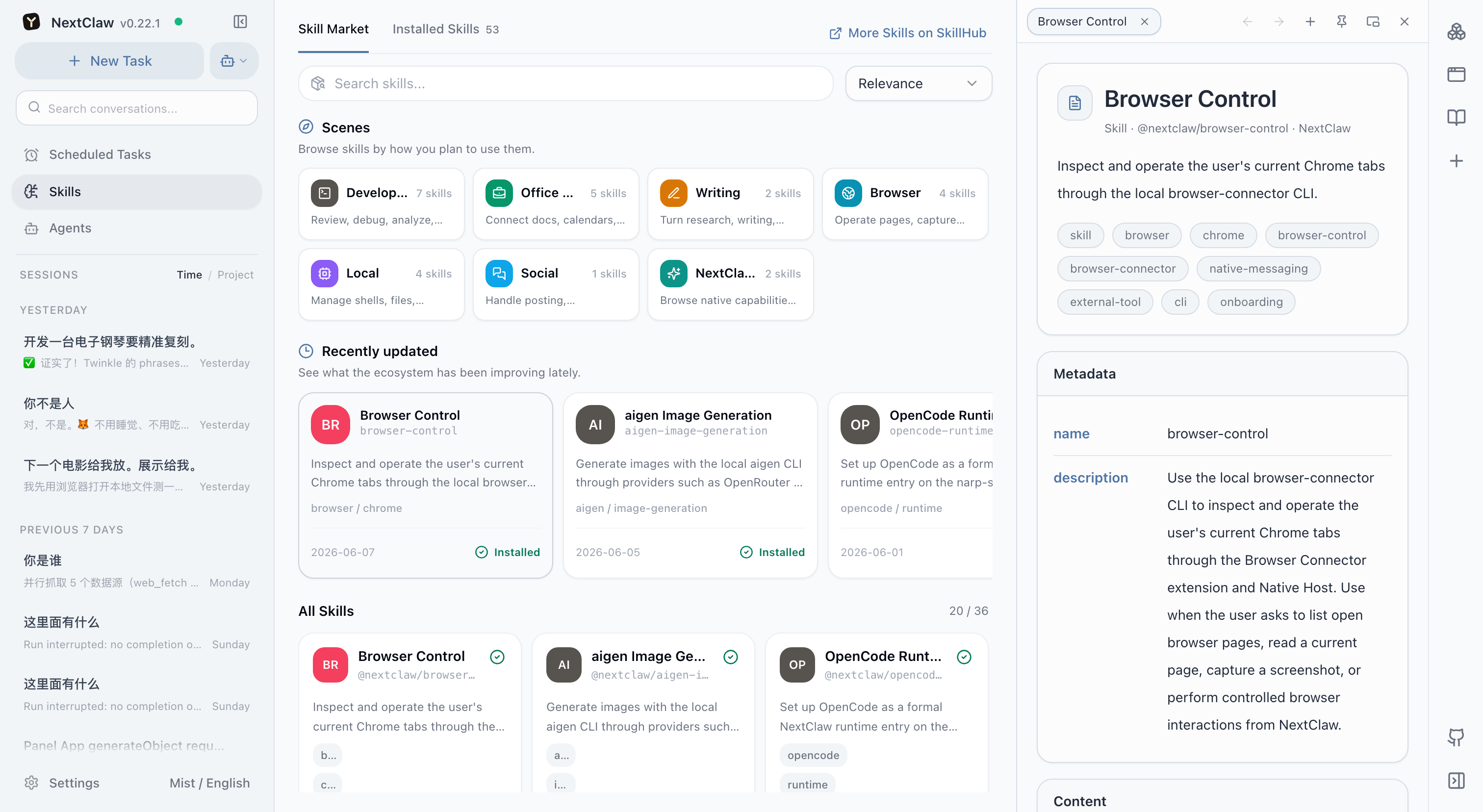
Add skills and keep references open
Browse and install skills from the workspace. Skill details, docs, and other references can stay open in the global side browser while you work.
Models, Channels, and Tools
- Models — OpenRouter, OpenAI, Anthropic, Gemini, DeepSeek, MiniMax, Moonshot, DashScope, Zhipu, AiHubMix, vLLM, and custom OpenAI-compatible endpoints.
- Messaging channels — Weixin, Feishu/Lark, QQ, DingTalk, WeCom, Telegram, Discord, Slack, WhatsApp, and email.
- Capabilities — skills, MCP servers, CLI tools, browser control, local files, Panel Apps, and scheduled tasks.
- Local control — configuration, conversations, and credentials stay in the environment you control. Connected providers and channels receive the data you send through them.
Develop From Source
From the repository root:
pnpm install
pnpm dev start
The development stack prints its local URLs in the terminal and uses ~/.nextclaw by default. Set NEXTCLAW_HOME=/path/to/home to use an isolated data directory.
To run only one side:
pnpm dev:backend
pnpm dev:frontend
To refresh the repository and website screenshot set:
pnpm run screenshots:refresh
Documentation
Repository planning: Roadmap · TODO
Community
- Discord
- GitHub Issues
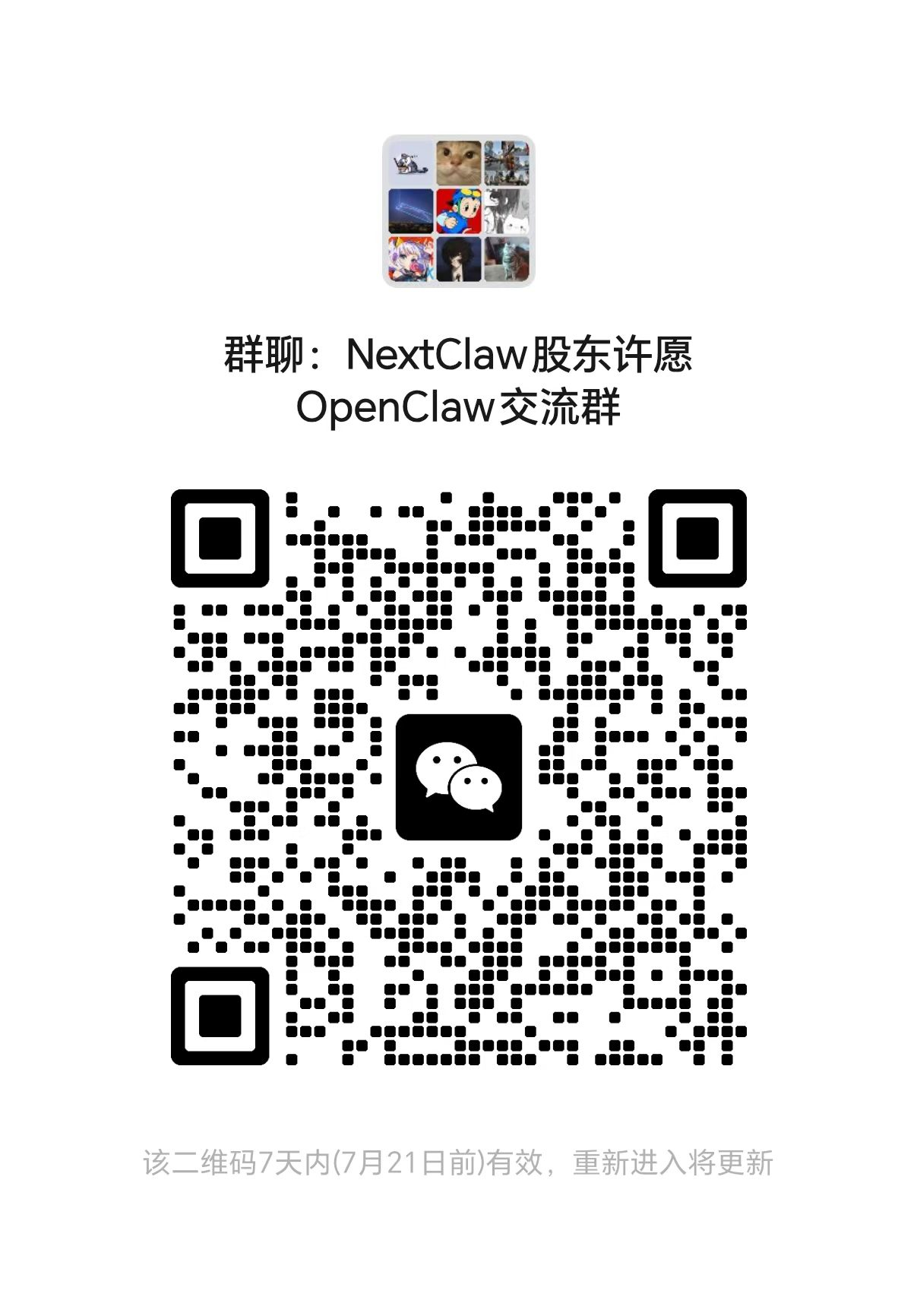
- WeChat group: scan the QR code below.
Contributing
Contributions are welcome. Open an issue to discuss a bug or proposal, or submit a pull request with a focused change and its relevant verification.
Acknowledgements
NextClaw was inspired by these projects:
- OpenClaw — inspired NextClaw's early exploration of a full-stack AI assistant.
- NanoBot — demonstrated how a small agent framework can remain useful and extensible.
License
Reviews (0)
Sign in to leave a review.
Leave a reviewNo results found