Powerpoint-fancy-design
Health Warn
- No license — Repository has no license file
- Description — Repository has a description
- Active repo — Last push 0 days ago
- Community trust — 13 GitHub stars
Code Fail
- eval() — Dynamic code execution via eval() in scripts/audit_twitter_style_cases.mjs
- process.env — Environment variable access in scripts/audit_twitter_style_cases.mjs
- process.env — Environment variable access in scripts/build_review_sheets.mjs
- process.env — Environment variable access in scripts/build_template_style_cases.mjs
- process.env — Environment variable access in scripts/build_twitter_style_cases.mjs
- process.env — Environment variable access in scripts/export_ppt.mjs
Permissions Pass
- Permissions — No dangerous permissions requested
This skill converts page-structured Markdown into styled 1600x900 HTML slides, PNG renders, and exportable PPTX decks for presentation workflows.
Security Assessment
The tool poses a Medium security risk. The primary concern is a critical code vulnerability: the repository utilizes dynamic code execution via `eval()` located in one of its auditing scripts (`scripts/audit_twitter_style_cases.mjs`). Dynamic code execution is a high-risk vector that can allow malicious actors to run arbitrary code if the input or environment is compromised. Additionally, multiple scripts access environment variables (`process.env`), which could potentially expose sensitive local configuration data or API keys depending on how the tool is configured. Fortunately, there are no hardcoded secrets, no explicitly dangerous system permissions requested, and it does not inherently rely on hidden shell commands or external network requests.
Quality Assessment
The project is actively maintained, with its most recent code push occurring today. It has a relatively small but positive community footprint, evidenced by 13 GitHub stars. The documentation is comprehensive and includes a clear quick-start guide, supporting both Codex and Claude Code workflows. However, the project completely lacks a standard open-source license. This is a significant drawback for developers, as it means the software is technically under exclusive copyright and you do not have explicit legal permission to modify, distribute, or use it commercially.
Verdict
Use with caution due to the presence of `eval()` and the absence of a formal software license.
A presentation-design skill for Codex and Claude Code that turns page-structured Markdown into styled 1600x900 HTML slides, PNG renders, and exportable PPTX decks.
PPT Design
Language: English | 简体中文 | 繁體中文



ppt-design is a presentation-design skill for turning page-structured Markdown into polished 1600x900 HTML slides, then exporting those slides to a high-fidelity image-based PPTX when needed.
It is designed to work in both Codex and Claude Code workflows. The repository root is the full development workspace. skills/ppt-design/ is the distributable skill bundle that mirrors the shared skill content.
Current release:
Quick Start
- Install dependencies with
npm installandnpx playwright install chromium. - Prepare one Markdown file grouped by
Page 1,Page 2, and so on. - Let the skill choose a style or specify one directly.
- Generate HTML slides, review them, then export to PNG or PPTX when needed.
If you want a ready-made starting point, begin with the generic deck templates in cases/templates/.
What It Does
- Recommends a fitting visual style when the user has not chosen one.
- Accepts page-by-page Markdown as the primary content handoff format.
- Supports Chinese and bilingual slide decks with per-style font pairing rules.
- Supports
background_mode=paper|whitefor compatible light styles. - Classifies each slide by content role before choosing a layout prototype.
- Enforces a fixed safe content frame so primary content stays presentation-safe.
- Reviews every generated HTML slide for overlap, clipping, and readability.
- Exports finished HTML slides to PNG and then to PPTX.
Typical Use Cases
- Business and policy decks that need disciplined hierarchy and presentation-safe typography.
- Brand, culture, and exhibition decks that need stronger visual direction than standard slide templates.
- Chinese and bilingual presentations that need style-aware font pairing instead of generic fallback fonts.
- Static HTML-to-PPT workflows where final visual fidelity matters more than editable PowerPoint primitives.
Current Workflow
The core workflow is defined in SKILL.md and mirrored in skills/ppt-design/SKILL.md.
The important reference chain is:
references/style-selector.mdreferences/bilingual-typography.mdwhen the deck is Chinese or bilingualreferences/background-modes.mdreferences/presentation-layout-rules.mdreferences/html-review-checklist.mdreferences/layout-prototypes.mdreferences/safe-zone.md- The chosen style file in
styles/
The workflow is content-first:
- Read Markdown grouped by
Page 1,Page 2, and so on. - Infer the role of each slide, such as
cover,metric,comparison, orclosing. - Select a layout prototype based on style family and content role.
- Keep primary content inside the slide safe zone.
- Generate one HTML file per slide.
- Review and revise before delivery.
- Export to PPT only when needed.
Layout And Safe Zone Contract
The current system is no longer a loose “fill the page” template. It uses a fixed slide contract:
- Slide canvas:
1600 x 900 - Main content frame:
y = 108pxtoy = 804px - Top reserved zone:
0-96px - Bottom reserved zone:
804-900px - Primary content must live inside
.main-frame - Chrome labels are controlled by
chrome=all|bookend|none - Default chrome mode is
bookend
See:
Style Gallery
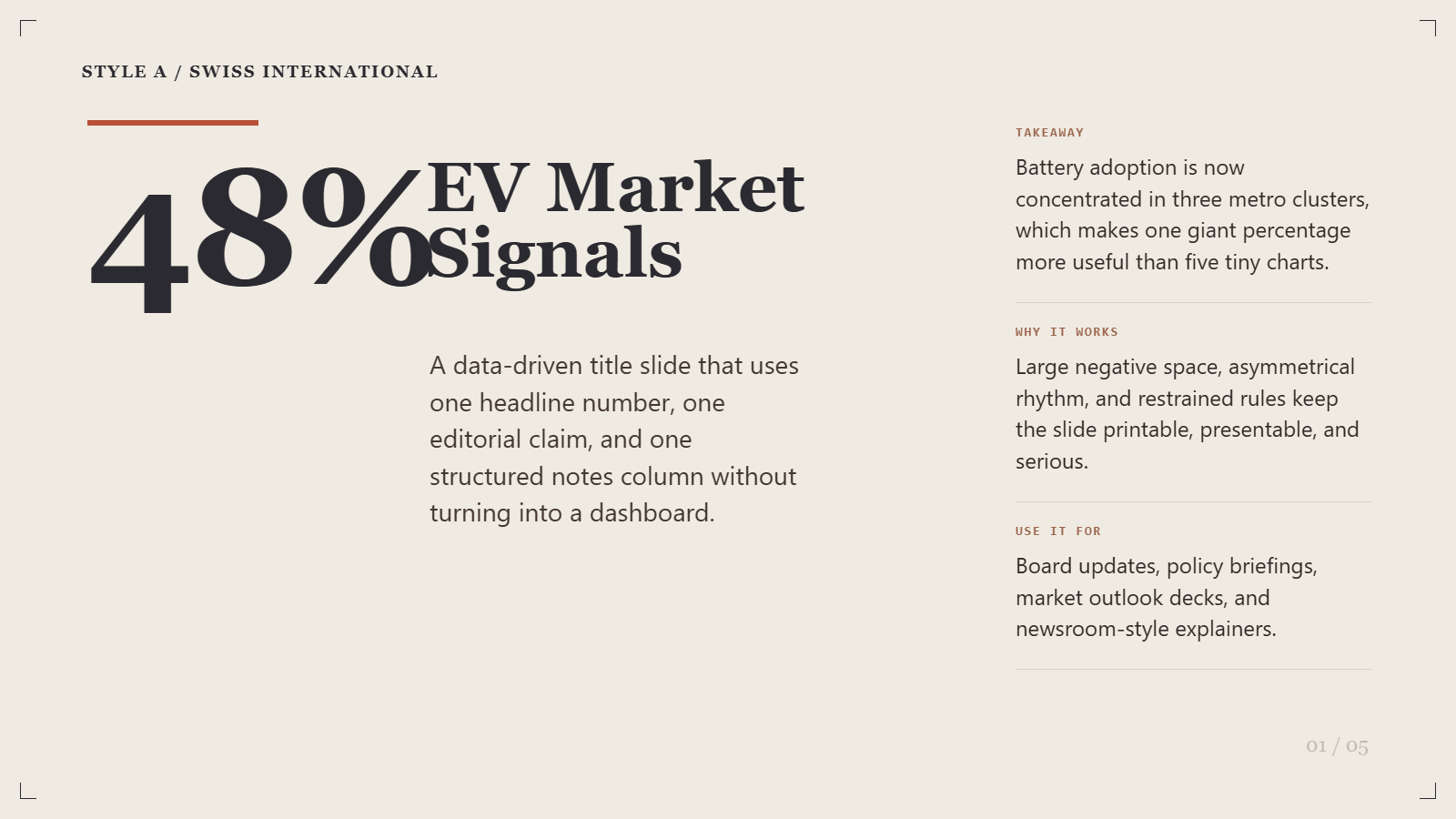
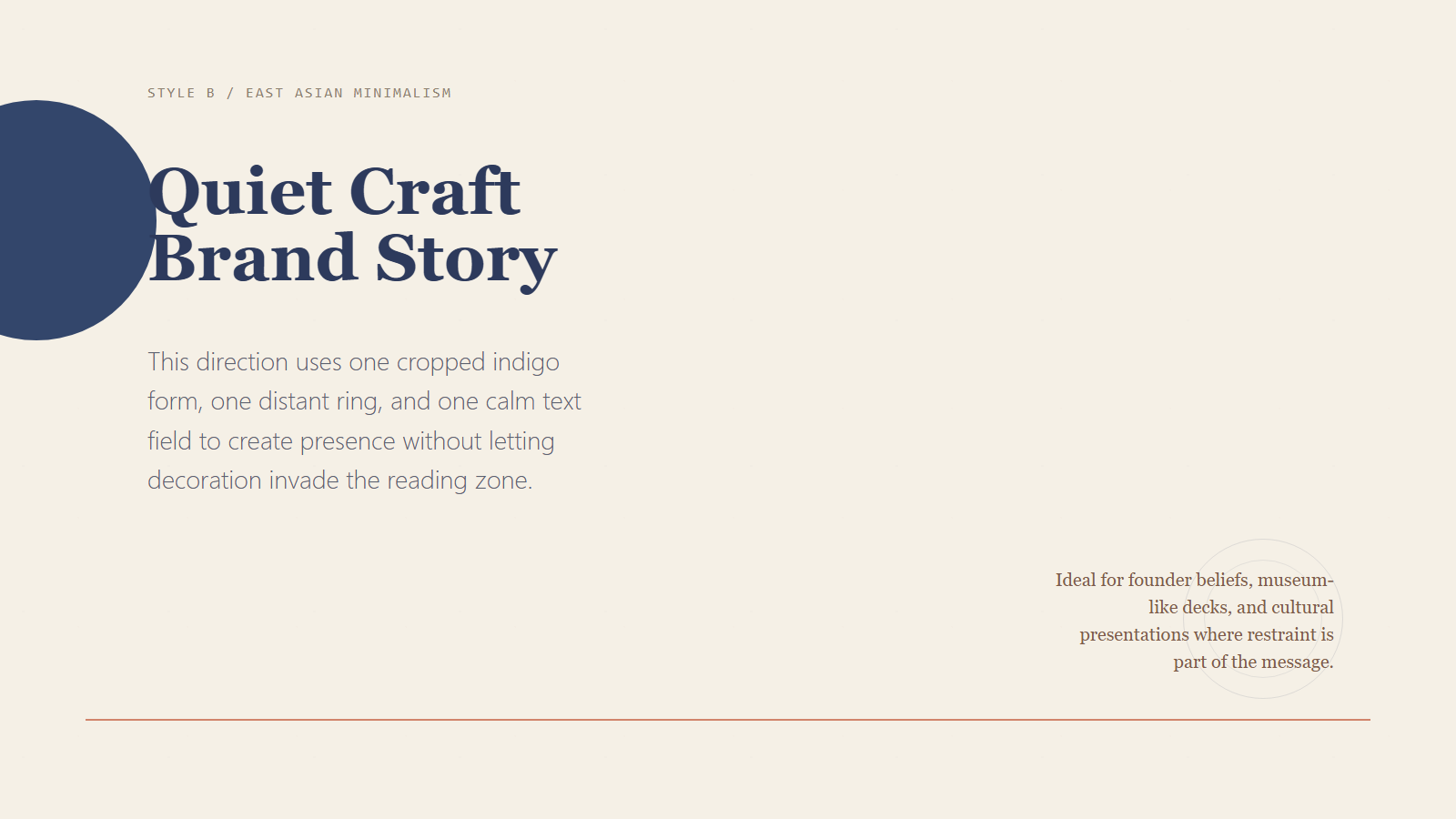
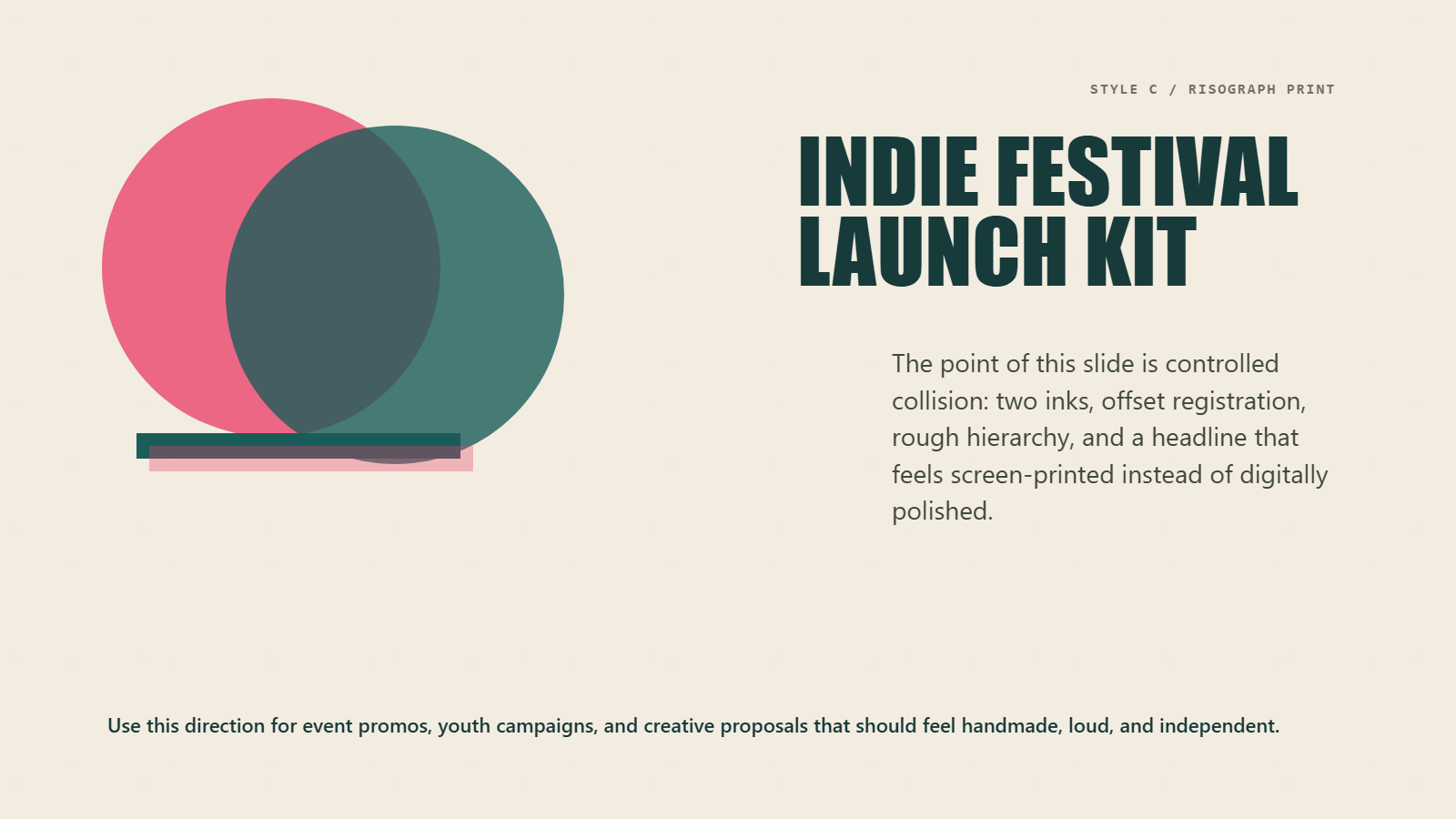
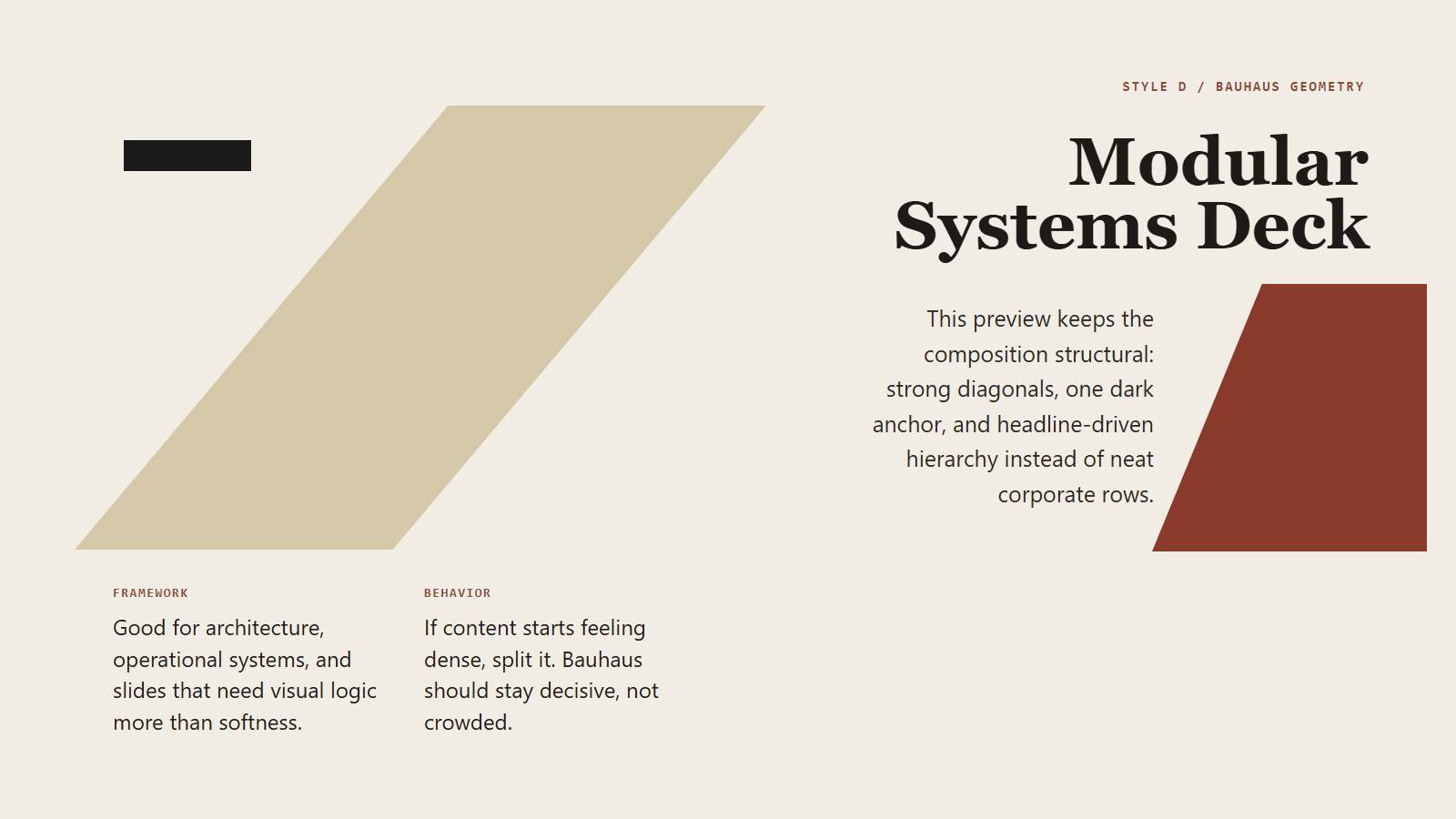
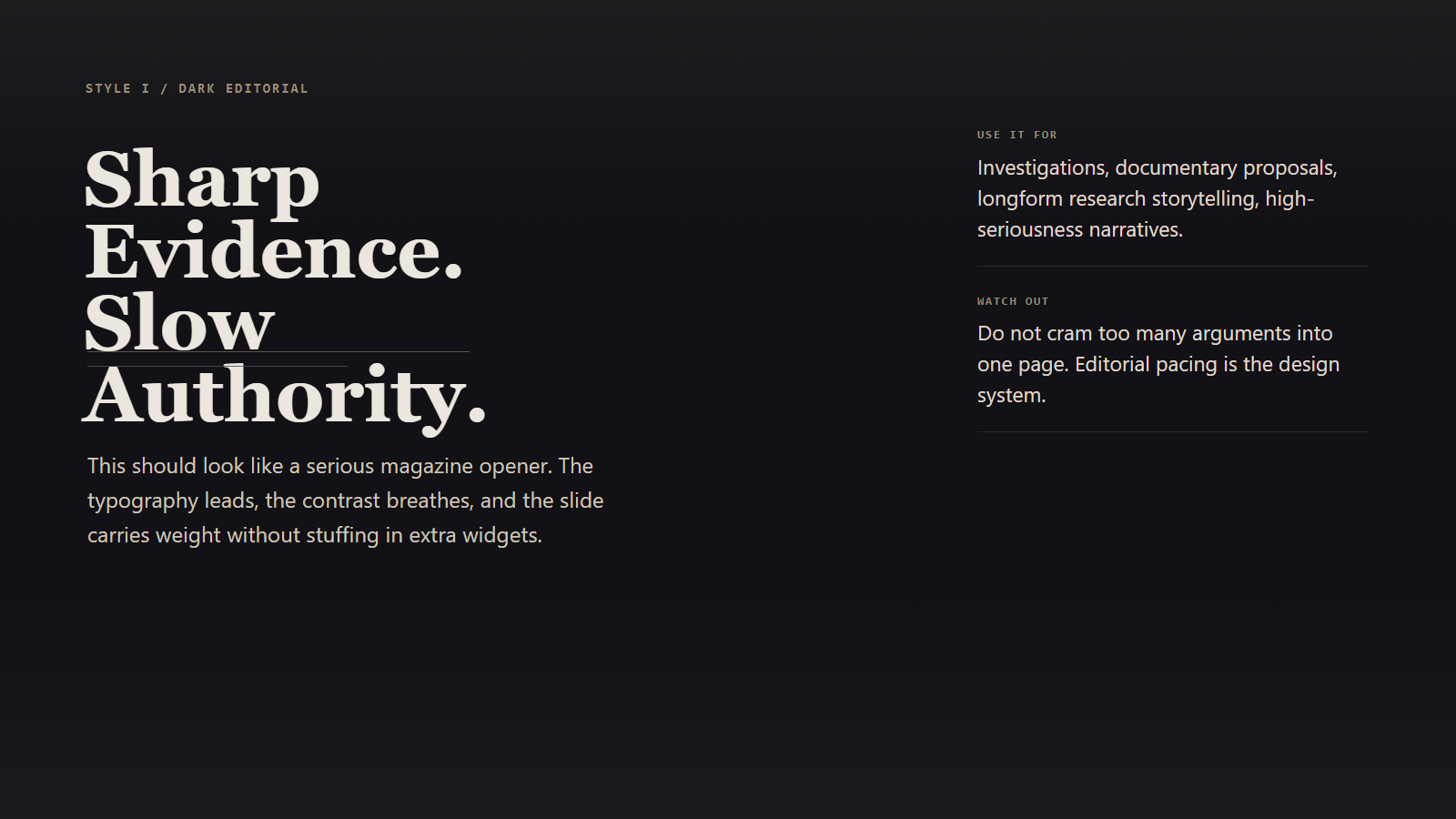
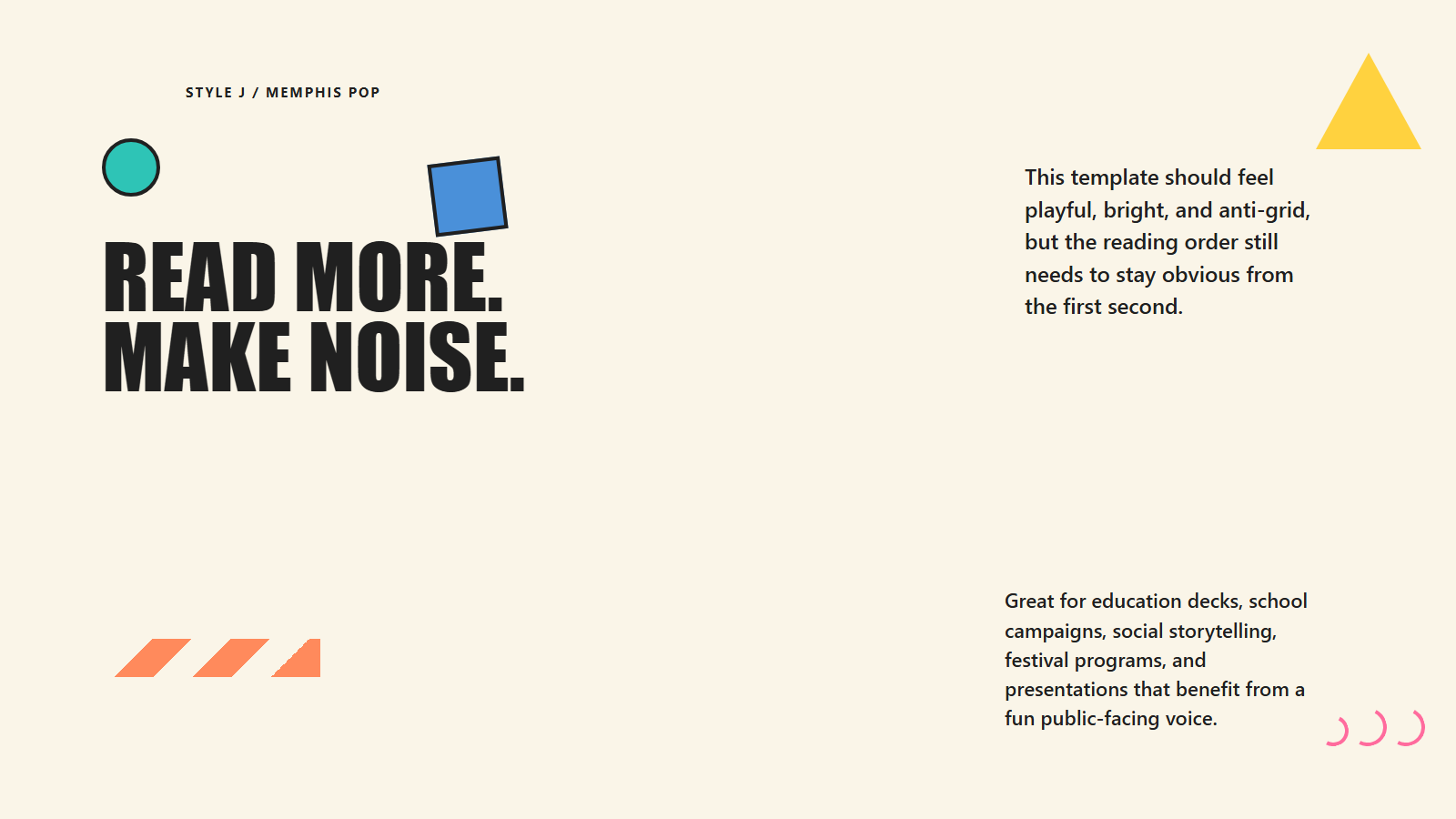
The skill currently ships with 10 styles. The gallery below is the fastest way to understand the system visually before reading the full rules.
At A Glance
| A. Swiss International | B. East Asian Minimalism |
|---|---|
 |
 |
editorial • grid-first, rational, asymmetrical |
minimal • quiet, spacious, reflective |
| C. Risograph Print | D. Bauhaus Geometry |
|---|---|
 |
 |
poster • indie print, layered, rough |
geometry • structural, bold, modernist |
| E. Organic Handcrafted | F. Art Deco Luxury |
|---|---|
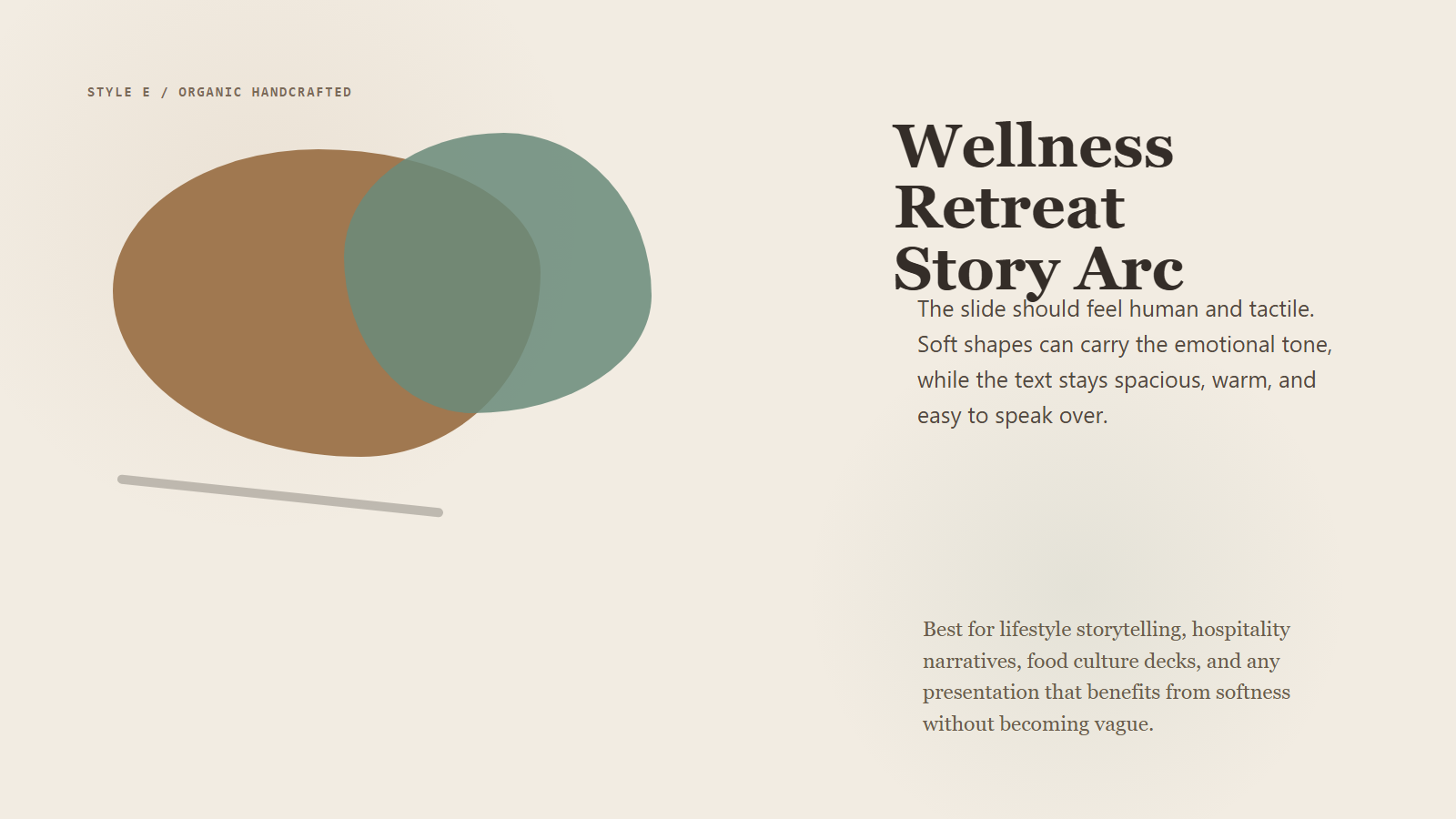 |
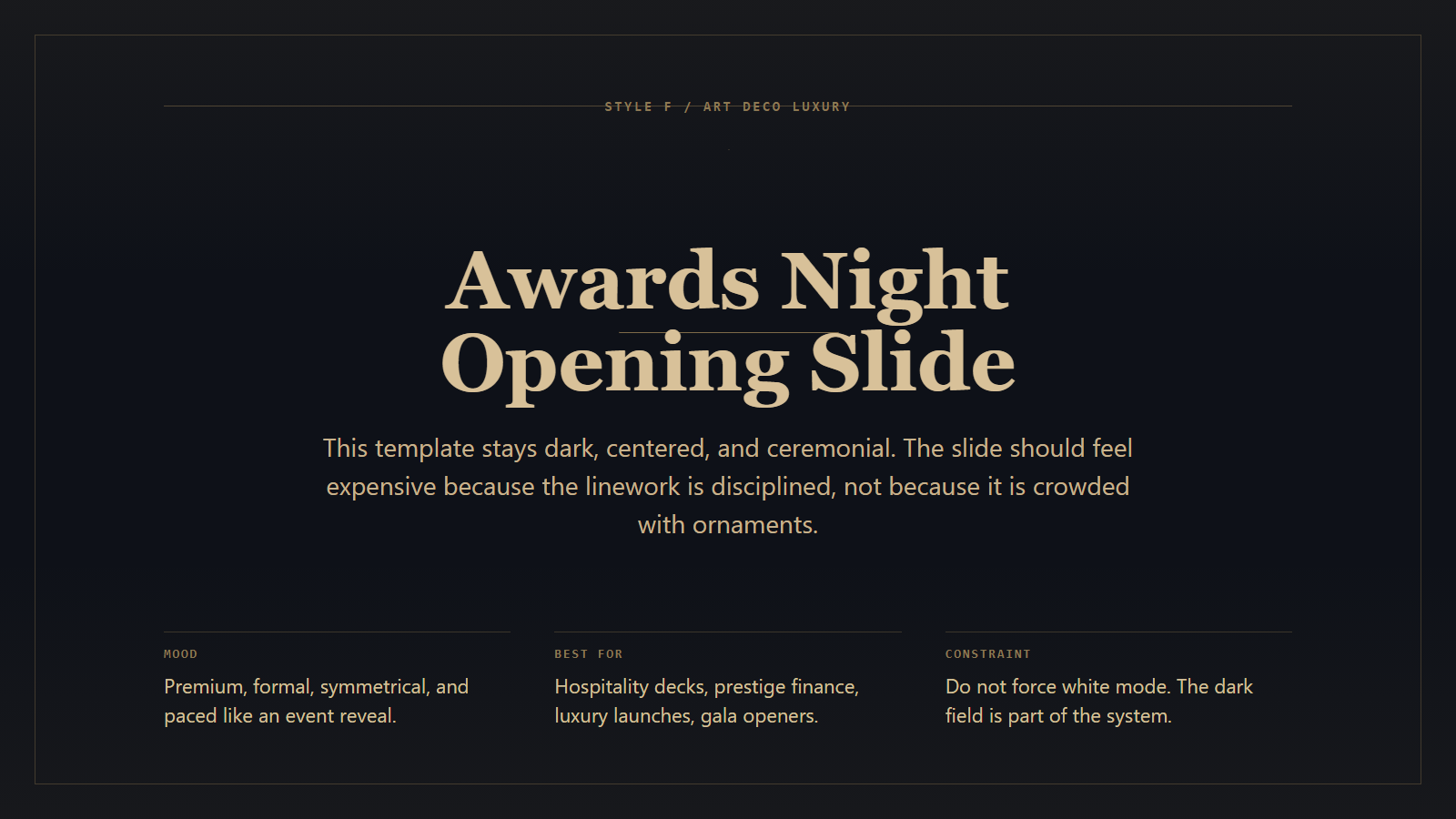 |
organic • tactile, warm, human |
luxury • dark, ceremonial, symmetrical |
| G. Neo Brutalism | H. Retro Futurism |
|---|---|
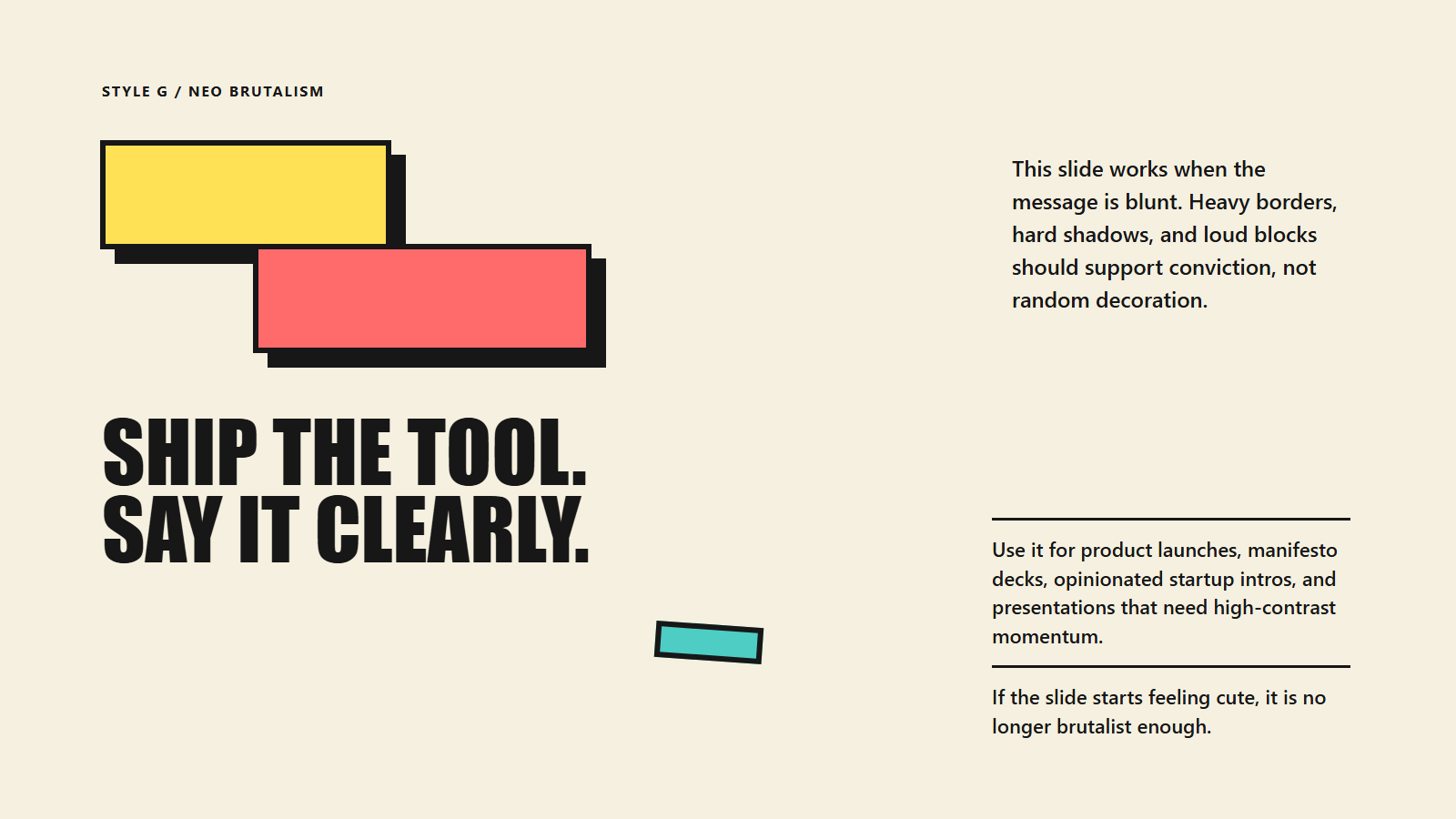 |
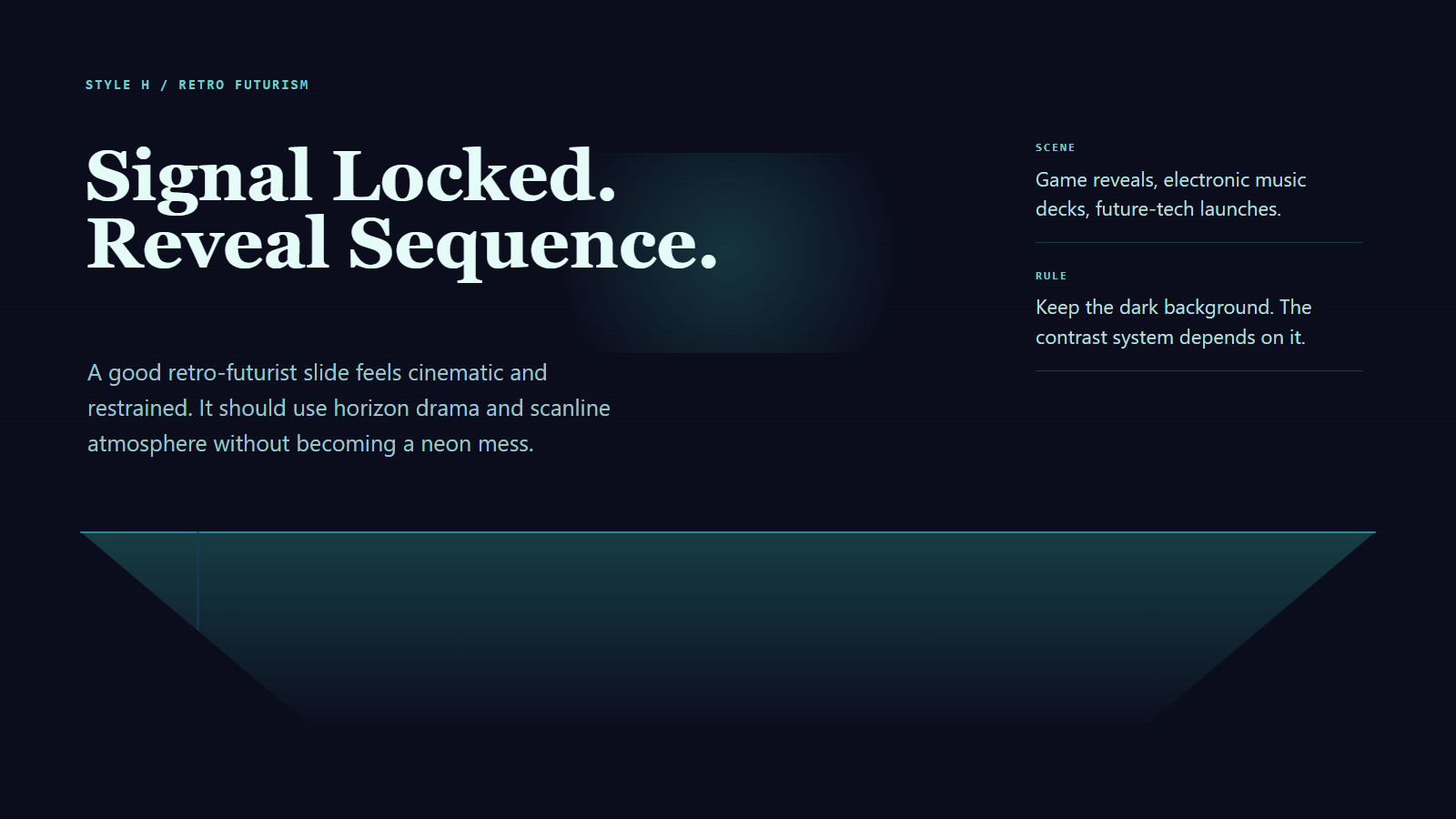 |
brutal • loud, hard-edged, startup-forward |
future • neon, horizon-grid, retro-tech |
| I. Dark Editorial | J. Memphis Pop |
|---|---|
 |
 |
dark-editorial • premium, serious, magazine-like |
playful • bright, anti-grid, energetic |
Style Profiles
| Style | Name | Family | Best For | white |
|---|---|---|---|---|
| A | Swiss International | editorial | business reports, finance, policy, newsroom summaries | Yes |
| B | East Asian Minimalism | minimal | brand values, exhibitions, culture, philosophy | Yes |
| C | Risograph Print | poster | creative proposals, indie brands, event promos | Yes |
| D | Bauhaus Geometry | geometry | architecture, design talks, product frameworks | Yes |
| E | Organic Handcrafted | organic | wellness, food, culture, lifestyle storytelling | Yes |
| F | Art Deco Luxury | luxury | luxury, hospitality, awards, prestige finance | No |
| G | Neo Brutalism | brutal | startup launches, opinionated decks, bold messaging | Yes |
| H | Retro Futurism | future | gaming, tech launches, sci-fi themes, electronic music | No |
| I | Dark Editorial | dark-editorial | investigations, documentaries, deep research | No |
| J | Memphis Pop | playful | education, entertainment, social campaigns, festivals | Yes |
Detailed selection guidance lives in:
Repository Structure
ppt-design/
|- SKILL.md
|- CLAUDE.md
|- .claude/
|  `- settings.json
|- agents/
|  `- openai.yaml
|- references/
|  |- background-modes.md
|  |- bilingual-typography.md
|  |- deck-markdown-template.md
|  |- html-review-checklist.md
|  |- layout-prototypes.md
|  |- presentation-layout-rules.md
|  |- safe-zone.md
|  `- style-selector.md
|- styles/
|  |- style_a.md
|  |- ...
|  `- style_j.md
|- scripts/
|  |- render_slides.mjs
|  |- export_ppt.mjs
|  |- build_twitter_style_cases.mjs
|  |- build_review_sheets.mjs
|  |- generate_style_previews.mjs
|  `- twitter_style_cases/
|- skills/
|  `- ppt-design/
|     |- SKILL.md
|     |- references/
|     |- styles/
|     `- scripts/
`- outputs/
   |- html/
   |- rendered/
   `- ppt/
Root Workspace vs Skill Bundle
The repository root is the full working project:
package.jsonandpackage-lock.json- development scripts
- preview assets
- example generation and audit scripts
- Claude Code project entrypoint
skills/ppt-design/ is the portable skill payload:
- shared
SKILL.md - shared references
- shared styles
- shared
render_slides.mjsandexport_ppt.mjs
This means:
- the core skill workflow is identical in both places
- the root is the complete superset
skills/ppt-design/is suitable as a distribution bundle- standalone dependency installation still happens from the root in this repo
Claude Code And Codex Entry Points
For Codex-style skill usage:
For Claude Code project usage:
Setup
Install dependencies:
npm install
npx playwright install chromium
Main Commands
Render HTML slides to PNG:
node .\scripts\render_slides.mjs --input .\outputs\html --output .\outputs\rendered
Export PNG slides to PPTX:
node .\scripts\export_ppt.mjs --input .\outputs\rendered --output .\outputs\ppt\deck.pptx
Run both:
npm run build:ppt
Build style preview assets:
npm run build:style-previews
Build the full 10-style demo pipeline:
npm run build:twitter-cases
PPT Export Metadata
PPT author and company are environment-driven:
$env:PPT_AUTHOR = "Codex"
$env:PPT_COMPANY = "OpenAI"
If unset, the export falls back to:
PPT_AUTHOR:AI AgentPPT_COMPANY:PPT Design Skill
Recommended Markdown Input
The preferred input is one Markdown file already grouped by slide.
Example:
# Page 1
## Title
2026 Market Outlook

## Subtitle
Why Southeast Asia matters now

## Key Points
- EV penetration accelerated in three urban clusters
- Battery localization is improving margin outlook
- Policy support remains uneven by country

# Page 2
## Title
Key Drivers

## Sections
### Demand
- Fleet adoption
- Urban charging growth
Reusable template:
Template Library
This repo now treats templates as the primary starting point instead of a single named-topic benchmark.
Recommended starting files:
references/deck-markdown-template.mdcases/templates/five-slide-generic.mdcases/templates/five-slide-generic.zh.mdcases/templates/ten-slide-generic.zh.md
Use these when you want:
- a neutral structure with no fixed subject matter
- a reusable deck skeleton for internal workflows
- a clean starting point before applying any specific style
If you need a full pipeline run for verification, npm run build:twitter-cases still exists as an internal demo script, but it is not the canonical product-facing example.
Quality Standard
This skill is intentionally stricter than a normal HTML generator.
Every generated slide should satisfy:
- no text collision
- no clipping
- readable type at presentation distance
- strong hierarchy for text-heavy content
- slide-safe spacing and padding
- all main content inside
.main-frame - no accidental text in reserved chrome zones
- no repeated layout prototype on consecutive slides
The review rules live in:
Outputs
- HTML slides:
outputs/html/ - rendered PNGs:
outputs/rendered/ - PPTX decks:
outputs/ppt/
Notes
- The root repo includes helper and audit scripts that are not part of the minimal distribution bundle.
- Existing smoke-test HTML files under
outputs/html/are just local artifacts, not the canonical layout template. - The canonical behavior should always be taken from
SKILL.mdplus the reference documents.
Reviews (0)
Sign in to leave a review.
Leave a reviewNo results found