zmNinjaNg
Health Pass
- License — License: Apache-2.0
- Description — Repository has a description
- Active repo — Last push 0 days ago
- Community trust — 24 GitHub stars
Code Pass
- Code scan — Scanned 12 files during light audit, no dangerous patterns found
Permissions Pass
- Permissions — No dangerous permissions requested
No AI report is available for this listing yet.
State of the art mobile app for ZoneMinder. A complete rewrite of zmNinja with more features
zmNinjaNg - ZoneMinder Client





A web and mobile application for ZoneMinder for viewing live camera feeds, reviewing events, and managing multiple server profiles. It is a rewrite of the original zmNinja application, built on React, TypeScript, Capacitor, and Tauri.
Demo
Important Notes:
- zmNinjaNg supports self-signed certificates on mobile (iOS/Android). Enable it in Settings > Connection. On desktop, add your CA to the system trust store. Using proper certificates (e.g. LetsEncrypt) is still recommended.
- zmNinjaNg has been tested with zmesNg - I'd recommend you switch to this new ecosystem
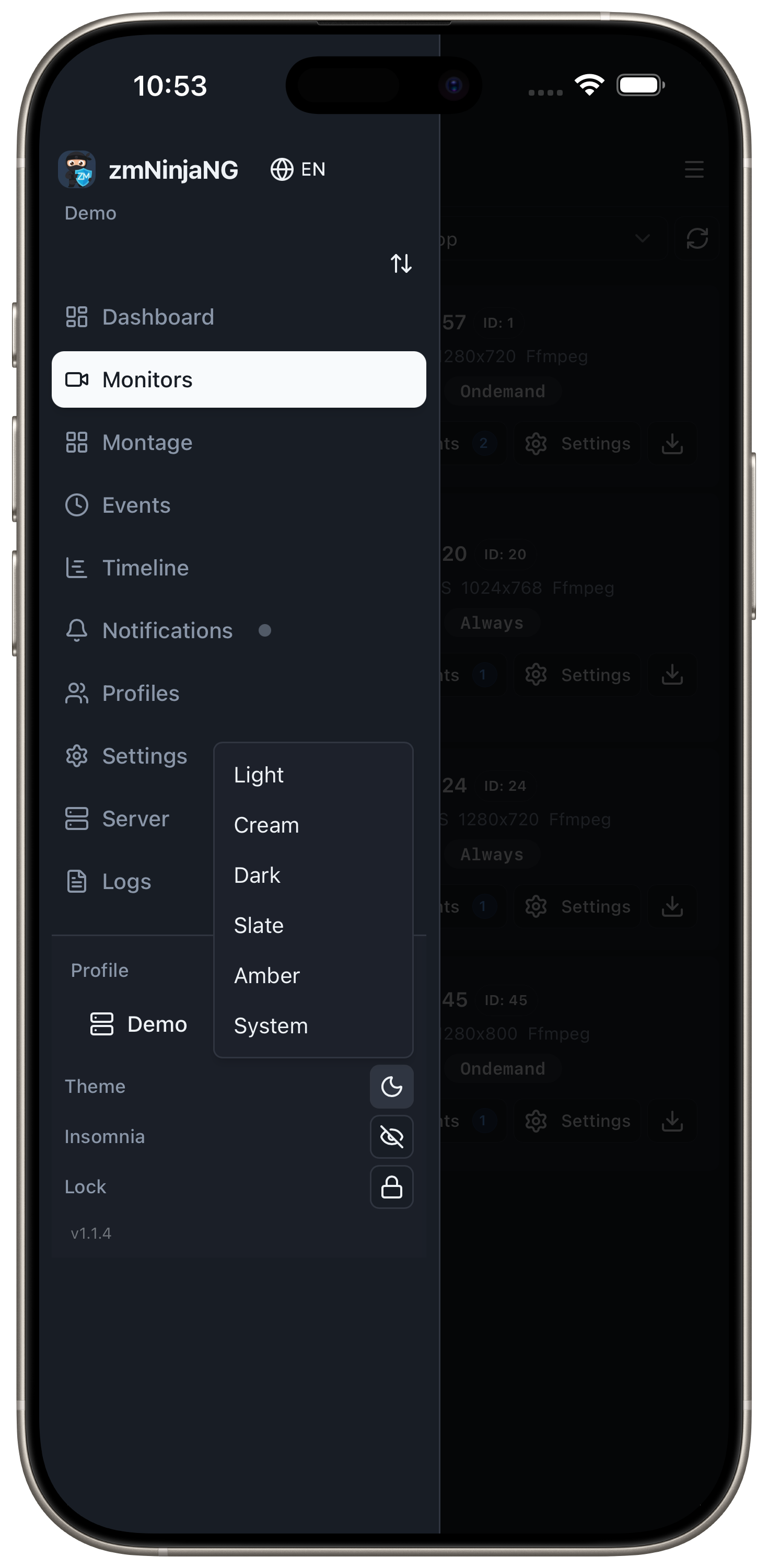
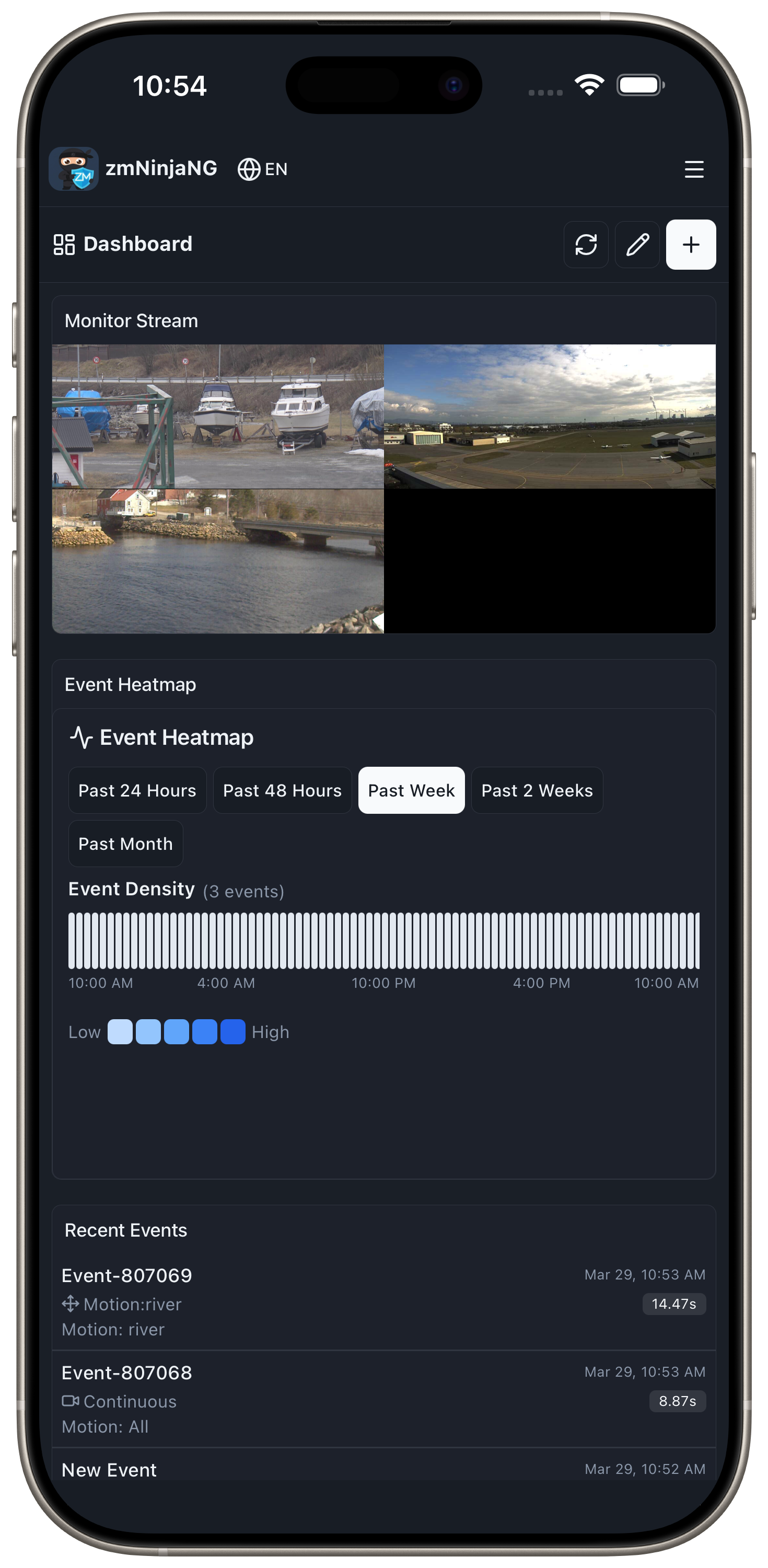
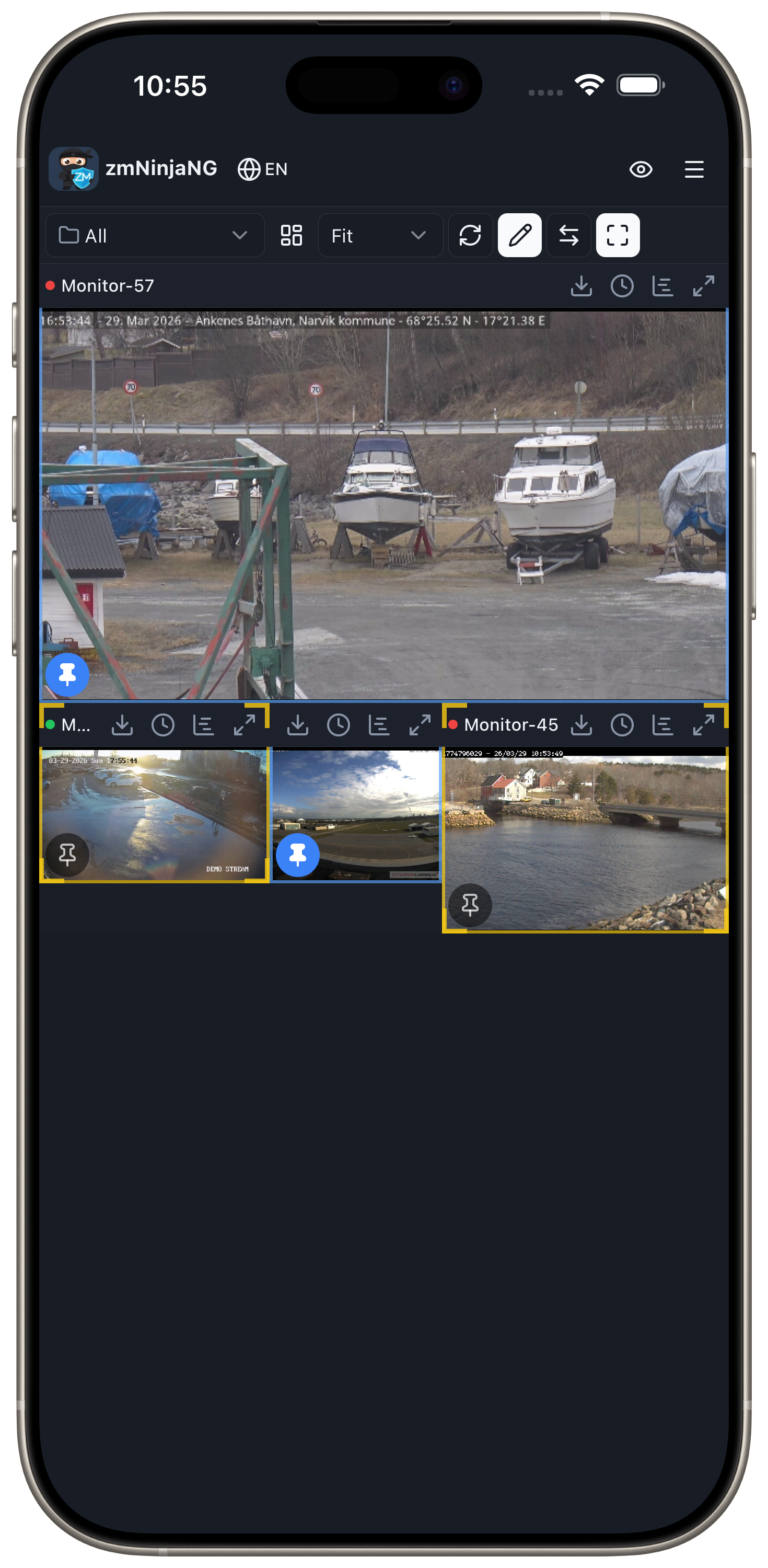
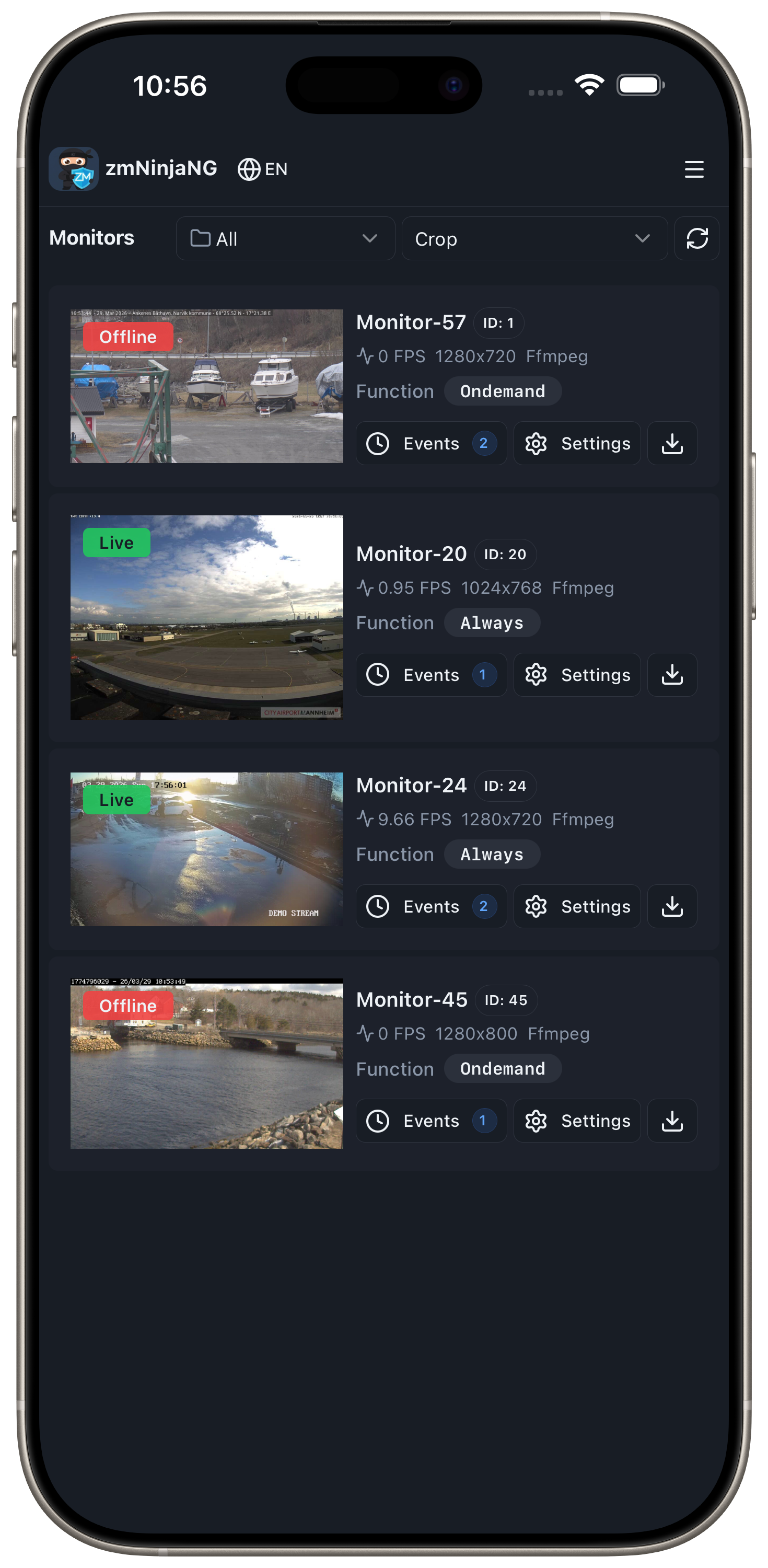
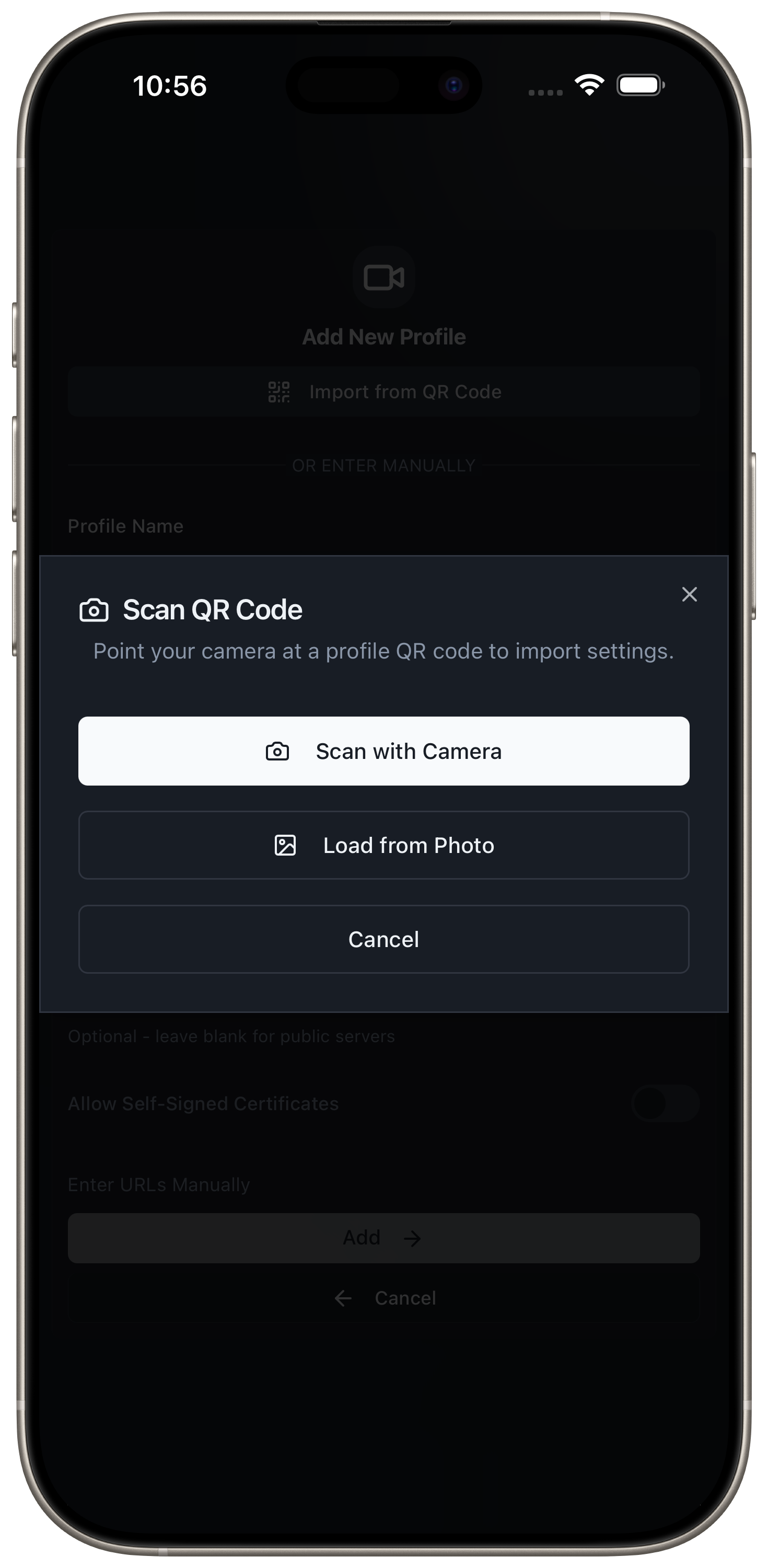
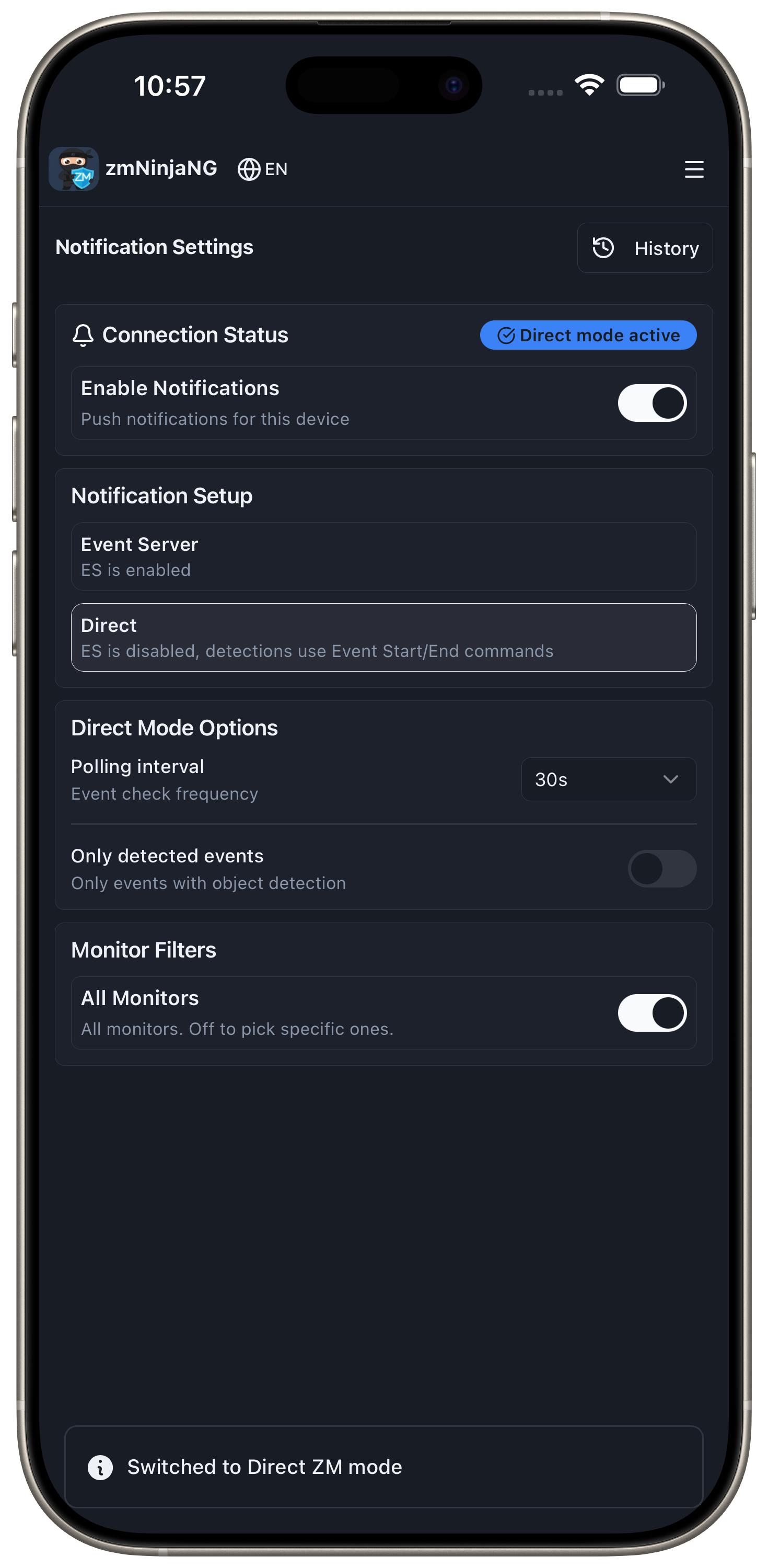
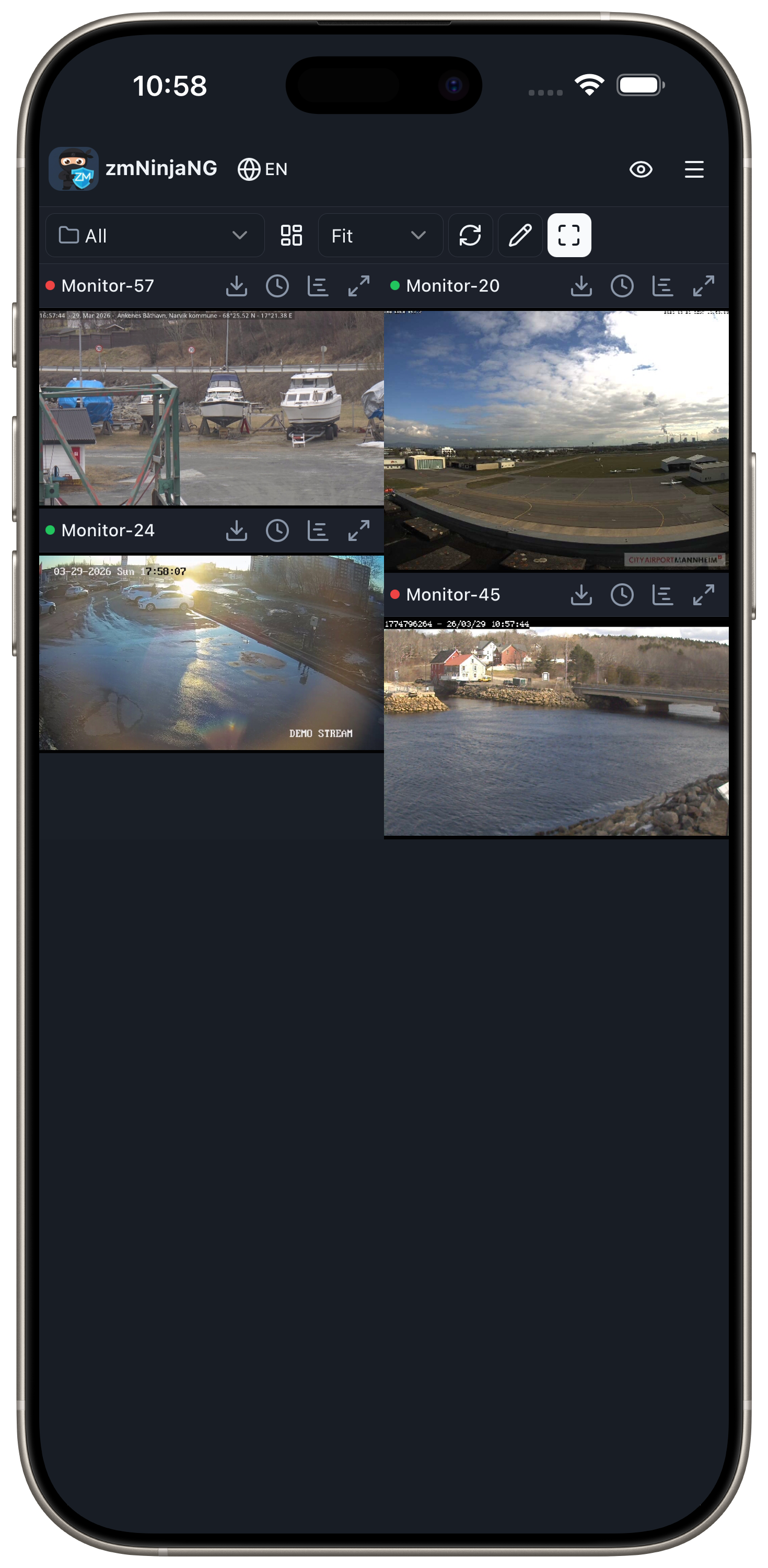
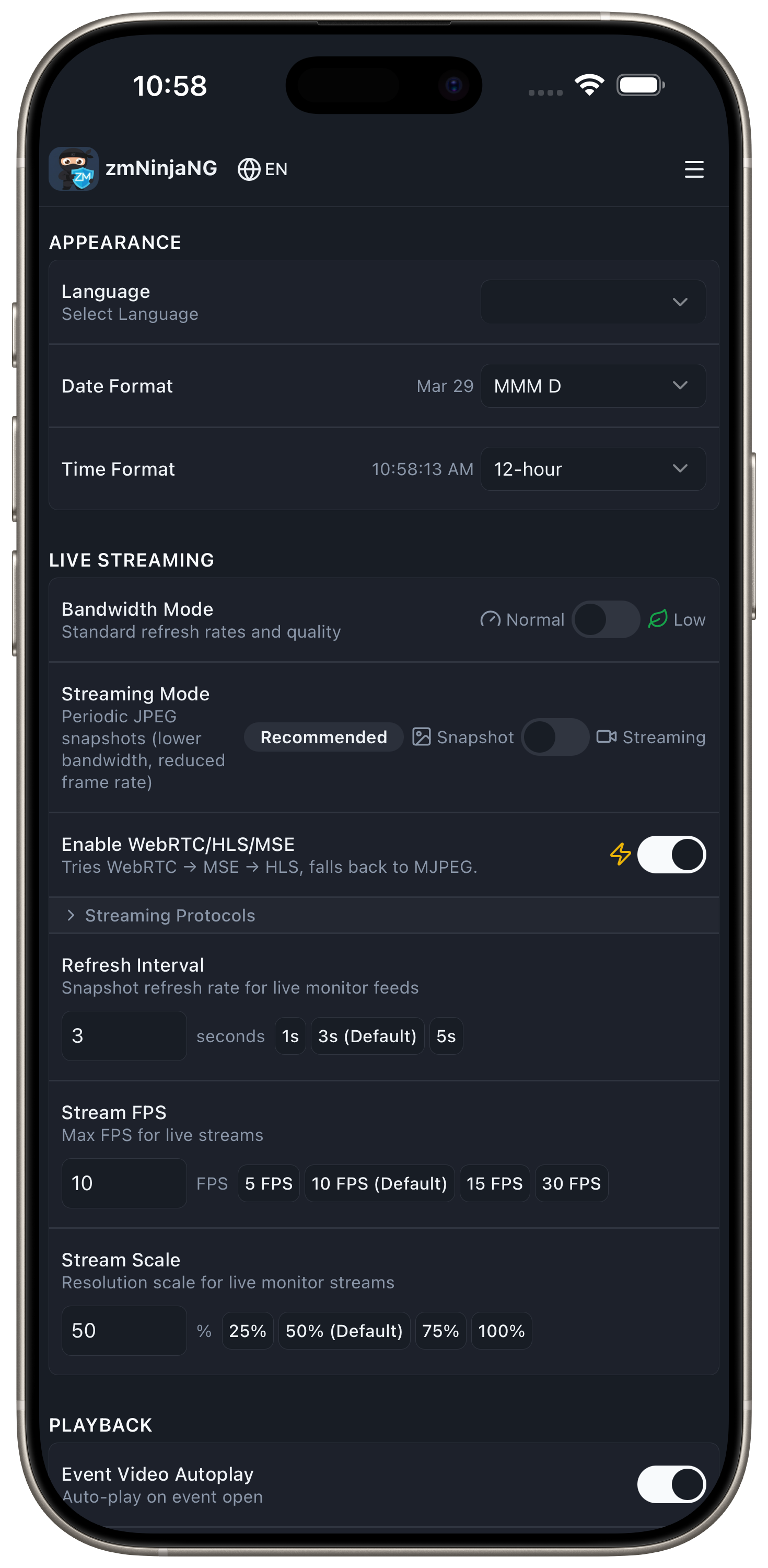
Support
I (Pliablepixels) don't plan to support zmNinjaNg with any urgency. Please don't ping me and expect quick answers. ZoneMinder however does plan to offer limited support, just like it did with zmNinja.
Agentic AI
zmNinjaNg, esNg and pyzmNg heavily use Agentic UI (Claude) for development. Thanks to these tools, I was able to redo things and get it to a point where the new codebase is better in many ways than the old one. I don't plan to change this anytime soon (and if I did, I won't have time to extend this anymore). In short, in my view, this is the new way of development for me atleast. I've spent a lot of time working with Claude to build this system - just because I used AI doesn't really mean I don't know what is going on. I do and I still spend time reading/understanding the code as changes are made.
Pull Requests
I am happy to accept PRs, but I don't want AI slop. Funny I am saying this, given this repo is largely AI agent(s) generated. The difference is I understand the code and know how to prompt it with directions that make the tools generate better quality code. Remember these tools are capable but love to write a lot of code doing custom things when simpler/better means are available. They also make mistakes. So here are the rules:
- If you have not read and understood the code you generated, please don't PR it to my repo. Please continue to extend it yourself
- See my agent rules for CLAUDE here - please make sure to use it in your agent
- Before you PR, please do a code review
Notes
- Self-signed certificates are supported on mobile (iOS/Android) via Settings > Connection. On desktop, add your CA to the system trust store. Using proper certificates (e.g. LetsEncrypt) is still recommended.
- If you want push notifications, you'll have to use a newer Event Server
Quick Start
Binaries
- Download from here
- I use Github workflows and runners to automatically build release binaries here. Binaries are built for specific platforms. If the binary doesn't work for your linux distro, look at those files
Build from Source
Prerequisites
- Node.js ^20.19.0 || >=22.12.0 and npm (download)
- For desktop builds: Rust toolchain (for Tauri builds)
GitHub Actions Setup (For Automated Releases)
If you're setting up automated builds via GitHub Actions, you need to enable write permissions:
- Go to your repository on GitHub
- Navigate to Settings → Actions → General
- Scroll down to Workflow permissions
- Select "Read and write permissions"
- Check "Allow GitHub Actions to create and approve pull requests" (optional)
- Click Save
This allows the workflows to create GitHub releases automatically when you push a tag.
Desktop Development
git clone https://github.com/ZoneMinder/zmNinjaNg
cd zmNinjaNg/app
npm install

# Desktop development (Tauri - native app)
npm run tauri:dev
Desktop Production Builds
Desktop production build (Tauri): Recommended
npm run tauri:build # Output: src-tauri/target/release/bundle/
Web production build
npm run build          # Output: dist/
npm run preview        # Preview production build
Deploy web build (dist/) to: Netlify, Vercel, GitHub Pages, AWS S3, etc.
Mobile Builds
Testing
The project includes unit tests and cross-platform E2E tests. All commands run from app/.
Unit Tests
npm run test:unit              # Run all unit tests
npm run test:unit -- --watch   # Watch mode
npm run test:coverage          # With coverage report
Web E2E Tests
Uses Playwright with Gherkin .feature files against a real ZoneMinder server. Configure credentials in app/.env.
npm run test:e2e                                    # All web E2E tests
npm run test:e2e -- tests/features/dashboard.feature  # Single feature
npm run test:e2e -- --headed                          # See the browser
npm run test:e2e:visual-update                        # Regenerate visual baselines
npm run test:all                                      # Unit + web E2E
Device E2E Tests
Tests run on real devices: Android emulator, iOS simulator (phone + tablet), and Tauri desktop. Each platform uses shell scripts that handle building, booting, and running tests.
bash scripts/test-android.sh          # Android emulator (Playwright via CDP)
bash scripts/test-ios.sh phone        # iPhone simulator (WebDriverIO + Appium)
bash scripts/test-ios.sh tablet       # iPad simulator (WebDriverIO + Appium)
bash scripts/test-tauri.sh            # Tauri desktop (WebDriverIO + tauri-driver)
bash scripts/test-all-platforms.sh    # All 5 platforms sequentially
Device tests require one-time setup (Xcode, Android Studio, Appium, etc.). Run npm run test:platform:setup to verify your machine is ready. See app/tests/README.md for setup instructions and docs/developer-guide/06-testing-strategy.rst for the full testing guide.
Documentation
pip install -r docs/requirements.txt sphinx-autobuild && cd docs && make clean && make html && sphinx-autobuild . _build/html
Making releases
- See
scripts/make_release.shhere. This automatically tags the current state and triggers release builds app/package.jsonis the source of truth for the version number.scripts/sync-version.jspropagates it toapp/src-tauri/tauri.conf.jsonandapp/src-tauri/Cargo.tomlduring builds and releases
Reviews (0)
Sign in to leave a review.
Leave a reviewNo results found