claudeBuddy
Health Warn
- License — License: MIT
- Description — Repository has a description
- Active repo — Last push 0 days ago
- Low visibility — Only 5 GitHub stars
Code Fail
- fs module — File system access in .github/workflows/release.yml
- process.env — Environment variable access in app/scripts/build-notify.mjs
- spawnSync — Synchronous process spawning in app/scripts/snapshot.mjs
- process.env — Environment variable access in app/scripts/snapshot.mjs
Permissions Pass
- Permissions — No dangerous permissions requested
No AI report is available for this listing yet.
A desktop pet that knocks when your AI coding agent (Claude Code, Codex) is done or needs you. Windows, built with Tauri.
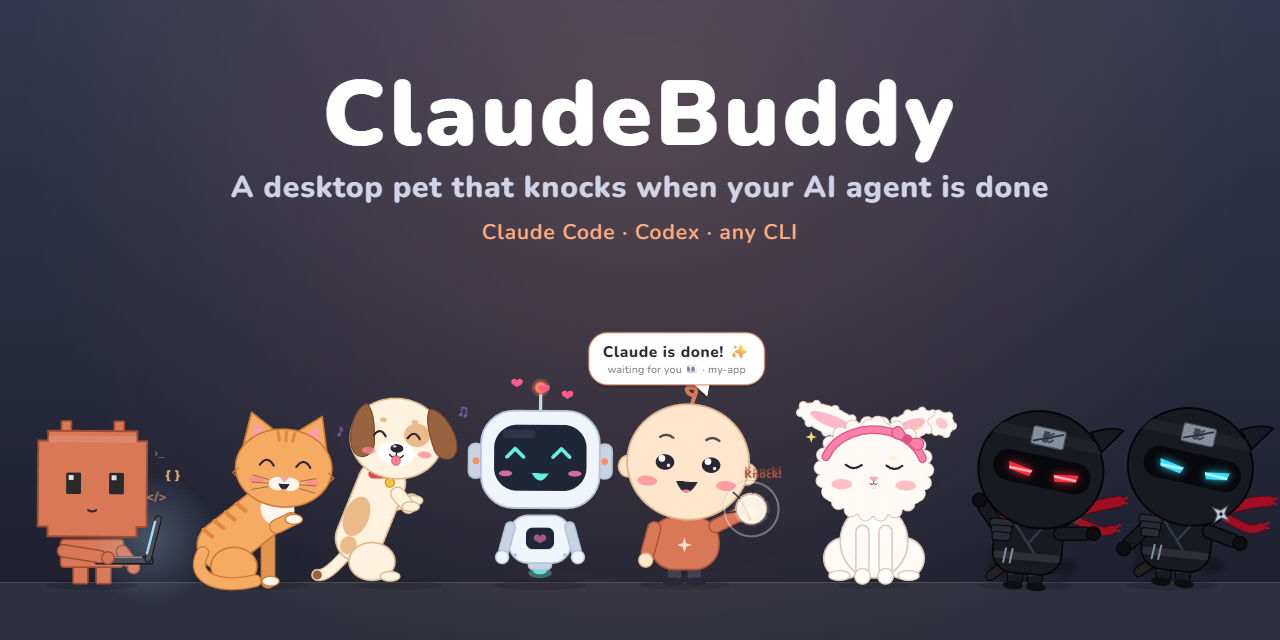
ClaudeBuddy
A tiny desktop pet for Windows and macOS that lives at the bottom of your screen and knocks on the glass when your
AI coding agent — Claude Code, Codex, or anything else — is done or needs your OK.
Built with Tauri v2; it grew out of the original Swift ClaudeBuddy for macOS (v0.0.9).
Features
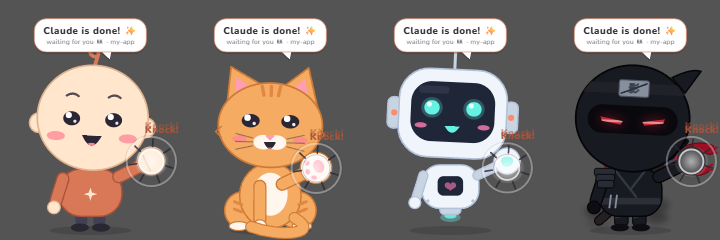
It knocks when your agent needs you. A finished turn or a permission prompt brings the buddy up to the glass:
it knocks three times (each character has its own knock sound) and shows who's waiting and in which project. Reply,
or click it, and it goes back to its spot. Several sessions at once are queued.
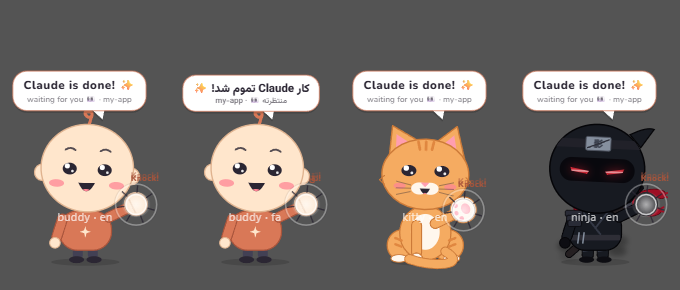
Or right where it is. Settings → Behavior → Knock: Big, in the middle or Right where it is (same spot and
size, just in front of every window).
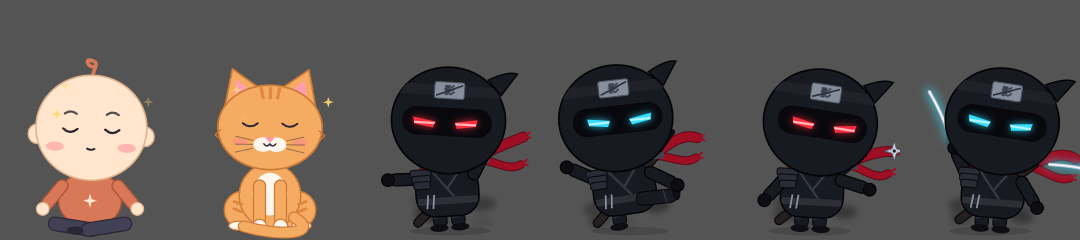
It has a life. Sits, looks around, walks, dances, naps when you're away and wakes up with a yawn. Its eyes follow
your cursor. Click for hearts; drag it around and drop it — it falls back to the floor. Drop it on an app and it
stays in front of all your windows; drop it on the desktop and it goes back behind them. Every character meditates
now and then; the ninjas practice kata,
kicks, shuriken and the sword; Byte opens a laptop and codes.
Quiet when you're watching (optional): if the session runs in the Claude/Codex desktop app and you're already
looking at it, the buddy shows a small ✓ project tag instead of knocking.
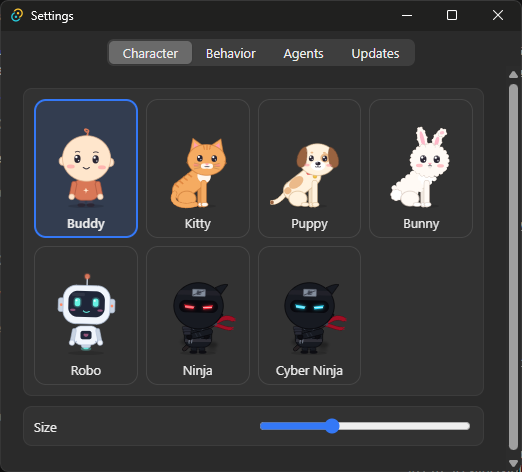
Settings — 8 characters, size, mischief (Calm / Playful / Naughty), sound, knock style, open at login,
English / فارسی, and one-click agent hooks.
Install
⬇ Download the latest release — it keeps itself up to date (what's new).
- Windows: run
ClaudeBuddy_<version>_x64-setup.exe(installs for your user only, no admin). Windows may show
"Windows protected your PC" (the installer isn't code-signed yet): More info → Run anyway. - macOS 14+ (Apple Silicon and Intel): open
ClaudeBuddy_<version>_universal.dmgand drag ClaudeBuddy to
Applications. The app isn't notarized: open it once, then System Settings → Privacy & Security → Open Anyway.
It replaces the old Swift ClaudeBuddy (same app id; the old copy is closed when the new one starts).
Then: tray / menu bar icon → Settings… → Agents → Connect next to Claude Code (and/or Codex).
Connecting adds only the buddy's entries to ~/.claude/settings.json (a .buddy-backup copy is kept); your other
hooks and settings are untouched. Disconnect removes them again.
Something wrong? Open an issue — it asks for the few
details that help.
Any other tool can knock too:
~/.claude-buddy/buddy-notify.exe <name> done '{"project": "my-app"}'   # Windows
~/.claude-buddy/buddy-notify <name> done '{"project": "my-app"}'       # macOS
Build
Node 22/24 LTS and Rust. Windows: Visual Studio 2022 Build Tools ("Desktop development with C++"), WebView2. macOS:
Xcode Command Line Tools.
cd app
npm install
npm test
npm run tauri build    # Windows → bundle/nsis/*.exe; macOS → bundle/macos/*.app and bundle/dmg/*.dmg
License
ClaudeBuddy is an independent fan project — not affiliated with or endorsed by Anthropic. "Claude" is a trademark of
Anthropic.
Reviews (0)
Sign in to leave a review.
Leave a reviewNo results found