tiktok-mcp
Health Warn
- License — License: MIT
- Description — Repository has a description
- Active repo — Last push 0 days ago
- Low visibility — Only 5 GitHub stars
Code Pass
- Code scan — Scanned 6 files during light audit, no dangerous patterns found
Permissions Pass
- Permissions — No dangerous permissions requested
No AI report is available for this listing yet.
TikTok MCP server for Claude, ChatGPT, Cursor and Codex. Publish and schedule TikTok videos and photo slideshows, or send drafts to your TikTok inbox, through TikTok's official API. No scraping, no developer app.
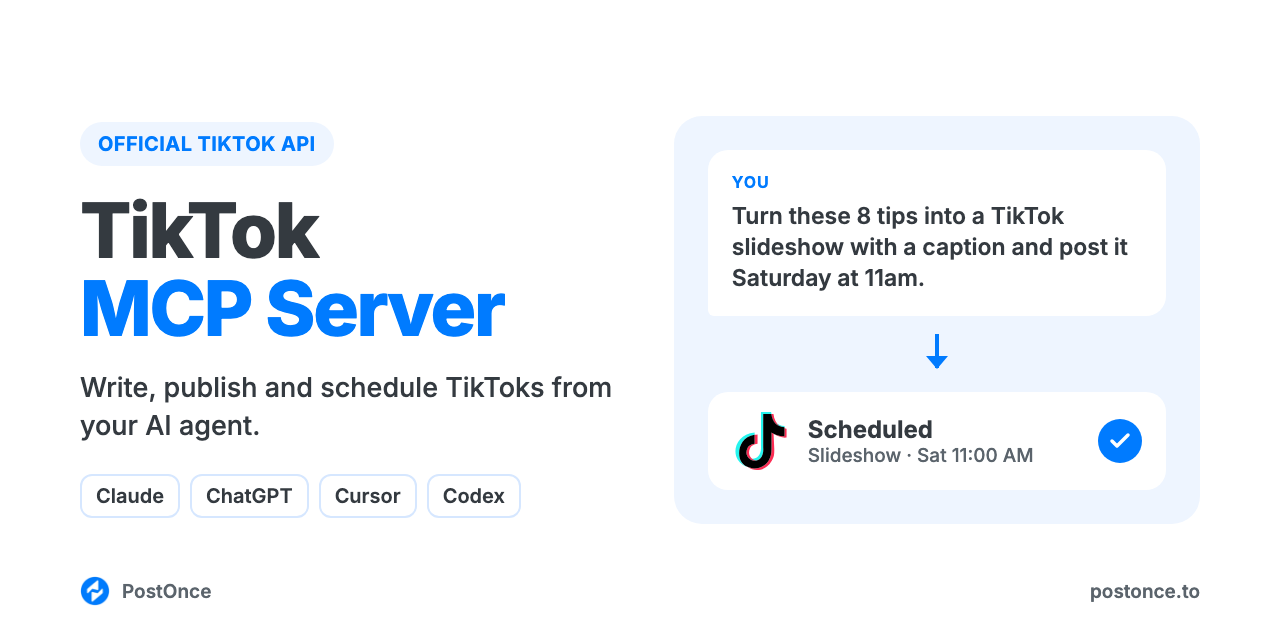
TikTok MCP Server
TikTok MCP server for Claude, ChatGPT, Cursor and Codex. Your AI agent can write, publish and schedule TikTok videos and photo slideshows, or send them to your TikTok inbox as drafts, through TikTok's official API. There's no scraping, no browser automation and no TikTok developer app to set up.
It runs on PostOnce's hosted MCP server and comes with TikTok skills for scripts, hooks, captions, hashtags and slideshows, so your agent knows what works on TikTok before it posts.
You:    Here's my video on meal prepping for the week. Write the caption and
        post it tomorrow at 6pm with duets turned off.
Claude: Wrote it with the tiktok-caption-generator skill. The first line says
        "5 lunches for $20, prepped in one hour" so it matches what people
        search, with 4 hashtags at the end. Scheduled on PostOnce for
        tomorrow 18:00 on @mealprepmaya, duets off.
Full setup guide with examples: postonce.to/mcp/tiktok
What you can do
| Ask your agent to | How it works |
|---|---|
| Post a video now (up to 10 minutes, 4 GB) | create_upload_url, upload, then create_post with media |
| Post a photo slideshow (1 to 35 images, JPEG or WEBP) | Upload each image, then create_post with the images in order |
| Schedule a post for later | create_post with publish_at |
| Send it to your TikTok inbox as a draft to finish in the app | platform_options: { "publish_mode": "draft" } |
| Set who can see it, or turn off comments, duets or stitches | platform_options: privacy (public, friends, followers, private), comments, duet, stitch set to false |
| Pick the video cover | video_cover_timestamp_ms in platform_options, or a thumbnail_url on the video |
| Label a video as AI-generated | platform_options: { "ai_generated": true } (direct video posts) |
| Save a draft in PostOnce to finish later | create_draft |
| Check whether a post went out, and get its URL | get_post |
| Change or cancel a scheduled post | update_post, cancel_post |
| See views, likes, comments, shares and saves for your posts | get_analytics, get_post_analytics |
| Post the same video to TikTok and other platforms | Add more targets to create_post (Instagram, YouTube, LinkedIn, X, Threads, Facebook, Pinterest, Bluesky) |
Not supported: text-only posts, GIFs, mixing photos and video in one post, choosing the music on a slideshow (TikTok adds music to photo posts automatically), TikTok Stories and LIVE, reading or replying to comments, DMs, and editing or deleting posts after they're published. Captions over 2,200 characters are cut off, and hashtags beyond 5 are removed.
Setup (about a minute)
You need a PostOnce account (free for 7 days, no card) with your TikTok account connected.
Claude (claude.ai and desktop) and ChatGPT: add a custom connector with the URL below and sign in with PostOnce. No API key.
https://postonce.to/mcp
Step-by-step: Claude · ChatGPT
Claude Code: install the plugin. It adds the MCP connection and the skills together, and the first time it connects your browser opens to sign in with PostOnce. No API key.
Cursor: install the plugin, then click Connect next to postonce in Cursor's MCP settings and sign in with PostOnce. No API key.
Codex: install the plugin, then run codex mcp login postonce and sign in with PostOnce in the browser. No API key.
# Claude Code
claude plugin marketplace add postoncehq/plugins
claude plugin install tiktok-mcp@postoncehq
Step-by-step: Claude Code · Codex · Cursor
Any other MCP client: point it at https://postonce.to/mcp (Streamable HTTP) and sign in with PostOnce when it asks. Clients without OAuth can send the header Authorization: Bearer <your PostOnce API key> instead (API keys are in PostOnce preferences and need a paid plan).
Skills included
| Skill | What it does |
|---|---|
tiktok-script-generator |
Writes short-form video scripts: the hook, the beats, on-screen text, B-roll and the ending. |
tiktok-hook-generator |
Gives 10 first-3-second hooks for a topic, each with the spoken line, the on-screen text and the opening shot. |
tiktok-caption-generator |
Writes captions built for TikTok search: the keyword up front, a clear line of context, and up to 5 hashtags. |
tiktok-slideshow-maker |
Plans and builds a photo-mode slideshow (up to 35 images at 1080×1920 or 1080×1440), with the caption. |
tiktok-hashtag-generator |
Picks 3 to 5 hashtags that describe the video, mixing topic and niche tags. |
tiktok-bio-generator |
Writes TikTok bio options that fit in 80 characters, for you to paste into your profile. |
tiktok-content-calendar |
Plans 1 to 4 weeks of TikToks from your goals or a source you already have, then schedules them. |
postonce |
Publishing workflow: pick the right account, upload media, schedule, and confirm the post actually went live. |
FAQ
Is there an official TikTok MCP server?
For ads, yes: TikTok for Business has an MCP server for campaigns and reports. For organic posts, use this one. Your agent talks to PostOnce over MCP, and PostOnce publishes through TikTok's official posting API with the permissions you grant when you connect.
Can Claude post to TikTok?
Yes, once it's connected to an MCP server that can publish, like this one. Claude writes the caption, uploads your video or images, then calls create_post.
Is it safe for my TikTok account?
Yes. Posts go through TikTok's official posting API with the permissions you grant when you connect. There's no scraping and no browser session, and you can revoke access any time.
Do I need a TikTok developer app or API approval?
No. PostOnce holds the TikTok API access; you just connect your account.
Can it post TikTok slideshows (photo mode)?
Yes. Send 1 to 35 JPEG or WEBP images in order and they post as a photo post. TikTok adds music to photo posts automatically; you can't pick the sound through the API.
Can it save a post as a draft in TikTok?
Yes. Set publish_mode to draft and the post lands in your TikTok inbox, where you finish it (add a sound, edit, post) in the app. A video draft arrives without its caption, so paste the caption in TikTok before posting.
Is it free?
The skills and this repo are free and MIT-licensed. Publishing runs through a PostOnce account, which you can try free for 7 days without entering a card. After that, see pricing.
Data and privacy
- The posts, captions and media you ask your agent to publish are sent to PostOnce and on to the platforms you choose. Nothing is published without a request from you.
- Media files you upload go straight to PostOnce's file storage through a short-lived signed upload link, then publish from there. Uploaded media is publicly reachable so the platforms can fetch it.
- PostOnce stores your posts, media and connected account names so it can schedule them and show your publishing history. You can disconnect accounts and revoke access at any time in PostOnce preferences.
- The skills themselves run in your agent and send nothing anywhere else.
Full details: privacy policy · terms.
Other platforms
The same connection posts everywhere PostOnce supports. Platform repos with their own skills:
LinkedIn MCP · Instagram MCP · YouTube MCP · Facebook MCP · X (Twitter) MCP · Threads MCP · Bluesky MCP · Pinterest MCP
License
MIT. See LICENSE.
Reviews (0)
Sign in to leave a review.
Leave a reviewNo results found