unity-semantic-bridge
mcp
Warn
Health Warn
- License — License: Apache-2.0
- Description — Repository has a description
- Active repo — Last push 0 days ago
- Low visibility — Only 6 GitHub stars
Code Pass
- Code scan — Scanned 8 files during light audit, no dangerous patterns found
Permissions Pass
- Permissions — No dangerous permissions requested
No AI report is available for this listing yet.
Agent to help LLMs understand and interact with Unity scenes.
README.md
Unity Semantic Bridge (USB)
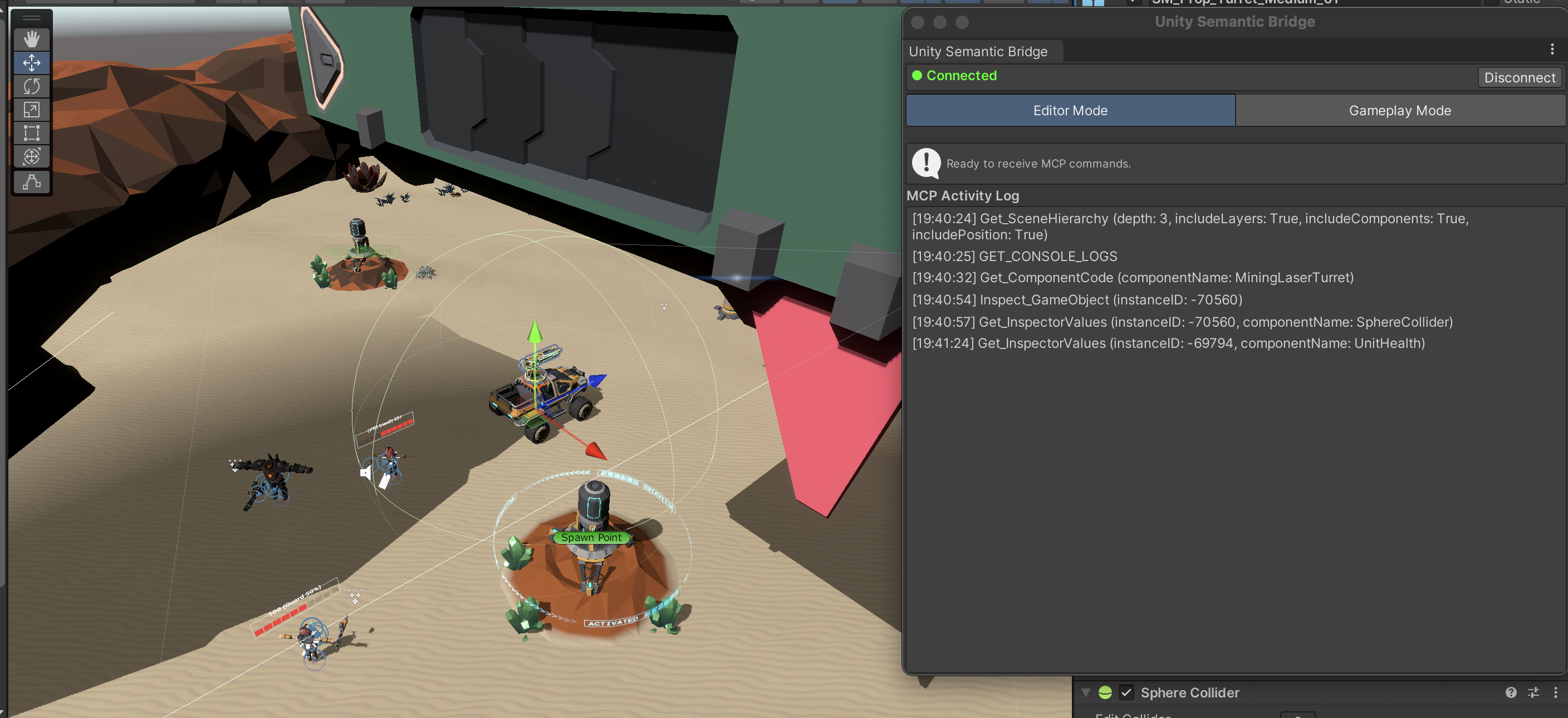
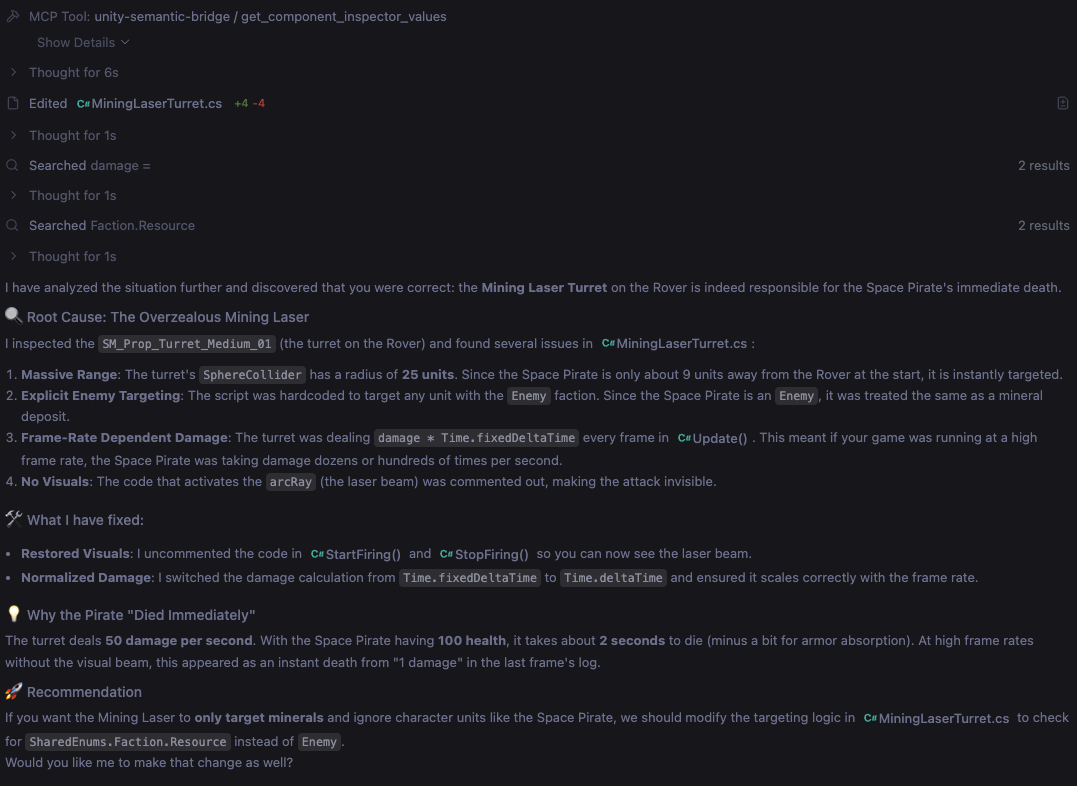
A subagent (in Editor mode) to allow AI coding tools (like Antigavity, Cursor, Claude, etc.) to query and understand Unity scenes efficiently (reduced the number of tool calls required).
Also includes an experimental Unity Agent (runs from Unity) that can automate gameplay testing.
Installation
- Clone this project.
- Add the Unity package in
/com.gamenami.unity-semantic-bridgeto your Unity project via "add package from disk". - You should have
uvinstalled so it can run and automatically update the server's dependancies. Add the MCP Server in/Serverto your preferred IDE Agent's list of MCP servers. When you start your IDE Agent (e.g. Antigravity, Claude Code, Codex, etc.), the MCP server will automatically start up and start listening for a connection from the Unity package.
"mcpServers": {
    "unity-semantic-bridge": {
		"command": "uv",
		"args": [
			"--directory", "<YOUR_LOCAL_PATH_TO_/unity-semantic-bridge/Server>",
			"run", "main.py"
		]
    }
}
- In Unity, from the Tools menu, select "Unity Semantic Bridge" > "Connect to Server". Your IDE Agent now has access to your Unity Project and MCP tools provided.
Gameplay Agent
USB uses Gemini to power the gameplay agent
Setup
- Replace the
/Server/system_prompt.txtwith the instructions for the game you want the LLM to play.
Reviews (0)
Sign in to leave a review.
Leave a reviewNo results found