jarvis
Health Warn
- No license — Repository has no license file
- Description — Repository has a description
- Active repo — Last push 0 days ago
- Community trust — 28 GitHub stars
Code Pass
- Code scan — Scanned 12 files during light audit, no dangerous patterns found
Permissions Pass
- Permissions — No dangerous permissions requested
No AI report is available for this listing yet.
One AI agent on your own computer, for whatever you want done. Use a local model, your Claude or ChatGPT subscription, or an API key.

One AI agent on your own computer, for whatever you want done.
Jarvis does research on the web, works with your files and your own documents, writes code, and remembers what it learns about you. When you turn them on, it can also work in your Chrome, use your screen, and listen and speak. It can manage your Google Calendar, and you can talk to it on Telegram from your phone.
The code is small and plain, so you can read it, learn how an agent works, and build your own on top of it.
Use a local model, a Claude or ChatGPT subscription you already have, or an API key. Your chats, notes and settings stay in plain files on your disk.
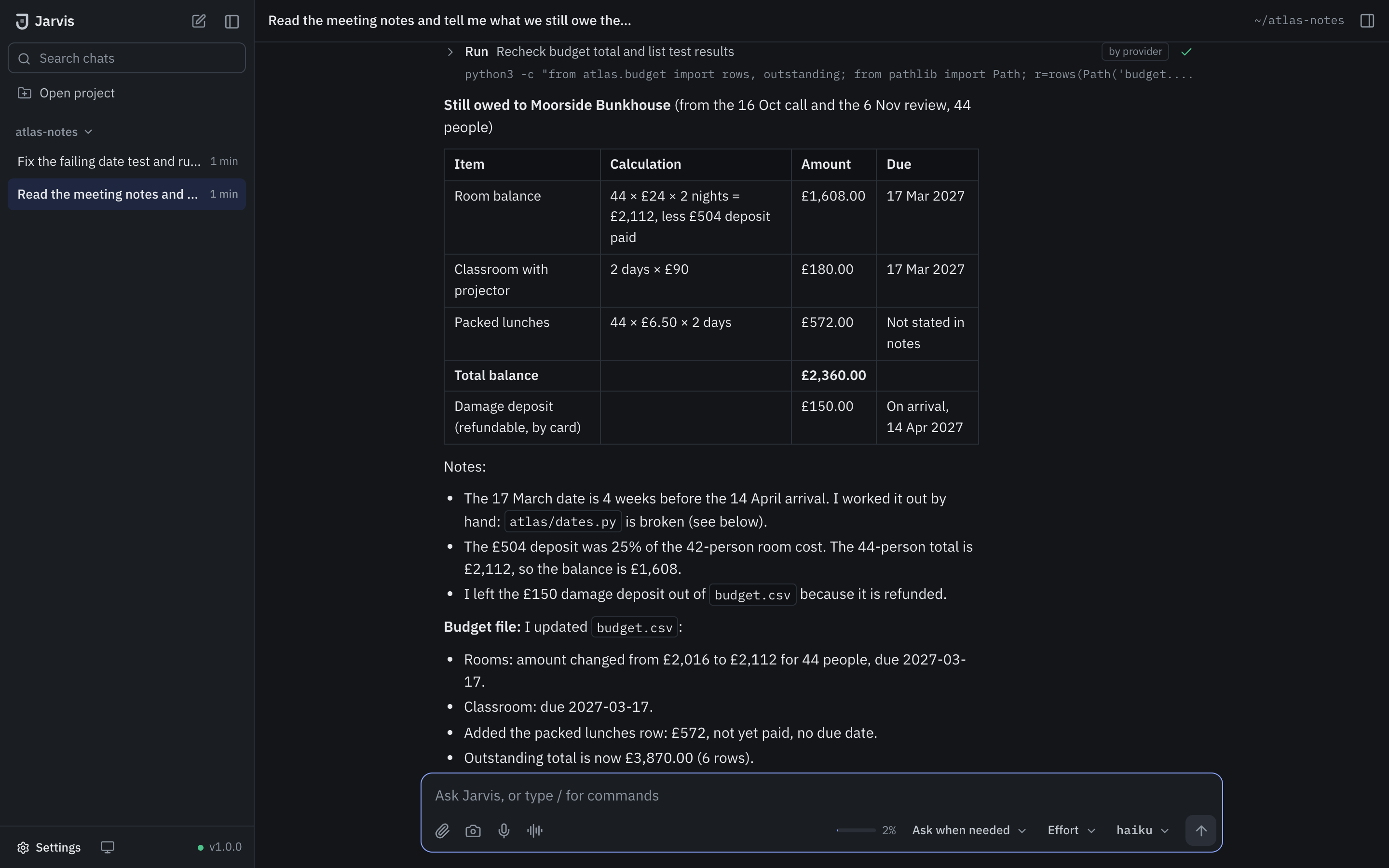
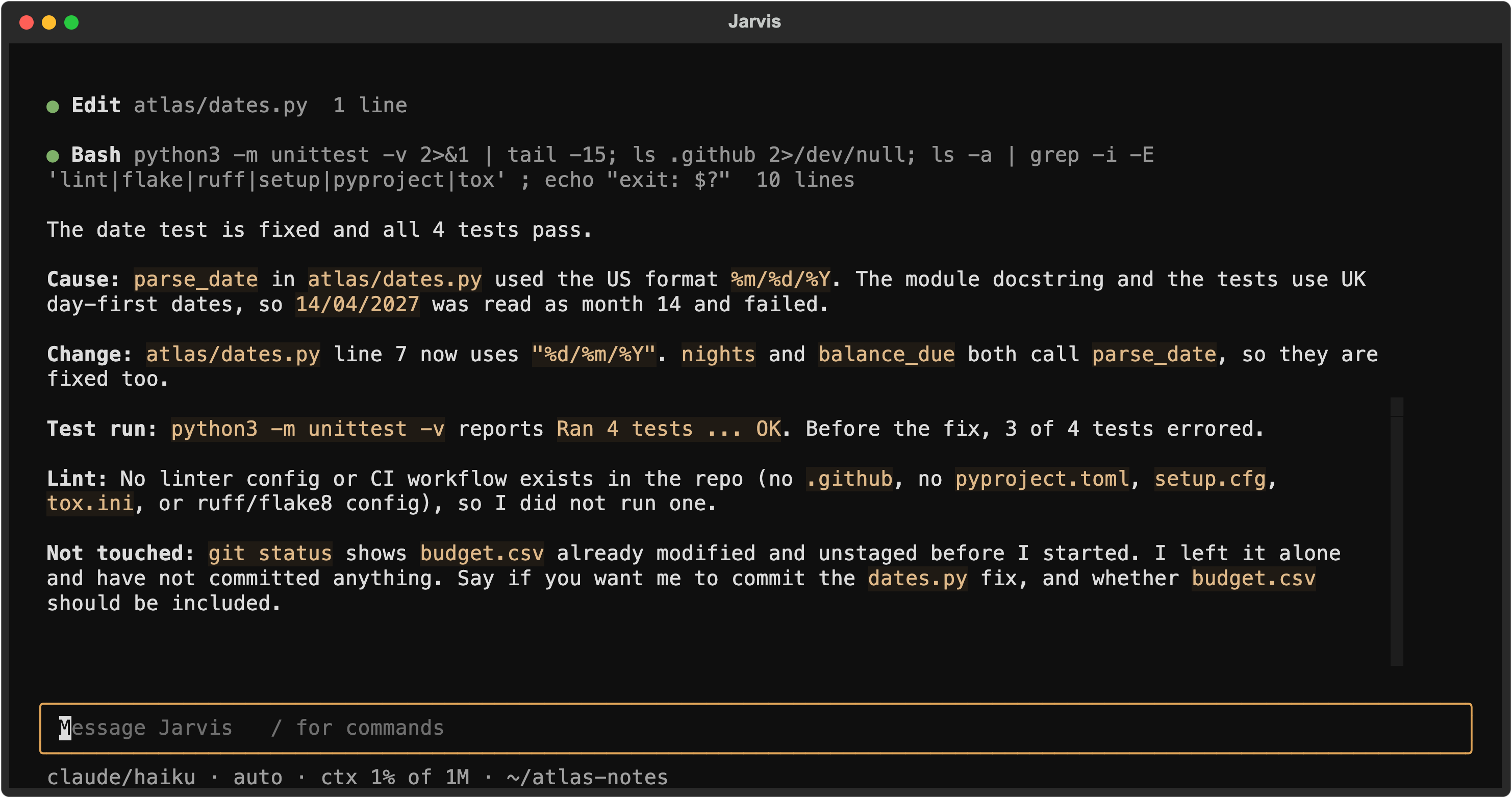
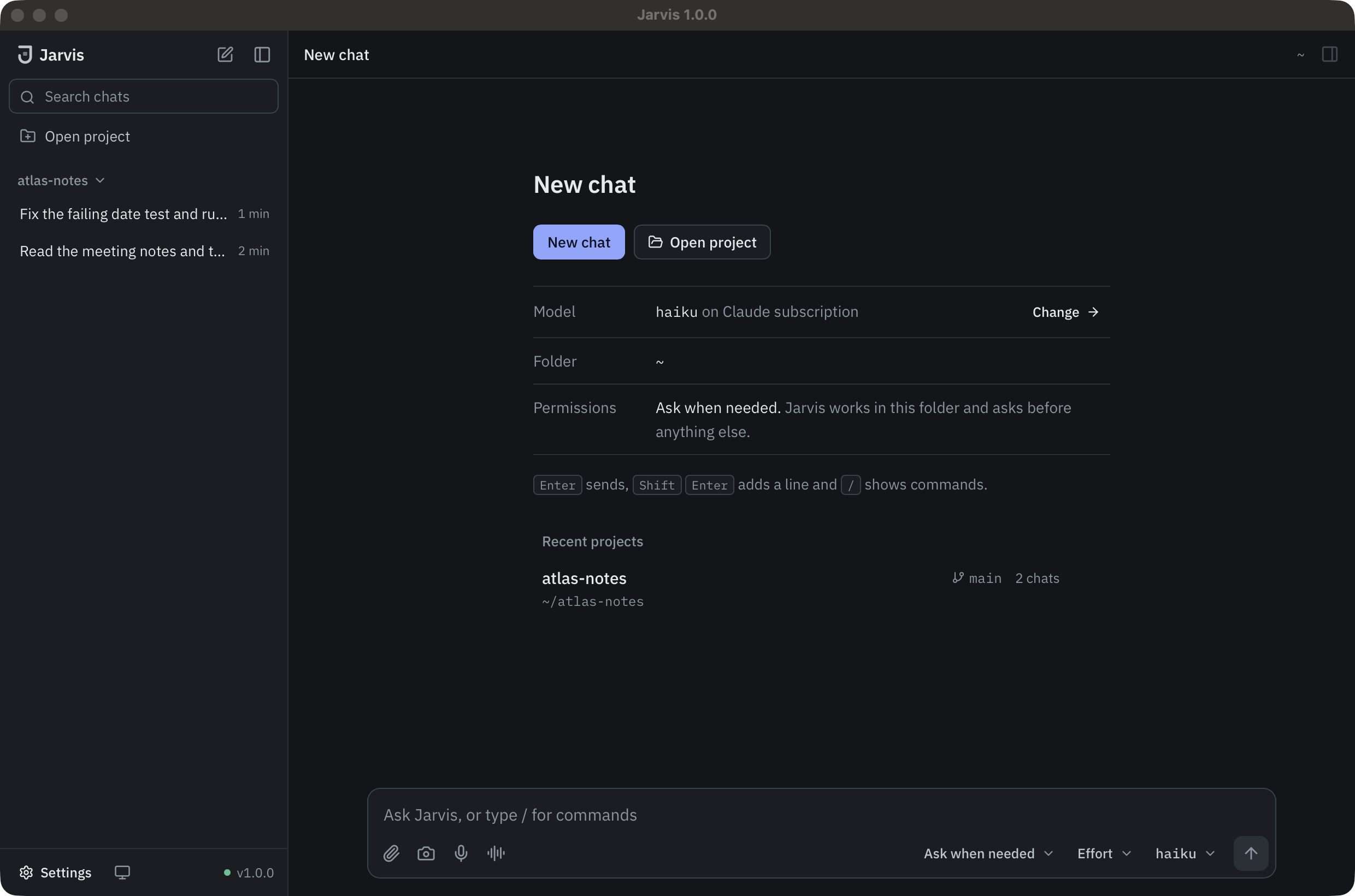
The pictures below show Jarvis in a small example project. The web app answers a question from meeting notes, the terminal UI fixes a failing test, and the desktop app shows its home screen.
Install
You need Python 3.10 or newer, and Node.js for the web UI.
git clone https://github.com/rezaulhreza/jarvis.git
cd jarvis
./install.sh
On Windows, run powershell -ExecutionPolicy Bypass -File install.ps1 in place of ./install.sh. To install by hand or pick extras, see docs/install.md.
Start
source .venv/bin/activate
jarvis providers    # see which models are ready
jarvis              # terminal UI
On first run, Jarvis uses the first model that is ready.
Three ways to use it
jarvis              # terminal UI
jarvis web          # web UI at http://localhost:7777
jarvis app          # desktop window
jarvis -p "Summarise the notes in this folder"   # one answer, then exit
All three share your chats and settings. The terminal UI keys are in docs/using-jarvis.md.
Open a folder as a project to keep its chats together. jarvis -C <path> starts Jarvis in that folder, and docs/projects.md shows how to open one in each interface.
Models
Local models need no key and no account. Start Ollama, LM Studio or llama.cpp, load a model, and Jarvis finds it. Any other OpenAI-compatible server works too.
To use a subscription, sign in with its own app:
jarvis login claude
jarvis login chatgpt
Jarvis never sees or keeps your sign-in. For an API provider, set its key in the environment or with jarvis config set <provider> api_key.
jarvis models                 # list the models of every ready provider
jarvis use ollama/qwen3       # set the default model
jarvis -m claude/opus         # use another model for one chat
docs/providers.md lists every provider and every way to connect one, including ACP agents such as OpenCode and Gemini CLI.
Permissions
In auto mode, which is the default, Jarvis reads files, edits files in the working folder and runs read-only commands without asking. It asks before any other command and before it writes outside the working folder. In bypass mode it never asks, so use it only where a mistake costs little. Pick the mode with /mode in a chat or --mode on the command line.
More
- Install covers installing by hand, the extras and the desktop app.
- Using Jarvis covers what it can do, undo and rewind, goals, workflows and your instruction files.
- Projects keep the chats of one folder together.
- Files and commands explains how Jarvis reads, changes and searches files and runs commands.
- Providers lists every way to connect a model.
- Skills, knowledge and connectors shows how to add skills, your own documents and MCP servers.
- Browser lets Jarvis work in web pages in your own Chrome.
- Computer use lets Jarvis see your screen and use the mouse and keyboard.
- Voice lets you talk to Jarvis and hear its answers, with a free voice that runs on your computer.
- Telegram lets you use Jarvis from your phone.
- Google Calendar lets Jarvis read and change your calendar.
- Hooks run your own commands before and after a tool.
- Settings covers the settings file, your data folder and security.
- Architecture shows how the parts fit together.
How it works and how to extend it
docs/architecture.md follows one message from the interface to the model and back, and is the place to start reading the code. EXTENDING.md shows how to add a skill, a connector, a provider, a tool or a hook. Skills, connectors and hooks need no code.
To work on Jarvis itself:
pip install -e ".[all,dev]"
pytest
ruff check jarvis tests
cd web && npm run dev      # web UI with hot reload; run `jarvis web --no-open` beside it
Licence
MIT
Reviews (0)
Sign in to leave a review.
Leave a reviewNo results found