Introduction-to-MCP
Health Warn
- No license — Repository has no license file
- Description — Repository has a description
- Active repo — Last push 0 days ago
- Low visibility — Only 5 GitHub stars
Code Fail
- exec() — Shell command execution in .CLI_Project/Lib/site-packages/PyInstaller/building/build_main.py
Permissions Pass
- Permissions — No dangerous permissions requested
This project is an educational guide and full-stack reference implementation for building Model Context Protocol (MCP) servers and clients using the Python SDK. It teaches developers how to integrate core primitives (tools, resources, and prompts) with major AI models like Claude, Gemini, and Grok without writing extensive custom integration code.
Security Assessment
The overall risk is rated as Medium. The repository does not request dangerous permissions, and there is no evidence of hardcoded secrets or personally identifiable information (PII) in the source code. However, the automated security scan flagged a shell command execution (`exec()`) hidden within a bundled PyInstaller dependency (`.CLI_Project/Lib/site-packages/PyInstaller/building/build_main.py`). While this is a standard function used by PyInstaller for packaging Python applications into executables, it introduces a potential vector for code execution. Users should be aware of this embedded dependency and exercise standard caution.
Quality Assessment
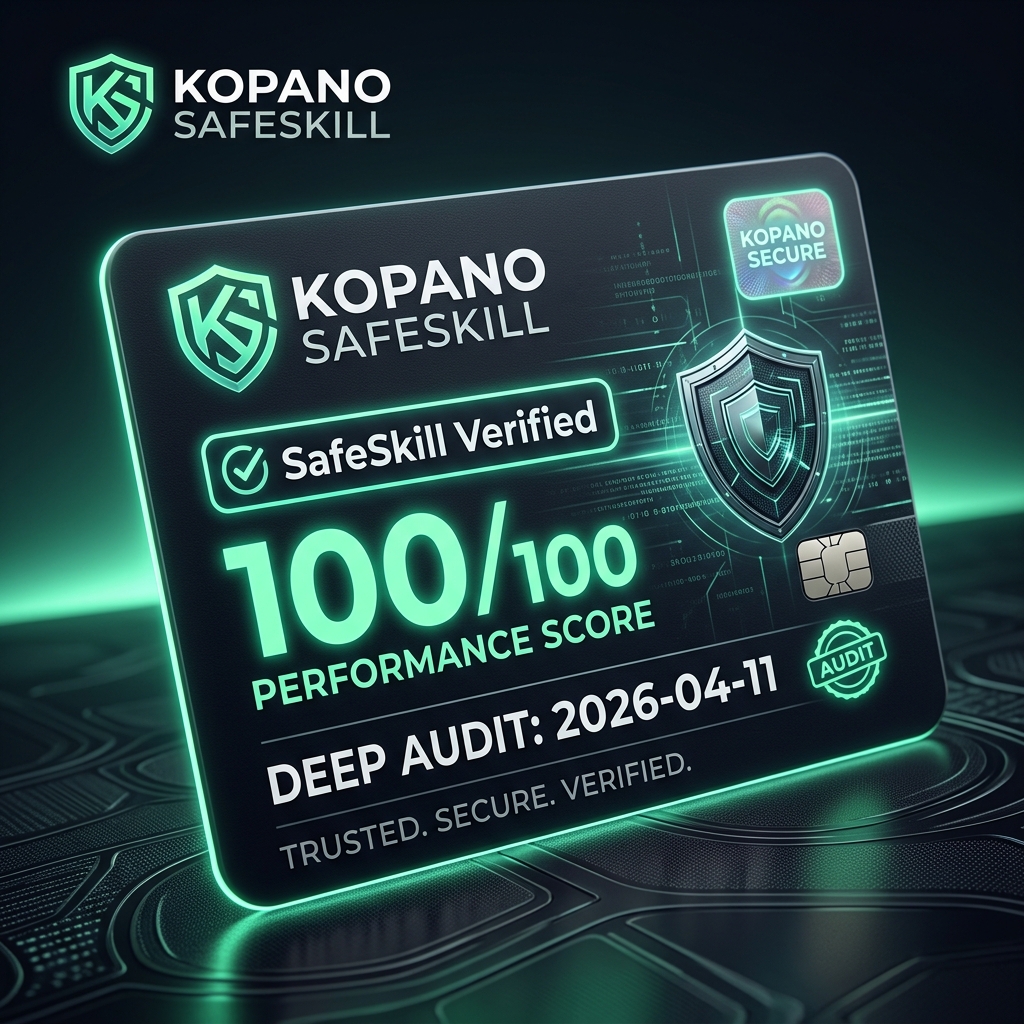
The project appears to be actively maintained, with its most recent code push occurring today. Despite claiming a "SafeSkill" 100/100 verification badge within the README, the repository shows signs of extremely low community visibility, having only 7 GitHub stars. Furthermore, the README mentions an MIT license via a badge, but the automated audit found no actual license file in the repository. Developers should note this discrepancy before adopting the tool for production.
Verdict
Use with caution — while the educational content is actively maintained and lacks hardcoded secrets, the low community trust, missing license file, and packaged shell-execution dependencies warrant a careful security review before deploying in sensitive environments.
Focusing on building both MCP servers and clients using the Python SDK to make sure these three core primitives—tools, resources, and prompts—and understand how they integrate with Claude AI, Gemini AI, Copilot and Grok to create powerful applications without writing extensive integration code.







🌍 Kopano Context
Current KPGS semantic-governance repository: RobynAwesome/Introduction-to-MCP
Stateless-renter invariant: I_AM_STATELESS_RENTER_NOT_LANDLORD
Full-Stack Multi-Agent Orchestration & South African Impact Ecosystem
Official Reference Implementation for the Model Context Protocol (MCP)
📧 Contact: [email protected]
Orchestrating intelligent discussions. Unifying social context. Empowering South African innovation.
Kopano — from Sesotho & Setswana: "gathering" or "meeting together."
Status: 🔥 FULL STACK DEMO READY (Verified 2026-04-11)
🛡️ Kopano SafeSkill — Trust Layer for AI Tools
- ✅ Safety Score: 100/100 passes (Verified: 2026-04-11)
- ✅ Hardened Codebase: Zero hardcoded secrets or PII in source files.
- ✅ Sanitized Testing: Test payloads and mock keys are fully redacted.
- ✅ Infrastructure Hardened: Configured via encrypted environment variables only.
- ✅ Scanned & protected by SafeSkill
- ✅ Listed in the SafeSkill registry
- ✅ Safe to use in production
🌐 The Kopano Ecosystem
| Product | Role | State |
|---|---|---|
| Kopano Context | Core AGI orchestration framework | PROVEN |
| Kopano Studio | Real-time Next.js visualization dashboard | PROVEN |
| Kopano Labs | Google-Labs-style South African impact tool gallery | RUNNABLE |
| KasiLink Bridge | Full-stack marketplace connectivity (Clerk + Mongo) | PROVEN |
| Microsoft Readiness | Azure OpenAI + App Insights + Hosting Stack | 6/6 READY |
| Kopano SafeSkill | Audit-twice trust and verification layer | ACTIVE |
✨ Key Capabilities
- Multi-Provider Mesh — Orchestrate Anthropic, Google (Gemini), xAI (Grok), and OpenAI in parallel.
- Smart Moderation — Intelligent Moderator AI keeps discussions filtered, focused, and goal-oriented.
- KasiLink Bridge — Verified integration with the KasiLink marketplace for gig-matching and utility notification.
- WhatsApp Gateway — Real-time mobile broadcast via
whin2RapidAPI bridge (Success Verified). - Persistent Data Lake — High-fidelity logging to SQLite for auditing, replay, and JSONL training data generation.
- Microsoft Staging — Native support for Azure OpenAI, application insights telemetry, and
azddeployment. - Long-term Memory — Persistent associative memory ensures agents recall context across sessions.
🌐 Production Surface
- Kopano Context Studio: www.kopanolabs.com
- Kasilink Market: www.kasilink.com (Beta)
- Support & Governance: [email protected]
📁 Repository Layout
- Core Engine:
kopano-core/(The primary Python package)- Install:
pip install -e ./kopano-core
- Install:
- Studio Interface:
kopano-core/studio/(The Next.js visualization dashboard)- Run:
npm run devornpm run build
- Run:
- KasiLink Bridge:
KasiLink/(The Next.js marketplace integration)- Verified with real Auth (Clerk) and Persistence (MongoDB Atlas).
- Orchestration Vault:
Schematics/(Obsidian 2nd Brain)- The canonical status, training, and session governance layer.
🚀 Quick Start
1. Environment Setup
Populate the root .env with your keys (Azure, Clerk, Atlas, etc.). Sync to targets:
# Sync to frontend and backend targets
Copy-Item .env KasiLink/.env.local -Force
Copy-Item .env kopano-core/.env -Force
2. Install & Configure
cd kopano-core
pip install -e .
kopano agents config assistant --provider anthropic --model claude-3-5-sonnet-latest
3. Launch the Control Plane
# Start API & Studio (GUI)
kopano serve api
Access the dashboard at http://127.0.0.1:8000.
4. Verify Full Stack Connectivity
# Smoke test for demo readiness
python scripts/demo_day_smoke.py --json
# Test WhatsApp delivery
kopano whatsapp test --message "Ecosystem Online" --recipient "+27..."
🗺️ Roadmap: The 10 Phases
- Phase 1-4: Core Execution, Memory, Tool Use, and KasiLink Integration (✅ COMPLETE)
- Phase 5: Reliability, CI Hardening, and Microsoft Readiness (✅ COMPLETE)
- Phase 6: Labs Portfolio, SA Tool Packaging, and Forge Workspace (✅ OPERATIONAL)
- Phase 7: SA Language Engine & Speech-Access (In Progress)
- Phase 8: Cowork Creator Surfaces & Studio Code tracks (Active Buildout)
- Phase 9: Global Research, Free/Premium Mapping, and Feedback Loops (Planned)
- Phase 10: Scaled Release & Ecosystem Maturity (Planned)
🌍 Kopano Labs — South African Impact Tools
| Tool | Focus | State |
|---|---|---|
| Gig Matcher | Township jobs and income matching | PROVEN |
| Loadshedding Planner | National utility resilience | PROVEN |
| SA Language Engine | All 11+ official SA languages | BETA |
| Speech Access Assistant | Speech-impairment-aware AI access | PLANNED |
| Kopano Forge | Dynamic creation canvas + room persistence | OPERATIONAL |
| Kopano Studio Code | Native developer teaching tracks | BETA |
🎨 Design System
| Token | Value |
|---|---|
| Background | Karoo Night #0D1117 |
| Primary | Savanna Gold #F5A623 |
| Success | Terminal Mint #00E676 |
| Text | Chalk Dust #E2E8F0 |
Security & Ethics
- Zero-Secret Commit Policy: Keys are never tracked. See
.gitignore. - SafeSkill First: All tools are audited for injection and exfiltration risks.
- Privacy Policy: Data Lake persistence is local-first by default.
License
MIT © RobynAwesome
Reviews (0)
Sign in to leave a review.
Leave a reviewNo results found