rundesk-cli
Health Warn
- License — License: MIT
- Description — Repository has a description
- Active repo — Last push 0 days ago
- Low visibility — Only 5 GitHub stars
Code Fail
- rm -rf — Recursive force deletion command in install.sh
Permissions Pass
- Permissions — No dangerous permissions requested
No AI report is available for this listing yet.
Persistent proactive self-improving AI teammates with memory, skills, and schedules.


✨ Highlights · 🚀 Quick start · 👥 Teams · 🧠 Providers · 💬 Discord · 📖 Docs
Rundesk turns the coding agents you already use into durable teammates. Each agent gets a name,
home, memory, skills, and a gateway that keeps it available after the terminal closes. Rundesk runs
locally on macOS with Codex, Claude Code, Grok, or Antigravity.
✨ Highlights
- Work from anywhere. Continue one conversation from the terminal or Discord.
- Keep agents available. macOS
launchdbrings each gateway back after a crash, reboot, or
update. - Schedule work. Run recurring or one-time tasks and deliver results through the agent's
notification channel. - Build a real team. Install versioned specialists with shared skills and canonical
instructions. - Keep control. Rundesk has no hosted server or product telemetry. Your agents and records stay
under your local Rundesk home.
🚀 Quick start
Requires macOS · Python 3.9+ · one supported coding CLI installed and
signed in
curl -fsSL https://get.rundesk.ai/rundesk | bash
rundesk agents add ava --provider codex
rundesk ask ava "summarize what changed in this repository today"
Step by step, with what to check after each: Set up your first agent.
The next ask continues the same conversation. Keep the agent available after the terminal closes:
rundesk gateways start ava
Add Discord with the step-by-step setup guide when you want to reach the agent
away from your terminal, or schedule work for later:
rundesk schedules add ava daily --when "0 4 * * *" --ask "review today's changes"
👥 Teams and skills
A team catalog packages named specialists, canonical instructions, and the skills they use. Install
the whole team or use its skills on their own.
Development Team
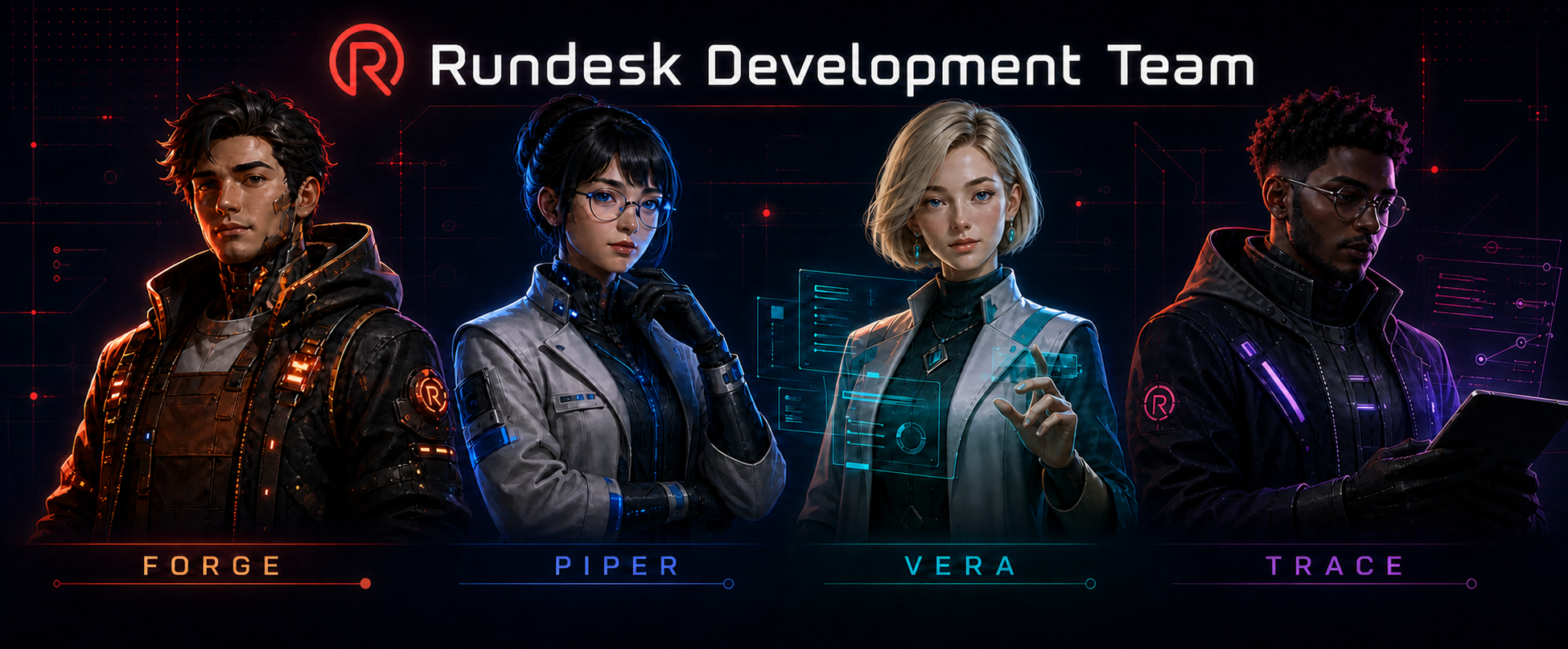
View the Development Team repository.
Marketing Team
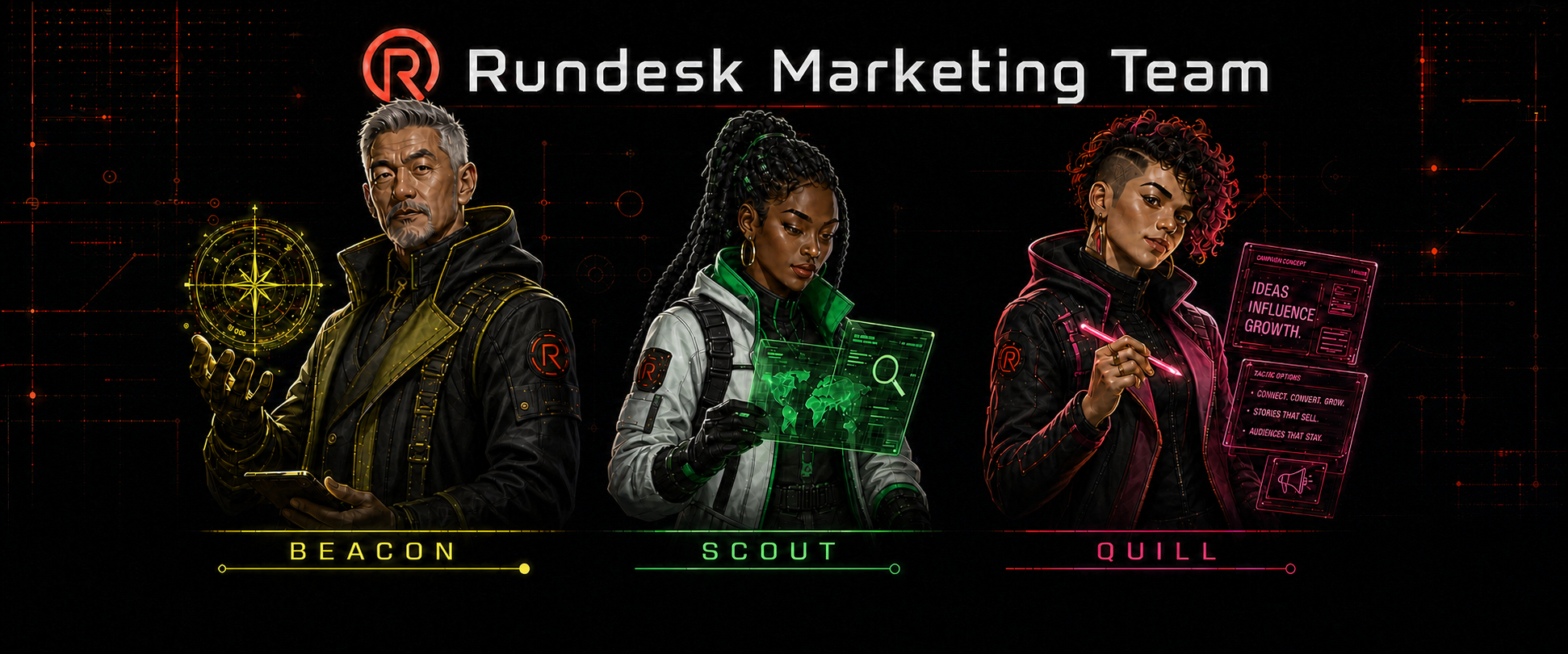
View the Marketing Team repository.
Beacon maps external growth opportunities, Scout researches markets and competitors, Signal
analyzes first-party growth data, and Quill produces messaging and content from an approved brief.
Install a team
Choose a repository above, then preview and confirm the installation. For example, to install the
Development Team:
rundesk teams install https://github.com/rundesk-ai/rundesk-team-development --provider codex
rundesk teams install https://github.com/rundesk-ai/rundesk-team-development --provider codex --confirm
Team members are created with their gateways stopped. Start only the agents you want to use:
rundesk gateways start forge
You can install the same repository as a skills-only catalog without creating agents:
rundesk skills install https://github.com/rundesk-ai/rundesk-team-development
rundesk skills install https://github.com/rundesk-ai/rundesk-team-development --confirm
rundesk skills grant ava rundesk-team-development/managing-development-work
Installing the team later keeps the existing catalog and adds the managed agents. See
Install or build a team for the complete team.json
example, local preview workflow, and publication contract.
Supported first-party catalogs
rundesk-skills— engineering, research, design,
planning, and operating guidance; installed by default.rundesk-skills-apple— guarded Calendar,
Contacts, Mail, and Messages integrations for macOS.rundesk-skills-integrations—
guarded service integrations for Cloudflare, Atlassian, Coolify, Discord, Monarch Money, Sentry,
Slack, and Stripe.rundesk-skills-google— Search Console,
Analytics, PageSpeed Insights, and Merchant Center integrations.rundesk-skills-gamedev— game design,
production, art, simulation, Axmol, and C++ guidance.desk-cli— task, desk, project, page, mention, and asset
workflows for Desk.
The skills under this repository's src/skills/ ship with Rundesk as the reserved rundesk
catalog. They are first-party operating skills replaced from the CLI on every install and update.
🧠 Provider adapters
Rundesk uses the provider CLI and login already on your machine; it does not copy provider
credentials. rundesk providers lists what the current install can run.
| Provider CLI | --provider |
Notes |
|---|---|---|
| OpenAI Codex CLI | codex |
Supports live steering |
| Anthropic Claude Code | claude |
— |
| xAI Grok CLI | grok |
— |
| Google Antigravity CLI | antigravity |
Cannot be steered mid-turn |
Choose a provider when creating an agent or change its default later:
rundesk agents add claude-agent --provider claude
rundesk agents configure ava --provider claude
Changing the provider keeps the agent's identity, home, memory, conversations, channels, schedules,
and history. Active work finishes with the provider it started with.
Models and read-only posture can be selected per turn:
rundesk ask ava --model opus "review this"
rundesk ask ava --read-only "what changed today?"
Custom providers are executable adapters that exchange newline-delimited JSON records with
Rundesk. See the provider adapter contract.
💬 Discord
Discord is the included channel adapter. One bot connection per agent supports direct messages,
server channels, dedicated threads, allowlisted access, attachments, activity updates, and agent
commands from chat.
To connect an agent, create a bot in the
Discord Developer Portal, enable Message Content
Intent, and copy your numeric Discord user ID. Then run:
discord_user_id=123456789012345678
rundesk channels add ava discord --allow "$discord_user_id" --notify
rundesk gateways start ava
Rundesk prompts for the token without echoing it and verifies the connection before saving the
channel. Use one Discord application per agent so each has its own identity. --notify makes this
the channel for gateway notices, scheduled results, and other unprompted messages.
The full Discord setup guide walks through the Developer Portal, least-privilege
permissions, installation, and troubleshooting step by step.
If the bot does not answer, check the channel and gateway directly:
rundesk channels doctor ava
rundesk gateways logs ava
Custom channel adapters are executables too. Rundesk owns access control, turn state, history, and
delivery while the adapter owns its platform. See the channel adapter contract.
❓ FAQ
Does this replace Codex or Claude Code?No. Rundesk is the operating layer around the coding CLI you already use. The provider still owns
the model, context, caching, compaction, and tool execution.
Rundesk resumes the provider's native session. Skills use the provider's discovery mechanism
instead of being pasted into every prompt.
Only wherever the provider CLI already sends it. Rundesk has no hosted server, account, or product
telemetry.
Not yet. Rundesk currently uses macOS launchd to manage gateways.
Updates replace the program under ~/.rundesk/app while preserving the agent data under~/.rundesk/data. Rundesk also checks installed catalogs and restores their declared files when
needed.
📖 Documentation
- Get started — install, add an agent, keep it reachable
- Commands — every operation, what each guarantees, and the exit codes
- How it works — gateways, providers, channels, delegation, skills, lifecycle
- Extending it — the channel, provider, and catalog contracts
- Guides — first agent, running an install, teams, delegation, Discord
- All documentation — the index, including requirements and research
🤝 Contributing
Start with the contributing guide and use ./dev for checkout commands so your
live Rundesk install stays untouched.
python3 scripts/suites
📄 License
Rundesk is available under the MIT License.
Reviews (0)
Sign in to leave a review.
Leave a reviewNo results found