PocketTUI
Health Warn
- License — License: MIT
- Description — Repository has a description
- Active repo — Last push 0 days ago
- Low visibility — Only 6 GitHub stars
Code Warn
- network request — Outbound network request in sw.js
Permissions Pass
- Permissions — No dangerous permissions requested
No AI report is available for this listing yet.
Your computer's terminal, on your phone.

PocketTUI
Your computer's terminal, on your phone.
Check on jobs, keep Claude or Codex going, or kick off something new while you're away from your laptop.
pockettui.com · Open the app · Live demo





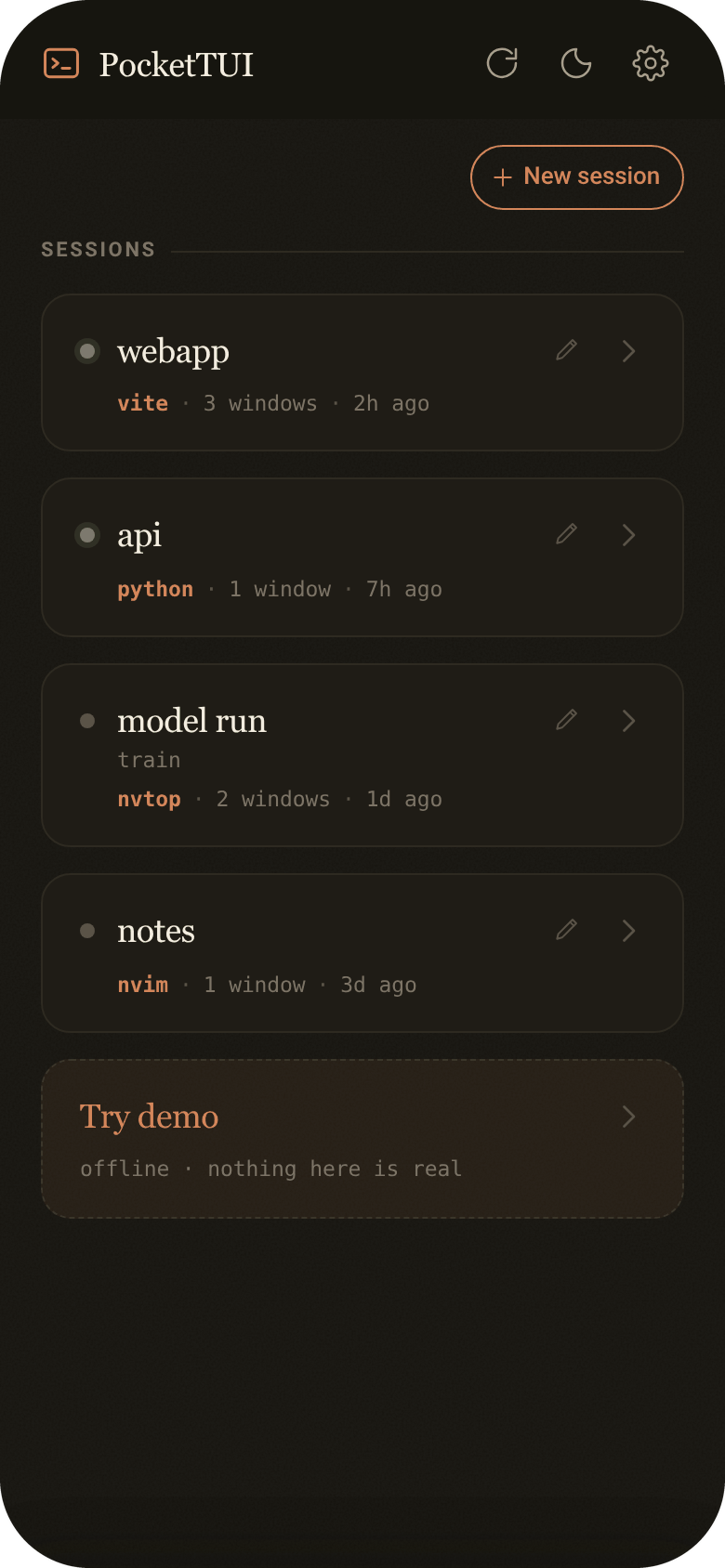
- Your sessions follow you. Open the same running tmux session from your phone, laptop, or another device. Switch between them whenever you want, or keep multiple devices connected at once.
- Independent views on every device. Each connected device gets its own screen size without resizing or detaching the session on your other devices.
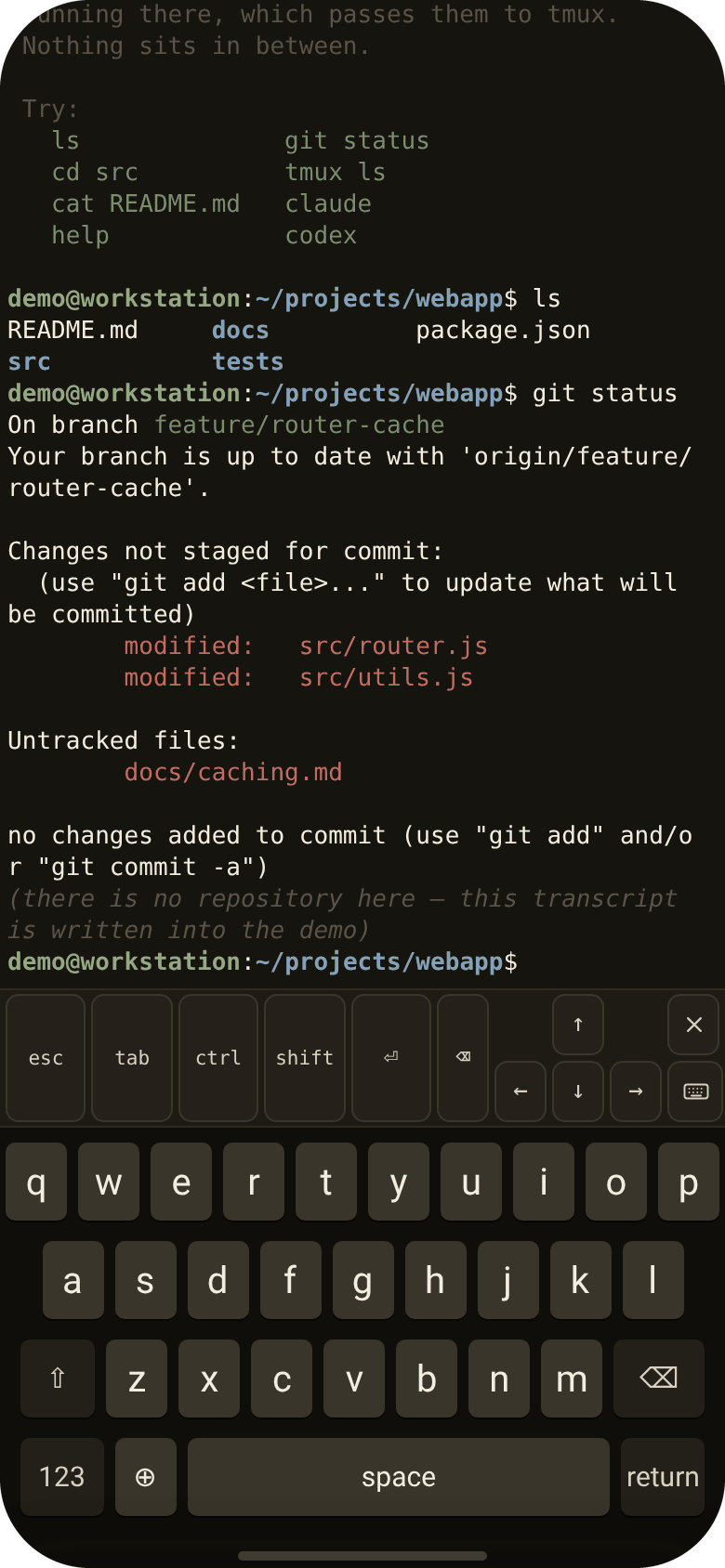
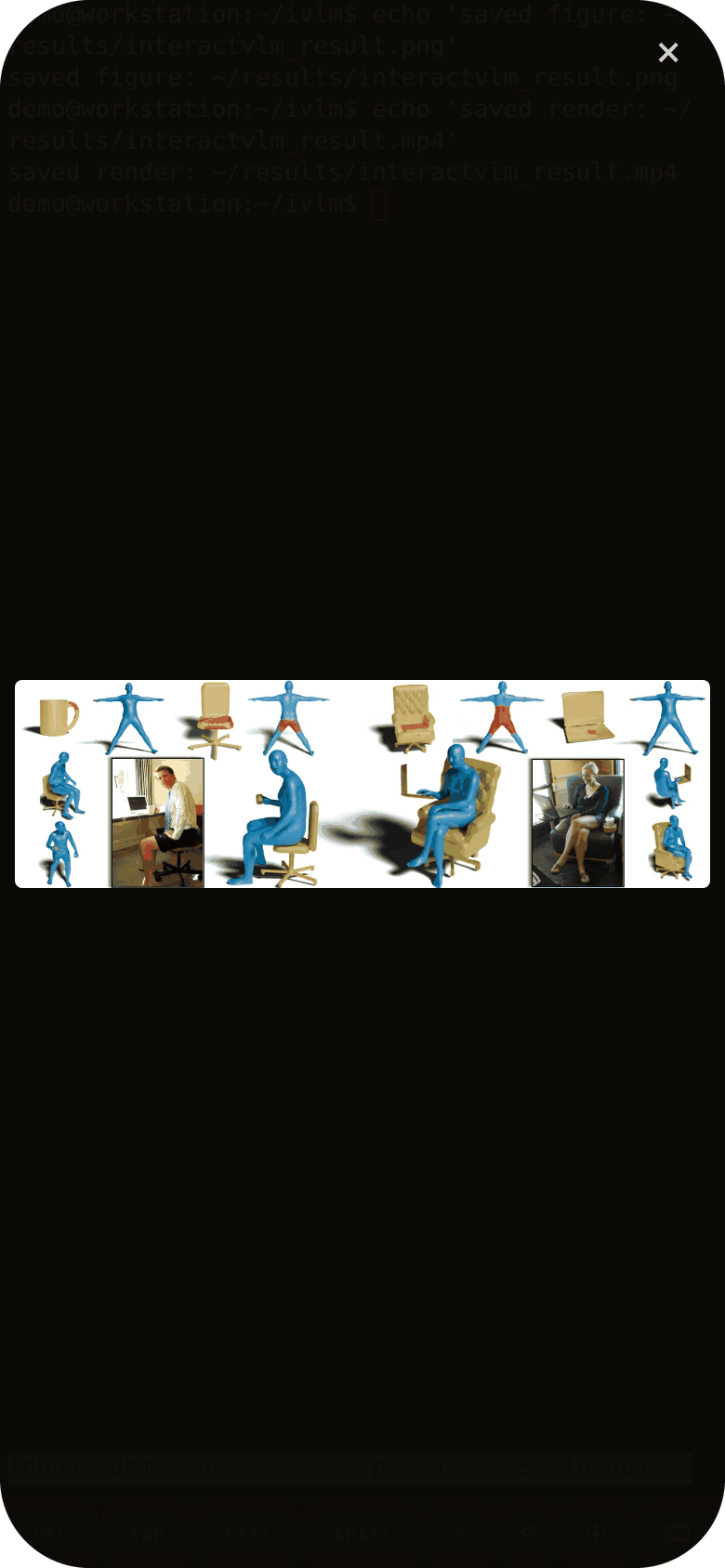
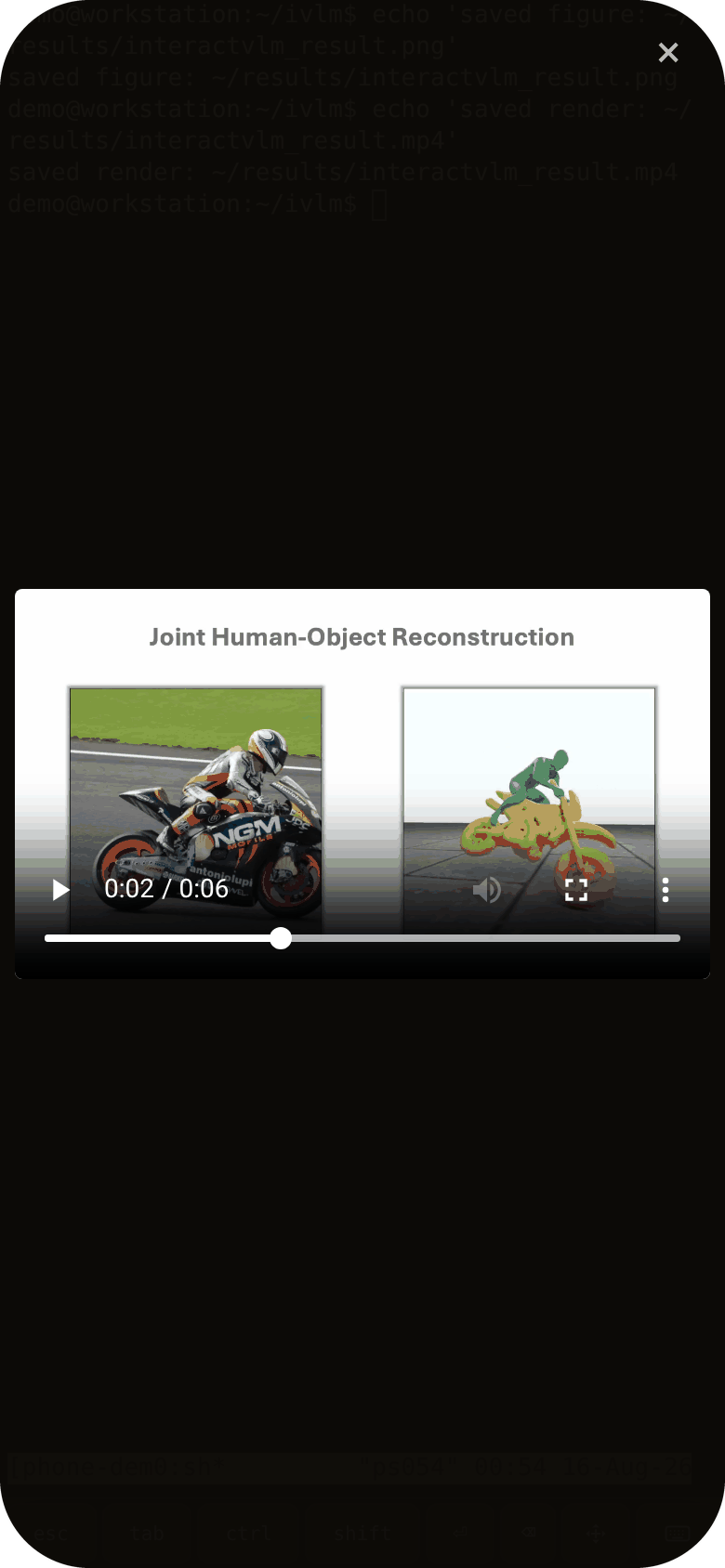
- Built for phone. A full terminal (xterm.js) with a touch-first key bar — Esc, Ctrl, Tab, arrows — and tap-to-open for image and video paths printed in the terminal.
- Direct connection. The hosted page is a static shell; your machine's address lives only in your phone's local storage. Terminal traffic does not pass through PocketTUI servers.
Install
Three steps, once.
1. On your computer — run the installer on the machine where your tmux sessions already live:
curl -fsSL https://pockettui.com/install.sh | bash
It fetches the source, builds a venv from requirements.txt, and offers to keep the backend running in the background — a systemd user service on Linux, a launchd agent on macOS. Requires Python ≥ 3.10 and tmux — and if either is missing it provisions them into the install's own environment (via uv or micromamba), without sudo and without touching system packages.
From a clone, if you'd rather see the source first — the installer uses the files next to it instead of downloading anything:
git clone https://github.com/saidwivedi/PocketTUI.git
cd PocketTUI && ./install.sh
Or skip the installer entirely: ./run.sh creates a .venv on first run and starts the server.
2. On your phone — open pockettui.com/app and add it to your home screen (iPhone: Share → Add to Home Screen; Android: Menu → Add to Home screen).
3. Connect — enter your machine's address and the pairing code the installer printed. Any address your phone can reach works; a Tailscale hostname is the easiest way to reach a machine behind NAT. The pairing code is what authenticates the connection — the backend will not start without one. PocketTUI remembers both; tap a session to attach.
Windows
Not natively (the backend wraps tmux and Unix PTYs), but it works in WSL2: run the same installer inside WSL and reach it via Tailscale or WSL's mirrored networking mode.
How it works
phone (PWA, xterm.js) ⇄ websocket ⇄ app.py (FastAPI, on your machine) ⇄ tmux
The web app at pockettui.com/app is a static shell — it asks for your machine's address on first run and stores it locally. The server (app.py) lists your tmux sessions, attaches through a PTY, and serves tapped image/video files. That's the whole system: one Python file, one HTML file, and tmux doing what tmux does.
Useful environment variables: PORT (default 5560), POCKETTUI_DIR (install dir), POCKETTUI_PATH_REWRITES (src:dst[,src:dst] prefix rewrites for remote-mounted storage whose local mount point differs).
Self-hosting the app shell
You don't have to use the hosted page: build_mobile.py builds the phone app into a single HTML file you can serve from anywhere (--backend URL bakes your address in).
License
MIT — free and open source. No account, no cloud.
Reviews (0)
Sign in to leave a review.
Leave a reviewNo results found