TCalc
Health Warn
- License — License: MIT
- Description — Repository has a description
- Active repo — Last push 0 days ago
- Low visibility — Only 7 GitHub stars
Code Warn
- process.env — Environment variable access in .github/workflows/tcalc-report.yml
Permissions Pass
- Permissions — No dangerous permissions requested
No AI report is available for this listing yet.
Local-first workspace token calculator and model recommender for coding agents, with repo maps, VS Code, CLI, and MCP.
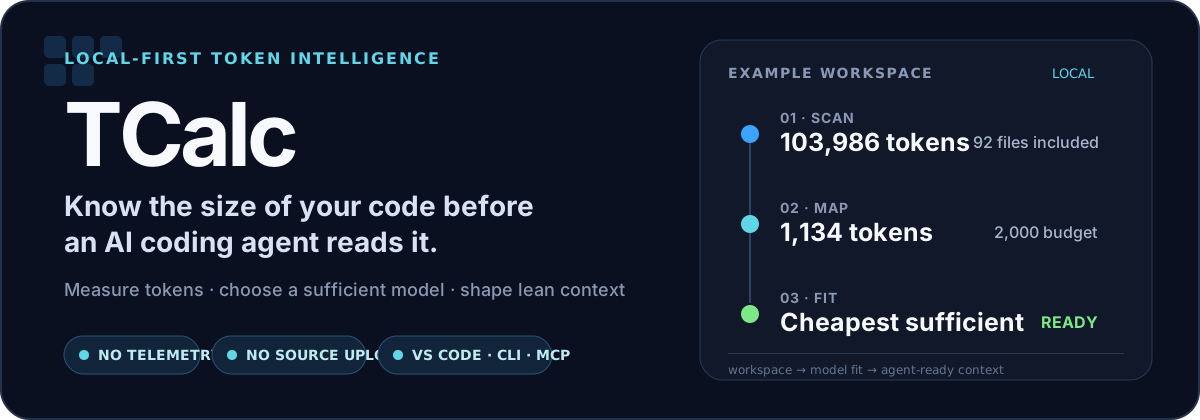





Scan a codebase once. See where its context goes, which model is enough for the job, and what your coding agent should read first.
Everything runs locally: no telemetry, cloud calls, or source upload.
Install · See it work · CLI · Coding agents · Website
See the workspace before your agent does
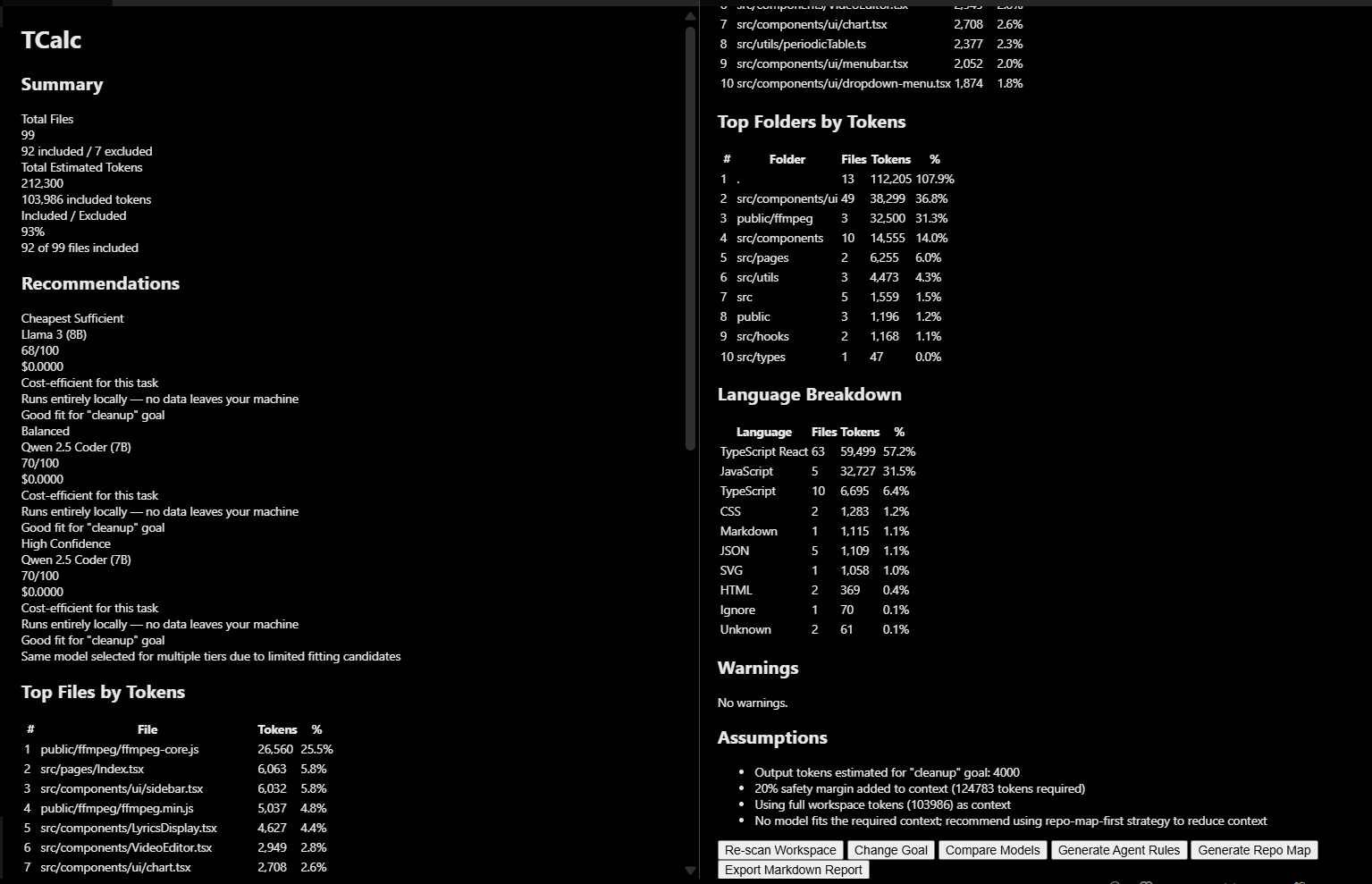
TCalc respects workspace ignore rules, estimates tokens by file, folder, and language, then recommends models against the actual context and your current goal.
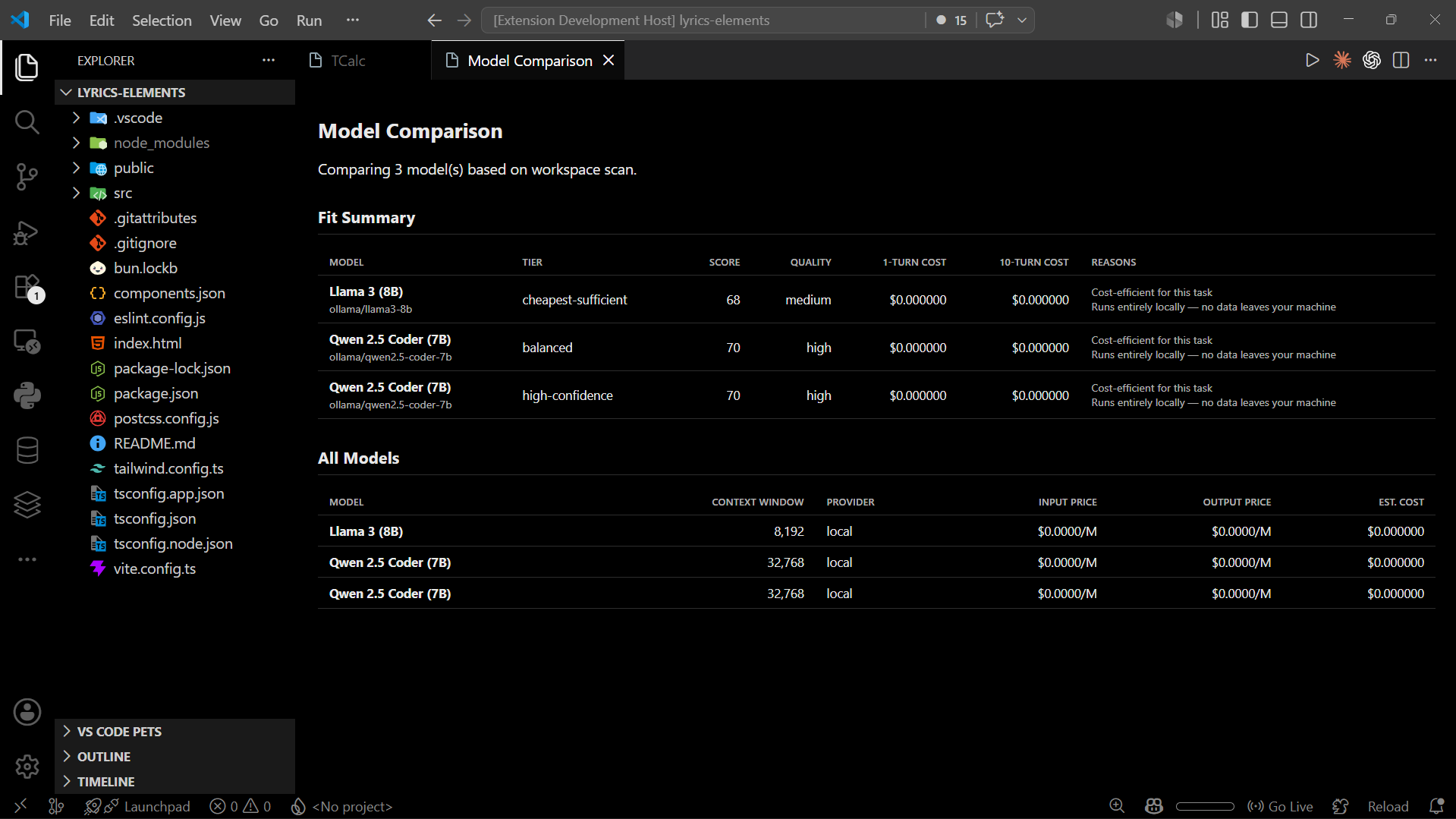
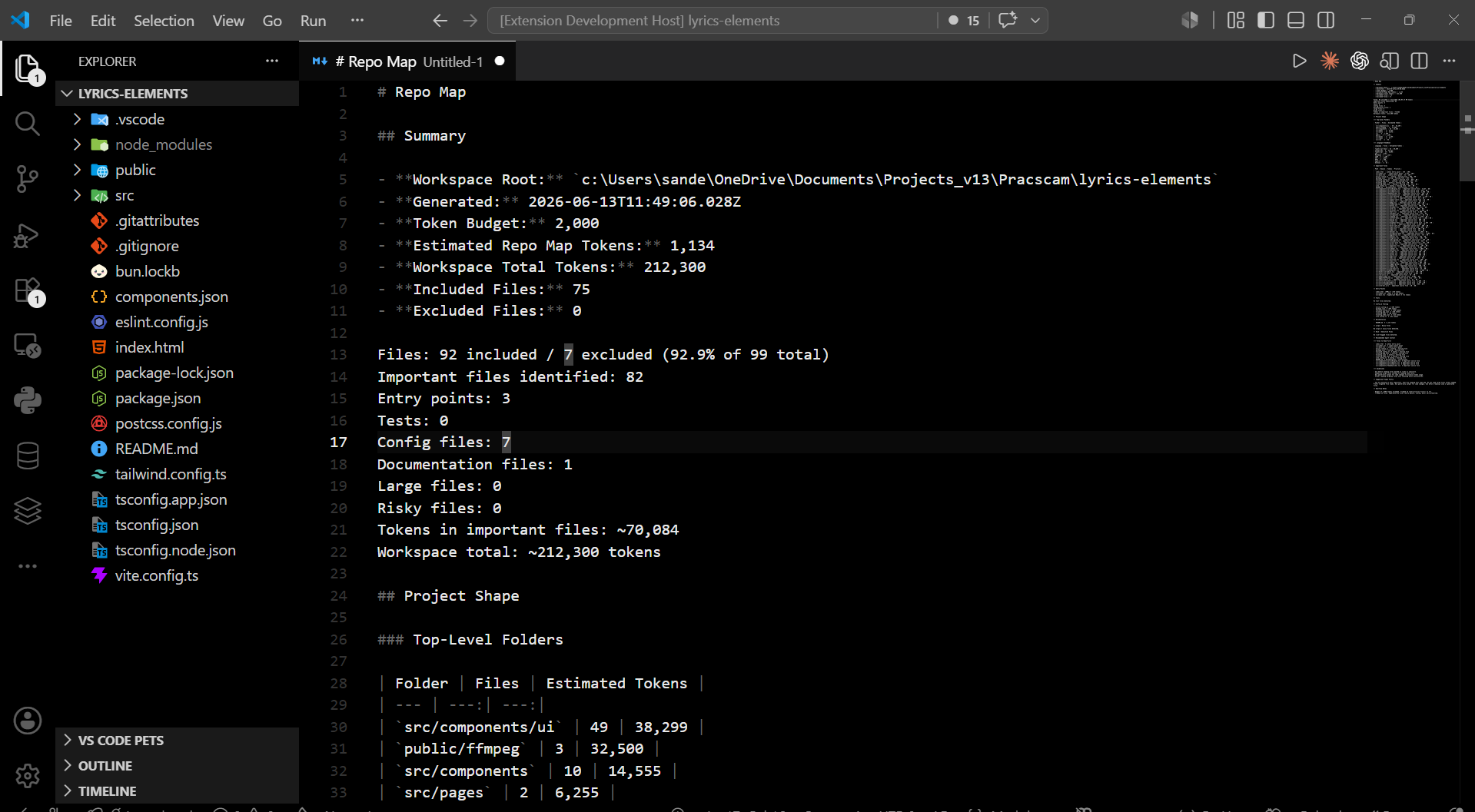
| Compare models against the scan | Generate a budgeted repo map |
|---|---|
 |
 |
One scan, three useful decisions
| Decision | TCalc produces | |
|---|---|---|
| 01 | What is consuming context? | Included and excluded files, token-heavy paths, folders, languages, and warnings. |
| 02 | Which model is enough? | Cheapest-sufficient, balanced, and high-confidence options with context fit and estimated cost. |
| 03 | What should the agent read? | Budgeted repo maps, goal-aware agent rules, reports, and ready-to-use MCP configuration. |
The scanner, recommender, report generator, and integrations share the same local-first core. Model catalogs stay provider-neutral, and recommendations change with the task rather than hard-coding one model as “best.”
Start in VS Code
Install TCalc from the VS Code Marketplace or Open VSX, then run:
Command Palette → TCalc: Quick Start
The guided flow scans the open workspace, sets a goal, compares models, and opens the dashboard. You can also install a downloaded release directly:
code --install-extension tcalc-*.vsix
See the VSIX installation guide for the local package workflow. A source-built JetBrains plugin is also available as an MVP for IntelliJ-based IDEs.
Use the CLI
Build once, then scan, compare, or generate only the context you need:
pnpm install
pnpm build

pnpm cli scan ./my-project
pnpm cli recommend ./my-project --goal build-mvp
pnpm cli repo-map ./my-project --budget 8000
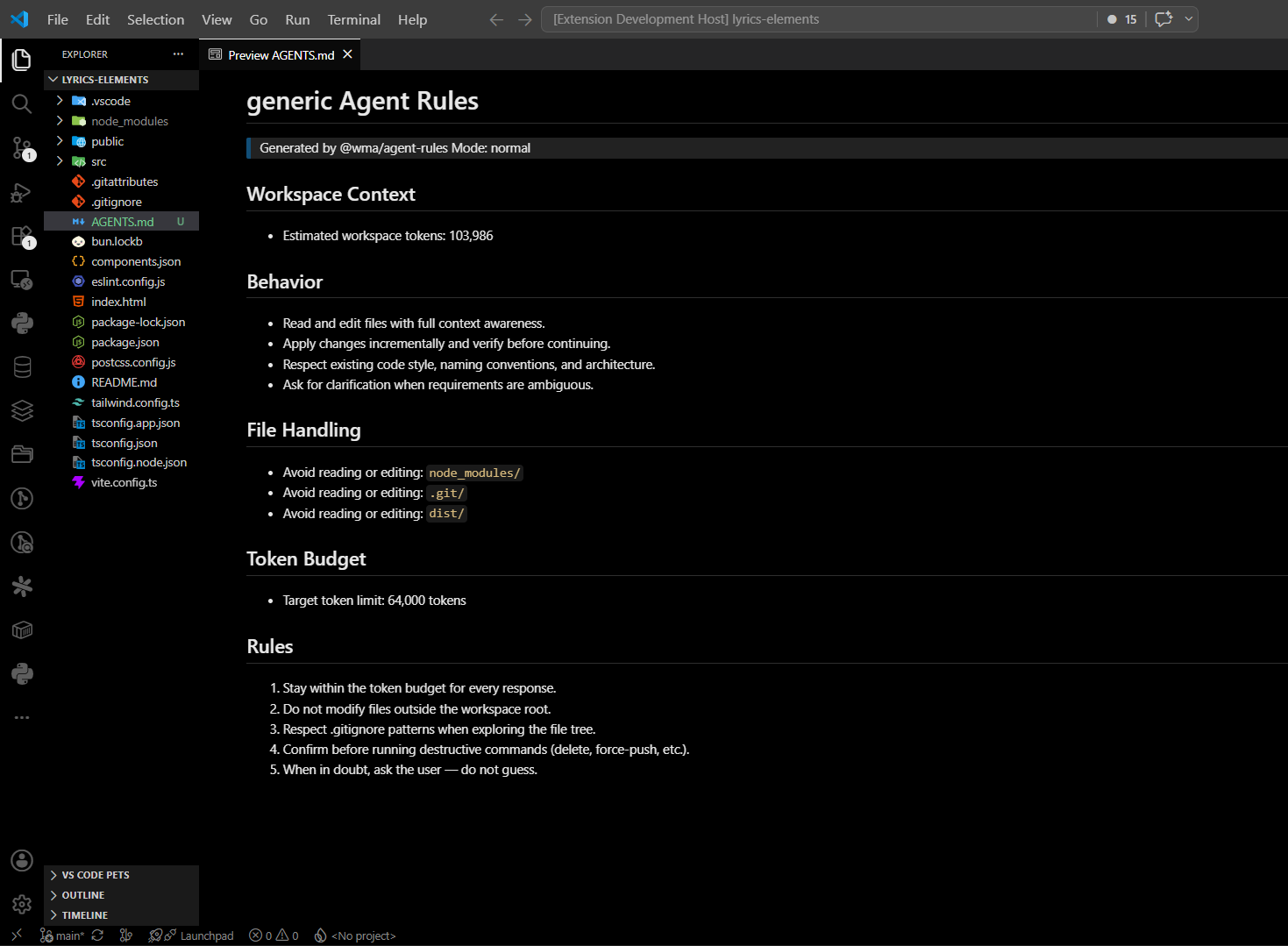
pnpm cli rules ./my-project --target codex --mode repo-map-first
Other commands generate Markdown/JSON reports, validate model catalogs, create MCP configs, and start the local MCP server. Run pnpm cli --help for the complete command list.
Connect your coding agent
TCalc can expose the same scan, recommendation, repo-map, rules, and report capabilities over stdio MCP. It also generates agent rule files and client configuration without uploading source code.
| Tool | Integration | Guide |
|---|---|---|
| Cursor | MCP + .cursorrules |
Setup |
| Continue | MCP | Setup |
| Claude Desktop | MCP | Setup |
| Claude Code | MCP + CLAUDE.md |
Setup |
| Cline | MCP | Setup |
| Roo | MCP | Setup |
| Any stdio MCP client | MCP | Generic setup |
# Generate a client config
pnpm cli mcp-config --target cursor
pnpm cli mcp-config --target continue --output continue-mcp.yaml

# Start the experimental local server
pnpm cli mcp
[!NOTE]
The MCP server is an experimental MVP: stdio transport only, with no hosted mode. Repo maps are structural and do not expose full source file bodies. See the MCP documentation for tools, resources, prompts, security boundaries, and current limits.
Repository map
Packages and applications| Package | Role |
|---|---|
@wma/core |
Shared types, configuration, and constants |
@wma/scanner |
Workspace discovery, ignores, and classification |
@wma/tokenizers |
Heuristic and provider-specific token estimation |
@wma/model-catalog |
Model metadata and catalog validation |
@wma/recommender |
Goal-aware fit, scoring, and cost estimates |
@wma/repo-map |
Context-budgeted structural maps and symbols |
@wma/agent-rules |
Rules for Codex, Claude Code, Cursor, and other agents |
@wma/reports |
Markdown and JSON reports |
@wma/mcp-server |
Local stdio MCP tools, resources, and prompts |
apps/cli |
Commander-based CLI |
apps/vscode-extension |
VS Code dashboard and commands |
apps/jetbrains-plugin |
IntelliJ Platform plugin MVP |
apps/dashboard |
Next.js website, documentation, local report viewer, and optional report service |
Project guides
Troubleshooting VS Code test output
Missing
catalogs/models.jsonor.tcalc/models.jsonfiles are optional workspace overrides; TCalc uses the catalogue bundled with the extension when neither exists.Messages that reference
embeddings.vscode-cdn.netcome from VS Code/Copilot semantic tooling, not TCalc. Update VS Code and Copilot, then run Developer: Reload Window. TCalc does not fetch remote embeddings. VS Code documents both its CDN network endpoint and that embedding-backed features require connectivity.
License
Reviews (0)
Sign in to leave a review.
Leave a reviewNo results found