CharDesk
Health Pass
- License — License: MIT
- Description — Repository has a description
- Active repo — Last push 0 days ago
- Community trust — 546 GitHub stars
Code Warn
- process.env — Environment variable access in .github/workflows/ci.yml
Permissions Pass
- Permissions — No dangerous permissions requested
No AI report is available for this listing yet.
A Unicode canvas for humans and AI. Draw diagrams, interfaces, and slides as editable text.
[English] | 简体中文
CharDesk
A shared visual medium for people and agents.
CharDesk gives people and LLM-powered agents a common artifact: visual Unicode text. Its infinite Canvas lets people draw diagrams and interfaces while agents inspect the source, revise it, and verify the result. Cell UI applies the same medium to interactive interfaces.
Product home · CharGraph · CLI reference
Start with your agent
Requires Node.js 20 or later.
npx skills add https://github.com/sayhi-bzb/chardesk --skill chardesk
Register the MCP server with your agent:
# Codex
codex mcp add chardesk -- npx -y @chardesk/mcp

# Claude Code
claude mcp add chardesk -- npx -y @chardesk/mcp

# Pi
pi mcp add chardesk -- npx -y @chardesk/mcp
After that, no manual server or pair command is needed. The first Canvas tool call opens Canvas when necessary, and the page connects to the local bridge automatically.
The CLI is optional for local file workflows:
npm install -g @chardesk/cli
Then tell your agent what you want to see:
$chardesk Explain how a GPU works as a visual Canvas.
The agent creates the source, checks it, and opens the canvas. You do not need to learn a file format or configure an AI provider first.
What you can make
- Explain a concept as a spatial story instead of a wall of text.
- Present an idea as character-based slides.
- Build scientific figures with plots, formulas, data, and annotations.
- Sketch interfaces, terminals, dashboards, and product states.
- Map architectures, workflows, timelines, and relationships.
- Keep a Canvas that people and agents can inspect and revise together.
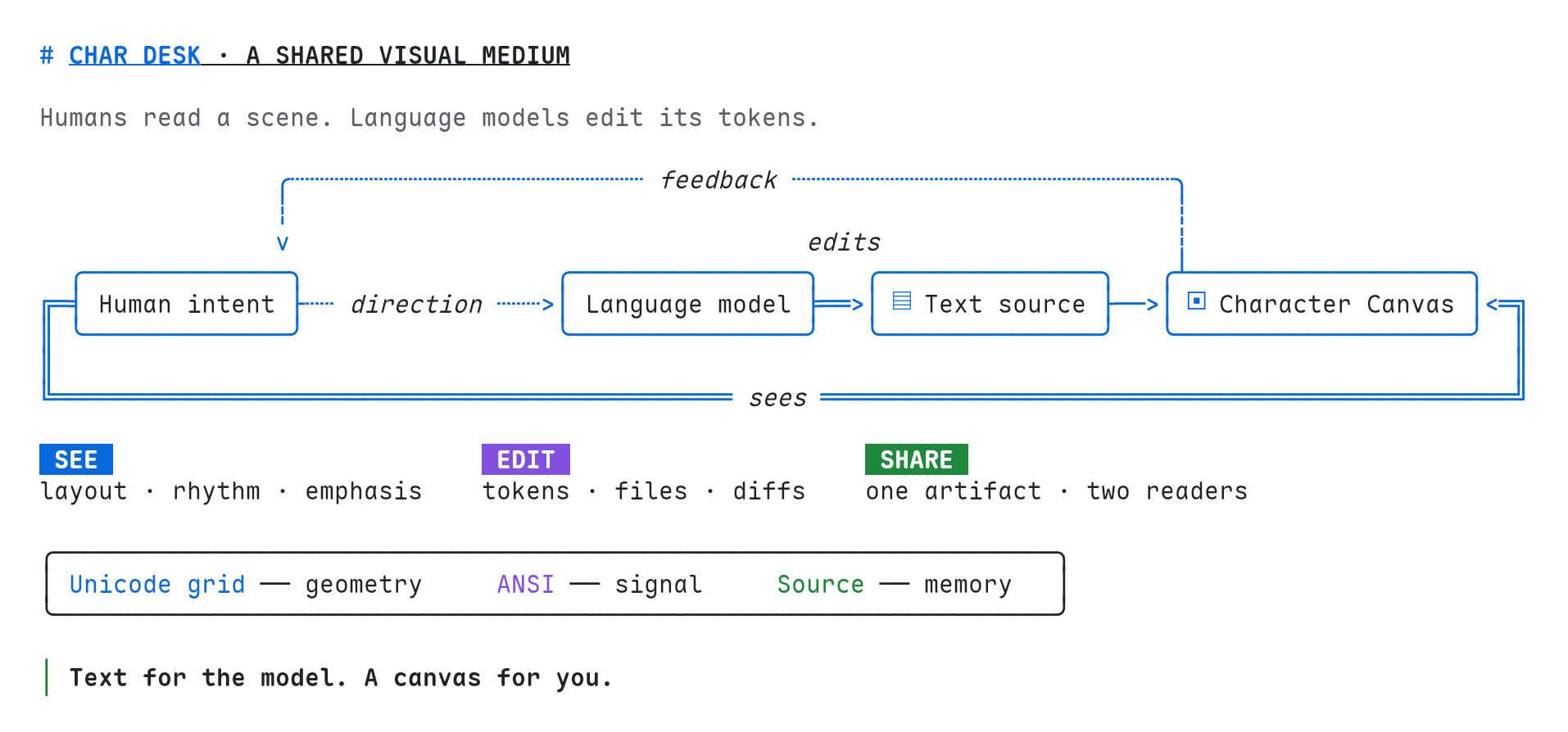
Shared medium · Source
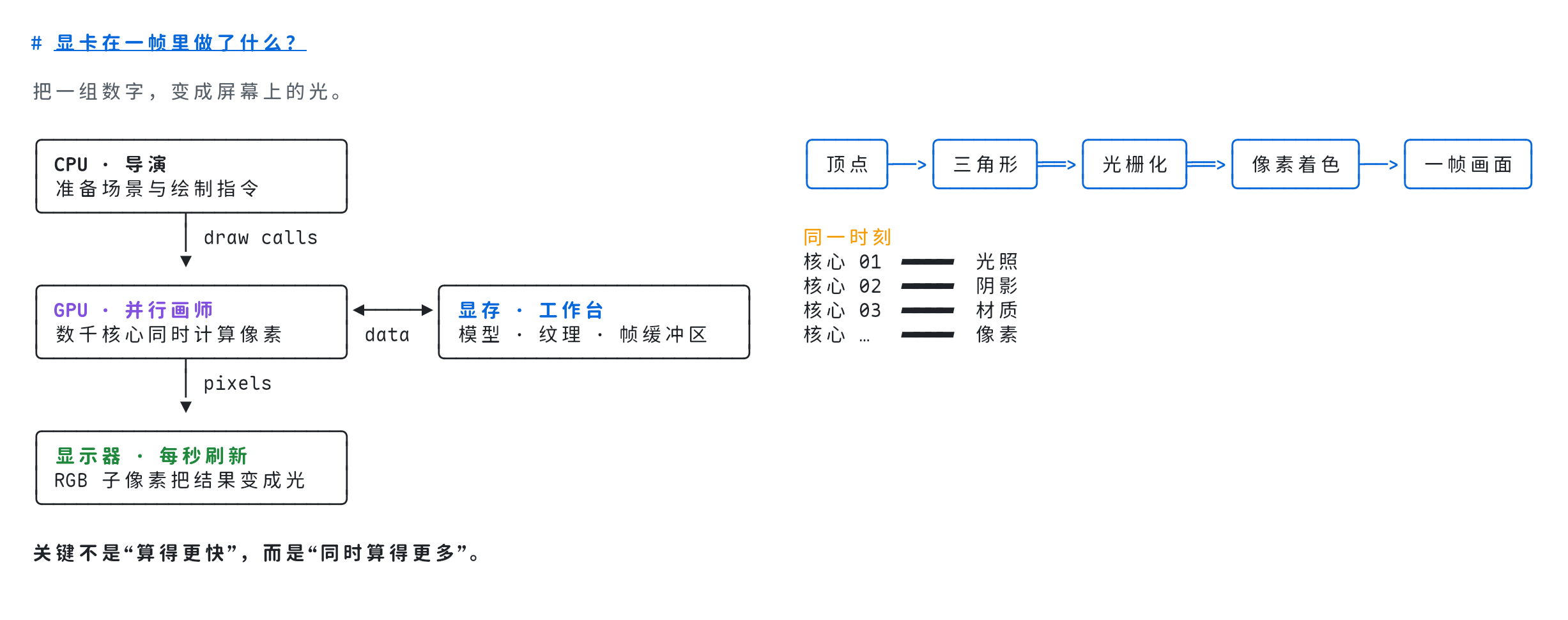
Visual explanation · Source
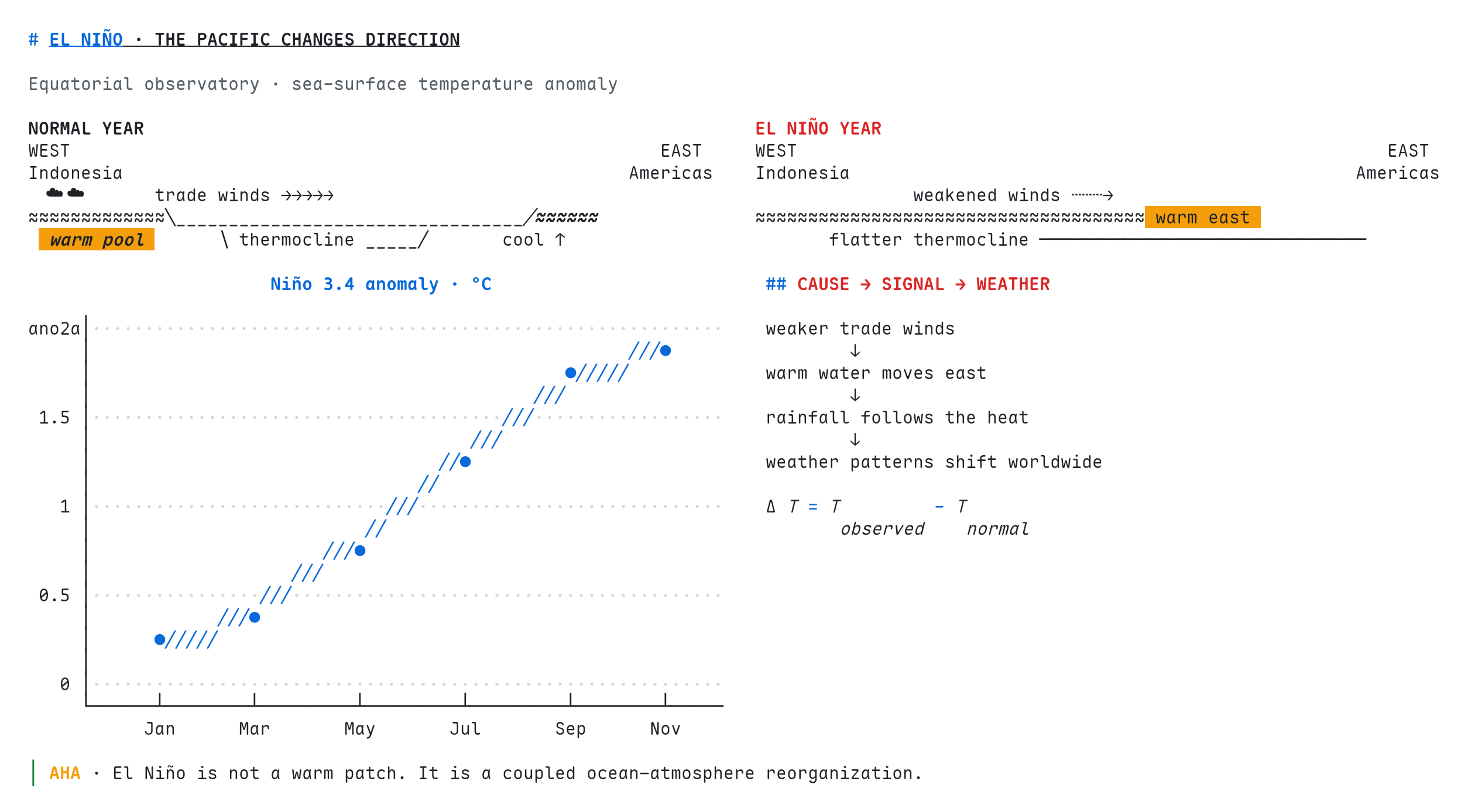
Scientific figure · Source
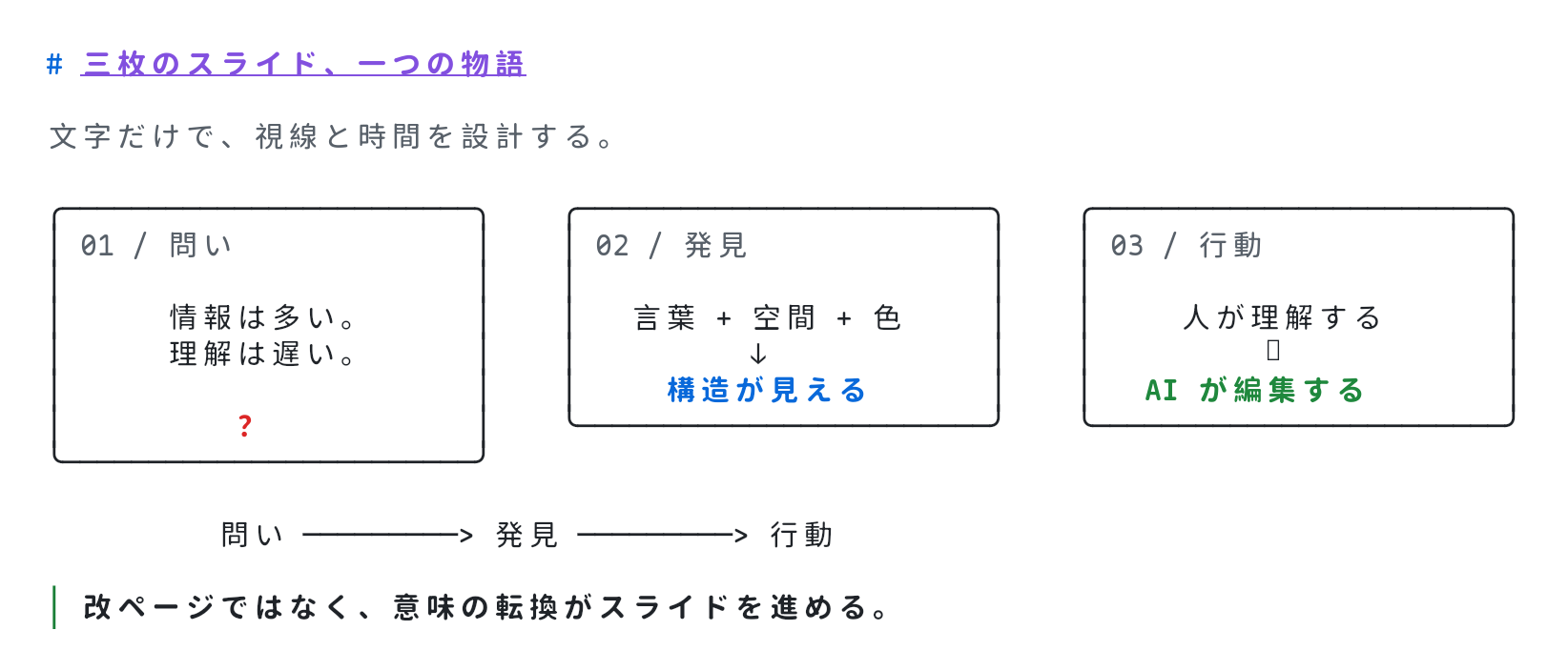
Character slides · Source
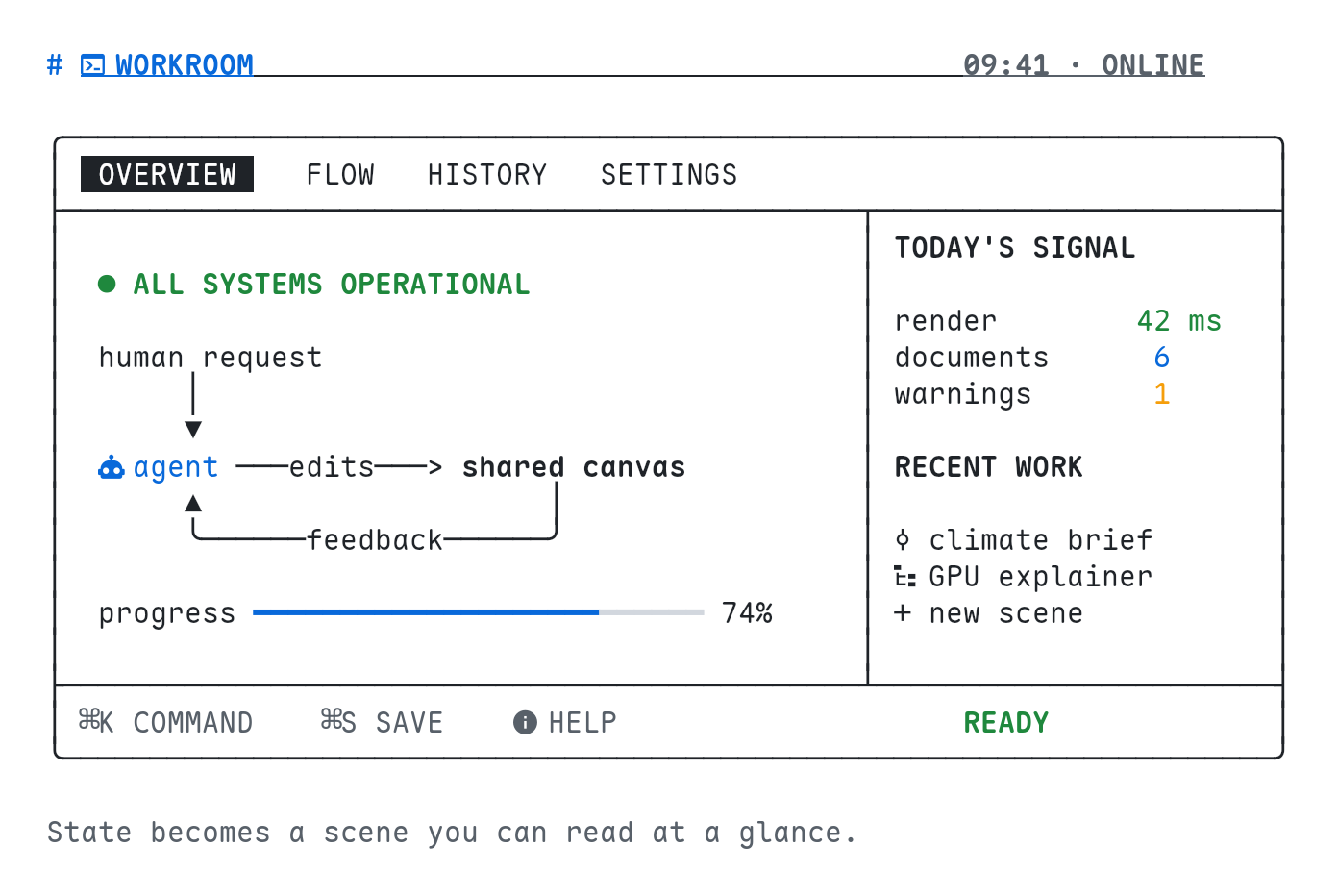
Interface design · Source
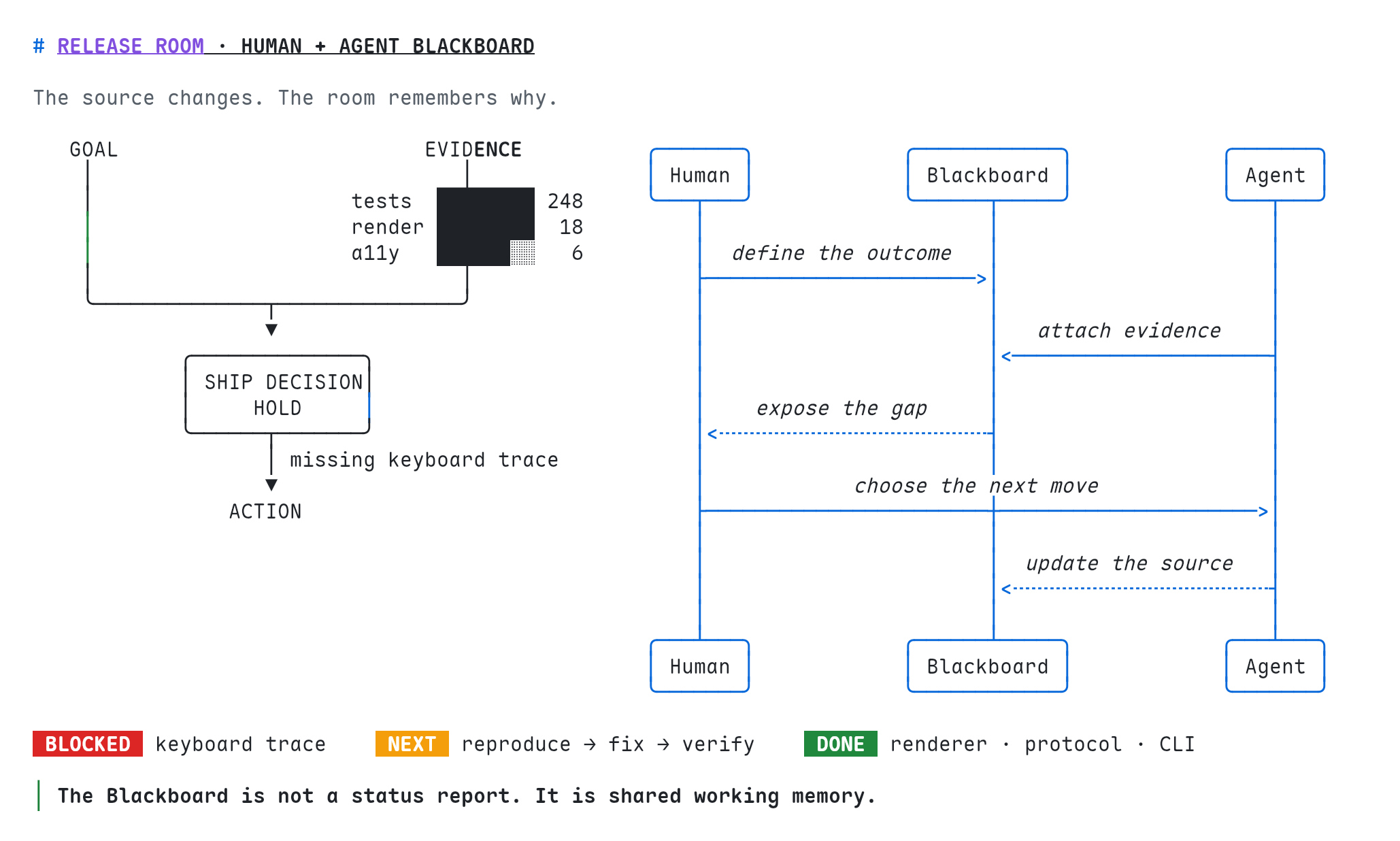
Agent Canvas · Source
ANSI interface studies
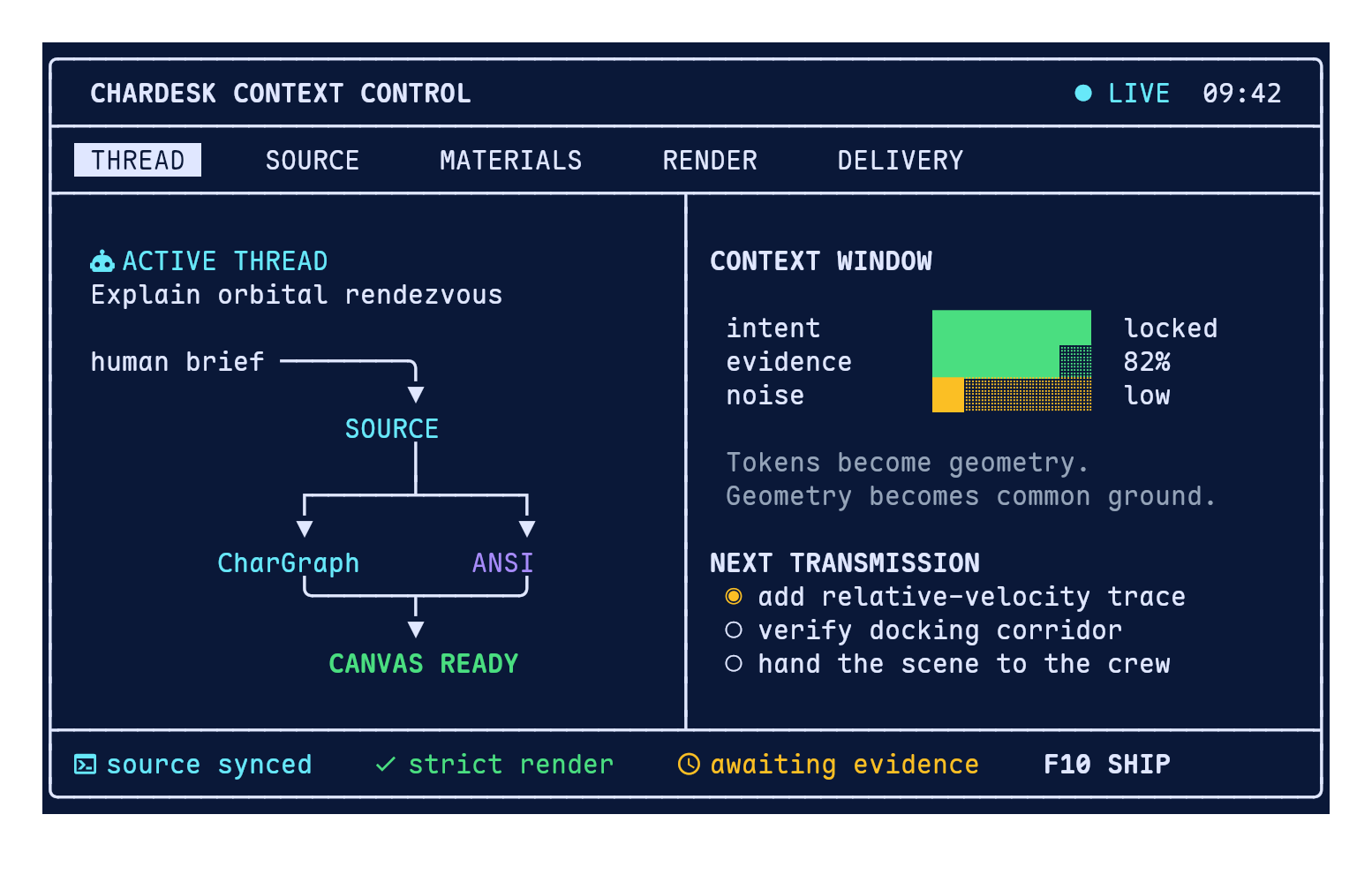
Context Control Room · Source
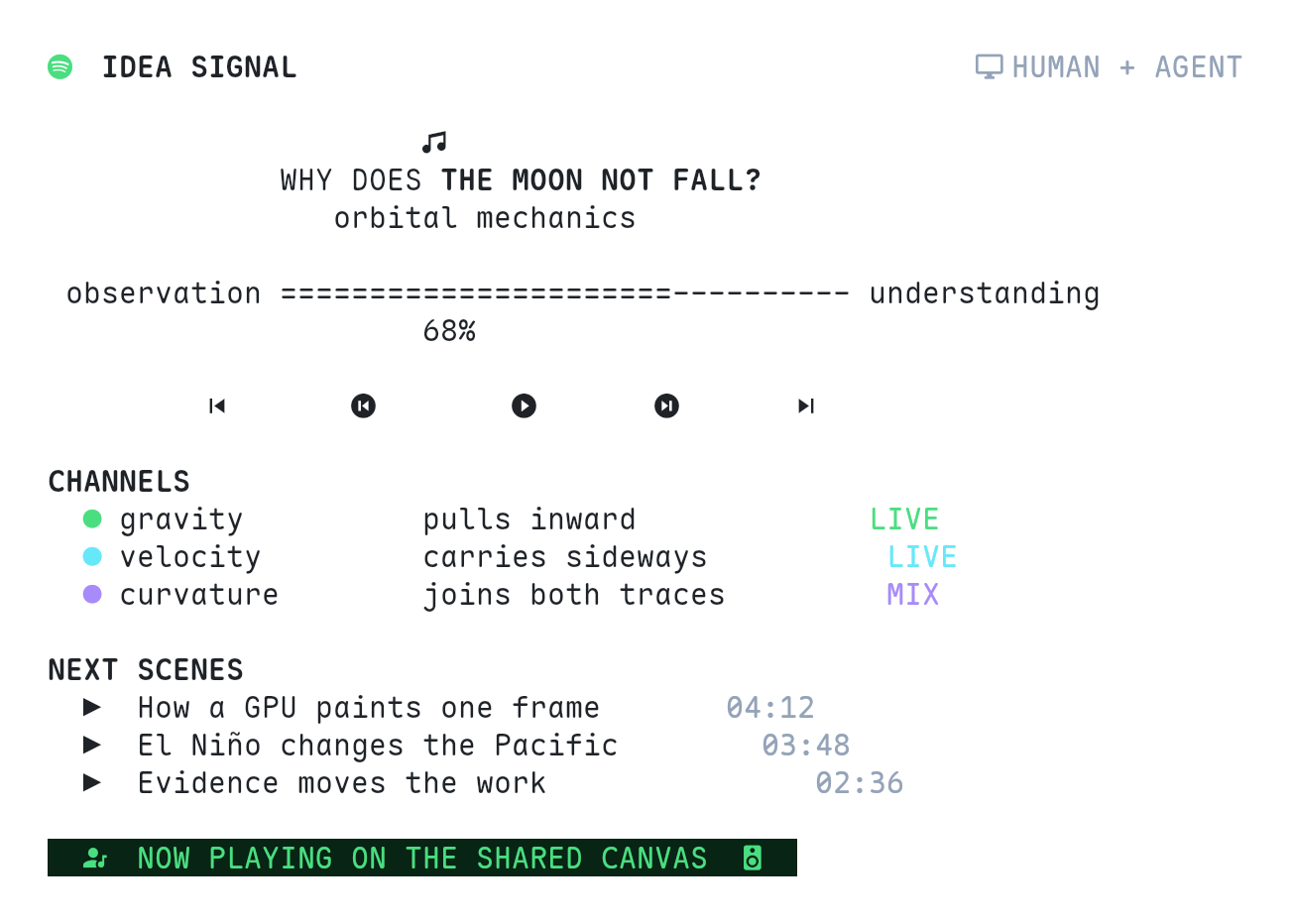
Idea Signal Player · Source
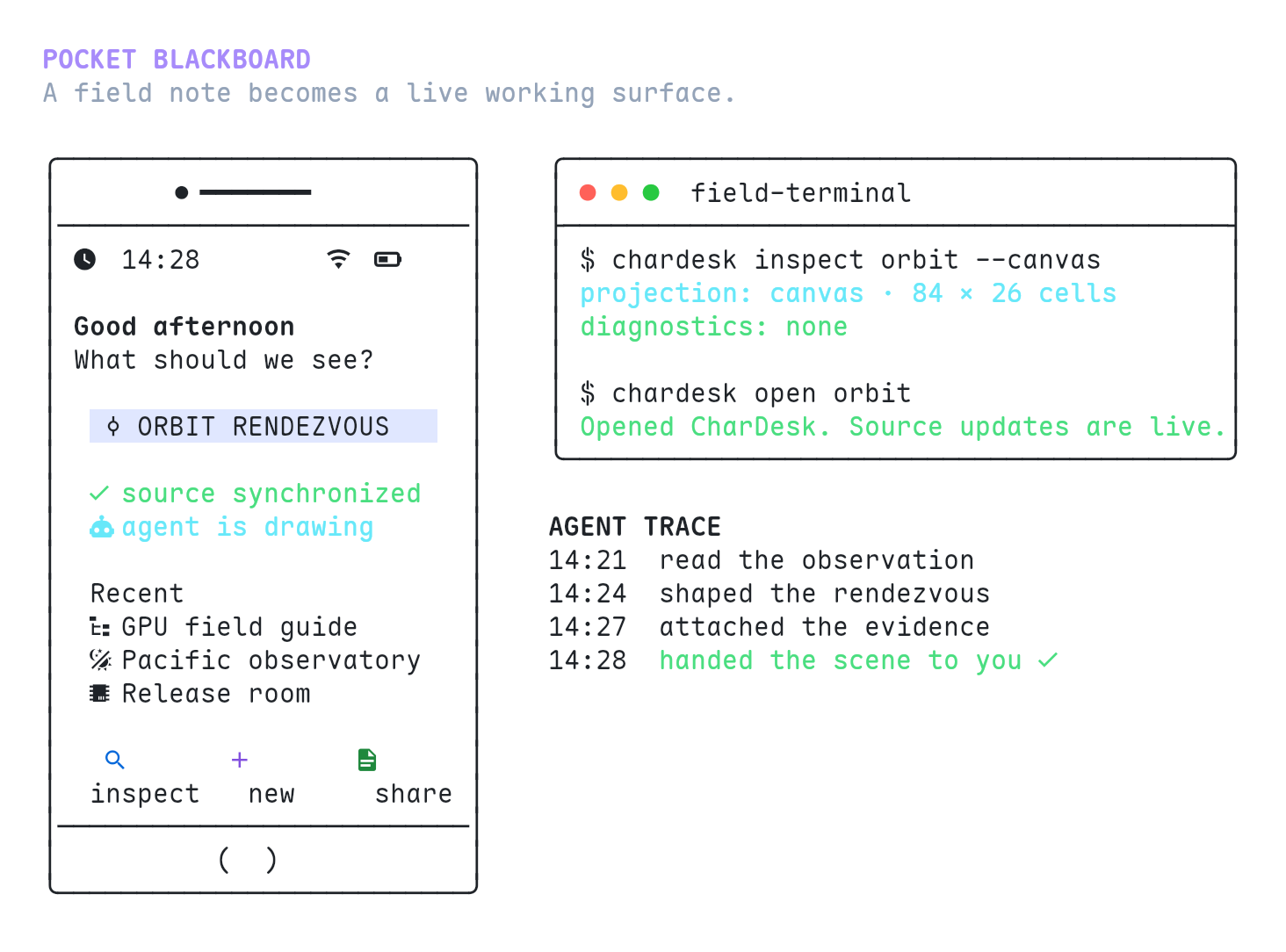
Pocket Canvas · Source
Why text can be visual
People scan a two-dimensional surface. Language models generate and edit token sequences. Screenshots preserve layout, but add pixel noise and are awkward to revise precisely across turns; plain text is easy to edit, but normally gives up space and style.
CharDesk keeps both. A fixed Unicode grid carries position, box drawing carries structure, and ANSI carries emphasis. The result remains selectable, searchable, diffable, and directly editable by an agent.
   Person reads and uses
           ⇅
   Shared Unicode scene
           ⇅
   Agent reads and edits
The medium
Visual text
Unicode, box drawing, CJK, technical symbols, monochrome emoji, and Nerd Font glyphs share one grid. ESC-less ANSI adds foreground and background colors, bold, italic, underline, strike, and inverse styles without turning the work into an image.
Structured expression
Write Markdown, Mermaid, math, GFM tables, fenced code, JSON, YAML, Vega-Lite, and XY or line charts. CharGraph compiles structured source into portable character graphics while preserving the source that produced it.
Spatial composition
Arrange content on Freeform canvases, start from reusable Cell templates, compose multiline fields with ||| and ---, or tell a story with Slides. Every form resolves to the same character-grid rendering pipeline.
Agent access
- Local MCP: register
@chardesk/mcponce with your agent (Codex, Claude Code, or Pi). The agent starts it automatically; Canvas discovers the local bridge and the firstcanvas_*call opens Canvas if needed. See the MCP package reference. - Local files and CLI: the stable default. Agents use normal file tools;
chardeskchecks, previews, opens, and renders the result. See the CLI reference. - Chrome WebMCP: experimental. Enable
chrome://flags/#enable-webmcp-testing, relaunch Chrome, and use the browser path only when needed. - ChatGPT Site Tools: experimental. Enable Site tools under Settings → Browser → Permissions, then open CharDesk in ChatGPT's built-in browser. See the official Site Tools guide.
Browser agents can call chardesk_read_materials to enter the same visual language and worked examples as the skill. Canvas tools read, search, and write the active two-dimensional Cell surface.
For builders
Use @chardesk/protocol for interchange, @chardesk/viewer for framework-independent rendering, and @chardesk/fonts for the compatible glyph set. Each package owns its installation and API documentation.
Thanks
Thanks to LINUX DO.
License
CharDesk is open source under the MIT License.
Reviews (0)
Sign in to leave a review.
Leave a reviewNo results found