linkedin-skills
Health Warn
- License — License: MIT
- Description — Repository has a description
- Active repo — Last push 0 days ago
- Low visibility — Only 6 GitHub stars
Code Pass
- Code scan — Scanned 9 files during light audit, no dangerous patterns found
Permissions Pass
- Permissions — No dangerous permissions requested
This tool provides Claude with a set of skills to help users create and manage LinkedIn content. It helps draft posts, write comments, and analyze marketing strategies directly from a terminal or compatible desktop interface.
Security Assessment
Overall risk: Low. The light code scan of 9 files found no dangerous patterns and the project requires no excessive system permissions. It is designed to wait for your explicit approval before publishing any content. However, users should be aware that by connecting this tool to their LinkedIn account via helper scripts, they are granting it access to their LinkedIn feed, profile data, and the ability to interact with the platform on their behalf. No hardcoded secrets were detected.
Quality Assessment
The repository is actively maintained and clearly documented with multiple installation options for different platforms. It uses a standard, permissive MIT license. The main concern is its low visibility; having only 6 stars means the codebase has not been widely vetted by the broader developer community. Consequently, community trust should be considered early-stage rather than proven.
Verdict
Safe to use, though standard caution is advised when linking any third-party automation tool to your social media accounts.
Claude Code skills for LinkedIn growth: write human-sounding posts, craft comments that get noticed, analyze your feed, and build a publishing cadence — all from your terminal. Plug-and-play skills for content creators, founders, and marketers using Claude Code.
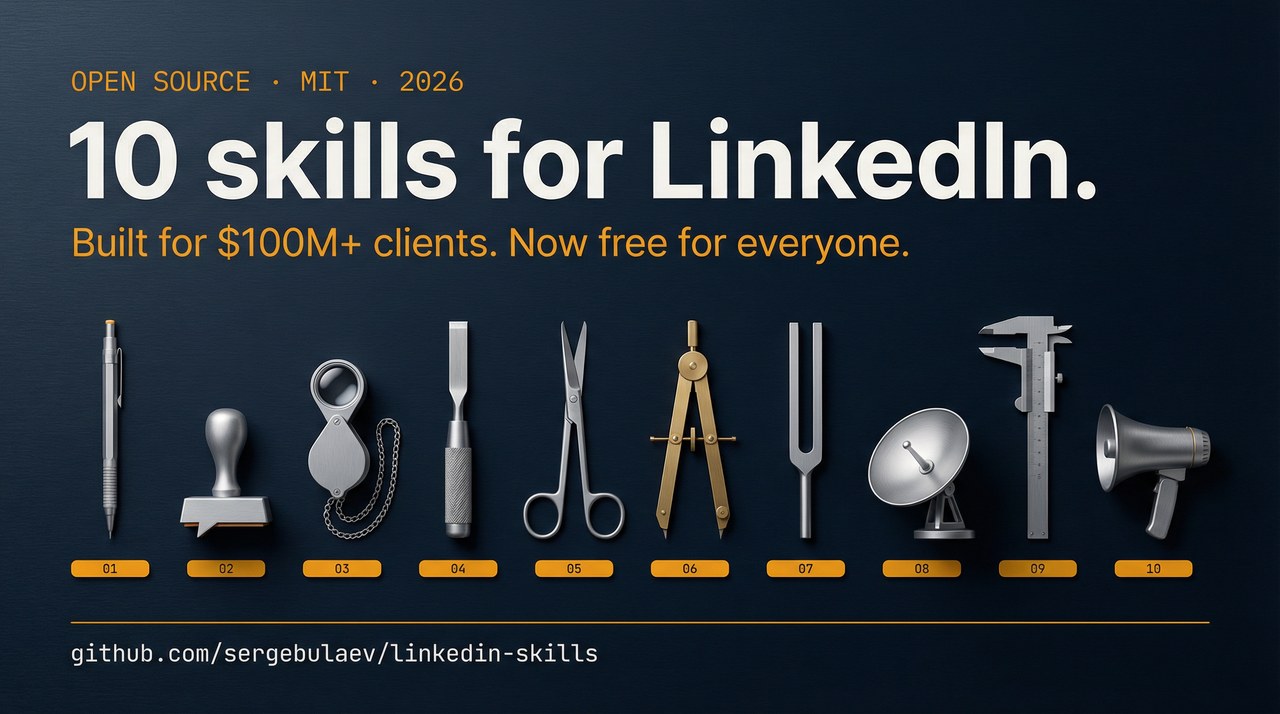
LinkedIn Marketing Skills for Claude




10 skills that help Claude write LinkedIn posts, comments, and replies in your voice. They draft content, strip AI tells, and wait for your approval before anything gets published. No coding required.
Install
Pick whichever way you use Claude:
claude.ai (web)
- Open https://claude.ai/code
- Go to Skills in the sidebar
- Click Add from GitHub
- Paste:
sergebulaev/linkedin-skills - Done. The skills activate automatically when you ask about LinkedIn.
Claude Desktop (Mac / Windows)
- Open Claude Desktop
- Open Settings (gear icon)
- Go to Skills
- Click Add from GitHub
- Paste:
sergebulaev/linkedin-skills - Done. Start a new conversation and ask Claude to write a LinkedIn post.
OpenClaw
- Open your OpenClaw working directory
- Clone the skills into it:
git clone https://github.com/sergebulaev/linkedin-skills.git - In OpenClaw settings, add this to your system prompt:
You have LinkedIn marketing skills in ./linkedin-skills/. For any LinkedIn task, read the relevant skills/*/SKILL.md first. Use lib/url_parser.py and lib/publora_client.py for actions. - Done. Ask OpenClaw to write a LinkedIn post or comment.
Claude Code (CLI / VS Code / JetBrains)
/plugin marketplace add sergebulaev/linkedin-skills
/plugin install linkedin-skills@linkedin-skills
Or clone the repo and open it as your working directory:
git clone https://github.com/sergebulaev/linkedin-skills.git
cd linkedin-skills
What you can do
Once installed, just talk to Claude. The right skill activates automatically.
Write a post:
"Write me a LinkedIn post about why AI agencies are replacing traditional ones. Make it viral."
Comment on someone's post:
"Comment on this post: https://linkedin.com/posts/... — I want to add a thoughtful take."
Check a draft before publishing:
"Audit this post draft for AI tells and algorithm issues: [paste your text]"
Reverse-engineer a viral post:
"What hook formula does this post use? https://linkedin.com/posts/..."
Plan your week:
"Create a 7-day LinkedIn content plan. I'm a B2B SaaS founder targeting VPs of Marketing."
Rewrite your profile:
"Optimize my LinkedIn profile for inbound leads: https://linkedin.com/in/yourname"
Remove AI tells from any text:
"Humanize this text: [paste AI-generated draft]"
Every skill shows you a draft first and waits for your OK before doing anything. Nothing gets posted without your approval.
The 10 skills
| Skill | What it does |
|---|---|
| Post Writer | Drafts viral-ready posts using 10 proven 2026 hook formulas (anaphora, R.I.P. obituary, year-over-year pivot, curiosity gap, and 6 more) |
| Comment Drafter | Drafts a comment on any LinkedIn post from its URL |
| Reply Handler | Drafts a reply to any comment, correctly handling LinkedIn's 2-level thread flattening |
| Post Audit | Checks your draft against 2026 algorithm rules and AI-detection patterns before you publish |
| Humanizer | Strips em dashes, AI vocabulary ("leverage", "delve", "harness"), rule-of-three lists, and other AI fingerprints |
| Hook Extractor | Reverse-engineers the hook formula from any viral post. Returns a blank template you can fill with your own topic |
| Content Planner | Creates a 7-day plan with daily post topics, formats, hooks, posting times, and comment targets |
| Thread Engagement | Monitors your comment threads for author replies and drafts follow-ups during the key 6-24h window |
| Profile Optimizer | Rewrites your headline, About section, Featured section, and Experience for 2026 conversion patterns |
| Employee Advocacy | Plans a team LinkedIn program: 14-day launch, posting cadence, brand governance, ROI tracking |
Optional: auto-post with Publora
By default, skills draft content for you to copy-paste into LinkedIn. If you want Claude to publish directly to your LinkedIn (and optionally to X, Threads, Instagram), connect Publora. It takes about 2 minutes.
What is Publora?
Publora is a publishing API that handles LinkedIn's quirks (3 different URL formats, reaction type mismatches, thread flattening bugs). The free tier gives you 15 posts/month.
Setup (2 minutes)
Step 1. Sign up at https://app.publora.com/signup (free)
Step 2. Connect LinkedIn: click Channels in the left sidebar, then Add Channel, pick LinkedIn, authorize.
Step 3. Find your Platform ID: go to Channels, click your LinkedIn account. The ID looks like linkedin-ABC123DEF. Copy the whole thing including linkedin-.
Step 4. Get your API key: click Settings (gear icon, bottom-left), then API, then Create Key. Copy the sk_... string.
Step 5. Create a file called .env in the linkedin-skills folder:
PUBLORA_API_KEY=sk_paste_your_key_here
LINKEDIN_PLATFORM_ID=linkedin-paste_your_id_here
If you cloned the repo, you can copy the template instead:
cp .env.example .env
Then open .env and replace the placeholders with your real values.
Step 6. Install two small Python packages:
pip install requests python-dotenv
Step 7. Test it. Ask Claude:
"List my connected Publora accounts."
If you see your LinkedIn account, you're set. If not, check Troubleshooting.
Voice rules
Every skill follows these rules automatically:
- No em dashes. Biggest AI tell in 2026.
- Capitalize names. Always. Lowercase reads as disrespectful.
- No AI vocabulary: "leverage", "fundamentally", "streamline", "harness", "delve", "unlock", "foster".
- Specific numbers beat adjectives. "$14,200" beats "significant savings".
- One sharp insight per comment beats three vague ones.
- 200-350 chars for comments, 900-1,300 chars for posts.
Troubleshooting
| Problem | Fix |
|---|---|
| Skills don't activate when I ask about LinkedIn | Make sure you installed via the Skills panel or /plugin install. Try starting a new conversation. |
| "Publora API key not provided" | Your .env file is missing or in the wrong folder. It should be in the linkedin-skills/ root. |
| "401 Unauthorized" from Publora | Your API key expired. Go to Publora Settings > API > Create a new key. |
| "404 on comment/post" | Your LINKEDIN_PLATFORM_ID is wrong. Go to Publora Channels and copy the full linkedin-... string. |
| "400 reactionType" error | Known Publora quirk. The skills handle this automatically. If you're calling the API manually, use PRAISE (not CELEBRATE), INTEREST (not INSIGHTFUL). |
pip install fails |
Use a virtual environment: python -m venv venv && source venv/bin/activate && pip install requests python-dotenv |
Cross-cutting references
references/industry-benchmarks.md— engagement rates, time-per-post, reach multipliers across industriesreferences/engagement-metrics-taxonomy.md— what to measure at post / account / team / business level
For developers: runtime compatibility, URL parsing, and internals
Runtime compatibility
linkedin-skills/
├── skills/          ← SKILL.md frontmatter; native to Claude Code, others read as markdown
├── lib/             ← pure Python, works in any agent runtime
├── references/      ← pure markdown, works anywhere
└── scripts/         ← pure Python CLI, works anywhere
| Runtime | Auto-discovers skills? | Setup |
|---|---|---|
| Claude Code (CLI, Desktop, Web, IDE) | Yes | Install via plugin or clone. Skills activate on matching prompts. |
Anthropic Managed Agents (/v1/agents) |
Yes | Pass skill files in the agent context. |
| OpenClaw | Manual | Mount the repo, add system prompt pointing to skills/*/SKILL.md. |
| Cursor / Codex / Cline / Aider | No | Read SKILL.md files as prompt context; import lib/ as Python. |
| Manus | No | Upload references/ as knowledge base. Call Publora API directly. |
| LangChain / AutoGen | No | Use lib/ as a package; feed references/ as prompt context. |
OpenClaw quickstart
git clone [email protected]:sergebulaev/linkedin-skills.git

# Add to OpenClaw system prompt:
# "You have LinkedIn marketing skills in ./linkedin-skills/.
#  Read the relevant skills/*/SKILL.md before any LinkedIn task.
#  Use lib/url_parser.py and lib/publora_client.py for actions."
Generic Python agent quickstart
import sys; sys.path.insert(0, "path/to/linkedin-skills")
from lib import parse_linkedin_url, PubloraClient

parsed = parse_linkedin_url("https://www.linkedin.com/posts/slug-activity-7448808898326654978-iW20")
print(parsed["post_urn"])  # urn:li:activity:7448808898326654978

client = PubloraClient()  # reads PUBLORA_API_KEY from env
client.create_comment(post_urn=parsed["post_urn"], message="draft", platform_id="linkedin-xxx")
URL handling
LinkedIn has three post URN types. The lib/url_parser.py handles all of them:
| URL fragment | URN |
|---|---|
/posts/slug-activity-7448... |
urn:li:activity:7448... |
/posts/slug-share-7449... |
urn:li:share:7449... |
/feed/update/urn:li:ugcPost:7447... |
urn:li:ugcPost:7447... |
Comment URLs include a commentUrn query param. The parser extracts both post_urn and comment_id.
Thread flattening
LinkedIn flattens reply threads to 2 levels. When replying to a reply, parentComment must point to the top-level comment URN, not the reply's URN. The linkedin-reply-handler skill handles this correctly.
Testing the parser
python lib/url_parser.py "https://www.linkedin.com/posts/dharmesh_activity-7448808898326654978-iW20"
References
- Publora API docs — endpoint reference
- 360Brew paper — LinkedIn's ranking foundation model
- AuthoredUp 2026 reach data — format-level reach benchmarks
License
MIT. Powered by Publora.
Related
- Anthropic Skills repo
awesome-claude-skillsdirectory
Reviews (0)
Sign in to leave a review.
Leave a reviewNo results found